On this page
An enterprise Rails team needs more than a code editor: it needs a pipeline that tests, reviews, monitors and ships every change without slowing the developers down. The seven tools below cover that whole loop, from the repository and the IDE to monitoring, error tracking and hosted CI, with every price checked on the vendor site. GitLab Premium leads because it folds hosting, CI and security scanning into one platform for twenty-nine dollars a user a month, and the rest are ranked on how much of the Rails workflow they cover for the price.
How we researched this
We checked every price on the vendor pricing page on November 28, 2026, and only included tools with a published US dollar list price. The list covers the full enterprise Rails loop: code hosting, the IDE, monitoring, error tracking and hosted CI. Prices change, so confirm the current figure on the vendor site before you buy.
Compare the tools
| Name | Best for | Starting price | Free plan | |
|---|---|---|---|---|
 GitLab Premium | Enterprise Rails teams that want one DevSecOps platform | $29/user/month | Free plan | Visit |
 GitHub Team | Rails teams that want the widest-known code host | $4/user/month | Free plan | Visit |
| RubyMine | Developers who write Ruby all day | $269/user/year | Free for non-commercial use | Visit |
 Datadog | Rails teams that run production at real scale | $15/host/month | Free plan (up to 5 hosts) | Visit |
 New Relic | Teams that want observability that starts cheap | $10/month | Free plan (100 GB ingest, 1 full platform user) | Visit |
 Sentry | Teams that want to know the moment a release breaks | $26/month | Free plan (Developer, 5,000 errors) | Visit |
 CircleCI | Rails teams that want fast hosted CI | $15/month | Free plan | Visit |
The Ruby on Rails developers software for enterprise, compared
1. GitLab Premium
Best for: Enterprise Rails teams that want one DevSecOps platform
Paid tool Starting price: $29/user/month · Twenty-nine dollars per user a month for Premium on annual billing; Ultimate is ninety-nine dollars per user a month; the Free plan covers five users per namespace
Free plan: Free plan
For an enterprise Rails team that wants one platform from merge request to deploy, this GitLab Premium plan costs twenty-nine dollars a user a month, and it pairs code hosting with built-in CI, security scanning and issue tracking. Rails pipelines run on the same runners that test the code, so a failing spec blocks the merge before it reaches production. Premium adds code owners, protected branches and epic tracking, which is what keeps a large monolith reviewable.

What we like
- Code hosting, CI, security scanning and issues in one app
- Premium adds code owners, protected branches and epic tracking
- Self-hosted option keeps the code on the company's own servers
Watch out for
- Premium is the cheapest paid tier, so small teams pay for features they may not use
- The interface packs in so much that new developers need time to learn it
How to try it
- Create a group for the Rails project and invite the team
- Add a CI file that runs the test suite on every merge request
- Turn on protected branches and code owners for the main branch
2. GitHub Team
Best for: Rails teams that want the widest-known code host
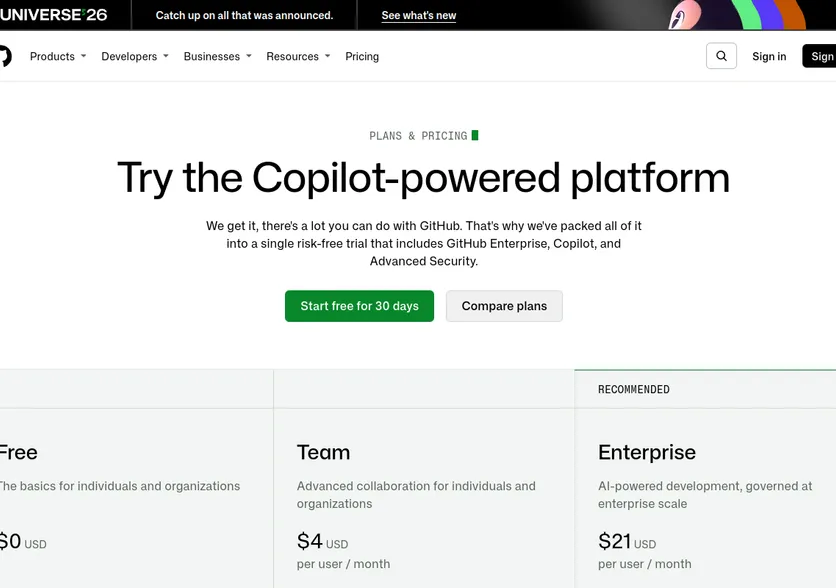
Paid tool Starting price: $4/user/month · Four dollars per user a month for Team; Enterprise is twenty-one dollars per user a month; the Free plan covers unlimited public and private repositories
Free plan: Free plan
The default home for Rails code is hard to beat on network effect, and this GitHub Team plan costs four dollars a user a month for protected branches, code owners and draft pull requests. Actions runs the Rails test suite on every push, and Dependabot opens pull requests when a gem goes out of date. It is the cheapest way to put a professional workflow around a repository the whole team already knows.
What we like
- Actions runs the Rails test suite on every push
- Dependabot opens pull requests when a gem goes out of date
- The marketplace adds thousands of integrations without custom code
Watch out for
- Advanced security features need the dearer Enterprise plan
- Large monorepos can make Actions minutes add up quickly
How to try it
- Create the repository and push the Rails app from the command line
- Add a workflow file that runs the test suite on every pull request
- Protect the main branch so merges need a passing check and a review
3. RubyMine
Best for: Developers who write Ruby all day
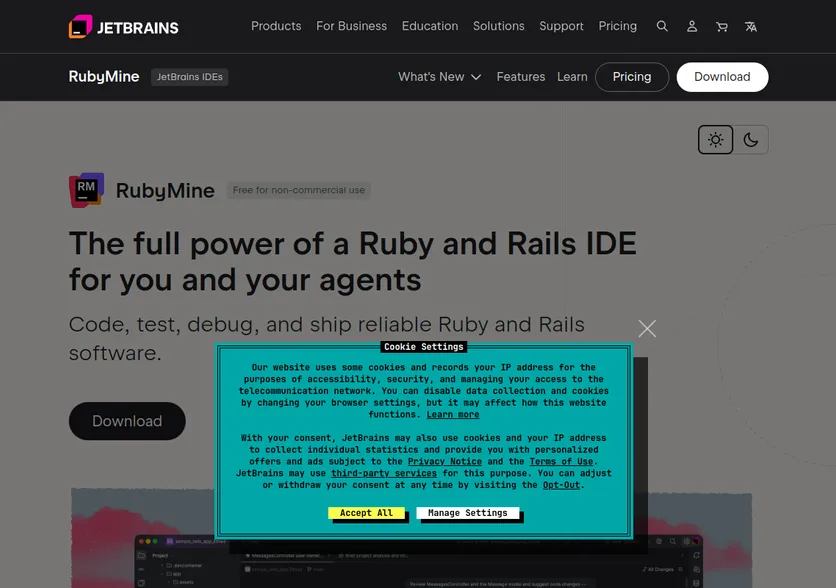
Paid tool Starting price: $269/user/year · Two hundred and sixty-nine dollars per user a year for organisations on the first year; individual pricing is one hundred and nine dollars in year one, eighty-seven dollars in year two and sixty-five dollars in year three; free for non-commercial use; some directory listings show two hundred and twenty-nine dollars, which appears stale against the JetBrains store
Free plan: Free for non-commercial use
A dedicated Rails IDE still beats a general editor on the daily work, and this RubyMine licence costs two hundred and sixty-nine dollars a user a year for organisations. It understands Rails conventions, routes and gems out of the box, so navigation, refactoring and debugging stay fast in a large codebase. The price is steep for one licence, but a team that lives in Ruby all day recovers it in saved hours.
What we like
- Understands Rails routes, models and gems without plugins
- Refactoring and debugging stay fast in a large codebase
- Built-in test runner and database tools in the same window
Watch out for
- The organisation price is steep for a single licence
- Heavy on memory, so older laptops will feel it
How to try it
- Open the Rails project and let RubyMine index the gems
- Run the test suite from the built-in runner to check the setup
- Set a breakpoint in a controller and debug a request end to end
4. Datadog
Best for: Rails teams that run production at real scale
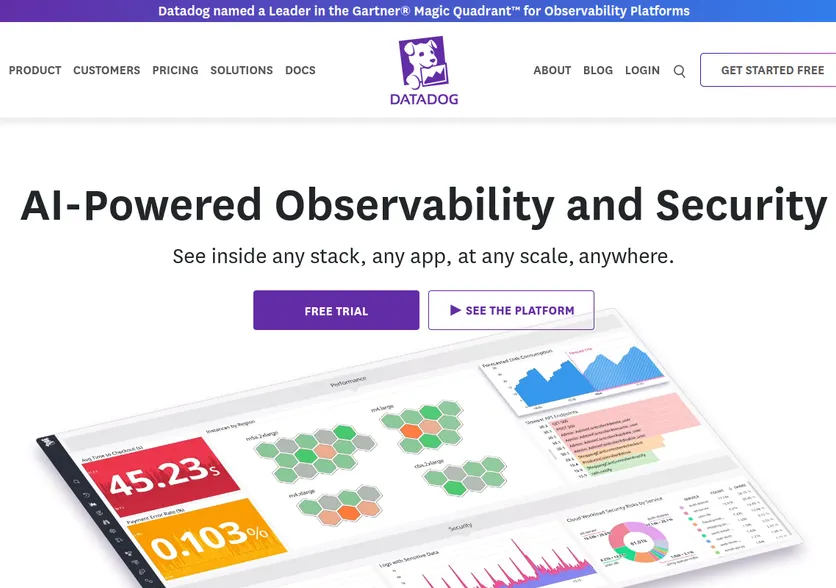
Paid tool Starting price: $15/host/month · Fifteen dollars per host a month for Infrastructure Pro on annual billing, eighteen dollars on demand; Enterprise is twenty-three dollars; APM starts at thirty-one dollars per host a month; the eight-dollar figure in some listings is the separate Code Coverage add-on, not the monitoring headline
Free plan: Free plan (up to 5 hosts)
When a Rails app slows down in production, guessing is expensive, and this Datadog plan costs fifteen dollars a host a month on annual billing for infrastructure monitoring across servers, containers and cloud hosts. Metrics, logs and traces share one console, so a slow request can be followed from the browser to the database query. It is the most capable monitoring pick here for a team that runs Rails at real scale.
What we like
- Metrics, logs and traces share one console
- Hundreds of integrations cover servers, containers and cloud hosts
- Alerts can page the on-call developer before users notice
Watch out for
- The bill grows with every host, metric and custom event
- The learning curve is steep for a team new to observability
How to try it
- Install the agent on each host that runs the Rails app
- Add the APM library to the app so requests are traced
- Build a dashboard for response time, errors and queue depth
5. New Relic
Best for: Teams that want observability that starts cheap
Paid tool Starting price: $10/month · Ten dollars a month for the first full platform user on Standard, with additional full platform users at ninety-nine dollars a month up to five; Pro is three hundred and forty-nine dollars per user a month; core users are forty-nine dollars; the free plan includes one hundred gigabytes of ingest
Free plan: Free plan (100 GB ingest, 1 full platform user)
Observability that starts cheap and grows with usage fits an enterprise budget review, and this New Relic plan costs ten dollars a month for the first full platform user on Standard. Application monitoring, infrastructure monitoring, logs and synthetics share one interface, and the free plan covers a hundred gigabytes of ingest a month. The catch is that the second full platform user costs far more, so count seats before committing.

What we like
- One interface for apps, infrastructure, logs and synthetics
- The free plan covers a hundred gigabytes of ingest a month
- Transaction traces show the slowest database query in a request
Watch out for
- Additional full platform users cost far more than the first
- The pricing model is hard to predict as ingest grows
How to try it
- Install the agent and add the APM gem to the Rails app
- Open the transactions view and find the slowest request
- Set an alert on error rate so the team hears about a bad deploy
6. Sentry
Best for: Teams that want to know the moment a release breaks
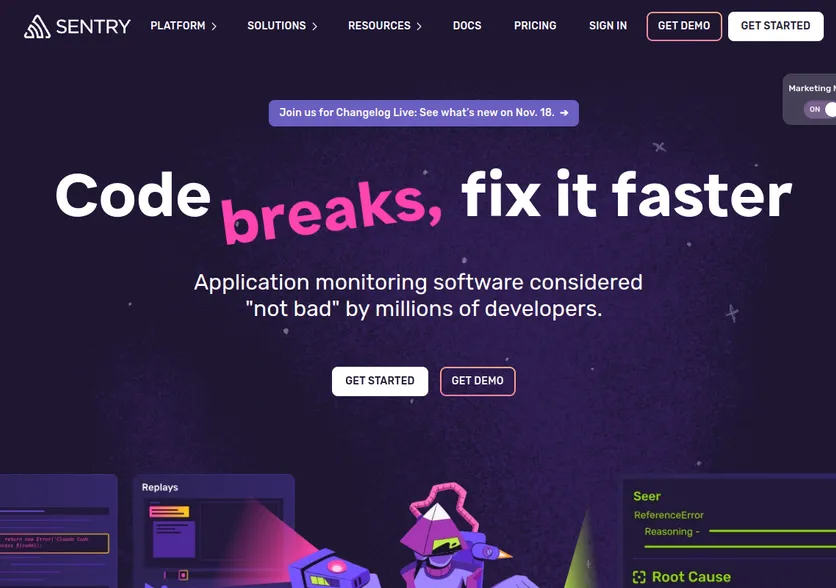
Paid tool Starting price: $26/month · Twenty-six dollars a month for Team billed annually, twenty-nine dollars month to month; Business is eighty dollars a month; Team includes fifty thousand errors a month
Free plan: Free plan (Developer, 5,000 errors)
Every Rails team ships a bug eventually, and this Sentry plan costs twenty-six dollars a month billed annually for error tracking with the stack trace, the affected user and the release that introduced it. Errors group by root cause instead of flooding the inbox, and the GitHub integration links each crash to the pull request that fixed it. It is the smallest bill in this list for the fastest answer to what broke.
What we like
- Every error carries the stack trace, user and release
- Errors group by root cause instead of flooding the inbox
- The GitHub integration links crashes to the fixing pull request
Watch out for
- The fifty thousand error cap on Team can be hit by a noisy bug
- Session replay and profiling need the dearer Business plan
How to try it
- Add the Sentry gem and set the release name in the Rails app
- Trigger a test error and check it arrives with the stack trace
- Connect the repository so each error links to the code that caused it
7. CircleCI
Best for: Rails teams that want fast hosted CI
Paid tool Starting price: $15/month · Fifteen dollars a month for Performance billed annually, including five active users and thirty thousand credits; extra users are fifteen dollars each; the free plan includes six thousand build minutes a month
Free plan: Free plan
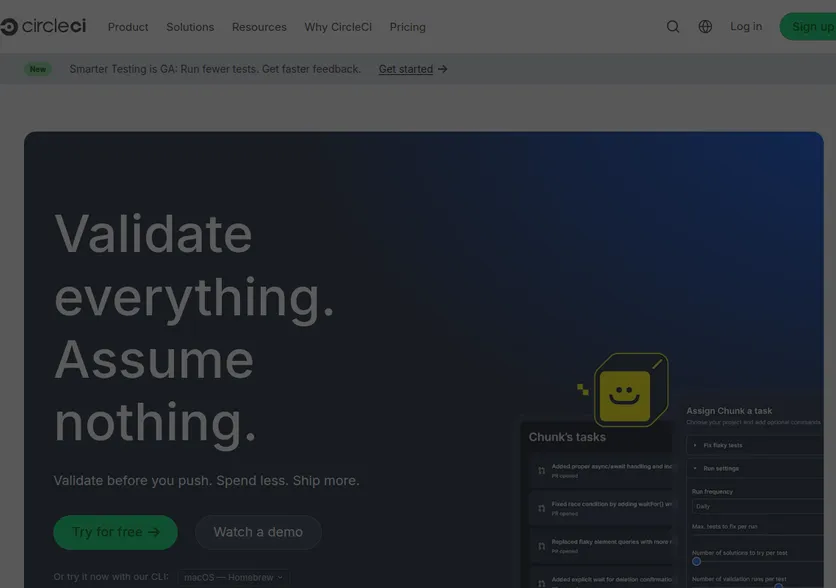
Fast feedback on every push keeps a Rails team shipping, and this CircleCI plan costs fifteen dollars a month for five active users and thirty thousand build credits. Pipelines run tests, linting and security scans in parallel, and caching keeps the bundle install from slowing every build. It suits a team that wants hosted CI without maintaining its own runners.
What we like
- Tests, linting and security scans run in parallel
- Caching keeps bundle installs from slowing every build
- Orbs add ready-made steps for Rails, Ruby and Docker
Watch out for
- Credits burn fast on a busy monorepo with many branches
- Debugging a failed build needs the web interface, not a terminal
How to try it
- Connect the GitHub repository and add a config file
- Define jobs for tests, linting and security scanning
- Turn on caching for gems so later builds run faster
Prices above were checked on each vendor’s own website on Nov 28, 2026 and can change — the vendor’s page is the final word. Vendor links are editorial: nobody paid to be listed or ranked here. Vendors who want a featured listing can see how it works on our Get listed page.
How to pick the right Rails stack for an enterprise team
Start from the repository, because everything else plugs into it: pick the host the team already knows, then add the CI that runs the test suite on every push. Add the IDE second, since a Rails developer spends the whole day in it and the right one pays for itself in a week. Put monitoring and error tracking in place before the first production deploy, not after the first outage, and agree on who owns the alert when it fires. Keep the free tiers for a trial project, then move the whole team at once so nobody works outside the pipeline.
Before you buy
- Check that the CI runs the full Rails test suite on every push, not just on the main branch
- Confirm the monitoring covers the database and the queue, not only the web server
- Ask whether the error tracker links each crash to the release and the pull request that caused it
- Make sure the IDE understands Rails conventions, routes and gems without extra plugins
- Test the whole loop on one real project before paying for the full team
Official websites
Official websites of the products reviewed above. Features and prices were checked against these sites when this guide was written, and they can change, so confirm on the vendor site before you buy.
Frequently asked questions
What is the best Ruby on Rails software for enterprise teams?
GitLab Premium leads this list because it folds code hosting, CI, security scanning and issue tracking into one platform for twenty-nine dollars a user a month. GitHub Team is the cheapest host at four dollars, and RubyMine is the strongest IDE. The right pick depends on whether the team needs one platform or the best tool for each job.
How much does GitLab Premium cost?
GitLab Premium costs twenty-nine dollars per user a month on annual billing, and Ultimate is ninety-nine dollars per user a month. The Free plan covers five users per namespace and includes repositories, CI and basic security scanning. Enterprise teams usually need Premium for code owners, protected branches and epic tracking.
Do enterprise Rails teams need a paid IDE?
Not every developer does, but a team that writes Ruby all day will work faster in RubyMine, which understands Rails routes, models and gems without plugins. At two hundred and sixty-nine dollars a user a year for organisations it is a real cost, so try the trial first and measure whether navigation and debugging actually get faster.
Which monitoring tool is best for Rails in production?
Datadog is the most capable pick here, with metrics, logs and traces in one console for fifteen dollars a host a month on annual billing. New Relic starts cheaper at ten dollars a month for the first full platform user, but additional users cost far more. Pick Datadog for scale and New Relic for a smaller team on a tight budget.
Can an enterprise Rails team use free tools?
Yes, up to a point: GitHub, GitLab, CircleCI, New Relic, Sentry and Datadog all offer free plans, and RubyMine is free for non-commercial use. The free tiers cover a trial project or a small team, but the paid plans add the protected branches, the seats and the limits that an enterprise team actually needs.
Compare the seven tools above, then start with a free trial or the free plan on the tool that matches how the team already builds Rails apps before paying for a full year.
Browse Developer Tools tools