On this page
A remote team has no office server to back up, so the data lives in laptops and cloud apps, and both need a safety net. The seven tools below split that job in two: cloud app backup for Microsoft and Google cloud suites, and laptop backup for the machines the team works on, with every price checked on the vendor site. Veeam Data Cloud leads because it protects mailboxes, OneDrive, SharePoint and Teams for three dollars and fifty cents a user a month, and the rest are ranked on how completely they cover a team with no office.
How we researched this
We checked every price on the vendor pricing page or in agreeing directory listings on November 28, 2026, and only included tools with a published US dollar price. Quote-only enterprise backup suites such as Druva, Rubrik, Cohesity and Acronis are not in this list, and neither is Keepit, which publishes no price. Prices change, so confirm the current figure on the vendor site before you buy.
Compare the tools
| Name | Best for | Starting price | Free plan | |
|---|---|---|---|---|
| Veeam Data Cloud | Remote teams that live in Microsoft cloud apps | $3.50/user/month | No free plan; 14-day free trial | Visit |
 Backblaze Computer Backup | Remote teams that need every laptop backed up | $99/year | No free plan; 15-day free trial | Visit |
 Carbonite Safe | Remote workers who want backup they never think about | $95.99/year | No free plan; 15-day free trial | Visit |
| Spanning Backup | Teams that want set-and-forget cloud app backup | $48/user/year | No free plan; 14-day free trial | Visit |
| CloudAlly | Remote teams spread across several cloud apps | $3/user/month | No free plan; 14-day free trial | Visit |
| Afi.ai | Teams that want immutable cloud backups | $3/user/month | No free plan; 14-day free trial | Visit |
| SysCloud | Small teams on Google Workspace or Microsoft cloud apps | $36/license/year | No free plan; free trial | Visit |
The SaaS backup software for remote teams, compared
1. Veeam Data Cloud
Best for: Remote teams that live in Microsoft cloud apps
Paid tool Starting price: $3.50/user/month · Three dollars and fifty cents per user a month for Foundation on annual billing for ten to fifty users; fifty-one to two hundred and fifty users pay three dollars and fifteen cents, and two hundred and fifty-one plus pay two dollars and sixty-three cents; Advanced is three dollars and thirty-three cents and Premium is seven dollars
Free plan: No free plan; 14-day free trial
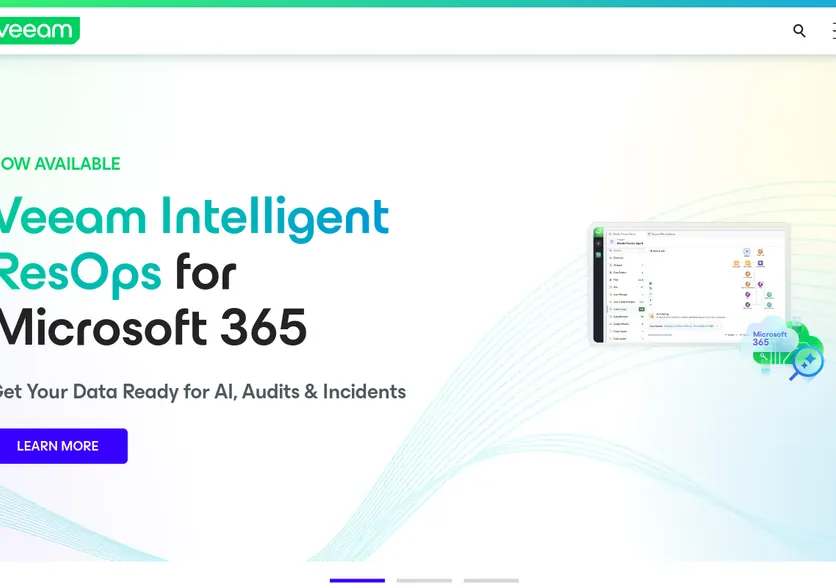
A remote team that lives in Microsoft cloud apps has its mail, files and chats in one cloud, and this Veeam Data Cloud plan costs three dollars and fifty cents a user a month for the Foundation tier. It backs up mailboxes, OneDrive, SharePoint and Teams with no server to run, and one-click restore brings back a deleted mailbox or a single file. It is the best-known backup name in this list for the apps a remote team actually uses.
What we like
- Backs up mailboxes, OneDrive, SharePoint and Teams without a server
- Unlimited storage under fair use on the Foundation plan
- One-click restore brings back a deleted mailbox or file
Watch out for
- Pricing changes with team size, so check the band before buying
- Google Workspace backup needs a separate product, not this one
How to try it
- Connect the Microsoft cloud tenant to Veeam Data Cloud
- Choose which mailboxes, sites and drives to protect
- Run a test restore of one deleted email to check the backup works
2. Backblaze Computer Backup
Best for: Remote teams that need every laptop backed up
Paid tool Starting price: $99/year · Ninety-nine dollars a year per computer, or nine dollars a month; a two-year plan is one hundred and eighty-nine dollars; unlimited storage for one computer and attached drives
Free plan: No free plan; 15-day free trial
Laptops are the weak point for a remote team, and this Backblaze Computer Backup plan costs ninety-nine dollars a year per computer with unlimited storage. It backs up every user file continuously in the background, including attached drives, and a file can be restored from the web or shipped on a drive. It is the simplest laptop backup here for a team with no office and no IT staff.
What we like
- Unlimited storage for one computer at a flat yearly price
- Attached drives are covered in the same subscription
- Files can be restored from the web or shipped on a drive
Watch out for
- One licence covers one computer, so costs scale with headcount
- There is no central admin console for managing many laptops
How to try it
- Install the app on the laptop and sign in
- Choose the drives to back up and let the first backup finish
- Test a restore of one file from the web to confirm it works
3. Carbonite Safe
Best for: Remote workers who want backup they never think about
Paid tool Starting price: $95.99/year · Ninety-five dollars and ninety-nine cents a year at list for Basic, or eight dollars a month; the first year is seventy-one dollars and ninety-nine cents as a new-customer offer; Plus is one hundred and thirty-one dollars and ninety-nine cents and Prime is one hundred and sixty-one dollars and ninety-nine cents
Free plan: No free plan; 15-day free trial
A remote team that never thinks about backup still needs it running, and this Carbonite Safe plan costs ninety-five dollars and ninety-nine cents a year at list for Basic. It copies files automatically once installed, encrypts them before they leave the computer, and covers one computer with unlimited storage. The first-year offer is cheaper, but the list price is the one the team will pay in year two.
What we like
- Backs up automatically once it is installed
- Unlimited storage for one computer on the Basic plan
- Files are encrypted before they leave the computer
Watch out for
- The headline price is the list price, not the first-year offer
- Higher tiers are needed for external drives and courier recovery
How to try it
- Install Carbonite Safe and pick the folders to protect
- Let the first backup run to completion in the background
- Restore a single file from the dashboard to check the backup
4. Spanning Backup
Best for: Teams that want set-and-forget cloud app backup
Paid tool Starting price: $48/user/year · Forty-eight dollars per user a year, equivalent to four dollars a user a month, billed annually only; the vendor publishes no pricing page, so this figure comes from multiple directory listings that agree; a fourteen-day free trial is included
Free plan: No free plan; 14-day free trial
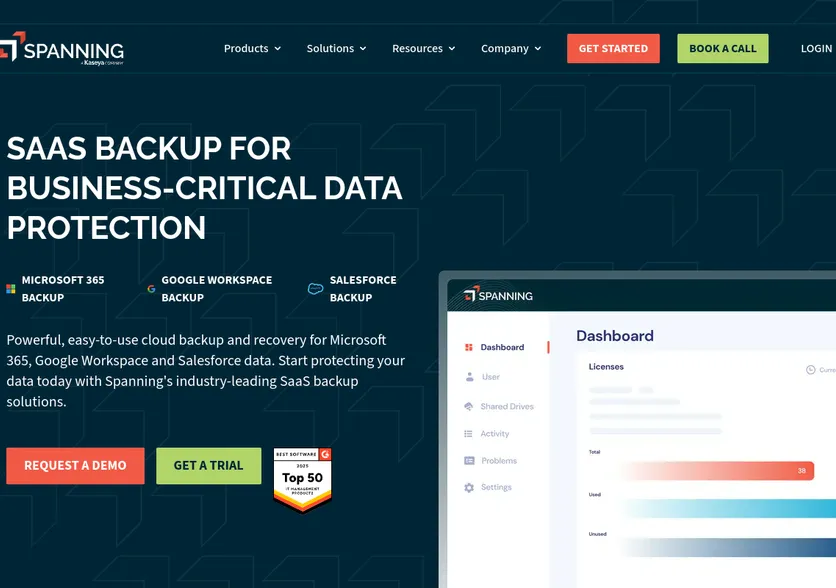
Cloud app data lives outside the office, so the backup has to live in the cloud too, and this Spanning Backup plan costs forty-eight dollars a user a year. It backs up mailboxes, drives and calendars on a daily schedule, and point-in-time restore brings back a mailbox or a single email. The price comes from directory listings rather than a vendor pricing page, which is the one weak spot in an otherwise solid tool.
What we like
- Daily automated backup for Google Workspace and Microsoft cloud apps
- Point-in-time restore brings back a mailbox or a single email
- Admin console shows the backup status of every user
Watch out for
- The vendor publishes no pricing page, so the price comes from directories
- Annual billing only, with no monthly option
How to try it
- Connect the Google Workspace or Microsoft cloud tenant
- Set the backup schedule and retention for each service
- Restore one deleted document to confirm the backup works
5. CloudAlly
Best for: Remote teams spread across several cloud apps
Paid tool Starting price: $3/user/month · Three dollars per user a month, or thirty dollars per user a year; education and non-profit pricing is twenty-one dollars per user a year; SharePoint and OneDrive storage is priced per ten gigabyte block on some plans; the vendor pricing page returned an error in November 2026, so agreeing directory listings are the source
Free plan: No free plan; 14-day free trial
Remote teams store everything in cloud apps, so the backup has to cover all of them, and this CloudAlly plan costs three dollars a user a month. It backs up Microsoft cloud apps, Google Workspace, Salesforce and more, with unlimited retention and immutable copies that ransomware cannot change. It is the widest cover in this list for a team spread across several cloud apps.
What we like
- One backup for Microsoft cloud apps, Google Workspace, Salesforce and more
- Unlimited retention on the paid plans
- Immutable copies protect the backup from ransomware
Watch out for
- Some plans price SharePoint and OneDrive storage in blocks
- The vendor pricing page returned an error in November 2026
How to try it
- Connect each cloud app account to CloudAlly
- Choose the retention policy for mailboxes and drives
- Run a restore of one deleted file to verify the backup
6. Afi.ai
Best for: Teams that want immutable cloud backups
Paid tool Starting price: $3/user/month · Three dollars per user a month, or thirty-six dollars per user a year, with a five-user minimum; unlimited retention and immutable backup copies; a fourteen-day free trial is included
Free plan: No free plan; 14-day free trial
Immutable copies are the difference between a backup and a false sense of security, and this Afi.ai plan costs three dollars a user a month. It backs up Microsoft cloud apps, Google Workspace and Entra ID with unlimited retention, and the copies cannot be changed once written. It is the cheapest immutable backup here for a remote team that takes ransomware seriously.
What we like
- Immutable copies mean ransomware cannot change the backup
- Unlimited retention with no extra storage fees
- Backs up Microsoft cloud apps, Google Workspace and Entra ID
Watch out for
- A five-user minimum applies to every plan
- Support on the entry plan is by ticket, not by phone
How to try it
- Connect the Microsoft cloud or Google Workspace tenant
- Turn on immutable backup copies for the data that matters
- Restore one deleted mailbox item to check the setup
7. SysCloud
Best for: Small teams on Google Workspace or Microsoft cloud apps
Paid tool Starting price: $36/license/year · Thirty-six dollars per licence a year billed annually, or four dollars per user a month on monthly billing; one read lists thirty-eight dollars a year, so confirm at checkout; a one hundred licence minimum applies when upgrading from the trial
Free plan: No free plan; free trial
A remote team on Google Workspace needs the same protection as one on Microsoft cloud apps, and this SysCloud plan costs thirty-six dollars a licence a year billed annually. It backs up mail, drive, calendar and contacts in one plan, and smart alerts flag suspicious deletions and sharing. The one hundred licence minimum on upgrade is the catch for the smallest teams.
What we like
- Backs up mail, drive, calendar and contacts in one plan
- Smart alerts flag suspicious deletions and sharing
- One-click restore for a single file or a whole mailbox
Watch out for
- A one hundred licence minimum applies when upgrading from the trial
- Directory listings disagree on the yearly price, so confirm at checkout
How to try it
- Connect the Google Workspace or Microsoft cloud domain
- Pick the users and services to protect
- Restore a deleted email to confirm the backup is working
Prices above were checked on each vendor’s own website on Nov 28, 2026 and can change — the vendor’s page is the final word. Vendor links are editorial: nobody paid to be listed or ranked here. Vendors who want a featured listing can see how it works on our Get listed page.
How to back up a remote team without chasing laptops
Start with the cloud apps, because that is where the work lives now: connect the Microsoft or Google cloud suite first, then the laptops. Pick one tool per data type instead of one tool for everything, since laptop backup and mailbox backup are different jobs with different prices. Test a restore before you need one, because a backup nobody has restored is a guess, not a safety net. Keep the trial on a few users first, then roll it out to the whole team once the restore works.
Before you buy
- Confirm the backup covers the cloud apps the team uses, not only the laptops
- Check the restore process with a real deleted file before paying for a year
- Ask whether the backup copies are immutable, so ransomware cannot change them
- Make sure the price is per user and not per gigabyte, so the bill stays predictable
- Test the trial on a few users first, then roll it out to the whole team
Official websites
Official websites of the products reviewed above. Features and prices were checked against these sites when this guide was written, and they can change, so confirm on the vendor site before you buy.
Frequently asked questions
What is the best SaaS backup software for remote teams?
Veeam Data Cloud leads for Microsoft cloud apps at three dollars and fifty cents a user a month, with unlimited storage and one-click restore. Backblaze is best for laptops at ninety-nine dollars a year per computer, and Afi.ai is the value pick at three dollars a user a month with immutable copies. The right mix is usually one cloud app tool and one laptop tool.
How much does Veeam Data Cloud cost?
Veeam Data Cloud for Microsoft 365 costs three dollars and fifty cents per user a month for Foundation on annual billing for ten to fifty users. Larger teams pay less per user, down to two dollars and sixty-three cents above two hundred and fifty users. Advanced is three dollars and thirty-three cents and Premium is seven dollars.
Is there a free backup option for remote teams?
None of the seven tools here offers a free plan, only free trials of fourteen or fifteen days. The cheapest paid cover is CloudAlly or Afi.ai at three dollars a user a month, and Backblaze costs ninety-nine dollars a year per computer. A team that needs free backup should use the trial to test, then pay for the plan that fits.
What is the difference between laptop backup and cloud app backup?
Laptop backup copies the files on a computer, such as documents and photos, while cloud app backup copies the data in Microsoft or Google cloud apps, such as mailboxes, drives and shared files. A remote team needs both, because losing a laptop and losing a mailbox are different disasters with different fixes.
How do I test a backup before relying on it?
Restore one real file, one deleted email and, if the tool allows it, one whole mailbox, then check that the restored copies are complete and readable. A backup that has never been restored is a guess, so run the test during the free trial and repeat it every few months after buying.
Compare the seven tools above, then start with a free trial on the tool that covers the cloud apps the team uses most before paying for a full year.
Browse Business Tools tools