On this page
A distributed sales team cannot learn by sitting next to the top rep, so enablement has to travel through software instead. The eight tools below train reps, store the playbook, practise the pitch and keep answers flowing across time zones. TalentLMS leads because it rolls out training fast at one hundred and nineteen dollars a month for up to forty users, and the rest are ranked on how well they close the distance between sellers.
How we researched this
We checked every price on the vendor pricing page or in multiple agreeing November 2026 reads, and only included tools with a published US dollar list price. The big enablement suites, including Seismic, Highspot, Showpad, Allego, Bigtincan and MindTickle, publish no prices, so they are not in this list. Prices change, so confirm the current figure on the vendor site before you buy.
Compare the tools
| Name | Best for | Starting price | Free plan | |
|---|---|---|---|---|
 TalentLMS | Fast rollout of sales training across locations | $119/month | Free plan (5 users, 10 courses) | Visit |
 iSpring Learn | Teams that already build training in PowerPoint | $6.91/active user/month | 30-day free trial | Visit |
 Learn:Up (formerly WorkRamp) | Sales teams that learn by practising pitches | $9/user/month | Free demo | Visit |
 Slack | Distributed teams that need answers in real time | $7.25/user/month | Free plan | Visit |
 Confluence | Playbooks and battlecards the whole team can edit | $7.15/user/month | Free plan | Visit |
 Notion | Lightweight playbooks, wikis and deal notes in one place | $10/user/month | Free plan | Visit |
 360Learning | Peer-authored training built by subject experts | $8/user/month | Free demo | Visit |
 ProProfs Training Maker | Budget AI course creation for onboarding and compliance | $1.99/learner/month | Free plan (10 learners) | Visit |
The sales enablement software for distributed sales teams, compared
1. TalentLMS
Best for: Fast rollout of sales training across locations
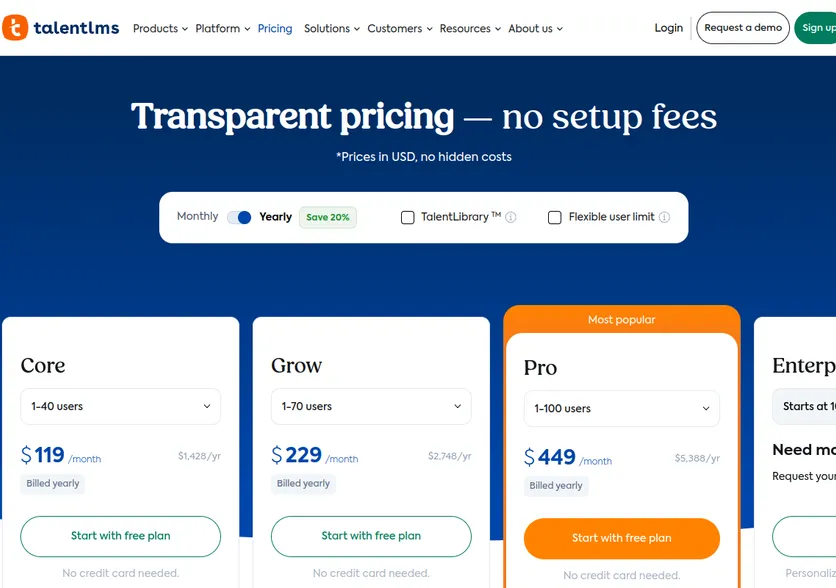
Paid tool Starting price: $119/month · One hundred and nineteen dollars a month on Core for up to 40 users, billed annually ($149 billed monthly); Grow is $229 and Pro is $449 a month; free plan covers five users and ten courses
Free plan: Free plan (5 users, 10 courses)
For a distributed team that needs training live this week, this TalentLMS plan costs one hundred and nineteen dollars a month on Core for up to forty users billed annually. Courses go live in hours from slides or video, branches keep each region's training separate, and completion reports show who finished and who did not. It is the fastest way to get every seller to the same standard.
What we like
- Flat user bands make the bill predictable
- Courses go live in hours, not weeks
- Branches keep partner and staff training separate
Watch out for
- Each plan stops at a user ceiling, then the price jumps
- Terms allow a 5 percent increase at every renewal
How to try it
- Create the course from slides, video or the AI builder
- Enrol the team and set the learning paths
- Track completions and quiz scores in the reports
2. iSpring Learn
Best for: Teams that already build training in PowerPoint
Paid tool Starting price: $6.91/active user/month · Six dollars and ninety-one cents per active user a month on Business at 100 users, billed annually ($8,286 a year); $4.46 at 300 users and $3.97 at 500; Enterprise is quote-only; only users who log in are billed
Free plan: 30-day free trial
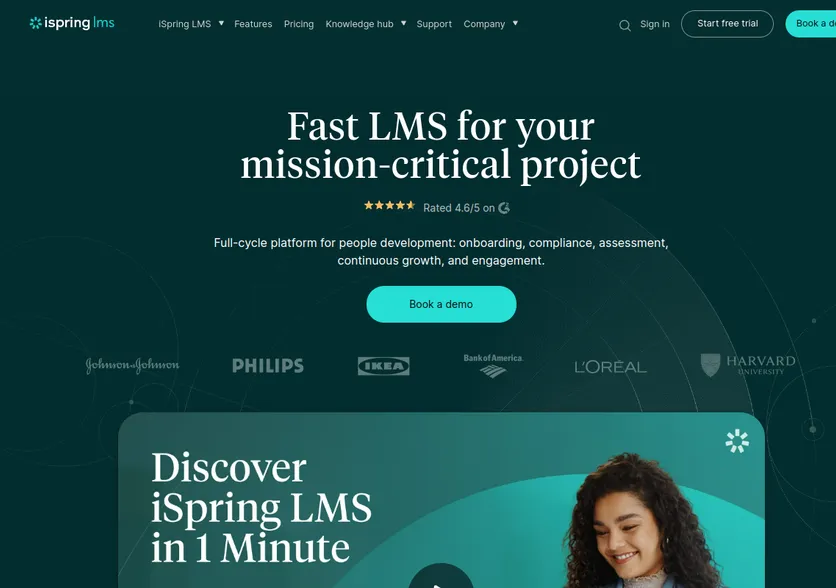
A distributed team that already builds training in slides gets a fast path here, since this iSpring Learn plan costs six dollars and ninety-one cents per active user a month at one hundred users. PowerPoint decks become courses with quizzes and role-plays, and billing only counts users who actually log in that month. The smallest published plan is one hundred users, so small teams overbuy.
What we like
- Pay only for users who actually log in that month
- PowerPoint authoring turns slides into courses fast
- Role-plays and quizzes are built into the same platform
Watch out for
- Smallest published plan is 100 users, so small teams overbuy
- Authoring is strongest for slide-based content, not rich video
How to try it
- Turn the slide deck into a course with the authoring tool
- Assign the course to the team and set a deadline
- Check who finished and who needs a nudge
3. Learn:Up (formerly WorkRamp)
Best for: Sales teams that learn by practising pitches
Paid tool Starting price: $9/user/month · Nine dollars per user a month on the 200-person basis, billed annually; Practice, the AI-simulation add-on, is $4 per user a month; higher tiers are quoted
Free plan: Free demo
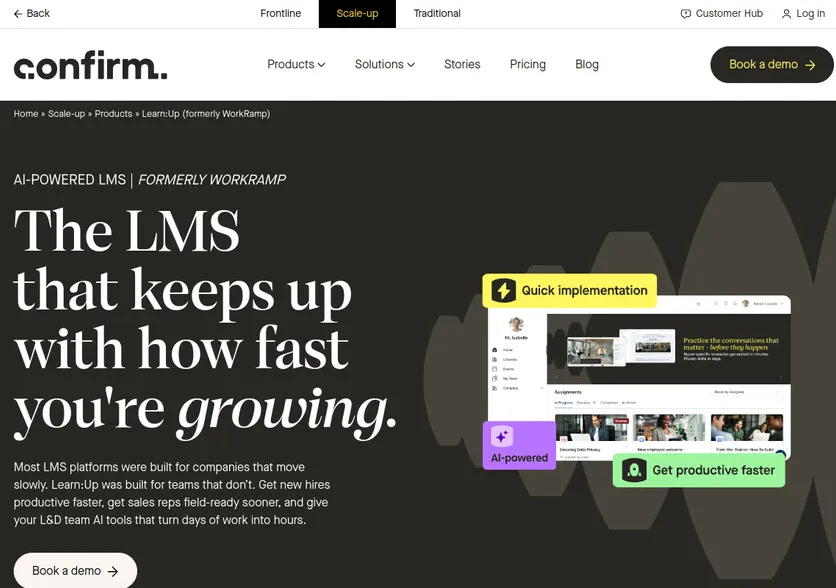
For a distributed team that learns by doing, this Learn:Up (formerly WorkRamp) plan costs nine dollars per user a month on the two hundred person basis billed annually. AI role-play lets reps practise the pitch before a real call, and certification proves they are ready without a manager watching. It is the best practice tool in this guide for a team spread across time zones.
What we like
- AI role-play lets reps practise before real calls
- Built for sales onboarding and certification
- Coaching and content live in one place
Watch out for
- Entry price is quoted on a 200-person basis
- Smaller teams should confirm the minimum in writing
How to try it
- Load the playbook and product training into the platform
- Assign practice scenarios for the next sales motion
- Certify reps when they pass the simulation
4. Slack
Best for: Distributed teams that need answers in real time
Paid tool Starting price: $7.25/user/month · Seven dollars and twenty-five cents per user a month on Pro, billed annually ($8.75 billed monthly); Business+ is $15 billed annually; Slack AI is a $10 per user a month add-on
Free plan: Free plan
Distributed teams live or die by how fast they get answers, and this Slack plan costs seven dollars and twenty-five cents per user a month on Pro billed annually. Channels keep deal talk visible, search finds the answer faster than any wiki, and huddles replace long meetings for live coaching. The free plan keeps only ninety days of history, so the paid tier is the real tool.

What we like
- Channels keep deal talk visible to the whole team
- Search finds the answer faster than any wiki
- Thousands of integrations plug in the CRM and LMS
Watch out for
- Free plan keeps only 90 days of message history
- Enablement content scatters across channels without curation
How to try it
- Create channels for deals, wins and product questions
- Pin the playbook links where reps will find them
- Use huddles for live coaching instead of long meetings
5. Confluence
Best for: Playbooks and battlecards the whole team can edit
Paid tool Starting price: $7.15/user/month · Seven dollars and fifteen cents per user a month on Standard for one to 100 users, billed monthly; annual tiers are $720 a year for up to ten users; Premium is quoted per user
Free plan: Free plan
A distributed team that needs one playbook everyone can trust finds it here, since this Confluence plan costs seven dollars and fifteen cents per user a month on Standard. Battlecards, talk tracks and objection handling live in one searchable wiki, and templates keep every page consistent. The risk is stale content, so each page needs an owner and a review date.

What we like
- Every playbook lives in one searchable wiki
- Templates keep battlecards and talk tracks consistent
- Deep integration with Jira and the Atlassian stack
Watch out for
- Content goes stale fast without an owner per page
- No coaching or training workflows built in
How to try it
- Create a space for the sales playbook
- Write the battlecards and talk tracks as pages
- Review pages on a schedule so nothing goes stale
6. Notion
Best for: Lightweight playbooks, wikis and deal notes in one place
Paid tool Starting price: $10/user/month · Ten dollars per member a month on Plus, billed annually ($12 billed monthly); Business is $20 per member a month billed annually; free plan for individuals
Free plan: Free plan
For a distributed team that wants the playbook, wiki and deal notes in one place, this Notion plan costs ten dollars per user a month on Plus billed annually. Linked pages hold the playbook, databases turn objections and wins into filterable guides, and the free plan is genuinely useful for a small team. It needs discipline, since a large wiki gets messy without curation.

What we like
- Docs, wikis and tasks live in a single workspace
- Databases turn playbooks into filterable deal guides
- Free plan is genuinely useful for a small team
Watch out for
- No native coaching, certification or content analytics
- Large wikis need discipline or search gets messy
How to try it
- Build the playbook as a set of linked pages
- Add a database for objections, talk tracks and wins
- Share the workspace with sales and marketing together
7. 360Learning
Best for: Peer-authored training built by subject experts
Paid tool Starting price: $8/user/month · Eight dollars per user a month on Team, billed monthly, with a five-seat minimum reported in some reads; Business and Enterprise are quoted; no annual commitment on Team
Free plan: Free demo
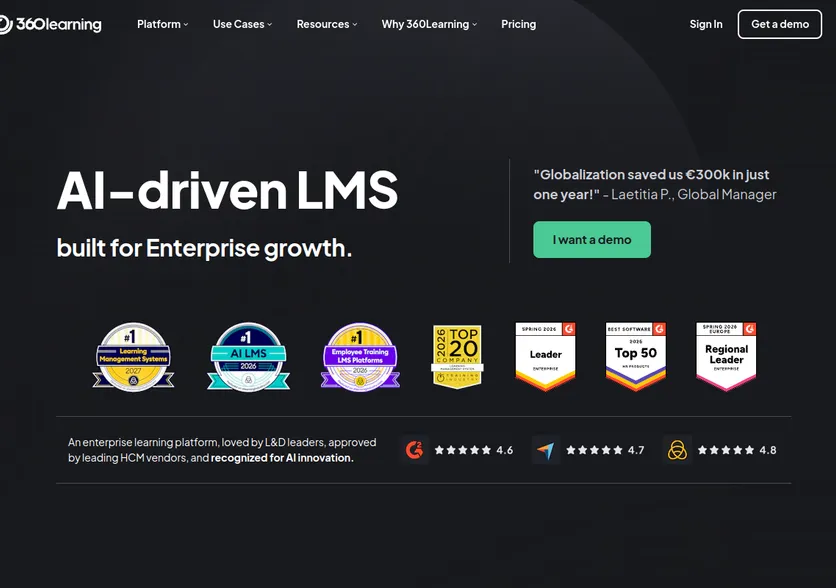
A distributed team with experts in every region should look here, because this 360Learning plan costs eight dollars per user a month on Team billed monthly. Subject experts author their own courses, peers review them before publishing, and learning paths guide new reps through the full motion. It is the most collaborative training tool in this guide.
What we like
- Experts across the company author their own courses
- Peer review keeps content accurate and current
- Learning paths guide reps through the full motion
Watch out for
- Team tier has no annual discount
- Business and Enterprise pricing is quote-only
How to try it
- Invite subject experts to author the first courses
- Send courses for peer review before publishing
- Assign learning paths and track completion
8. ProProfs Training Maker
Best for: Budget AI course creation for onboarding and compliance
Paid tool Starting price: $1.99/learner/month · One dollar and ninety-nine cents per active learner a month on Essentials, billed annually ($23.88 a year per learner); Business is $3.99 and Business Complete Elite is $4.98; free plan covers ten learners
Free plan: Free plan (10 learners)
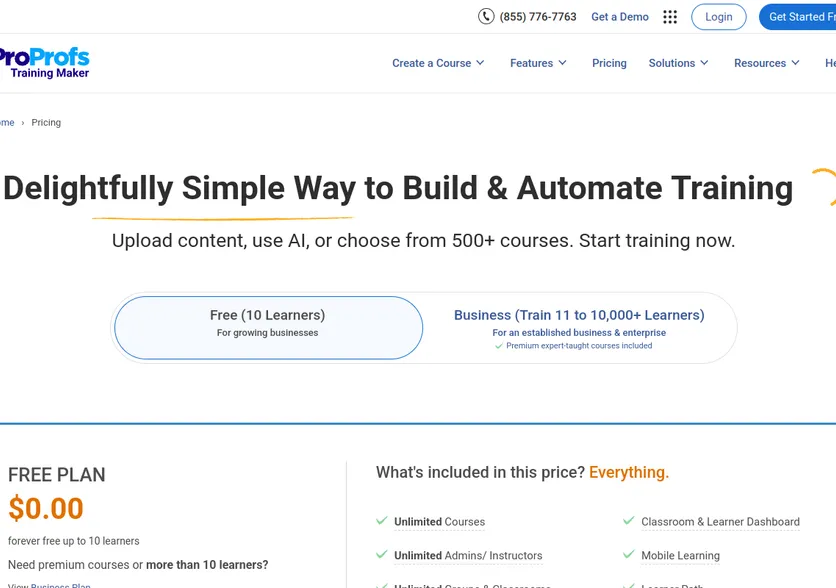
For a distributed team that needs training built fast on a budget, this ProProfs Training Maker plan costs one dollar and ninety-nine cents per active learner a month on Essentials billed annually. AI builds a complete course from a single prompt, five hundred plus ready-made courses cover compliance and onboarding, and only active learners are billed. Essentials caps at one hundred learners, so larger teams need Business.
What we like
- AI builds a complete course from a single prompt
- Five hundred plus ready-made courses included
- Only active learners are billed, not every seat
Watch out for
- Essentials caps at 100 learners
- White labelling costs $300 extra
How to try it
- Generate the course with AI or pick a ready-made one
- Assign it to the team with a deadline
- Check quiz scores and completion in the reports
Prices above were checked on each vendor’s own website on Nov 28, 2026 and can change — the vendor’s page is the final word. Vendor links are editorial: nobody paid to be listed or ranked here. Vendors who want a featured listing can see how it works on our Get listed page.
How to run enablement for a team that never shares an office
Put the playbook where reps already work, not in a portal they have to remember to open, because a distributed team adopts what is in front of them. Record the top rep's pitch once and turn it into a course, a talk track and a role-play, so every new hire learns the same motion. Use async video and AI practice for coaching, and save live meetings for the deals that actually need them. Measure completion and quiz scores weekly, since a distributed team hides gaps that an office would expose.
Before you buy
- Confirm training works asynchronously, so reps in every time zone learn at the same pace
- Check whether the playbook is searchable from the tools reps already open daily
- Ask if coaching and certification are built in or need a separate tool
- Make sure content stays current, with an owner and a review date on every page
- Test the tool from a new hire's login and time how long the first course takes
Official websites
Official websites of the products reviewed above. Features and prices were checked against these sites when this guide was written, and they can change, so confirm on the vendor site before you buy.
Frequently asked questions
What is sales enablement software for distributed sales teams?
It is software that trains sellers, stores the playbook and coaches the pitch for a team spread across locations and time zones. Good tools combine courses, playbooks, practice scenarios and searchable answers in one place, so a rep in any city learns the same motion. The aim is to close the distance between sellers who never share an office.
How much does TalentLMS cost?
TalentLMS Core costs one hundred and nineteen dollars a month for up to forty users, billed annually, or one hundred and forty-nine dollars billed monthly. Grow costs two hundred and twenty-nine dollars a month and Pro costs four hundred and forty-nine dollars, both billed annually. A free plan covers five users and ten courses.
Why do Seismic and Highspot not appear in this list?
Seismic and Highspot are the biggest names in sales enablement, but neither publishes a price, and the two companies merged in August 2026. The same applies to Showpad, Allego, Bigtincan and MindTickle. This guide only lists tools with a published US dollar price, so every figure here is one a buyer can actually read.
Can a distributed team use a wiki as enablement?
Yes, for the playbook half of the job. Confluence at seven dollars and fifteen cents per user a month and Notion at ten dollars keep battlecards and talk tracks in one searchable place. Neither coaches reps or certifies them, so pair the wiki with a training tool such as TalentLMS or Learn:Up for the full enablement job.
Which tool is best for practising pitches remotely?
Learn:Up is the best practice pick, at nine dollars per user a month, because its AI role-play lets reps practise before real calls and certifies them when they pass. TalentLMS is the better pick for structured courses, and Slack is the best place for live coaching in huddles. Most distributed teams need at least two of the three.
Compare the eight tools above, then start with a free trial on the one that closes the distance between the team's sellers.
Browse Business Tools tools