On this page
Partners sell the product without sitting in the office, so they need training, playbooks and certification they can reach on their own. The eight tools below deliver courses to partners, keep the message consistent and prove who is actually ready to sell. 360Learning leads because experts across the company author the training partners need, at eight dollars per user a month, and the rest are ranked on partner fit and price.
How we researched this
We checked every price on the vendor pricing page or in multiple agreeing November 2026 reads, and only included tools with a published US dollar list price. The big enablement suites, including Seismic, Highspot, Showpad, Allego and Bigtincan, publish no prices, so they are not in this list. Prices change, so confirm the current figure on the vendor site before you buy.
Compare the tools
| Name | Best for | Starting price | Free plan | |
|---|---|---|---|---|
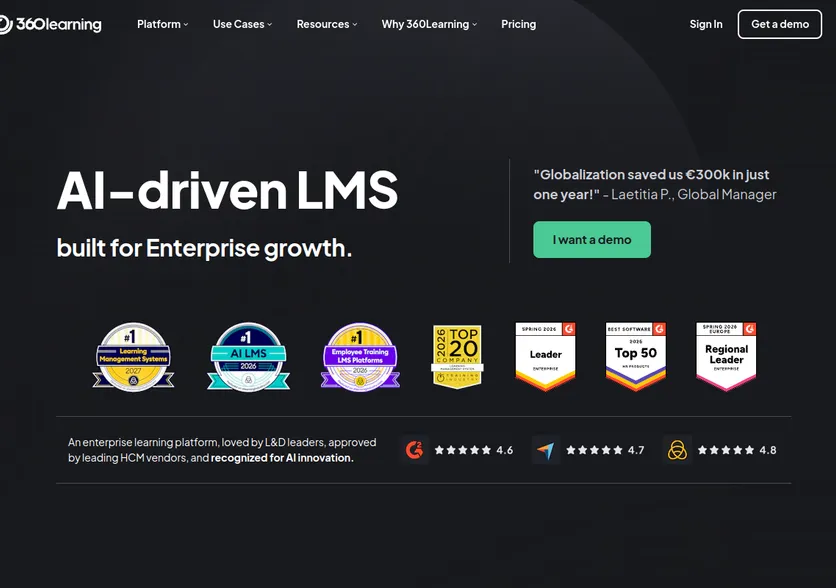
 360Learning | Peer-authored training built by subject experts | $8/user/month | Free demo | Visit |
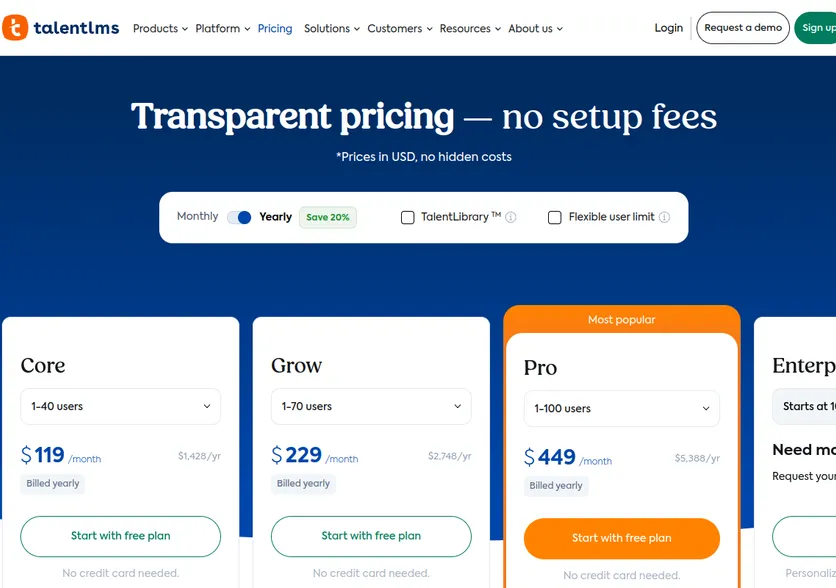
 TalentLMS | Fast rollout of sales training across locations | $119/month | Free plan (5 users, 10 courses) | Visit |
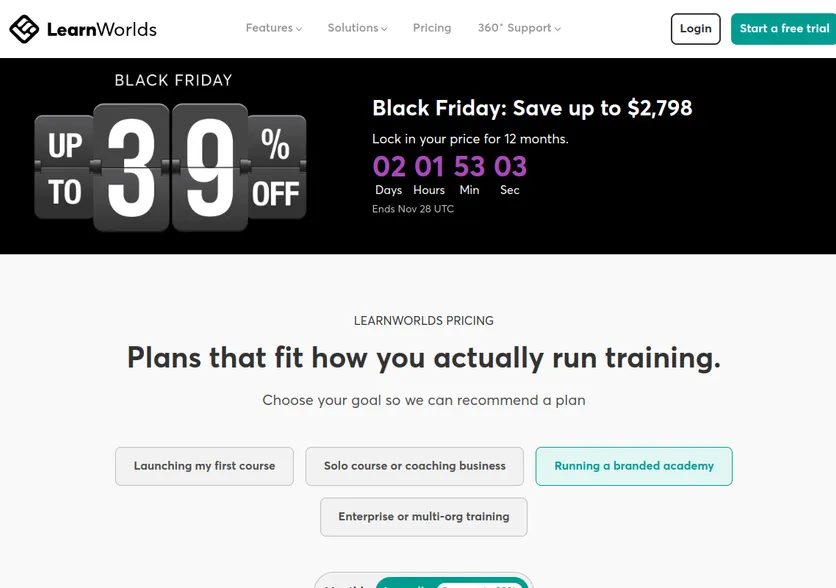
 LearnWorlds | Interactive branded training for partners and customers | $24/month | 30-day free trial | Visit |
 Thinkific | Simple course hosting with no transaction fees | $36/month | Free plan | Visit |
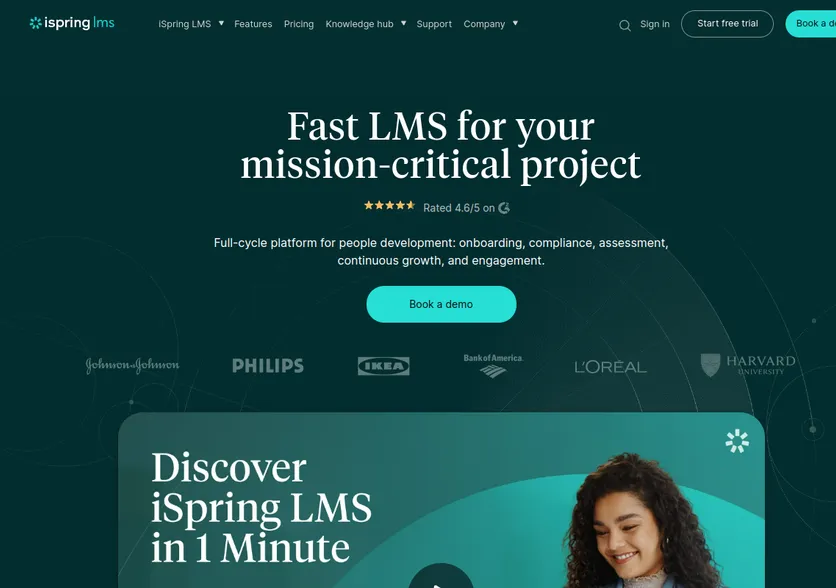
 iSpring Learn | Teams that already build training in PowerPoint | $6.91/active user/month | 30-day free trial | Visit |
 ProProfs Training Maker | Budget AI course creation for onboarding and compliance | $1.99/learner/month | Free plan (10 learners) | Visit |
 Learn:Up (formerly WorkRamp) | Sales teams that learn by practising pitches | $9/user/month | Free demo | Visit |
 Confluence | Playbooks and battlecards the whole team can edit | $7.15/user/month | Free plan | Visit |
The sales enablement software for partner channels, compared
1. 360Learning
Best for: Peer-authored training built by subject experts
Paid tool Starting price: $8/user/month · Eight dollars per user a month on Team, billed monthly, with a five-seat minimum reported in some reads; Business and Enterprise are quoted; no annual commitment on Team
Free plan: Free demo
For a partner channel where the experts sit in different companies, this 360Learning plan costs eight dollars per user a month on Team billed monthly. Subject experts author courses themselves, peers review them before publishing, and learning paths guide each partner through the full motion. There is no annual commitment on Team, which suits a channel that grows in fits and starts.
What we like
- Experts across the company author their own courses
- Peer review keeps content accurate and current
- Learning paths guide reps through the full motion
Watch out for
- Team tier has no annual discount
- Business and Enterprise pricing is quote-only
How to try it
- Invite subject experts to author the first courses
- Send courses for peer review before publishing
- Assign learning paths and track completion
2. TalentLMS
Best for: Fast rollout of sales training across locations
Paid tool Starting price: $119/month · One hundred and nineteen dollars a month on Core for up to 40 users, billed annually ($149 billed monthly); Grow is $229 and Pro is $449 a month; free plan covers five users and ten courses
Free plan: Free plan (5 users, 10 courses)
A channel manager who needs each partner trained separately gets it here, since this TalentLMS plan costs one hundred and nineteen dollars a month on Core for up to forty users billed annually. Branches keep partner training apart from staff training, courses go live in hours, and completion reports show which partners are ready. The user ceilings mean the price jumps as the channel grows.
What we like
- Flat user bands make the bill predictable
- Courses go live in hours, not weeks
- Branches keep partner and staff training separate
Watch out for
- Each plan stops at a user ceiling, then the price jumps
- Terms allow a 5 percent increase at every renewal
How to try it
- Create the course from slides, video or the AI builder
- Enrol the team and set the learning paths
- Track completions and quiz scores in the reports
3. LearnWorlds
Best for: Interactive branded training for partners and customers
Paid tool Starting price: $24/month · Twenty-four dollars a month on Starter, billed annually ($29 billed monthly), plus a $5 fee per paid course enrolment; Pro Trainer is $79 and Learning Center is $249 a month billed annually
Free plan: 30-day free trial
For a partner academy that has to look like the brand, this LearnWorlds plan costs twenty-four dollars a month on Starter billed annually. Interactive video with embedded quizzes makes product training stick, and the branded school with white-label apps carries the company's own look. The five dollar fee per paid enrolment matters less for partners, who usually learn free.
What we like
- Interactive video with embedded quizzes and hotspots
- Branded school with white-label mobile apps
- Certificates and assessments are built in
Watch out for
- Starter charges $5 per paid enrolment, which adds up fast
- No free plan, only a 30-day trial
How to try it
- Build the course with interactive video and quizzes
- Brand the school and publish the training
- Track enrolments and issue certificates on completion
4. Thinkific
Best for: Simple course hosting with no transaction fees
Paid tool Starting price: $36/month · Thirty-six dollars a month on Basic, billed annually ($49 billed monthly); Start is $74 and Grow is $149 a month billed annually; no transaction fees on paid plans; free plan covers one course
Free plan: Free plan
A partner channel that wants simple, free-to-join training gets it here, because this Thinkific plan costs thirty-six dollars a month on Basic billed annually. Partners join free courses without transaction fees, the free plan lets the channel test with one course, and unlimited courses start from Basic. SCORM needs the custom-priced Plus tier, so check that before committing.
What we like
- No transaction fees on any paid plan
- Free plan lets a team test with one real course
- Unlimited courses from the Basic tier up
Watch out for
- SCORM needs the custom-priced Plus tier
- Marketing tools are thinner than the course-first rivals
How to try it
- Create the course from video, text or live lessons
- Set the price and publish the course page
- Track enrolments and completion in the reports
5. iSpring Learn
Best for: Teams that already build training in PowerPoint
Paid tool Starting price: $6.91/active user/month · Six dollars and ninety-one cents per active user a month on Business at 100 users, billed annually ($8,286 a year); $4.46 at 300 users and $3.97 at 500; Enterprise is quote-only; only users who log in are billed
Free plan: 30-day free trial
For a channel team that builds training from existing slide decks, this iSpring Learn plan costs six dollars and ninety-one cents per active user a month at one hundred users. PowerPoint decks become courses with quizzes and role-plays, and only partners who actually log in are billed. The smallest published plan is one hundred users, so a small channel overbuys.
What we like
- Pay only for users who actually log in that month
- PowerPoint authoring turns slides into courses fast
- Role-plays and quizzes are built into the same platform
Watch out for
- Smallest published plan is 100 users, so small teams overbuy
- Authoring is strongest for slide-based content, not rich video
How to try it
- Turn the slide deck into a course with the authoring tool
- Assign the course to the team and set a deadline
- Check who finished and who needs a nudge
6. ProProfs Training Maker
Best for: Budget AI course creation for onboarding and compliance
Paid tool Starting price: $1.99/learner/month · One dollar and ninety-nine cents per active learner a month on Essentials, billed annually ($23.88 a year per learner); Business is $3.99 and Business Complete Elite is $4.98; free plan covers ten learners
Free plan: Free plan (10 learners)
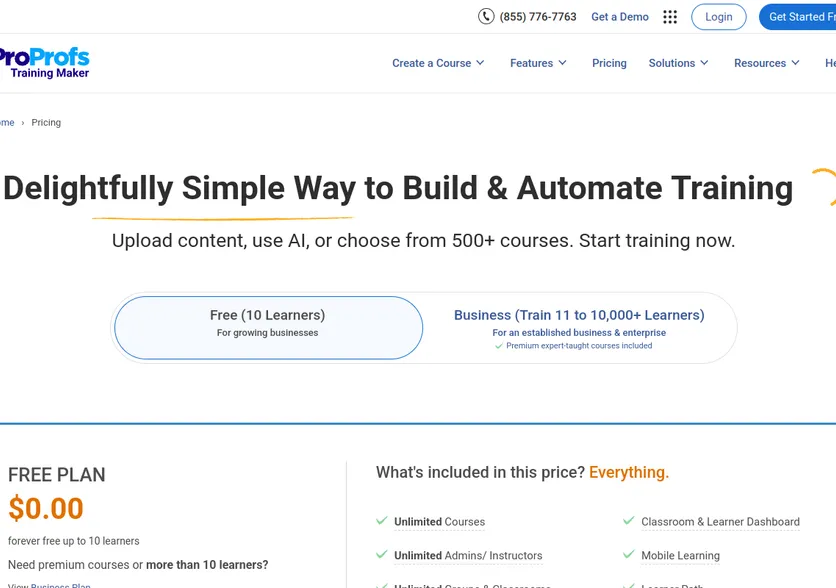
A channel that needs training built fast on a small budget finds it here, since this ProProfs Training Maker plan costs one dollar and ninety-nine cents per active learner a month on Essentials billed annually. AI builds courses from a prompt, five hundred plus ready-made courses cover compliance, and the free plan handles ten learners. Essentials caps at one hundred learners, so a big channel needs Business.
What we like
- AI builds a complete course from a single prompt
- Five hundred plus ready-made courses included
- Only active learners are billed, not every seat
Watch out for
- Essentials caps at 100 learners
- White labelling costs $300 extra
How to try it
- Generate the course with AI or pick a ready-made one
- Assign it to the team with a deadline
- Check quiz scores and completion in the reports
7. Learn:Up (formerly WorkRamp)
Best for: Sales teams that learn by practising pitches
Paid tool Starting price: $9/user/month · Nine dollars per user a month on the 200-person basis, billed annually; Practice, the AI-simulation add-on, is $4 per user a month; higher tiers are quoted
Free plan: Free demo
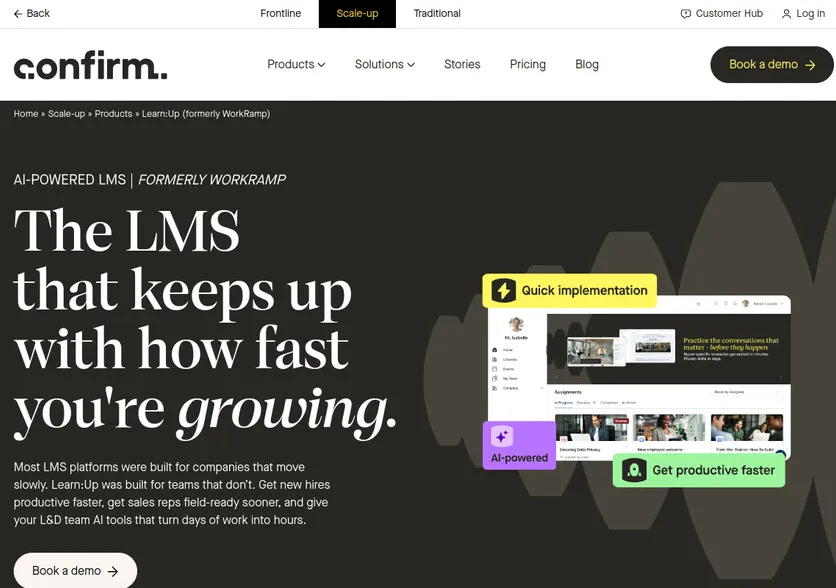
For partners who must prove they can sell before they get leads, this Learn:Up (formerly WorkRamp) plan costs nine dollars per user a month on the two hundred person basis billed annually. AI role-play lets partner reps practise the pitch, and certification proves readiness without a manager watching. Confirm the minimum in writing, since the entry price is quoted on a two hundred person basis.
What we like
- AI role-play lets reps practise before real calls
- Built for sales onboarding and certification
- Coaching and content live in one place
Watch out for
- Entry price is quoted on a 200-person basis
- Smaller teams should confirm the minimum in writing
How to try it
- Load the playbook and product training into the platform
- Assign practice scenarios for the next sales motion
- Certify reps when they pass the simulation
8. Confluence
Best for: Playbooks and battlecards the whole team can edit
Paid tool Starting price: $7.15/user/month · Seven dollars and fifteen cents per user a month on Standard for one to 100 users, billed monthly; annual tiers are $720 a year for up to ten users; Premium is quoted per user
Free plan: Free plan
A partner channel that needs one trusted playbook gets it here, because this Confluence plan costs seven dollars and fifteen cents per user a month on Standard. Battlecards and talk tracks live in one searchable wiki with owners and version history, so every partner uses the current message. It is a wiki, not a training tool, so pair it with a course platform for certification.

What we like
- Every playbook lives in one searchable wiki
- Templates keep battlecards and talk tracks consistent
- Deep integration with Jira and the Atlassian stack
Watch out for
- Content goes stale fast without an owner per page
- No coaching or training workflows built in
How to try it
- Create a space for the sales playbook
- Write the battlecards and talk tracks as pages
- Review pages on a schedule so nothing goes stale
Prices above were checked on each vendor’s own website on Nov 28, 2026 and can change — the vendor’s page is the final word. Vendor links are editorial: nobody paid to be listed or ranked here. Vendors who want a featured listing can see how it works on our Get listed page.
How to train partners who never visit the office
Give partners one front door for everything, because a channel that has to hunt across five systems will simply sell something else. Put courses, playbooks, pricing and certification behind a single login, and make the first course short enough to finish in one sitting. Certify before leads flow, since a partner who cannot pitch the product should not be carrying the brand. Track completion by partner, and call the ones who stall, because silent partners are usually stuck, not uninterested. Keep one channel manager as the single point of contact, since partners call the person they know when training stalls.
Before you buy
- Confirm partners get a single login for courses, playbooks, pricing and certification
- Check whether training can be branded and separated per partner or region
- Ask if certification is built in, so leads only go to partners who passed
- Make sure content updates reach every partner at once, with no old decks in circulation
- Test the partner experience from a fresh account and time the first course
Official websites
Official websites of the products reviewed above. Features and prices were checked against these sites when this guide was written, and they can change, so confirm on the vendor site before you buy.
Frequently asked questions
What is sales enablement software for partner channels?
It is software that trains, certifies and supports resellers, distributors and affiliates who sell a product without working for the vendor. Good tools deliver courses, playbooks and certifications through one partner portal, and they report which partners are ready to sell. The aim is a channel that pitches the product correctly without constant hand-holding.
How much does 360Learning cost?
360Learning Team costs eight dollars per user a month, billed monthly, with a five-seat minimum reported in some reads. Business and Enterprise are quoted, and Team carries no annual commitment. The price is per user, so a channel with many occasional learners should check whether the per-user model still fits.
Why is certification important for partners?
Certification proves a partner can pitch the product before they receive leads, which protects the brand and the close rate. It also gives the channel manager a clear list of who is ready and who is stuck. Tools such as Learn:Up and TalentLMS build certification into the training flow, while a wiki alone cannot certify anyone.
Can a small vendor run a partner academy cheaply?
Yes. ProProfs Training Maker starts at one dollar and ninety-nine cents per active learner a month with a free plan for ten learners, and Thinkific Basic costs thirty-six dollars a month with no transaction fees. Both let a small vendor launch a branded academy without an enterprise contract or a learning team.
Which tool is best for a branded partner academy?
LearnWorlds is the best pick for a branded academy, at twenty-four dollars a month on Starter, because interactive video and white-label apps carry the company's own look. TalentLMS is the better pick when each partner needs a separate branch, and 360Learning wins when the training is authored by experts across the channel.
Compare the eight tools above, then start with a free trial on the one that gets partners ready to sell fastest.
Browse Business Tools tools