On this page
Product marketers write the story sales tells, and the gap between the two is where deals are lost. The eight tools below hold the messaging, train reps on it and show which assets actually appear in won deals. Notion leads because it keeps the whole playbook in one searchable workspace at ten dollars per user a month, and the rest are ranked on how well they carry a product story into the sales conversation.
How we researched this
We checked every price on the vendor pricing page or in multiple agreeing November 2026 reads, and only included tools with a published US dollar list price. The big enablement suites, including Seismic, Highspot, Showpad, Allego and Bigtincan, publish no prices, so they are not in this list. Prices change, so confirm the current figure on the vendor site before you buy.
Compare the tools
| Name | Best for | Starting price | Free plan | |
|---|---|---|---|---|
 Notion | Lightweight playbooks, wikis and deal notes in one place | $10/user/month | Free plan | Visit |
 Confluence | Playbooks and battlecards the whole team can edit | $7.15/user/month | Free plan | Visit |
 LearnWorlds | Interactive branded training for partners and customers | $24/month | 30-day free trial | Visit |
 Thinkific | Simple course hosting with no transaction fees | $36/month | Free plan | Visit |
 HubSpot Sales Hub | Marketing and sales teams that share one CRM | $15/seat/month | Free plan | Visit |
 Salesforce Starter Suite | Teams planning to grow on one CRM | $25/user/month | Free plan (Free Suite) | Visit |
 Slack | Distributed teams that need answers in real time | $7.25/user/month | Free plan | Visit |
 Pipedrive | Small sales teams that live in the pipeline | $14/user/month | 14-day free trial | Visit |
The sales enablement software for product marketers, compared
1. Notion
Best for: Lightweight playbooks, wikis and deal notes in one place
Paid tool Starting price: $10/user/month · Ten dollars per member a month on Plus, billed annually ($12 billed monthly); Business is $20 per member a month billed annually; free plan for individuals
Free plan: Free plan
For a product marketer who owns the story, this Notion plan costs ten dollars per user a month on Plus billed annually. Messaging, battlecards, objection handling and win stories live in linked pages, and databases turn them into filterable guides sellers actually open. The free plan covers a small team, though a large workspace needs someone to curate it.

What we like
- Docs, wikis and tasks live in a single workspace
- Databases turn playbooks into filterable deal guides
- Free plan is genuinely useful for a small team
Watch out for
- No native coaching, certification or content analytics
- Large wikis need discipline or search gets messy
How to try it
- Build the playbook as a set of linked pages
- Add a database for objections, talk tracks and wins
- Share the workspace with sales and marketing together
2. Confluence
Best for: Playbooks and battlecards the whole team can edit
Paid tool Starting price: $7.15/user/month · Seven dollars and fifteen cents per user a month on Standard for one to 100 users, billed monthly; annual tiers are $720 a year for up to ten users; Premium is quoted per user
Free plan: Free plan
A product marketer who needs every claim versioned and approved finds it here, since this Confluence plan costs seven dollars and fifteen cents per user a month on Standard. Pages carry owners and history, so sellers use the current message and old claims die on schedule. Templates keep battlecards consistent across products, which matters when the portfolio grows.

What we like
- Every playbook lives in one searchable wiki
- Templates keep battlecards and talk tracks consistent
- Deep integration with Jira and the Atlassian stack
Watch out for
- Content goes stale fast without an owner per page
- No coaching or training workflows built in
How to try it
- Create a space for the sales playbook
- Write the battlecards and talk tracks as pages
- Review pages on a schedule so nothing goes stale
3. LearnWorlds
Best for: Interactive branded training for partners and customers
Paid tool Starting price: $24/month · Twenty-four dollars a month on Starter, billed annually ($29 billed monthly), plus a $5 fee per paid course enrolment; Pro Trainer is $79 and Learning Center is $249 a month billed annually
Free plan: 30-day free trial
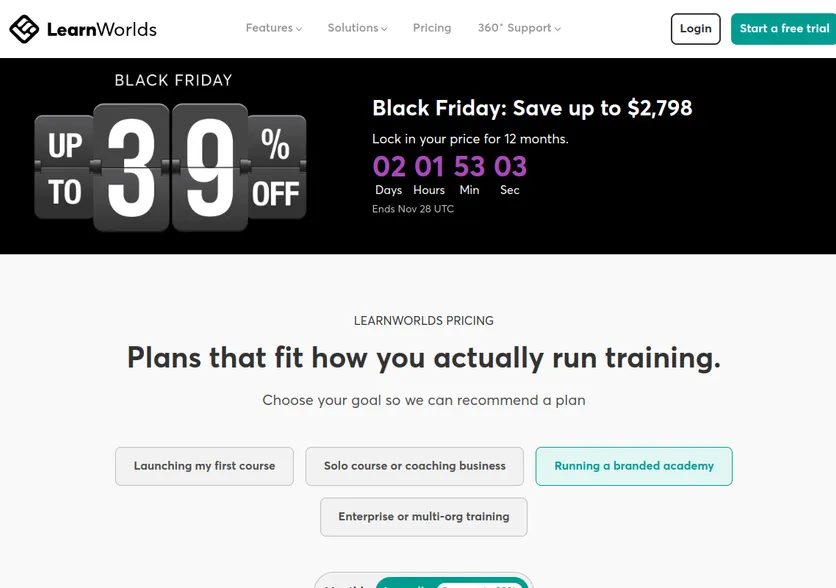
For a product marketer who teaches the product through video, this LearnWorlds plan costs twenty-four dollars a month on Starter billed annually. Interactive video with embedded quizzes turns a launch briefing into training sellers remember, and the branded school carries the product look. The five dollar fee per paid enrolment is less relevant when the audience is internal.
What we like
- Interactive video with embedded quizzes and hotspots
- Branded school with white-label mobile apps
- Certificates and assessments are built in
Watch out for
- Starter charges $5 per paid enrolment, which adds up fast
- No free plan, only a 30-day trial
How to try it
- Build the course with interactive video and quizzes
- Brand the school and publish the training
- Track enrolments and issue certificates on completion
4. Thinkific
Best for: Simple course hosting with no transaction fees
Paid tool Starting price: $36/month · Thirty-six dollars a month on Basic, billed annually ($49 billed monthly); Start is $74 and Grow is $149 a month billed annually; no transaction fees on paid plans; free plan covers one course
Free plan: Free plan
A product marketer who wants launch training live fast gets it here, because this Thinkific plan costs thirty-six dollars a month on Basic billed annually. Courses publish from video or live lessons, the free plan tests the format with one course, and no transaction fees apply on paid plans. SCORM needs the custom-priced Plus tier, which is the main limit.
What we like
- No transaction fees on any paid plan
- Free plan lets a team test with one real course
- Unlimited courses from the Basic tier up
Watch out for
- SCORM needs the custom-priced Plus tier
- Marketing tools are thinner than the course-first rivals
How to try it
- Create the course from video, text or live lessons
- Set the price and publish the course page
- Track enrolments and completion in the reports
5. HubSpot Sales Hub
Best for: Marketing and sales teams that share one CRM
Paid tool Starting price: $15/seat/month · Fifteen dollars per seat a month on Starter, billed annually ($20 billed monthly); new customers have seen a limited-time $7 annual rate; Professional is quoted from $90 a seat
Free plan: Free plan
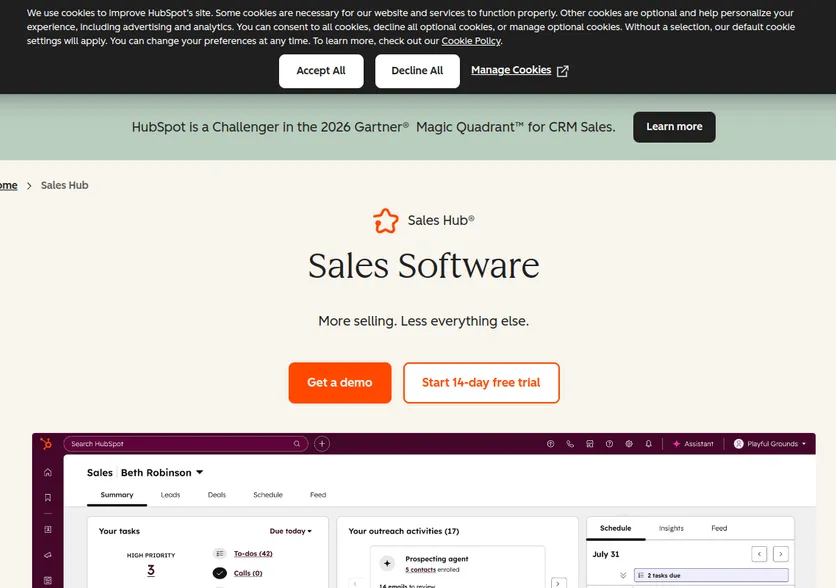
For a product marketer who wants proof the story works, this HubSpot Sales Hub plan costs fifteen dollars per seat a month on Starter billed annually. Sequences and templates put the messaging inside the CRM, and reporting connects the assets to closed deals. Seat pricing climbs fast once editors multiply, and Professional adds an onboarding fee.
What we like
- Sequences, templates and playbooks sit inside the CRM
- Free CRM tier covers the basics for a small team
- Reporting connects marketing activity to closed deals
Watch out for
- Seat-based pricing climbs fast once editors multiply
- Professional tier adds a $1,500 onboarding fee
How to try it
- Import contacts and connect the inbox and calendar
- Build sequences and templates for the sales motion
- Track the pipeline from first touch to close
6. Salesforce Starter Suite
Best for: Teams planning to grow on one CRM
Paid tool Starting price: $25/user/month · Twenty-five dollars per user a month on Starter Suite, billed monthly or annually at the same rate; Pro Suite is $100, Core is $195, Advanced is $395 and Max is $550; a Free Suite is listed at $0
Free plan: Free plan (Free Suite)
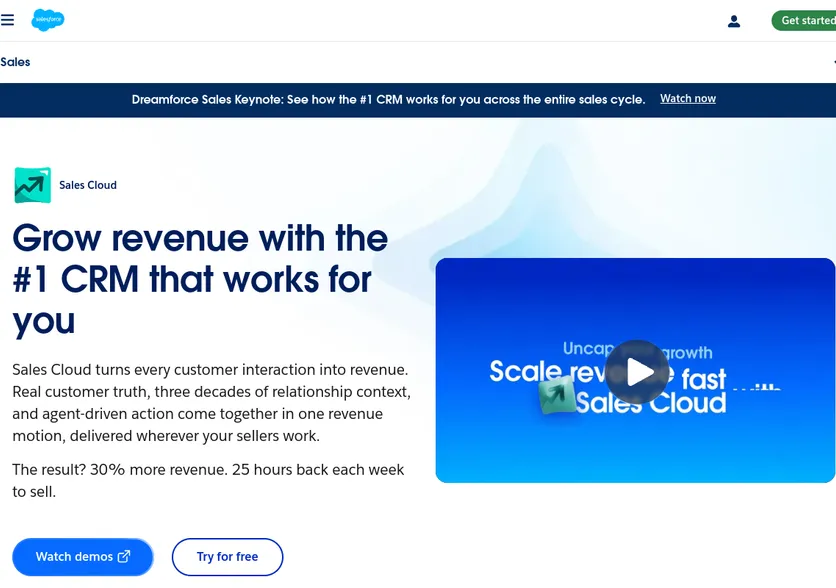
A product marketer at a company scaling fast gets room here, since this Salesforce Starter Suite plan costs twenty-five dollars per user a month. The platform grows from startup to enterprise without a migration, and AppExchange adds enablement apps as the need appears. The Starter tier is a suite rather than full Sales Cloud, so check the feature list first.
What we like
- One platform that scales from startup to enterprise
- AppExchange adds enablement apps without switching CRM
- Reporting and AI grow with the paid tiers
Watch out for
- The $25 tier is a suite, not the full Sales Cloud edition
- Implementation can cost far more than the subscription
How to try it
- Set up the pipeline stages for the sales motion
- Add the playbooks and templates reps need daily
- Review the dashboards weekly and fix the weak stages
7. Slack
Best for: Distributed teams that need answers in real time
Paid tool Starting price: $7.25/user/month · Seven dollars and twenty-five cents per user a month on Pro, billed annually ($8.75 billed monthly); Business+ is $15 billed annually; Slack AI is a $10 per user a month add-on
Free plan: Free plan
For a product marketer who answers seller questions in real time, this Slack plan costs seven dollars and twenty-five cents per user a month on Pro billed annually. Channels for launches, objections and wins keep the story visible, and search finds the approved answer faster than any wiki. Content scatters across channels without curation, so pin the canonical links.

What we like
- Channels keep deal talk visible to the whole team
- Search finds the answer faster than any wiki
- Thousands of integrations plug in the CRM and LMS
Watch out for
- Free plan keeps only 90 days of message history
- Enablement content scatters across channels without curation
How to try it
- Create channels for deals, wins and product questions
- Pin the playbook links where reps will find them
- Use huddles for live coaching instead of long meetings
8. Pipedrive
Best for: Small sales teams that live in the pipeline
Paid tool Starting price: $14/user/month · Fourteen dollars per user a month on Essential, billed annually; Professional is about $49 to $59 and Power is $99; LeadBooster is a $32.50 a month add-on
Free plan: 14-day free trial
A product marketer who wants sellers to work the story through the pipeline gets it here, because this Pipedrive plan costs fourteen dollars per user a month on Essential billed annually. The clear pipeline view shows where the story stalls, automations handle follow-ups, and the entry price is the lowest of any CRM here. The playbook itself needs a separate home, so pair it with a wiki.

What we like
- Pipeline view is the clearest of any CRM here
- Lowest entry price of the CRMs in this guide
- Automations handle the follow-up busywork
Watch out for
- Enablement content needs a separate home
- Add-ons like LeadBooster push the real bill higher
How to try it
- Import the deals and set the pipeline stages
- Add automations for follow-ups and reminders
- Work the pipeline daily and review the forecast weekly
Prices above were checked on each vendor’s own website on Nov 28, 2026 and can change — the vendor’s page is the final word. Vendor links are editorial: nobody paid to be listed or ranked here. Vendors who want a featured listing can see how it works on our Get listed page.
How product marketers should run enablement that sellers use
Write the story once and ship it everywhere, because a message that lives only in a launch deck never reaches a live deal. Put the positioning, battlecards and objection handling in one searchable place, then train reps on it the week the product ships. Listen to the questions sellers ask in the first month, since those questions are the real gaps in the story. Retire the assets nobody opens, and rebuild the ones sellers keep asking for. Track which assets sellers open before a launch and which they ignore, since usage is the only honest vote.
Before you buy
- Confirm the messaging, battlecards and objections live in one searchable place sellers actually open
- Check whether launch training ships with the product or arrives a quarter later
- Ask if reporting shows which assets appear in won deals, not just downloads
- Make sure every claim has an owner and a review date so stale messaging dies
- Test the story with a real seller pitch and rewrite the parts they stumble on
Official websites
Official websites of the products reviewed above. Features and prices were checked against these sites when this guide was written, and they can change, so confirm on the vendor site before you buy.
Frequently asked questions
What is sales enablement software for product marketers?
It is software that stores the product story, trains sellers on it and measures which assets help win deals. Good tools keep positioning, battlecards, objection handling and win stories in one searchable place, and they report which content appears in closed opportunities. The aim is a sales team that tells the same story the marketer wrote.
How much does Notion cost?
Notion Plus costs ten dollars per member a month billed annually, or twelve dollars billed monthly. Business costs twenty dollars per member a month billed annually. The free plan covers individuals and small teams, and it is genuinely useful for holding a playbook before the team pays anything.
Why do sellers ignore product marketing content?
Sellers ignore content they cannot find, do not trust or were never trained on. A searchable library with owners and review dates fixes the first two, while launch training fixes the third. Reporting on won deals shows which assets actually help, so the marketer can retire the rest instead of guessing.
Can a product marketer use a CRM for enablement?
A CRM covers the delivery half: HubSpot puts sequences and templates inside the deal flow, and Salesforce scales the same way. Neither holds a full playbook well on its own. Pair the CRM with a wiki such as Notion or Confluence for the content, and the two together cover most of the enablement job.
Which tool is best for launch training?
Thinkific is the best pick for launch training, at thirty-six dollars a month on Basic, because courses publish fast with no transaction fees and the free plan tests the format. LearnWorlds is better when the training needs interactive video, and TalentLMS wins when the whole company needs tracked completion.
Compare the eight tools above, then start with a free trial on the one that carries the product story into the most deals.
Browse Business Tools tools