On this page
Support teams explain fixes faster with a video than with a wall of text, and the tools below record the screen, the voice and the face in one take. They cover quick bug reports, how-to videos and ticket replies, from a solo agent to a full support team. Loom leads because it records, shares and tracks views for twelve dollars and fifty cents per user a month, and the rest are ranked on how fast they turn a recording into a solved ticket.
How we researched this
We checked every price on the vendor pricing page on November 28, 2026, and only included tools with a published US dollar list price. Vidyard was excluded because its Pro price is listed as nineteen, fifty-nine and eighty dollars a user a month in different November 2026 reads, and Cisco Webex is a meetings tool, not a recording tool. Prices change, so confirm the current figure on the vendor site before you buy.
Compare the tools
| Name | Best for | Starting price | Free plan | |
|---|---|---|---|---|
 Loom | Support teams that answer repeat questions daily | $12.50/user/month | Free plan (25 videos, 5-minute limit) | Visit |
| ScreenPal | Small teams that want recording plus editing cheap | $4/month | Free plan (15-minute recordings, 10 hosted videos) | Visit |
 Camtasia | Support teams that build a help video library | $179.88/year | No free plan; free trial | Visit |
| Zight | Support teams that live in tickets and screenshots | $7.95/user/month | No free plan; free trial | Visit |
| Snagit | Support teams that answer with annotated screenshots | $39/year | No free plan; free trial | Visit |
| Tella | Support teams that publish branded videos | $16/user/month | No free plan; 7-day free trial | Visit |
| Screencastify | Support teams that work inside Chrome | $7/user/month | Free plan (10 videos, 30 minutes each) | Visit |
The screen recording software for customer support, compared
1. Loom
Best for: Support teams that answer repeat questions daily
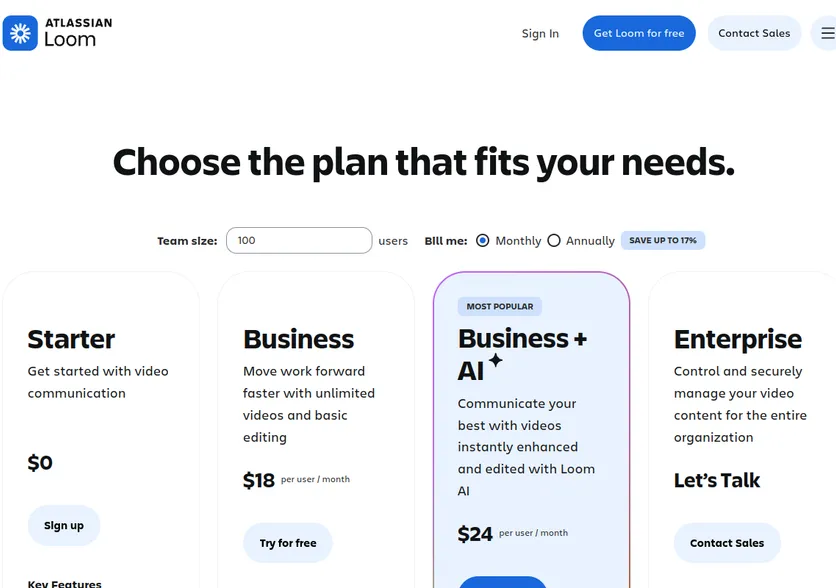
Paid tool Starting price: $12.50/user/month · Twelve dollars and fifty cents per user a month on Business billed annually, fifteen dollars billed monthly; Business plus AI is sixteen dollars a user a month billed annually; one November 2026 read lists Business at fifteen dollars a month billed annually, which does not match the majority; Starter is free for twenty-five videos of up to five minutes
Free plan: Free plan (25 videos, 5-minute limit)
For a support team that answers the same question ten times a day, this Loom plan costs twelve dollars and fifty cents per user a month billed annually and turns the answer into a video in minutes. The agent records screen, camera and voice, shares a link in the ticket, and sees who watched it. It suits a team that wants the fastest path from a question to a video answer.
What we like
- Record screen, camera and voice in one take
- Share a link in the ticket, no file upload
- See who watched the video and for how long
Watch out for
- The free plan caps videos at five minutes
- Business plus AI costs extra at sixteen dollars
How to try it
- Record the screen and voice while fixing the issue
- Share the link straight into the support ticket
- Check the views to see if the customer watched it
2. ScreenPal
Best for: Small teams that want recording plus editing cheap
Paid tool Starting price: $4/month · Four dollars a month on Solo Deluxe billed annually, forty-eight dollars a year; Solo Max is ten dollars a month billed annually; Team Business is eight dollars per user a month; a first-year promotion of thirty-six dollars for Deluxe and ninety dollars for Max runs until December 5 2026 and is NOT the list price
Free plan: Free plan (15-minute recordings, 10 hosted videos)
A support agent who needs recording plus light editing at the lowest price will find it here, since this ScreenPal plan costs four dollars a month on Solo Deluxe billed annually. Screen capture, webcam, annotations and a simple editor come together, and the free plan covers fifteen-minute recordings with ten hosted videos. It suits a small team that wants recording and editing without a big bill.

What we like
- Recording, webcam and editing in one cheap plan
- Free plan covers fifteen-minute recordings
- Host videos and share links from the same account
Watch out for
- The first-year promotion is often mistaken for the list price
- Team features need the eight-dollar Business plan
How to try it
- Record the screen and webcam together
- Trim the recording and add annotations
- Share the hosted link in the support ticket
3. Camtasia
Best for: Support teams that build a help video library
Paid tool Starting price: $179.88/year · One hundred and seventy-nine dollars and eighty-eight cents a year on Essentials, where watermark-free editing starts; Starter is thirty-nine dollars a year with a watermark; Create is two hundred and forty-nine dollars a year and Pro is five hundred and ninety-nine dollars; a business licence is one hundred and ninety-eight dollars per user a year; students pay forty-five dollars and educators one hundred and sixty-two dollars and thirty-six cents; an older four hundred and ninety-nine dollar Pro figure is stale
Free plan: No free plan; free trial
A support team that publishes polished how-to videos needs a real editor, and this Camtasia plan costs one hundred and seventy-nine dollars and eighty-eight cents a year on Essentials. The timeline editor, annotations, effects and quizzes turn a raw recording into a training video worth publishing. It suits a team that builds a help library, not just one-off replies.
What we like
- Full timeline editor with effects and quizzes
- Every Camtasia plan includes Snagit
- Exports clean video with no watermark on Essentials
Watch out for
- No free plan, only a trial before paying
- Heavier than the quick record-and-share tools
How to try it
- Record the screen and webcam for the tutorial
- Edit on the timeline and add callouts
- Export and publish to the help center
4. Zight
Best for: Support teams that live in tickets and screenshots
Paid tool Starting price: $7.95/user/month · Seven dollars and ninety-five cents per user a month on Pro billed annually, nine dollars and ninety-five cents billed monthly; Team is nine dollars a user a month and Business is fifteen dollars; one listing shows Pro at nine dollars and ninety-five cents billed annually, which conflicts with the direct vendor-page check; no free plan
Free plan: No free plan; free trial
A support agent who sends screenshots and short clips all day needs one tool for both, and this Zight plan costs seven dollars and ninety-five cents per user a month billed annually. Screen capture, GIFs, annotations and cloud links sit together, so a bug report takes seconds instead of minutes. It suits a team that lives in tickets and screenshots.
What we like
- Screenshots, GIFs and video in one tool
- Cloud links replace file attachments in tickets
- Annotations built in for pointing at the problem
Watch out for
- No free plan, only a trial before paying
- One listing shows a higher annual Pro price
How to try it
- Capture the screen or record a short clip
- Annotate the image to point at the problem
- Share the cloud link in the support ticket
5. Snagit
Best for: Support teams that answer with annotated screenshots
Paid tool Starting price: $39/year · Thirty-nine dollars per user a year on Individual; Business is forty-eight dollars per user a year with a transferable licence; students pay nineteen dollars and ninety-nine cents and educators thirty-nine dollars and thirty-six cents; renamed Camtasia Snagit in January 2026 and every Camtasia plan includes Snagit; subscription only for new buyers, the perpetual licence is retired; an older sixty-two-dollar-and-ninety-nine-cent listing is stale
Free plan: No free plan; free trial
A support agent who mostly answers with annotated screenshots needs a capture tool first, and this Snagit plan costs thirty-nine dollars per user a year on Individual. Capture, annotate, blur sensitive details and share in seconds, with video recording included for the times a still image is not enough. It suits a team that writes most replies with pictures, not video.
What we like
- Capture and annotate in seconds
- Blur sensitive details before sharing
- Video recording included for longer explanations
Watch out for
- Subscription only now, the perpetual licence is retired
- No cloud hosting for sharing links
How to try it
- Capture the screen region showing the problem
- Annotate and blur any sensitive details
- Paste the image straight into the ticket reply
6. Tella
Best for: Support teams that publish branded videos
Paid tool Starting price: $16/user/month · Sixteen dollars per user a month on Pro billed annually, nineteen dollars billed monthly; Premium is twenty-four dollars per user a month billed annually on the vendor site, though one listing shows forty-two dollars; four-K export is capped at five minutes on Pro; seven-day free trial, no free plan
Free plan: No free plan; 7-day free trial
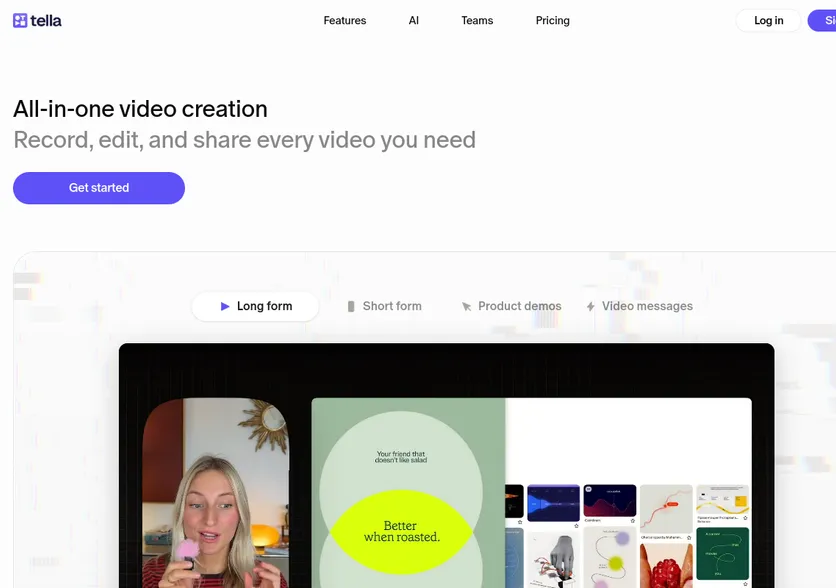
A support team that wants its videos to look branded rather than recorded will like the studio feel here, since this Tella plan costs sixteen dollars per user a month billed annually. Record in scenes, pick a layout, and the video comes out looking edited without an editor. It suits a team that publishes customer-facing videos and cares how they look.
What we like
- Record in scenes with layouts that look edited
- Browser-based, nothing to install
- Sharing links with viewer analytics built in
Watch out for
- Four-K export is capped at five minutes on Pro
- Premium price is listed differently in one source
How to try it
- Record the screen in scenes from the browser
- Pick a layout and trim the scenes
- Share the link in the ticket or help center
7. Screencastify
Best for: Support teams that work inside Chrome
Paid tool Starting price: $7/user/month · Seven dollars per user a month on Starter billed annually, eighteen dollars billed monthly; Pro is ten dollars per user a month billed annually and twenty-four dollars monthly; Enterprise and education plans are quoted; rebranded as Castify in March 2026 at castify.com, though screencastify.com still serves the product; one listing shows nineteen dollars and twenty-five dollars for the monthly rates
Free plan: Free plan (10 videos, 30 minutes each)
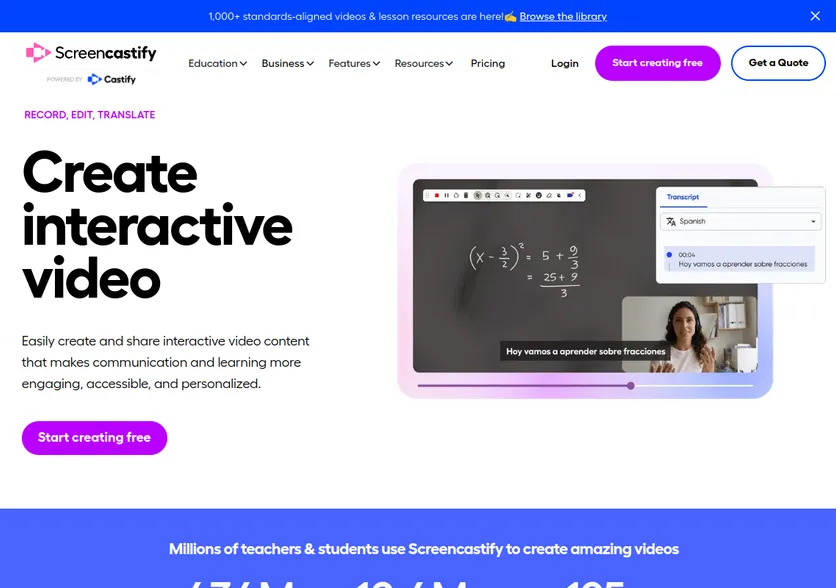
A support team that works inside Chrome will find the fastest recorder here, because this Screencastify plan costs seven dollars per user a month billed annually. The browser extension records the tab, the desktop or the webcam, then shares a link the customer opens without installing anything. It suits a team that answers tickets from Chrome all day.
What we like
- Browser extension records in one click
- Free plan covers ten videos of thirty minutes each
- Customers open the link with nothing to install
Watch out for
- Monthly rates are listed higher in one source
- Enterprise and education plans are quoted, not published
How to try it
- Click the extension and pick the tab or desktop
- Record the fix with voice narration
- Share the link straight into the support ticket
Prices above were checked on each vendor’s own website on Nov 28, 2026 and can change — the vendor’s page is the final word. Vendor links are editorial: nobody paid to be listed or ranked here. Vendors who want a featured listing can see how it works on our Get listed page.
How to turn a support recording into a solved ticket
Start with the problem, not the product, because a recording that opens on the error message is watched to the end while one that opens on a logo is closed. Keep the video under three minutes, narrate the clicks as you make them, and end with the exact next step the customer should take. Save the best recordings in the help center, since the video that solved one ticket will solve the next ten without an agent. Tag each video with the ticket number, so the next agent finds the right recording in seconds.
Before you buy
- Check whether the tool records screen, webcam and voice together in one take
- Confirm the customer can open the link with nothing to install
- Ask if the plan includes editing, or only raw recording
- Make sure the tool tracks views, so the team knows if the customer watched
- Test a full ticket reply with a real customer issue before paying
Official websites
Official websites of the products reviewed above. Features and prices were checked against these sites when this guide was written, and they can change, so confirm on the vendor site before you buy.
Frequently asked questions
What is screen recording software for customer support?
It is software that records the screen, voice and webcam so a support agent can show a fix instead of describing it in text. The tools in this list range from quick record-and-share apps like Loom and Screencastify to full editors like Camtasia. A good support recording is short, narrated and shared as a link inside the ticket, so the customer watches it without installing anything.
How much does screen recording software for customer support cost?
Prices in this list run from four dollars a month for ScreenPal to one hundred and seventy-nine dollars and eighty-eight cents a year for Camtasia, with most tools between seven and sixteen dollars per user a month. Per-user plans suit teams, while flat yearly plans suit a single agent building a help library. Free plans cover a solo agent well, and most paid plans start with a trial.
Can I record support videos for free?
Yes, with Loom, which offers a free plan for twenty-five videos of up to five minutes, and ScreenPal, which offers a free plan for fifteen-minute recordings with ten hosted videos. Screencastify also offers a free plan for ten videos of thirty minutes each. A solo agent can often run entirely on free plans and upgrade only when the team grows.
Which tool is best for quick ticket replies?
Loom is the best pick for quick ticket replies, at twelve dollars and fifty cents per user a month billed annually, because recording and sharing takes one click and the agent sees who watched. Zight is the better pick when the reply is mostly screenshots, and Screencastify wins for teams that work inside Chrome. Test the record-to-link flow on a real ticket before choosing.
Which tool is best for a support video library?
Camtasia is the best pick for a help video library, at one hundred and seventy-nine dollars and eighty-eight cents a year, because the timeline editor, effects and quizzes turn raw recordings into polished training videos. Tella suits a team that wants branded videos without an editor, and Loom covers the quick replies that never need editing. Most teams end up with Loom for replies and Camtasia for the library.
Compare the seven tools above, then start with a free plan or a free trial on the tool that matches how the support team answers tickets today before paying for a full year.
Browse Video Tools tools