On this page
Enterprise screen sharing is less about the call and more about the controls around it: who can join, what gets recorded and where the data lives. The eight tools below are the ones with published prices and enterprise features such as single sign-on, admin consoles and audit logs, led by Zoom Meetings at eighteen dollars and thirty-three cents per user a month. Prices run from eight dollars a user a month to fifty dollars, so compare the admin features beside the price before you commit.
How we researched this
We checked every price on the vendor pricing page on November 28, 2026, and only included tools with a published US dollar list price. Enterprise video platforms that sell by quote only, including the largest vendors with no public pricing, are not in this list. Prices change, so confirm the current figure on the vendor site before you buy.
Compare the tools
| Name | Best for | Starting price | Free plan | |
|---|---|---|---|---|
 Zoom Meetings | Enterprises that want one standard meeting app | $18.33/user/month | Free plan (40-minute group meetings) | Visit |
 Webex | Companies where compliance decides the purchase | $22.50/user/month | Free plan (40-minute meetings) | Visit |
 GoTo Meeting | Companies that train as much as they meet | $16/organizer/month | No free plan; 14-day free trial | Visit |
 Microsoft Teams | Microsoft shops that want one admin console | $8.55/user/month | Free plan (60-minute group meetings) | Visit |
 TeamViewer | Companies whose screen sharing is mostly support | $50.90/month | No free plan; 14-day free trial | Visit |
 AnyDesk | Companies that share screens to work, not just talk | $49.90/month | Free plan (personal use) | Visit |
 Splashtop | Companies that need enterprise controls cheaply | $8.25/user/month | No free plan; 7-day free trial | Visit |
 Mural | Companies that collaborate visually at scale | $17.99/member/month | Free plan (3 murals) | Visit |
The screen sharing software for enterprise, compared
1. Zoom Meetings
Best for: Enterprises that want one standard meeting app
Paid tool Starting price: $18.33/user/month · Eighteen dollars and thirty-three cents per user a month billed annually on Business (two hundred and nineteen dollars and ninety-six cents a year); twenty-one dollars and ninety-nine cents a month month to month; older listings show thirteen dollars and thirty-three cents, which no longer matches the vendor page
Free plan: Free plan (40-minute group meetings)
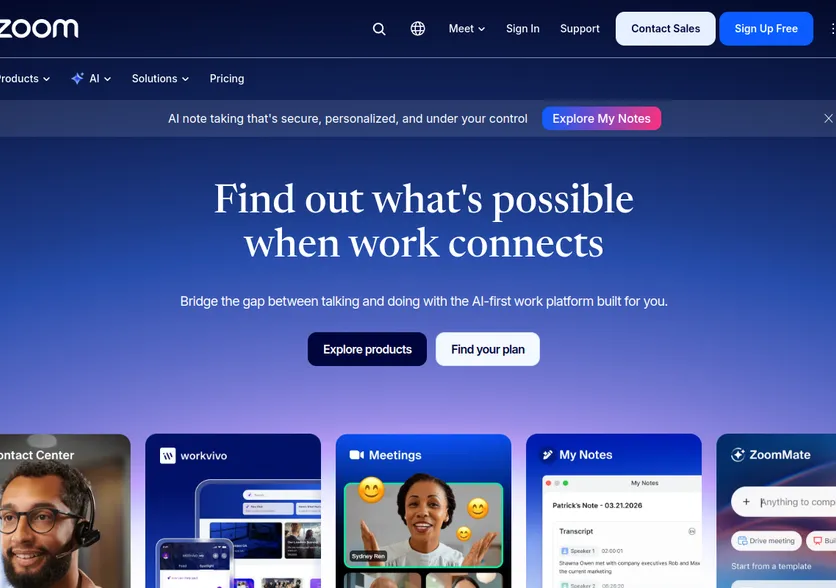
An enterprise that standardises on one meeting platform will find its home here, because this Zoom Meetings plan costs eighteen dollars and thirty-three cents per user a month billed annually, and it adds admin controls, single sign-on and a larger meeting capacity. Hosts can manage hundreds of meetings from one console, record to the cloud with retention rules, and lock rooms down to named attendees. It is the best overall enterprise pick for a company that wants one standard meeting app.
What we like
- Admin console manages licences and meetings company-wide
- Single sign-on and meeting locks for regulated teams
- Cloud recording with retention rules built in
Watch out for
- The Business price jumps from the cheaper Pro plan
- Add-ons for webinars and large meetings cost extra
How to try it
- Set up single sign-on and the admin console first
- Create meeting templates with the company security rules
- Train hosts on recording retention and meeting locks
2. Webex
Best for: Companies where compliance decides the purchase
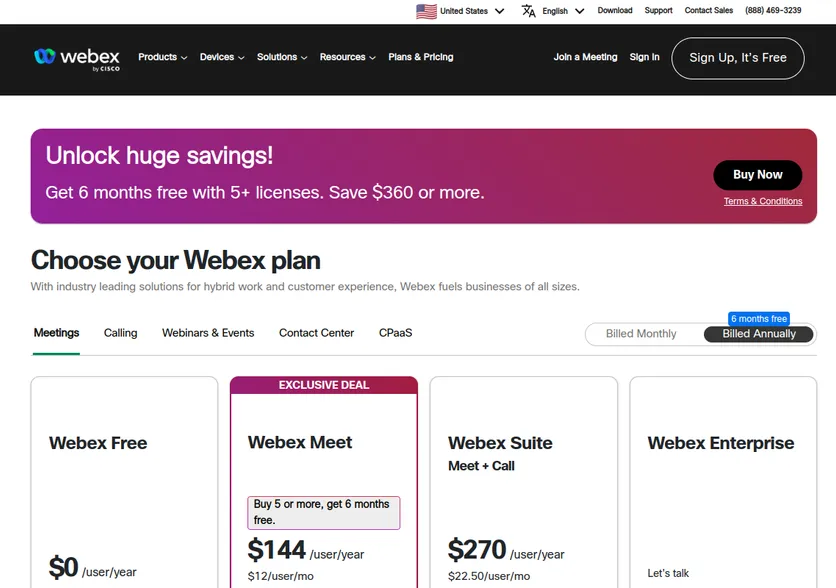
Paid tool Starting price: $22.50/user/month · Twenty-two dollars and fifty cents per user a month billed annually on Suite (two hundred and seventy dollars a year); twenty-five dollars a month month to month; Meet alone is twelve dollars a user a month billed annually; the vendor page shows monthly figures, so the annual figure is corroborated from secondary reads
Free plan: Free plan (40-minute meetings)
For a large organisation that needs meetings to meet strict compliance rules, this Webex plan costs twenty-two dollars and fifty cents per user a month billed annually and bundles calling, messaging and events beside meetings. The Suite adds end-to-end encryption options, data residency controls and detailed audit logs for every session. It is the strongest pick for a company where compliance decides the purchase.
What we like
- Calling, messaging, meetings and events in one Suite
- Data residency controls and detailed audit logs
- End-to-end encryption options for sensitive calls
Watch out for
- The Suite price is the highest of the meeting tools here
- The admin console takes time to learn properly
How to try it
- Set the data residency and encryption policies first
- Enrol users through single sign-on
- Schedule the first all-hands meeting and test recording
3. GoTo Meeting
Best for: Companies that train as much as they meet
Paid tool Starting price: $16/organizer/month · Sixteen dollars per organizer a month billed annually on Business (one hundred and ninety-two dollars a year); Professional is twelve dollars per organizer a month billed annually; no month-to-month price is published
Free plan: No free plan; 14-day free trial
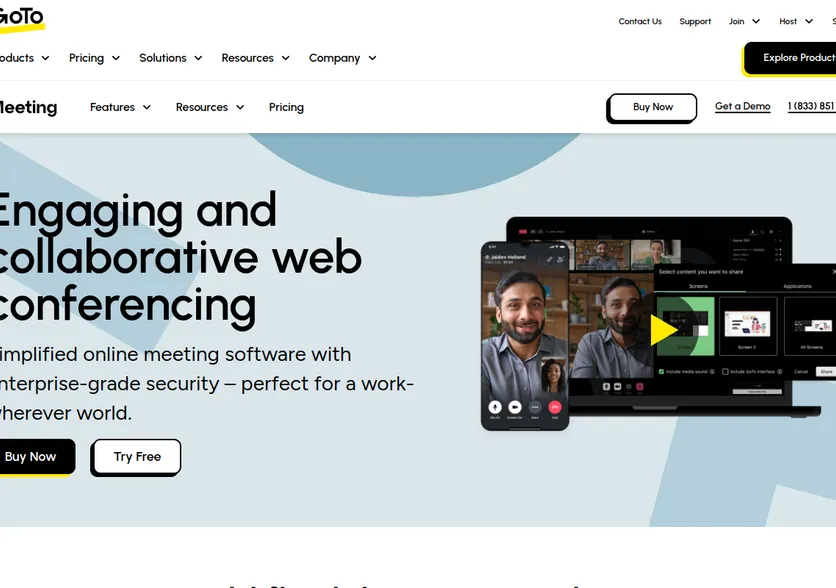
A company that runs training sessions and webinars beside meetings gets a broad suite here, since this GoTo Meeting plan costs sixteen dollars per organizer a month billed annually and adds drawing tools and cloud recording. Hosts can run sessions for up to two hundred and fifty attendees, and the recording library keeps every session on file. It is a solid mid-price pick for a company that trains as much as it meets.
What we like
- Sessions for up to two hundred and fifty attendees
- Cloud recording library keeps every session on file
- Drawing tools and presenter controls built in
Watch out for
- No free plan, only a fourteen-day trial
- Fewer enterprise admin features than Zoom or Webex
How to try it
- Create the training session and send the join link
- Share the screen and use drawing tools for emphasis
- Save the cloud recording to the session library
4. Microsoft Teams
Best for: Microsoft shops that want one admin console
Paid tool Starting price: $8.55/user/month · Eight dollars and fifty-five cents per user a month billed annually as a standalone licence; ten dollars and twenty-six cents a month month to month; some sources describe the same figure as the Enterprise E3 and E5 upcharge, so confirm the licence type at checkout
Free plan: Free plan (60-minute group meetings)
A business already deep in the Microsoft stack will save the most here, because this Microsoft Teams plan costs eight dollars and fifty-five cents per user a month billed annually as a standalone licence, and it plugs into the full Microsoft 365 admin console. Meetings, chat, files and compliance tools share one identity, one admin panel and one support contract. It is the cheapest enterprise meeting option in this list for a Microsoft shop.

What we like
- One identity and admin panel for the whole Microsoft stack
- Compliance and retention tools built into the suite
- Meetings, chat and files in a single app
Watch out for
- The standalone price is easy to confuse with the E3 upcharge
- The interface can feel heavy for simple meetings
How to try it
- Add the licence to the Microsoft 365 tenant
- Set the meeting and retention policies in the admin centre
- Train hosts on breakout rooms and recording rules
5. TeamViewer
Best for: Companies whose screen sharing is mostly support
Paid tool Starting price: $50.90/month · Fifty dollars and ninety cents a month billed annually on Business (six hundred and eleven dollars a year); Remote Access is twenty-four dollars and ninety cents a month; Premium listings disagree between one hundred and twelve dollars and ninety cents and one hundred and twenty dollars and ninety cents, so confirm at checkout
Free plan: No free plan; 14-day free trial
Remote support and screen sharing in one licence is the appeal here, as this TeamViewer plan costs fifty dollars and ninety cents a month billed annually and lets one licence cover remote control, meetings and file transfer. Support staff can take control of a remote machine, run a meeting and transfer files without switching tools. It is the best pick for a company whose screen sharing is mostly support.
What we like
- Remote control, meetings and file transfer in one licence
- Works across Windows, Mac, Linux and mobile
- Session recording and reporting for the support team
Watch out for
- Fifty dollars a month is steep for meetings alone
- The free version is for personal use only, not business
How to try it
- Install the client on the support machines
- Set up unattended access for the managed devices
- Run a support session and record it for the ticket
6. AnyDesk
Best for: Companies that share screens to work, not just talk
Paid tool Starting price: $49.90/month · Forty-nine dollars and ninety cents a month billed annually on Standard; Solo lists at twenty-eight dollars and ninety cents a month billed annually, with a twenty-three dollars and twelve cents first-year promotion that is not the list price; Advanced is one hundred and eleven dollars and ninety cents a month; some reads show Solo at fourteen dollars and ninety cents, which appears to be a promotion
Free plan: Free plan (personal use)
A firm that values low-latency remote access over meeting extras should look here, because this AnyDesk plan costs forty-nine dollars and ninety cents a month billed annually and delivers fast connections even on weak networks. The lightweight client starts in seconds, and the remote session feels responsive enough for design and CAD work. It is the best pick for a company that shares screens to work, not just to talk.
What we like
- Low-latency connections that feel responsive on weak networks
- Lightweight client that starts in seconds
- Unlimited devices on the Standard plan
Watch out for
- Meeting features are thinner than Zoom or Webex
- The Solo price is often confused with a first-year promotion
How to try it
- Install the lightweight client on team machines
- Set up unattended access with a strong password
- Start a session and share the screen with the remote user
7. Splashtop
Best for: Companies that need enterprise controls cheaply
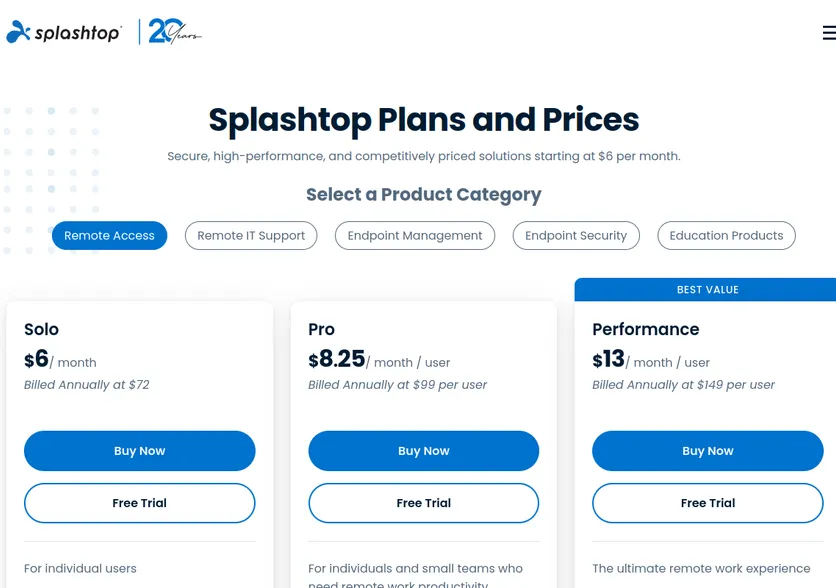
Paid tool Starting price: $8.25/user/month · Eight dollars and twenty-five cents per user a month billed annually on Business Access Pro (ninety-nine dollars a year); Solo is five dollars a month billed annually; one source lists Solo at six dollars a month, so confirm at checkout
Free plan: No free plan; 7-day free trial
The cheapest enterprise-grade option in this list sits here, since this Splashtop plan costs eight dollars and twenty-five cents per user a month billed annually and covers remote access with strong session controls. Admins can set access hours, require two-factor login and record sessions for audit. It is the best value pick for a company that needs enterprise controls on a tight budget.
What we like
- Session controls with access hours and two-factor login
- Remote access to office machines from anywhere
- Audit logs for every remote session
Watch out for
- No free plan, only a seven-day trial
- Meeting features are limited beside Zoom or Webex
How to try it
- Install the streamer on the office machines
- Set the access hours and two-factor login rules
- Test a remote session from outside the office
8. Mural
Best for: Companies that collaborate visually at scale
Paid tool Starting price: $17.99/member/month · Seventeen dollars and ninety-nine cents per member a month billed annually on Business; Team Plus is nine dollars and ninety-nine cents a member a month billed annually; no month-to-month option is shown
Free plan: Free plan (3 murals)
Visual collaboration at enterprise scale is the focus here, because this Mural plan costs seventeen dollars and ninety-nine cents per member a month billed annually and adds single sign-on, data residency and unlimited rooms. Large teams can run workshops, planning sessions and design reviews on shared canvases with enterprise controls behind them. It is the best pick for a company that collaborates visually at scale.
What we like
- Single sign-on and data residency for enterprise teams
- Unlimited rooms for workshops and planning
- Templates for every kind of team session
Watch out for
- The Business price is high for a whiteboard tool
- No month-to-month option is shown on the pricing page
How to try it
- Set up single sign-on for the team
- Create a room from a workshop template
- Invite the team and run the session on the canvas
Prices above were checked on each vendor’s own website on Nov 28, 2026 and can change — the vendor’s page is the final word. Vendor links are editorial: nobody paid to be listed or ranked here. Vendors who want a featured listing can see how it works on our Get listed page.
How to roll out enterprise screen sharing without losing control
Start with the admin console, not the meeting room: set single sign-on, meeting locks and recording rules before the first all-hands call. Pilot with one department for a month and measure what matters, such as join failures, support tickets and recording use, before rolling out company-wide. Train the hosts, because most enterprise meeting problems come from a host who never learned the controls. Keep the data residency and retention settings in writing, and check them against the legal team requirements twice a year. Finally, pick one tool as the standard and retire the rest, since three meeting apps in one company means three sets of licences and three support queues.
Before you buy
- Confirm single sign-on and admin controls are included at the quoted price, not an add-on
- Check where recordings and meeting data are stored and how long they are kept
- Ask whether the plan covers the meeting size and participant limits the company needs
- Make sure support covers the hours the company actually meets, including evenings
- Test the tool on the company network and devices before signing a yearly contract
Official websites
Official websites of the products reviewed above. Features and prices were checked against these sites when this guide was written, and they can change, so confirm on the vendor site before you buy.
Frequently asked questions
What is the best screen sharing software for enterprise?
Zoom Meetings Business leads this list because it pairs reliable screen sharing with an admin console, single sign-on and cloud recording for eighteen dollars and thirty-three cents per user a month billed annually. Webex Suite is the better pick for regulated teams, since it adds data residency controls and audit logs. Splashtop is the best value, at eight dollars and twenty-five cents per user a month with enterprise session controls.
How much does enterprise screen sharing software cost?
Prices in this list run from eight dollars and twenty-five cents per user a month for Splashtop to fifty dollars and ninety cents a month for TeamViewer Business, all billed annually. Most tools also offer a free plan or a free trial, so a company can test the admin controls before signing. The dearest options here are still cheaper than the quote-only enterprise platforms.
Do enterprise screen sharing tools offer free plans?
Yes, with Zoom, Webex, Microsoft Teams, AnyDesk, Splashtop and Mural, which all offer free plans or free trials. The free tiers cap meeting length, board counts or user numbers, so a large company will outgrow them, but they are enough to test the tool with one team. TeamViewer and GoTo Meeting offer trials only, with no free plan for business use.
What enterprise features matter most in screen sharing software?
Single sign-on, an admin console and audit logs matter most, because they decide who can join, what gets recorded and who can prove it later. Data residency and retention rules matter next, especially for regulated industries. Meeting size limits and support hours round out the list, since a tool that cannot hold the all-hands call or answer support at night is a poor fit.
Can I use Splashtop instead of Zoom for enterprise meetings?
Splashtop works well for remote access and small meetings, but it is a remote access tool first and a meeting tool second. A company that mainly needs staff to reach office machines will find it excellent value at eight dollars and twenty-five cents per user a month. A company that runs large meetings and webinars should keep Zoom or Webex as the meeting standard.
Compare the eight tools above, then start with a free trial on the tool that matches the company admin and compliance needs before signing a yearly contract.
Browse Business Tools tools