On this page
A startup that sells its people's time needs to know who is free next week before it promises a client anything. The best simple resource planning software for a startup shows the whole team on one clear timeline, warns before anyone is double-booked, and costs little enough that a young firm can afford it. We compared eight tools on price, free plans, scheduling views and forecasting. Float came out first for the clearest schedule, with Resource Guru and Runn close behind for teams that want a simple calendar or a real forecast. Here is the full comparison.
How we researched this
We checked each vendor's own pricing page in November 2026 and took the entry paid plan as the headline price, with monthly figures noted beside annual billing. We weighed the clarity of the schedule view, whether the tool warns about overbooking, and whether the price stays fair for a small team. Tools with no published price were left out, and every price below comes from the vendor's own site.
Compare the tools
| Name | Best for | Starting price | Free plan | |
|---|---|---|---|---|
 Float | Startups that need a clear team schedule | $7/user/month | No free plan; 14-day free trial | Visit |
 Resource Guru | Startups that want a simple booking calendar | $5/user/month | No free plan; 30-day free trial | Visit |
 Runn | Startups that plan by capacity and forecast | $7/user/month | No free plan; 14-day free trial | Visit |
| Teamdeck | Startups that need scheduling at the lowest price | $1.80/user/month | No free plan; 14-day free trial | Visit |
 Productive | Startups that plan people and profit together | $10/user/month | No free plan; 14-day free trial | Visit |
 Scoro | Startups that want planning inside a full system | $26/user/month | No free plan; 14-day free trial | Visit |
 BigTime | Startups whose staffing plan is a billing plan | $20/user/month | No free plan; free trial | Visit |
| monday.com | Startups that already run work on boards | $9/seat/month | Free plan (up to 2 seats) | Visit |
The 8 simple resource planning tools for startups, compared
1. Float
Best for: Startups that need a clear team schedule
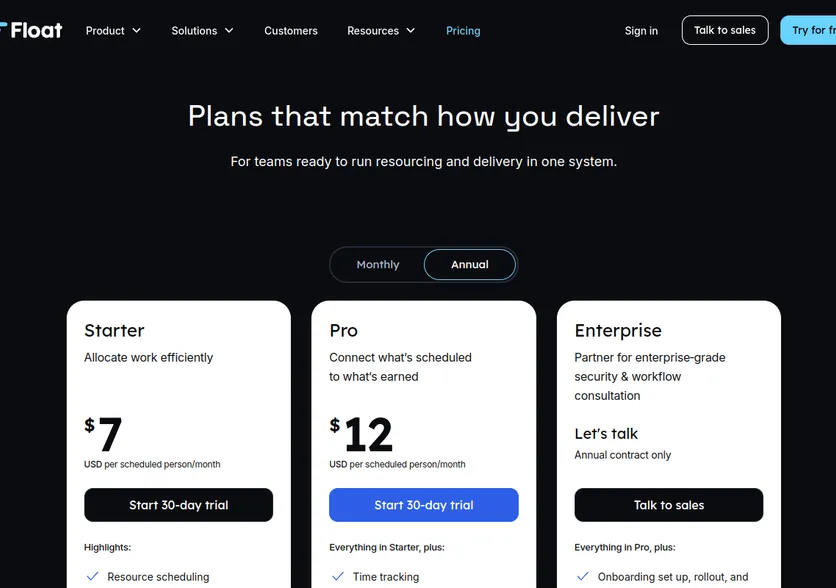
Paid tool Starting price: $7/user/month · Seven dollars per scheduled person a month on Starter billed annually (eight dollars and fifty cents billed monthly); Pro is twelve dollars billed annually; Enterprise is quoted; only scheduled people are billed
Free plan: No free plan; 14-day free trial
A startup that lives or dies by who is free next week will find this Float plan costs seven dollars per scheduled person a month billed annually, and it shows the whole team on one clear timeline. Its drag-and-drop scheduling and capacity warnings stop double-booking before it happens, and only scheduled people are billed, so a bench of idle staff costs nothing. It is the clearest scheduling view in this list for a small team.
What we like
- One clear timeline for the whole team
- Capacity warnings stop double-booking
- Only scheduled people are billed
Watch out for
- No free plan, only a fourteen-day trial
- No built-in time tracking or invoicing
How to try it
- Add the team and their roles
- Drag tasks onto the timeline for next week
- Check capacity warnings before confirming the plan
2. Resource Guru
Best for: Startups that want a simple booking calendar
Paid tool Starting price: $5/user/month · Five dollars per person a month on Grasshopper billed annually (six dollars billed monthly); Blackbelt is eight dollars and Master is twelve dollars billed annually; non-human resources are billed at half rate; new pricing took effect on July 1, 2026
Free plan: No free plan; 30-day free trial
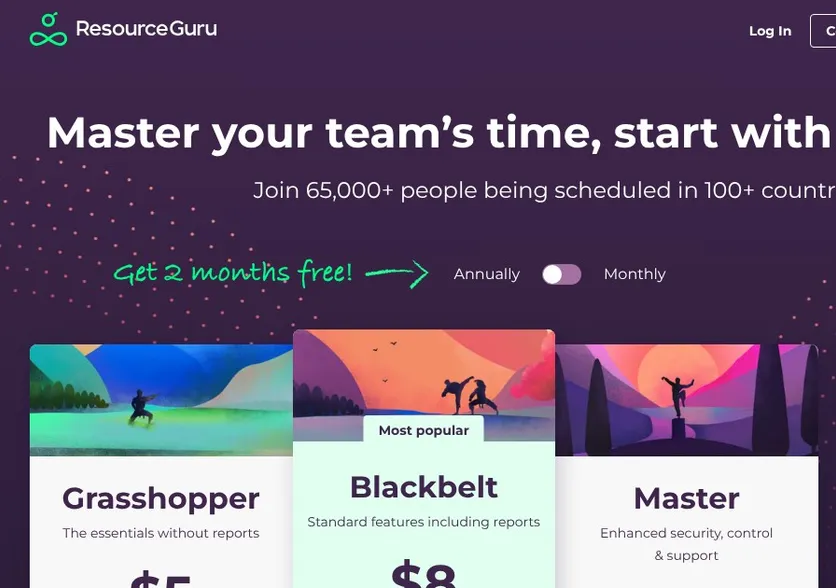
A startup that wants scheduling without a manual will like this Resource Guru plan, which costs five dollars per person a month billed annually. Its simple calendar shows who is booked, who is on leave and what equipment is free, and non-human resources are billed at half rate. It is the simplest resource calendar in this list, and the one a team can learn in an afternoon.
What we like
- Simple calendar for people and equipment
- Leave and bookings in the same view
- Non-human resources at half rate
Watch out for
- No project budgets or invoicing
- Reporting is basic next to full PSA tools
How to try it
- Add the team and the shared equipment
- Book people onto the next project
- Check the calendar for clashes and leave
3. Runn
Best for: Startups that plan by capacity and forecast
Paid tool Starting price: $7/user/month · Seven dollars per resource seat a month on Lite billed annually (nine dollars billed monthly); Standard is eleven dollars billed annually; a twenty-seat minimum applies, so the Lite floor is one hundred and forty dollars a month; Advanced is quoted
Free plan: No free plan; 14-day free trial
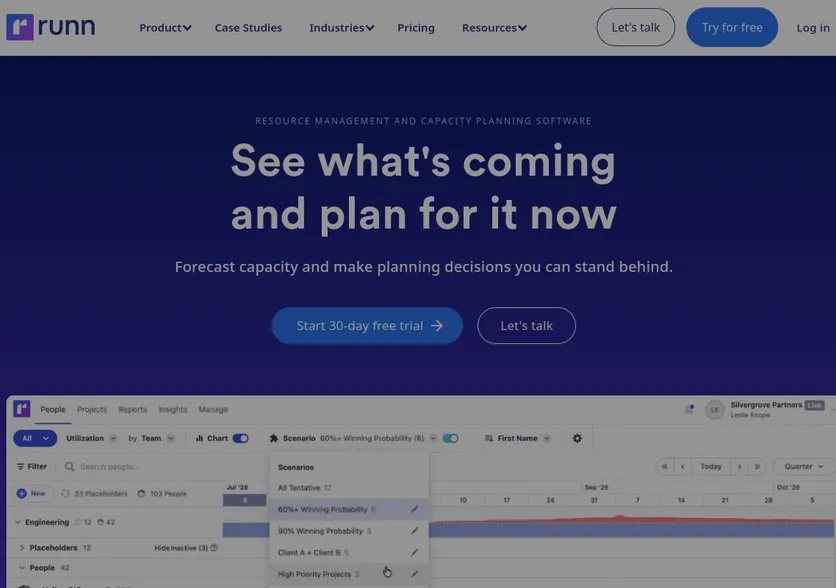
A startup that plans by capacity rather than by gut feel will find this Runn plan costs seven dollars per resource seat a month billed annually, and it pairs a visual schedule with forecasts that show when the team runs out of hours. Its project planner links people, budgets and timelines, and the fourteen-day trial lets a team test it on a real pipeline. It is the best forecasting option here for a startup that sells its people's time.
What we like
- Visual schedule with capacity forecasts
- People, budgets and timelines linked
- Shows when the team runs out of hours
Watch out for
- Twenty-seat minimum, so the floor is high for a tiny team
- No free plan, only a fourteen-day trial
How to try it
- Add the team with their weekly capacity
- Schedule the next project on the planner
- Read the forecast to see the crunch weeks
4. Teamdeck
Best for: Startups that need scheduling at the lowest price
Paid tool Starting price: $1.80/user/month · One dollar and eighty cents per person a month on Light Member billed annually (two dollars billed monthly) for calendar and reports only; Full Member is five dollars and forty cents billed annually (six dollars billed monthly) with full app access, timesheets and leave; Enterprise is custom
Free plan: No free plan; 14-day free trial
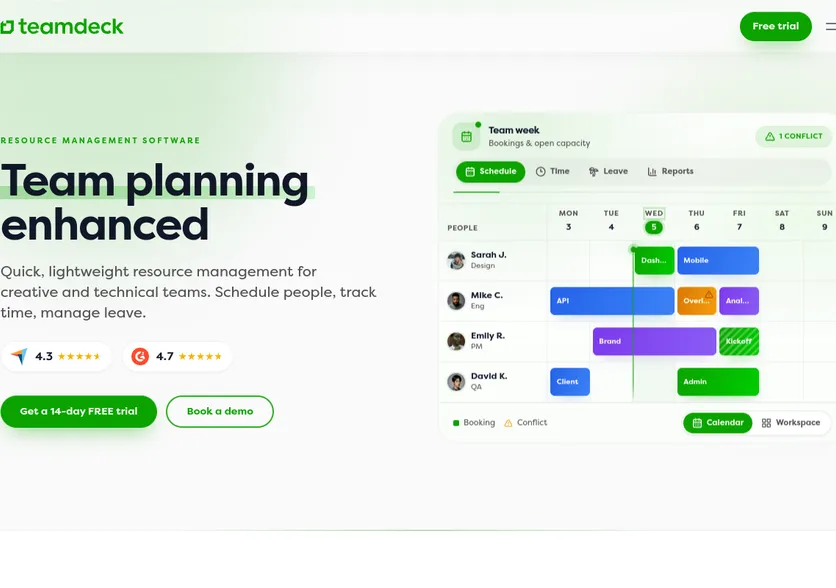
A startup counting every dollar will notice this Teamdeck plan, which costs one dollar and eighty cents per person a month billed annually for the Light Member tier. Its calendar and reports show who is booked and who is free, and the Full Member tier adds timesheets and leave for five dollars and forty cents. It is the cheapest resource planner in this list, and the simplest to start with.
What we like
- Cheapest entry price in this list
- Calendar and reports on the light tier
- Timesheets and leave on the full tier
Watch out for
- Light members cannot log in to the app
- No built-in invoicing or budgets
How to try it
- Add the team to the calendar
- Book members onto the next project
- Check the reports for spare capacity
5. Productive
Best for: Startups that plan people and profit together
Paid tool Starting price: $10/user/month · Ten dollars per user a month on Essential billed annually (twelve dollars billed monthly); Professional is twenty-five dollars billed annually; Ultimate is quoted; a three-seat minimum applies
Free plan: No free plan; 14-day free trial
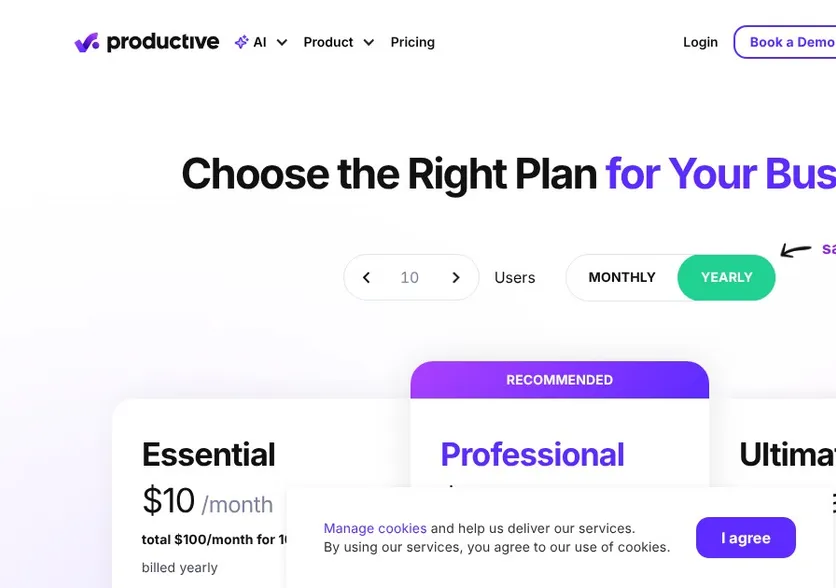
A startup that wants resourcing beside its project finances will find this Productive plan costs ten dollars per user a month billed annually. Its capacity planner sits next to budgets and the sales pipeline, so a team can see both who is free and whether the work pays, and the fourteen-day trial covers a real client project. It is the best pick here for a startup that plans people and profit together.
What we like
- Capacity planner beside budgets and pipeline
- Shows margin as well as availability
- Clean interface for agency-style teams
Watch out for
- Three-seat minimum, so solo founders pay extra
- No free plan, only a fourteen-day trial
How to try it
- Set up the first project with a budget
- Assign the team in the capacity planner
- Review utilisation and margin together
6. Scoro
Best for: Startups that want planning inside a full system
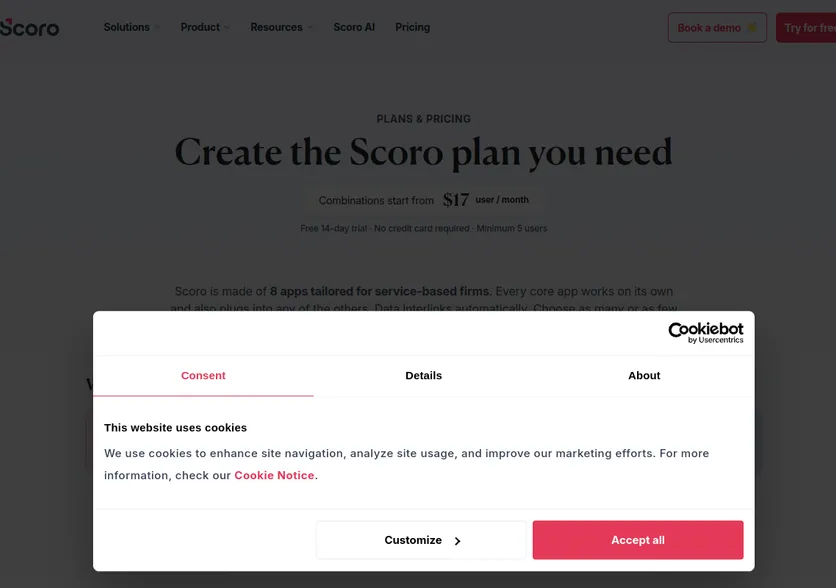
Paid tool Starting price: $26/user/month · Twenty-six dollars per user a month on Essential billed annually; Standard is thirty-seven dollars and Pro is sixty-three dollars billed annually, with a five-user minimum. Note: older reads list nineteen dollars and ninety cents, thirty-three dollars and ninety cents and fifty-five dollars and ninety cents, and the settled programme figure was twenty-nine dollar bundles; the November 2026 vendor-site reads agree on twenty-six, thirty-seven and sixty-three dollars. Reports of a new modular build-your-own plan from seventeen dollars a user a month could not be confirmed as list pricing
Free plan: No free plan; 14-day free trial
A startup that wants its resource plan inside a full business system will find this Scoro plan costs twenty-six dollars per user a month billed annually. Its utilisation reports and project budgets show whether the team is overbooked or underused, and the fourteen-day trial lets a young firm test it on live client work. It is the most complete option here for a startup that wants planning, sales and billing in one place.
What we like
- Utilisation reports beside budgets
- Sales, delivery and billing in one place
- Shows overbooked and underused people
Watch out for
- Five-user minimum makes it dear for a tiny team
- Setup takes real effort before it pays off
How to try it
- Add the team with their roles and rates
- Plan the next project against capacity
- Check utilisation to balance the workload
7. BigTime
Best for: Startups whose staffing plan is a billing plan
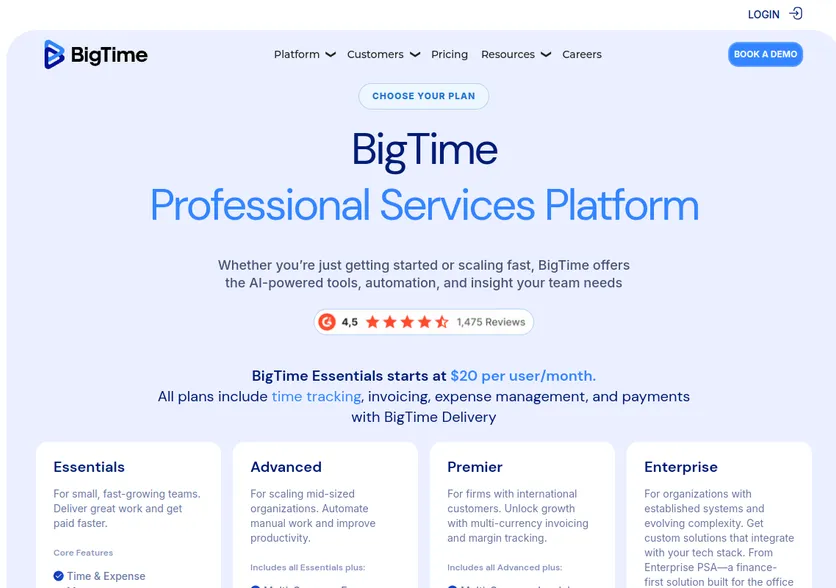
Paid tool Starting price: $20/user/month · Twenty dollars per user a month on Essentials; Advanced is thirty-five dollars and Premier is forty-five dollars; Foresight is quoted. Note: sources disagree on whether the list prices are billed monthly or annually, so the billing basis is not stated here
Free plan: No free plan; free trial
A startup that bills by the hour needs its resource plan to respect the budget, and this BigTime plan costs twenty dollars per user a month. Its time tracking and project budgets show the cost of every booked hour, and its expense capture keeps receipts beside the work they belong to. It is the best pick here for a startup whose staffing plan is really a billing plan.
What we like
- Tracked hours tied to project budgets
- Expense capture beside the work
- DCAA-compliant tracking for government clients
Watch out for
- No free plan, only a free trial
- Scheduling views are thinner than Float or Runn
How to try it
- Set up the first project with its budget
- Assign the team and track their hours
- Compare booked hours against the budget
8. monday.com
Best for: Startups that already run work on boards
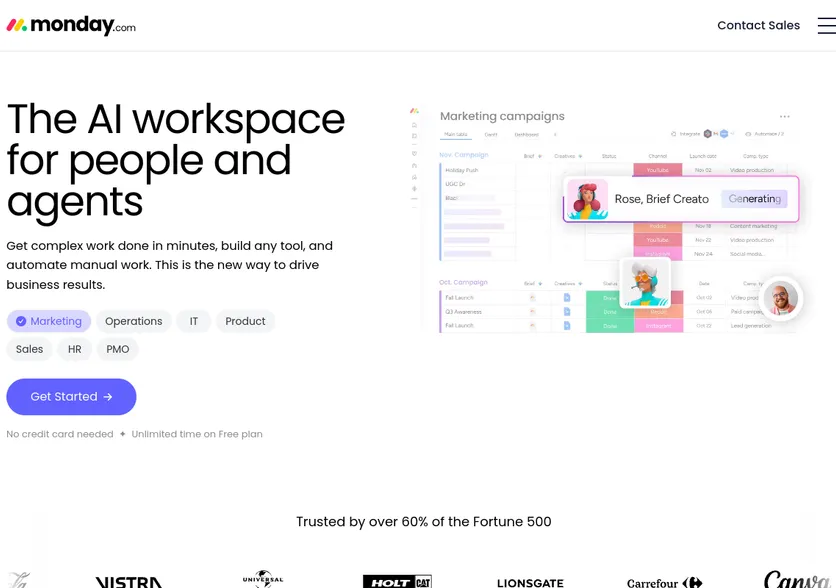
Paid tool Starting price: $9/seat/month · Nine dollars per seat a month on Basic billed annually (twelve dollars billed monthly); Standard is twelve dollars and Pro is nineteen dollars billed annually; a three-seat minimum applies and the free plan covers up to two seats. Note: one third-party read from November 18 lists Standard at fourteen dollars and Pro at twenty-two dollars; the majority of November reads agree on twelve and nineteen dollars
Free plan: Free plan (up to 2 seats)
A startup that already runs its work on colourful boards can plan its people there too, since this monday.com plan costs nine dollars per seat a month billed annually. Its workload view shows who is overloaded and who has room, and its automations nudge owners when a date slips. It is the easiest option here for a team that wants resource planning without learning a second tool.
What we like
- Workload view shows overloaded people
- Planning lives beside the task boards
- Automations nudge owners on slipping dates
Watch out for
- Three-seat minimum, so a duo pays for an unused seat
- Resource features are lighter than dedicated planners
How to try it
- Add the team to a workload board
- Assign tasks with time estimates
- Check the workload view each week
Prices above were checked on each vendor’s own website on Nov 28, 2026 and can change — the vendor’s page is the final word. Vendor links are editorial: nobody paid to be listed or ranked here. Vendors who want a featured listing can see how it works on our Get listed page.
How to pick the right resource planner for your startup
Start with who you actually schedule. A startup that books only its own people needs a simple timeline like Float or Resource Guru, while a firm that also books rooms and equipment needs the non-human resources that Resource Guru and Teamdeck handle. Next, check the minimums. Runn has a twenty-seat minimum, so a tiny team pays for seats it does not use, while Teamdeck charges from one dollar and eighty cents a person and suits a team counting every dollar. Finally, decide whether you need forecasting. A team that sells its time by the week can live with a calendar, but a team that promises clients months ahead needs the capacity forecasts that Runn and Scoro provide.
Before you buy
- Check the seat minimum before you sign up, because a twenty-seat floor is dear for a tiny team.
- Decide whether you need forecasting, since a simple calendar suits weekly planning but not promises months ahead.
- Test the tool on next week's real schedule, not on a demo.
- Confirm the annual price, because the monthly figure is always higher and the headline rarely says so.
- Make sure leave and holidays are in the same view, or the schedule will keep overpromising.
Official websites
Official websites of the products reviewed above. Features and prices were checked against these sites when this guide was written, and they can change, so confirm on the vendor site before you buy.
Frequently asked questions
What is the cheapest resource planning software for a startup?
Teamdeck is the cheapest in this list at one dollar and eighty cents per person a month billed annually on the Light Member tier. Resource Guru is next at five dollars per person a month, with non-human resources at half rate. Float is dearer at seven dollars per scheduled person a month, but only scheduled people are billed, so a bench of idle staff costs nothing.
Is there a free resource planning tool for startups?
None of the eight tools in this list offers a free plan, though most offer a fourteen-day trial. Teamdeck, Float, Runn, Productive, Scoro and BigTime all run a free trial, while monday.com and Resource Guru offer free tiers on their wider platforms. The cheapest way to start is a trial on the tool that fits best, then a paid plan once the schedule is live.
What is the difference between resource planning and project management software?
Project management software tracks tasks, owners and deadlines. Resource planning software tracks people, showing who is booked, who is free and who is overloaded, so a firm does not promise work it cannot deliver. A startup that sells its people's time needs both, which is why tools like Productive and Scoro combine them in one place.
Should a startup pay monthly or annually for resource planning?
Annual billing is cheaper on every tool in this list, usually by around twenty percent, so it pays off once the firm is settled. Monthly billing costs more but lets a startup leave after a month if the tool does not fit. The safe route is to use the trial first, then pay monthly for a month or two, and switch to annual billing once the team plans in the tool every week.
Which resource planning tool is best for a startup that sells its time?
Float is the best fit for most startups, because its clear timeline and capacity warnings stop double-booking, and only scheduled people are billed. Runn is stronger for forecasting, showing when the team runs out of hours months ahead. A startup on a tight budget should start with Teamdeck, which costs a fraction of the others and still shows who is free.
Try Float free for fourteen days on next week's real schedule, or compare the other tools in this list to find the planner that fits how your startup works.
Browse Business Tools tools