On this page
Analytics queries can scan terabytes in seconds, so the database bill depends on how much data each query touches, not just how much is stored. The nine tools below charge in different ways, from per-terabyte scanning to per-hour compute, and the cheapest for one workload can be the dearest for another. Google BigQuery leads because its six dollars and twenty-five cents per tebibyte scanned, with the first tebibyte free each month, suits teams that query in bursts, and the rest are ranked on how much analysis they deliver for the price.
How we researched this
We checked every price on the vendor pricing page on November 28, 2026, and only included tools with a published US dollar list price. The big analytics platforms that sell by quote, including Snowflake, Databricks SQL, Dremio Cloud and Teradata Vantage, publish no flat rate, so they are not in this list. Prices change, so confirm the current figure on the vendor site before you buy.
Compare the tools
| Name | Best for | Starting price | Free plan | |
|---|---|---|---|---|
| Google BigQuery | Teams that query in bursts and hate idle servers | $6.25 per TiB scanned | Free plan (1 TiB free a month) | Visit |
| ClickHouse Cloud | Teams that run heavy analytical queries all day | $0.2181 per unit-hour | $300 trial credits (30 days) | Visit |
 MotherDuck | Small teams that already use DuckDB | $250/org/month | Free plan (3 users, 10 GB) | Visit |
| Tiger Cloud | Teams that analyse time-series data | $30/month | 30-day trial (up to $1,000 credits) | Visit |
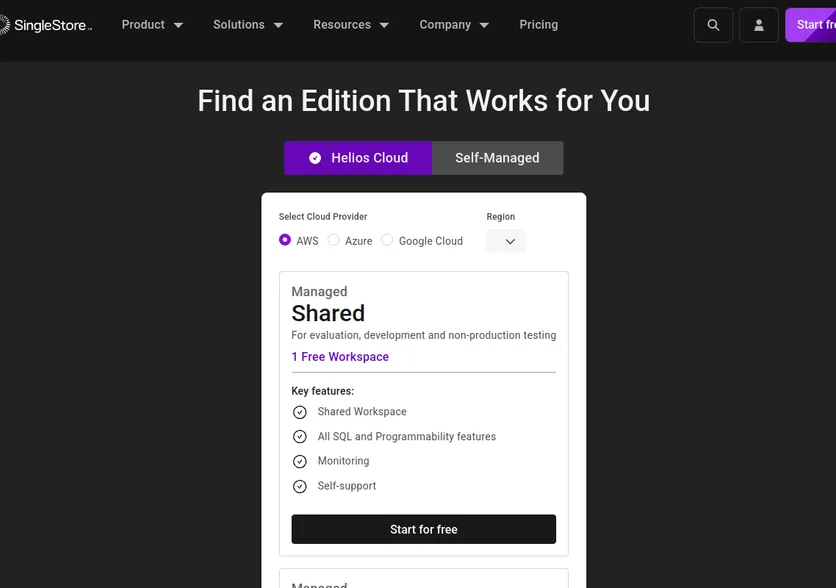
 SingleStore Helios | Teams that need analytics and transactions together | $3.96/credit | Free Shared workspace; $500 credits | Visit |
| Amazon Redshift Serverless | Teams already running on AWS | $0.375/RPU-hour | $300 trial credit (90 days) | Visit |
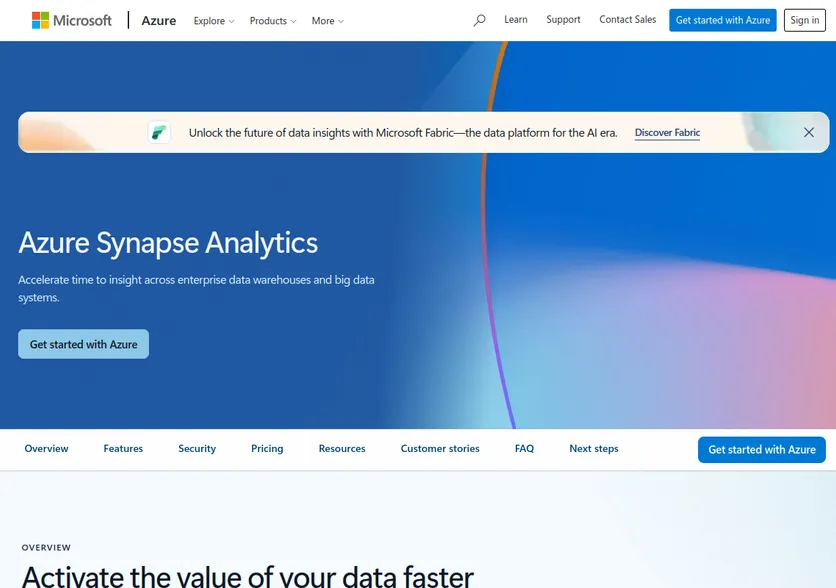
| Azure Synapse Analytics | Teams already running on Microsoft tools | $5 per TB processed | No free plan; pay as you go | Visit |
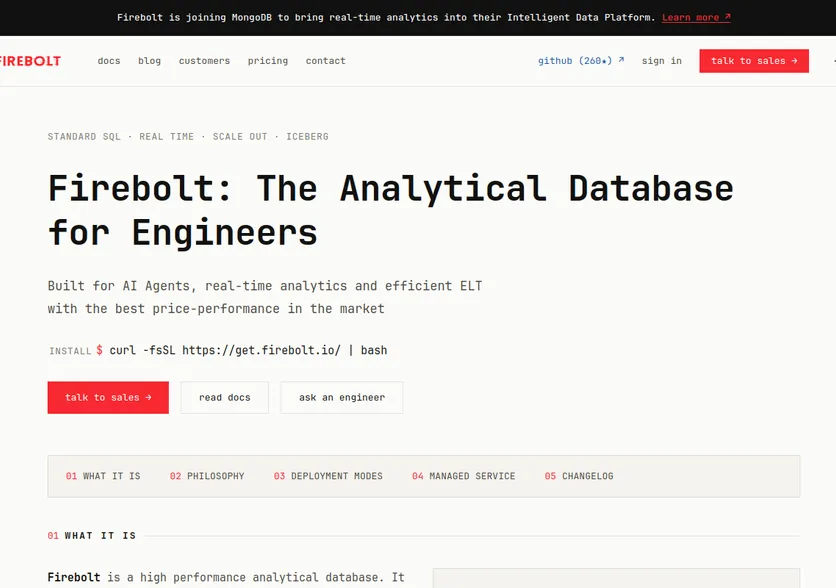
 Firebolt | Teams that repeat the same analytical queries | $0.23/FBU-hour | $200 trial credit (30 days) | Visit |
| Starburst Galaxy | Teams that query data across many sources | $0.50/credit | Free tier (up to 3 clusters) | Visit |
The software database for data analytics, compared
1. Google BigQuery
Best for: Teams that query in bursts and hate idle servers
Paid tool Starting price: $6.25 per TiB scanned · Six dollars and twenty-five cents per tebibyte scanned on demand, with the first tebibyte a month free; storage is billed separately; Editions Standard is four cents per slot-hour, Enterprise is six cents and Enterprise Plus is ten cents pay as you go
Free plan: Free plan (1 TiB free a month)
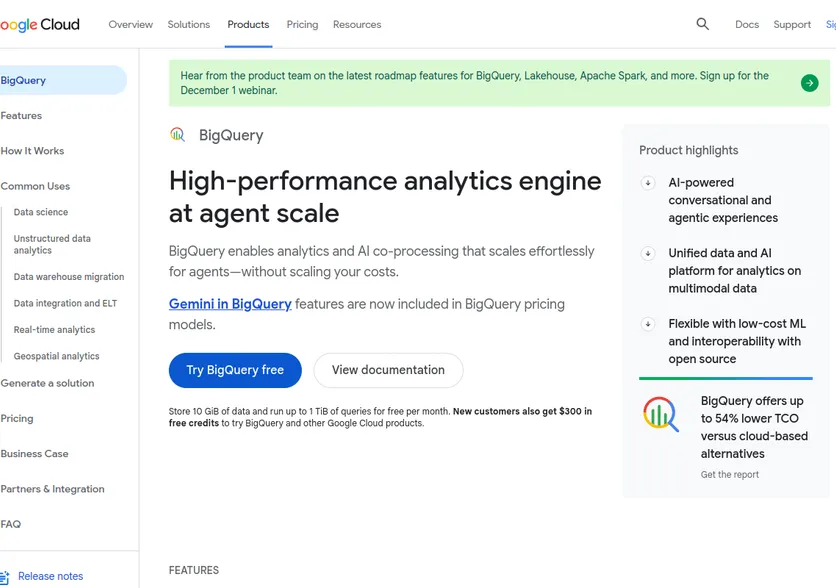
A team that queries in bursts and hates paying for idle servers will like the model here, since this Google BigQuery plan costs six dollars and twenty-five cents per tebibyte scanned. There are no servers to manage or scale, and it grows to petabytes without rework, which suits teams whose data keeps growing. It is the best pay-as-you-go analytics database here for a team that queries in bursts.
What we like
- First tebibyte a month is free
- No servers to manage or scale
- Scales to petabytes without rework
Watch out for
- A careless query can scan far more than expected
- Storage is billed on top of the query price
How to try it
- Create a project and load the first dataset
- Run a query and check the bytes scanned
- Set a cost control before sharing access
2. ClickHouse Cloud
Best for: Teams that run heavy analytical queries all day
Paid tool Starting price: $0.2181 per unit-hour · About twenty-two cents per unit-hour on Basic in the US East region; Scale is about thirty cents and Enterprise is about thirty-nine cents; one unit is eight gibibytes of RAM and two virtual CPUs; storage is billed per terabyte-month extra; the widely quoted five point six cents figure is the rate for ClickHouse Managed Postgres, not the analytics database
Free plan: $300 trial credits (30 days)
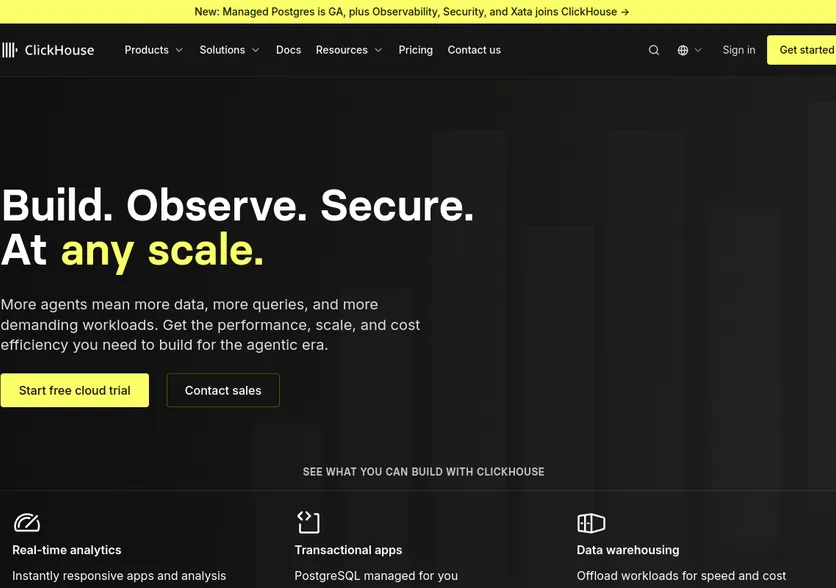
A team that runs heavy analytical queries all day will find the speed here, since this ClickHouse Cloud plan costs about twenty-two cents per unit-hour on Basic. It scans huge tables fast in familiar SQL, and it scales from a small service to a full cluster without changing the query language. It is the fastest analytics database here for a team that lives in its dashboards.
What we like
- Very fast scans across huge tables
- Familiar SQL with no new language
- Scales from a small service to a cluster
Watch out for
- The unit-hour model needs care to forecast
- The cheapest quoted rate online is for a different product
How to try it
- Create a service and pick the Basic tier
- Load a sample table and run a test query
- Check the unit usage before scaling up
3. MotherDuck
Best for: Small teams that already use DuckDB
Paid tool Starting price: $250/org/month · Two hundred and fifty dollars per organization a month for Business plus usage; Pulse compute is sixty cents per CU-hour and Standard is two dollars and forty cents an hour; storage is four cents per gigabyte-month; the free Lite plan covers three users, ten gigabytes and ten CU-hours a month with a seven-day Business trial
Free plan: Free plan (3 users, 10 GB)
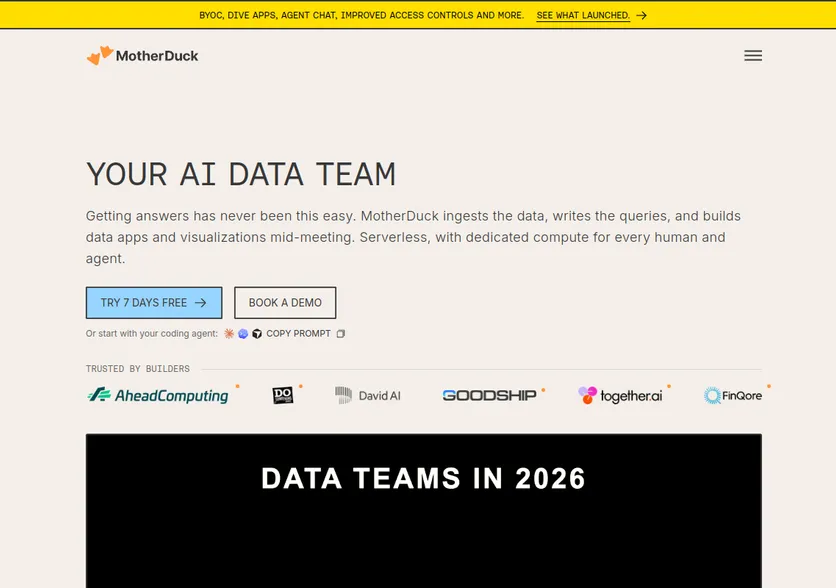
A small team that already uses DuckDB will feel at home here, since this MotherDuck plan costs two hundred and fifty dollars per organization a month plus usage. It feels like local DuckDB with cloud sharing, so the team keeps the workflow it knows and gains shared queries and storage. It is the friendliest analytics database here for a small DuckDB team.
What we like
- Feels like local DuckDB with cloud sharing
- Free plan covers three users and ten gigabytes
- No servers to manage
Watch out for
- The base fee plus usage can surprise small teams
- Fewer integrations than the big cloud warehouses
How to try it
- Connect a DuckDB database to the cloud
- Share it with the team and set access
- Run the first shared query and check usage
4. Tiger Cloud
Best for: Teams that analyse time-series data
Paid tool Starting price: $30/month · Thirty dollars a month for Performance compute plus seventeen cents per gigabyte-month of storage; Scale starts at thirty-six dollars a month plus twenty-one cents per gigabyte-month; Enterprise is quoted; the company renamed from Timescale to Tiger Data in June 2025 and the product is Tiger Cloud
Free plan: 30-day trial (up to $1,000 credits)
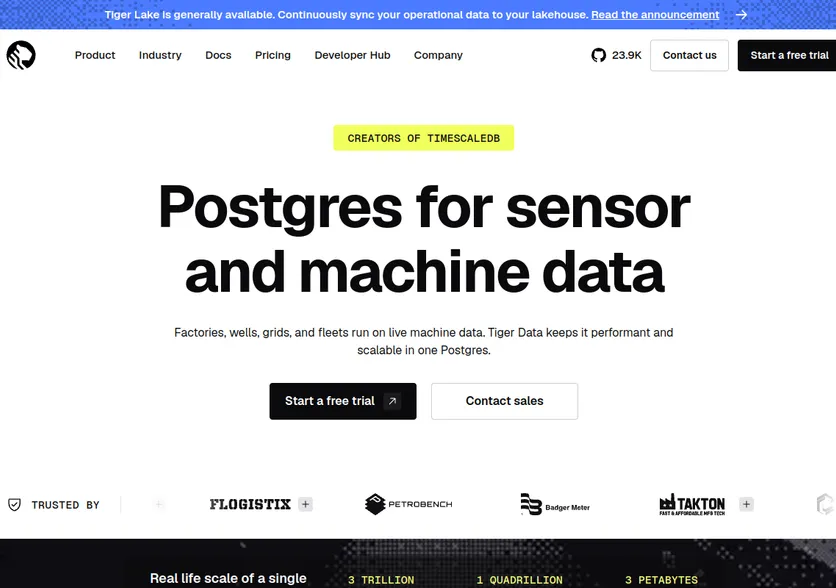
A team that analyses time-series data will find the fit here, since this Tiger Cloud plan starts at thirty dollars a month for Performance compute. It is Postgres-compatible, so the team's existing tools keep working, and its time-series features handle metrics and events without extra plumbing. It is the best time-series analytics database here for a Postgres team.
What we like
- Built for time-series data from the start
- Postgres-compatible, so existing tools work
- Generous thirty-day trial with credits
Watch out for
- Storage is billed on top of the compute price
- Enterprise pricing is quoted, not published
How to try it
- Create a Tiger Cloud service
- Load a time-series table and test a query
- Set up continuous aggregates for the dashboards
5. SingleStore Helios
Best for: Teams that need analytics and transactions together
Paid tool Starting price: $3.96/credit · Three dollars and ninety-six cents per credit on demand; the smallest Standard S-00 workspace uses a quarter of a credit an hour, or ninety-nine cents an hour; Enterprise is one and a half times the on-demand rate; storage starts at about two cents per gigabyte-month
Free plan: Free Shared workspace; $500 credits
A team that needs fast analytics and live transactions in one database will like the mix here, since this SingleStore Helios plan costs three dollars and ninety-six cents per credit on demand. It runs analytical queries and live app writes in the same engine, so there is no nightly copy between systems, and the free Shared workspace lets a team start without paying. It is the best hybrid database here for a team that hates data copies.
What we like
- Analytics and transactions in one engine
- Free Shared workspace to start with
- Five hundred dollars of credits to test Standard
Watch out for
- Credit pricing takes care to forecast
- The smallest workspace still costs about a dollar an hour
How to try it
- Create a workspace and pick the Standard tier
- Load a table and run a test query
- Check the credit usage before scaling
6. Amazon Redshift Serverless
Best for: Teams already running on AWS
Paid tool Starting price: $0.375/RPU-hour · Thirty-seven and a half cents per RPU-hour in the US East region, billed per second with a sixty-second minimum; the four-RPU minimum means a one dollar and fifty cent an hour floor; rates vary by region, for example forty-five cents in Singapore and about forty-seven cents in London
Free plan: $300 trial credit (90 days)
A team already on AWS will find the fit here, since this Amazon Redshift Serverless plan costs thirty-seven and a half cents per RPU-hour in the US East region. It scales without clusters to manage and plugs into the rest of AWS, from S3 storage to QuickSight dashboards, and the trial credit covers ninety days of testing. It is the natural analytics choice here for an AWS team.
What we like
- Deep integration with the rest of AWS
- Serverless scaling with no clusters to manage
- Three hundred dollars of trial credit for ninety days
Watch out for
- The four-RPU minimum sets a dollar and fifty cent hourly floor
- Rates vary by region, so check the local price
How to try it
- Create a serverless workgroup in the console
- Load data from S3 or another AWS source
- Run a query and check the RPU usage
7. Azure Synapse Analytics
Best for: Teams already running on Microsoft tools
Paid tool Starting price: $5 per TB processed · Five dollars per terabyte processed on serverless SQL in US East, with a ten megabyte minimum per query; a dedicated DW100c pool is one dollar and fifty-one cents an hour; storage is twenty-three dollars per terabyte-month; Microsoft positions Microsoft Fabric as the go-forward platform with a Synapse migration path
Free plan: No free plan; pay as you go
A team already on Microsoft tools will find the fit here, since this Azure Synapse Analytics plan costs five dollars per terabyte processed on serverless SQL. It works with Power BI and the rest of the Microsoft stack, and the team pays only for the data each query touches. It is the natural analytics choice here for a Microsoft team, with a migration path to Fabric.
What we like
- Serverless SQL with no cluster to manage
- Works with Power BI and the Microsoft stack
- Pay only for the data each query touches
Watch out for
- Microsoft is steering new buyers toward Fabric
- Dedicated pools add a separate hourly charge
How to try it
- Create a Synapse workspace in the portal
- Run a serverless query over the data lake
- Check the terabytes processed before scaling
8. Firebolt
Best for: Teams that repeat the same analytical queries
Paid tool Starting price: $0.23/FBU-hour · Twenty-three cents per FBU-hour on Standard in US regions; the smallest compute-optimised node is ninety-two cents an hour; Enterprise is thirty-five cents per FBU-hour; storage is about twenty-seven dollars per tebibyte-month; the vendor calculator defaults to about six hundred and ninety-nine dollars a month for one always-on node plus one terabyte
Free plan: $200 trial credit (30 days)
A team that runs the same analytical queries again and again will find the speed here, since this Firebolt plan costs twenty-three cents per FBU-hour on Standard in US regions. Its engine is tuned for repeat dashboard queries on large tables, and the trial credit needs no card, so a team can test it on real data first. It is the fastest repeat-query database here for a dashboard-heavy team.
What we like
- Very fast repeat queries on large tables
- Two hundred dollars of trial credit, no card needed
- Free self-hosted Core version to try
Watch out for
- The calculator default of one always-on node is pricey
- Fewer third-party integrations than the big clouds
How to try it
- Create an account and claim the trial credit
- Load a sample dataset and run a query
- Compare the FBU usage against the calculator
9. Starburst Galaxy
Best for: Teams that query data across many sources
Paid tool Starting price: $0.50/credit · Fifty cents per credit on Pro; Enterprise is seventy-five cents and Mission-Critical is one dollar; one cluster worker uses six credits an hour; the free tier covers up to three clusters with a thirty-day trial and five hundred dollars of compute
Free plan: Free tier (up to 3 clusters)
A team that queries data where it lives, across lakes and warehouses, will like the federated model here, since this Starburst Galaxy plan costs fifty cents per credit on Pro. There is no copying data into one warehouse first, and the free tier covers up to three clusters, so a team can test federation on real sources. It is the best federated analytics database here for a team with data in many places.
What we like
- Queries data where it lives, no copying needed
- Free tier covers up to three clusters
- Strong SQL support across many sources
Watch out for
- Credit pricing needs care to forecast
- Enterprise features sit on the dearer tiers
How to try it
- Create a cluster and connect the first data source
- Run a federated query across two sources
- Check the credit usage before adding clusters
Prices above were checked on each vendor’s own website on Nov 28, 2026 and can change — the vendor’s page is the final word. Vendor links are editorial: nobody paid to be listed or ranked here. Vendors who want a featured listing can see how it works on our Get listed page.
How to pick an analytics database without a surprise bill
Start with the query pattern, because a team that queries in bursts pays least per scan, while a team that queries all day pays least per hour, and the wrong model can cost ten times more. Run the same real query on two or three tools and compare the actual bill, not the headline rate, since storage, minimums and region prices all change the total. Check the free tier first, because several tools here let a small team start free. Finally, set a cost control or alert on day one, before anyone runs a query that scans the whole warehouse by accident.
Before you buy
- Match the pricing model to the real query pattern, bursts or all day
- Run the same real query on two tools and compare the actual bills
- Check storage, minimums and region prices, not just the headline rate
- Set a cost control or alert before sharing access with the team
- Confirm the free tier covers the team before paying for compute
Official websites
Official websites of the products reviewed above. Features and prices were checked against these sites when this guide was written, and they can change, so confirm on the vendor site before you buy.
Frequently asked questions
What is a software database for data analytics?
It is a database built to scan, filter and aggregate large tables fast, so analysts can run reports and dashboards without slowing down the systems that take orders. Unlike a normal app database, it stores data in columns and charges by how much each query scans or how much compute it uses. Teams pick one by query pattern, data size and price model.
How much does Google BigQuery cost?
Google BigQuery costs six dollars and twenty-five cents per tebibyte scanned on demand, with the first tebibyte a month free and storage billed separately. Teams that query in bursts pay only for what they scan, while teams that query all day can switch to slot-hour Editions from four cents an hour. Set a cost control before sharing access, since one careless query can scan far more than expected.
Is there a free analytics database?
Yes. BigQuery gives one free tebibyte of scanning a month, MotherDuck has a free plan for three users and ten gigabytes, and Starburst Galaxy has a free tier for up to three clusters. Firebolt offers a free self-hosted Core version. These are genuine free tiers rather than trials, so a small team can start analysing without paying for compute.
Which analytics database is cheapest for a small team?
MotherDuck is the best pick for a small team that already uses DuckDB, with a free plan for three users and a Business plan from two hundred and fifty dollars a month. BigQuery suits teams that query in bursts, since the first tebibyte a month is free. Teams that analyse time-series data should look at Tiger Cloud, which starts at thirty dollars a month.
Why do ClickHouse prices online disagree?
The widely quoted five point six cents per unit-hour figure is the rate for ClickHouse Managed Postgres, a different product launched in November 2026, not the analytics database. ClickHouse Cloud for analytics costs about twenty-two cents per unit-hour on Basic in the US East region. Always check which product a quoted price belongs to before comparing it with other databases.
Compare the nine tools above, then run the same real query on two of them and check the actual bill before committing to one.
Browse Developer Tools tools