On this page
A web app database has to stay fast as users grow from ten to ten thousand, and the bill has to grow with it instead of jumping overnight. The nine tools below cover that job for apps of every size, from a side project on a free tier to a production app with millions of rows. Supabase leads because its twenty-five dollar a month Pro plan includes a generous free tier and adds Postgres features app builders need, and the rest are ranked on how much app they run for the price.
How we researched this
We checked every price on the vendor pricing page on November 28, 2026, and only included tools with a published US dollar list price. The big managed databases that sell by quote, including Firebase Blaze usage pricing and Fauna and CockroachDB Cloud, publish no clean flat rate, so they are not in this list. Prices change, so confirm the current figure on the vendor site before you buy.
Compare the tools
| Name | Best for | Starting price | Free plan | |
|---|---|---|---|---|
 Supabase | App builders who want Postgres plus auth and storage | $25/month | Free plan ($0) | Visit |
 MongoDB Atlas | Apps that store documents rather than rows | $57/month | Free tier (M0) | Visit |
 PlanetScale | Apps that need MySQL with branching | $39/month | No free plan | Visit |
 Neon | Apps that need serverless Postgres | $19/month | Free tier (0.5 GB) | Visit |
| Aiven for PostgreSQL | Teams that want managed Postgres on a budget | $5/month | Free tier | Visit |
| Xano | No-code teams that need a real backend | $85/month | No free plan; 14-day free trial | Visit |
 Turso | Apps that need SQLite at the edge | $4.99/month | Free tier (100 databases, 5 GB) | Visit |
| DigitalOcean Managed PostgreSQL | Teams already hosting on DigitalOcean | $15/month | No free plan | Visit |
| Heroku Postgres | Apps already deployed on Heroku | $5/month | No free plan | Visit |
The software database for web applications, compared
1. Supabase
Best for: App builders who want Postgres plus auth and storage
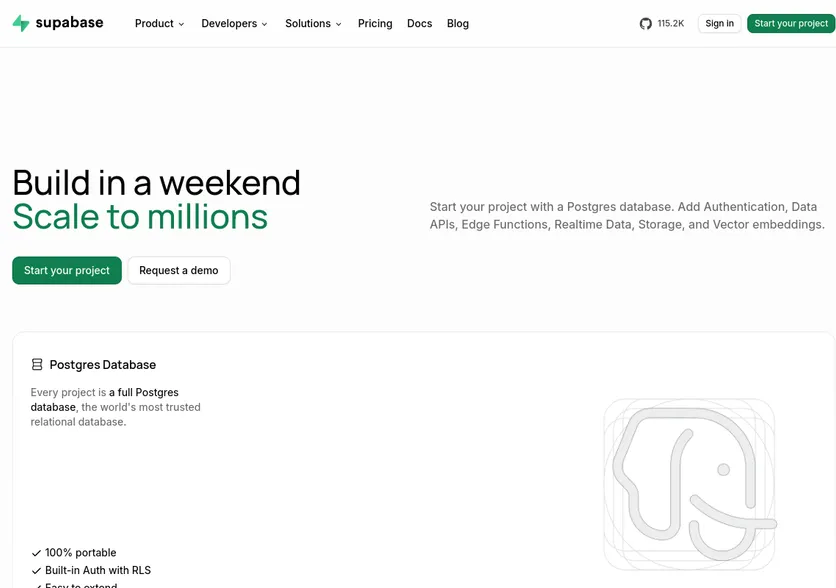
Paid tool Starting price: $25/month · Twenty-five dollars a month for Pro per organization plus usage; a ten dollar compute credit covers one Micro instance; eight gigabytes of disk, one hundred gigabytes of storage and two hundred and fifty gigabytes of egress are included; Team is five hundred and ninety-nine dollars a month and the free plan costs nothing
Free plan: Free plan ($0)
An app builder who wants Postgres plus auth, storage and realtime in one place will find the bundle here, since this Supabase plan costs twenty-five dollars a month for Pro plus usage. The free plan suits real side projects, and the open-source code means the team can self-host if it ever wants to. It is the most complete app backend here for a builder who wants one bill.
What we like
- Postgres plus auth, storage and realtime in one place
- Free plan that suits real side projects
- Open source with a self-hosted option
Watch out for
- Usage charges sit on top of the base price
- Egress over the included allowance costs extra
How to try it
- Create a project and pick the free tier
- Create the first table in the dashboard
- Connect the app with the project keys
2. MongoDB Atlas
Best for: Apps that store documents rather than rows
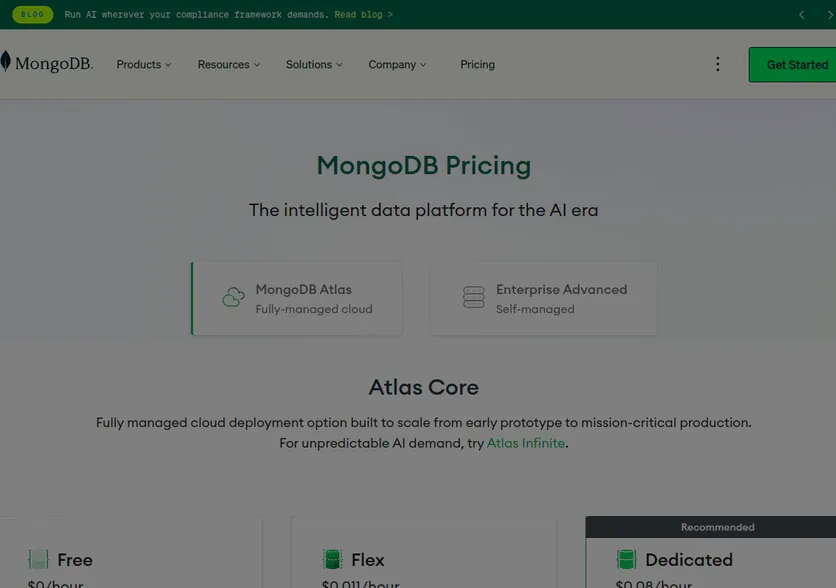
Paid tool Starting price: $57/month · About fifty-seven dollars a month for a dedicated M10 cluster at eight cents an hour, with two virtual CPUs and ten gigabytes of storage; the Flex tier starts at eight to thirty dollars a month and the free M0 tier costs nothing; backups and transfer cost extra; the shared M2 and M5 tiers were retired in January 2026 and moved to Flex
Free plan: Free tier (M0)
An app that stores documents, not rows, will find the fit here, since this MongoDB Atlas plan starts at about fifty-seven dollars a month for a dedicated M10 cluster. Its document model fits flexible app data, and global clusters scale as users spread across regions. It is the best document database here for an app whose data shape keeps changing.
What we like
- Document model that fits flexible app data
- Free M0 tier for side projects
- Global clusters with automatic scaling
Watch out for
- Backups and data transfer cost extra
- The cheapest dedicated tier still costs about fifty-seven dollars
How to try it
- Create a free M0 cluster to start
- Connect the app with the driver string
- Upgrade to M10 when the app needs dedicated resources
3. PlanetScale
Best for: Apps that need MySQL with branching
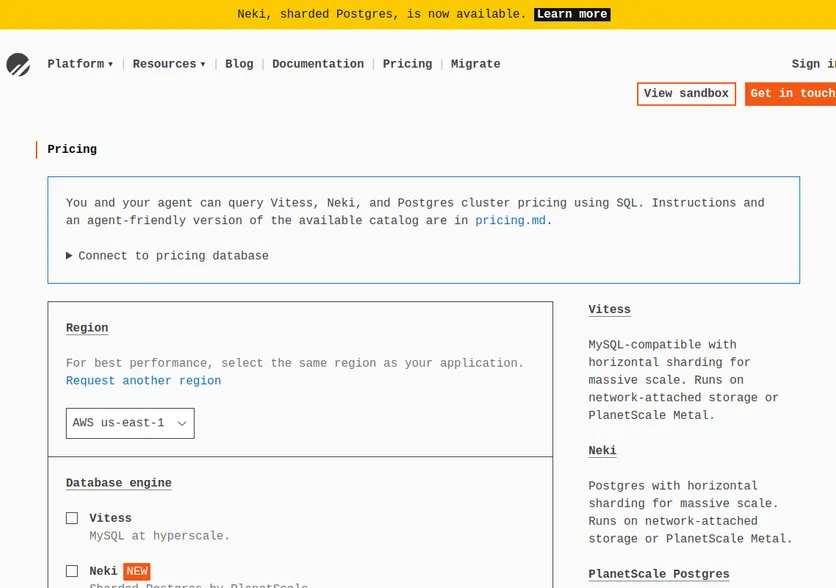
Paid tool Starting price: $39/month · Thirty-nine dollars a month for MySQL on Vitess PS-10 with three nodes, from November 2026 vendor-page reads; older reads list Scaler at twenty-nine dollars a month, which appears stale against the renamed plans; PlanetScale Postgres starts at five dollars a month for a single PS-5 node
Free plan: No free plan
An app that needs MySQL with branching and scale will find the model here, since this PlanetScale plan costs thirty-nine dollars a month for the PS-10 tier. Database branching lets the team test schema changes safely before they reach production, and Vitess scaling removes the need to shard by hand. It is the best MySQL option here for an app that grows fast.
What we like
- Database branching for safe schema changes
- Vitess scaling without sharding by hand
- Postgres option from five dollars a month
Watch out for
- No free plan to test with
- Older price listings online are now stale
How to try it
- Create a database and pick the PS-10 tier
- Create a branch to test a schema change
- Connect the app with the connection string
4. Neon
Best for: Apps that need serverless Postgres
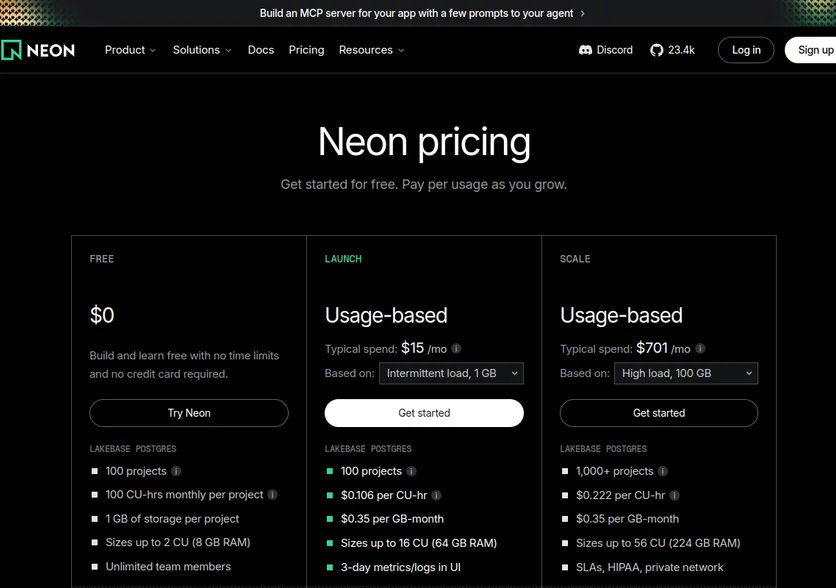
Paid tool Starting price: $19/month · Nineteen dollars a month on Launch, usage-based; compute is about eleven cents per CU-hour and storage is thirty-five cents per gigabyte-month; ten gigabytes of storage and three hundred compute-hours are included; Scale is sixty-nine dollars a month; Neon was acquired by Databricks in 2025
Free plan: Free tier (0.5 GB)
An app that needs serverless Postgres that scales to zero will like the model here, since this Neon plan costs nineteen dollars a month on Launch. It scales down when the app is idle, so a side project costs almost nothing, and branching gives every preview environment its own database. It is the best serverless Postgres here for an app with spiky traffic.
What we like
- Scales to zero when the app is idle
- Branching for preview environments
- Free tier for side projects
Watch out for
- Usage charges sit on top of the base price
- Compute hours can add up for busy apps
How to try it
- Create a project and pick the free tier
- Branch the database for a preview environment
- Connect the app and check the usage dashboard
5. Aiven for PostgreSQL
Best for: Teams that want managed Postgres on a budget
Paid tool Starting price: $5/month · Five dollars a month on Developer for one CPU, one gigabyte of RAM and eight gigabytes of storage; Hobbyist starts at twelve dollars a month, Startup at seventy-five dollars, Business at one hundred and eighty dollars and Premium at two hundred and seventy dollars; a free tier exists
Free plan: Free tier
A team that wants managed Postgres without managing servers will find the value here, since this Aiven for PostgreSQL plan costs five dollars a month on Developer. Managed backups and updates are included, and it runs on several clouds rather than locking the team to one. It is the cheapest managed Postgres here for a team on a tight budget.
What we like
- Lowest starting price in this list
- Managed backups and updates included
- Runs on several clouds, not just one
Watch out for
- The cheapest tier is small, so busy apps outgrow it
- Some features need the dearer tiers
How to try it
- Create a service and pick the Developer plan
- Set the backup and update window
- Connect the app with the connection details
6. Xano
Best for: No-code teams that need a real backend
Paid tool Starting price: $85/month · Eighty-five dollars a month on Essential billed annually, or ninety-nine dollars month to month; the twenty-nine dollar Starter plan was retired; the price is settled from the vendor page in November 2026
Free plan: No free plan; 14-day free trial
A team that builds apps without code will find the backend here, since this Xano plan costs eighty-five dollars a month billed annually on Essential. Its visual builder creates tables and APIs without writing code, and it scales from prototypes to production apps on the same platform. It is the best no-code backend here for a team that wants a real database behind a visual builder.
What we like
- Visual backend builder with a real database
- API generation without writing code
- Scales from prototypes to production apps
Watch out for
- No free plan, only a fourteen-day trial
- The retired Starter price still shows up online
How to try it
- Create a workspace and pick the Essential plan
- Build the first tables in the visual builder
- Generate the API and connect the front end
7. Turso
Best for: Apps that need SQLite at the edge
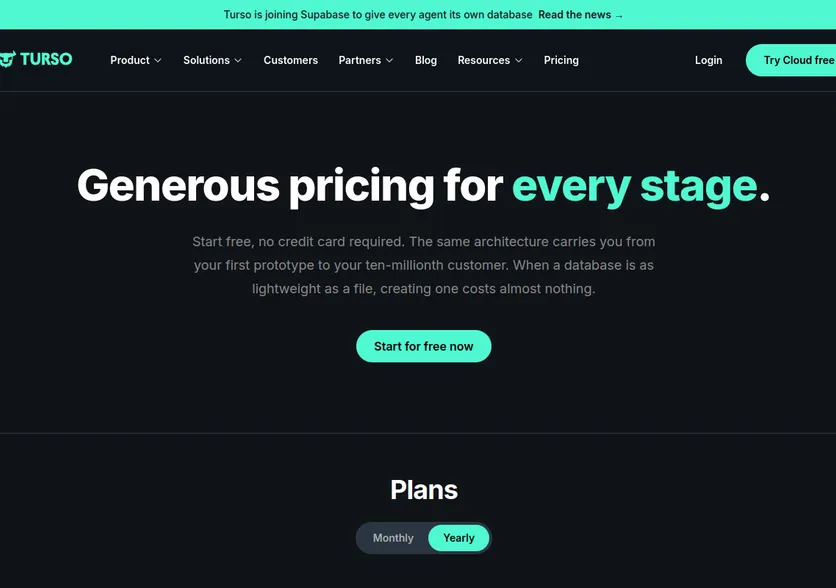
Paid tool Starting price: $4.99/month · Four dollars and ninety-nine cents a month on Developer billed yearly, or five dollars and ninety-nine cents month to month; unlimited databases, nine gigabytes of storage, two and a half billion rows read and twenty-five million rows written; Scaler is twenty-four dollars and ninety-two cents a month billed annually; Turso announced in October 2026 that Supabase is acquiring it, with pricing unchanged so far
Free plan: Free tier (100 databases, 5 GB)
An app that needs SQLite at the edge will find the fit here, since this Turso plan costs four dollars and ninety-nine cents a month billed yearly on Developer. Edge replicas sit close to the users, so reads stay fast wherever the app runs, and the free tier covers one hundred databases. It is the cheapest paid database here for an app that wants SQLite everywhere.
What we like
- Edge replicas close to the users
- Free tier covers one hundred databases
- Lowest paid price in this list
Watch out for
- The Supabase acquisition may change pricing later
- Row limits apply on the cheaper plans
How to try it
- Create a database from the dashboard
- Connect the app with the libSQL client
- Add a replica close to the users
8. DigitalOcean Managed PostgreSQL
Best for: Teams already hosting on DigitalOcean
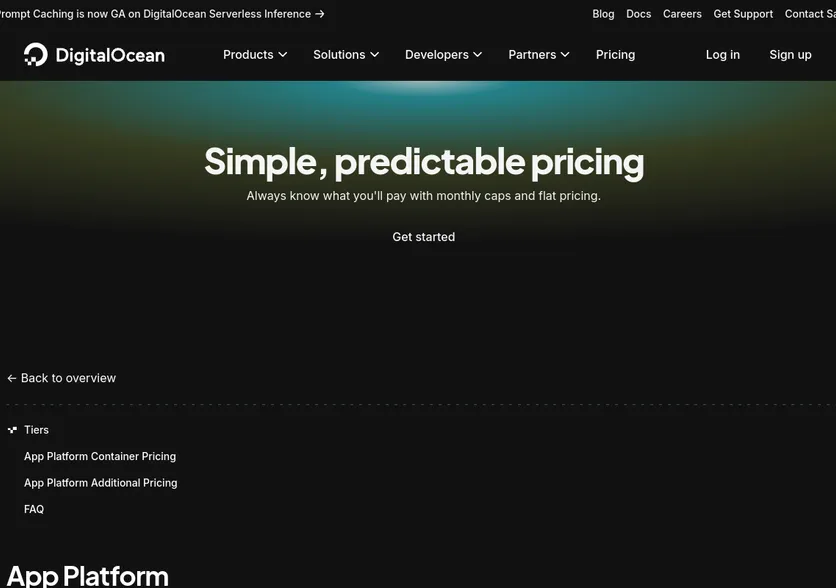
Paid tool Starting price: $15/month · Fifteen dollars a month for one gibibyte, one virtual CPU and ten gigabytes of SSD; the pricing page shows fifteen dollars and fifteen cents while the docs show fifteen dollars, a fifteen-cent difference; seven-day point-in-time recovery is included; new Standard clusters are capped at four gibibytes of RAM from October 2026, with larger nodes on Advanced Edition from one hundred and thirty dollars a month
Free plan: No free plan
A team already hosting on DigitalOcean will find the fit here, since this DigitalOcean Managed PostgreSQL plan costs fifteen dollars a month for the smallest cluster. Its pricing is simple with no usage surprises, and backups and point-in-time recovery are included from the start. It is the simplest managed Postgres here for a team already on DigitalOcean.
What we like
- Simple pricing with no usage surprises
- Backups and point-in-time recovery included
- Same dashboard as the rest of the cloud
Watch out for
- No free tier to test with
- The pricing page and docs differ by fifteen cents
How to try it
- Create a managed database cluster
- Pick the smallest node and set the region
- Connect the app with the connection string
9. Heroku Postgres
Best for: Apps already deployed on Heroku
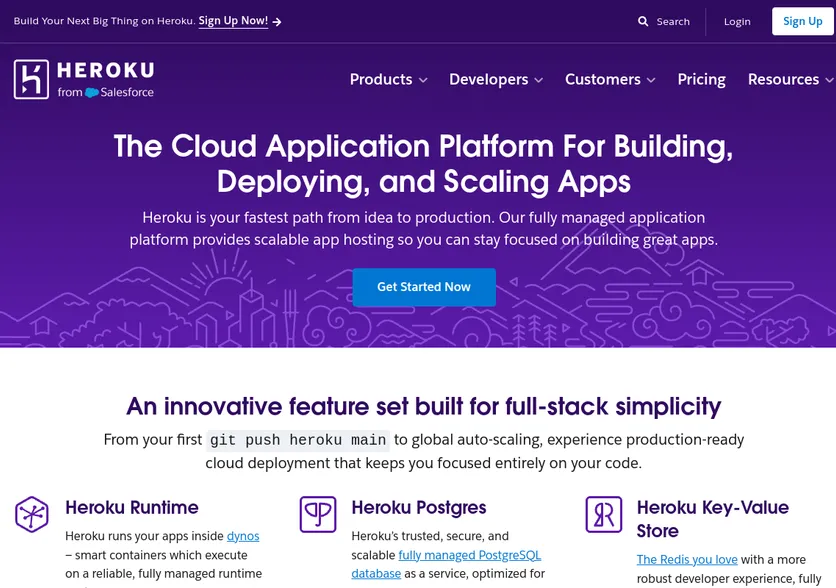
Paid tool Starting price: $5/month · Five dollars a month on Essential-0 for one gigabyte of storage and twenty connections; Essential-1 is nine dollars a month for ten gigabytes and Essential-2 is twenty dollars a month for thirty-two gigabytes; Standard-0 is fifty dollars a month; there has been no free plan since November 2022; Essential plans allow up to four hours of downtime a month and cap at four thousand tables
Free plan: No free plan
An app already deployed on Heroku will find the fit here, since this Heroku Postgres plan costs five dollars a month on Essential-0. It attaches in one click inside the Heroku dashboard, and automatic backups run on the paid plans. It is the easiest Postgres here for an app that already lives on Heroku.
What we like
- One-click add-on inside the Heroku dashboard
- Automatic backups on the paid plans
- Simple tiers that grow with the app
Watch out for
- No free plan since November 2022
- Essential plans allow up to four hours of downtime a month
How to try it
- Add the Postgres add-on to the Heroku app
- Pick the Essential-0 plan to start
- Promote the database when the app grows
Prices above were checked on each vendor’s own website on Nov 28, 2026 and can change — the vendor’s page is the final word. Vendor links are editorial: nobody paid to be listed or ranked here. Vendors who want a featured listing can see how it works on our Get listed page.
How to pick a web app database that scales with the app
Start with the free tier, because most of these tools let a side project run free and the paid price only matters when users arrive. Then check how the price grows: per row, per compute hour or per cluster, since a flat monthly fee is easier to forecast than usage billing. Test the connection from the real app, not a demo, because driver support and latency vary by framework. Finally, check backups and point-in-time recovery before launch, since a database without a restore plan is a risk the app cannot afford. Check the support and docs too, since slow support can cost a team days when something breaks.
Before you buy
- Start on the free tier and only pay when real users arrive
- Check how the price grows, flat fee or usage, before choosing
- Test the connection from the real app, not a demo project
- Confirm backups and point-in-time recovery are included in the plan
- Ask what happens to the price when the app doubles in size
Official websites
Official websites of the products reviewed above. Features and prices were checked against these sites when this guide was written, and they can change, so confirm on the vendor site before you buy.
Frequently asked questions
What is a software database for web applications?
It is a managed database that stores the data behind a web app, such as users, orders, posts and settings, and serves it to the app quickly and reliably. Unlike a spreadsheet, it handles many users at once, keeps data consistent and backs it up. Teams pick one by data model, price, scaling and how it connects to their framework.
How much does Supabase cost?
Supabase costs twenty-five dollars a month for the Pro plan per organization plus usage, with a ten dollar compute credit that covers one Micro instance. The free plan costs nothing and suits side projects, while Team costs five hundred and ninety-nine dollars a month. Usage charges for extra storage and egress sit on top of the base price, so check the usage dashboard.
Is there a free database for a web app?
Yes. Supabase, Neon, Turso, MongoDB Atlas and Aiven all offer free tiers that suit side projects and small apps, and Xano offers a fourteen-day free trial. These are genuine free tiers rather than trials, so an app can launch without paying. Paid plans add more storage, compute and support when the app grows.
Which database is best for a small web app?
Neon is the best value for a small app that needs serverless Postgres, at nineteen dollars a month on Launch with a free tier to start. Turso is the cheapest paid option at four dollars and ninety-nine cents a month for edge SQLite. Apps that need auth and storage as well should look at Supabase, which bundles them for twenty-five dollars a month.
Why do PlanetScale prices online disagree?
Older listings show Scaler at twenty-nine dollars a month, but PlanetScale renamed its plans and November 2026 reads of the vendor pricing page list MySQL on Vitess PS-10 at thirty-nine dollars a month. The older figure is stale. Always check the vendor pricing page before buying, since renamed plans are the most common cause of wrong prices in comparisons.
Compare the nine tools above, then start on the free tier of the tool that matches the app's data model before paying for a plan.
Browse Developer Tools tools