On this page
B-roll turns a talking head into a story, because cutaway shots cover the edits, show the detail and keep viewers watching. The eight tools below add B-roll fast for editors of every level, from a phone app that drops in stock clips to a full timeline with colour and sound. Adobe Premiere Pro leads because its twenty-two dollars and ninety-nine cents a month plan pairs a deep timeline with a huge stock library, and the rest are ranked on how quickly they get B-roll onto the timeline for the price.
How we researched this
We checked every price on the vendor pricing page on November 28, 2026, and only included tools with a published US dollar list price. Camtasia was left out because its one hundred and seventy-nine dollar yearly price appears in only one source and could not be verified. Prices change, so confirm the current figure on the vendor site before you buy.
Compare the tools
| Name | Best for | Starting price | Free plan | |
|---|---|---|---|---|
 Adobe Premiere Pro | Editors who cut video every day | $22.99/month | 7-day free trial | Visit |
 Final Cut Pro | Mac editors who want to buy once | $299.99 one-time | 90-day free trial | Visit |
 DaVinci Resolve Studio | Editors who want pro colour without a subscription | $295 one-time | Free version | Visit |
 CapCut | Creators who edit fast on phone or laptop | $19.99/month | Free plan | Visit |
 Filmora | Beginners who want easy B-roll editing | $49.99/year | Free plan (watermarked exports) | Visit |
 Descript | Editors who cut by editing the transcript | $16/month | Free plan (1 media hour a month) | Visit |
 Kapwing | Teams that edit short social videos | $16/member/month | Free plan (720p, watermarked) | Visit |
 VEGAS Pro | Windows editors who want a perpetual licence | $219 one-time | Free trial | Visit |
The software for adding B-roll to videos, compared
1. Adobe Premiere Pro
Best for: Editors who cut video every day
Paid tool Starting price: $22.99/month · Twenty-two dollars and ninety-nine cents a month on the annual plan billed monthly, or two hundred and seventy-five dollars and eighty-eight cents a year; month to month is about thirty-four dollars and forty-nine cents; Teams is thirty-seven dollars and ninety-nine cents per licence; Adobe marks the twenty-two dollar ninety-nine figure as first-year only for new subscribers
Free plan: 7-day free trial
An editor who cuts video every day will find the depth here, since this Adobe Premiere Pro plan costs twenty-two dollars and ninety-nine cents a month on the annual plan billed monthly. Its timeline handles colour, sound and effects in one place, and the stock library supplies B-roll clips without leaving the app. It is the professional standard here for an editor who cuts B-roll all day.
What we like
- Deep timeline with pro colour and sound tools
- Huge stock library for B-roll clips
- Works with the rest of the Adobe apps
Watch out for
- The headline price is first-year only for new subscribers
- Needs a strong computer for smooth playback
How to try it
- Import the main footage and the B-roll clips
- Cut the B-roll onto the track above the main shot
- Colour match the clips and export the finished video
2. Final Cut Pro
Best for: Mac editors who want to buy once
Paid tool Starting price: $299.99 one-time · Two hundred and ninety-nine dollars and ninety-nine cents one time from the Mac App Store; also in Apple Creator Studio at twelve dollars and ninety-nine cents a month or one hundred and twenty-nine dollars a year; a ninety-day free trial applies
Free plan: 90-day free trial
A Mac editor who wants to buy once and own it will find the value here, since this Final Cut Pro plan costs two hundred and ninety-nine dollars and ninety-nine cents one time. Its magnetic timeline snaps B-roll into place without track juggling, and the ninety-day trial gives plenty of time to learn it. It is the best buy-once editor here for a Mac editor who hates subscriptions.
What we like
- One-time price with no monthly bill
- Magnetic timeline that speeds up B-roll edits
- Ninety-day free trial to test it properly
Watch out for
- Mac only, so Windows editors cannot use it
- Smaller plugin library than Premiere Pro
How to try it
- Import the footage and B-roll into the library
- Drop B-roll onto the connected storyline
- Trim the cutaways and share the finished video
3. DaVinci Resolve Studio
Best for: Editors who want pro colour without a subscription
Paid tool Starting price: $295 one-time · Two hundred and ninety-five dollars one time for the Studio perpetual licence; the free version covers most editing; a two hundred and thirty-six dollar sale price seen in one November 2026 roundup is a discount, not the list price
Free plan: Free version
An editor who wants pro colour and editing without a subscription will find the deal here, since this DaVinci Resolve Studio plan costs two hundred and ninety-five dollars one time. Its colour tools are the best in this list, and the free version already covers most editing, so the paid licence mainly adds the top-end features. It is the best colour-first editor here for an editor who grades as well as cuts.
What we like
- Best colour tools of any editor here
- Free version covers most editing needs
- One-time price with no monthly bill
Watch out for
- The interface takes time to learn
- Sale prices online are not the list price
How to try it
- Import the footage and B-roll into the media pool
- Cut the B-roll onto the timeline above the main shot
- Grade the clips and export the finished video
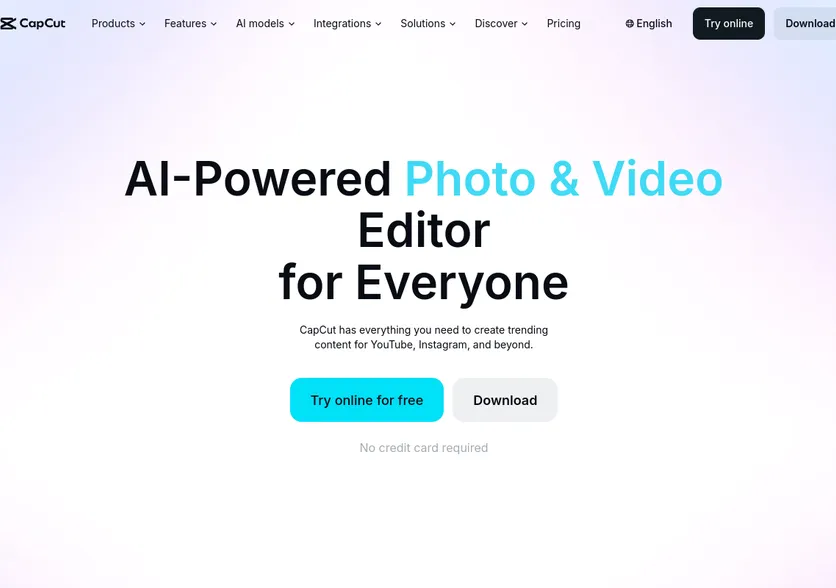
4. CapCut
Best for: Creators who edit fast on phone or laptop
Paid tool Starting price: $19.99/month · Nineteen dollars and ninety-nine cents a month for Pro, or one hundred and seventy-nine dollars and ninety-nine cents a year; Ultra is seventy-nine dollars a month and Teams is twelve dollars and forty-nine cents per seat a month; older reads list nine dollars and ninety-nine cents a month, which is stale after CapCut restructured pricing in 2026
Free plan: Free plan
A creator who edits on a phone or laptop and wants B-roll fast will like the speed here, since this CapCut Pro plan costs nineteen dollars and ninety-nine cents a month. Its auto-captions and smart tools drop B-roll into social videos in minutes, and the templates speed up every format from shorts to reels. It is the fastest editor here for a creator who posts every day.
What we like
- Fast auto-captions and smart B-roll tools
- Free plan covers basic editing
- Templates that speed up social videos
Watch out for
- Older price listings online are now wrong
- Pro features need the paid plan
How to try it
- Import the main clip and pick a B-roll template
- Drop stock or own clips onto the timeline
- Export in the format the platform needs
5. Filmora
Best for: Beginners who want easy B-roll editing
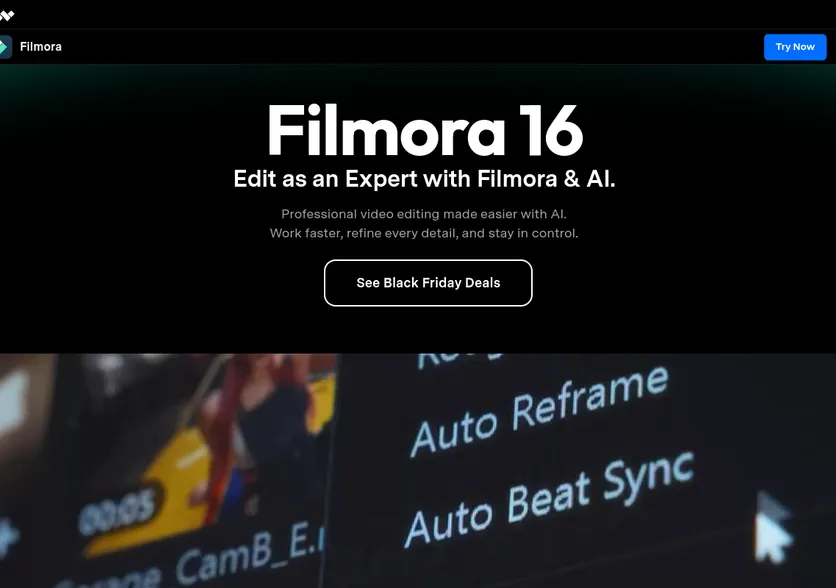
Paid tool Starting price: $49.99/year · Forty-nine dollars and ninety-nine cents a year on Basic; Advanced is fifty-nine dollars and ninety-nine cents a year; Perpetual is seventy-nine dollars and ninety-nine cents one time for Filmora 16 only; the free plan exports with a watermark
Free plan: Free plan (watermarked exports)
A beginner who wants B-roll without learning a pro timeline will find the ease here, since this Filmora plan costs forty-nine dollars and ninety-nine cents a year on Basic. Its simple timeline and built-in stock library make the first B-roll edit take minutes, not hours, and the yearly price is the lowest in this list. It is the easiest editor here for a beginner adding B-roll for the first time.
What we like
- Simple timeline that beginners learn fast
- Stock library and effects built in
- Lowest yearly price in this list
Watch out for
- The free plan watermarks every export
- Advanced features need the dearer plans
How to try it
- Import the main video and the B-roll clips
- Drag B-roll onto the track above the main shot
- Add transitions and export without a watermark
6. Descript
Best for: Editors who cut by editing the transcript
Paid tool Starting price: $16/month · Sixteen dollars a month on Hobbyist billed annually, or twenty-four dollars month to month; Creator is twenty-four dollars a month billed annually, or thirty-five dollars month to month, with thirty media hours and 4K; the free plan covers one media hour a month at 720p with a watermark
Free plan: Free plan (1 media hour a month)
An editor who cuts by editing the transcript will find the speed here, since this Descript plan costs sixteen dollars a month billed annually on Hobbyist. Deleting a word deletes the video to match, and its automatic B-roll suggestions cover the gaps where the speaker pauses. It is the fastest editor here for a creator who works from a script.

What we like
- Edit video by editing the words
- Automatic B-roll suggestions from the transcript
- Studio sound cleans up noisy audio
Watch out for
- The free plan covers only one media hour a month
- 4K export needs the Creator plan
How to try it
- Transcribe the video and delete the filler words
- Drop B-roll clips where the transcript needs cover
- Export the finished video in the right format
7. Kapwing
Best for: Teams that edit short social videos
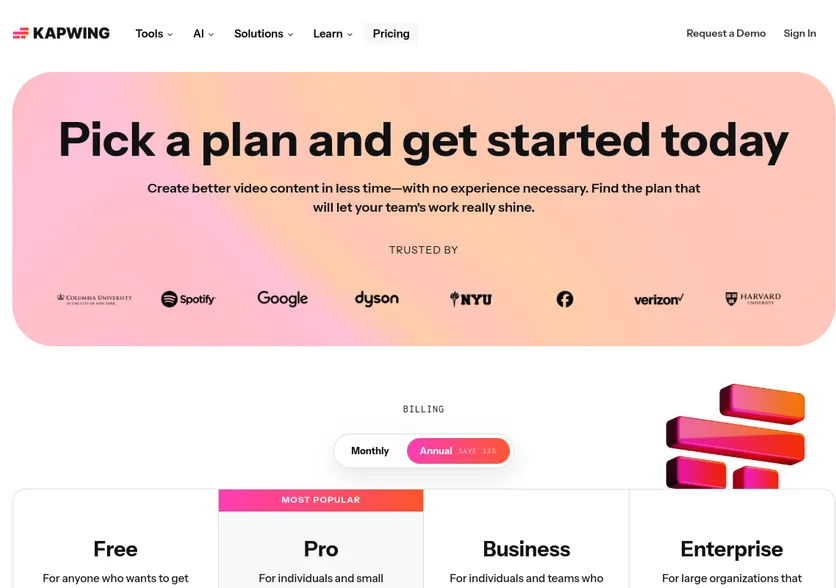
Paid tool Starting price: $16/member/month · Sixteen dollars per member a month on Pro billed annually, or twenty-four dollars month to month; Business is fifty dollars billed annually or sixty-four dollars month to month; Pro includes one thousand credits a month; the free plan exports at 720p with a watermark and ten credits
Free plan: Free plan (720p, watermarked)
A team that edits short social videos in the browser will like the speed here, since this Kapwing plan costs sixteen dollars per member a month billed annually on Pro. Nothing needs installing, and its smart tools find the moments that need B-roll, while team workspaces keep shared projects tidy. It is the best browser editor here for a team that edits together.
What we like
- Browser editing with no install needed
- Smart tools that find B-roll moments
- Team workspaces for shared projects
Watch out for
- The free plan watermarks exports at 720p
- Credits cap how much the team can export
How to try it
- Upload the video and pick the B-roll moments
- Drop stock clips onto the timeline
- Export and share the link with the team
8. VEGAS Pro
Best for: Windows editors who want a perpetual licence
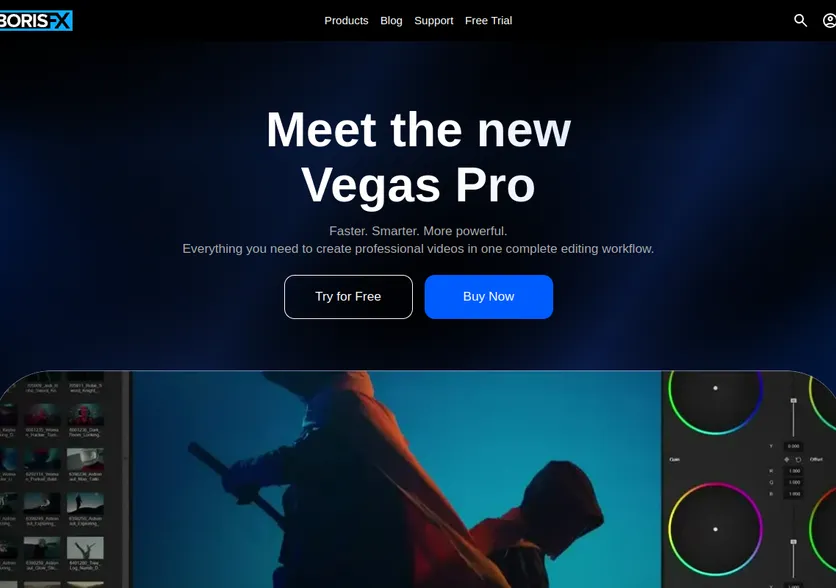
Paid tool Starting price: $219 one-time · Two hundred and nineteen dollars one time for the core perpetual licence under Boris FX, from multiple November 2026 vendor-page reads; older MAGIX-era figures of two hundred and forty-nine dollars lifetime and one hundred and ninety-nine dollars core are stale, and subscription tiers exist; a limited-time Ultimate price of two hundred and forty-nine dollars and ninety-five cents was also listed
Free plan: Free trial
An editor who wants a pro Windows timeline without a subscription will find the fit here, since this VEGAS Pro plan costs two hundred and nineteen dollars one time for the core perpetual licence. Its timeline and effects suit Windows editors who cut long projects, and the free trial needs no card. It is the best perpetual-licence editor here for a Windows editor who refuses monthly bills.
What we like
- One-time price with no monthly bill
- Strong timeline and effects for Windows editors
- Free trial with no card needed
Watch out for
- Pricing shifted under the new owner, Boris FX
- Subscription tiers still exist alongside the perpetual licence
How to try it
- Import the footage and B-roll clips
- Cut the B-roll onto the video track above
- Render the finished video in the right format
Prices above were checked on each vendor’s own website on Nov 28, 2026 and can change — the vendor’s page is the final word. Vendor links are editorial: nobody paid to be listed or ranked here. Vendors who want a featured listing can see how it works on our Get listed page.
How to add B-roll that keeps viewers watching
Start with the story, not the stock library, because B-roll only works when it shows what the narration is saying, and random pretty shots distract more than they help. Cut the B-roll over the edit points first, so it hides the cuts in the main footage, then add detail shots where the viewer needs to see the thing being described. Keep each cutaway short, two to four seconds, because longer clips slow the pace and viewers drop off. Finally, match the colour and sound between the main shot and the B-roll, since a mismatch makes the cut feel cheap.
Before you buy
- Check whether stock B-roll is included or costs extra per clip
- Make sure the editor runs well on the computer already owned
- Test the free trial with a real project before paying
- Ask whether the plan exports in 4K or caps at 1080p
- Confirm the licence covers commercial use of the finished video
Official websites
Official websites of the products reviewed above. Features and prices were checked against these sites when this guide was written, and they can change, so confirm on the vendor site before you buy.
Frequently asked questions
What is B-roll in video editing?
B-roll is the extra footage cut over the main shot, such as close-ups, scenery or action shots, that shows what the narration is describing. Editors use it to cover cuts, add detail and keep viewers watching instead of staring at one talking head. Good B-roll matches the story, the colour and the pace of the main footage.
How much does Adobe Premiere Pro cost?
Adobe Premiere Pro costs twenty-two dollars and ninety-nine cents a month on the annual plan billed monthly, or about thirty-four dollars and forty-nine cents month to month. Teams pay thirty-seven dollars and ninety-nine cents per licence. Adobe marks the twenty-two dollar ninety-nine figure as first-year only for new subscribers, so budget for the renewal price after year one.
Is there a free video editor for B-roll?
Yes. DaVinci Resolve has a free version that covers most editing, and CapCut and Filmora both offer free plans, though Filmora watermarks exports. Descript gives one free media hour a month. These are genuine free tiers rather than trials, so a beginner can learn B-roll editing without paying before choosing a paid plan.
Which tool is best for beginners adding B-roll?
Filmora is the best pick for beginners, at forty-nine dollars and ninety-nine cents a year with a simple timeline and a built-in stock library. CapCut is the fastest for social video at nineteen dollars and ninety-nine cents a month. Editors who want to grow into pro work should look at DaVinci Resolve Studio, which costs two hundred and ninety-five dollars one time.
Why do CapCut prices online disagree?
CapCut restructured its pricing in 2026, and most prices quoted around the web are now wrong. Older reads list Pro at nine dollars and ninety-nine cents a month, but a November 2026 read of CapCut's own pricing page lists Pro at nineteen dollars and ninety-nine cents a month or one hundred and seventy-nine dollars and ninety-nine cents a year. This list uses the vendor-page figure.
Compare the eight tools above, then try a free trial on the tool that matches the editing level before paying for a plan.
Browse Video Tools tools