
On this page
Dance videos live or die on timing, and the right editor makes it easy to cut on the beat, add music and export a video that looks as good as the performance. The eight tools below run from about fifty dollars a year to a one-time cinema license, and every price was checked on the vendor site on November 26, 2026. Most offer a free version or trial, so you can edit a real routine before paying. Filmora is our first pick — the easiest way to a polished dance video.
How we researched this
We started with the video editors dance creators actually use, then read each price on the vendor pricing page on November 26, 2026 and noted the free plan or trial each one carries. We judged them for a creator who films dance routines and needs beat-perfect cuts, good music and fast exports. We kept only tools with a published price, and we dropped InShot because its price appears only in app store listings, not on the vendor site.
Compare the tools
| Name | Best for | Starting price | Free plan | |
|---|---|---|---|---|
 Filmora | Dance creators who want polished edits without a steep learning curve | $49.99/year | Free version with watermarked exports | Visit |
 Adobe Premiere Pro | Professional dance films and multi-camera studio shoots | $22.99/month | 7-day free trial; no free plan | Visit |
 DaVinci Resolve Studio | Dance filmmakers who want cinema color grading on a one-time license | $295 one-time | Free version with full editing and color tools | Visit |
 Final Cut Pro | Mac users filming dance with an iPhone or a mirrorless camera | $299.99 one-time | 90-day free trial; no free plan | Visit |
 Movavi Video Editor | Beginners who want quick dance edits with effects and stickers | $49.95/year | Free trial with watermarked exports | Visit |
 PowerDirector 365 | Dance creators who want a full effects library on subscription | $79.99/year | Free trial available; no free plan | Visit |
 CapCut Pro | Dance creators who film and edit on their phone | $19.99/month | Free plan with basic editing and auto captions | Visit |
 Camtasia | Dance teachers who record tutorials with screen and camera together | $179.88/year | Free trial available; no free plan | Visit |
The software for dance video editing, compared
1. Filmora
Best for: Dance creators who want polished edits without a steep learning curve
Paid tool Starting price: $49.99/year · Basic plan, $49.99 a year; Advanced $59.99 a year; Perpetual license $79.99 one-time
Free plan: Free version with watermarked exports
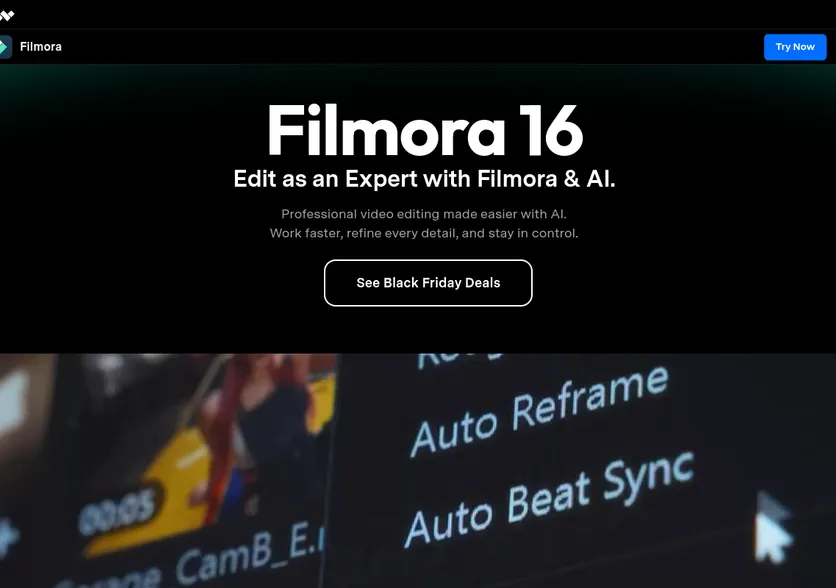
Filmora is the friendly editor that dance creators reach for when a routine needs clean cuts, beat-synced transitions and a music library in one place. This Filmora Basic plan adds the full effects pack, more music and cloud storage for your projects. A dancer who films on a phone and edits the same evening will finish a shareable video in an hour.
What we like
- Easy timeline with beat-synced effects
- Large music and effects library included
- Works well on modest computers
Watch out for
- Basic costs about fifty dollars a year
- Free exports carry a watermark
How to try it
- Open the Filmora pricing page and start a trial
- Import your dance footage and cut on the beat
- Add transitions and export the finished video
2. Adobe Premiere Pro
Best for: Professional dance films and multi-camera studio shoots
Paid tool Starting price: $22.99/month · Single-app plan, $22.99 a month billed annually; $34.49 month-to-month; Adobe marks $22.99 as first-year pricing
Free plan: 7-day free trial; no free plan
Premiere Pro is the industry editor for dance films, with the precision cutting, color tools and audio sync that a studio shoot demands. This Adobe Premiere Pro single-app plan gives you the full timeline, multicam editing and the Adobe stock music library. A creator who films with several cameras and wants frame-perfect sync will find Premiere Pro worth the monthly cost.
What we like
- Industry-standard timeline and multicam tools
- Precise audio sync for music videos
- Huge library of effects and presets
Watch out for
- Single-app plan costs about twenty-three dollars a month
- Needs a powerful computer for smooth playback
How to try it
- Open the Adobe plans page and start the Premiere Pro trial
- Import your camera angles and sync them to the music
- Cut the routine and color grade the final video
3. DaVinci Resolve Studio
Best for: Dance filmmakers who want cinema color grading on a one-time license
Paid tool Starting price: $295 one-time · Studio license, $295 one-time list price; Black Friday sale around two hundred thirty-six dollars is ignored
Free plan: Free version with full editing and color tools
DaVinci Resolve Studio is the color-grading powerhouse that turns a good dance recording into a cinematic film, with professional editing and audio in one free-to-start app. This DaVinci Resolve Studio license unlocks the full effects library, noise reduction and stereoscopic tools for a single one-time payment. A filmmaker who cares about color will find Studio the best value in professional editing.
What we like
- Best color grading tools anywhere
- One-time payment with no subscription
- Free version covers most editing needs
Watch out for
- Studio license costs two hundred ninety-five dollars once
- Steep learning curve for beginners
How to try it
- Open the DaVinci Resolve product page and download the free version
- Import your footage and cut the routine on the timeline
- Grade the color and export the finished film
4. Final Cut Pro
Best for: Mac users filming dance with an iPhone or a mirrorless camera
Paid tool Starting price: $299.99 one-time · Mac App Store license, $299.99 one-time; also in Apple Creator Studio $12.99 a month or $129 a year; 90-day free trial
Free plan: 90-day free trial; no free plan
Final Cut Pro is the Mac editor built for speed, cutting high-resolution dance footage smoothly where other editors stutter. This Final Cut Pro Mac App Store license covers the full editor with magnetic timeline, multicam and color tools for one payment. A Mac owner who films dance regularly will find Final Cut Pro the fastest way from camera to finished video.
What we like
- Extremely fast playback on Mac hardware
- Magnetic timeline keeps edits tidy
- One-time payment with no subscription
Watch out for
- License costs about three hundred dollars paid once
- Mac only, so Windows users cannot use it
How to try it
- Open the Final Cut Pro page and start a trial
- Import your footage and cut with the magnetic timeline
- Add titles and export for YouTube or social media
5. Movavi Video Editor
Best for: Beginners who want quick dance edits with effects and stickers
Paid tool Starting price: $49.95/year · Video Editor one-year license, $49.95 a year; Plus edition $69.95 a year; price from the vendor store
Free plan: Free trial with watermarked exports
Movavi Video Editor is the quick-start tool for dance creators who want titles, stickers and transitions without learning a professional timeline. This Movavi Video Editor one-year license adds the full effects pack and removes the watermark from your exports. A beginner who films rehearsals and wants a fun edit the same day will find Movavi the easiest editor here.
What we like
- Very easy interface for first-time editors
- Good sticker and title library
- Fast rendering on modest computers
Watch out for
- One-year license costs about fifty dollars a year
- Fewer professional tools than rivals
How to try it
- Open the Movavi Video Editor page and start a trial
- Import your rehearsal footage and trim the best takes
- Add stickers and export the finished video
6. PowerDirector 365
Best for: Dance creators who want a full effects library on subscription
Paid tool Starting price: $79.99/year · PowerDirector 365 annual plan, $79.99 a year list price; frequent checkout discounts around sixty dollars are ignored; monthly plan $24.99
Free plan: Free trial available; no free plan
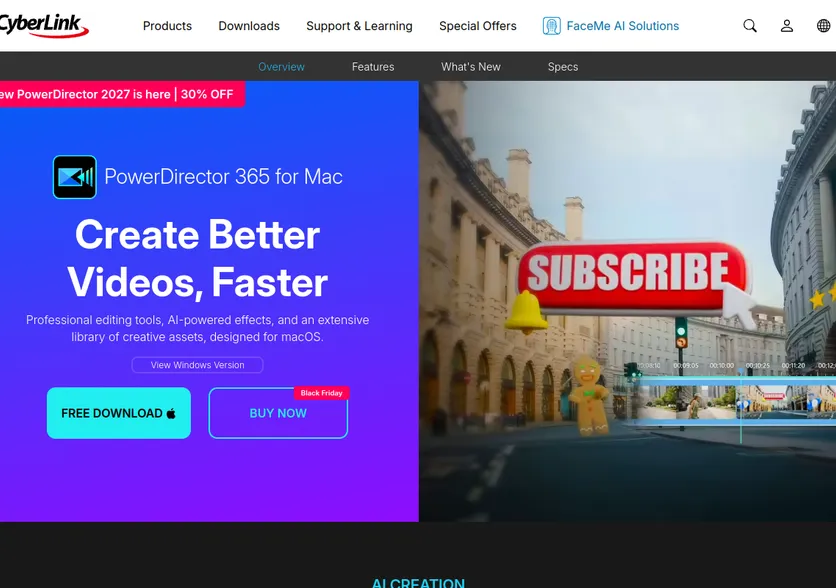
PowerDirector 365 is the subscription editor with one of the largest effects, transition and title libraries for dance videos. This PowerDirector 365 annual plan adds new effects every month, cloud storage and the full AI toolset. A creator who posts a new dance video every week will appreciate the fresh effects that arrive with each update.
What we like
- Huge effects and transition library
- New content added every month
- AI tools speed up routine edits
Watch out for
- Annual plan costs about eighty dollars a year
- Subscription only, with no one-time purchase
How to try it
- Open the PowerDirector page and start a trial
- Import your footage and browse the effects library
- Cut on the beat and export the finished video
7. CapCut Pro
Best for: Dance creators who film and edit on their phone
Paid tool Starting price: $19.99/month · Pro plan, $19.99 a month or $179.99 a year; older $9.99 Pro price is now the Standard tier
Free plan: Free plan with basic editing and auto captions
CapCut Pro turns a phone into a dance studio editor, with auto captions, beat-synced cuts and trending effects built for short-form video. This CapCut Pro plan unlocks unlimited exports, premium templates and cloud storage across phone, web and desktop. A dancer who posts Reels and TikTok daily will find CapCut Pro the fastest way from a rehearsal clip to a finished post.
What we like
- Beat-synced cuts built for dance videos
- Huge template library for short-form posts
- Works on phone, web and desktop
Watch out for
- Pro costs about twenty dollars a month
- Some features need a steady internet connection
How to try it
- Open the CapCut pricing page and start a Pro trial
- Import your dance clip and let the app sync cuts to the beat
- Add captions and export for Reels or TikTok
8. Camtasia
Best for: Dance teachers who record tutorials with screen and camera together
Paid tool Starting price: $179.88/year · Essentials plan, $179.88 a year; watermark-free editing starts here; Starter plan $39 a year is watermarked; Create $249 a year, Pro $599 a year
Free plan: Free trial available; no free plan
Camtasia is the screen recorder and editor that dance teachers use to film tutorials, combining camera footage with on-screen notes and callouts. This Camtasia Essentials plan adds watermark-free editing, the full asset library and priority support. A teacher who records step-by-step breakdowns will find Camtasia the cleanest way to show moves and explain them at the same time.
What we like
- Records camera and screen together
- Easy callouts and annotations for teaching
- Clean exports for online courses
Watch out for
- Essentials costs about one hundred eighty dollars a year
- Overkill for creators who only cut clips
How to try it
- Open the Camtasia pricing page and start a trial
- Record your camera and screen together
- Add callouts and export the tutorial
Prices above were checked on each vendor’s own website on Nov 26, 2026 and can change — the vendor’s page is the final word. Vendor links are editorial: nobody paid to be listed or ranked here. Vendors who want a featured listing can see how it works on our Get listed page.
What dance video editing software costs in 2026
Most dance creators pay for one editor, so the yearly price is the whole budget and the music library matters as much as the cutting tools. This list runs from about fifty dollars a year for a friendly editor to a one-time license near three hundred dollars for cinema tools, and the free versions of DaVinci Resolve and CapCut cover a lot of real work. The headline plan each vendor shows on its own pricing page is the number in the table above, checked on November 26, 2026.
Start with the free version or trial on two tools and edit the same routine in both. Compare how fast the cuts land on the beat and how happy you are with the result, then pay for the one that feels invisible while you work. A fifty-dollar tool you open after every rehearsal beats a three-hundred-dollar suite you never learn.
Before you buy
- Match the tool to your camera setup, because a phone shooter and a multi-camera studio need very different editors.
- Check the music library first, because a dance video without licensed music is a video you cannot post.
- Test the slow-motion and speed controls, because dance edits live or die on beat-perfect timing.
- Ask whether the tool runs on your computer, because some editors need a powerful machine for smooth playback.
- Try the free trial on a real routine, because a demo project never shows how the tool handles your own footage.
Official websites
Official websites of the products reviewed above. Features and prices were checked against these sites when this guide was written, and they can change, so confirm on the vendor site before you buy.
Frequently asked questions
What is the best software for dance video editing in 2026?
Filmora Basic, at about fifty dollars a year, is the safest default because its beat-synced effects and music library suit dance videos without a steep learning curve. CapCut Pro is better for phone-first creators who post Reels and TikTok daily, at about twenty dollars a month. Premiere Pro wins for studio shoots, since its multicam tools handle several camera angles at once.
What is the cheapest software for dance video editing?
Filmora Basic, at about fifty dollars a year, is the cheapest paid plan here, and Movavi Video Editor matches it at about fifty dollars a year. DaVinci Resolve offers a free version with full editing and color tools, so you can start at no cost. Both Filmora and Movavi offer free trials, so test each on a real routine before paying.
Can I edit dance videos for free?
Yes, DaVinci Resolve has a free version with full editing, color grading and audio tools, and it handles dance footage beautifully. CapCut and Filmora both offer free versions with watermarked exports. Start with the DaVinci Resolve free version for serious edits, or CapCut free for quick phone edits, and pay only when you need the extra features.
Is Filmora or Premiere Pro better for dance videos?
Filmora is better for most dance creators because it is easier to learn and its effects library suits music videos. Premiere Pro is better when you film with several cameras or need frame-perfect sync for a studio production. Filmora costs about fifty dollars a year while Premiere Pro costs about twenty-three dollars a month, so Filmora is also cheaper for casual creators.
Can I post dance videos with music on YouTube and TikTok?
Yes, if you use licensed music. Filmora, Premiere Pro, PowerDirector and CapCut all include licensed music libraries, so videos made with their tracks are safe to post. Using a popular song from your own collection can get your video muted or removed. Stick to the built-in music library or a licensed track to keep your channel safe.
Want free video tools too? Try Toolsvine's free video tools right in your browser.
Browse Video Tools tools


