On this page
Document processing automation turns piles of invoices, forms and contracts into structured data without a person retyping every line. Rossum leads this list at eighteen thousand dollars a year because it reads whole documents with artificial intelligence and handles high volumes for finance teams, while the cheapest entries charge by the page instead. The seven tools below range from thirty cents a page to a flat twenty-five dollars a month, and every price was checked on the vendor site. The right choice depends on volume, not on the feature list alone.
How we researched this
We checked every price on the vendor pricing page on November 28, 2026, and only included tools with a published US dollar list price. Docsumo, ABBYY Vantage and Hyperscience all sell document processing by quote, so none of them is in this list. Prices change, so confirm the current figure on the vendor site before you buy.
Compare the tools
| Name | Best for | Starting price | Free plan | |
|---|---|---|---|---|
| UiPath Document Understanding | Automation teams that already run UiPath and need documents in their robots | $25/month | Free plan (Community edition) | Visit |
| Rossum | Finance teams processing thousands of documents a month | $18,000/year | No free plan; 14-day free trial | Visit |
| Amazon Textract | Developer teams that want a pay-per-page extraction building block | $1.50 per 1,000 pages | Free tier (1,000 text pages a month for new accounts) | Visit |
| Google Document AI | Teams on Google Cloud that want document reading inside their apps | $1.50 per 1,000 pages | Free tier (first 1,000 pages free) | Visit |
 Parseur | Small teams that receive invoices and orders by email | $49/month | Free plan (20 pages a month) | Visit |
 Docparser | Teams with a steady stream of similar PDFs to extract data from | $39/month | No free plan; 14-day free trial | Visit |
 Nanonets | Teams with varied documents that want AI extraction without a big contract | $0.30 per page | Free credits ($50 to start) | Visit |
The software for automating document processing, compared
1. UiPath Document Understanding
Best for: Automation teams that already run UiPath and need documents in their robots
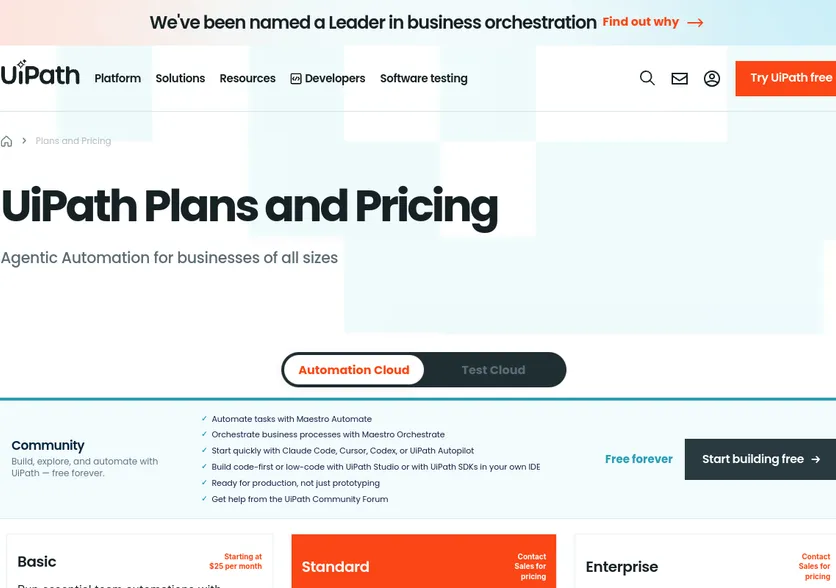
Paid tool Starting price: $25/month · $25 a month for the Basic plan; Standard and Enterprise are by quote; Document Understanding sits inside the UiPath platform
Free plan: Free plan (Community edition)
At twenty-five dollars a month, UiPath Document Understanding is the document reading layer inside the UiPath automation platform, and it extracts data from invoices, forms and contracts for a flat monthly fee. It classifies documents, pulls out the fields a workflow needs and hands the result to a robot that can post it into the finance system. The price is for the UiPath platform Basic plan, and Document Understanding sits inside it rather than selling on its own. It fits an automation team that already runs UiPath and wants documents to feed its robots.
What we like
- Sits inside a full automation platform, not a standalone parser
- A free Community edition exists for learning and small pilots
- Handles classification, extraction and validation in one flow
Watch out for
- Only makes sense for a team that also uses UiPath robots
- Larger deployments move to quoted Standard and Enterprise plans
How to try it
- Open the Community edition and load ten real invoices
- Define the fields the downstream robot actually needs
- Run the extraction and check the accuracy on scanned pages
2. Rossum
Best for: Finance teams processing thousands of documents a month
Paid tool Starting price: $18,000/year · $18,000 a year for Starter with unlimited seats and a one-year minimum; Business, Enterprise and Ultimate are by quote
Free plan: No free plan; 14-day free trial
At eighteen thousand dollars a year, Rossum Starter is the enterprise document reader in this list, and it charges a flat annual fee with unlimited seats. It reads invoices, orders and contracts with artificial intelligence, validates the extracted data against the business system and learns from every correction. Rossum became part of Coupa earlier this year, which strengthens its procurement integrations. It fits a finance team that processes thousands of documents a month and needs accuracy it can defend to an auditor.

What we like
- A flat annual fee with unlimited seats keeps costs predictable
- Learns from corrections, so accuracy improves over time
- Validation against the business system catches errors before posting
Watch out for
- The entry price is far above every other tool in this list
- A one-year minimum commitment locks the team in early
How to try it
- Run the fourteen-day trial on one hundred real invoices
- Measure the straight-through rate against the current manual process
- Check the Coupa integration if the firm already buys through Coupa
3. Amazon Textract
Best for: Developer teams that want a pay-per-page extraction building block
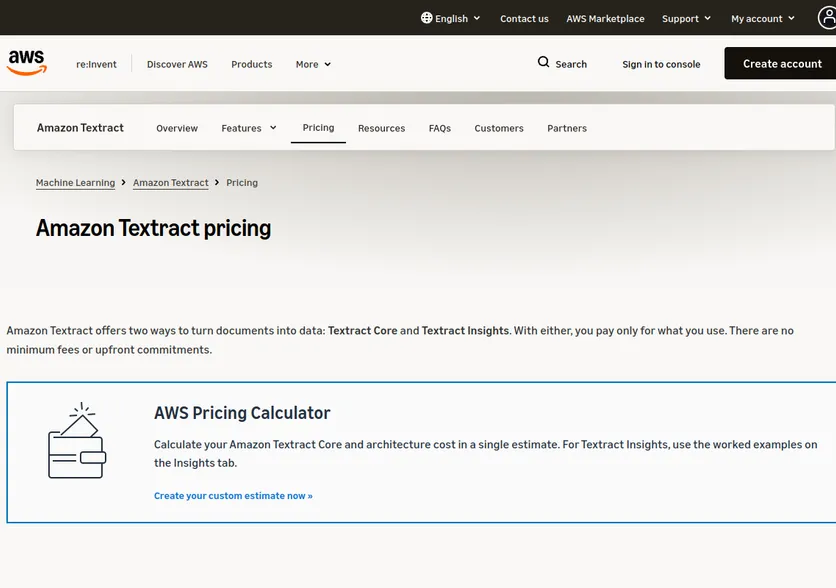
Paid tool Starting price: $1.50 per 1,000 pages · $1.50 per 1,000 pages for text detection; Tables is $15, Forms is $50, Queries is $15 and Expense is $10 per 1,000 pages
Free plan: Free tier (1,000 text pages a month for new accounts)
At one dollar and fifty cents per thousand pages, Amazon Textract is the cheapest way in this list to read text from documents at scale, because it charges only for the pages actually processed. It detects text, tables, forms and handwriting, and it plugs into the rest of Amazon Web Services, so a developer can build a full pipeline around it. The free tier gives new accounts one thousand text pages a month for three months. It fits a team with developers who want a building block rather than a finished application.
What we like
- Pay only for the pages processed, with no monthly minimum
- Reads text, tables, forms and handwriting in one service
- Plugs into the wider Amazon Web Services ecosystem
Watch out for
- It is an API, not an application, so a team must build the workflow
- Costs rise fast when forms and tables are needed on every page
How to try it
- Process one hundred sample pages through the API
- Compare the table and form extraction accuracy against the need
- Estimate the monthly page volume before budgeting
4. Google Document AI
Best for: Teams on Google Cloud that want document reading inside their apps
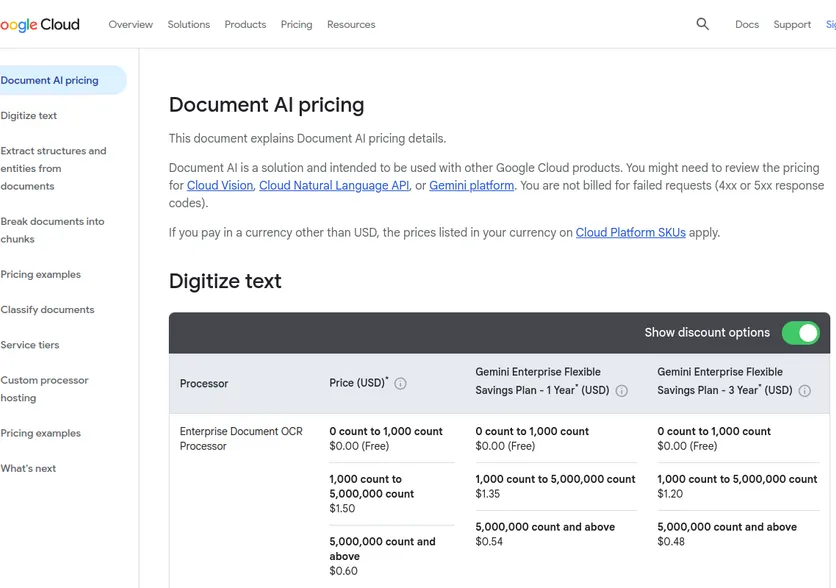
Paid tool Starting price: $1.50 per 1,000 pages · $1.50 per 1,000 pages for Enterprise Document OCR; Form Parser and Custom Extractor are $30, Layout Parser is $10 per 1,000 pages
Free plan: Free tier (first 1,000 pages free)
At one dollar and fifty cents per thousand pages, Google Document AI matches the cheapest per-page pricing in this list for plain text extraction. It offers ready-made parsers for invoices, receipts and identity documents, plus custom extractors that a team can train on its own forms. The first one thousand OCR pages are free, and new Google Cloud customers also receive three hundred dollars of credit. It fits a team that already runs on Google Cloud and wants document reading inside its own applications.
What we like
- Ready-made parsers for invoices, receipts and identity documents
- Custom extractors can be trained on a firm's own forms
- The first thousand OCR pages cost nothing
Watch out for
- Form parsing costs twenty times the plain text rate per page
- A developer is needed to wire it into a real workflow
How to try it
- Run the free pages on a batch of real invoices
- Train a custom extractor on the firm's most common form
- Compare the form parser cost against the plain OCR cost
5. Parseur
Best for: Small teams that receive invoices and orders by email
Paid tool Starting price: $49/month · $49 a month ($39 a month billed annually); Mini is $89, Starter is $129, Premium is $269 and Pro is $499 a month
Free plan: Free plan (20 pages a month)
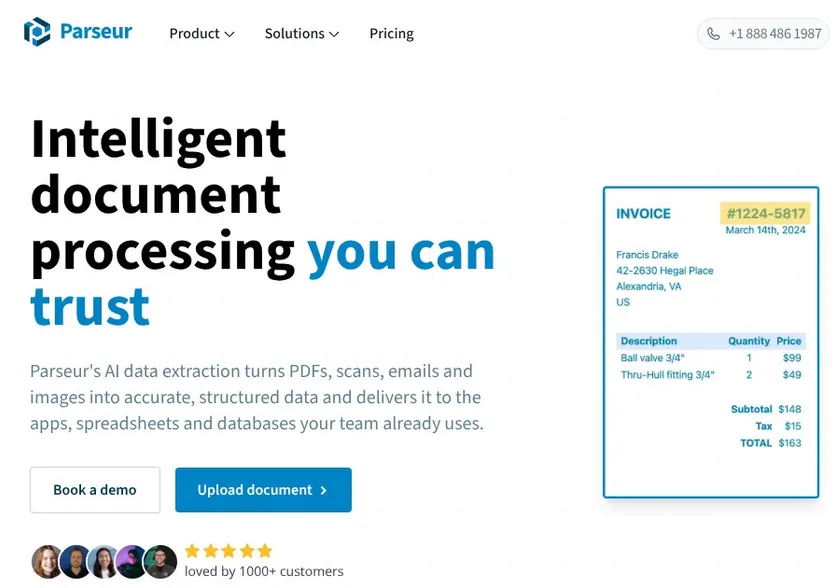
At forty-nine dollars a month, Parseur is the most approachable parser in this list for a team that receives documents by email. It watches a mailbox, pulls out the data from invoices, orders and attachments, and sends the structured result to the accounting system or a spreadsheet. The free plan covers twenty pages a month, which is enough to prove the idea, and the annual plan brings the Micro tier down to thirty-nine dollars a month. It fits a small team that wants email documents turned into data without writing code.
What we like
- Watches a mailbox and parses attachments automatically
- No code is needed to set up a parsing template
- A free plan covers twenty pages a month
Watch out for
- Email-centric, so it suits fewer use cases than a full platform
- High volumes push the price up through the tiers quickly
How to try it
- Forward ten real invoices to the Parseur mailbox
- Map the extracted fields to the accounting system
- Check the accuracy on the messiest invoice in the inbox
6. Docparser
Best for: Teams with a steady stream of similar PDFs to extract data from
Paid tool Starting price: $39/month · $39 a month ($32.50 a month billed annually); Professional is $74 and Business is $159 a month
Free plan: No free plan; 14-day free trial
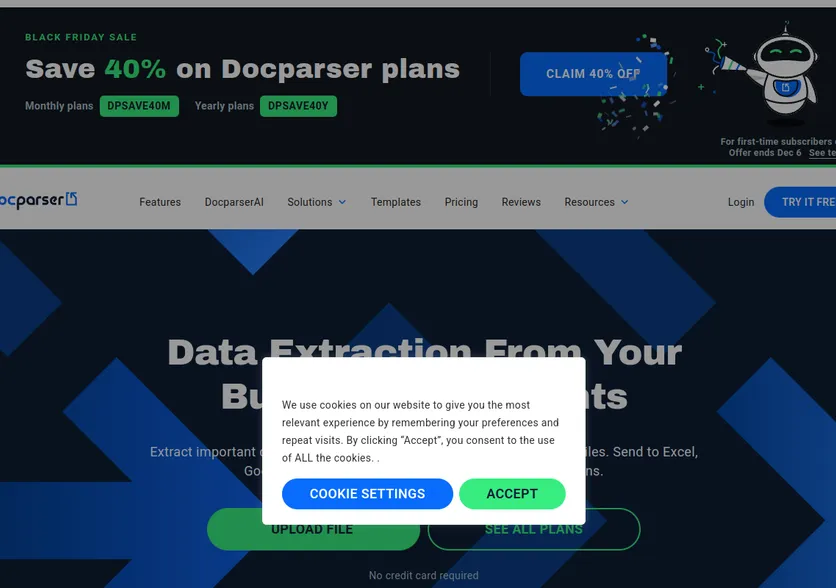
At thirty-nine dollars a month, Docparser is a focused document parser for teams that want to extract data from PDFs and send it onward without building software. It reads invoices, forms and reports, applies parsing rules the user defines, and exports the result to a spreadsheet, a database or an integration. The annual plan brings the Starter tier down to thirty-two dollars and fifty cents a month. It fits a team with a steady stream of similar documents and a clear idea of which fields matter.
What we like
- Simple rule-based parsing that a non-developer can set up
- Exports to spreadsheets, databases and integrations
- A fourteen-day trial is long enough for a real test
Watch out for
- Rule-based parsing needs retraining when document layouts change
- No free plan, so even a small pilot costs money
How to try it
- Upload twenty copies of the most common document type
- Define the fields and check the extraction accuracy
- Set up the export to the spreadsheet the team already uses
7. Nanonets
Best for: Teams with varied documents that want AI extraction without a big contract
Paid tool Starting price: $0.30 per page · $0.30 per page for complex AI block runs; simple blocks are $0.02 and standard AI blocks are $0.10; Pro workflows are $999 a month
Free plan: Free credits ($50 to start)
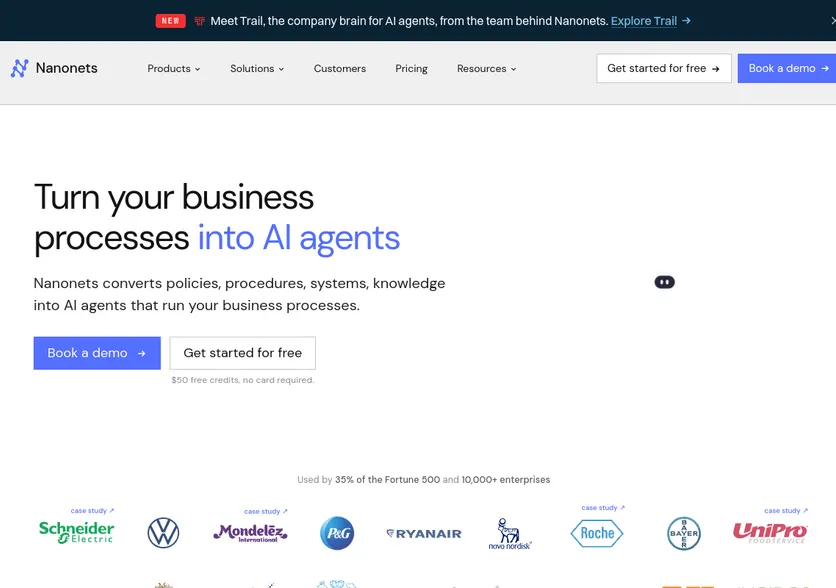
At thirty cents a page, Nanonets charges by the page for artificial intelligence extraction, and the price depends on how complex the document is. Simple blocks cost two cents, standard artificial intelligence blocks cost ten cents, and complex blocks cost thirty cents, so a firm pays for the difficulty of its own documents rather than a flat rate. Fifty dollars of free credits lets a team test the service before spending anything. It fits a team with varied documents that wants modern artificial intelligence extraction without a large annual contract.
What we like
- Pay per page, so quiet months cost almost nothing
- Pricing scales with document complexity, not headcount
- Free credits let a team test before committing
Watch out for
- The per-page model is harder to budget than a flat monthly fee
- Pro workflows jump to nine hundred and ninety-nine dollars a month
How to try it
- Spend the free credits on the hardest documents first
- Compare the cost per document against the manual typing cost
- Check which block type each document actually needs
Prices above were checked on each vendor’s own website on Nov 28, 2026 and can change — the vendor’s page is the final word. Vendor links are editorial: nobody paid to be listed or ranked here. Vendors who want a featured listing can see how it works on our Get listed page.
How to automate document processing without a failed pilot
Start with one document type, not the whole filing cabinet, because a pilot that tries to read everything usually reads nothing well. Gather fifty real examples of that document, including the worst scans and the messiest handwriting, since clean samples flatter every vendor. Measure the straight-through rate, meaning the share of documents that need no human touch, and compare it with the cost of the manual work it replaces. Agree who reviews the exceptions before the first run, and keep the original files, because an extraction error is only fixable when the source is still there.
Before you buy
- Confirm the tool reads the firm's worst documents, not just clean scans, before signing anything
- Check whether the price is per page, per document or per seat, and model the real monthly volume
- Ask how the tool handles exceptions, and who reviews them when the extraction is uncertain
- Make sure the extracted data lands in the accounting system without manual retyping
- Test the accuracy on fifty real documents and measure the straight-through rate honestly
Official websites
Official websites of the products reviewed above. Features and prices were checked against these sites when this guide was written, and they can change, so confirm on the vendor site before you buy.
Frequently asked questions
What is document processing automation software?
Document processing automation software reads business documents such as invoices, forms and contracts, pulls out the structured data inside them and sends it into another system without a person retyping it. Modern tools use artificial intelligence to understand layout and handwriting, then validate the result against the business system. The goal is to cut manual data entry, speed up approvals and stop the errors that come from typing the same figures twice.
How much does document processing software cost?
The seven tools here range from one dollar and fifty cents per thousand pages for plain text extraction to eighteen thousand dollars a year for Rossum, which is the enterprise option. Flat monthly plans sit between twenty-five and forty-nine dollars a month for small teams, while per-page pricing suits uneven volumes. The honest way to compare them is to multiply the per-page price by the real monthly volume and add the monthly fee.
Is per-page or monthly pricing better for document processing?
Per-page pricing is better when the volume swings from month to month, because a quiet month costs almost nothing, and it suits a team that only processes documents in bursts. Monthly pricing is better when the volume is steady and predictable, since a flat fee is easier to budget and there is no surprise bill after a busy month. A team that processes thousands of pages every month should compare the flat enterprise plans, because per-page costs overtake them quickly.
Which document processing tool is best for a small team?
Parseur at forty-nine dollars a month is the best pick for a small team that receives documents by email, because it needs no code and the free plan covers twenty pages a month. Docparser at thirty-nine dollars a month suits a team that works from PDFs and knows which fields it needs. Developers should look at Amazon Textract or Google Document AI, since both charge one dollar and fifty cents per thousand pages for plain text.
Why are Docsumo, ABBYY Vantage and Hyperscience not in this list?
Docsumo, ABBYY Vantage and Hyperscience all sell document processing, but none of them publishes a price, so they sell by quote and a reader cannot compare them fairly against the tools here. Every tool in this list has a published US dollar list price that was checked on the vendor site on November 28, 2026. A firm that needs one of the quoted platforms should request a price directly and compare the total against the published options here.
Compare the seven tools above, then start with a free trial or the free tier on the tool that matches the document type the team processes most before paying for a full year.
Browse Document & File Converters tools