On this page
A user flow drawn in a static document is out of date the moment the team changes its mind. The eight tools below let designers, product managers and developers sketch, comment and test a flow together on one live canvas, from freeform whiteboards to prototypes that feel like the finished product. Figma leads because its Professional plan costs sixteen dollars per editor a month billed annually and its canvas is where most product teams already work. The rest are ranked on how fast a rough flow becomes a testable prototype.
How we researched this
We checked every price on the vendor pricing page on November 28, 2026, and only included tools with a published US dollar list price. Older Figma listings that quote twelve dollars for Professional are really the Dev seat, not the full editor seat, and quote-only whiteboard platforms are excluded. Prices change, so confirm the current figure on the vendor site before you buy.
Compare the tools
| Name | Best for | Starting price | Free plan | |
|---|---|---|---|---|
 Figma | Product teams that map flows inside the design file | $16/editor/month | Free plan (Starter, 3 files) | Visit |
 Miro | Workshops that sketch flows on an open canvas | $8/user/month | Free plan | Visit |
 Lucidchart | Teams that need formal, presentable flow diagrams | $9/user/month | Free plan | Visit |
 Whimsical | Small teams that want fast, clean flowcharts | $10/editor/month | Free plan | Visit |
| Overflow | Teams that present flows as guided stories | $15/user/month | No free plan; 14-day free trial | Visit |
| Axure RP | Enterprise teams that prototype complex conditional flows | $29/user/month | No free plan; 30-day free trial | Visit |
| UXPin | Teams that prototype with real coded components | $29/seat/month | Free plan (2 prototypes) | Visit |
 Sketch | Mac-first teams that map flows beside their designs | $12/editor/month | No free plan; 30-day free trial | Visit |
The software for collaborative user flows, compared
1. Figma
Best for: Product teams that map flows inside the design file
Paid tool Starting price: $16/editor/month · Sixteen dollars per Full seat a month billed annually on Professional, or twenty dollars billed monthly; Dev seats are twelve dollars and Collab seats are three dollars billed annually; Organization is fifty-five dollars a Full seat a month
Free plan: Free plan (Starter, 3 files)
A product team that maps flows beside the screens they describe will work fastest in this Figma plan, which costs sixteen dollars per editor a month billed annually. Its flows live beside the screens they describe, so a reviewer never wonders which mockup a box refers to. Live cursors make flow reviews genuinely collaborative, and Dev Mode hands developers the specs from the same file.

What we like
- Flows live beside the screens they describe
- Live cursors make flow reviews genuinely collaborative
- Dev Mode hands developers the specs from the same file
Watch out for
- Flow tools are lighter than a dedicated diagrammer
- Full seats are the dearest way to add reviewers
How to try it
- Open the design file and add a flow starting point
- Draw connectors between screens to map each path
- Share the file link so stakeholders can comment in place
2. Miro
Best for: Workshops that sketch flows on an open canvas
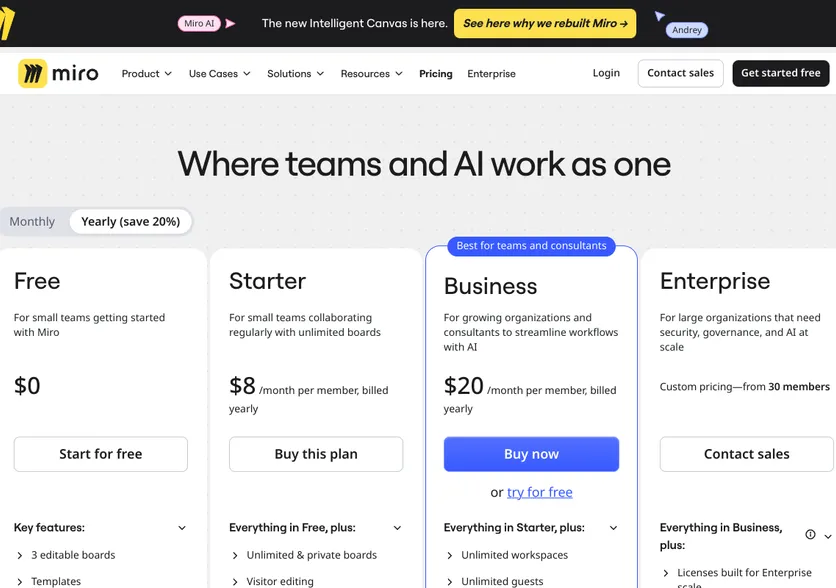
Paid tool Starting price: $8/user/month · Eight dollars per user a month billed annually on Starter, or ten dollars billed monthly; Business is sixteen dollars a user a month billed annually
Free plan: Free plan
A team that sketches flows together on a whiteboard will feel at home in this Miro plan, which costs eight dollars per user a month billed annually. Its open canvas fits free-form flow sketching better than any grid tool, and the template library covers journey maps and workshops. Guests can join a board without a paid seat, which keeps client reviews cheap.
What we like
- An open canvas fits free-form flow sketching
- Templates for journey maps, flows and workshops
- Guests can join a board without a paid seat
Watch out for
- Boards get messy without a facilitator
- Export options are limited on the entry plan
How to try it
- Start a board from a user flow template
- Invite the team and sketch each step as a card
- Share a view-only link for stakeholder review
3. Lucidchart
Best for: Teams that need formal, presentable flow diagrams
Paid tool Starting price: $9/user/month · Nine dollars per user a month billed annually on Individual; Team is ten dollars a user a month billed annually and Enterprise is quoted
Free plan: Free plan
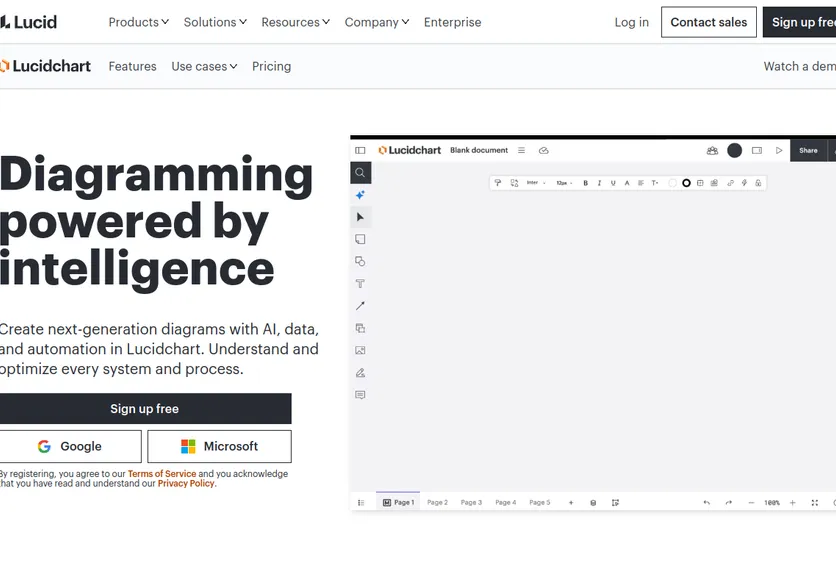
A team that presents flows to clients and executives will want the tidy diagrams in this Lucidchart plan, which costs nine dollars per user a month billed annually. Its shape libraries and auto-layout keep flow diagrams tidy enough to show a client, and data linking turns a diagram into a living document. Import from Visio and other formats means old diagrams move across without redrawing.
What we like
- Shape libraries and auto-layout keep diagrams tidy
- Data linking turns diagrams into living documents
- Strong import from Visio and other formats
Watch out for
- The free plan caps at three editable documents
- Real-time co-editing is smoother in Miro
How to try it
- Pick a flowchart template and lay out the steps
- Connect shapes and label each decision point
- Share the diagram link for comments from stakeholders
4. Whimsical
Best for: Small teams that want fast, clean flowcharts
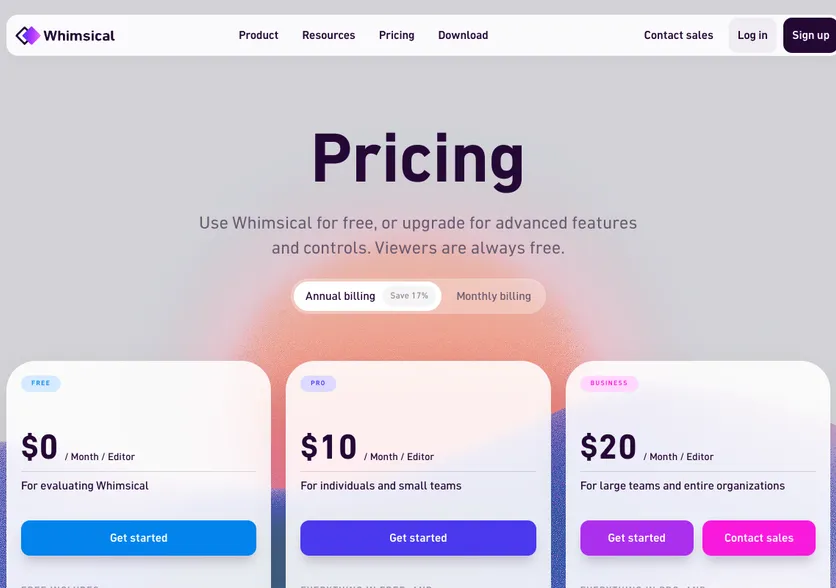
Paid tool Starting price: $10/editor/month · Ten dollars per editor a month billed annually on Pro, or twelve dollars billed monthly; Organization is twenty dollars an editor a month billed annually
Free plan: Free plan
A small team that sketches a flow in minutes rather than hours will like this Whimsical plan, which costs ten dollars per editor a month billed annually. Its flowchart editor is the fastest route to a clean diagram in this list, and flowcharts, wireframes and docs share one canvas. Viewers are free, so stakeholders can comment without adding to the bill.
What we like
- The fastest clean flowchart in this list
- Flowcharts, wireframes and docs share one canvas
- Viewers are free, so stakeholders cost nothing
Watch out for
- Fewer integrations than Lucidchart or Miro
- No desktop app for offline work
How to try it
- Open a flowchart and add the first screen as a shape
- Connect the steps and add notes for edge cases
- Share a view link so stakeholders can comment
5. Overflow
Best for: Teams that present flows as guided stories
Paid tool Starting price: $15/user/month · Fifteen dollars per user a month on Pro, or twelve dollars billed annually; Enterprise is quoted; some listings show a euro price near twenty euros, so confirm the currency at checkout
Free plan: No free plan; 14-day free trial
A team that walks stakeholders through a flow as a guided story will present best with this Overflow plan, which costs fifteen dollars per user a month. Its guided presentations turn static screens into a story a client can follow step by step, which suits stakeholder reviews. It syncs designs from Figma, Sketch and Photoshop, and passphrase sharing keeps early flows private.
What we like
- Turns static screens into guided flow presentations
- Syncs designs from Figma, Sketch and Photoshop
- Passphrase-protected sharing for outside reviewers
Watch out for
- No free plan, only a short trial
- A smaller community than the big diagrammers
How to try it
- Sync the design file into a new Overflow project
- Connect screens into a flow and add annotations
- Share the presentation link with the client
6. Axure RP
Best for: Enterprise teams that prototype complex conditional flows
Paid tool Starting price: $29/user/month · Twenty-nine dollars per user a month on Pro billed annually; Team is forty-two dollars a user a month and Enterprise is quoted; older listings show twenty-five dollars for Pro, so confirm at checkout
Free plan: No free plan; 30-day free trial
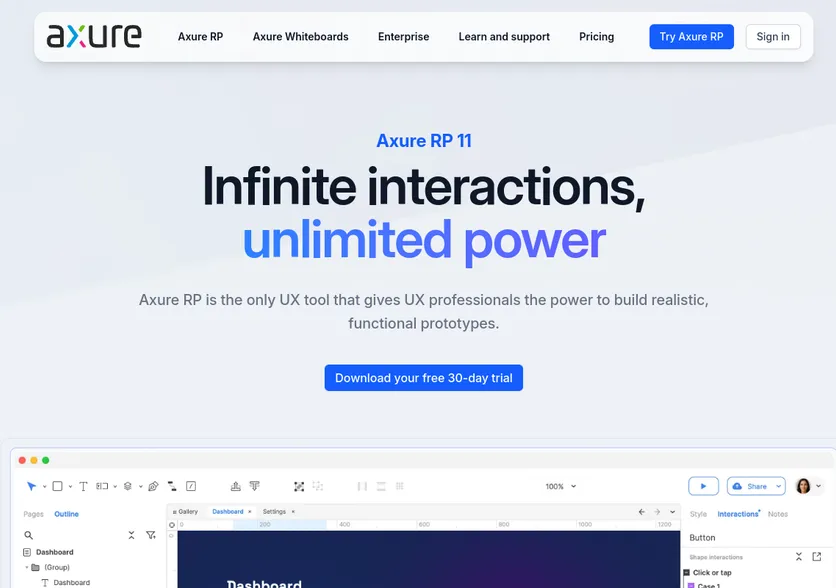
An enterprise team whose flows branch on conditional logic will need this Axure RP plan, which costs twenty-nine dollars per user a month. Its conditional logic and working form fields let a prototype behave like real software, which is what complex flows need. The output doubles as serious UX documentation alongside the prototype itself.
What we like
- Conditional logic and working form fields in prototypes
- Data-driven interactions behave like real software
- Doubles as serious UX documentation
Watch out for
- A steep learning curve for new team members
- Overkill for simple linear flows
How to try it
- Build the screens and add conditional logic to the widgets
- Link the flow paths and test each branch
- Publish the prototype link for stakeholder testing
7. UXPin
Best for: Teams that prototype with real coded components
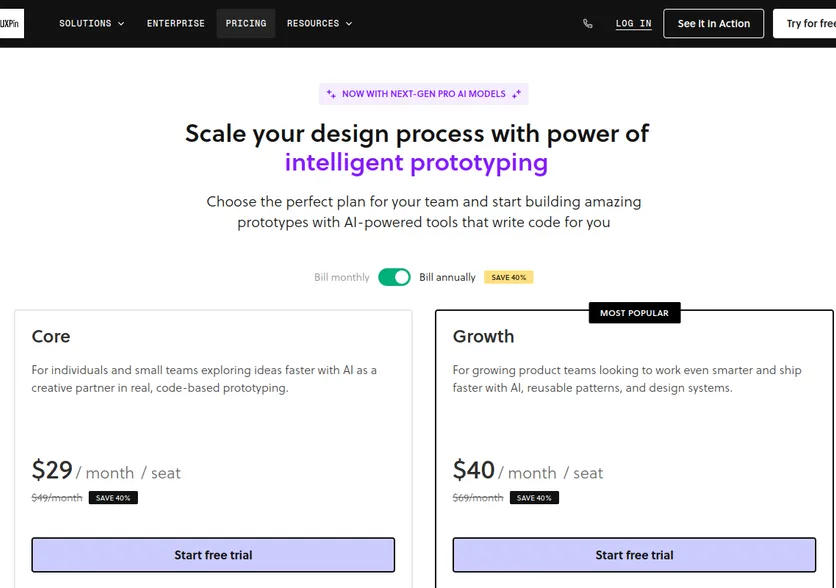
Paid tool Starting price: $29/seat/month · Twenty-nine dollars per seat a month billed annually on Core, or forty-nine dollars billed monthly; Growth is forty dollars a seat a month billed annually
Free plan: Free plan (2 prototypes)
A team that tests flows built from real coded components will get closest to the finished product with this UXPin plan, which costs twenty-nine dollars per seat a month billed annually. Its prototypes are built from real coded components, so what a stakeholder tests is close to what developers will ship. Conditional logic, variables and states come with the Core plan, alongside built-in MUI, Bootstrap and Tailwind libraries.
What we like
- Prototypes built from real coded components
- Conditional logic, variables and states included
- Built-in MUI, Bootstrap and Tailwind libraries
Watch out for
- Your own component library needs Enterprise
- Version history is only seven days on Core
How to try it
- Start a prototype from a coded component library
- Add states and logic to the interactive elements
- Share the preview link for user testing
8. Sketch
Best for: Mac-first teams that map flows beside their designs
Paid tool Starting price: $12/editor/month · Twelve dollars per editor a month billed annually on Standard, or fourteen dollars billed monthly; Professional is twenty-four dollars and Enterprise is forty-four dollars; a Mac-only licence is one hundred and twenty dollars per seat
Free plan: No free plan; 30-day free trial
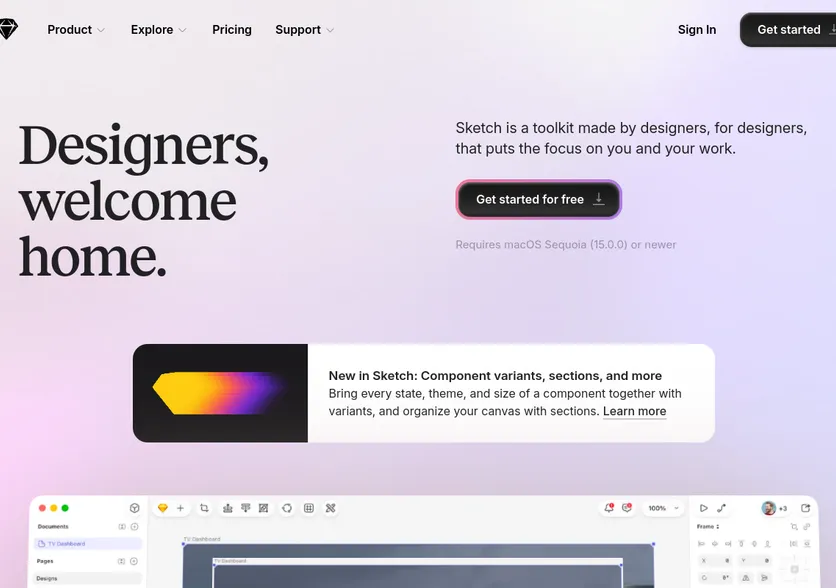
A Mac-first team that maps flows beside its designs will work comfortably in this Sketch plan, which costs twelve dollars per editor a month billed annually. Its native Mac app is the tool Mac-first design teams already know, and free viewers plus developer handoff come with every plan. A one-time Mac licence suits a solo designer who resents subscriptions.
What we like
- Native Mac app that designers know well
- Free viewers and developer handoff included
- A one-time Mac licence option for solo designers
Watch out for
- Editing needs a Mac, which blocks mixed teams
- No free plan beyond the trial
How to try it
- Open the document and lay out the flow artboards
- Connect the screens with prototype links
- Share a web link for browser review and handoff
Prices above were checked on each vendor’s own website on Nov 28, 2026 and can change — the vendor’s page is the final word. Vendor links are editorial: nobody paid to be listed or ranked here. Vendors who want a featured listing can see how it works on our Get listed page.
How to run a collaborative user-flow session that ends with a decision
Start with the user goal, not the screens, because a flow that maps every click but forgets the outcome is a map to nowhere. Give everyone the same canvas and a time limit, since a flow drawn by one person while the rest watch is just a presentation. Test the rough version with a real user before polishing it, because a broken step found early costs minutes and found late costs a sprint. Keep the comments on the canvas, not in a separate chat, so the next person sees why a step changed. Archive the finished flow beside the shipped screens, and check back after launch to see where users actually went.
Before you buy
- Check whether viewers and guests are free, since stakeholders should not need a paid seat to comment
- Make sure the tool exports or publishes the flow in a form the team can actually share
- Test real-time editing with the whole team on the call before paying for seats
- Confirm the tool handles your file size and frame count without slowing down
- Ask how the price scales as editors join, since per-editor billing adds up fast
Official websites
Official websites of the products reviewed above. Features and prices were checked against these sites when this guide was written, and they can change, so confirm on the vendor site before you buy.
Frequently asked questions
What is the best software for collaborative user flows?
Figma is the best overall pick, at sixteen dollars per editor a month billed annually on Professional, because flows, wireframes and prototypes share one live file that the whole team can edit. Miro is the better pick for workshops and journey mapping, at eight dollars a user a month billed annually. Whimsical suits small teams best, at ten dollars per editor a month with free viewers.
How much does Figma cost for user flows?
Figma Professional costs sixteen dollars per editor a month billed annually for a full seat, or twenty dollars month to month. Dev seats cost twelve dollars a month billed annually and Collab seats cost three dollars, while Organization is fifty-five dollars and Enterprise is ninety dollars. Older listings that quote twelve dollars for Professional are really the Dev seat price.
Can I map user flows for free?
Yes. Figma, Miro, Lucidchart, Whimsical and UXPin all offer free plans, so a small team can map flows without paying. The free tiers limit projects, editors or features, so a busy team will outgrow them, but they are genuine free plans rather than trials and they cover the first real project.
Which tool is best for workshops and journey mapping?
Miro is the best whiteboard for workshops, at eight dollars a user a month billed annually, with an open canvas, templates and voting that keep sessions moving. Whimsical is the calmest option for small teams that map flows informally. Lucidchart is the tidiest pick when the finished diagram must look presentable to clients or executives.
Do I need Figma and Miro, or is one enough?
One is usually enough. Figma covers flows, wireframes and hi-fi prototypes in one file, so teams that design in the open can skip a separate whiteboard. Miro covers workshops and journey mapping better, so teams that plan before they design may prefer it. Many teams keep both, using Miro to plan the flow and Figma to prototype it.
Compare the eight tools above, then start with a free plan on the tool that matches how the team already maps flows before paying for seats.
Browse Business Tools tools