On this page
Database analysis splits into two jobs: asking questions of the data, and working with the database itself, and the tools below cover both. They also need to share the answers widely, since a chart nobody sees changes nothing for the business. Power BI leads because it is the cheapest per-user way to turn database data into dashboards, at fourteen dollars per user a month.
How we researched this
We checked every price on the vendor pricing page on November 28, 2026, and only included tools with a published US dollar list price. Looker, Sigma, Omni and Domo publish no list prices, so they are not in this list. Prices change, so confirm the current figure on the vendor site before you buy.
Compare the tools
| Name | Best for | Starting price | Free plan | |
|---|---|---|---|---|
 Power BI | Microsoft teams that need dashboards on a budget | $14/user/month | Free account available | Visit |
 Tableau | Data teams that want the best visual analytics | $75/user/month | Free trial available | Visit |
 Metabase | Technical teams that want to start free and grow | $100/month | Free open-source edition available | Visit |
 Qlik Cloud Analytics | Teams with many viewers on a fixed data volume | $300/month | Free trial available | Visit |
| ThoughtSpot | Teams that want plain-language questions and self-service | $50/user/month | Free trial available | Visit |
 Looker Studio Pro | Google teams that need cheap, shareable reporting | $9/user/month | Free plan available | Visit |
| DBeaver | Teams that work with many database engines | $113/year | Free Community edition available | Visit |
| DataGrip | SQL developers in the JetBrains ecosystem | $109/year | Free for non-commercial use; 30-day trial | Visit |
The software for database analysis, compared
1. Power BI
Best for: Microsoft teams that need dashboards on a budget
Paid tool Starting price: $14/user/month · Fourteen dollars per user a month on Pro paid yearly; Premium Per User is twenty-four dollars per user a month paid yearly; Fabric capacity from F2 is needed for Copilot and is billed separately
Free plan: Free account available
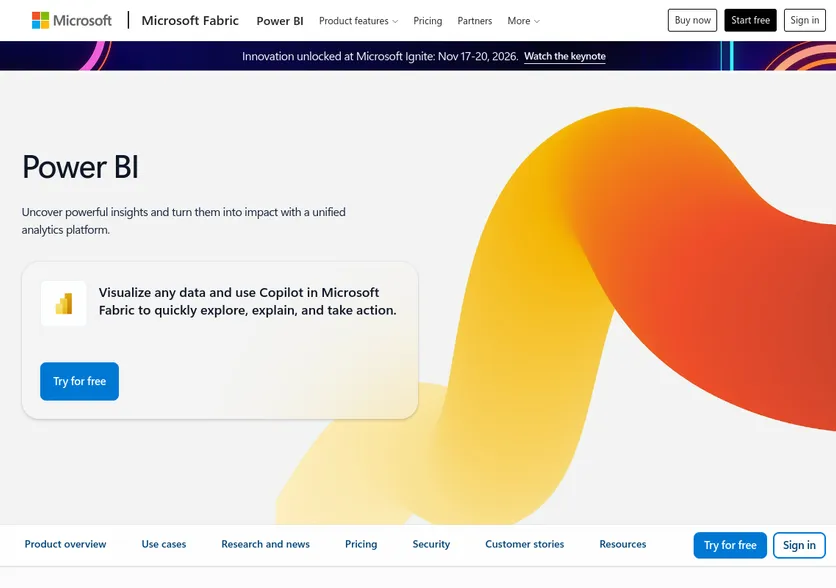
A team that already lives in Microsoft tools finds the obvious choice here, since this Power BI plan costs fourteen dollars per user a month for dashboards, reports and data modelling. It is the cheapest per-user business intelligence tool in this list, and it connects to Excel, Teams and Azure without extra work. Every viewer needs a licence, so the bill grows with the audience, and Copilot needs a separate Fabric capacity.
What we like
- Cheapest per-user business intelligence price here
- Deep integration with Excel, Teams and Azure
- Strong data modelling and scheduled refreshes
Watch out for
- Every viewer needs a paid licence
- Copilot needs a separate Fabric capacity on top
How to try it
- Connect the data source and build the model
- Create the dashboard with the key measures
- Share the report and schedule the refresh
2. Tableau
Best for: Data teams that want the best visual analytics
Paid tool Starting price: $75/user/month · Seventy-five dollars per user a month billed annually for a Creator on Cloud Standard; Explorer is forty-two dollars; Viewer is fifteen dollars; Enterprise raises every role to one hundred and fifteen, seventy and thirty-five dollars; at least one Creator licence is required
Free plan: Free trial available
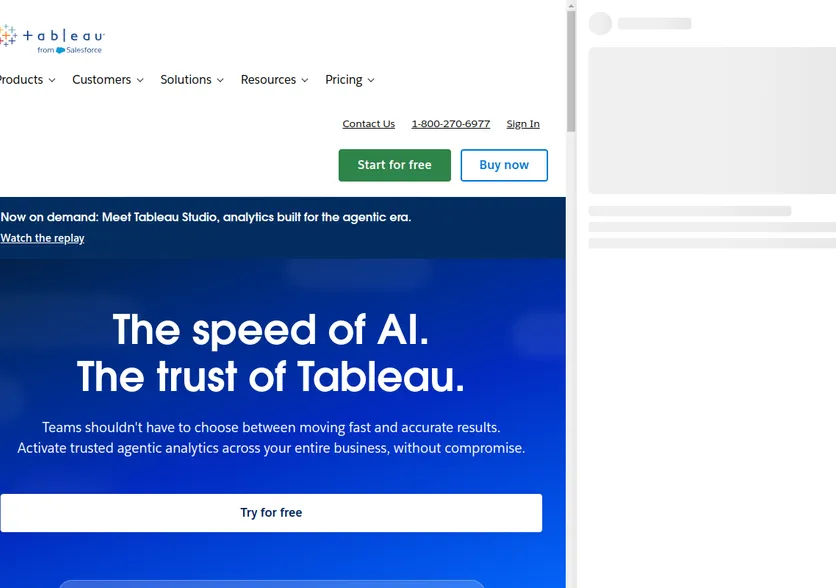
A team that needs the best visual exploration in the business starts here, since this Tableau plan costs seventy-five dollars per user a month billed annually for a Creator seat. Only builders need a Creator licence, while most of the team can view for fifteen dollars a month, which keeps the bill sane at scale. It is the gold standard for interactive dashboards, though the per-user pricing gets expensive when many people need to build.
What we like
- Gold standard for visual exploration and dashboards
- Role-based pricing keeps viewers cheap at fifteen dollars
- Huge community and library of examples
Watch out for
- Creator seats are dear, so many builders cost a lot
- Annual contracts only, with no monthly option
How to try it
- Connect the data and build the first workbook
- Publish the dashboard to Tableau Cloud
- Give viewers a Viewer licence and share the link
3. Metabase
Best for: Technical teams that want to start free and grow
Paid tool Starting price: $100/month · One hundred dollars a month for Starter with five users included, then six dollars per extra user a month (ninety dollars a month billed annually); Pro is five hundred and seventy-five dollars a month for ten users, then twelve dollars per extra user; the open-source edition is free and uncapped on users if the team runs it itself
Free plan: Free open-source edition available
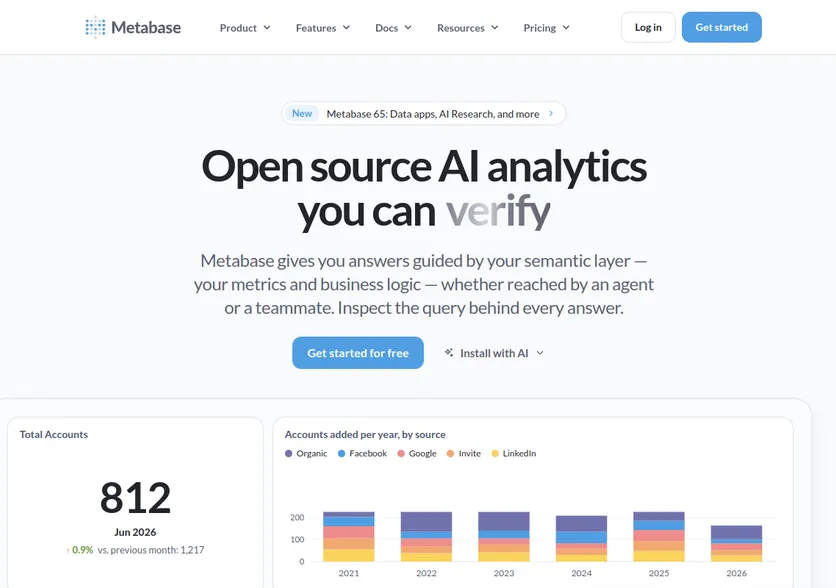
A technical team that wants to start free and grow starts here, since this Metabase plan costs one hundred dollars a month for Starter with five users included. The open-source edition is genuinely free and uncapped on users for a team willing to run it, and the cloud plans add hosting, support and permissions. Row and column permissions need the dearer Pro plan, so a team with sensitive data should budget for that.
What we like
- Open-source edition is free and uncapped on users
- Natural language questions and SQL in one tool
- Cheapest cloud start in this list for a small team
Watch out for
- Row-level permissions need the dearer Pro plan
- Self-hosting the free edition needs engineering time
How to try it
- Connect the database and let Metabase scan the schema
- Ask a question in plain language or write SQL
- Save the chart to a dashboard and share it
4. Qlik Cloud Analytics
Best for: Teams with many viewers on a fixed data volume
Paid tool Starting price: $300/month · Three hundred dollars a month billed annually for Starter with ten users and ten gigabytes; Standard is eight hundred and twenty-five dollars a month; Premium is two thousand seven hundred and fifty dollars a month; Standard and above add users at no cost
Free plan: Free trial available
A team with many viewers and a fixed data volume starts here, since this Qlik Cloud Analytics plan costs three hundred dollars a month billed annually for ten users and ten gigabytes. Standard and above add users at no extra cost, so the bill stays flat as the audience grows, which is the opposite of the per-user tools in this list. It is dearer than the per-user options for a tiny team, and it earns its price on large viewer counts.
What we like
- Users are free from Standard up, so viewers cost nothing extra
- Strong associative engine for exploring data
- Flat price suits a large audience
Watch out for
- Dearer than per-user tools for a tiny team
- Data capacity limits force an upgrade as volume grows
How to try it
- Connect the data sources to Qlik Cloud
- Build the app with the associative model
- Share the app with the team and add viewers free
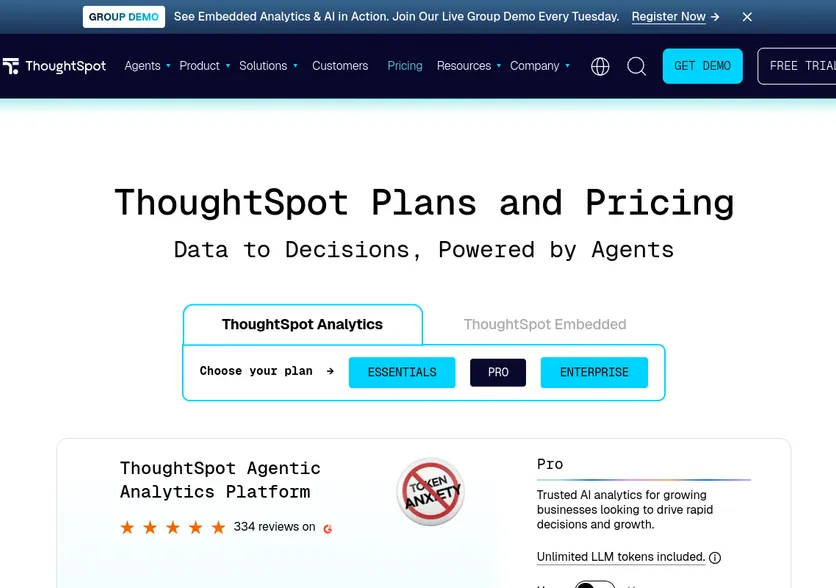
5. ThoughtSpot
Best for: Teams that want plain-language questions and self-service
Paid tool Starting price: $50/user/month · Fifty dollars per user a month on Pro for up to one thousand users; the figure comes from an August 2026 benchmark read of the vendor pricing page and should be confirmed at checkout
Free plan: Free trial available
A team that wants to ask questions in plain language starts here, since this ThoughtSpot plan costs fifty dollars per user a month for search-driven analytics with an AI assistant. Anyone can type a question and get a chart, which suits teams where the people asking are not the people building dashboards. It is dearer than Power BI per user, and it earns that price where self-service matters most.
What we like
- Plain-language search turns questions into charts
- AI assistant helps non-technical users explore data
- Self-service reduces the queue on the data team
Watch out for
- Dearer per user than Power BI or Metabase
- Needs clean modelled data to answer well
How to try it
- Connect the data warehouse to ThoughtSpot
- Model the measures and dimensions once
- Let the team ask questions in plain language
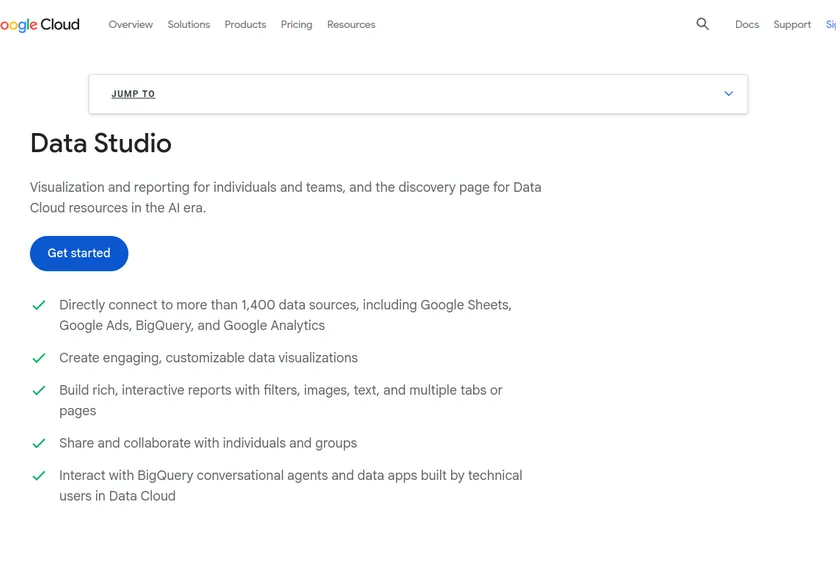
6. Looker Studio Pro
Best for: Google teams that need cheap, shareable reporting
Paid tool Starting price: $9/user/month · Nine dollars per user a month per project on Pro; report viewers pay nothing, and the free edition covers basic reporting at no charge
Free plan: Free plan available
A team that already runs on Google data starts here, since this Looker Studio Pro plan costs nine dollars per user a month per project. Report viewers pay nothing, so the bill stays low even with a large audience, and it connects to BigQuery, Sheets and Analytics without extra work. It is the cheapest paid option in this list for a Google-centred team, though it is thinner than Tableau for heavy analysis.
What we like
- Cheapest paid plan in this list
- Viewers pay nothing, so a large audience is free
- Connects to BigQuery, Sheets and Analytics natively
Watch out for
- Thinner than Tableau for heavy analysis
- Priced per user per project, so many projects add up
How to try it
- Connect the Google data source
- Build the report with drag-and-drop charts
- Share the link and let viewers read it free
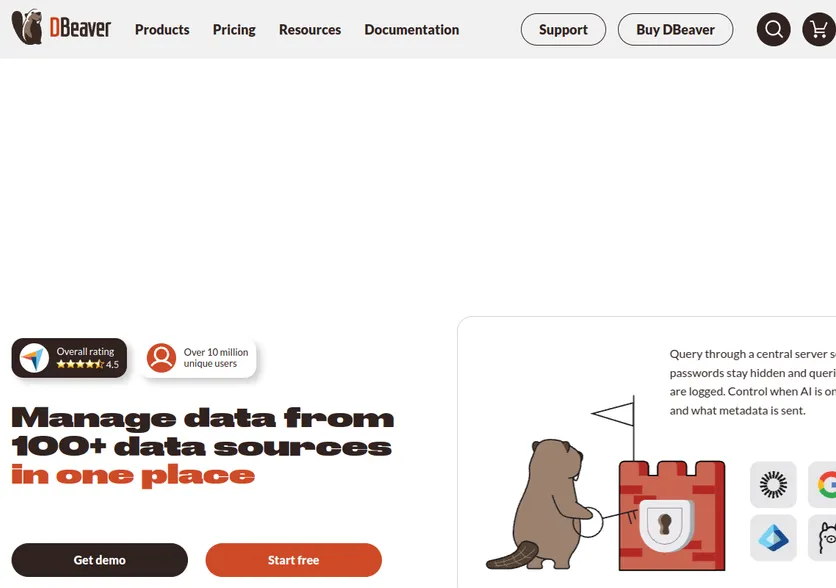
7. DBeaver
Best for: Teams that work with many database engines
Paid tool Starting price: $113/year · One hundred and thirteen dollars a year for Lite (twelve dollars a month); Enterprise is two hundred and fifty-five dollars a year; Ultimate is five hundred and ten dollars a year; the Community edition is free and open source
Free plan: Free Community edition available
A team that works with many database engines starts here, since this DBeaver plan costs one hundred and thirteen dollars a year for Lite with NoSQL support, a visual query builder and more AI providers. The free Community edition covers more than one hundred engines with a full SQL editor, data grid and ER diagrams, so most daily work costs nothing. Schema compare and migration tools need the dearer Enterprise plan.
What we like
- Free Community edition covers more than one hundred engines
- Cheapest paid database client in this list
- Visual query builder and ER diagrams included
Watch out for
- Schema compare needs the Enterprise plan
- NoSQL support is paid, not in the free edition
How to try it
- Connect the database and browse the schema
- Write the query in the SQL editor
- Export the results or save them to a dashboard
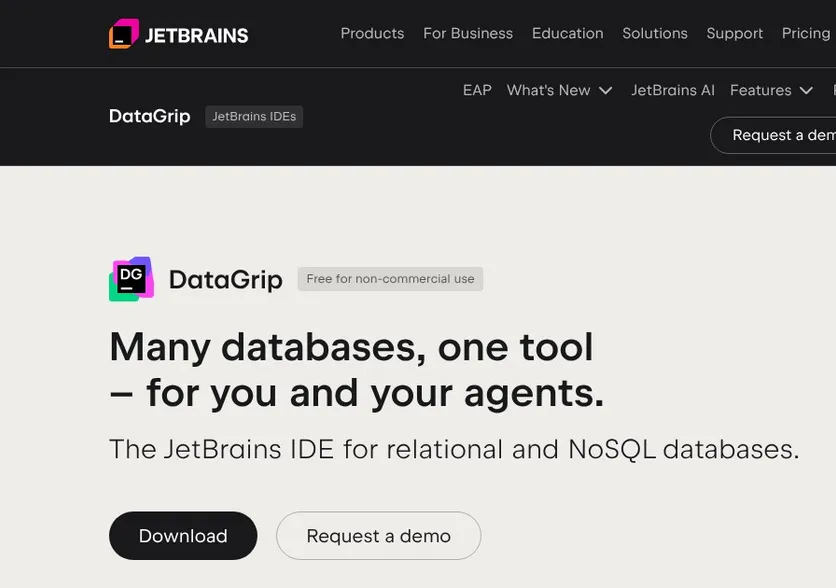
8. DataGrip
Best for: SQL developers in the JetBrains ecosystem
Paid tool Starting price: $109/year · One hundred and nine dollars a year for individuals in year one (ten dollars and ninety cents a month), falling to eighty-seven dollars in year two and sixty-five dollars from year three; organisations pay two hundred and fifty-nine dollars per user a year; older pages still show ninety-nine dollars a year, which is stale
Free plan: Free for non-commercial use; 30-day trial
A SQL developer who lives in JetBrains tools starts here, since this DataGrip plan costs one hundred and nine dollars a year for individuals in year one. It has the strongest SQL code intelligence in this list, with schema-aware completion, on-the-fly inspections, refactoring and a visual explain plan. The free licence covers non-commercial use only, so anyone employed must buy a commercial licence.
What we like
- Strongest SQL code intelligence in this list
- Schema-aware completion with quick fixes
- Price falls each year on the continuity discount
Watch out for
- Free licence is non-commercial only
- Organisations pay two hundred and fifty-nine dollars per user a year
How to try it
- Connect the database through a JDBC driver
- Write the query with schema-aware completion
- Run the visual explain plan and tune the slow parts
Prices above were checked on each vendor’s own website on Nov 28, 2026 and can change — the vendor’s page is the final word. Vendor links are editorial: nobody paid to be listed or ranked here. Vendors who want a featured listing can see how it works on our Get listed page.
How to analyse a database without breaking it
Start with a read-only connection, because an analysis query should never be able to change the data it reads. Ask the question in plain language first, then write the SQL, since a question nobody understands produces a chart nobody trusts. Keep the heavy queries off peak hours, and save the working queries where the team can find them again. Check the numbers against a second source before the report goes out, since a wrong dashboard is worse than no dashboard.
Before you buy
- Confirm whether viewers need a paid licence, since per-user tools charge for everyone who looks
- Check if the tool connects to the databases the team actually runs, including cloud warehouses and NoSQL
- Ask whether the price is per user, per project or a flat platform fee, since the billing model changes the total
- Make sure the free edition is genuinely usable, and not a trial that stops working after two weeks
- Test the tool on a real database before buying, including a slow query and a join across two tables
Official websites
Official websites of the products reviewed above. Features and prices were checked against these sites when this guide was written, and they can change, so confirm on the vendor site before you buy.
Frequently asked questions
What is database analysis software?
It is software that connects to a database, asks questions of the data, and turns the answers into charts, dashboards and reports. Business intelligence tools such as Power BI, Tableau, Metabase and Qlik build dashboards for the whole team, while database clients such as DBeaver and DataGrip let developers write SQL, browse schemas and tune queries directly. The best choice depends on whether the audience is the whole business or the developers who run the database.
How much does Power BI cost?
Power BI Pro costs fourteen dollars per user a month paid yearly, and Premium Per User costs twenty-four dollars per user a month paid yearly. Every viewer needs a licence, so ten seats cost one hundred and forty dollars a month on Pro. Copilot needs a separate Fabric capacity from F2, which is billed on top, and the free account covers basic personal use without sharing.
Can I analyse a database for free?
Yes, in several ways. Metabase offers a free open-source edition with unlimited users for a team willing to run it, DBeaver offers a free Community edition covering more than one hundred engines, and Looker Studio offers a free edition for basic reporting. DataGrip is free for non-commercial use, and Power BI offers a free account for personal use. A team that needs sharing, permissions or support still needs a paid plan.
Is Tableau or Power BI better for database analysis?
Tableau is better for visual exploration, since its Creator, Explorer and Viewer roles give the best interactive dashboards in this list, from fifteen dollars a month for a Viewer. Power BI is better on price, at fourteen dollars per user a month, and it integrates deeply with Excel, Teams and Azure. A Microsoft team should pick Power BI, while a team that lives in its dashboards should pick Tableau.
Which tool is best for a small technical team?
Metabase is the best pick for a small technical team, since the open-source edition is free and the cloud Starter plan costs one hundred dollars a month for five users. DBeaver is the best pick for developers who work with many engines, since the Community edition is free and Lite costs one hundred and thirteen dollars a year. Looker Studio Pro is the best pick for a Google-centred team, at nine dollars per user a month per project.
Compare the eight tools above, then start with the free Metabase or DBeaver edition on the tool that matches how the team asks questions before paying for a full year.
Browse Business Tools tools