On this page
A hybrid event has to serve two audiences at once, the room and the stream, so the software has to run registration, stages and networking without making either side feel like an afterthought. The nine tools below cover that job for teams of every size, from a creator running ticketed live sessions to a B2B team producing a full hybrid programme. RingCentral Events leads because it offers unlimited events and registrations for ninety-nine dollars per organizer a month, and the rest are ranked on how well they bring the remote audience into the room.
How we researched this
We checked every price on the vendor pricing page on November 28, 2026, and only included tools with a published US dollar list price. The enterprise event platforms that sell by quote, including Whova, vFairs, Swapcard, Goldcast, SpotMe, InEvent, Zuddl and Cvent, publish no prices, so they are not in this list. Prices change, so confirm the current figure on the vendor site before you buy.
Compare the tools
| Name | Best for | Starting price | Free plan | |
|---|---|---|---|---|
| RingCentral Events | Teams that run virtual and hybrid events every month | $99/organizer/month | No free plan; free trial | Visit |
 Airmeet | Webinar teams that want real networking tables | $167/month | Free plan (50 attendees, 5 events a month) | Visit |
| Remo | Virtual events built around table networking | $299/month | No free plan; 14-day free trial | Visit |
 Accelevents | Mid-market teams that run virtual, hybrid and in-person events | $7,500/event | No free plan; free demo | Visit |
 EventMobi | Conferences that need an event app and onsite check-in | $3,000/event | No free plan; free trial | Visit |
| Bizzabo | B2B teams that run a full event programme | $499/user/month | No free plan; free demo | Visit |
| GoToWebinar | Teams that run straightforward webinars every week | $59/month | No free plan; 7-day free trial | Visit |
 Demio | Marketers that run live and automated webinars | $45/host/month | No free plan; 14-day free trial | Visit |
 Crowdcast | Creators and teams that run live sessions with ticket sales | $49/month | No free plan; 14-day free trial | Visit |
The software for hosting hybrid events, compared
1. RingCentral Events
Best for: Teams that run virtual and hybrid events every month
Paid tool Starting price: $99/organizer/month · Ninety-nine dollars per organizer a month billed annually on Pro ($119 billed monthly); Pro+ is $199 a month billed annually ($239 monthly) and Enterprise is $299 ($359 monthly); onsite and hybrid events start on Pro+; monthly payment still carries an annual commitment
Free plan: No free plan; free trial
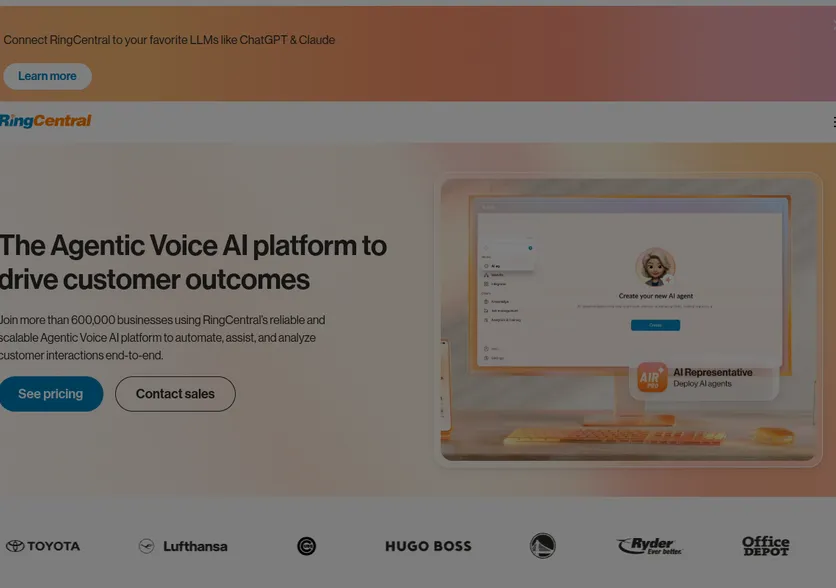
A team that runs virtual and hybrid events every month needs unlimited events without counting, and this RingCentral Events plan costs ninety-nine dollars per organizer a month billed annually. The expo areas and networking lounges give hybrid audiences somewhere to meet, and unlimited registrations mean the room size never forces an upgrade. It is the most capable virtual event platform in this list for a team that produces events on a regular rhythm.
What we like
- Unlimited events and registrations on every plan
- Built-in networking and expo areas for hybrid events
- Hopin heritage means a mature virtual event tool
Watch out for
- Hybrid and onsite features need the Pro+ tier
- Monthly payment still locks in an annual commitment
How to try it
- Create the event and set up registration
- Build the stage, sessions and expo area
- Go live and track attendance in real time
2. Airmeet
Best for: Webinar teams that want real networking tables
Paid tool Starting price: $167/month · One hundred and sixty-seven dollars a month billed annually on Premium Webinars ($199 billed monthly) for one hundred attendees and two team members; Events and Agency are quoted and Managed Events start at $4,999 per event; a free plan covers fifty attendees and five events a month
Free plan: Free plan (50 attendees, 5 events a month)
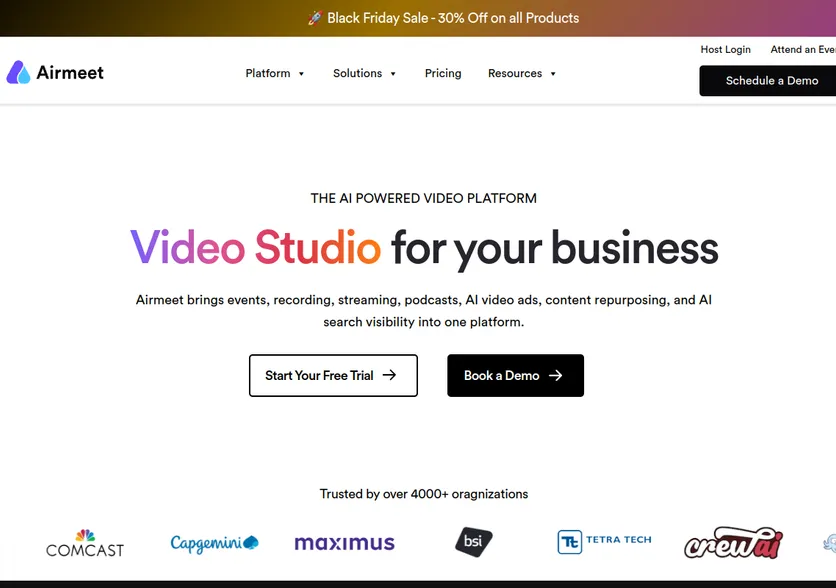
A team that wants its virtual audience to actually talk to each other will like the social lounge here, because this Airmeet plan costs one hundred and sixty-seven dollars a month billed annually. The tables turn networking into something closer to a real room, and HD streaming with branding runs on every plan. It suits a hybrid event where the online audience is a participant, not a spectator.
What we like
- Social lounge tables make virtual networking feel real
- HD streaming with branding on every plan
- Free plan covers fifty attendees to test it
Watch out for
- Attendee caps raise the price quickly past one hundred
- Managed events start at a steep per-event fee
How to try it
- Create the webinar and set the registration page
- Add speakers and build the agenda
- Run the session and share the recording afterwards
3. Remo
Best for: Virtual events built around table networking
Paid tool Starting price: $299/month · Two hundred and ninety-nine dollars a month billed quarterly or annually on Starter, with unlimited events from two hundred attendees per event and twenty organizer licences; one-time events start at $699 and Enterprise is quoted; a fourteen-day trial is included and there is no monthly billing
Free plan: No free plan; 14-day free trial
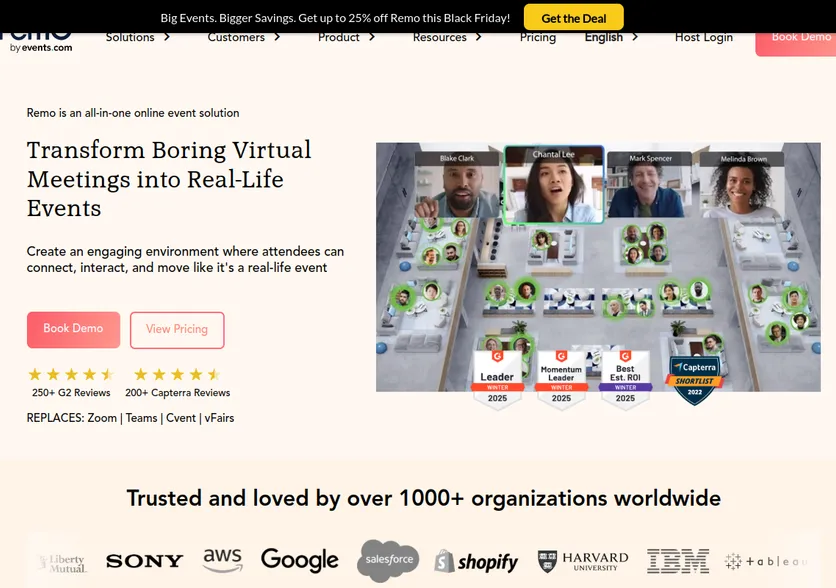
A virtual event built around people meeting each other needs a floor plan, not a webinar room, and this Remo plan costs two hundred and ninety-nine dollars a month. Guests move between tables, whiteboards and polls run at every table, and unlimited events mean the platform is always on. It is the most networking-first tool in this list, and the quarterly billing is the price of that focus.
What we like
- Floor-plan tables make networking feel like a real room
- Unlimited events on the entry plan
- Whiteboards and polls built into every table
Watch out for
- No monthly billing, so the entry commitment is quarterly
- The table format suits networking more than keynotes
How to try it
- Design the floor plan with tables for each topic
- Invite attendees and set the agenda
- Open the floor and let guests move between tables
4. Accelevents
Best for: Mid-market teams that run virtual, hybrid and in-person events
Paid tool Starting price: $7,500/event · Seven thousand five hundred dollars for one event on Professional for five hundred registrants; Business is $13,500 a year for unlimited events; Enterprise and White Label are quoted; virtual event functionality is a paid add-on on every base plan
Free plan: No free plan; free demo
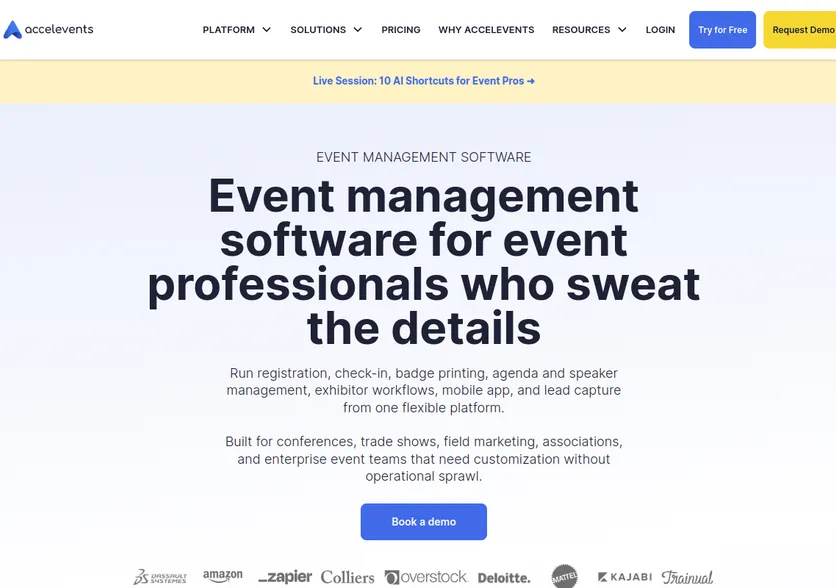
A mid-market team that runs virtual, hybrid and in-person events from one platform will find the range here wide, because this Accelevents plan costs seven thousand five hundred dollars for one event. Fundraising and silent auction tools sit beside the virtual stage, and the mobile app and badge printing cover the onsite side. It is the most all-round event platform in this list, though virtual features cost extra on every plan.
What we like
- One platform covers virtual, hybrid and in-person formats
- Built-in fundraising and silent auction tools
- Mobile app and badge printing included
Watch out for
- Virtual features cost extra on every base plan
- The per-event price is high for a single small event
How to try it
- Create the event and set up ticket tiers
- Build the agenda and add speakers and sponsors
- Run the event and export the attendee data
5. EventMobi
Best for: Conferences that need an event app and onsite check-in
Paid tool Starting price: $3,000/event · Three thousand dollars per event, or $8,900 a year for unlimited events; streaming starts at $500 per event and integrations at $1,000 each; both figures scale with attendee count and selected products
Free plan: No free plan; free trial
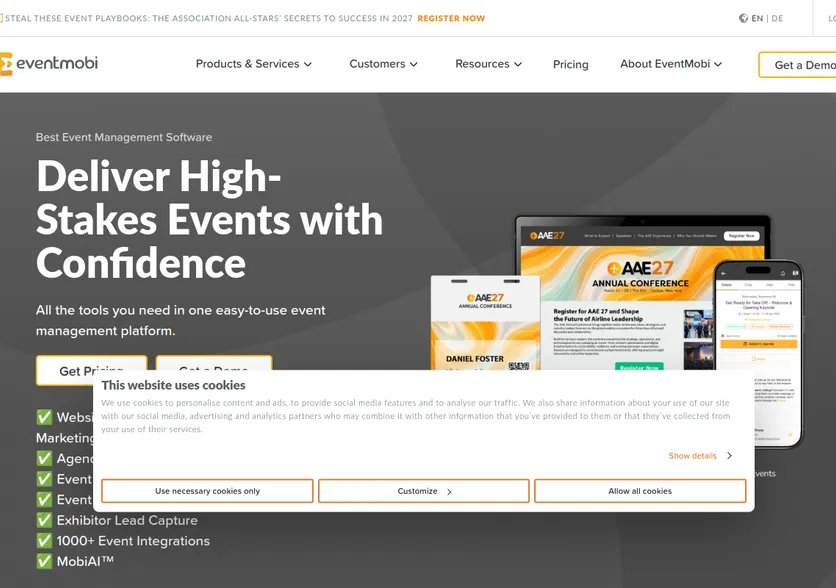
A conference team that needs an event app, registration and onsite check-in in one package starts here, because this EventMobi plan costs three thousand dollars per event. There are no fees on free or paid tickets, and the annual plan covers unlimited events for teams that run more than one a year. It suits a hybrid conference where the onsite experience and the app matter as much as the stream.
What we like
- Event app, registration and check-in in one package
- No fees on free or paid tickets
- Dedicated success manager on the annual plan
Watch out for
- Streaming and integrations are paid add-ons
- The per-event floor is steep for a small conference
How to try it
- Build the event website and registration form
- Set up the event app with the agenda and maps
- Run check-in and badge printing on the day
6. Bizzabo
Best for: B2B teams that run a full event programme
Paid tool Starting price: $499/user/month · Four hundred and ninety-nine dollars per user a month billed annually, with a three-user minimum and a $17,999 a year floor; unlimited events and registrations; virtual streaming, advanced onsite features, CRM integrations, networking and custom branding are paid add-ons; annual subscription only
Free plan: No free plan; free demo
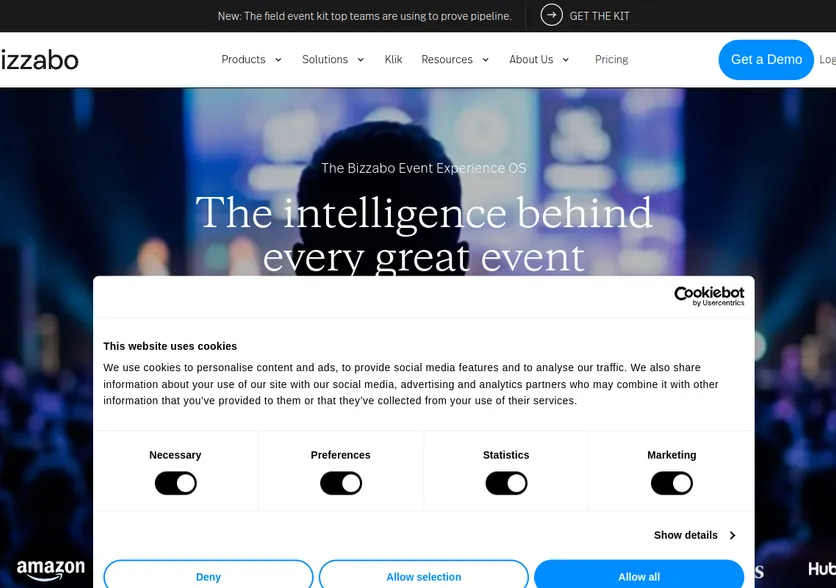
A B2B team that runs a full programme of hybrid events needs one system for all of them, and this Bizzabo plan costs four hundred and ninety-nine dollars per user a month billed annually. Registration, website and email run in one system, and the CRM integrations turn attendees into pipeline without manual export. It is the most marketing-led platform in this list, though streaming and onsite features are paid add-ons.
What we like
- Registration, website and email in one system
- Unlimited events and registrations on the annual plan
- Strong CRM integrations for lead follow-up
Watch out for
- The three-user minimum puts the floor near eighteen thousand dollars a year
- Key features such as streaming are paid add-ons
How to try it
- Build the event website and registration flow
- Set up the agenda and speaker pages
- Track registrations and sync leads to the CRM
7. GoToWebinar
Best for: Teams that run straightforward webinars every week
Paid tool Starting price: $59/month · Fifty-nine dollars a month billed annually on Reach ($69 billed monthly) for one organizer and five hundred participants; Elevate is $103 a month billed annually ($129 monthly) for three organizers and one thousand participants; Complete is quoted; the old Lite, Standard, Pro and Enterprise ladder was retired in 2026
Free plan: No free plan; 7-day free trial
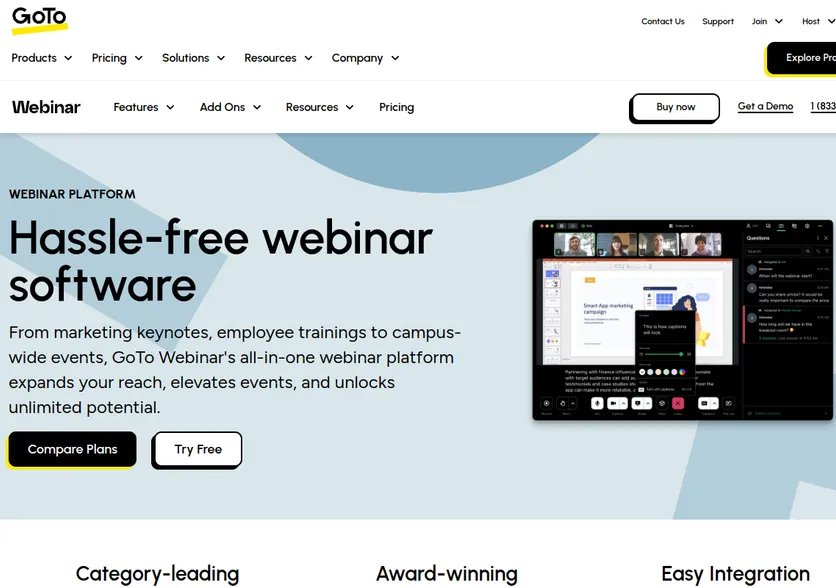
A team that runs straightforward hybrid webinars every week wants reliability over spectacle, and this GoToWebinar plan costs fifty-nine dollars a month billed annually. Large rooms with polls and questions run without drama, and automated emails and reminders keep attendance high. It is the simplest webinar tool in this list, and the best pick when the hybrid element is a stream rather than a full virtual venue.
What we like
- Reliable large-room webinars with polls and Q and A
- Automated emails and reminders built in
- Analytics show who attended and for how long
Watch out for
- The old pricing ladder was retired, so older guides mislead
- Hybrid and onsite features are limited next to event platforms
How to try it
- Schedule the webinar and set up registration
- Add polls and handouts to the session
- Present live and share the recording afterwards
8. Demio
Best for: Marketers that run live and automated webinars
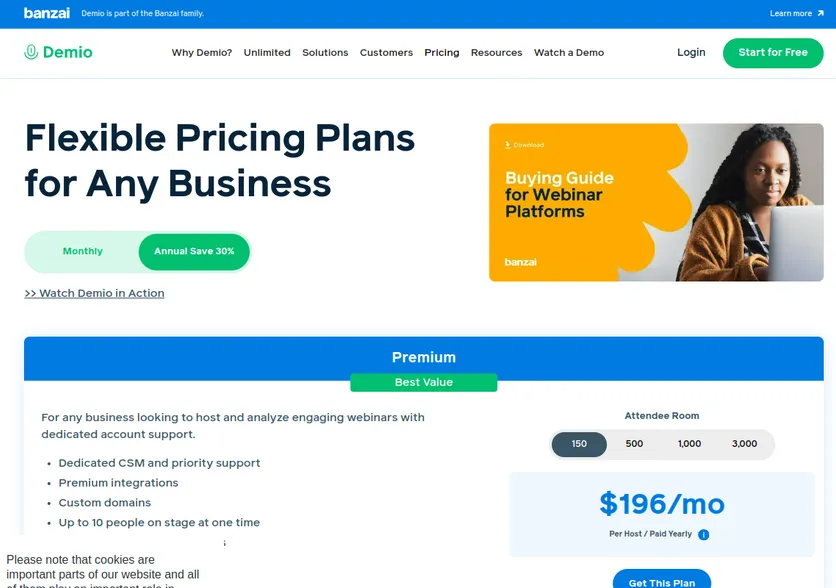
Paid tool Starting price: $45/host/month · Forty-five dollars per host a month billed annually on Starter ($63 billed monthly) for one host, a fifty-attendee room and three-hour sessions; Growth starts at $80 a host a month billed annually ($117 monthly) up to $606 for three thousand attendees; Premium starts at $196 a host a month billed annually; a fourteen-day trial is included
Free plan: No free plan; 14-day free trial
A marketer that runs live and automated hybrid webinars will like the clean rooms here, because this Demio plan costs forty-five dollars per host a month billed annually. Browser-based sessions need no downloads for the audience, and automated replays run the same webinar on a schedule. It suits a team that wants the webinar to sell while the team is elsewhere.
What we like
- Clean browser-based rooms with no downloads
- Automated webinars run on a schedule
- Registration pages and email reminders built in
Watch out for
- The Starter room caps at fifty attendees
- Three-hour session limit on the entry plan
How to try it
- Create the webinar and customise the registration page
- Add polls, handouts and a call to action
- Run it live or set it to replay automatically
9. Crowdcast
Best for: Creators and teams that run live sessions with ticket sales
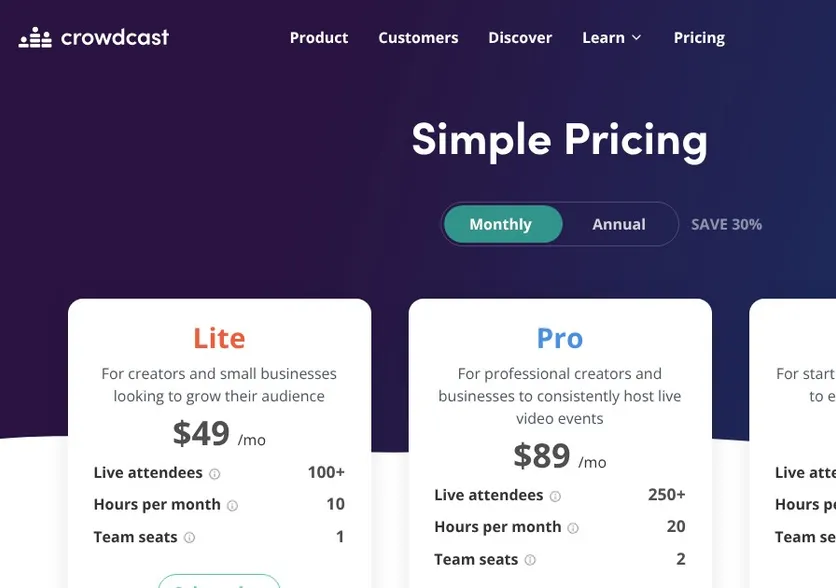
Paid tool Starting price: $49/month · Forty-nine dollars a month billed monthly on Lite ($34.30 billed annually); Pro is $89 a month ($62.30 annually) and Business is $195 ($136.50 annually); annual billing saves thirty percent; Lite and Pro take a five percent ticket fee and Business two percent; a fourteen-day trial is included
Free plan: No free plan; 14-day free trial
A creator or small team that runs live hybrid sessions with ticket sales will find the setup here light, because this Crowdcast plan costs forty-nine dollars a month. Browser streaming with questions and polls needs no extra software, and multistreaming pushes the session to social channels at the same time. It is the most creator-friendly tool in this list for live sessions that also sell tickets.
What we like
- Browser-based streaming with Q and A and polls
- Ticket sales built in with a low annual rate
- Multistreaming to social channels on paid plans
Watch out for
- Ticket fees take five percent on Lite and Pro
- Attendee caps raise the price on bigger events
How to try it
- Create the event and set the ticket price
- Go live from the browser with polls and Q and A
- Share the replay and export the attendee list
Prices above were checked on each vendor’s own website on Nov 28, 2026 and can change — the vendor’s page is the final word. Vendor links are editorial: nobody paid to be listed or ranked here. Vendors who want a featured listing can see how it works on our Get listed page.
How to host a hybrid event that works for both audiences
Start with the remote audience, because the room usually takes care of itself while the stream is an afterthought. Decide what the online attendee should be able to do, whether that is asking questions, meeting exhibitors or joining a table, and pick the platform that does that well. Rehearse the whole event with the real kit, because a hybrid show has twice as many failure points as a room-only one. Check the attendee caps and the tier that unlocks hybrid features, since the entry plan often covers virtual only. Finally, assign one producer to the online audience, because a room host cannot watch the chat and the stage at once.
Before you buy
- Confirm the entry plan includes hybrid features, not just virtual rooms
- Check the attendee caps and what an upgrade costs mid-season
- Test the networking and expo areas with real attendees before the event
- Ask whether streaming, integrations and badges are included or add-ons
- Make sure the registration flow handles refunds and cancellations cleanly
Official websites
Official websites of the products reviewed above. Features and prices were checked against these sites when this guide was written, and they can change, so confirm on the vendor site before you buy.
Frequently asked questions
What is the best software for hosting hybrid events?
RingCentral Events is the best overall pick, at ninety-nine dollars per organizer a month billed annually, because it offers unlimited events and registrations with expo areas for hybrid audiences. Airmeet is the best pick for networking, at one hundred and sixty-seven dollars a month billed annually, with social lounge tables that feel like a real room. GoToWebinar is the best simple pick, at fifty-nine dollars a month billed annually.
How much does RingCentral Events cost?
RingCentral Events Pro costs ninety-nine dollars per organizer a month billed annually, or one hundred and nineteen dollars billed monthly. Pro+ costs one hundred and ninety-nine dollars a month billed annually and adds onsite and hybrid events, while Enterprise costs two hundred and ninety-nine dollars. Monthly payment still carries an annual commitment, so the yearly total matters more than the monthly figure.
Can I host a hybrid event for free?
Yes, with Airmeet, which offers a free plan for fifty attendees and five events a month. The free plan covers a small hybrid event with networking tables and HD streaming, so a team can test the format before paying. Larger audiences need a paid plan, and onsite and hybrid features on most platforms start on a dearer tier.
Which tool is best for hybrid event networking?
Airmeet is the best pick for hybrid event networking, because its social lounge tables let attendees meet in small groups between sessions. Remo is the closest rival, at two hundred and ninety-nine dollars a month, with a floor plan that puts attendees at tables they can move between. A team that measures success in meetings booked should trial both before choosing.
Do I need a separate tool for virtual and in-person events?
No, because the platforms in this list cover virtual, hybrid and in-person formats in one login. Accelevents, EventMobi and Bizzabo handle registration, the event app and onsite check-in together, while RingCentral Events and Airmeet cover the virtual stage and networking. A team should pick one platform that covers its most common format and add the rest later.
Compare the nine tools above, then start with a free trial or the free Airmeet plan on the tool that matches how the team already runs events before paying for a full year.
Browse Business Tools tools