On this page
A hybrid conference has to run a stage, an expo and a registration desk for two audiences at once, so the software has to carry the production from the first ticket to the final session. The nine tools below cover that job for producers of every size, from a small team streaming keynotes to an enterprise running registration, onsite badging and a virtual stage. RingCentral Events leads because it offers unlimited events and registrations for ninety-nine dollars per organizer a month, and the rest are ranked on how well they run the whole conference.
How we researched this
We checked every price on the vendor pricing page on November 28, 2026, and only included tools with a published US dollar list price. The enterprise conference platforms that sell by quote, including Cvent, Whova, vFairs and Swapcard, publish no prices, so they are not in this list. Prices change, so confirm the current figure on the vendor site before you buy.
Compare the tools
| Name | Best for | Starting price | Free plan | |
|---|---|---|---|---|
| RingCentral Events | Teams that run virtual and hybrid events every month | $99/organizer/month | No free plan; free trial | Visit |
 Airmeet | Webinar teams that want real networking tables | $167/month | Free plan (50 attendees, 5 events a month) | Visit |
| Remo | Virtual events built around table networking | $299/month | No free plan; 14-day free trial | Visit |
| Swoogo | Teams that run many events a year with a small staff | $11,800/year | No free plan; free demo | Visit |
 Stova | Enterprise conferences with registration and onsite needs | $1,995 + $3.00/registration | No free plan; free demo | Visit |
 Eventzilla | Small organisers that want low-cost registration | $1,999/year | Free plan (free events cost nothing) | Visit |
| GoToWebinar | Teams that run straightforward webinars every week | $59/month | No free plan; 7-day free trial | Visit |
 Demio | Marketers that run live and automated webinars | $45/host/month | No free plan; 14-day free trial | Visit |
 Crowdcast | Creators and teams that run live sessions with ticket sales | $49/month | No free plan; 14-day free trial | Visit |
The software for hybrid conference production, compared
1. RingCentral Events
Best for: Teams that run virtual and hybrid events every month
Paid tool Starting price: $99/organizer/month · Ninety-nine dollars per organizer a month billed annually on Pro ($119 billed monthly); Pro+ is $199 a month billed annually ($239 monthly) and Enterprise is $299 ($359 monthly); onsite and hybrid events start on Pro+; monthly payment still carries an annual commitment
Free plan: No free plan; free trial
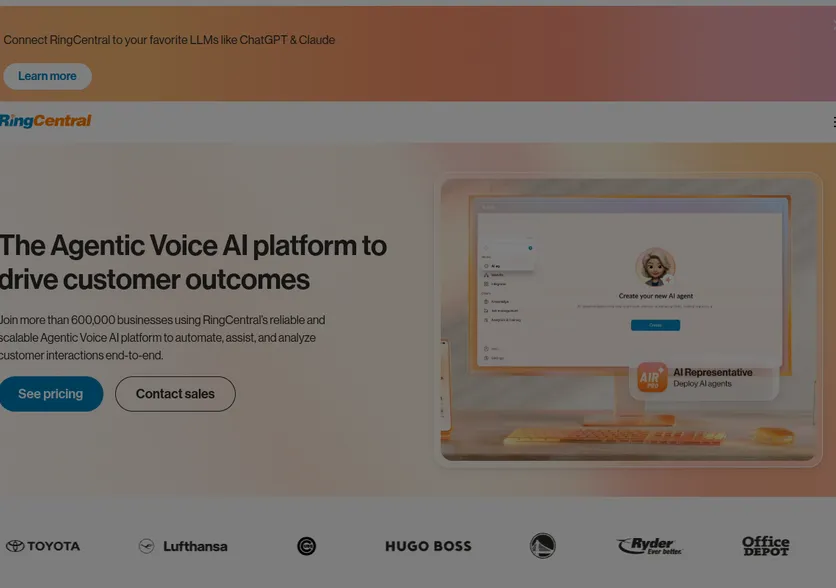
A conference producer that runs hybrid stages every month needs a platform that never counts events, and this RingCentral Events plan costs ninety-nine dollars per organizer a month billed annually. Unlimited events and registrations keep the budget predictable, and the expo areas give remote attendees a place to meet sponsors. It is the most dependable virtual stage in this list for a producer with a regular conference calendar.
What we like
- Unlimited events and registrations on every plan
- Built-in networking and expo areas for hybrid events
- Hopin heritage means a mature virtual event tool
Watch out for
- Hybrid and onsite features need the Pro+ tier
- Monthly payment still locks in an annual commitment
How to try it
- Create the event and set up registration
- Build the stage, sessions and expo area
- Go live and track attendance in real time
2. Airmeet
Best for: Webinar teams that want real networking tables
Paid tool Starting price: $167/month · One hundred and sixty-seven dollars a month billed annually on Premium Webinars ($199 billed monthly) for one hundred attendees and two team members; Events and Agency are quoted and Managed Events start at $4,999 per event; a free plan covers fifty attendees and five events a month
Free plan: Free plan (50 attendees, 5 events a month)
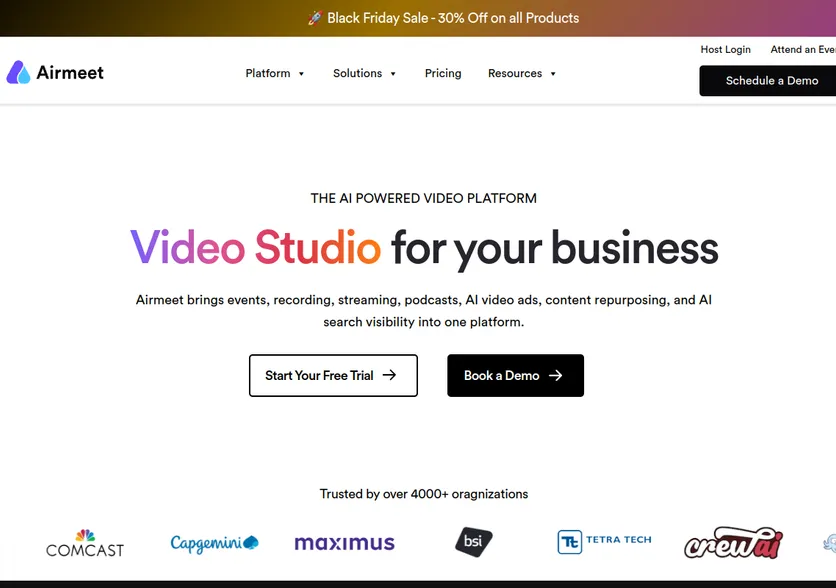
A conference where the hallway conversations matter as much as the keynotes needs a social layer, and this Airmeet plan costs one hundred and sixty-seven dollars a month billed annually. Lounge tables let attendees meet in small groups between sessions, and the free plan covers fifty attendees for a first test. It suits a hybrid conference that wants the online audience to network, not just watch.
What we like
- Social lounge tables make virtual networking feel real
- HD streaming with branding on every plan
- Free plan covers fifty attendees to test it
Watch out for
- Attendee caps raise the price quickly past one hundred
- Managed events start at a steep per-event fee
How to try it
- Create the webinar and set the registration page
- Add speakers and build the agenda
- Run the session and share the recording afterwards
3. Remo
Best for: Virtual events built around table networking
Paid tool Starting price: $299/month · Two hundred and ninety-nine dollars a month billed quarterly or annually on Starter, with unlimited events from two hundred attendees per event and twenty organizer licences; one-time events start at $699 and Enterprise is quoted; a fourteen-day trial is included and there is no monthly billing
Free plan: No free plan; 14-day free trial
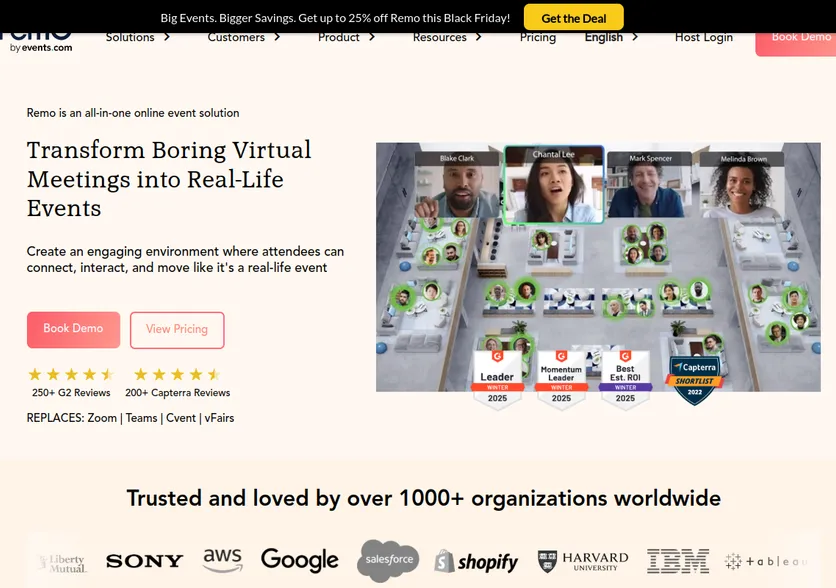
A conference producer that wants the virtual floor to feel like a real venue will build it here, because this Remo plan costs two hundred and ninety-nine dollars a month. The floor plan puts attendees at tables they can move between, and unlimited events mean the venue is ready whenever the next conference is. It is the most venue-like tool in this list, and the quarterly billing suits a producer with a full calendar.
What we like
- Floor-plan tables make networking feel like a real room
- Unlimited events on the entry plan
- Whiteboards and polls built into every table
Watch out for
- No monthly billing, so the entry commitment is quarterly
- The table format suits networking more than keynotes
How to try it
- Design the floor plan with tables for each topic
- Invite attendees and set the agenda
- Open the floor and let guests move between tables
4. Swoogo
Best for: Teams that run many events a year with a small staff
Paid tool Starting price: $11,800/year · Eleven thousand eight hundred dollars a year on Professional for one Full User plus one Reporting User, with unlimited events and unlimited registrations and no per-registration fee; three Full Users cost $16,500 a year and five cost $26,000; Enterprise is quoted
Free plan: No free plan; free demo
A conference team that runs dozens of events a year with a small staff will love the flat maths here, because this Swoogo plan costs eleven thousand eight hundred dollars a year. Unlimited events and registrations mean the bill never moves with the audience size, and conditional logic on every form handles the complex registration paths conferences need. It is the best registration-first tool in this list for a high-volume conference programme.
What we like
- Unlimited events and registrations for one flat fee
- Conditional logic on every registration form
- Thirty-plus integrations included in the base price
Watch out for
- The base price covers one Full User only
- No virtual or hybrid streaming layer of its own
How to try it
- Build the event website and registration form
- Set up conditional questions for each ticket type
- Open registration and track sign-ups in real time
5. Stova
Best for: Enterprise conferences with registration and onsite needs
Paid tool Starting price: $1,995 + $3.00/registration · One thousand nine hundred and ninety-five dollars plus $3.00 per registration on Core; Pro is $5,995 plus $4.50 per registration and Enterprise is $12,995 plus $5.60; one November 2026 read lists the Core package as on request, so confirm the package price with sales
Free plan: No free plan; free demo
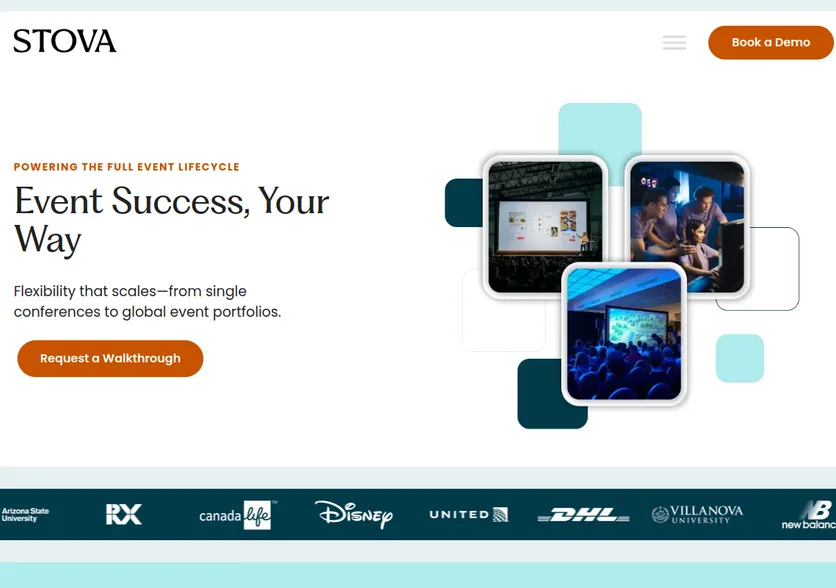
An enterprise conference with registration, onsite badging and a virtual stage needs one lifecycle platform, and this Stova plan costs one thousand nine hundred and ninety-five dollars plus three dollars per registration. Strategic meetings management and venue sourcing sit beside the event platform, and the virtual stage and lead retrieval are in the package. It is the most complete enterprise conference tool in this list, and the per-registration fee grows with the audience.
What we like
- Registration through onsite badging in one platform
- Strategic meetings management and venue sourcing included
- Virtual platform and lead retrieval in the package
Watch out for
- The per-registration fee grows the bill with every attendee
- Sales-assisted buying means no self-checkout
How to try it
- Set up the event and the registration paths
- Build the agenda and the mobile app content
- Run onsite check-in and badge printing on the day
6. Eventzilla
Best for: Small organisers that want low-cost registration
Paid tool Starting price: $1,999/year · One thousand nine hundred and ninety-nine dollars a year on the Annual plan for five hundred registrations with zero per-registration fees; Basic is $1.50 per registration, Pro is 1.9 percent plus $1.50 and Plus is 2.9 percent plus $1.50; free events cost nothing on every tier
Free plan: Free plan (free events cost nothing)
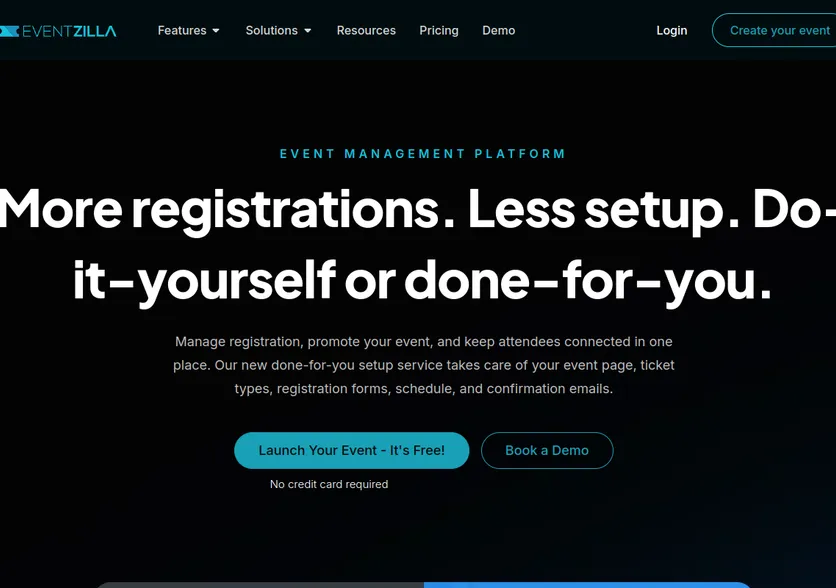
A small conference organiser that wants registration without the enterprise price finds it here, because this Eventzilla plan costs one thousand nine hundred and ninety-nine dollars a year. The annual plan covers five hundred registrations with no per-registration fees, and free events cost nothing on every tier. It is the lowest-cost registration tool in this list for a conference that just needs tickets, check-in and badges.
What we like
- Free events cost nothing on every tier
- Annual plan covers five hundred registrations with no per-reg fees
- Badge printing and check-in included on higher tiers
Watch out for
- Per-registration fees add up on large paid events
- A lighter tool than the enterprise event suites
How to try it
- Create the event page and set ticket types
- Share the registration link and track sign-ups
- Check attendees in with the mobile app on the day
7. GoToWebinar
Best for: Teams that run straightforward webinars every week
Paid tool Starting price: $59/month · Fifty-nine dollars a month billed annually on Reach ($69 billed monthly) for one organizer and five hundred participants; Elevate is $103 a month billed annually ($129 monthly) for three organizers and one thousand participants; Complete is quoted; the old Lite, Standard, Pro and Enterprise ladder was retired in 2026
Free plan: No free plan; 7-day free trial
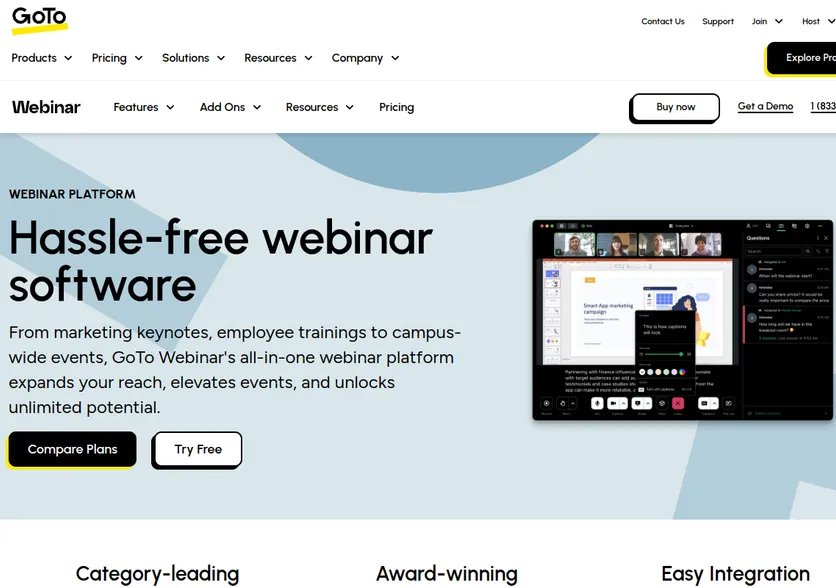
A conference team that streams keynotes to a remote audience wants a room that simply works, and this GoToWebinar plan costs fifty-nine dollars a month billed annually. Five hundred participants fit in the Reach room, polls and questions keep them engaged, and the recording is ready to share after the session. It is the most reliable webinar add-on in this list for a conference that already owns its onsite production.
What we like
- Reliable large-room webinars with polls and Q and A
- Automated emails and reminders built in
- Analytics show who attended and for how long
Watch out for
- The old pricing ladder was retired, so older guides mislead
- Hybrid and onsite features are limited next to event platforms
How to try it
- Schedule the webinar and set up registration
- Add polls and handouts to the session
- Present live and share the recording afterwards
8. Demio
Best for: Marketers that run live and automated webinars
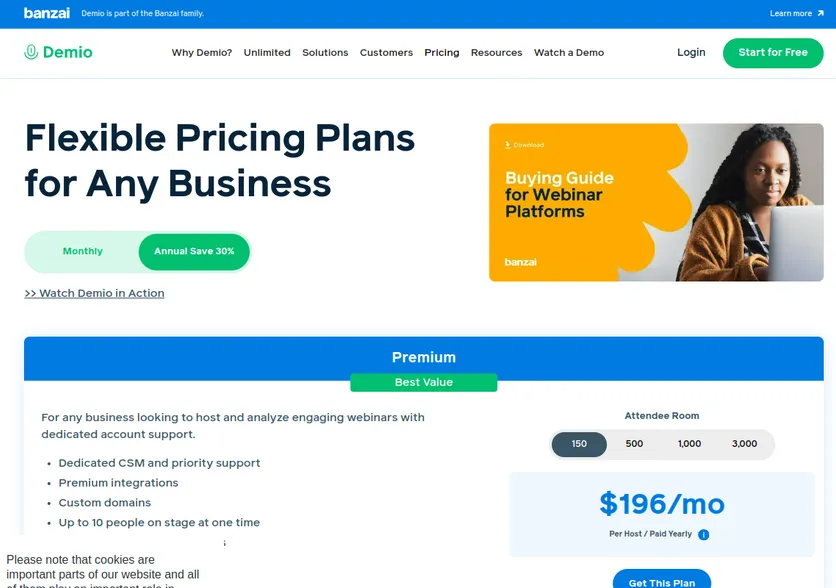
Paid tool Starting price: $45/host/month · Forty-five dollars per host a month billed annually on Starter ($63 billed monthly) for one host, a fifty-attendee room and three-hour sessions; Growth starts at $80 a host a month billed annually ($117 monthly) up to $606 for three thousand attendees; Premium starts at $196 a host a month billed annually; a fourteen-day trial is included
Free plan: No free plan; 14-day free trial
A conference producer that replays keynotes as automated sessions will save presenter time here, because this Demio plan costs forty-five dollars per host a month billed annually. The browser rooms need no downloads, and the same session can run live once and then replay on a schedule for other time zones. It suits a hybrid conference that wants the content to work harder after the live day.
What we like
- Clean browser-based rooms with no downloads
- Automated webinars run on a schedule
- Registration pages and email reminders built in
Watch out for
- The Starter room caps at fifty attendees
- Three-hour session limit on the entry plan
How to try it
- Create the webinar and customise the registration page
- Add polls, handouts and a call to action
- Run it live or set it to replay automatically
9. Crowdcast
Best for: Creators and teams that run live sessions with ticket sales
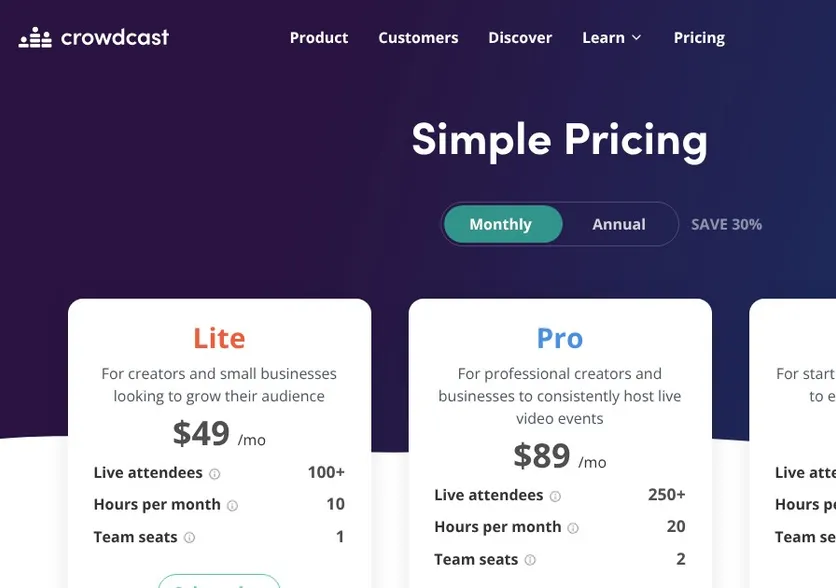
Paid tool Starting price: $49/month · Forty-nine dollars a month billed monthly on Lite ($34.30 billed annually); Pro is $89 a month ($62.30 annually) and Business is $195 ($136.50 annually); annual billing saves thirty percent; Lite and Pro take a five percent ticket fee and Business two percent; a fourteen-day trial is included
Free plan: No free plan; 14-day free trial
A conference with a live audience and a ticketed stream needs both in one place, and this Crowdcast plan costs forty-nine dollars a month. Browser streaming with questions and polls runs without extra software, and the ticket fees are lower on the annual plan. It is the most affordable live-session tool in this list for a conference that sells its stream.
What we like
- Browser-based streaming with Q and A and polls
- Ticket sales built in with a low annual rate
- Multistreaming to social channels on paid plans
Watch out for
- Ticket fees take five percent on Lite and Pro
- Attendee caps raise the price on bigger events
How to try it
- Create the event and set the ticket price
- Go live from the browser with polls and Q and A
- Share the replay and export the attendee list
Prices above were checked on each vendor’s own website on Nov 28, 2026 and can change — the vendor’s page is the final word. Vendor links are editorial: nobody paid to be listed or ranked here. Vendors who want a featured listing can see how it works on our Get listed page.
How to produce a hybrid conference without the stream failing
Start with the production plan, because a hybrid conference is two shows sharing one stage. Map every session to its room, its stream and its backup, then rehearse the handover between the onsite crew and the virtual producer. Pick the platform that fits the format, whether that is a webinar room for keynotes, a registration engine for thousands of attendees or a virtual venue for networking. Check the caps on rooms, attendees and sessions before selling tickets, since an upgrade mid-sale is the worst time to discover a limit. Finally, record everything, because the replay is the second audience and often the larger one.
Before you buy
- Confirm the plan covers the room size, session count and registration volume
- Check whether hybrid and onsite features are included or paid add-ons
- Test the stream and the registration flow end to end before tickets go on sale
- Ask how per-registration fees change the total once numbers land
- Make sure the platform records every session for replay after the event
Official websites
Official websites of the products reviewed above. Features and prices were checked against these sites when this guide was written, and they can change, so confirm on the vendor site before you buy.
Frequently asked questions
What is the best software for hybrid conference production?
RingCentral Events is the best overall pick, at ninety-nine dollars per organizer a month billed annually, because it offers unlimited events and registrations with expo areas. Swoogo is the best pick for registration, at eleven thousand eight hundred dollars a year, with unlimited events and no per-registration fee. GoToWebinar is the best pick for streaming keynotes, at fifty-nine dollars a month billed annually.
How much does Swoogo cost?
Swoogo Professional costs eleven thousand eight hundred dollars a year for one Full User plus one Reporting User, with unlimited events and unlimited registrations and no per-registration fee. Three Full Users cost sixteen thousand five hundred dollars a year and five cost twenty-six thousand dollars. Enterprise is quoted, and add-ons such as the attendee app cost extra.
Can I produce a hybrid conference for free?
Partly, because Airmeet offers a free plan for fifty attendees and five events a month, and Eventzilla charges nothing for free events. A small hybrid conference can stream its keynotes and register attendees without paying, though larger audiences and hybrid features need a paid plan. A team should trial the free tier on a small event before committing.
Which tool handles conference registration best?
Swoogo is the best pick for conference registration, because unlimited events and registrations come for one flat annual fee with conditional logic on every form. Stova is the best enterprise pick, at one thousand nine hundred and ninety-five dollars plus three dollars per registration, with onsite badging included. Eventzilla is the best budget pick, at one thousand nine hundred and ninety-nine dollars a year.
Do I need a separate virtual platform and registration tool?
No, because Stova, RingCentral Events and Airmeet cover registration, the virtual stage and networking in one platform. Swoogo specialises in registration and event websites, so a team that already owns a streaming setup can pair it with a webinar tool such as GoToWebinar. A producer should pick one platform that covers the most common format first.
Compare the nine tools above, then start with a free trial or the free Airmeet plan on the tool that matches how the team already produces conferences before paying for a full year.
Browse Business Tools tools