On this page
Slides that only talk at the audience lose the room, so the best presentations ask questions back. The eight tools below add live polls, quizzes, word clouds and Q and A to slides, so a talk becomes a conversation. Mentimeter leads because it turns any deck into an interactive session for eleven dollars and ninety-nine cents a month, and the rest are ranked on how easily they get an audience participating for the price.
How we researched this
We checked every price on the vendor pricing page on November 28, 2026, and only included tools with a published US dollar list price. Audience response tools that sell only by quote are not in this list. Prices change, so confirm the current figure on the vendor site before you buy.
Compare the tools
| Name | Best for | Starting price | Free plan | |
|---|---|---|---|---|
| Mentimeter | Speakers adding live polls to any deck | $11.99/month | Free plan (50 participants a month) | Visit |
| Slido | Meeting hosts running live Q and A | $12.50/month | Free plan (100 participants, 3 polls) | Visit |
 Prezi | Presenters who want non-linear storytelling | $7/month | Free plan | Visit |
| AhaSlides | Trainers running quiz games in small sessions | $7.95/month | Free plan (50 people per session) | Visit |
 Visme | Marketers designing interactive decks and reports | $12.25/month | Free plan | Visit |
 Genially | Teachers building interactive learning content | $10/month | Free plan | Visit |
 Nearpod | Teachers running interactive classroom lessons | $159/year | Free plan (40 students per lesson) | Visit |
| Pear Deck | Google Slides teachers in Google Classroom | $149/year | Free plan | Visit |
The software for interactive presentation, compared
1. Mentimeter
Best for: Speakers adding live polls to any deck
Paid tool Starting price: $11.99/month · Eleven dollars and ninety-nine cents a month per presenter billed yearly; Pro is twenty-four dollars and ninety-nine cents a month; the free plan covers fifty participants a month across the account
Free plan: Free plan (50 participants a month)
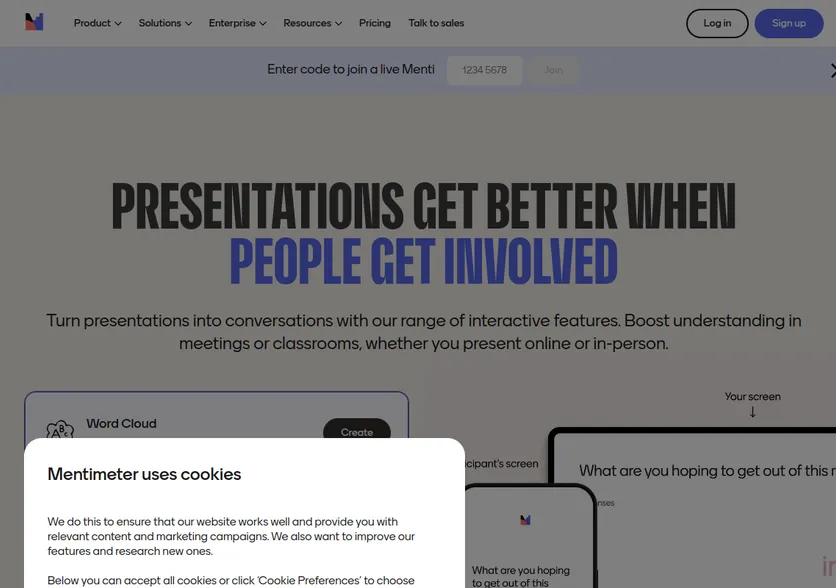
For a presenter who wants the room answering questions within minutes, this Mentimeter plan costs eleven dollars and ninety-nine cents a month per presenter billed yearly, and it adds live polls, quizzes and word clouds to any slide deck. Its audience joins from a phone with no app to install, so participation starts fast. It is the easiest interactive tool here for a speaker who presents every week.
What we like
- Audiences join from a phone with no app
- Polls, quizzes and word clouds in one plan
- Works with PowerPoint and Google Slides
Watch out for
- The free plan caps at fifty participants a month
- Advanced branding needs the Pro plan
How to try it
- Build the deck and add a poll or quiz slide
- Share the join code with the audience
- Run the poll live and show results on screen
2. Slido
Best for: Meeting hosts running live Q and A
Paid tool Starting price: $12.50/month · Twelve dollars and fifty cents a month per organiser billed at one hundred and fifty dollars a year; Professional is fifty dollars and Premium is one hundred and fifty dollars a month; prices exclude tax and there is no monthly billing, with a one-off event plan as the alternative
Free plan: Free plan (100 participants, 3 polls)
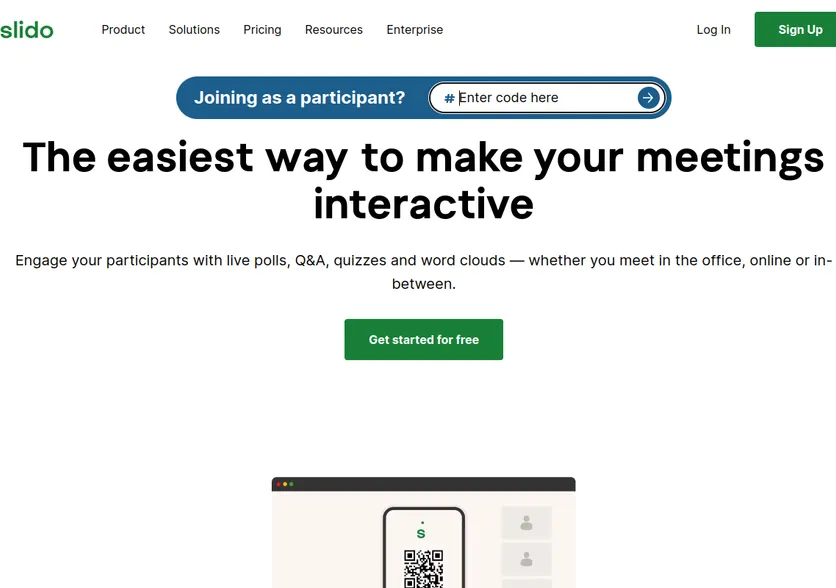
For a meeting host who needs questions and polls without rebuilding the deck, this Slido plan costs twelve dollars and fifty cents a month per organiser billed yearly, and it runs live Q and A, polls and quizzes beside any presentation. Its moderation tools keep audience questions on topic in large rooms. It is the best pick here for all-hands meetings and town halls.
What we like
- Live Q and A with moderation built in
- Runs beside any presentation tool
- Free plan covers one hundred participants
Watch out for
- No monthly billing, so short projects pay for a year
- Analytics are limited on the entry plan
How to try it
- Create an event and add polls or a Q and A
- Share the event link with attendees
- Moderate questions live and export the results
3. Prezi
Best for: Presenters who want non-linear storytelling
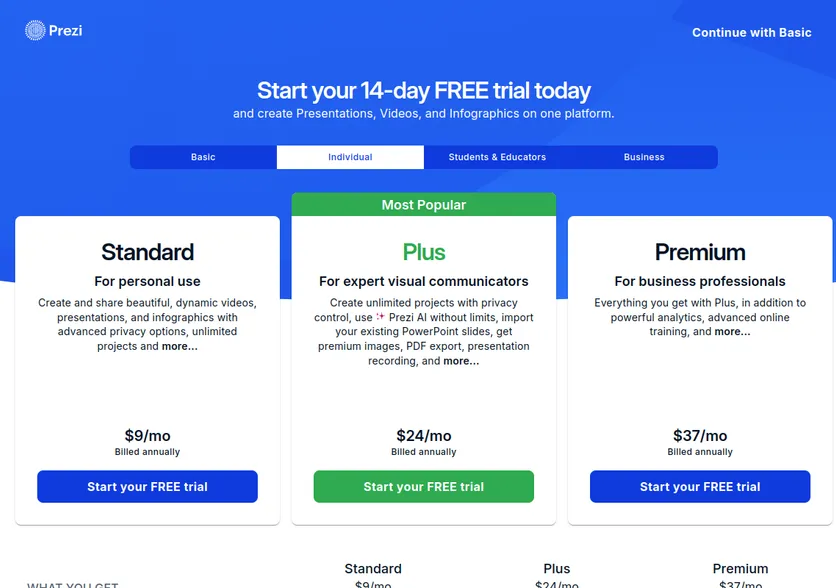
Paid tool Starting price: $7/month · Seven dollars a month on Standard billed annually; Plus is nineteen dollars and Premium is twenty-nine dollars a month; Teams is thirty-nine dollars per user a month; one November 2026 tracker read of the vendor page showed nine, twenty-four and thirty-seven dollars, so confirm the current figures at checkout
Free plan: Free plan
For a presenter who wants to move through ideas instead of flipping slides, this Prezi plan costs seven dollars a month billed annually, and it lays the whole talk on one canvas that zooms between points. Its video feature puts the speaker beside the content for remote talks. It is the cheapest paid plan here for a presenter who wants to stand out.
What we like
- Zooming canvas makes talks feel different
- Video feature puts the speaker beside slides
- Lowest paid price in this list
Watch out for
- The zooming style can distract if overused
- Offline presenting needs the desktop app
How to try it
- Start from a template and lay out the talk on one canvas
- Add zoom paths between the key points
- Present live or record a video version
4. AhaSlides
Best for: Trainers running quiz games in small sessions
Paid tool Starting price: $7.95/month · Seven dollars and ninety-five cents a month on Essential billed yearly (twenty-three dollars and ninety-five cents month to month); Pro is fifteen dollars and ninety-five cents a month billed yearly; the free plan covers fifty people per session
Free plan: Free plan (50 people per session)
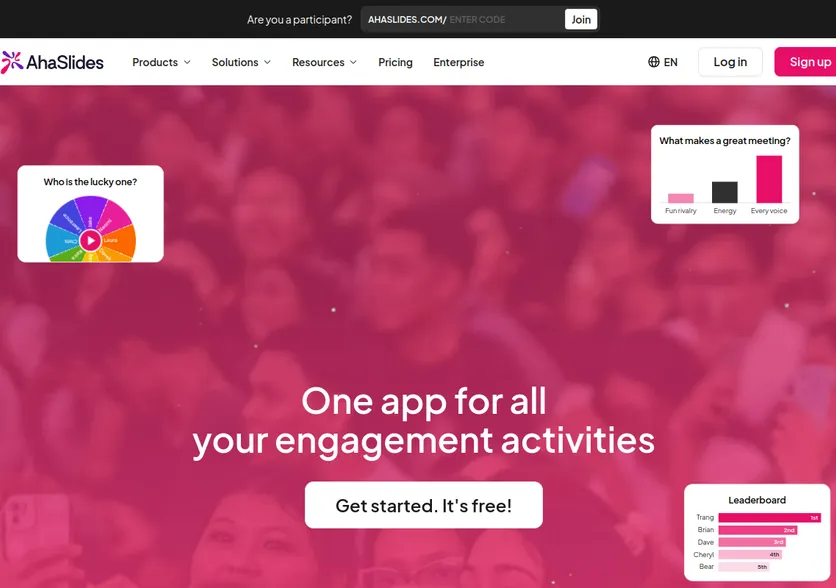
For a trainer who runs quizzes and polls in small sessions, this AhaSlides plan costs seven dollars and ninety-five cents a month billed yearly, and it turns slides into live games, polls and spinner wheels. Its quiz scoring keeps a class or team competing through the whole session. It is the most playful tool here for trainers and teachers on a budget.
What we like
- Quiz games and spinner wheels keep energy up
- Free plan covers fifty people per session
- Simple setup with no learning curve
Watch out for
- Fewer design options than the bigger platforms
- Large audiences need the Pro plan
How to try it
- Build slides and add a quiz or poll
- Share the join code with the group
- Run the game live and show the leaderboard
5. Visme
Best for: Marketers designing interactive decks and reports
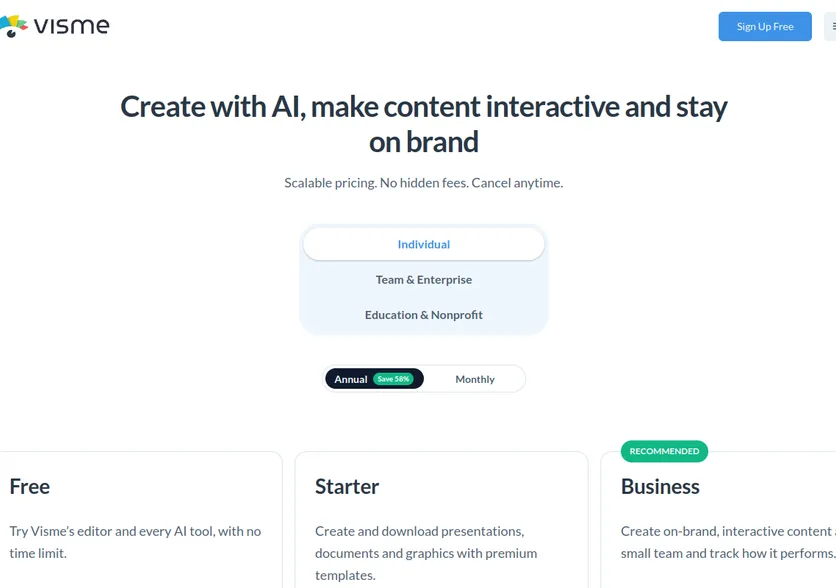
Paid tool Starting price: $12.25/month · Twelve dollars and twenty-five cents a month per person billed annually; Business is twenty-four dollars and seventy-five cents a month; the Pro plan was renamed Business in October 2026
Free plan: Free plan
For a marketer who needs presentations, infographics and documents from one tool, this Visme plan costs twelve dollars and twenty-five cents a month per person billed annually, and it adds polls, quizzes and clickable content to designed slides. Its templates cover reports and proposals as well as decks. It is the best all-round design tool here for teams that present and publish.
What we like
- Templates cover decks, reports and infographics
- Polls and quizzes sit inside designed slides
- Brand kit keeps every deck on brand
Watch out for
- Interactivity is lighter than the dedicated poll tools
- The free plan limits downloads and exports
How to try it
- Pick a template and set the brand kit
- Add polls or clickable elements to the slides
- Share the link or present live
6. Genially
Best for: Teachers building interactive learning content
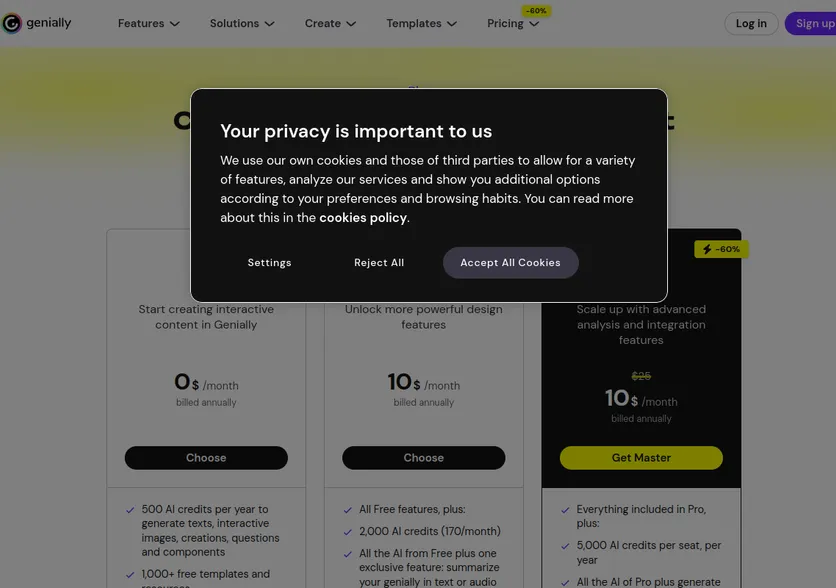
Paid tool Starting price: $10/month · Ten dollars a month on Pro billed yearly; Master is twenty-five dollars a month and Author is fifty dollars per user a month; the euro pricing page shows Pro at six euros a month, while the US dollar figure is ten dollars
Free plan: Free plan
For a teacher or marketer who wants slides that behave like a small website, this Genially plan costs ten dollars a month billed yearly, and it adds clickable hotspots, animations and embedded content to every page. Its templates cover escape rooms, timelines and interactive images as well as decks. It is the most creative tool here for interactive learning content.
What we like
- Clickable hotspots turn slides into explorable pages
- Templates cover games, timelines and escape rooms
- Animations and embeds work without code
Watch out for
- No live polling built into the base plan
- Heavy animations can slow older devices
How to try it
- Choose an interactive template for the lesson
- Add hotspots and animations to each page
- Share the link for students to explore
7. Nearpod
Best for: Teachers running interactive classroom lessons
Paid tool Starting price: $159/year · One hundred and fifty-nine dollars a year on Gold; Platinum is three hundred and ninety-seven dollars a year; the older one hundred and twenty dollar Gold figure is stale
Free plan: Free plan (40 students per lesson)
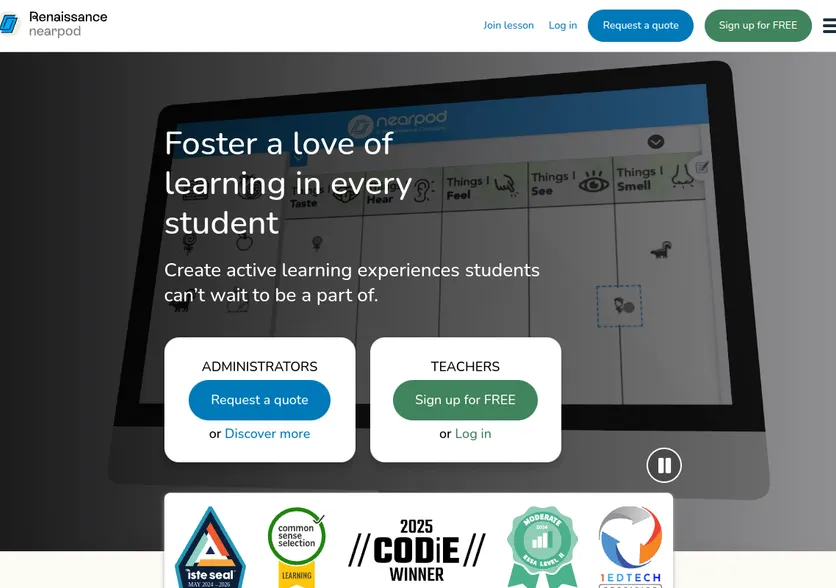
For a teacher who wants every student answering during the lesson, this Nearpod plan costs one hundred and fifty-nine dollars a year, and it turns slides into interactive lessons with polls, quizzes and collaborative boards. Its reports show which students answered and who needs help. It is the strongest classroom tool here for teachers who teach with slides every day.
What we like
- Polls, quizzes and boards inside every lesson
- Reports show which students need help
- Works with Google Slides and PowerPoint
Watch out for
- Built for classrooms, so business presenters get less value
- The free plan caps at forty students per lesson
How to try it
- Import slides or build a lesson from scratch
- Add polls and collaborative boards
- Launch the lesson and watch student responses live
8. Pear Deck
Best for: Google Slides teachers in Google Classroom
Paid tool Starting price: $149/year · One hundred and forty-nine dollars a year on Teacher Premium with the educator discount; the free Teacher plan covers basic interactivity, and schools and districts are quoted; Pear Assessment Premium is a separate one hundred and twenty-five dollar a year product
Free plan: Free plan
For a teacher who already presents in Google Slides, this Pear Deck plan costs one hundred and forty-nine dollars a year, and it adds draggable answers, polls and drawing responses inside the slides. Its teacher dashboard shows every student response as it happens. It is the easiest add-on here for Google Classroom schools.

What we like
- Works inside Google Slides, no new app to learn
- Drawing and draggable answers suit young learners
- Teacher dashboard shows responses as they happen
Watch out for
- No monthly plan, so the year is paid up front
- Best inside Google Classroom, weaker elsewhere
How to try it
- Install the Pear Deck add-on in Google Slides
- Add interactive questions to the deck
- Launch the session and watch the teacher dashboard
Prices above were checked on each vendor’s own website on Nov 28, 2026 and can change — the vendor’s page is the final word. Vendor links are editorial: nobody paid to be listed or ranked here. Vendors who want a featured listing can see how it works on our Get listed page.
How to run an interactive presentation that actually engages
Ask the first question in the opening minutes, because an audience that answers once will answer again. Keep each interaction short: one poll, one quiz or one open question per section, then move on before the energy drops. Show the results on screen so the room sees its own answers, and use them to steer the talk rather than reading them out flat. Test the join code and the wifi before the session starts, and always have a plain slide version ready in case the connection fails.
Before you buy
- Check the participant limit on the plan, since a free tier that caps at fifty people will not cover a full lecture hall
- Confirm the tool works with the slides the team already has, whether PowerPoint, Google Slides or a web deck
- Ask whether polls, quizzes and Q and A are all included, or whether some are locked behind a higher tier
- Make sure the audience can join from a phone with no app, since downloads kill participation
- Test the tool in a real session before paying, including a poll with the whole room answering at once
Official websites
Official websites of the products reviewed above. Features and prices were checked against these sites when this guide was written, and they can change, so confirm on the vendor site before you buy.
Frequently asked questions
What is software for interactive presentation?
It is software that adds live polls, quizzes, word clouds, Q and A and clickable content to presentations, so the audience takes part instead of just watching. Presenters run it from their slides and the audience joins from a phone or laptop. The tools here cover meetings, classrooms, training sessions and conferences, with prices from seven dollars a month to about one hundred and fifty-nine dollars a year.
How much does Mentimeter cost?
Mentimeter costs eleven dollars and ninety-nine cents a month per presenter billed yearly, or one hundred and forty-three dollars and eighty-eight cents a year. Pro is twenty-four dollars and ninety-nine cents a month. The free plan covers fifty participants a month across the account, which is enough to test live polls in a small meeting before paying.
Can I present interactively for free?
Yes. Mentimeter, Slido, Prezi, AhaSlides, Visme, Genially and Pear Deck all offer free plans, and Nearpod is free for up to forty students per lesson. Free plans limit participants, polls or exports, so a regular presenter will outgrow them. The cheapest paid plan here is Prezi at seven dollars a month billed annually.
Which tool is best for teachers?
Nearpod is the best pick for teachers who want full interactive lessons, at one hundred and fifty-nine dollars a year, with polls, quizzes and student reports built in. Pear Deck is the best pick for Google Slides schools, at one hundred and forty-nine dollars a year. Genially suits teachers who want creative interactive content at ten dollars a month.
Do I need an app for the audience to join?
No, not with most tools here. Mentimeter, Slido and AhaSlides let the audience join from a phone browser with a code or link, and no app install is needed. That matters, because every download step loses participants. Check the join flow on the plan before buying, since some tools reserve the smoothest join experience for higher tiers.
Compare the eight tools above, then run a free plan in a real session with the tool that fits the room, and upgrade once the audience starts answering back.
Browse Business Tools tools