On this page
Every customer relationship lives or dies on follow-up, and a spreadsheet stops working the moment the team grows past a handful of deals. The eight tools below cover that job for teams of every size, from a free CRM for a two-person startup to a platform that runs a global sales floor. HubSpot CRM leads because it pairs a genuinely free plan with Sales Hub Starter at fifteen dollars a seat a month, and the rest are ranked on how much CRM you get for the price.
How we researched this
We checked every price on the vendor pricing page on November 28, 2026, and only included tools with a published US dollar list price. Oracle CX Sales and SAP Sales Cloud publish no prices, so they are not in this list. Prices change, so confirm the current figure on the vendor site before you buy.
Compare the tools
| Name | Best for | Starting price | Free plan | |
|---|---|---|---|---|
| HubSpot CRM | Small teams that want a CRM they can outgrow | $15/seat/month | Free plan (up to 2 users) | Visit |
 Zoho CRM | Budget teams that want full CRM features | $14/user/month | Free plan (up to 3 users) | Visit |
 Pipedrive | Sales teams that sell by the deal | $14/user/month | No free plan; 14-day free trial | Visit |
 Freshsales | Teams that want AI scoring at a low price | $9/user/month | No free plan; 21-day free trial | Visit |
| Microsoft Dynamics 365 Sales | Microsoft 365 companies that want deep integration | $65/user/month | No free plan; 30-day free trial | Visit |
| Salesforce Sales Cloud | Teams that want the most proven CRM platform | $25/user/month | Free plan (up to 2 users) | Visit |
 monday Sales CRM | Visual teams that manage sales like a project | $12/seat/month | No free plan; 14-day free trial | Visit |
 Copper | Google Workspace teams that live in Gmail | $23/seat/month | No free plan; 14-day free trial | Visit |
The software for managing customer relationships, compared
1. HubSpot CRM
Best for: Small teams that want a CRM they can outgrow
Paid tool Starting price: $15/seat/month · Fifteen dollars per seat a month billed annually on Sales Hub Starter ($20 a seat month to month); a seven-dollar first-year promo for new customers is not the list price; Sales Hub Professional is ninety dollars a seat a month
Free plan: Free plan (up to 2 users)
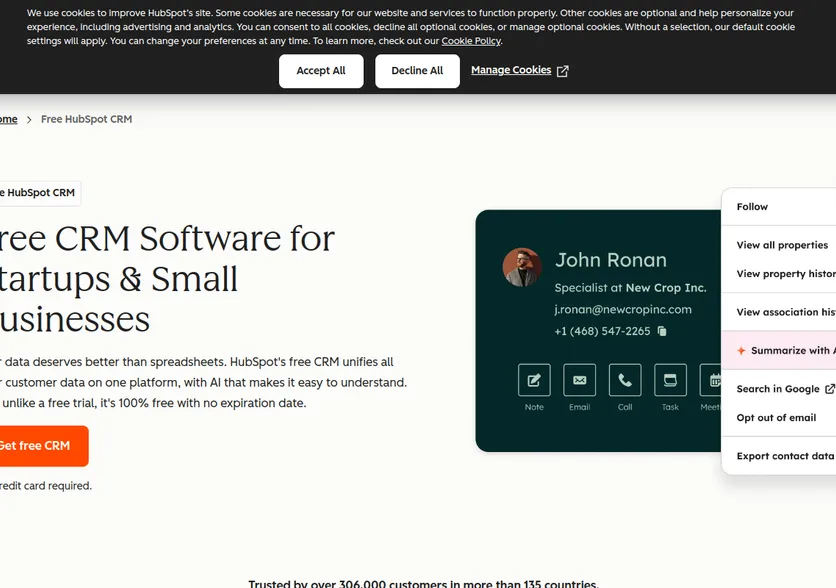
A team that wants a CRM without a long setup gets the fastest start here, because this HubSpot CRM plan costs fifteen dollars a seat a month billed annually on Sales Hub Starter, with the free CRM covering up to two users. Its contact timeline, deal pipelines and email tracking sit in one clean workspace, and the marketing and service hubs bolt on when the team grows. It is the safest pick for a small business that wants a CRM it can outgrow without migrating.
What we like
- Free CRM for up to two users with contacts and deals
- Deal pipelines, email tracking and meeting booking built in
- Marketing, sales and service hubs share one contact record
Watch out for
- The per-seat price climbs fast as the team grows
- Serious automation needs the dearer Professional tier
How to try it
- Sign up for the free CRM and import contacts from a spreadsheet
- Build a deal pipeline that matches the team's sales stages
- Connect the inbox and calendar so every email lands on the contact record
2. Zoho CRM
Best for: Budget teams that want full CRM features
Paid tool Starting price: $14/user/month · Fourteen dollars per user a month billed annually on Standard ($20 month to month); Professional is twenty-three dollars, Enterprise forty dollars and Ultimate fifty-two dollars
Free plan: Free plan (up to 3 users)
For a small business counting every dollar, this Zoho CRM plan costs fourteen dollars a user a month billed annually on Standard and still covers leads, deals and workflows. Its automation rules move deals between stages, its blueprint feature keeps every rep following the same process, and the free plan covers up to three users. It is the best value in this list for a team that wants a full CRM at the lowest headline price.

What we like
- Lowest headline price in this list with a free plan
- Workflow automation and blueprints on the Standard plan
- Deep integration with the rest of Zoho's apps
Watch out for
- The interface feels crowded next to simpler rivals
- Some advanced reports need the dearer Enterprise tier
How to try it
- Create a free account and add the first three users
- Import leads and set up the standard deal pipeline
- Turn on workflow rules for follow-up reminders
3. Pipedrive
Best for: Sales teams that sell by the deal
Paid tool Starting price: $14/user/month · Fourteen dollars per user a month billed annually on Essential ($24 month to month); Advanced is thirty-four dollars, Professional forty-nine dollars, Power sixty-four dollars and Enterprise ninety-nine dollars; some November reads list Advanced at thirty-nine dollars or show renamed tiers
Free plan: No free plan; 14-day free trial
A sales team that lives in its pipeline will feel at home here, since this Pipedrive plan costs fourteen dollars a user a month billed annually on Essential and puts the deal board front and centre. Activities, calls and emails attach to each deal automatically, and the visual pipeline makes the next step obvious at a glance. It suits a team that sells by the deal and wants the CRM to stay out of the way.

What we like
- The visual pipeline shows every deal and its next step
- Activities and emails attach to deals automatically
- Simple setup that a new rep learns in a day
Watch out for
- No free plan, so every user costs from day one
- Marketing automation needs a separate add-on or higher tier
How to try it
- Import the deal list and arrange it into pipeline stages
- Set an activity for every open deal so nothing stalls
- Connect the inbox to log emails against each deal
4. Freshsales
Best for: Teams that want AI scoring at a low price
Paid tool Starting price: $9/user/month · Nine dollars per user a month billed annually on Growth ($11 month to month); Pro is thirty-nine dollars and Enterprise fifty-nine dollars; the free plan was removed in November 2026
Free plan: No free plan; 21-day free trial
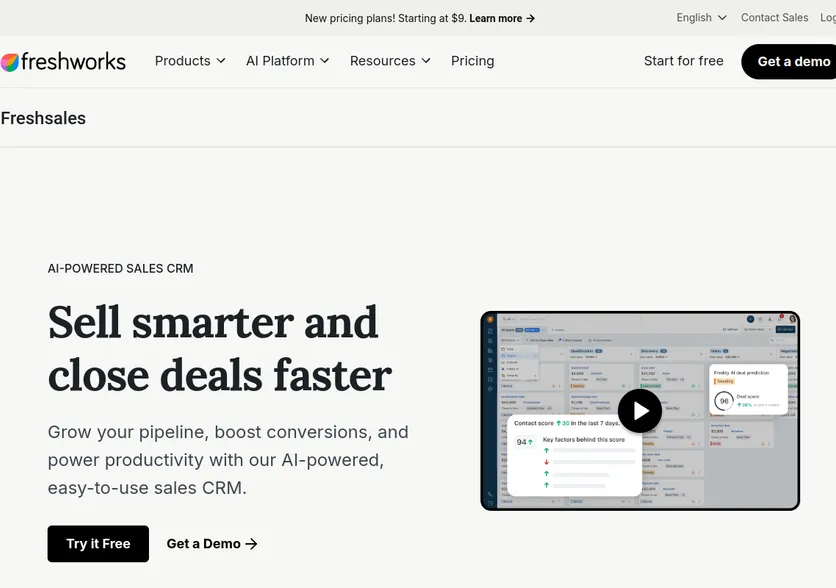
A team that wants AI help without an enterprise bill finds it here, because this Freshsales plan costs nine dollars a user a month billed annually on Growth and includes Freddy AI scoring. Its built-in phone, chat and email keep every conversation on the contact record, and the visual pipeline tracks deals from first call to close. It is the cheapest AI-assisted CRM in this list for a growing sales team.
What we like
- Freddy AI scores and prioritises leads automatically
- Built-in phone, chat and email in one workspace
- Visual pipelines with drag-and-drop deal stages
Watch out for
- The free plan was removed in November 2026, so there is no free tier
- Some integrations need the dearer Pro plan
How to try it
- Sign up for the trial and import the contact list
- Turn on Freddy AI scoring for new leads
- Set up pipelines and assign deals to the team
5. Microsoft Dynamics 365 Sales
Best for: Microsoft 365 companies that want deep integration
Paid tool Starting price: $65/user/month · Sixty-five dollars per user a month on Sales Professional, paid yearly; Enterprise is one hundred and five dollars and Premium one hundred and fifty dollars
Free plan: No free plan; 30-day free trial
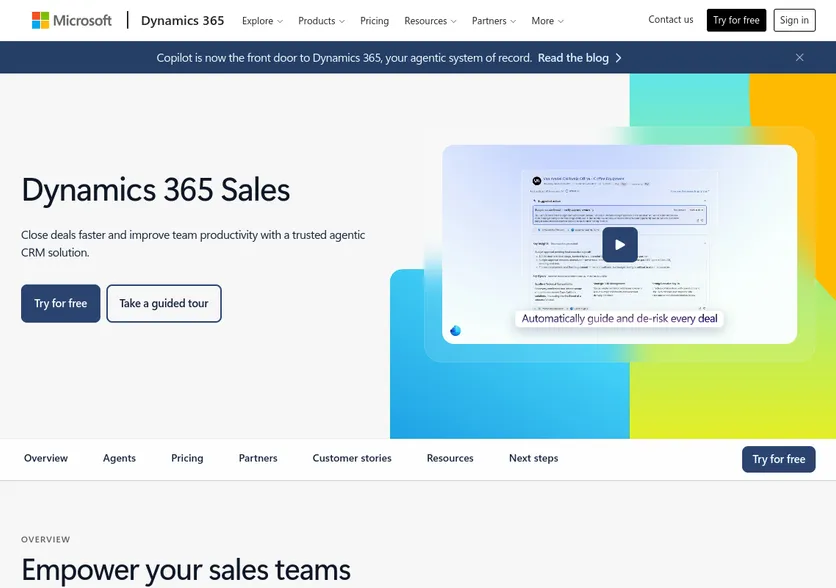
A company already running Microsoft 365 gets the deepest integration here, since this Microsoft Dynamics 365 Sales plan costs sixty-five dollars per user a month on Sales Professional, paid yearly. Deals, emails and Teams meetings share one record, and Copilot drafts follow-ups from the conversation history. It is the right pick for a Microsoft shop that wants the CRM inside the tools it already pays for.
What we like
- Native integration with Outlook, Teams and Excel
- Copilot drafts follow-ups from deal history
- Strong reporting with Power BI built in
Watch out for
- The entry price is far above the simpler CRMs here
- Setup takes longer and often needs an admin or partner
How to try it
- Connect the Microsoft 365 tenant to the Dynamics trial
- Import accounts and map the sales process to stages
- Turn on Copilot summaries for meetings and emails
6. Salesforce Sales Cloud
Best for: Teams that want the most proven CRM platform
Paid tool Starting price: $25/user/month · Twenty-five dollars per user a month on the Starter Suite; Pro Suite is one hundred dollars, Core one hundred and ninety-five dollars, Advanced three hundred and ninety-five dollars and Max five hundred and fifty dollars; a 30-day trial is included
Free plan: Free plan (up to 2 users)
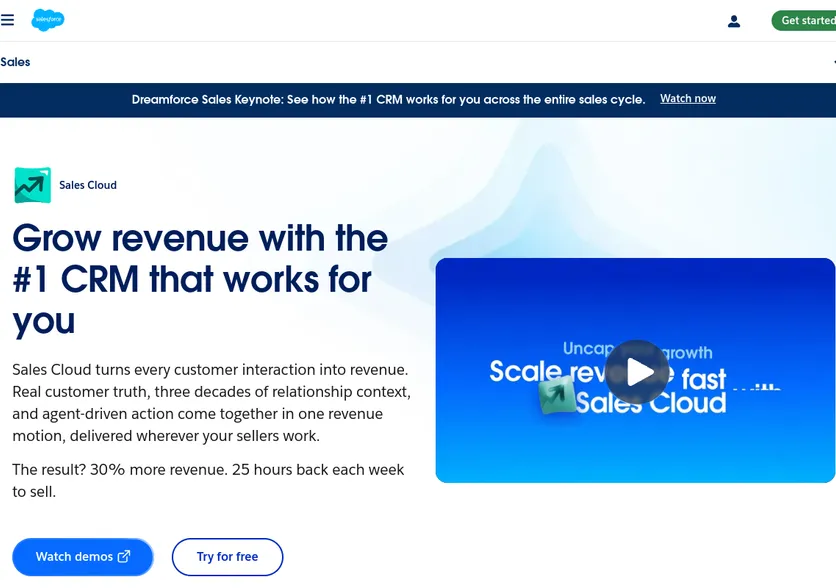
The biggest name in CRM earns its place here, because this Salesforce Sales Cloud plan costs twenty-five dollars per user a month on the Starter Suite and covers contacts, deals and email in one place. Its AppExchange marketplace adds thousands of integrations, and the platform scales from a two-person team to a global sales floor. It suits a team that wants the most proven CRM and the widest choice of add-ons.
What we like
- The largest integration marketplace of any CRM here
- Scales from two users to thousands without migrating
- Strong reporting and dashboards on every plan
Watch out for
- The interface can overwhelm a small team at first
- Add-ons and higher tiers push the real cost well above the headline price
How to try it
- Start the trial and import contacts and deals
- Set up the lead and opportunity stages for the team
- Add the integrations the team already uses from AppExchange
7. monday Sales CRM
Best for: Visual teams that manage sales like a project
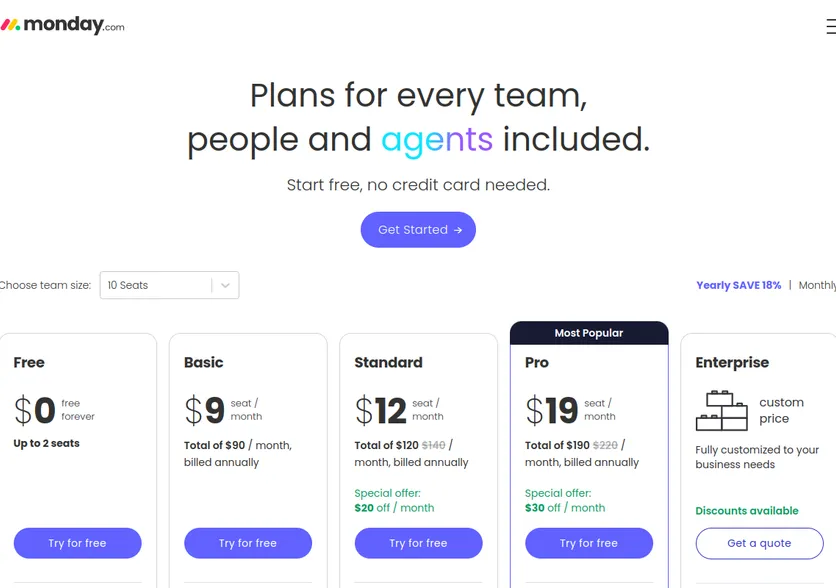
Paid tool Starting price: $12/seat/month · Twelve dollars per seat a month billed annually on Basic ($18 month to month); Standard is seventeen dollars, Pro twenty-eight dollars and Ultimate is quoted; a three-seat minimum applies
Free plan: No free plan; 14-day free trial
A team that thinks in boards and columns will love this one, since this monday Sales CRM plan costs twelve dollars per seat a month billed annually on Basic and turns the pipeline into a colour-coded board. Deals move by drag and drop, automations nudge reps when a deal stalls, and dashboards show the whole forecast at a glance. It is the most visual CRM in this list for a team that manages sales like a project.
What we like
- Colour-coded boards make the pipeline easy to read
- Automations nudge reps when deals stall
- Dashboards show forecasts without extra reporting tools
Watch out for
- A three-seat minimum means the smallest team pays for three seats
- Email and quoting features need the higher tiers
How to try it
- Pick the sales template and import the deal list
- Customise the board columns to match the sales stages
- Set up an automation that flags stalled deals
8. Copper
Best for: Google Workspace teams that live in Gmail
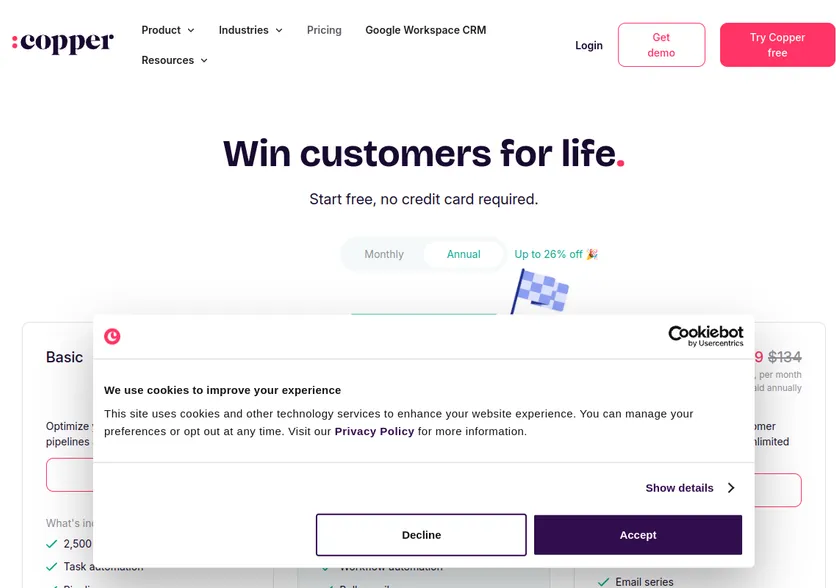
Paid tool Starting price: $23/seat/month · Twenty-three dollars per seat a month billed annually on Basic ($29 month to month); Professional is fifty-nine dollars and Business ninety-nine dollars; Basic is capped at two thousand five hundred contacts
Free plan: No free plan; 14-day free trial
A team that lives in Gmail will find the least friction here, because this Copper plan costs twenty-three dollars per seat a month billed annually on Basic and runs entirely inside Google Workspace. Contacts, emails and calendar events sync without imports, and the pipeline view keeps every deal visible. It is the best pick for a Google-first team that wants the CRM to feel like part of the inbox.
What we like
- Runs inside Gmail with no separate app to open
- Contacts and emails sync automatically from Google
- Simple pipeline that a new hire learns quickly
Watch out for
- Basic caps at two thousand five hundred contacts
- Outside Google Workspace it loses most of its advantage
How to try it
- Connect the Google Workspace account to Copper
- Let Copper pull contacts and emails into the pipeline
- Set up deal stages and assign the first deals
Prices above were checked on each vendor’s own website on Nov 28, 2026 and can change — the vendor’s page is the final word. Vendor links are editorial: nobody paid to be listed or ranked here. Vendors who want a featured listing can see how it works on our Get listed page.
How to pick a CRM that the team will actually use
Start from the inbox the team already lives in, because a CRM that fights the daily workflow gets abandoned within a month. Count the real cost per seat, not the headline: a twelve-dollar plan with a three-seat minimum costs thirty-six dollars a month even for a team of one, and add-ons for marketing or calling can double the bill. Test the pipeline on a real deal before paying, and check the free plan or trial limits, since a free plan capped at two or three users only fits the smallest teams. Finally, ask who owns the data if you leave, and export contacts, deals and notes before the trial ends, so switching stays possible.
Before you buy
- Confirm the per-seat price and the minimum seat count before budgeting for the team
- Check whether the free plan or trial covers the whole team or only a few users
- Ask if email, calling and marketing automation are included or paid add-ons
- Make sure contacts, deals and notes export cleanly if the team ever switches CRM
- Test the pipeline on a real deal during the trial, not on a demo account
Official websites
Official websites of the products reviewed above. Features and prices were checked against these sites when this guide was written, and they can change, so confirm on the vendor site before you buy.
Frequently asked questions
What is the best software for managing customer relationships?
HubSpot CRM is the best overall pick, because its free plan covers up to two users and Sales Hub Starter costs fifteen dollars a seat a month billed annually. Zoho CRM is the best value at fourteen dollars a user a month with a free plan for three users, while monday Sales CRM suits visual teams at twelve dollars a seat a month. The right choice depends on the team's size, inbox and budget.
How much does a CRM cost for a small business?
A small business can pay from nine dollars a user a month for Freshsales Growth to twenty-five dollars for Salesforce Starter Suite, with most tools in this list between twelve and fifteen dollars a seat. HubSpot and Zoho both offer free plans for two or three users, so a tiny team can start at no cost. Add-ons, extra seats and higher tiers are what push the real bill up.
Is there a free CRM for a small team?
Yes. HubSpot CRM is free for up to two users with contacts, deals and email tracking, and Zoho CRM is free for up to three users. Salesforce also offers a free Starter Suite for up to two users. Freshsales removed its free plan in November 2026, so it now starts with a twenty-one-day trial. Free plans cover the basics, and growing teams will need a paid tier.
Which CRM is best for a Google Workspace team?
Copper is the best fit for a Google Workspace team, because it runs inside Gmail and syncs contacts, emails and calendar events without imports. It costs twenty-three dollars a seat a month billed annually on Basic, capped at two thousand five hundred contacts. Teams that live in Outlook instead should look at Microsoft Dynamics 365 Sales, which integrates just as deeply with Microsoft 365.
Do I need Salesforce for a small sales team?
No, most small sales teams do not need Salesforce. Its Starter Suite costs twenty-five dollars a user a month, but HubSpot, Zoho or Pipedrive cover the same core job for less and with a simpler setup. Salesforce earns its price when a team needs the AppExchange marketplace, deep customisation or room to scale to hundreds of seats. Start small and move up only when the limits bite.
Compare the eight tools above, then start with a free plan or trial on the CRM that matches how the team already works before paying for a full year.
Browse Business Tools tools