On this page
Documents pile up faster than anyone can read them, and the software you pick decides whether their data works for you or sits in a folder. The eight tools below run from nineteen dollars and ninety-nine cents a month for PDF editing to five hundred dollars a month for an OCR API, and every price was checked on the vendor site on November 27, 2026. Some extract data, others edit PDFs, so match the tool to the job your documents actually need. Parseur is our first pick — email and PDF extraction without code.
How we researched this
We started with the document processing tools teams actually buy, then checked each price on the vendor pricing page on November 27, 2026 and noted the free plan or trial each one offers. We judged them for a team that processes documents every day, weighing extraction accuracy, volume limits and the price of the plan you actually need. We dropped ABBYY Vantage, Tungsten Automation, Rossum and Doxis because all four are quote-only.
Compare the tools
| Name | Best for | Starting price | Free plan | |
|---|---|---|---|---|
 ABBYY FineReader PDF | Offices who scan paper documents and need accurate OCR every week | $99/year | No free plan; 7-day free trial | Visit |
 Adobe Acrobat Pro | Professionals who edit, sign and share PDFs every day | $19.99/month | No free plan; 7-day free trial | Visit |
 Docparser | Teams who parse the same document layouts every day with templates | $32.50/month | No free plan; 14-day free trial | Visit |
 Foxit PDF Editor | Teams who want full PDF editing without the Adobe price | $129.99/year | No free plan; 14-day free trial | Visit |
 Nanonets | Finance teams who automate invoice and document workflows end to end | $100/month | $50 in free credits, no card required | Visit |
 Nitro PDF Pro | Windows-first businesses who edit and convert PDFs every day | $15/user/month | No free plan; 14-day free trial | Visit |
 Parseur | Teams who pull data from emails and PDFs without writing code | $39/month | Free plan, 20 pages a month | Visit |
 Veryfi | Developers who embed receipt and invoice OCR into an app | $500/month | Free plan, 100 documents a month | Visit |
The document processing software, compared
1. ABBYY FineReader PDF
Best for: Offices who scan paper documents and need accurate OCR every week
Paid tool Starting price: $99/year · Standard plan at ninety-nine dollars a year for Windows; Mac is sixty-nine dollars a year and Corporate is one hundred sixty-five dollars a year
Free plan: No free plan; 7-day free trial
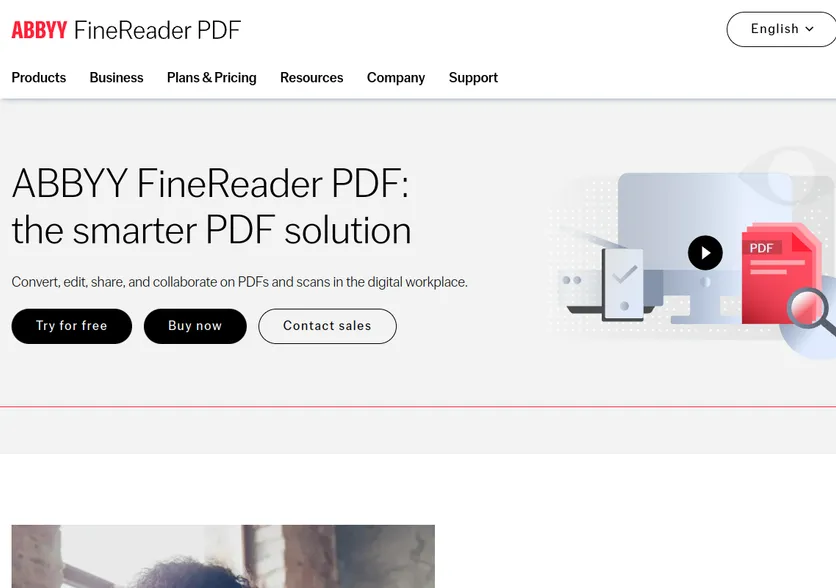
ABBYY FineReader PDF turns scans into searchable, editable text with the most accurate OCR in this list, plus full PDF editing. This ABBYY FineReader PDF Standard plan costs ninety-nine dollars a year for Windows and covers OCR, editing, conversion and comparison. An office that scans paper every week will get the most from its accuracy.
What we like
- Most accurate OCR in this comparison
- Full PDF editing alongside OCR
- Comparison tools for document versions
Watch out for
- No perpetual license, subscription only
- Comparison and Hot Folder need the Corporate plan
How to try it
- Open FineReader PDF and scan or import a document
- Run OCR and check the recognized text
- Export the searchable PDF or convert it to Word
2. Adobe Acrobat Pro
Best for: Professionals who edit, sign and share PDFs every day
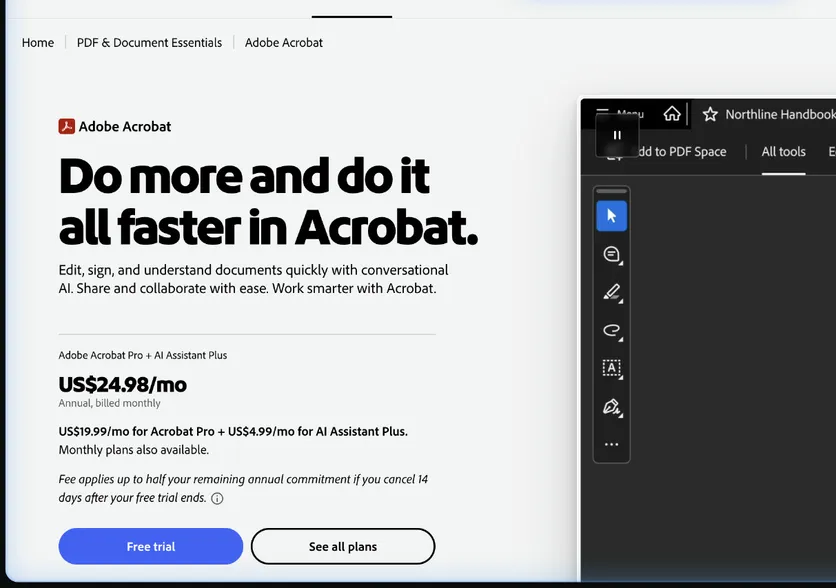
Paid tool Starting price: $19.99/month · Annual plan billed monthly at nineteen dollars and ninety-nine cents a month; month-to-month is twenty-nine dollars and ninety-nine cents a month
Free plan: No free plan; 7-day free trial
Adobe Acrobat Pro is the editor the PDF format was built around, with text editing, OCR, redaction and e-signatures in one app. This Adobe Acrobat Pro plan costs nineteen dollars and ninety-nine cents a month on the annual plan and covers full editing plus forms and comparison. A professional who edits PDFs every day will find it the most complete tool here.
What we like
- The most complete PDF editor here
- OCR, redaction and e-signatures in one app
- The standard every client already knows
Watch out for
- Subscription only, with no one-time license
- Annual plan has an early cancellation fee
How to try it
- Open Acrobat Pro and edit the PDF text or images
- Run OCR on a scanned document
- Send the file for e-signature and track it
3. Docparser
Best for: Teams who parse the same document layouts every day with templates
Paid tool Starting price: $32.50/month · Starter plan at thirty-two dollars and fifty cents a month billed annually, three hundred ninety dollars a year; month-to-month is thirty-nine dollars a month
Free plan: No free plan; 14-day free trial
Docparser extracts data from documents with templates you define, so invoices, orders and bank statements land in a spreadsheet the same way every time. This Docparser Starter plan costs thirty-two dollars and fifty cents a month billed annually and covers one hundred parsing credits a month. A team with a small set of recurring layouts will like its predictability.
What we like
- Predictable template parsing for recurring layouts
- Flat price per plan, not per user
- Exports to Excel, CSV, JSON and Google Sheets
Watch out for
- Add-ons like multi-layout parsers cost extra
- No free plan, only a fourteen-day trial
How to try it
- Open Docparser and upload a sample document
- Draw parsing zones on the layout
- Send the extracted data to a spreadsheet
4. Foxit PDF Editor
Best for: Teams who want full PDF editing without the Adobe price
Paid tool Starting price: $129.99/year · PDF Editor plan at one hundred twenty-nine dollars and ninety-nine cents per user a year prepaid; Editor Plus is one hundred fifty-nine dollars and ninety-nine cents a year
Free plan: No free plan; 14-day free trial
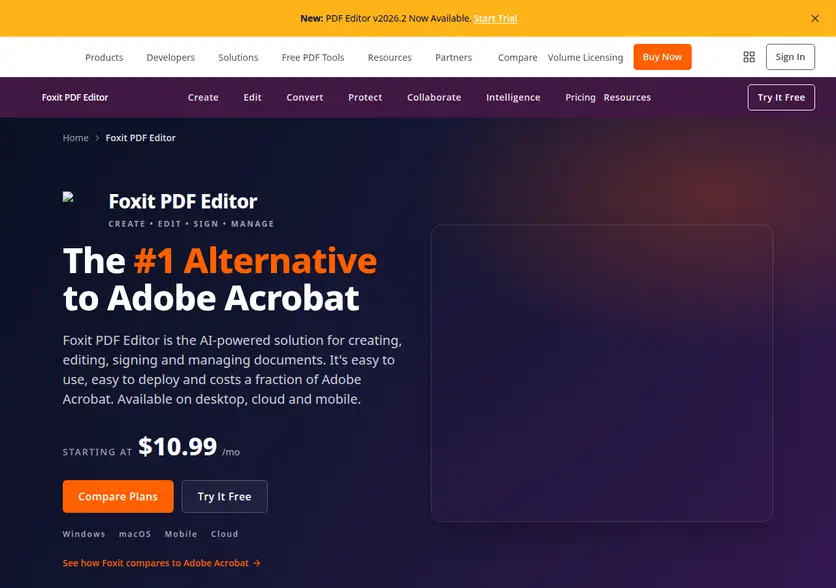
Foxit PDF Editor is the closest thing to Acrobat at a lower price, with editing, OCR, redaction and forms on Windows, Mac and the web. This Foxit PDF Editor plan costs one hundred twenty-nine dollars and ninety-nine cents per user a year prepaid and includes OCR and document comparison. A team that wants Acrobat-level editing without the Acrobat bill will like its value.
What we like
- Acrobat-level editing at a lower price
- Perpetual license available for one-time buyers
- Fast interface with low memory use
Watch out for
- AI Assistant add-on costs extra per year
- Monthly installment still commits you for the year
How to try it
- Open Foxit PDF Editor and start the fourteen-day trial
- Edit a PDF and run OCR on a scanned page
- Compare two versions and export the result
5. Nanonets
Best for: Finance teams who automate invoice and document workflows end to end
Paid tool Starting price: $100/month · Starter plan at one hundred dollars a month for one hundred credits after fifty dollars in free credits; block runs cost two cents, ten cents or thirty cents each
Free plan: $50 in free credits, no card required
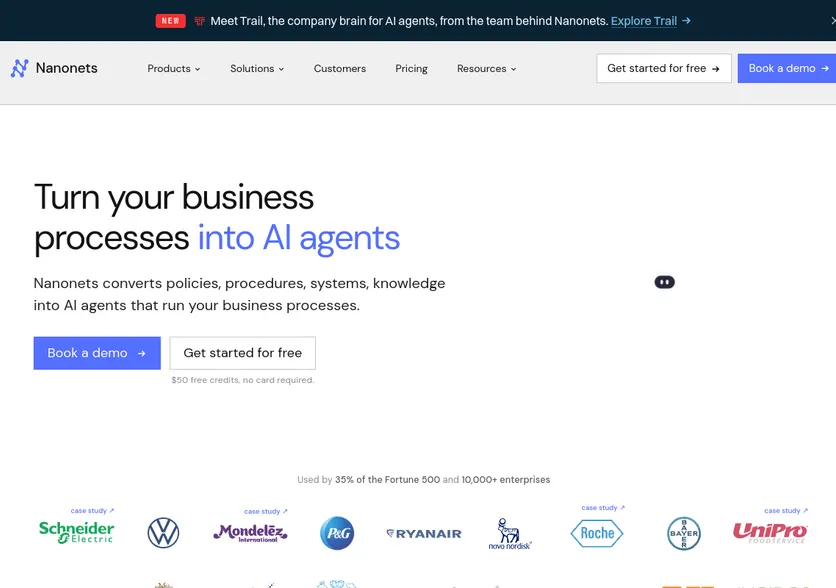
Nanonets builds AI workflows that read invoices, validate the data, route approvals and export to accounting software in one flow. This Nanonets Starter plan costs one hundred dollars a month for one hundred credits after fifty dollars in free credits, with block runs from two cents to thirty cents each. A finance team automating accounts payable will get the most from its depth.
What we like
- Full workflows from extraction to export
- Fifty dollars in free credits to start
- No platform fee or per-user licence on Starter
Watch out for
- Usage-based pricing is hard to predict
- Growth and Enterprise plans are quote-only
How to try it
- Open Nanonets and build a workflow for invoices
- Connect your accounting software
- Run documents through and check the approvals
6. Nitro PDF Pro
Best for: Windows-first businesses who edit and convert PDFs every day
Paid tool Starting price: $15/user/month · Standard plan at fifteen dollars per user a month billed annually, one hundred eighty dollars a year; Classic is a two-hundred-seventy-dollar license for three years
Free plan: No free plan; 14-day free trial
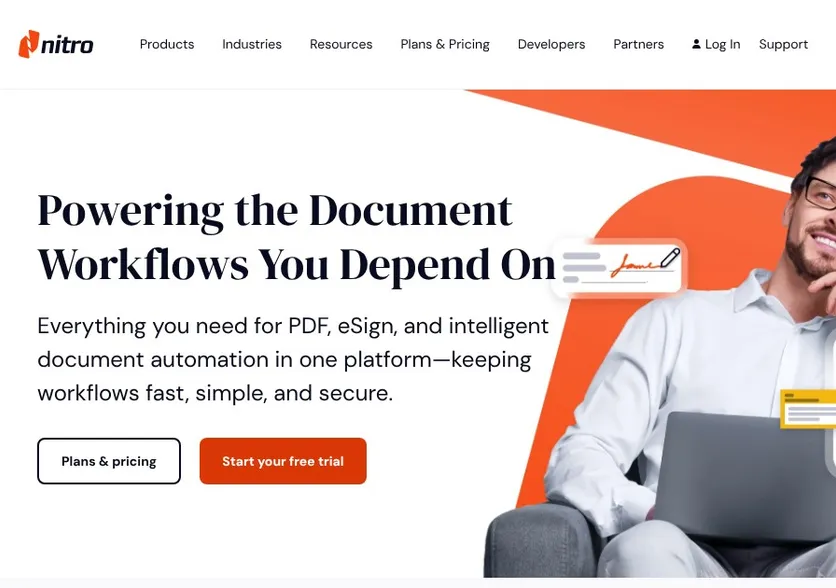
Nitro PDF Pro, formerly Nitro Pro, edits, converts and signs PDFs with an Office-style ribbon interface Windows users pick up fast. This Nitro PDF Pro Standard plan costs fifteen dollars per user a month billed annually and covers full editing, OCR and AI tools. A Windows-first business that converts PDFs to Office files daily will find it a strong fit.
What we like
- Office-style ribbon interface Windows users know
- Strong PDF-to-Office conversion
- AI tools included in the Standard plan
Watch out for
- Rebranded from Nitro Pro, so older reviews use the old name
- E-signature is a separate product line
How to try it
- Open Nitro PDF Pro and start the fourteen-day trial
- Edit a PDF and convert it to Word or Excel
- Sign the document and save it to your cloud drive
7. Parseur
Best for: Teams who pull data from emails and PDFs without writing code
Paid tool Starting price: $39/month · Micro plan at thirty-nine dollars a month billed annually, four hundred sixty-eight dollars a year; month-to-month is forty-nine dollars a month
Free plan: Free plan, 20 pages a month
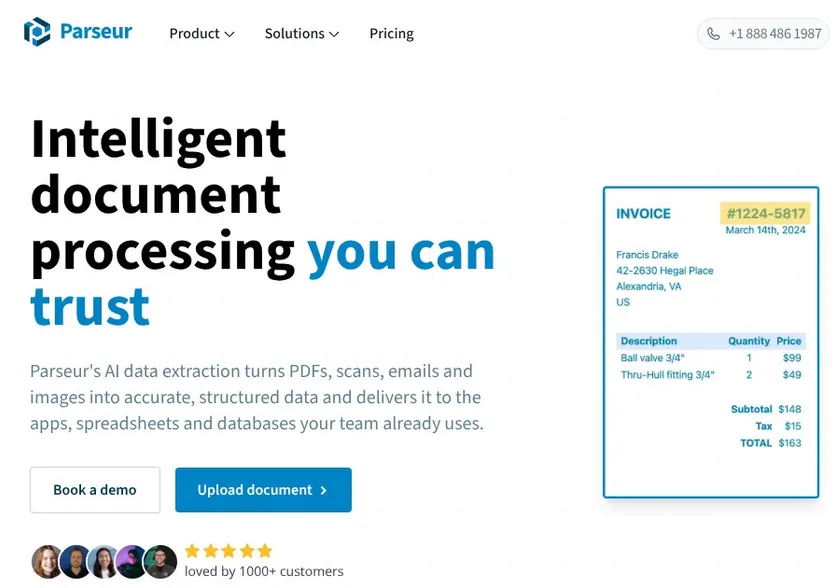
Parseur pulls data from emails, PDFs and scans with AI or templates, then sends it to a spreadsheet, Zapier or an API without any code. This Parseur Micro plan costs thirty-nine dollars a month billed annually and covers one hundred pages a month. A team that receives documents by email will find it the easiest tool here.
What we like
- No code needed for email and PDF extraction
- Free plan covers twenty pages a month
- Integrations with spreadsheets, Zapier and APIs
Watch out for
- Unused credits expire at the end of each month
- Multi-user accounts start on the higher plans
How to try it
- Open Parseur and create a mailbox for your documents
- Teach it the fields to extract with AI or templates
- Send the data to a spreadsheet or Zapier
8. Veryfi
Best for: Developers who embed receipt and invoice OCR into an app
Paid tool Starting price: $500/month · Starter plan at five hundred dollars a month in document credits; receipts cost eight cents each, invoices sixteen cents and bank documents twenty-five cents
Free plan: Free plan, 100 documents a month
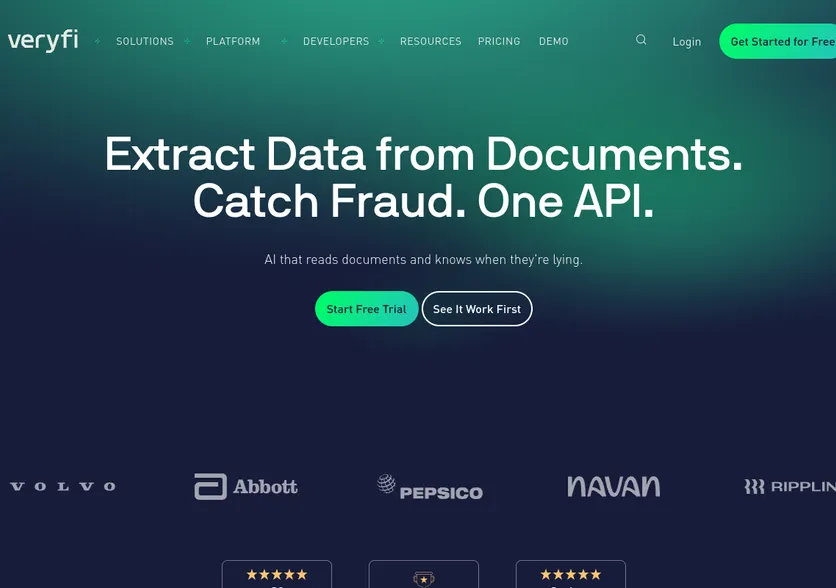
Veryfi reads receipts, invoices and bank documents through an API, returning fixed fields in seconds with no schema to write. This Veryfi Starter plan costs five hundred dollars a month in document credits, with receipts at eight cents each and invoices at sixteen cents. It fits a product team embedding OCR into an app rather than an office processing files by hand.
What we like
- Prebuilt fields with no schema to write
- Free plan covers one hundred documents a month
- Mobile capture SDK included for apps
Watch out for
- Five-hundred-dollar monthly minimum prices out small teams
- Contracts and unstructured files need a different tool
How to try it
- Open Veryfi and claim the free plan
- Send a receipt or invoice to the API
- Check the returned fields and build your workflow
Prices above were checked on each vendor’s own website on Nov 27, 2026 and can change — the vendor’s page is the final word. Vendor links are editorial: nobody paid to be listed or ranked here. Vendors who want a featured listing can see how it works on our Get listed page.
What document processing software costs in 2026
Document tools charge by volume, and the price follows the unit. Parsers like Parseur and Docparser charge per page or per credit, so the bill grows with the documents you process. PDF editors like Acrobat Pro and Foxit charge per user or per year, so the bill grows with the team. APIs like Veryfi charge a monthly minimum, which prices out small teams even when their volume is low.
Start with the free plan or trial on two tools and process ten real documents in each. Check whether the extracted data is accurate, whether the export reaches your spreadsheet, and whether the limits fit your monthly volume. Pick the tool whose output you would trust without checking, because document processing should save time, not create a new review job.
Before you buy
- Count your documents first, because Parseur charges per page while Docparser charges per credit.
- Check the free allowance, because Parseur gives twenty pages a month and Veryfi gives one hundred documents.
- Confirm the export format, because a parser that cannot reach your spreadsheet wastes its extraction.
- Test the trial on your real documents, because OCR accuracy varies by layout and scan quality.
- Compare the yearly total, because a five-hundred-dollar monthly API minimum is six thousand dollars a year.
Official websites
Official websites of the products reviewed above. Features and prices were checked against these sites when this guide was written, and they can change, so confirm on the vendor site before you buy.
Frequently asked questions
Which document processing software is best in 2026?
Parseur is the best overall pick, pulling data from emails and PDFs without code at thirty-nine dollars a month billed annually. Docparser is the best template parser at thirty-two dollars and fifty cents a month billed annually for recurring layouts. Adobe Acrobat Pro is the best PDF editor at nineteen dollars and ninety-nine cents a month for daily editing and signing.
How much does document processing software cost?
Prices in this list run from nineteen dollars and ninety-nine cents a month for Acrobat Pro to five hundred dollars a month for Veryfi, with Parseur at thirty-nine dollars a month and Nanonets at one hundred dollars a month. Parsers charge by page or credit, while PDF editors charge per user or per year. Budget for the yearly total, since most plans bill annually.
What is the best free document processing tool?
Yes, Parseur gives twenty pages a month free, Veryfi gives one hundred documents a month free, and Nanonets starts every account with fifty dollars in free credits. PDF editors offer trials instead, with Acrobat Pro at seven days and Foxit at fourteen days. Start free to test extraction on your real documents.
What is the difference between a parser and a PDF editor?
A parser extracts structured data from documents, like invoice totals and dates, and sends it to a spreadsheet or API. A PDF editor changes the document itself, editing text, adding signatures and redacting pages. Most teams need one of each, since extraction and editing solve different problems.
Do I need an API or will a desktop tool do?
It depends on what you build. An API like Veryfi or Nanonets suits a product team embedding OCR into an app or automating finance workflows. A desktop tool like Acrobat Pro, Foxit or FineReader suits an office that edits and converts files by hand. Parseur and Docparser sit in the middle, with no code needed.
Need everyday PDF help too? Try Toolsvine's free PDF tools right in your browser.
Browse PDF Tools tools