On this page
A nonprofit runs on volunteers, part-time staff and a dozen donated apps, and every password reset eats time nobody is paid for. The eight tools below give everyone one login for everything, so the team stops sharing passwords in spreadsheets. OneLogin leads because its Basic tier costs three dollars per user a month, and the rest are ranked on how well they fit a budget that has to stretch.
How we researched this
We checked every price on the vendor pricing page on November 29, 2026, and only included tools with a published US dollar list price. The enterprise identity suites that sell by quote, including SailPoint, IBM Verify and PingOne for Workforce, publish no usable per-user price for a small team, so they are not in this list. Prices change, so confirm the current figure on the vendor site before you buy.
Compare the tools
| Name | Best for | Starting price | Free plan | |
|---|---|---|---|---|
 OneLogin | Nonprofits that want the cheapest full SSO | $3/user/month | No free plan; 30-day free trial | Visit |
 Cisco Duo | Nonprofits that want strong MFA and SSO for free | $3/user/month | Free plan (up to 10 users) | Visit |
 Microsoft Entra ID | Nonprofits already running on Microsoft 365 | $7/user/month | Free plan (Entra ID Free) | Visit |
 Okta Workforce Identity | Nonprofits that want the best-known SSO brand | $6/user/month | No free plan; 30-day free trial | Visit |
 JumpCloud | Nonprofits that need SSO plus device management | $11/user/month | Free plan (up to 10 users) | Visit |
 Auth0 | Nonprofits building their own apps and logins | $35/month | Free plan (25,000 MAU) | Visit |
 Bitwarden | Nonprofits that want SSO plus a self-hosted vault | $6/user/month | No free plan; 14-day free trial | Visit |
 miniOrange | Nonprofits that want the cheapest SSO per user | $2/user/month | Free plan (social logins) | Visit |
The SSO software for nonprofits, compared
1. OneLogin
Best for: Nonprofits that want the cheapest full SSO
Paid tool Starting price: $3/user/month · Three dollars per user a month on Basic; Essentials is six dollars and Business is ten dollars per user a month; Enterprise is quoted; Basic limits lifecycle rules to five applications
Free plan: No free plan; 30-day free trial
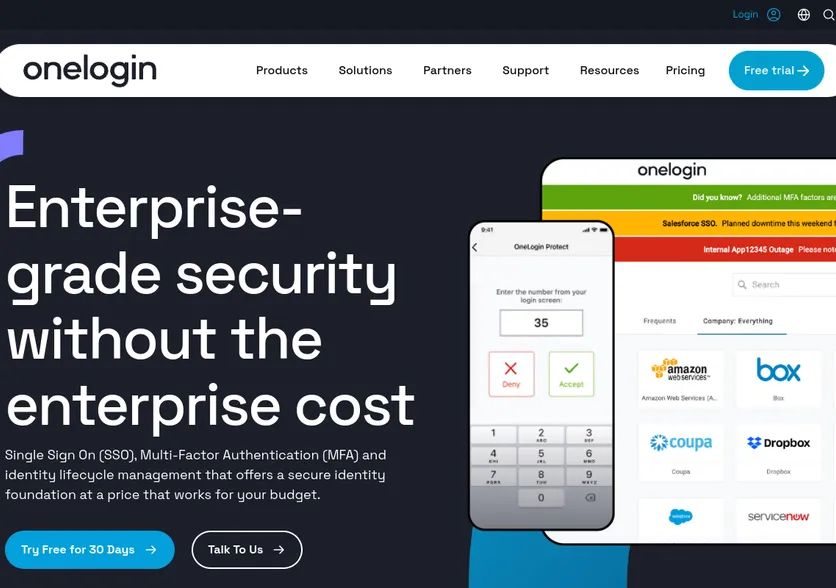
A nonprofit that wants full single sign-on at the lowest published price will find this OneLogin plan costs three dollars per user a month on Basic. It covers SSO, MFA and directory sync for the apps the team actually uses, with Essentials at six dollars adding unlimited lifecycle management. The catch is the five-application limit on lifecycle rules in Basic, so a nonprofit with a big app list should price Essentials instead.
What we like
- Lowest published SSO price in this list
- SSO, MFA and directory sync from the entry tier
- Thirty-day free trial to test the app catalogue
Watch out for
- Basic limits lifecycle rules to five applications
- Enterprise tier is quoted, not published
How to try it
- Connect the apps the team uses every day
- Turn on MFA for staff and volunteers
- Move to Essentials when lifecycle rules outgrow five apps
2. Cisco Duo
Best for: Nonprofits that want strong MFA and SSO for free
Paid tool Starting price: $3/user/month · Three dollars per user a month on Essentials; Advantage is six dollars and Premier is nine dollars per user a month; volume bands above one thousand users pay less; licences are sold in blocks of ten under one hundred users
Free plan: Free plan (up to 10 users)
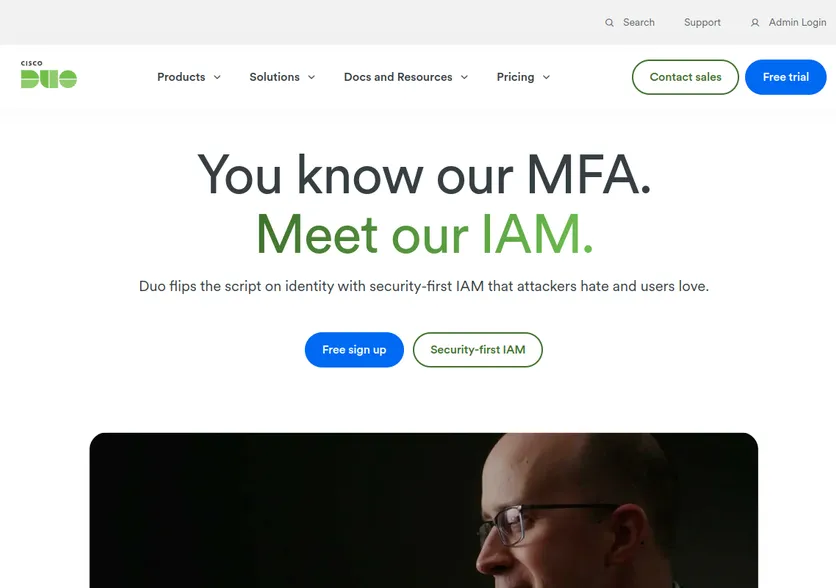
A nonprofit that wants strong login security on a tiny budget will find this Cisco Duo plan costs three dollars per user a month on Essentials. It includes phishing-resistant MFA, passwordless login, SSO and trusted endpoints, which is more than most vendors put in an entry tier. The free tier covers up to ten users, so a small nonprofit can protect its whole team for nothing.
What we like
- Free tier covers up to ten users
- Phishing-resistant MFA and SSO from the entry tier
- Thirty-day free trial on the paid editions
Watch out for
- Licences are sold in blocks of ten under one hundred users
- Risk-based authentication waits for Advantage at six dollars
How to try it
- Enrol staff and volunteers in Duo Mobile
- Turn on SSO for the apps the team uses
- Add trusted endpoints for staff laptops
3. Microsoft Entra ID
Best for: Nonprofits already running on Microsoft 365
Paid tool Starting price: $7/user/month · Seven dollars per user a month on P1, paid yearly on an annual commitment; P2 is ten dollars and Entra Suite is twelve dollars per user a month; P1 rose from six dollars and P2 from nine dollars in July 2026; P1 ships inside Microsoft 365 E3 and Business Premium, P2 inside E5
Free plan: Free plan (Entra ID Free)
A nonprofit already running on Microsoft 365 will find this Microsoft Entra ID plan costs seven dollars per user a month on P1. It adds Conditional Access, passwordless sign-in and hybrid identity to the free tier, and P1 already ships inside Microsoft 365 E3 and Business Premium, so many nonprofits already own it. P2 adds risk-based sign-in and privileged identity management at ten dollars.
What we like
- Free tier includes unlimited SSO and MFA
- P1 already included in many Microsoft 365 plans
- Conditional Access policies from the P1 tier
Watch out for
- Standalone P1 rose from six to seven dollars in July 2026
- No month-to-month price is published
How to try it
- Check which Microsoft 365 plan the nonprofit already pays for
- Turn on Conditional Access policies for staff
- Add P2 only for the admins who need privileged access
4. Okta Workforce Identity
Best for: Nonprofits that want the best-known SSO brand
Paid tool Starting price: $6/user/month · Six dollars per user a month billed annually on Starter; Core Essentials is fourteen dollars and Essentials is seventeen dollars per user a month billed annually; Professional and Enterprise are quoted; one thousand five hundred dollar annual contract minimum
Free plan: No free plan; 30-day free trial
A nonprofit that wants the best-known SSO name at a published price will find this Okta Workforce Identity plan costs six dollars per user a month billed annually on Starter. It covers SSO, MFA, the Universal Directory and five workflows, which is enough for a small team getting its identity in order. The one thousand five hundred dollar annual minimum means even a tiny team pays at least that much, so price it at your real headcount.
What we like
- Best-known workforce identity brand in this list
- SSO, MFA and directory from the entry suite
- Thirty-day free trial to connect apps first
Watch out for
- One thousand five hundred dollar annual minimum applies
- Professional and Enterprise tiers are quoted, not published
How to try it
- Connect the apps the team uses every day
- Turn on MFA for staff and volunteers
- Add lifecycle management on Core Essentials when the team grows
5. JumpCloud
Best for: Nonprofits that need SSO plus device management
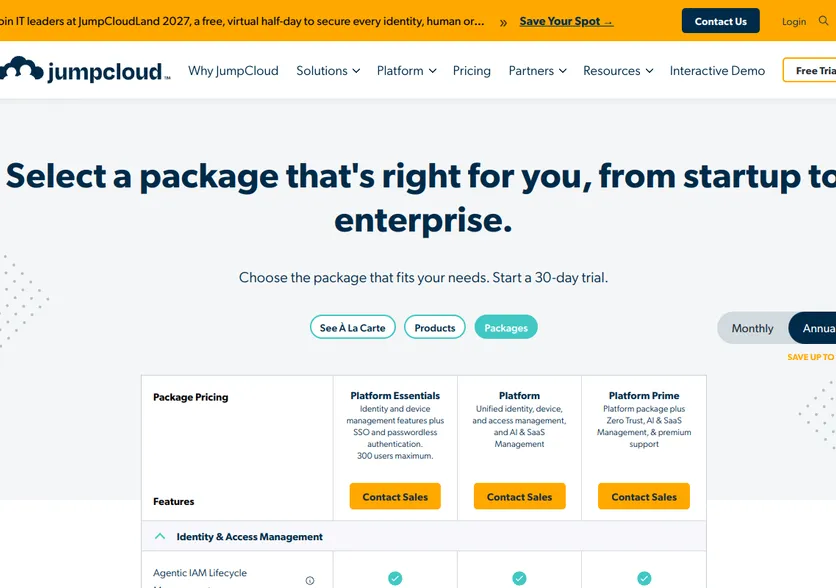
Paid tool Starting price: $11/user/month · Eleven dollars per user a month billed annually on the SSO package (thirteen dollars billed monthly); Device Management is nine dollars and Device Identity Management is thirteen dollars billed annually; single products such as SSO or MFA are three dollars each a la carte
Free plan: Free plan (up to 10 users)
A nonprofit that also needs to manage its laptops will find this JumpCloud plan costs eleven dollars per user a month billed annually on the SSO package. It bundles SSO, MFA, a cloud directory, password management and lifecycle administration, so one subscription covers logins and the directory behind them. The free tier covers up to ten users and ten devices, which suits a small nonprofit testing the platform.
What we like
- SSO, MFA and cloud directory in one package
- Free tier covers up to ten users and ten devices
- Single products available a la carte at three dollars each
Watch out for
- Eleven dollars is dearer than OneLogin or Duo for SSO alone
- Platform Essentials tier is quoted, not published
How to try it
- Set up the cloud directory with staff and volunteers
- Connect the apps the team uses every day
- Add device management when laptops need managing too
6. Auth0
Best for: Nonprofits building their own apps and logins
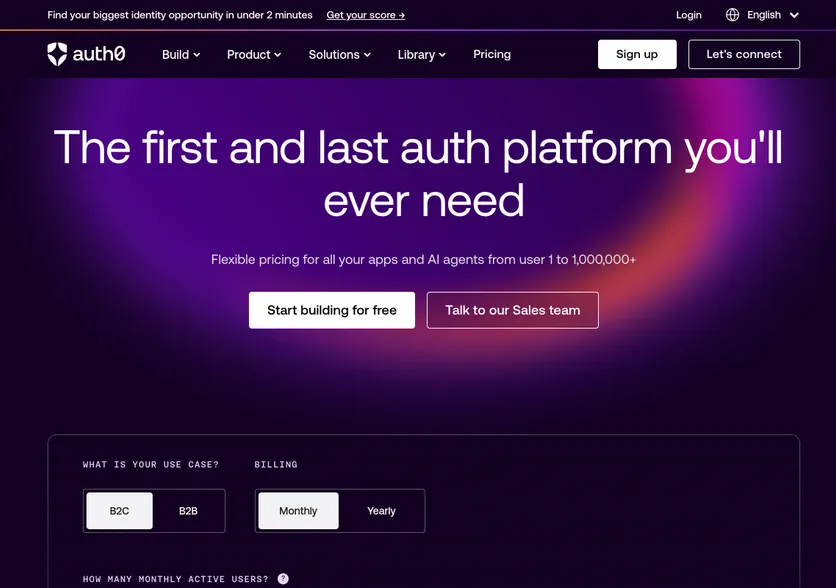
Paid tool Starting price: $35/month · Thirty-five dollars a month on Essentials for up to five hundred monthly active users; Professional is two hundred and forty dollars a month; this is the B2C price, and self-service SSO is a B2B feature, so a nonprofit buying SSO needs the B2B upgrade, which caps SSO connections on Essentials
Free plan: Free plan (25,000 MAU)
A nonprofit that builds its own apps and needs login for them will find this Auth0 plan costs thirty-five dollars a month on Essentials. It covers up to five hundred monthly active users with higher limits and role-based access control, and the free tier stretches to twenty-five thousand monthly active users. The catch is that self-service SSO is a B2B feature, so a nonprofit buying SSO needs the B2B upgrade, which caps SSO connections on Essentials.
What we like
- Free tier covers twenty-five thousand monthly active users
- Role-based access control and audit log streaming included
- Organisations support for multi-tenant apps
Watch out for
- Self-service SSO needs the B2B upgrade, not the base plan
- Costs climb steeply past the free tier at scale
How to try it
- Start on the free tier and build the login flow
- Add organisations for each programme or chapter
- Upgrade to B2B when enterprise customers need SSO
7. Bitwarden
Best for: Nonprofits that want SSO plus a self-hosted vault
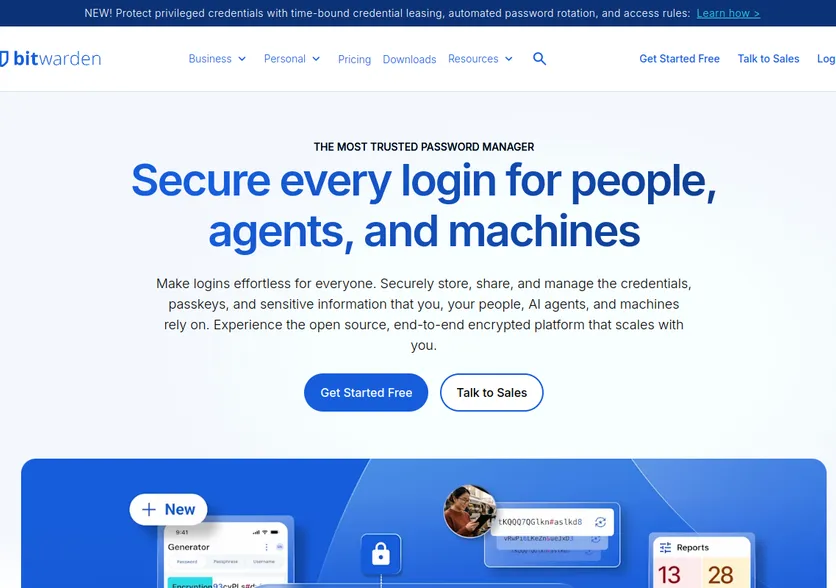
Paid tool Starting price: $6/user/month · Six dollars per user a month billed annually on Enterprise, which is the tier that includes passwordless SSO; Teams is four dollars per user a month billed annually without SSO; every Enterprise user also gets a free Families plan
Free plan: No free plan; 14-day free trial
A nonprofit that wants SSO beside a password vault it can self-host will find this Bitwarden plan costs six dollars per user a month billed annually on Enterprise. It is the tier that includes passwordless SSO, enterprise policies and the self-host option, while Teams at four dollars covers the vault without SSO. Every Enterprise user also gets a free Families plan, which is a genuine perk for staff who take the vault home.
What we like
- Passwordless SSO with an open-source codebase
- Self-host option for the vault on Enterprise
- Every Enterprise user gets a free Families plan
Watch out for
- SSO sits on Enterprise, not the cheaper Teams tier
- No free plan for business use, only a trial
How to try it
- Set up the vault and invite staff and volunteers
- Turn on passwordless SSO on the Enterprise tier
- Share collections for each programme or department
8. miniOrange
Best for: Nonprofits that want the cheapest SSO per user
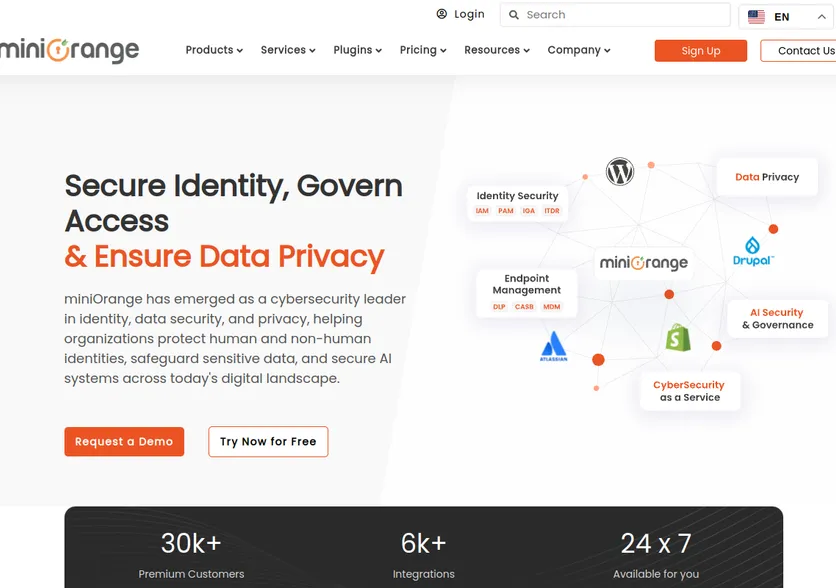
Paid tool Starting price: $2/user/month · Two dollars per user a month on Essential for SSO and MFA; Premium is three dollars per user a month and adds passwordless MFA and SCIM provisioning; the Enterprise IAM Suite is quoted; the page lists monthly rates with no annual prices published
Free plan: Free plan (social logins)
A nonprofit that wants the cheapest possible SSO will find this miniOrange plan costs two dollars per user a month on Essential. It covers unlimited SAML and OAuth SSO connections with MFA, and bills only for people who actually sign in during the month, so volunteers who skip a month cost nothing. Premium adds passwordless MFA and SCIM provisioning at three dollars for the nonprofits that need them.
What we like
- Cheapest SSO price in this list at two dollars
- Billed only for people who sign in that month
- Unlimited SAML and OAuth connections on Essential
Watch out for
- No annual prices published, only monthly rates
- Enterprise suite with lifecycle workflows is quoted
How to try it
- Connect the apps the team uses every day
- Turn on MFA for staff and volunteers
- Move to Premium when passwordless login matters
Prices above were checked on each vendor’s own website on Nov 29, 2026 and can change — the vendor’s page is the final word. Vendor links are editorial: nobody paid to be listed or ranked here. Vendors who want a featured listing can see how it works on our Get listed page.
How to roll out one login without locking anyone out
Start with the apps everyone uses, because a rollout that begins with an obscure tool nobody opens will stall. Connect email, the donor database and the file store first, then add the rest one a week, and keep the old passwords working until every volunteer has signed in once. Train the volunteers in person, not by email, since the person who never signs in is usually the person who never got shown how. One login only works when everyone can actually use it, so check the volunteers again a week later.
Before you buy
- Check whether the price covers volunteers too, or only paid staff seats
- Confirm the tool connects to the apps the nonprofit actually uses, including the donor database
- Ask if MFA is included, or sold as a dearer tier or add-on
- Make sure the nonprofit discount, if any, is written into the quote, not just promised
- Test the rollout on five volunteers before moving the whole team across
Official websites
Official websites of the products reviewed above. Features and prices were checked against these sites when this guide was written, and they can change, so confirm on the vendor site before you buy.
Frequently asked questions
What is SSO software for nonprofits?
It is software that lets staff and volunteers sign in once and reach every app the nonprofit uses, from email to the donor database, without a separate password for each one. Good tools add multi-factor authentication, so a stolen password alone cannot open anything, and they let admins turn off access the moment someone leaves. The result is fewer password resets and fewer shared logins in spreadsheets.
How much does OneLogin cost for a nonprofit?
OneLogin costs three dollars per user a month on Basic, which covers SSO, MFA and directory sync, with Essentials at six dollars and Business at ten dollars per user a month. Basic limits lifecycle rules to five applications, so a nonprofit with a big app list should price Essentials instead. Enterprise is quoted, and a thirty-day free trial lets the team test the app catalogue first.
Can a nonprofit get SSO for free?
Yes, in part. Duo is free for up to ten users, JumpCloud is free for up to ten users and ten devices, and Microsoft Entra ID Free includes unlimited SSO and MFA with a Microsoft cloud subscription. Auth0 is free for up to twenty-five thousand monthly active users. A nonprofit with more than ten people will pay, but the cheapest paid tier in this list is miniOrange at two dollars per user a month.
Which SSO tool is best for a Microsoft 365 nonprofit?
Microsoft Entra ID is the best pick for a Microsoft 365 nonprofit, since P1 already ships inside Microsoft 365 E3 and Business Premium, and P2 ships inside E5. Standalone P1 costs seven dollars per user a month and adds Conditional Access and passwordless sign-in. Check which plan the nonprofit already pays for before buying anything standalone, since the licence may already be owned.
Should a nonprofit buy SSO per user or per app?
Per-user pricing wins for a small team with many apps, since OneLogin and Duo charge for the person, not the app count. Auth0 charges by monthly active users instead, which suits a nonprofit whose supporters log in rarely. Count the staff, the volunteers and the apps, then price both models at your real numbers before choosing.
Compare the eight tools above, then start with a free trial or the free plan on the tool that matches how the nonprofit already signs in before paying for a full year.
Browse Business Tools tools