On this page
A support organisation fails quietly: one agent carries twice the queue, another waits for work, and nobody sees it until someone quits. The eight tools below make that imbalance visible, from a simple booking calendar to analytics that flag an overloaded team. Float leads because its visual schedule shows who is free and who is overloaded for six dollars per person a month, and the rest are ranked on how clearly they turn hours into a balanced week.
How we researched this
We checked every price on the vendor pricing page on November 29, 2026, and only included tools with a published dollar list price. Assembled, Playvox and Tymeshift sell workforce management for support teams by quote only, so they are not in this list. Prices change, so confirm the current figure on the vendor site before you buy.
Compare the tools
| Name | Best for | Starting price | Free plan | |
|---|---|---|---|---|
 Float | Support leads that plan visually | $6/person/month | No free plan; 30-day free trial | Visit |
 Resource Guru | Support teams that want cheap booking and leave | $4.16/person/month | No free plan; 30-day free trial | Visit |
 ActivTrak | Support orgs that want data on overload | $10/user/month | Free plan for up to three users | Visit |
 Teamdeck | Support teams that want scheduling plus timesheets | $3.99/user/month | No free plan; 14-day free trial | Visit |
 Hubstaff | Support teams that bill by the hour | $4.99/seat/month | Free plan (1 user) | Visit |
 Monitask | Support orgs that want simple monitoring | $4.99/user/month | No free plan; 10-day free trial | Visit |
 Insightful | Support orgs that want analytics not screenshots | $6.40/user/month | No free plan; 7-day free trial | Visit |
 Time Doctor | Support teams that need proof of work | $7/user/month | 14-day free trial | Visit |
The team workload balancing software for support organizations, compared
1. Float
Best for: Support leads that plan visually
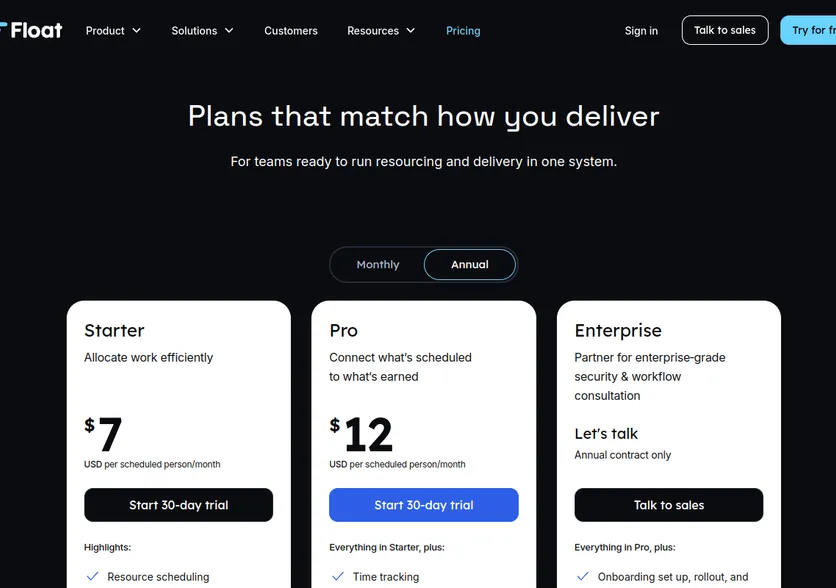
Paid tool Starting price: $6/person/month · Six dollars per person a month billed annually on Starter; Pro is $10 per person a month billed annually; one November 2026 read lists Starter at six dollars and fifty cents, and trial length is reported as fourteen days in some reads and thirty days in others
Free plan: No free plan; 30-day free trial
A support lead who wants to see overload before it happens starts here, since this Float plan costs six dollars per person a month billed annually, and its visual schedule shows who is free and who is overloaded at a glance. Capacity views forecast clashes weeks ahead, and drag and drop booking moves work off a busy agent in seconds. It has no time tracking on Starter, so a team that bills by the hour needs a second tool, but for balancing the queue it is the clearest view in this list.
What we like
- The visual schedule shows who is free and who is overloaded
- Capacity views forecast clashes weeks ahead
- Drag and drop booking is fast for daily replanning
Watch out for
- No time tracking on Starter, so hours need another tool
- Reporting is lighter than full project management suites
How to try it
- Add the team and set each person's capacity and time off
- Book people to projects on the timeline by dragging
- Check the capacity view weekly and move work off overloaded staff
2. Resource Guru
Best for: Support teams that want cheap booking and leave
Paid tool Starting price: $4.16/person/month · Four dollars and sixteen cents per person a month billed annually on Grasshopper ($5 billed monthly); Blackbelt is $6.65 and Master is $10 per person a month billed annually; rooms and equipment cost $2.08 each on the annual plan
Free plan: No free plan; 30-day free trial
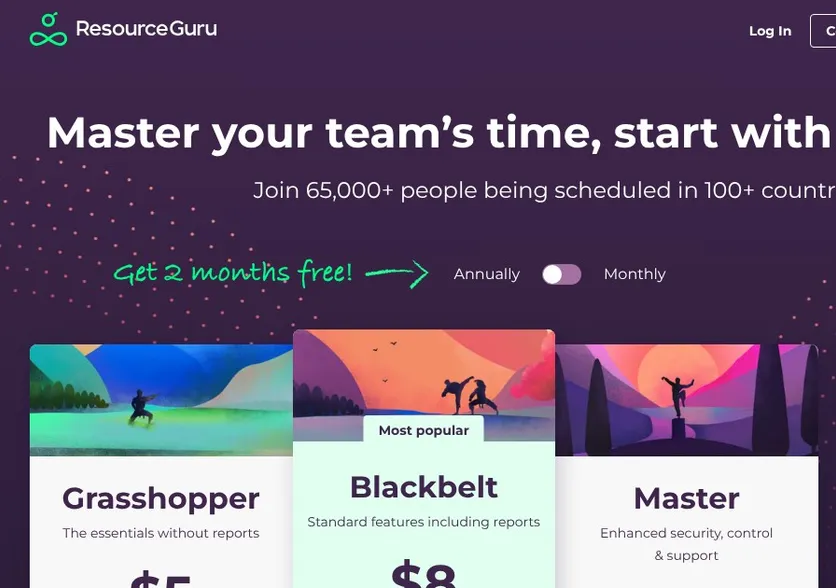
The cheapest way to book people onto work and track leave is here, because this Resource Guru plan costs four dollars and sixteen cents per person a month billed annually, and it shows bookings, leave and clashes on one calendar. Managers book time against projects and spot a double booking at once, and utilisation reports show who is free without a spreadsheet. It does not track time, so a team that bills by the hour needs a separate tool, but for simple scheduling it is the best value here.
What we like
- The calendar shows bookings leave and clashes in one view
- Equipment and rooms book beside people on the same grid
- Utilisation reports show who is free without a spreadsheet
Watch out for
- No time tracking, so hourly billing needs a separate tool
- Reporting depth is limited on the cheaper tiers
How to try it
- Add people equipment and rooms to the calendar
- Book time against projects and watch for clash warnings
- Check utilisation weekly and fill the gaps first
3. ActivTrak
Best for: Support orgs that want data on overload
Paid tool Starting price: $10/user/month · Ten dollars per user a month billed annually on Essentials, annual billing only with a five-user minimum; Essentials Plus is $15 and Professional is $19 per user a month billed annually; one read lists Professional at $17 and the free plan at five users
Free plan: Free plan for up to three users
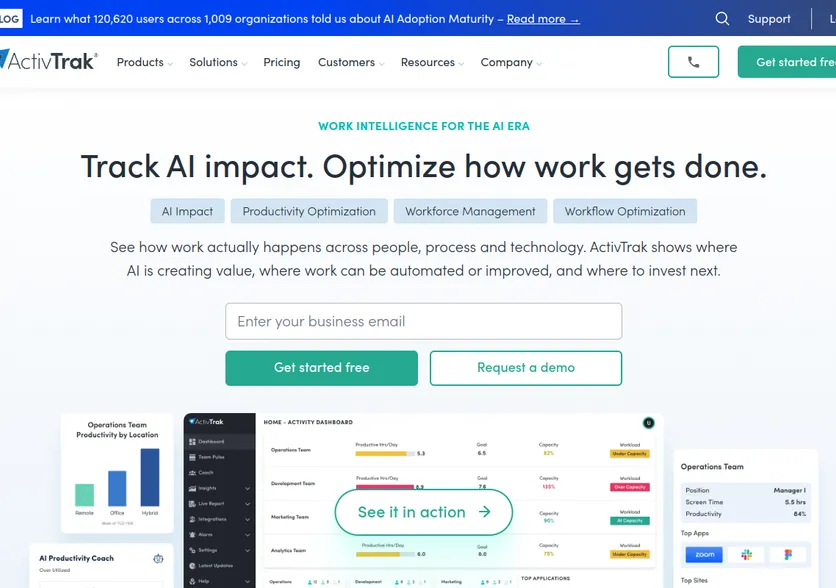
When the question is not who is busy but who is overloaded, this ActivTrak plan costs ten dollars per user a month billed annually, and its workload balance views flag the teams carrying too much before anyone burns out. Productivity classification shows where the working day actually goes, and real-time dashboards show activity without reading raw logs. Annual-only billing and a five-user minimum lock a small team in for a year, so it suits an organisation that is sure about the commitment.
What we like
- Productivity classification shows where the day actually goes
- Workload balance views flag overloaded teams early
- Real-time dashboards show activity without reading raw logs
Watch out for
- Annual-only billing locks the team in for a year
- Screenshots and API access cost extra as add-ons
How to try it
- Install the agent on team machines with staff informed
- Classify apps and websites as productive or unproductive
- Check the workload balance view weekly and rebalance work
4. Teamdeck
Best for: Support teams that want scheduling plus timesheets
Paid tool Starting price: $3.99/user/month · Three dollars and ninety-nine cents per user a month billed annually; Light members are $2 and Full members are $6 per person a month; one directory listing claims a free version exists, which the vendor pricing page does not show
Free plan: No free plan; 14-day free trial
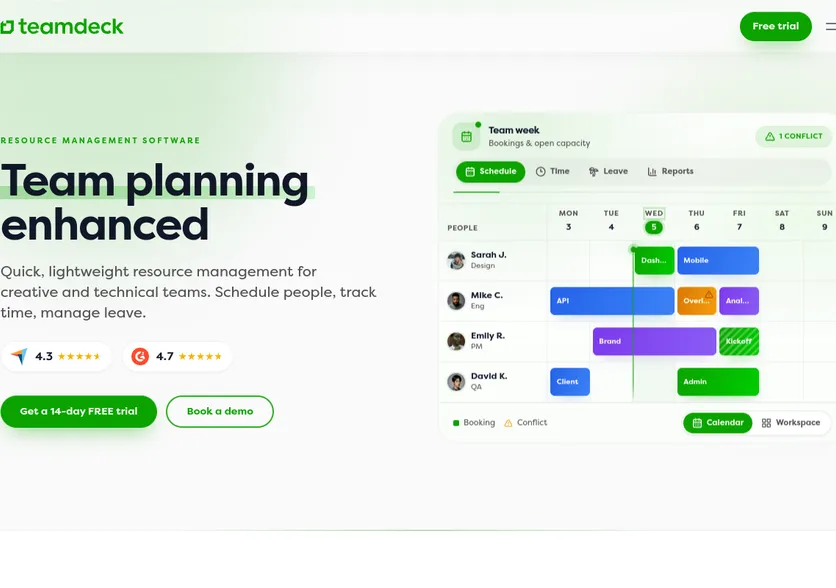
A support team that wants scheduling, timesheets and leave on one calendar at the lowest price finds it here, because this Teamdeck plan costs three dollars and ninety-nine cents per user a month billed annually, and it covers the core scheduling job well. Managers book people to projects, see capacity at a glance and track time against each booking without switching tools. It has fewer integrations than larger platforms, so a team with unusual workflows should test the trial first.
What we like
- Scheduling timesheets and leave share one calendar
- Capacity views show overload before it becomes burnout
- Light members cost less for people who only log time
Watch out for
- Integrations are fewer than larger platforms offer
- Customisation is limited for unusual workflows
How to try it
- Add the team and mark leave and public holidays
- Schedule bookings on the shared calendar per project
- Review the timesheet totals against the bookings weekly
5. Hubstaff
Best for: Support teams that bill by the hour
Paid tool Starting price: $4.99/seat/month · Four dollars and ninety-nine cents per seat a month billed annually on Starter ($7 billed monthly); Grow is $7.50, Team is $10 and Enterprise is $25 per seat a month billed annually; Starter, Grow and Team carry a two-seat minimum
Free plan: Free plan (1 user)
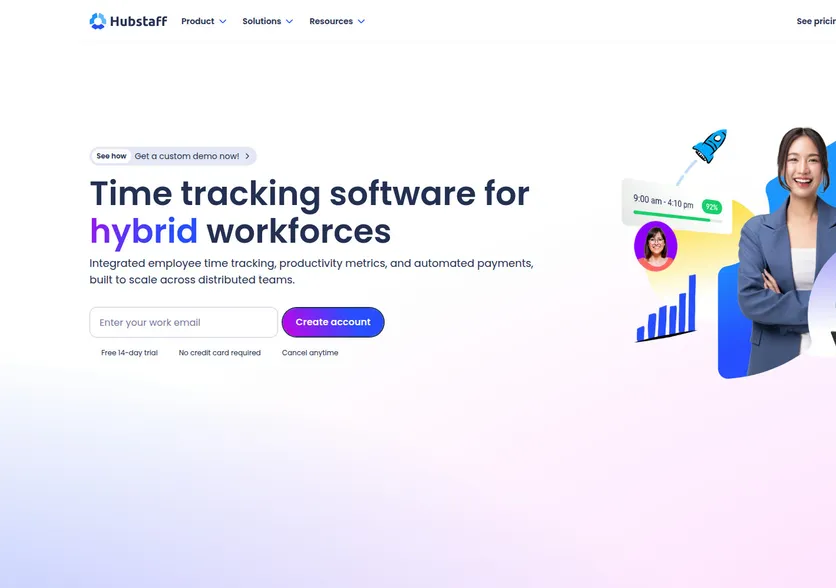
Support teams that need proof of hours as well as a balanced rota get both here, since this Hubstaff plan costs four dollars and ninety-nine cents per seat a month billed annually, and it records time, activity levels and timesheets in one app. Screenshots and app tracking show where hours actually go, and invoicing turns tracked time into client bills directly. Monitoring needs a clear policy and staff consent, and the two-seat minimum raises the floor for a solo lead.
What we like
- Time tracking timesheets and activity levels in one app
- Screenshots and app tracking show where hours actually go
- Invoicing turns tracked time into client bills directly
Watch out for
- Monitoring features need a clear policy and staff consent
- The two-seat minimum raises the floor for solo users
How to try it
- Create the organisation and invite the team
- Set up projects and let staff start the timer on tasks
- Review activity levels weekly and discuss the patterns openly
6. Monitask
Best for: Support orgs that want simple monitoring
Paid tool Starting price: $4.99/user/month · Four dollars and ninety-nine cents per user a month billed annually on Pro ($5.99 billed monthly); Business is $6.99 billed annually ($8.99 billed monthly); Enterprise is quoted; one directory listing claims a free version exists, which the vendor pricing page does not show
Free plan: No free plan; 10-day free trial
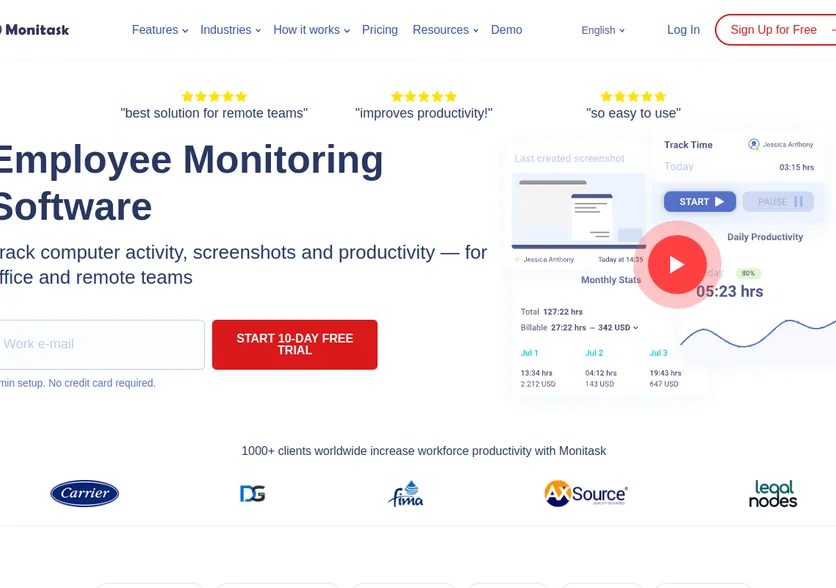
A support organisation that wants simple monitoring with screenshots starts here, because this Monitask plan costs four dollars and ninety-nine cents per user a month billed annually, and it tracks time with activity monitoring and idle detection. Reports flag unproductive patterns across the team, and stealth mode runs quietly on work machines where the policy allows it. Stealth mode raises trust issues if staff are not told, so the policy should be written down before the agent is installed.
What we like
- Time tracking with screenshots and activity monitoring
- Idle detection and stealth mode run quietly on work machines
- Reports flag unproductive patterns across the team
Watch out for
- Stealth mode raises trust issues if staff are not told
- Integrations are limited to one on the Pro plan
How to try it
- Create the account and invite the team
- Set tracking rules and screenshot frequency per project
- Review the activity reports weekly with team leads
7. Insightful
Best for: Support orgs that want analytics not screenshots
Paid tool Starting price: $6.40/user/month · Six dollars and forty cents per user a month billed annually on Productivity Management ($8 billed monthly); Time Tracking is $8 and Process Improvement is $12 per user a month billed annually; Enterprise customers with one hundred or more users must request a quote
Free plan: No free plan; 7-day free trial
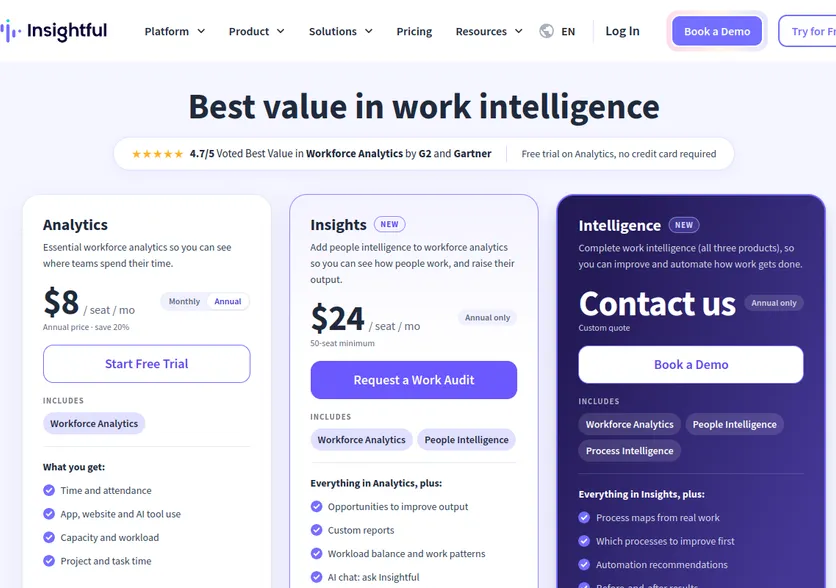
When a support organisation wants patterns rather than screenshots, this Insightful plan costs six dollars and forty cents per user a month billed annually, and it turns app and website activity into productivity reports that show where the week goes. Automatic time mapping attributes hours to projects passively, and stealth or visible mode fits different team cultures. Screen monitoring is a configurable add-on rather than included, and the seven-day trial is short for a proper evaluation.
What we like
- Workforce analytics show patterns without watching screens
- Automatic time mapping attributes hours to projects passively
- Stealth or visible mode fits different team cultures
Watch out for
- Screen monitoring is a configurable add-on, not included
- The seven-day trial is short for a proper evaluation
How to try it
- Invite the team and choose visible or stealth mode
- Let automatic time mapping run for a week to build a baseline
- Review the productivity reports and agree actions with leads
8. Time Doctor
Best for: Support teams that need proof of work
Paid tool Starting price: $7/user/month · Seven dollars per user a month billed annually on Basic ($10 month to month); Standard is $10 and Premium is $20 per user a month billed annually; one marketplace listing shows six dollars and seventy cents, which is a third-party estimate
Free plan: 14-day free trial
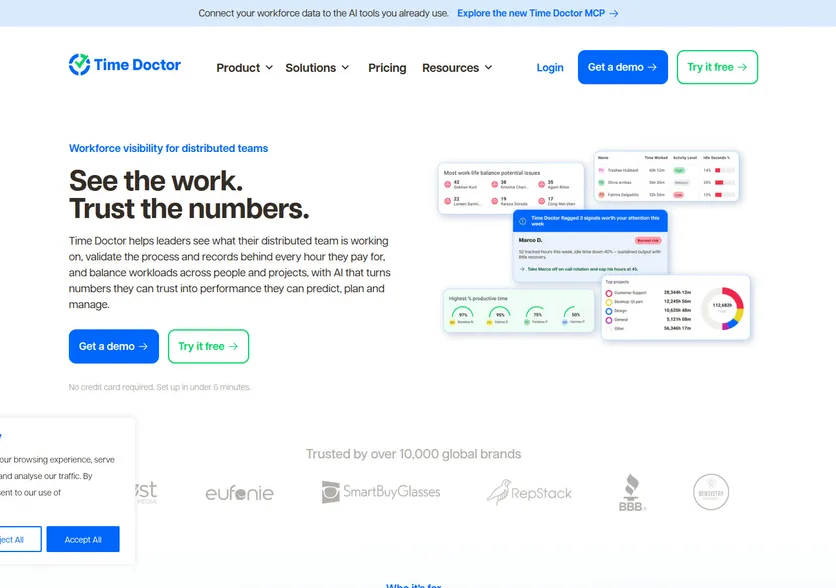
Support teams that need accountability with screenshots find it here, because this Time Doctor plan costs seven dollars per user a month billed annually, and it tracks time with optional screenshots and activity levels. Payroll features turn approved hours into payments for contractors, and distraction alerts nudge staff back on task gently. The monitoring is the point and the problem, so a team should agree the policy with staff before switching it on.
What we like
- Automatic tracking with screenshots gives proof of work
- Payroll features turn approved hours into payments
- Distraction alerts nudge staff back on task gently
Watch out for
- Screenshot monitoring needs staff trust and a clear policy
- The interface packs a lot in and takes time to learn
How to try it
- Invite the team and set working hours per person
- Create projects and tasks for the work being tracked
- Review the timeline report weekly and approve hours for payroll
Prices above were checked on each vendor’s own website on Nov 29, 2026 and can change — the vendor’s page is the final word. Vendor links are editorial: nobody paid to be listed or ranked here. Vendors who want a featured listing can see how it works on our Get listed page.
How a support organisation balances the queue without burning out the team
Start by writing down the real capacity of every agent, including leave, training and the admin hours nobody counts, because a plan built on full-time hours is a plan built on a lie. Look at the queue every morning and move work off the overloaded agents before the day starts, not after someone flags it at four in the afternoon. Keep a small buffer of unassigned hours each week, since the urgent ticket always arrives, and review the balance every Friday with the team leads. When one person is always overloaded, the answer is usually a broken routing rule or a missing skill, not a harder-working agent.
Before you buy
- Write down real capacity first, including leave, training and admin hours
- Rebalance the queue every morning, before the day starts rather than after
- Keep a small buffer of unassigned hours each week for urgent tickets
- Check whether the tool shows overload, or only shows hours worked
- Review the balance with team leads weekly and fix the routing, not just the rota
Official websites
Official websites of the products reviewed above. Features and prices were checked against these sites when this guide was written, and they can change, so confirm on the vendor site before you buy.
Frequently asked questions
What is team workload balancing software?
It is software that shows who is doing how much work and when, so a support organisation can spread the queue evenly instead of overloading the same agents. Float and Resource Guru do it with visual schedules and capacity views, while ActivTrak, Hubstaff and Insightful do it with analytics. The goal is the same in every case: a balanced week, fewer burnt-out agents and a queue that clears on time.
Which workload tool is cheapest for a support team?
Teamdeck is the cheapest paid option here, at three dollars and ninety-nine cents per user a month billed annually, with scheduling, timesheets and leave on one calendar. Resource Guru follows at four dollars and sixteen cents per person a month, and Hubstaff and Monitask both start at four dollars and ninety-nine cents. Float costs six dollars per person a month and is the best value for a team that wants visual capacity views rather than the lowest price.
How does Float show an overloaded team?
Float shows a visual schedule where every agent has a capacity bar, and anyone booked above capacity stands out at once. The Starter plan costs six dollars per person a month billed annually and includes capacity management and forecasting, so a lead can see a clash weeks ahead. Drag and drop booking moves work off an overloaded agent in seconds, which is why Float leads this list for visual workload planning.
Do these tools track time as well as workload?
Hubstaff, Time Doctor, Monitask and ActivTrak all track time, with screenshots and activity levels on some plans, while Float, Resource Guru and Teamdeck focus on scheduling and capacity. A support organisation that bills by the hour needs a time tracker such as Hubstaff at four dollars and ninety-nine cents a seat a month. A team that only needs to balance the queue can pick Float or Resource Guru and skip time tracking entirely.
Is employee monitoring software fair to support agents?
It is fair when staff know what is tracked, why it is tracked and who sees the data, and when the data is used to balance work rather than to punish individuals. ActivTrak, Hubstaff and Insightful all offer visible modes where agents can see their own data, which builds trust. A support organisation should write the policy down, tell the team before installing anything, and review the reports with leads rather than reading raw logs alone.
Compare the eight tools above, then start with a free trial or the free plan on the tool that matches how the support organisation already plans its week before paying for a full year.
Browse Business Tools tools