On this page
Editing video used to mean scrubbing a timeline frame by frame, but the fastest editors now work from a transcript, cutting words instead of waveforms and letting captions write themselves. The eight tools below do that job for videos of every kind, from interviews and tutorials to short clips for social feeds. Descript leads because it turns the transcript into the editor for sixteen dollars a person a month billed annually, and the rest are ranked on how well they pair transcription with real editing power.
How we researched this
We checked every price on the vendor pricing page on November 29, 2026, and only included tools with a published list price. The enterprise video platforms that sell by quote, including Avid Media Composer and enterprise Adobe teams plans, publish no self-serve prices, so they are not in this list. Prices change, so confirm the current figure on the vendor site before you buy.
Compare the tools
| Name | Best for | Starting price | Free plan | |
|---|---|---|---|---|
 Descript | Editors who cut video by cutting words | $16/person/month | Free plan (60 media minutes/month) | Visit |
 Kapwing | Teams that edit video together online | $16/member/month | Free plan; no free trial | Visit |
 DaVinci Resolve Studio | Editors who want a pro studio for one payment | $295 one-time | Free plan (full editor, no watermark) | Visit |
 Adobe Premiere Pro | Editors who need the industry standard | $22.99/month | No free plan; 7-day free trial | Visit |
 Riverside | Creators who record and edit in one place | $24/month | Free plan (disputed; some reads list a 14-day trial instead) | Visit |
 VEED | Creators who want quick captions and edits | $12/user/month | Free plan; no free trial | Visit |
 CapCut Pro | Creators who edit short video on phone and desktop | $19.99/month | Free plan; no free trial | Visit |
 Filmora | Beginners who want an easy desktop editor | $49.99/year | Free plan (exports carry a watermark) | Visit |
The transcription software for video editing, compared
1. Descript
Best for: Editors who cut video by cutting words
Paid tool Starting price: $16/person/month · Sixteen dollars per person a month billed annually on Hobbyist ($24 monthly); free plan covers 60 media minutes a month
Free plan: Free plan (60 media minutes/month)
Video editing gets dramatically faster when the transcript is the timeline, and this Descript plan costs sixteen dollars per person a month billed annually on Hobbyist. Delete a sentence from the transcript and the video cuts itself, while studio sound cleans up the audio in one click. The free plan covers sixty media minutes a month, and monthly billing is twenty-four dollars for editors who prefer not to commit.

What we like
- Cut video by deleting words in the transcript
- Studio sound cleans up audio in one click
- Overdub fixes mistakes without re-recording
Watch out for
- Free plan covers only sixty media minutes a month
- Less precise than a frame-based editor for fine cuts
How to try it
- Import the video and let it transcribe
- Delete words in the transcript to cut the footage
- Export the finished video with captions
2. Kapwing
Best for: Teams that edit video together online
Paid tool Starting price: $16/member/month · Sixteen dollars per member a month billed annually on Pro ($24 monthly); Business is $50 per member a month; free plan available
Free plan: Free plan; no free trial
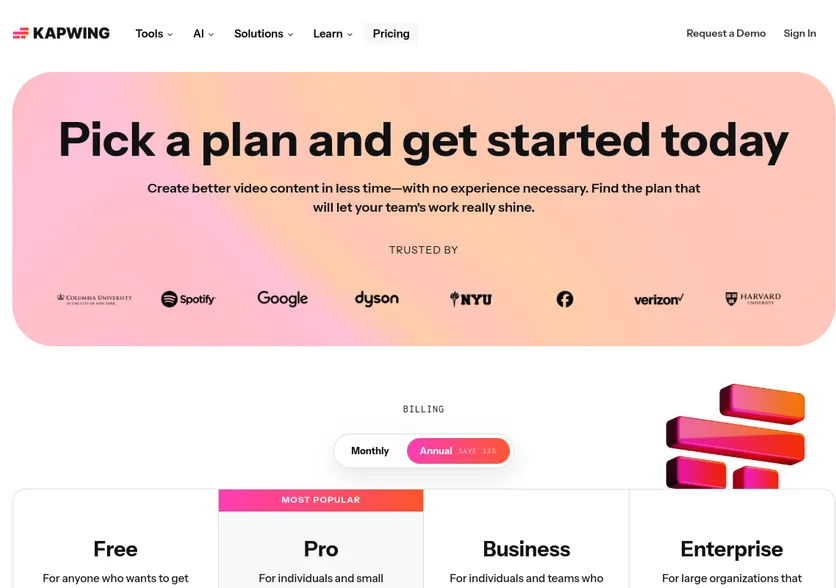
A team that edits short video together in the browser gets a shared workspace here, because this Kapwing plan costs sixteen dollars per member a month billed annually on Pro. Transcripts, captions, templates and a stock library sit in the same tool, and Business is fifty dollars a member a month for larger teams. Monthly billing is twenty-four dollars, so the annual plan is the cheaper route for a team that edits every week.
What we like
- Browser-based editing with no install
- Transcript, captions and templates in one place
- Team workspaces for shared projects
Watch out for
- Browser editing struggles with very long videos
- Free plan exports carry a watermark
How to try it
- Upload the video and generate the transcript
- Edit the transcript to cut the footage
- Add captions and export the finished video
3. DaVinci Resolve Studio
Best for: Editors who want a pro studio for one payment
Paid tool Starting price: $295 one-time · Two hundred and ninety-five dollars one time for Studio; the free version is a full editor with no watermark
Free plan: Free plan (full editor, no watermark)
An editor who hates subscriptions can buy a professional studio outright here, because this DaVinci Resolve Studio licence costs two hundred and ninety-five dollars one time. The free version is already a full editor with no watermark, and the paid version adds AI tools, advanced colour grading and stereoscopic features. Transcription arrives through the auto-caption and speech tools, which suit an editor who already works in a timeline.
What we like
- One-time payment with no subscription
- Free version is a full editor with no watermark
- Best colour grading in this list
Watch out for
- Steep learning curve for new editors
- Transcription is a feature, not the focus
How to try it
- Download the free version and learn the timeline
- Upgrade to Studio for the AI and colour tools
- Generate captions from the speech tools and export
4. Adobe Premiere Pro
Best for: Editors who need the industry standard
Paid tool Starting price: $22.99/month · Twenty-two dollars and ninety-nine cents a month on the annual plan billed monthly; 7-day free trial, no free plan. Now listed as Adobe Premiere
Free plan: No free plan; 7-day free trial
A team that hands files to other editors and agencies needs the tool everyone else uses, and this Adobe Premiere Pro plan costs twenty-two dollars and ninety-nine cents a month on the annual plan billed monthly. Speech to text generates transcripts and captions inside the timeline, and the seven day trial lets an editor test it on a real project. The app now lists simply as Adobe Premiere, so look for that name on the pricing page.
What we like
- Industry standard that agencies expect
- Speech to text built into the timeline
- Deep integration with the rest of Creative Cloud
Watch out for
- No free plan, only a seven day trial
- Subscription cost adds up over years
How to try it
- Import the footage and generate the transcript
- Edit the transcript to cut the timeline
- Add captions and export the finished video
5. Riverside
Best for: Creators who record and edit in one place
Paid tool Starting price: $24/month · Twenty-four dollars a month billed annually on Pro ($29 monthly); Grow is $34 a month billed annually. The free plan is disputed: the pricing page still listed a free tier in November 2026 while the blog says it was replaced by a 14-day trial
Free plan: Free plan (disputed; some reads list a 14-day trial instead)
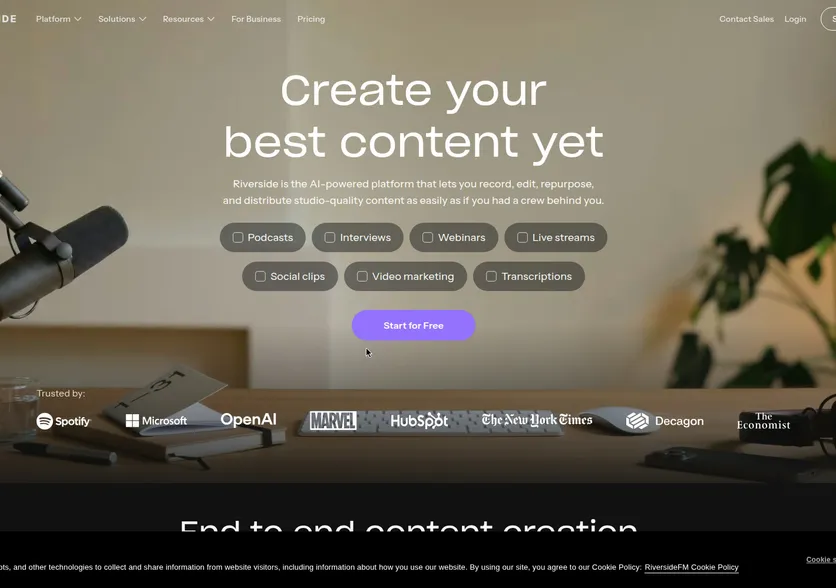
A creator who records remote interviews and edits them in the same tool saves a step here, because this Riverside plan costs twenty-four dollars a month billed annually on Pro. Local recording keeps quality high even on a bad connection, and the transcript-based editor cuts the video from the text. Grow is thirty-four dollars a month billed annually, and monthly billing is twenty-nine on Pro.
What we like
- Local recording keeps quality high on bad connections
- Transcript-based editing beside the recording
- Separate audio and video tracks per guest
Watch out for
- Free plan status is disputed between the blog and the pricing page
- Recording and editing together costs more than editing alone
How to try it
- Record the interview with local capture turned on
- Generate the transcript and cut the video from the text
- Export the finished video with captions
6. VEED
Best for: Creators who want quick captions and edits
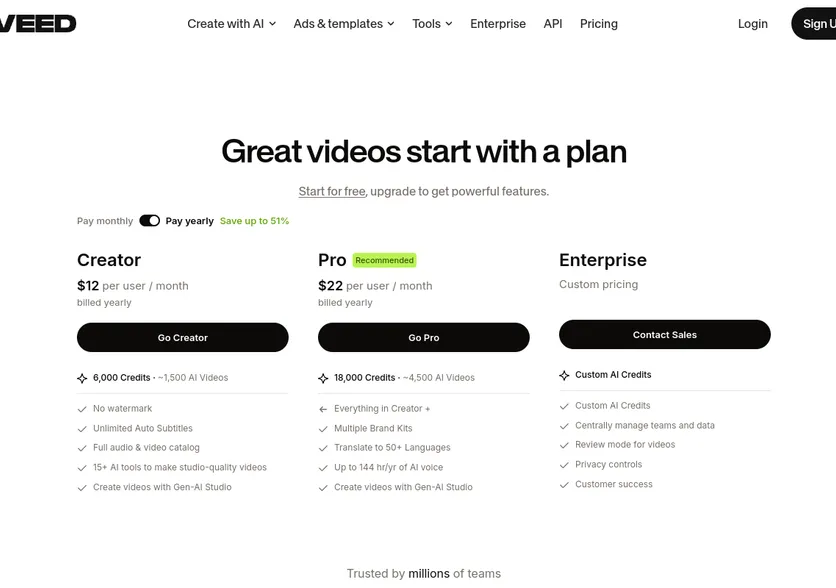
Paid tool Starting price: $12/user/month · Twelve dollars per user a month billed annually on Creator; Lite runs about $9 a month billed annually. Reads of the Pro tier conflict at $24 and $29 a month, so confirm the tier prices before ordering; free plan available
Free plan: Free plan; no free trial
A creator who publishes short video every day needs captions fast, and this VEED plan costs twelve dollars per user a month billed annually on Creator. Auto subtitles, templates and a stock library sit in the browser, so a video can go from upload to publish without a desktop install. Some reads list the Pro tier at twenty-four dollars a month and others at twenty-nine, and Lite runs about nine dollars a month billed annually, so confirm the tier prices before ordering.
What we like
- Auto subtitles with styling in the browser
- Templates and stock library built in
- Fast workflow for daily short video
Watch out for
- Pro tier reads conflict at $24 and $29 a month
- Browser editing limits very long projects
How to try it
- Upload the video and generate the subtitles
- Edit the transcript to trim the footage
- Style the captions and export the video
7. CapCut Pro
Best for: Creators who edit short video on phone and desktop
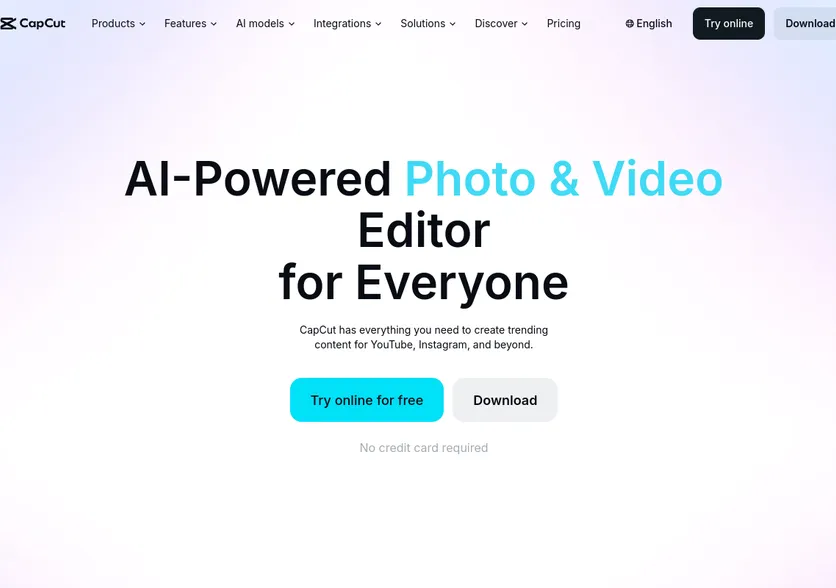
Paid tool Starting price: $19.99/month · Nineteen dollars and ninety-nine cents a month for Pro ($179.99 a year); Standard is $9.99 a month; Team plans start at $24.99 a month; free plan available
Free plan: Free plan; no free trial
A creator who edits on the phone as often as the desktop gets one subscription for both here, because this CapCut Pro plan costs nineteen dollars and ninety-nine cents a month. Annual billing is one hundred and seventy-nine dollars and ninety-nine cents a year, and Standard is nine dollars and ninety-nine cents a month. Team plans start at twenty-four dollars and ninety-nine cents a month, and auto captions work across mobile and desktop alike.
What we like
- Same subscription on phone and desktop
- Auto captions that work across devices
- Huge template and effects library
Watch out for
- Pro features are paywalled behind the subscription
- Free exports carry a watermark
How to try it
- Import the video on phone or desktop
- Generate auto captions from the audio
- Trim the clips and export the finished video
8. Filmora
Best for: Beginners who want an easy desktop editor
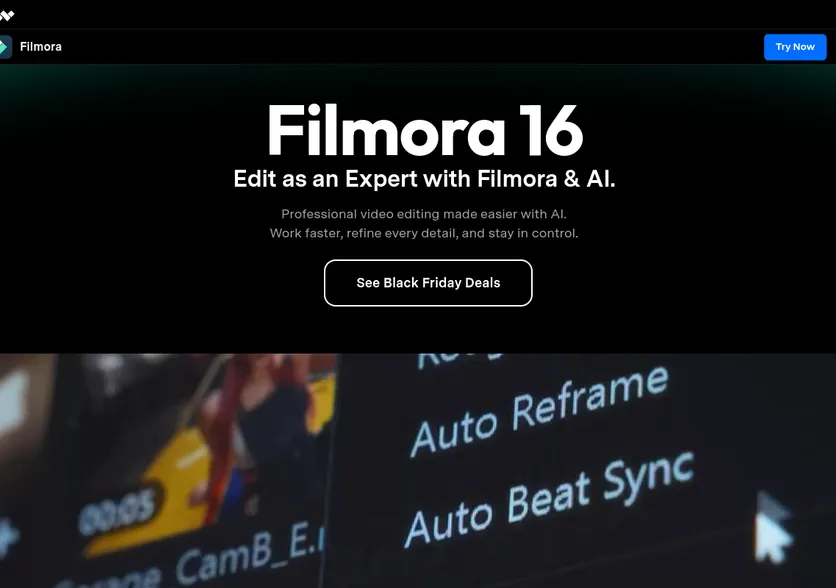
Paid tool Starting price: $49.99/year · Forty-nine dollars and ninety-nine cents a year on Basic; Advanced is $59.99 and Premium $99.99; perpetual licence is $79.99 one time; free plan watermarks exports
Free plan: Free plan (exports carry a watermark)
A beginner who wants a desktop editor that explains itself gets one here, because this Filmora plan costs forty-nine dollars and ninety-nine cents a year on Basic. Advanced is fifty-nine dollars and ninety-nine cents and Premium is ninety-nine dollars and ninety-nine, while a perpetual licence costs seventy-nine dollars and ninety-nine cents one time. The free plan watermarks exports, so the paid plan is the real starting point for published video.
What we like
- Easy desktop editor for beginners
- Perpetual licence for a one-time payment
- Speech to text with titles and effects
Watch out for
- Free plan exports carry a watermark
- Less powerful than a pro timeline editor
How to try it
- Import the video and generate the transcript
- Cut the timeline from the transcript view
- Add titles and export the finished video
Prices above were checked on each vendor’s own website on Nov 29, 2026 and can change — the vendor’s page is the final word. Vendor links are editorial: nobody paid to be listed or ranked here. Vendors who want a featured listing can see how it works on our Get listed page.
How to edit a video from its transcript
Generate the transcript first and read it before cutting anything, because the words show the structure of the video better than the timeline does. Delete the false starts, the filler words and the repeated sentences in the transcript, then watch the cut once to check the pacing. Add captions from the same transcript and fix the names and technical terms by hand, since the tool will guess them wrong. Export a short test clip before the full render, and keep the project file beside the finished video so a later correction does not mean starting over.
Before you buy
- Confirm the transcript editing actually cuts the video, not just the text file
- Check whether captions, speaker labels and exports are included or paid extras
- Ask if the tool runs in the browser or needs a heavy desktop install
- Make sure the export formats cover the platforms the videos are published on
- Test the tool on a real video before paying, including one with background noise
Official websites
Official websites of the products reviewed above. Features and prices were checked against these sites when this guide was written, and they can change, so confirm on the vendor site before you buy.
Frequently asked questions
What is transcription software for video editing?
It is software that transcribes the audio in a video and lets the editor cut the footage by editing the words. Good tools generate the transcript automatically, link each word to its place in the timeline and export captions, so an editor can find a line, delete a mistake and publish a captioned video without a separate transcription step.
How much does Descript cost for video editing?
Descript costs sixteen dollars per person a month billed annually on Hobbyist, or twenty-four dollars month to month. The free plan covers sixty media minutes a month, and the transcript is the editor itself: delete a sentence and the video cuts with it, which is why it leads this list.
Can I edit video with transcription for free?
Yes, with DaVinci Resolve Studio, whose free version is a full editor with no watermark, and with Kapwing, VEED, CapCut and Filmora, which all offer free plans. The free plans suit a test or an occasional video, while regular editors should compare the paid plans above for caption limits and export quality.
Which tool is best for editing video with transcripts?
Descript is the best pick for most editors, at sixteen dollars a person a month billed annually with transcript-based cutting. Kapwing is the best choice for teams editing together in the browser, and DaVinci Resolve Studio is the best value for a professional who wants to pay once and own the editor.
How accurate is automatic transcription for video?
Accuracy depends on the audio quality, the accents and the background noise, so no tool is perfect on every file. Record with a close microphone and a quiet room, then read the transcript once and fix the names and technical terms by hand before publishing, since a wrong caption is worse than no caption at all.
Compare the eight tools above, then start with a free trial on the one that matches how the team edits video before paying for a full year.
Browse Video Tools tools