
On this page
A podcast transcript turns one episode into show notes, quotes, clips and search traffic, so the transcription tool is part of the publishing workflow, not an afterthought. The eight tools below run from about eight dollars a month to seventy-nine dollars a seat a month, and every price was checked on the vendor site on November 27, 2026. Some edit audio by editing text, some record remote guests in studio quality, and some are pure transcription, so match the tool to how your show is made. Descript is our first pick — transcription plus text-based editing in one subscription.
How we researched this
We started with the transcription tools podcasters actually use, then read each price on the vendor pricing page on November 27, 2026 and noted the free plan or trial each one carries. We kept only tools with a published list price and a plan that fits podcast work. We dropped Fireflies AI and Grain because they are built for meetings rather than podcast publishing, and we note that Podcastle became Async in early 2026, so older guides use the old name.
Compare the tools
| Name | Best for | Starting price | Free plan | |
|---|---|---|---|---|
 Descript | Podcasters who want to edit episodes by editing the transcript text | $24/person/month | Free plan available | Visit |
 Riverside | Remote podcasters who record video and audio in studio quality over the internet | $15/month | Free plan available | Visit |
 Otter | Podcasters who record interviews and want searchable notes plus a transcript | $8.33/user/month | Free Basic plan with three hundred minutes a month | Visit |
 Trint | Podcasters who need to search, highlight and repurpose long episodes fast | $79/seat/month | No free plan; seven-day free trial | Visit |
 Sonix | Podcasters who want whole hours of transcription included in a flat monthly plan | $25/month | No free plan; free trial available | Visit |
 Rev | Podcasters who want AI transcripts on demand with no subscription at all | $0.25/minute | Free plan with forty-five AI minutes a month | Visit |
 Notta | Small shows that want a low subscription with a large monthly minute allowance | $8.17/month | Free plan with one hundred twenty minutes a month | Visit |
 Async | Podcasters who record, transcribe and publish from one studio | $11.99/month | Free plan available | Visit |
The AI transcription software for podcasters, compared
1. Descript
Best for: Podcasters who want to edit episodes by editing the transcript text
Paid tool Starting price: $24/person/month · Creator plan, twenty-four dollars a person a month billed yearly; monthly billing costs thirty-five dollars a person a month
Free plan: Free plan available
For podcasters, Descript pairs fast transcription with a text-based editor, so cutting a filler word is as simple as deleting it from the transcript. This Descript Creator plan costs twenty-four dollars a person a month billed yearly, with monthly billing at thirty-five dollars a person a month. A podcaster who edits every episode gets transcription, editing, filler removal and studio sound in one tool, though the transcription allowance is capped per plan.

What we like
- Edit audio by editing the transcript text itself
- Filler word removal and studio sound built in
- Transcription plus editing in one subscription
Watch out for
- Transcription hours are capped per plan, so long shows use the allowance fast
- Built for creators, so it lacks the speaker analytics of meeting tools
How to try it
- Open the Descript pricing page and claim the free plan
- Upload one episode and review the transcript for errors
- Delete the filler words from the transcript and export the audio
2. Riverside
Best for: Remote podcasters who record video and audio in studio quality over the internet
Paid tool Starting price: $15/month · Standard plan, fifteen dollars a month billed yearly; monthly billing costs nineteen dollars a month
Free plan: Free plan available
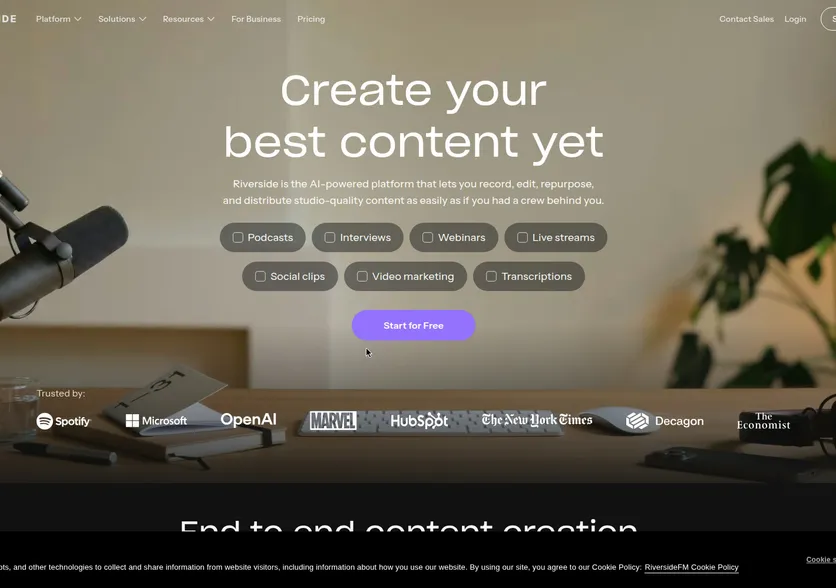
Riverside records each guest locally in studio quality, then transcribes the episode with speaker labels so the show notes practically write themselves. This Riverside Standard plan costs fifteen dollars a month billed yearly, with monthly billing at nineteen dollars a month. A remote show gets clean separate tracks and a transcript in one place, though the transcription is part of the recording plan rather than a standalone service.
What we like
- Local recording gives studio quality even on bad internet
- Separate tracks plus a transcript with speaker labels
- Cheapest recording-plus-transcription plan in this list
Watch out for
- Transcription comes with recording, so it is not a standalone transcript tool
- The annual and monthly rates in some listings disagree, so check at checkout
How to try it
- Open the Riverside pricing page and claim the free plan
- Record one remote episode with a guest in separate tracks
- Open the transcript, fix the speaker names and export the show notes
3. Otter
Best for: Podcasters who record interviews and want searchable notes plus a transcript
Paid tool Starting price: $8.33/user/month · Pro plan, eight dollars and thirty-three cents a user a month billed yearly; monthly billing costs sixteen dollars and ninety-nine cents a user a month; includes twelve hundred minutes a month
Free plan: Free Basic plan with three hundred minutes a month
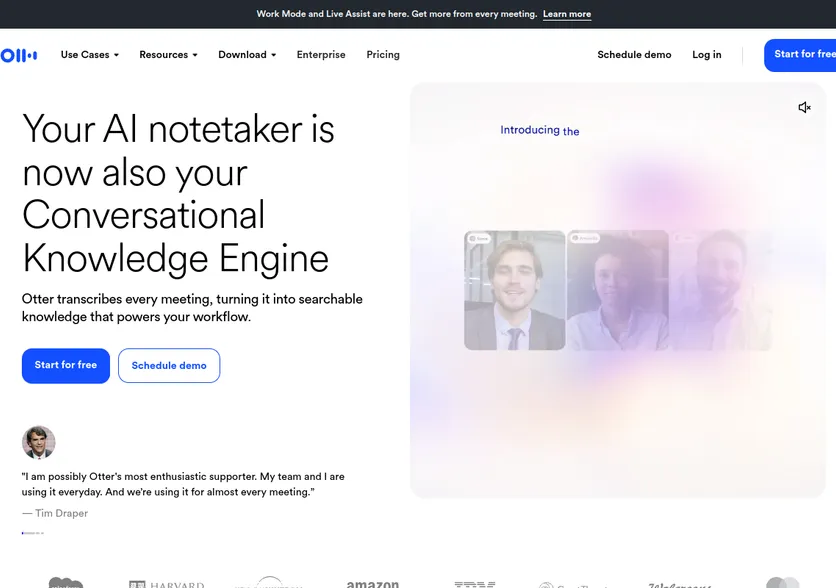
Otter joins the interview, transcribes it live with speaker labels and leaves a searchable record the host can mine for quotes and show notes. This Otter Pro plan costs eight dollars and thirty-three cents a user a month billed yearly, with monthly billing at sixteen dollars and ninety-nine cents a user a month. A podcaster who interviews by video gets live notes and a transcript without a second tool, though Otter does not edit audio itself.
What we like
- Live transcription with speaker labels during the interview
- Searchable transcripts the whole team can annotate
- Twelve hundred minutes a month on the Pro plan
Watch out for
- No audio editing, so the transcript feeds a separate editor
- Monthly billing nearly doubles the annual rate
How to try it
- Open the Otter pricing page and claim the free Basic plan
- Record one interview and watch the live transcript appear
- Search the transcript for the best quote and copy it into the show notes
4. Trint
Best for: Podcasters who need to search, highlight and repurpose long episodes fast
Paid tool Starting price: $79/seat/month · Pro plan, seventy-nine dollars a seat a month billed yearly at nine hundred forty-eight dollars a year; monthly billing costs one hundred dollars a seat a month
Free plan: No free plan; seven-day free trial
Trint turns a full episode into an editable transcript where a producer can search for a quote, highlight the best moments and pull clips for social media. This Trint Pro plan costs seventy-nine dollars a seat a month billed yearly, with monthly billing at one hundred dollars a seat a month. A show that repurposes every episode gets a real transcript editor rather than a plain text file, though the seat price is the highest subscription in this list.
What we like
- Transcript editor built for finding quotes and moments
- Fast AI transcription with search across every episode
- Highlights and clip export for repurposing shows
Watch out for
- Highest subscription price in this comparison
- No audio editing, so clips still need a separate editor
How to try it
- Open the Trint plans page and start the seven-day trial
- Upload one episode and let Trint transcribe it
- Highlight three quotable moments and export them as clips
5. Sonix
Best for: Podcasters who want whole hours of transcription included in a flat monthly plan
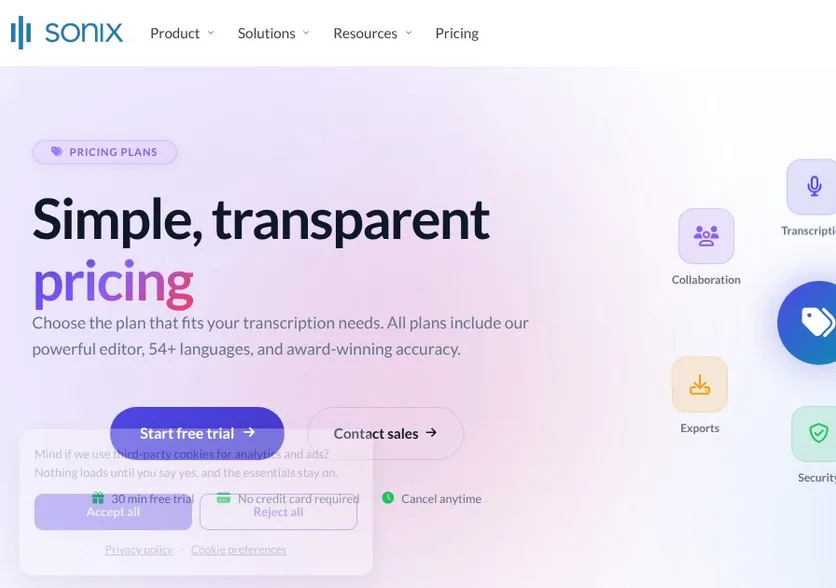
Paid tool Starting price: $25/month · Core plan, twenty-five dollars a month with five hours included; Advanced costs fifty dollars a month with twenty hours
Free plan: No free plan; free trial available
Sonix transcribes episodes in the browser with speaker labels, timestamps and a searchable archive, and its plans include hours rather than minutes. This Sonix Core plan costs twenty-five dollars a month and includes five hours of transcription. A podcaster with a steady weekly show gets predictable monthly hours without a per-seat charge, though the per-hour rate rises once the included hours run out.
What we like
- Plans include whole hours, so budgeting is simple
- In-browser editor with speaker labels and timestamps
- Pay-as-you-go option at ten dollars an hour for light months
Watch out for
- Older per-user pricing still appears in third-party listings and no longer applies
- Hours beyond the plan cost extra, so heavy months jump a tier
How to try it
- Open the Sonix pricing page and start the free trial
- Upload one episode and check the speaker labels and timestamps
- Download the transcript and paste the best passages into the show notes
6. Rev
Best for: Podcasters who want AI transcripts on demand with no subscription at all
Paid tool Starting price: $0.25/minute · AI transcription, twenty-five cents a minute pay as you go; human transcription costs one dollar ninety-nine a minute
Free plan: Free plan with forty-five AI minutes a month
Rev gives podcasters AI transcripts at twenty-five cents a minute with no subscription, plus a free tier of forty-five AI minutes a month for trying it out. This Rev AI transcription service costs twenty-five cents a minute pay as you go. A podcaster with an irregular schedule pays only for the episodes it transcribes, though human transcription at one dollar ninety-nine a minute is a separate and much pricier option.
What we like
- Pay as you go with no subscription to maintain
- Forty-five free AI minutes a month to test with
- Human transcription available on the same account when needed
Watch out for
- No editor included, so the transcript feeds a separate workflow
- Per-minute costs beat subscriptions only below a certain volume
How to try it
- Open the Rev pricing page and claim the free AI minutes
- Upload one episode and order the AI transcript
- Download the transcript and check accuracy on guest names
7. Notta
Best for: Small shows that want a low subscription with a large monthly minute allowance
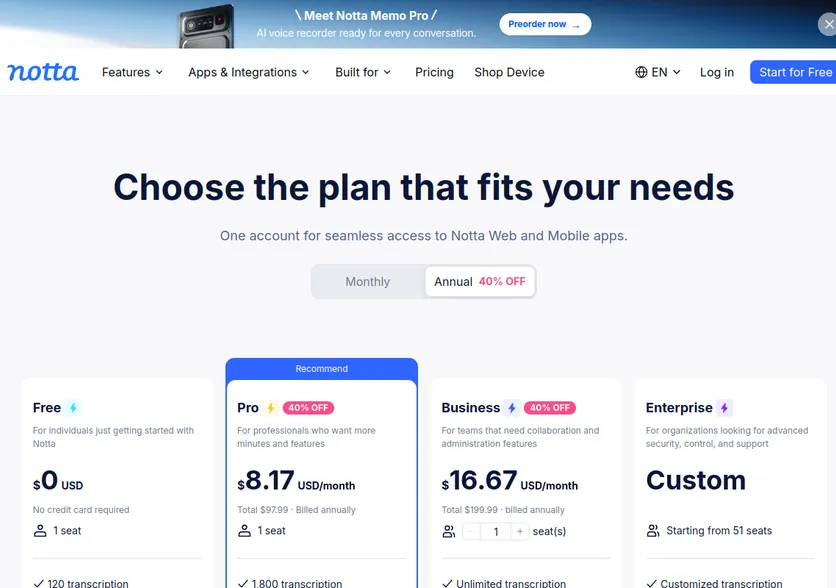
Paid tool Starting price: $8.17/month · Pro plan, eight dollars and seventeen cents a month billed yearly at ninety-seven dollars and ninety-nine cents a year; monthly billing costs thirteen dollars and forty-nine cents a month
Free plan: Free plan with one hundred twenty minutes a month
Notta records interviews and transcribes them with speaker labels, summaries and a searchable archive, and its Pro plan includes far more minutes than rivals at the price. This Notta Pro plan costs eight dollars and seventeen cents a month billed yearly, with monthly billing at thirteen dollars and forty-nine cents a month. A small show gets eighteen hundred minutes a month for less than nine dollars, though Notta is built for meetings rather than podcast publishing.
What we like
- Eighteen hundred minutes a month on the Pro plan
- Lowest subscription price in this comparison
- Automatic summaries plus a searchable transcript archive
Watch out for
- Built for meetings, so it lacks podcast publishing features
- The monthly rate in some listings differs, so check the vendor page at checkout
How to try it
- Open the Notta pricing page and claim the free plan
- Record one interview and check the speaker labels and summary
- Export the transcript and search it for the episode title quote
8. Async
Best for: Podcasters who record, transcribe and publish from one studio
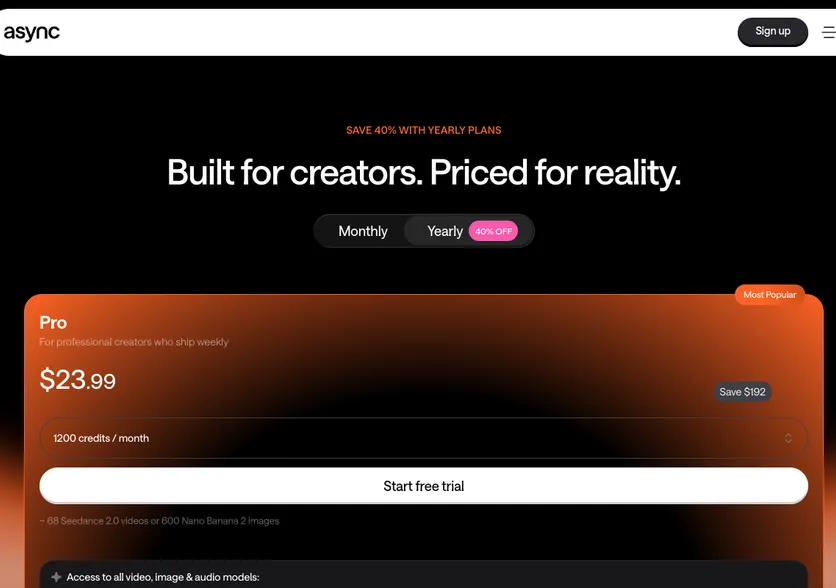
Paid tool Starting price: $11.99/month · Essentials plan, eleven dollars and ninety-nine cents a month billed yearly; monthly billing costs nineteen dollars and ninety-nine cents a month
Free plan: Free plan available
Async, formerly Podcastle, combines remote recording, AI transcription, text-based editing and publishing tools in one studio built for podcasters. This Async Essentials plan costs eleven dollars and ninety-nine cents a month billed yearly, with monthly billing at nineteen dollars and ninety-nine cents a month. A podcaster who wants the whole workflow in one place gets recording, transcription and editing without juggling tools, though the rebrand means older guides still call it Podcastle.
What we like
- Recording, transcription, editing and publishing in one studio
- Cheapest all-in-one podcast plan in this comparison
- AI voices and editing tools built for podcasters
Watch out for
- Formerly Podcastle, so older guides and reviews use the old name
- One recent check found no printed prices on the pricing page, so confirm at checkout
How to try it
- Open the Async pricing page and claim the free plan
- Record one episode in the studio and review the transcript
- Edit one passage by editing the text and publish the episode
Prices above were checked on each vendor’s own website on Nov 27, 2026 and can change — the vendor’s page is the final word. Vendor links are editorial: nobody paid to be listed or ranked here. Vendors who want a featured listing can see how it works on our Get listed page.
What podcast transcription costs in 2026
Most podcasters here pay one of three ways: a subscription for AI transcription, a recording plan that includes transcription, or a per-minute rate with no subscription. A subscription like eight dollars a month looks cheap until the minute allowance runs out, while a per-minute rate like twenty-five cents looks steep until you count the months with no episodes. The cheapest bill is usually the plan that matches the show schedule, not the lowest headline.
Start with the free plan or trial on two tools and transcribe one real episode on each. Compare accuracy on guest names, check the export format against the show notes workflow, and time the cleanup. Pick the tool whose transcript needs the least fixing, because cleanup time is the real cost of cheap transcription.
Before you buy
- Count your monthly recording hours first, because per-minute plans beat subscriptions only below a certain volume.
- Check whether the plan includes the editor, because a transcript alone does not cut ums or remove a segment.
- Confirm the export format, because a transcript that cannot open in your show notes workflow is wasted work.
- Test speaker labels on a multi-guest episode, because overlapping voices break attribution on weaker tools.
- Compare annual and monthly billing, because yearly billing cuts the monthly rate by a third or more on most tools here.
Official websites
Official websites of the products reviewed above. Features and prices were checked against these sites when this guide was written, and they can change, so confirm on the vendor site before you buy.
Frequently asked questions
Which AI transcription software is best for podcasters in 2026?
Descript is the best overall pick because it pairs fast transcription with text-based editing, so cutting a filler word means deleting it from the transcript. Riverside is the best recorder with transcription built in, and Async is the cheapest all-in-one studio. For transcripts alone with no subscription, Rev at twenty-five cents a minute is the simplest choice.
How much does podcast transcription cost?
Subscriptions in this list run from about eight dollars a month for Notta and Otter to seventy-nine dollars a seat a month for Trint. Recording-plus-transcription plans run from eleven dollars and ninety-nine cents to twenty-four dollars a month. Pay-as-you-go AI transcription costs twenty-five cents a minute on Rev, which beats a subscription only for irregular schedules.
Is AI transcription accurate enough for podcast show notes?
Yes, if the recording is clean and each person speaks clearly. AI transcription handles studio-quality podcast audio well, including guest names once the tool learns them. Noisy rooms, crosstalk and heavy accents still need a human pass, so budget cleanup time on remote episodes recorded over bad connections.
Do these tools label who is speaking?
Yes, most tools here label speakers automatically, including Otter, Trint, Sonix, Notta and Riverside. Speaker labels work best when each guest has a separate track or speaks one at a time. For panel episodes with crosstalk, check the labels before publishing the transcript.
How should a podcaster choose between these tools?
Start with the free plan or trial on two tools and transcribe one real episode on each. Compare accuracy on guest names, check whether the transcript opens in your show notes workflow, and time how long cleanup takes. Pick the tool whose transcript needs the least fixing, because cleanup time is the real cost of cheap transcription.
Need everyday audio help too? Try Toolsvine's free audio tools right in your browser.
Browse Audio Tools tools


