On this page
A slow computer turns video editing into a chore, so the right editor needs a light footprint, proxy playback and an interface that does not freeze on every cut. The eight tools below edit smoothly on modest hardware, from a browser editor that barely touches the machine to a desktop app built for old laptops. Filmora leads because it stays responsive on a few-year-old laptop for forty-nine dollars and ninety-nine cents a year, and the rest are ranked on lightness, price and ease.
How we researched this
We checked every price on the vendor pricing page on November 29, 2026, and only included tools with a published US dollar list price. The pro editors that demand a top-end graphics card were left out, since they would not run well on the machines this list is for. Prices change, so confirm the current figure on the vendor site before you buy.
Compare the tools
| Name | Best for | Starting price | Free plan | |
|---|---|---|---|---|
 Filmora | Beginners who want a friendly editor that grows | $49.99/year | Free plan (watermarked exports) | Visit |
 PowerDirector 365 | Enthusiasts who want templates and AI tools cheap | $79.99/year | Free plan (watermarked exports) | Visit |
 Movavi Video Editor | Casual editors who want results in one evening | $54.95/year | Free plan (watermarked exports) | Visit |
 VSDC Video Editor | Windows users who want pro features for pennies | $19.99/year | Free plan | Visit |
 Lightworks | Editors on a budget who want film-style trimming | $9.99/month | Free plan (720p exports) | Visit |
 Corel VideoStudio Ultimate | Budget Windows editors who like templates | $99.99 one-time | No free plan; 30-day free trial | Visit |
 Pinnacle Studio | Windows users who want a one-time purchase | $59.99 one-time | No free plan; free trial available | Visit |
 WeVideo | Slow-computer owners editing in the browser | $4.99/month | Free plan (480p, watermarked) | Visit |
The video editing software for slow computers, compared
1. Filmora
Best for: Beginners who want a friendly editor that grows
Paid tool Starting price: $49.99/year · Forty-nine dollars and ninety-nine cents a year on Basic; Advanced is fifty-nine dollars and ninety-nine cents a year with one thousand AI credits a month, Premium is ninety-nine dollars and ninety-nine cents a year, and a perpetual licence for Filmora 16 is seventy-nine dollars and ninety-nine cents once
Free plan: Free plan (watermarked exports)
A slow computer still edits smoothly with a light editor, and this Filmora plan costs forty-nine dollars and ninety-nine cents a year on Basic, with watermark-free 4K export included. The interface stays responsive on modest hardware, and templates do the heavy lifting so the machine does less. It is the friendliest full editor here for a laptop that is a few years old.

What we like
- Templates and effects make first videos fast
- AI tools for captions, cutout and reframing
- Perpetual licence option for buyers who hate rent
Watch out for
- AI features run on credits on the Basic plan
- The perpetual licence covers Filmora 16 only
How to try it
- Import clips and drop them on the timeline
- Apply a template or add captions and effects
- Export without a watermark on a paid plan
2. PowerDirector 365
Best for: Enthusiasts who want templates and AI tools cheap
Paid tool Starting price: $79.99/year · Seventy-nine dollars and ninety-nine cents a year is the regular list price for PowerDirector 365; frequent sales show it near fifty-one dollars and ninety-nine cents to fifty-nine dollars and ninety-nine cents a year, and monthly billing is nineteen dollars and ninety-nine cents a month; Ultimate perpetual is one hundred and thirty-nine dollars and ninety-nine cents once
Free plan: Free plan (watermarked exports)
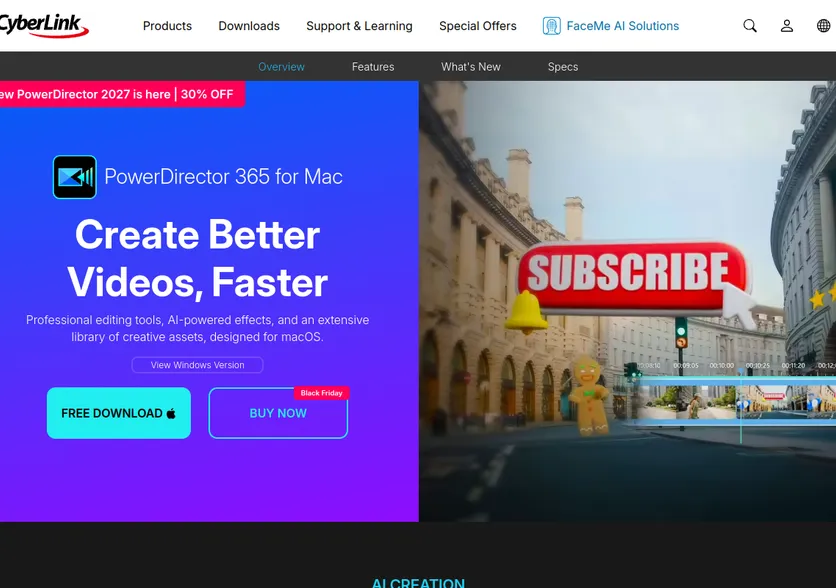
For an older laptop that needs an editor with a mobile fallback, this PowerDirector 365 plan costs seventy-nine dollars and ninety-nine cents a year at list price. AI captions and motion tracking run without a top-end graphics card, and the mobile app edits the same projects on a phone. Frequent sales bring the price well below list, which suits a tight budget.
What we like
- Huge template and stock library included
- AI captions, motion tracking and multicam
- Mobile app edits the same projects on a phone
Watch out for
- The regular price is often discounted, so timing matters
- Reviewers report occasional lag on heavy projects
How to try it
- Import the footage into a new project
- Apply a template or use the AI tools
- Export the video for the platform it needs
3. Movavi Video Editor
Best for: Casual editors who want results in one evening
Paid tool Starting price: $54.95/year · Fifty-four dollars and ninety-five cents a year for the one-year licence, shown against a seventy-nine dollars and ninety-five cents list price with the offer valid until December 6, 2026; a monthly licence is nineteen dollars and ninety-five cents and the lifetime licence is one hundred and nineteen dollars and ninety-five cents
Free plan: Free plan (watermarked exports)
The friendliest timeline on a slow machine belongs to this Movavi Video Editor plan, which costs fifty-four dollars and ninety-five cents a year for the one-year licence. It was built for people who edit a few videos a month, so it stays light and responsive where pro editors crawl. AI tools for background removal and noise run without demanding hardware.
What we like
- Simplest timeline of any desktop editor here
- AI tools for background removal and noise
- Runs well on modest laptops
Watch out for
- The yearly price is a sale figure, not the list
- Fewer pro features than the subscription rivals
How to try it
- Open Movavi and import the clips
- Drag clips onto the timeline and trim them
- Add titles and export the finished video
4. VSDC Video Editor
Best for: Windows users who want pro features for pennies
Paid tool Starting price: $19.99/year · Nineteen dollars and ninety-nine cents a year for VSDC Pro, valid for one year; the vendor site also lists an annual Pro subscription at twenty-nine dollars and ninety-nine cents a year, so confirm which figure applies at checkout
Free plan: Free plan
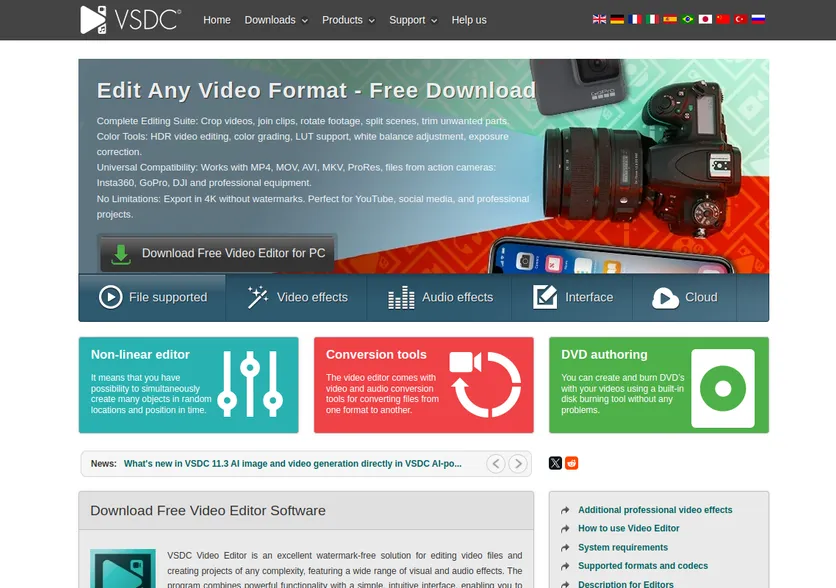
A weak Windows computer gets pro features for pennies here, since this VSDC Video Editor plan costs nineteen dollars and ninety-nine cents a year for Pro. The free version already exports without a watermark, and motion tracking, masking and chroma key come included. It is the cheapest paid editor in this list, and it runs on hardware the other tools would refuse.
What we like
- Cheapest paid editor in this list
- Free version exports without a watermark
- Motion tracking, masking and chroma key included
Watch out for
- Windows only, with no Mac version
- Two different Pro prices appear on the vendor site
How to try it
- Download VSDC and import the footage
- Add effects and transitions on the timeline
- Export the video in the format needed
5. Lightworks
Best for: Editors on a budget who want film-style trimming
Paid tool Starting price: $9.99/month · Nine dollars and ninety-nine cents a month on Create; Pro is twenty-three dollars and ninety-nine cents a month and adds 4K and 8K export, stereoscopic 3D and the full NewBlue TotalFX bundle; a perpetual Pro licence is listed near three hundred and eighty-nine dollars and ninety-nine cents
Free plan: Free plan (720p exports)
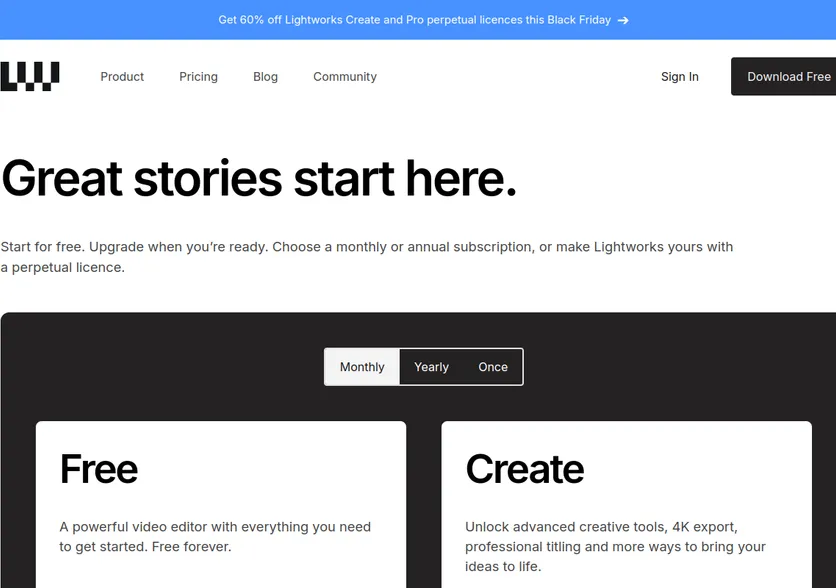
An old laptop can still cut like a film editor with this Lightworks plan, which costs nine dollars and ninety-nine cents a month on Create. The trimming tools cut Hollywood films, and the free plan exports at 720p without a watermark. It is the cheapest monthly pro editor here, and it asks little of the machine it runs on.
What we like
- Cheapest monthly pro editor in this list
- Trimming tools that cut Hollywood films
- Free plan exports without a watermark at 720p
Watch out for
- The free plan caps exports at 720p
- The interface feels old next to newer editors
How to try it
- Download Lightworks and create a project
- Import the footage and trim on the timeline
- Export at the resolution the plan allows
6. Corel VideoStudio Ultimate
Best for: Budget Windows editors who like templates
Paid tool Starting price: $99.99 one-time · Ninety-nine dollars and ninety-nine cents once for VideoStudio Ultimate as a perpetual licence; Pro is seventy-nine dollars and ninety-nine cents once, and coupon offers frequently show Ultimate near fifty-three dollars and ninety-nine cents
Free plan: No free plan; 30-day free trial
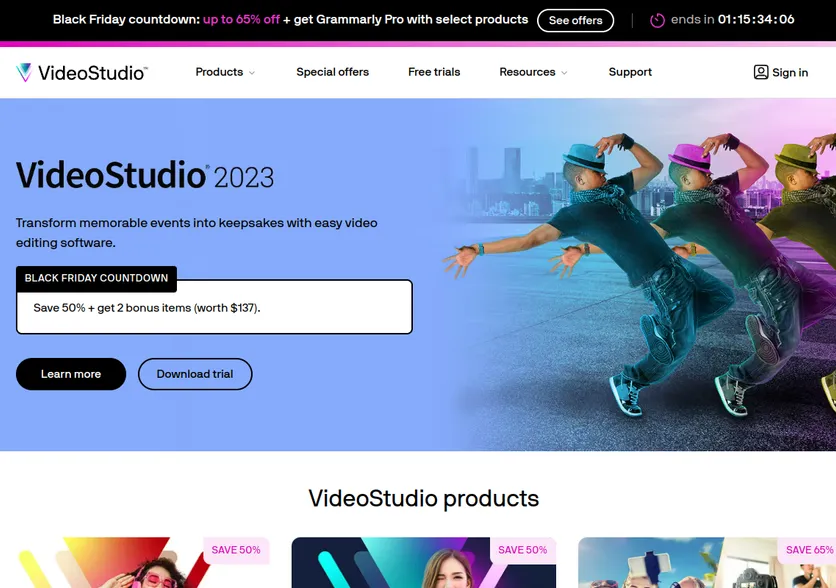
For a slow Windows computer that needs templates to do the work, this Corel VideoStudio Ultimate plan costs ninety-nine dollars and ninety-nine cents once as a perpetual licence. The template-driven workflow produces fast results without heavy rendering, and multicam and motion tracking come included. One payment buys the app outright, with no monthly bill afterwards.
What we like
- Template-driven workflow for fast results
- Multicam, motion tracking and colour grading
- Supports modern formats including 8K and AV1
Watch out for
- Windows only, with no Mac version
- The current release is still the 2023 version
How to try it
- Start a project and import the footage
- Use FastFlick or a template for a quick cut
- Fine-tune on the timeline and export
7. Pinnacle Studio
Best for: Windows users who want a one-time purchase
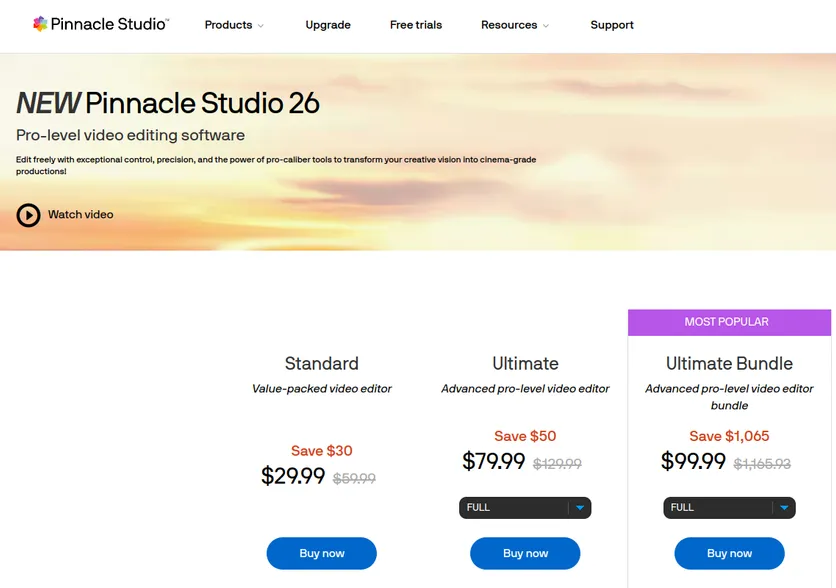
Paid tool Starting price: $59.99 one-time · Fifty-nine dollars and ninety-nine cents once for Pinnacle Studio 26 Standard as a perpetual licence; Ultimate is one hundred and twenty-nine dollars and ninety-nine cents once, and both editions are frequently discounted to around thirty-nine dollars and ninety-nine cents and seventy-nine dollars and ninety-nine cents
Free plan: No free plan; free trial available
A long-running Windows editor that still runs on modest hardware is this Pinnacle Studio plan, which costs fifty-nine dollars and ninety-nine cents once for the Standard perpetual licence. DVD authoring and screen recording come included, and the friendly timeline suits an editor who works at a relaxed pace. It is a one-time purchase, so the cost stops after the first payment.
What we like
- One-time purchase with no monthly bill
- DVD authoring and screen recording included
- Multi-camera editing on the Ultimate tier
Watch out for
- Windows only, with no Mac version
- The current release dates from 2023
How to try it
- Import the clips into the timeline
- Add transitions and titles from the library
- Export the video or burn it to disc
8. WeVideo
Best for: Slow-computer owners editing in the browser
Paid tool Starting price: $4.99/month · Four dollars and ninety-nine cents a month billed annually on Power, or fifty-nine dollars and eighty-eight cents a year; monthly billing is nine dollars and ninety-nine cents a month, Unlimited is seven dollars and ninety-nine cents a month billed annually, and Professional is nineteen dollars and ninety-nine cents a month billed annually
Free plan: Free plan (480p, watermarked)
The best fix for a slow computer is to edit in the cloud, and this WeVideo plan costs four dollars and ninety-nine cents a month billed annually on Power. The browser editor barely touches the machine, and cloud rendering handles the heavy lifting. It suits a laptop that struggles with desktop editors but has a steady internet connection.

What we like
- Runs in the browser, so the computer barely works
- Cloud rendering handles the heavy lifting
- Screen and webcam recording built in
Watch out for
- Power exports stop at 720p, not 1080p
- Needs a steady connection for big uploads
How to try it
- Open WeVideo in the browser and start a project
- Upload clips and cut them on the timeline
- Export the video in the cloud
Prices above were checked on each vendor’s own website on Nov 29, 2026 and can change — the vendor’s page is the final word. Vendor links are editorial: nobody paid to be listed or ranked here. Vendors who want a featured listing can see how it works on our Get listed page.
How to edit video smoothly on an old laptop
Close every other app before opening the editor, because a browser with twenty tabs eats the memory the timeline needs. Turn on proxy editing if the tool offers it, since proxies let a weak computer play footage smoothly while the export uses the full-quality files. Edit at a lower preview resolution, and keep the project media on the fastest drive in the machine. Render in short sections when the full export stalls, and restart the computer before a long render so nothing else competes for memory. A cheap solid-state drive is the best upgrade for an old laptop, because it cuts load times more than extra memory does.
Before you buy
- Confirm the editor offers proxy editing or a low preview resolution
- Check the tool runs on the operating system version the machine actually has
- Close the browser and other apps before starting an editing session
- Test the editor on real footage during the free trial, not on a sample clip
- Keep project media on the fastest drive in the machine
Official websites
Official websites of the products reviewed above. Features and prices were checked against these sites when this guide was written, and they can change, so confirm on the vendor site before you buy.
Frequently asked questions
What is the best video editing software for slow computers?
Filmora is the best overall pick here, at forty-nine dollars and ninety-nine cents a year, because it stays responsive on a few-year-old laptop and exports 4K without a watermark. Movavi Video Editor is the simplest timeline on a slow machine, at fifty-four dollars and ninety-five cents a year. WeVideo is the best pick for a very old machine, since it edits in the browser with cloud rendering.
How much does Filmora cost?
Filmora costs forty-nine dollars and ninety-nine cents a year on Basic, with watermark-free 4K export included. Advanced is fifty-nine dollars and ninety-nine cents a year with one thousand AI credits a month, and a perpetual licence for Filmora 16 is seventy-nine dollars and ninety-nine cents once. The free plan exports with a watermark, so it suits testing rather than publishing.
Can I edit video for free on a slow computer?
Yes, with VSDC, whose free version exports without a watermark, and Lightworks, whose free plan exports at 720p without a watermark. Filmora and WeVideo also offer free plans, though both watermark exports. A free plan suits a hobbyist, while a creator publishing every week will usually need a paid plan.
Will these editors run on an old laptop?
Most will, though the exact needs vary, so check the system requirements against the machine before buying. WeVideo runs in the browser and barely touches the computer, which makes it the safest pick for a very old laptop. VSDC and Movavi are the lightest desktop options here, and both run on hardware the pro editors would refuse.
Is browser editing better than a desktop app on a slow computer?
Yes, when the machine is very old, since a browser editor such as WeVideo renders in the cloud and the laptop only plays back the result. A desktop app suits a machine that is merely a few years old, since Filmora and Movavi run well on modest hardware. Test both during the free trial and keep the one that feels faster on real footage.
Compare the eight tools above, then try the free VSDC or Lightworks plan on real footage before paying for any editor.
Browse Video Tools tools