On this page
Every small business now runs on video calls, and the wrong meeting tool shows up as missed clients, garbled audio and a monthly bill nobody can justify. The nine tools below cover the whole range, from a one-dollar plan for a solo operator to the full phone-and-video bundle for a growing team. Zoom leads because it is the tool clients already know, at fourteen dollars and sixteen cents a user a month, and the rest are ranked on what a small team actually gets for the money.
How we researched this
We checked every price on the vendor pricing page on November 29, 2026, and only included tools with a published US dollar list price. Where the vendor page itself showed no dollar figure, as with Webex, we used multiple agreeing November reads and said so in the price note. Prices change, so confirm the current figure on the vendor site before you buy.
Compare the tools
| Name | Best for | Starting price | Free plan | |
|---|---|---|---|---|
 Zoom | Small teams that want the meeting default | $14.16/user/month | Free plan (40-minute group meetings) | Visit |
 Microsoft Teams Essentials | Microsoft shops that want the cheapest business plan | $4/user/month | Free plan (Microsoft Teams free) | Visit |
 Google Meet | Google Workspace teams that meet from the calendar | $7/user/month | Free plan (60-minute group meetings) | Visit |
 Webex | Teams that want enterprise reliability on a budget | $13.50/user/month | Free plan (40-minute group meetings) | Visit |
 GoTo Meeting | Small teams that run the same weekly call | $12/organizer/month | No free plan; 14-day free trial | Visit |
 RingCentral Video | Businesses that want phone and video in one bill | $20/user/month | Free plan (50-minute meetings, 100 participants) | Visit |
 Zoho Meeting | Tiny teams and solo operators on a tight budget | $1/host/month | Free plan (100 participants, 60 minutes) | Visit |
 Whereby | Small businesses that want no-download client calls | $10.99/host/month | Free plan (1 host, 1 room, 4 attendees, 30 minutes) | Visit |
 ClickMeeting | Small businesses that also run webinars and demos | $25/month | Free plan (25 attendees) | Visit |
The video meeting software for small business, compared
1. Zoom
Best for: Small teams that want the meeting default
Paid tool Starting price: $14.16/user/month · Fourteen dollars and sixteen cents per user a month on the annual plan billed monthly ($169.92 a year); $16.99 a user a month month to month; Business is $18.33 a user a month billed annually
Free plan: Free plan (40-minute group meetings)
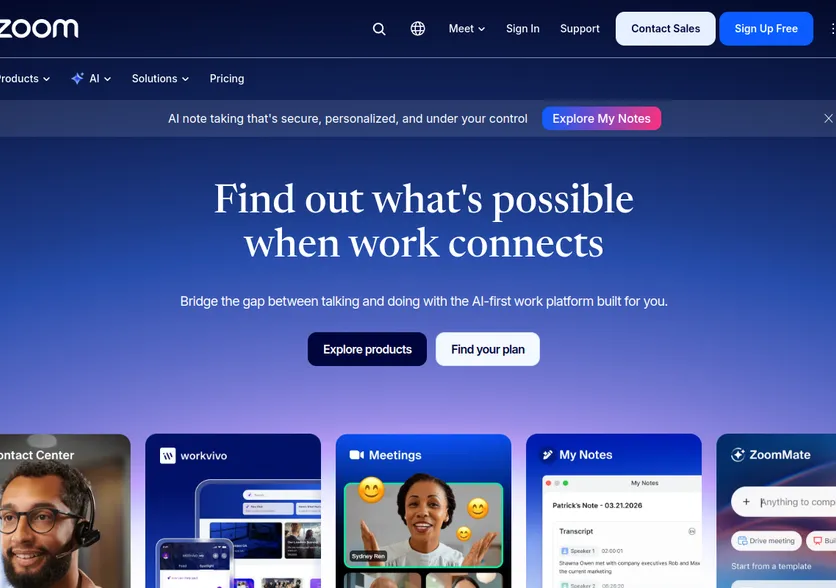
A small business that wants meetings to simply work will find the default choice here, since this Zoom plan costs fourteen dollars and sixteen cents a user a month billed annually, and it covers unlimited one-to-one meetings plus group sessions with no time cap on paid plans. The free Basic plan handles occasional calls, but the forty-minute group limit pushes any regular team onto the paid tier.
What we like
- Unlimited meetings and no time cap on paid plans
- Whiteboard, team chat and AI summaries in one app
- Everyone already knows how to join a Zoom call
Watch out for
- The headline annual rate rose from thirteen dollars and thirty-three cents in older listings
- AI summaries and advanced features need the dearer Business tier
How to try it
- Open Zoom and start or schedule a meeting from the home screen
- Invite the team with the meeting link or a calendar invite
- Record the call and share the AI summary with anyone who missed it
2. Microsoft Teams Essentials
Best for: Microsoft shops that want the cheapest business plan
Paid tool Starting price: $4/user/month · Four dollars per user a month billed annually; Microsoft 365 Business Basic, which adds the full Office apps, is seven dollars a user a month billed annually
Free plan: Free plan (Microsoft Teams free)
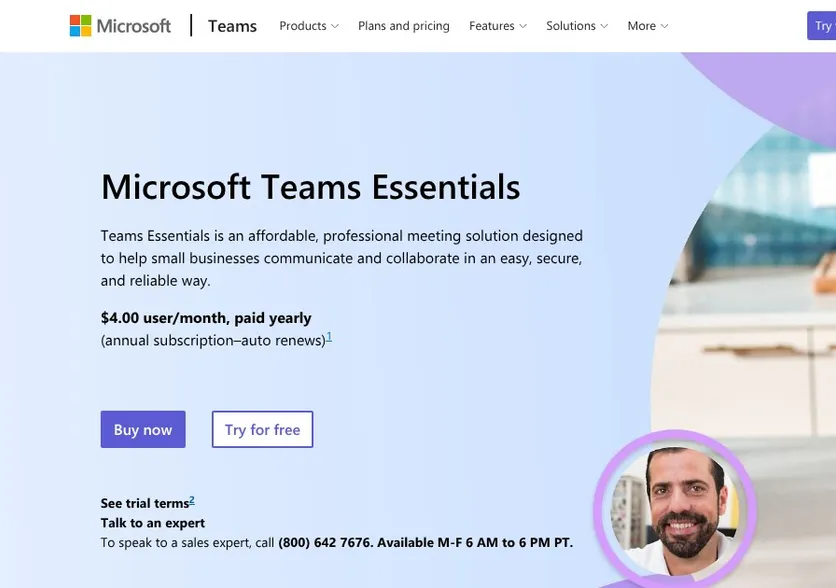
For a small business already living in Outlook and OneDrive, this Microsoft Teams Essentials plan costs four dollars a user a month billed annually, and it buys unlimited group meetings up to thirty hours with no participant cap. The catch is that it is meetings and chat only, with no Office apps included at this price.
What we like
- Cheapest paid business meeting plan in this list
- Unlimited group meetings up to thirty hours long
- Works inside Outlook, OneDrive and the Microsoft calendar
Watch out for
- No Office apps included at this price
- The free plan caps group meetings at sixty minutes
How to try it
- Sign in with the Microsoft account the business already uses
- Schedule the meeting from Outlook or the Teams calendar
- Share the join link and meet with chat, screen sharing and recording
3. Google Meet
Best for: Google Workspace teams that meet from the calendar
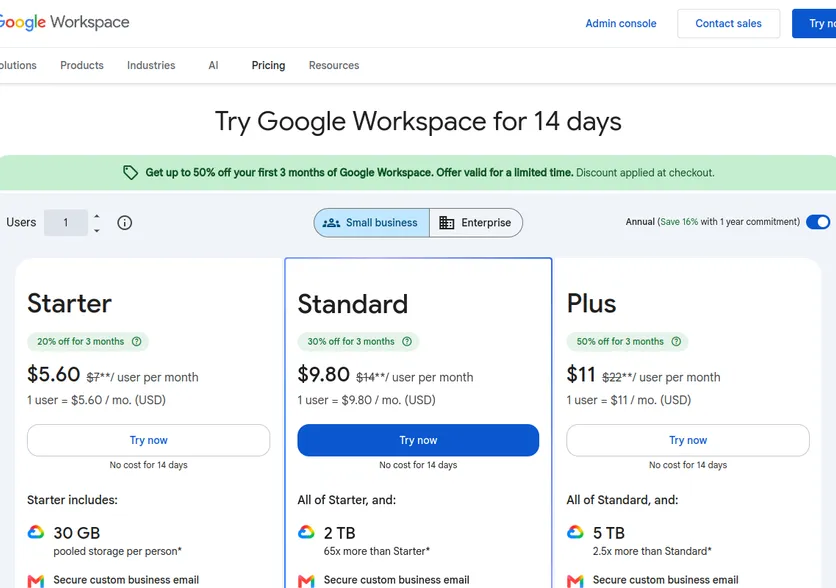
Paid tool Starting price: $7/user/month · Seven dollars per user a month billed annually on Google Workspace Business Starter ($8.40 a user a month on the flexible plan); Business Standard is fourteen dollars and Business Plus is twenty-two dollars; a fifty percent discount for new customers on the first three months is a promotion, not the list price
Free plan: Free plan (60-minute group meetings)
A team that already runs on Gmail and Google Calendar gets the smoothest setup here, because this Google Meet plan costs seven dollars a user a month billed annually through Google Workspace Business Starter, and meetings launch straight from a calendar invite with no app to install. Meeting recording is missing on Starter, so teams that need to record calls must step up to Standard.
What we like
- Meetings launch from a calendar invite with no install
- Includes Gmail, Drive and shared drives for the team
- Noise cancellation and live captions are built in
Watch out for
- No meeting recording on the Starter plan
- The fifty percent new-customer discount is a short promotion, not the price
How to try it
- Open Google Calendar and add a Meet link to the event
- Send the invite and join from any browser
- Share your screen or a tab, then save the chat after the call
4. Webex
Best for: Teams that want enterprise reliability on a budget
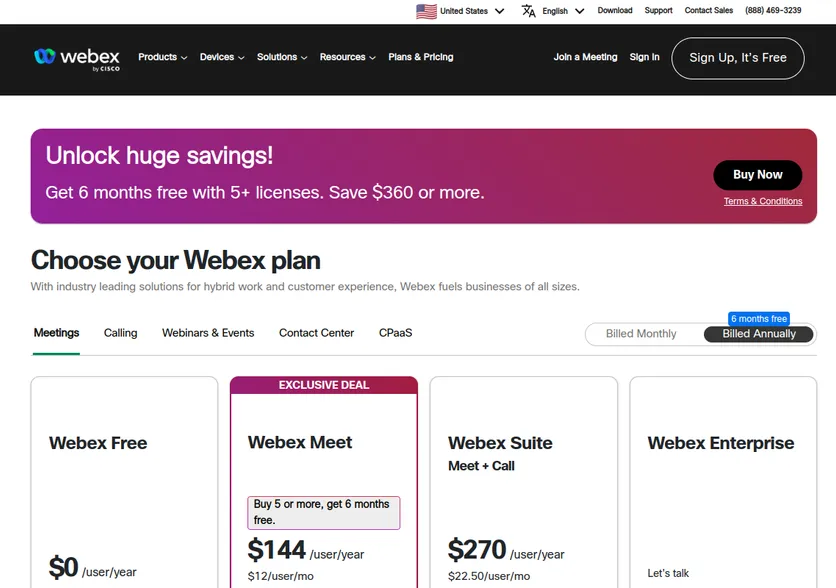
Paid tool Starting price: $13.50/user/month · Thirteen dollars and fifty cents per user a month on the annual Meet plan ($14.50 a user a month month to month); the vendor pricing page shows no dollar figure in some reads, so confirm the figure at checkout
Free plan: Free plan (40-minute group meetings)
Enterprises have trusted this brand for years, and a small business gets the same reliability here, since this Webex plan costs thirteen dollars and fifty cents a user a month billed annually, and it includes unlimited meetings, recording and transcription. The pricing page itself is inconsistent about showing dollar figures, so the headline rests on multiple agreeing November reads rather than a single vendor page.
What we like
- Unlimited meetings with recording and transcription included
- Strong noise removal and real-time translation
- A generous free plan for testing before paying
Watch out for
- The official pricing page sometimes shows no dollar figure
- The interface feels heavier than Zoom or Meet for casual users
How to try it
- Create a Webex account and open the Meetings app
- Schedule a meeting or start an instant one from the dashboard
- Record the session and share the transcript with the team
5. GoTo Meeting
Best for: Small teams that run the same weekly call
Paid tool Starting price: $12/organizer/month · Twelve dollars per organiser a month billed annually ($144 a year); $14 an organiser a month month to month; Business is sixteen dollars an organiser a month billed annually for two hundred and fifty participants
Free plan: No free plan; 14-day free trial
Small teams that run the same weekly call will like the simplicity here, because this GoTo Meeting plan costs twelve dollars an organiser a month billed annually, and it covers one hundred and fifty participants with unlimited meetings and recording. There is no free plan, only a fourteen-day trial, which makes it harder to try than the free tiers above.
What we like
- Priced per organiser, so attendees join free
- One hundred and fifty participants on the entry plan
- Drawing tools and a reliable mobile app
Watch out for
- No free plan, only a fourteen-day trial
- Fewer integrations than Zoom or Teams
How to try it
- Start a meeting from the GoTo dashboard or the mobile app
- Share the join link with the team by email or chat
- Record the call and download the recording afterwards
6. RingCentral Video
Best for: Businesses that want phone and video in one bill
Paid tool Starting price: $20/user/month · Twenty dollars per user a month billed annually on RingEX Core ($30 a user a month month to month); Advanced is twenty-five dollars and Ultra is thirty-five dollars; the standalone Video Pro Plus figures in older listings conflict, so the Core bundle is the headline
Free plan: Free plan (50-minute meetings, 100 participants)
A business that also needs a phone system gets two tools for one price here, because this RingCentral Video plan costs twenty dollars a user a month billed annually as part of RingEX Core, and it bundles video meetings with cloud phone, SMS and team messaging. It is dearer than the meeting-only tools above, so it only earns its price if the team actually uses the phone features.
What we like
- Video, cloud phone, SMS and messaging in one plan
- Breakout rooms and whiteboard included
- A free meetings plan for trying it out
Watch out for
- Dearer than meeting-only tools if the phone is not used
- Setup takes longer than a meeting-only app
How to try it
- Sign up for RingEX and add the team members
- Schedule a video meeting from the app or calendar
- Join from the desktop or mobile app and share the screen
7. Zoho Meeting
Best for: Tiny teams and solo operators on a tight budget
Paid tool Starting price: $1/host/month · One dollar per host a month billed annually for ten participants ($12 a year); $2 a host a month month to month; Professional is three dollars a host a month billed annually; larger rooms cost more, from four dollars for twenty-five participants to eleven dollars for two hundred and fifty
Free plan: Free plan (100 participants, 60 minutes)
Nobody undercuts this price for a real paid plan, because this Zoho Meeting plan costs one dollar a host a month billed annually for ten participants, and it still includes screen sharing, recording and meeting co-host controls. The trade-off is scale: bigger rooms cost more, and the interface is plainer than Zoom or Meet.
What we like
- The cheapest paid meeting plan in this list
- Recording and co-host controls even at one dollar
- Free plan covers one hundred participants for sixty minutes
Watch out for
- Larger rooms raise the price steeply
- Plainer interface and fewer integrations than the big names
How to try it
- Create a Zoho account and open Meeting
- Schedule a session and share the join link
- Record the call and download it from the meeting history
8. Whereby
Best for: Small businesses that want no-download client calls
Paid tool Starting price: $10.99/host/month · Ten dollars and ninety-nine cents per host a month ($109.90 a year); Business is thirteen dollars and ninety-nine cents per host a month with a three-host minimum ($41.97 a month); older six dollar and ninety-nine cent listings are stale
Free plan: Free plan (1 host, 1 room, 4 attendees, 30 minutes)
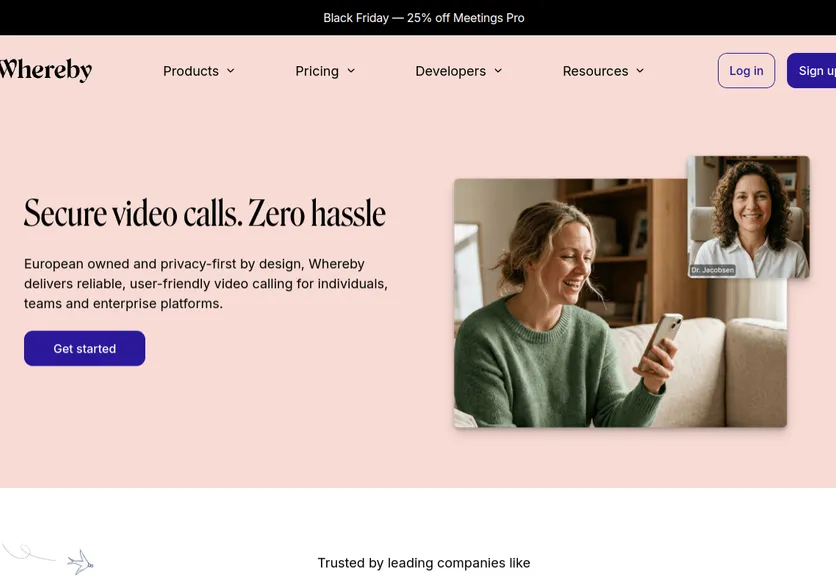
Browser-first meetings are the whole point here, because this Whereby plan costs ten dollars and ninety-nine cents a host a month billed annually, and guests join from a link with no download and no account. The free plan is narrow, with one room and four attendees, so any real team pays from the start.
What we like
- Guests join from a link with no download
- Custom branding and rooms that embed on a website
- Breakout groups included on the paid plan
Watch out for
- Free plan allows only one room and four attendees
- Business needs a three-host minimum
How to try it
- Create a room from the Whereby dashboard
- Share the room link with clients or the team
- Start the meeting in the browser and record if needed
9. ClickMeeting
Best for: Small businesses that also run webinars and demos
Paid tool Starting price: $25/month · Twenty-five dollars a month billed annually for twenty-five attendees ($30 a month month to month); Automated is forty dollars a month billed annually; larger rooms cost more, from thirty-five dollars for fifty attendees to two hundred and thirty-nine dollars for one thousand
Free plan: Free plan (25 attendees)
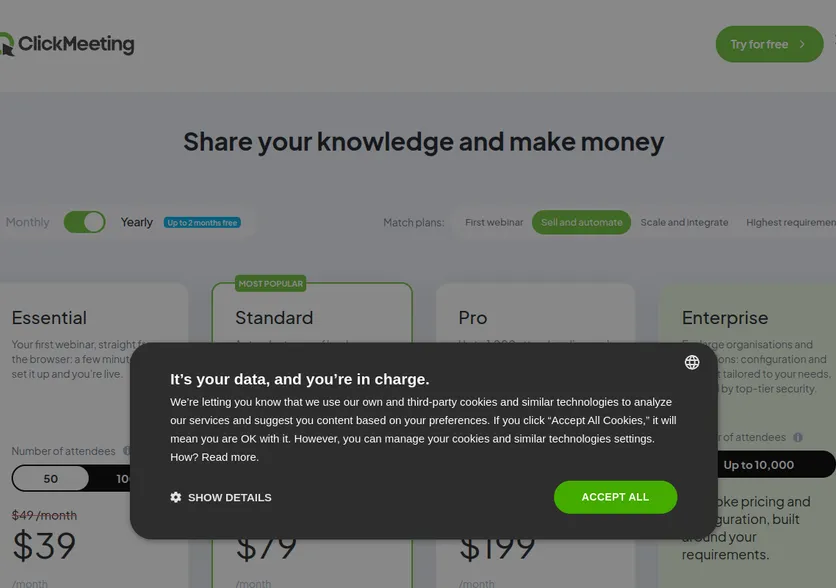
Webinars and meetings share one tool here, which suits a small business that also runs live demos, because this ClickMeeting plan costs twenty-five dollars a month billed annually for twenty-five attendees, and it includes polls, surveys and automated recordings. The price scales with attendees, so a growing audience pushes the bill up faster than the per-user tools above.
What we like
- Meetings and webinars in one tool
- Polls, surveys and automated recordings included
- Free plan covers twenty-five attendees
Watch out for
- Price scales with attendees, so growth costs more
- Fewer team-chat features than Zoom or Teams
How to try it
- Create a meeting or webinar from the dashboard
- Invite attendees with the join link
- Run polls during the session and share the recording after
Prices above were checked on each vendor’s own website on Nov 29, 2026 and can change — the vendor’s page is the final word. Vendor links are editorial: nobody paid to be listed or ranked here. Vendors who want a featured listing can see how it works on our Get listed page.
How to pick a meeting tool a small team will actually use
Start with the calendar the team already lives in, because a meeting tool that fights the calendar gets skipped. Count the real meeting load: how many people join the biggest call, how long the longest call runs, and whether anyone needs to record. Then check the free plan honestly, since a forty-minute cap on group calls breaks a weekly team meeting. Finally, look at the price per person who hosts, not per person who attends, because most tools only charge the hosts. Also check the mobile app, since a team that meets on the move needs the same quality on a phone as on a laptop, and confirm the recording storage limit before the first important call.
Before you buy
- Check the group-meeting time cap on the free plan before relying on it
- Count how many people join the biggest call, then match the participant limit
- Confirm recording and transcription are included, not sold as an add-on
- Make sure the tool works in the browser for guests with no install
- Add up the cost per host, since viewers usually join free
Official websites
Official websites of the products reviewed above. Features and prices were checked against these sites when this guide was written, and they can change, so confirm on the vendor site before you buy.
Frequently asked questions
What is the cheapest video meeting software for a small business?
Microsoft Teams Essentials is the cheapest paid plan in this list at four dollars a user a month billed annually, with unlimited group meetings up to thirty hours. Zoho Meeting is cheaper still at one dollar a host a month for ten participants, and its free plan covers one hundred participants for sixty minutes. Both are genuine business plans, so a tiny team does not need to pay Zoom prices to meet properly.
Does Zoom still cost $13.33 a user a month?
No, older listings showing thirteen dollars and thirty-three cents are out of date. Zoom Workplace Pro now costs fourteen dollars and sixteen cents a user a month billed annually, or sixteen dollars and ninety-nine cents month to month. The Business tier is eighteen dollars and thirty-three cents a user a month billed annually. Check the vendor pricing page before buying, since Zoom has raised this rate before.
Can a small business use Google Meet for free?
Yes, the free personal version of Google Meet covers one-to-one calls without a time limit and group calls up to sixty minutes. The paid plan through Google Workspace Business Starter costs seven dollars a user a month billed annually and adds longer meetings, more storage and admin controls. Recording is not included on Starter, so teams that record calls need the Standard plan at fourteen dollars a user a month.
Which video meeting tool is best for client calls?
Whereby is the best pick for client calls, because guests join from a link in the browser with no download and no account, and the paid plan adds custom branding. Zoom is the safest default, since almost every client already has it installed and knows how to join. GoTo Meeting is a solid middle option, with a reliable mobile app and drawing tools for walking clients through a document.
Do I need to pay for every person who joins a meeting?
No, most tools in this list charge per host, per organiser or per user who creates meetings, while attendees join free. Zoom, Teams Essentials, Google Meet and RingCentral charge per user, but Zoho Meeting, Whereby and GoTo Meeting charge per host or organiser. Count only the people who run meetings when you work out the monthly bill, and check whether viewers need a paid seat at all.
Compare the nine tools above, then start with a free plan or trial on the tool that matches the calendar and apps the team already uses before paying for a full year.
Browse Business Tools tools