On this page
How we researched this
We compared eight webinar tools that publish a real USD price and suit B2B SaaS demos. We checked each vendor pricing page in November 2026, weighed attendee limits, recording retention and selling features, and dropped quote-only platforms.
Compare the tools
| Name | Best for | Starting price | Free plan | |
|---|---|---|---|---|
 Zoom Webinars | Teams that already run meetings on Zoom | $83.33/host/month | No free plan; 30-day free trial | Visit |
 GoTo Webinar | Teams that want a dedicated webinar tool with long recordings | $59/organizer/month | No free plan; 7-day free trial | Visit |
 Webex Webinars | Enterprises that need Cisco-grade security for webinars | $225/month | No free plan; demo available | Visit |
 Livestorm | Teams that run a steady calendar of live and on-demand events | $1,200/year | Free plan (30 attendees, 30-minute events) | Visit |
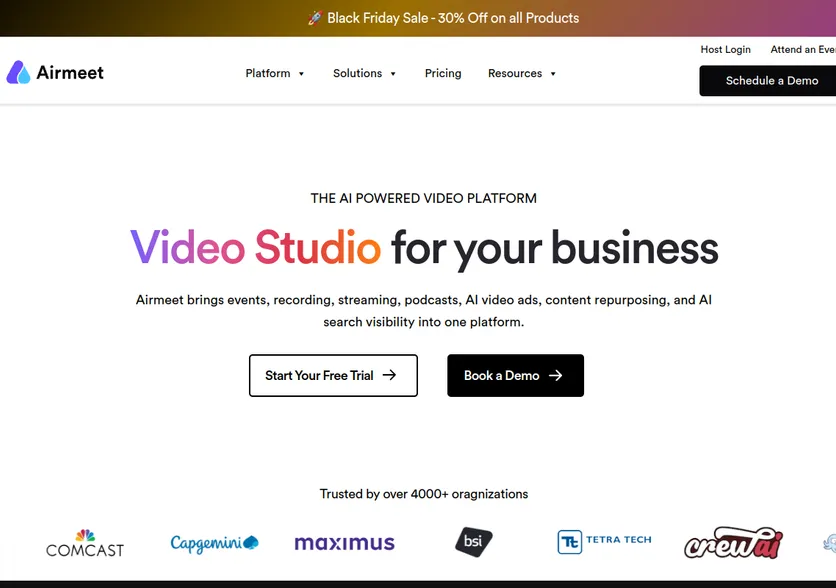
 Airmeet | B2B teams that want networking lounges with their webinars | $167/month | No free plan; 10-day free trial | Visit |
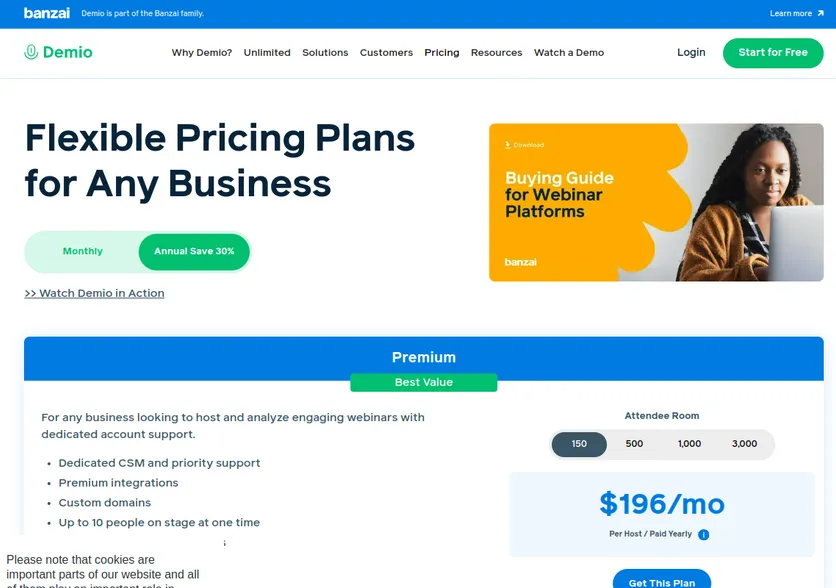
 Demio | Marketers that run automated and live webinars | $45/host/month | No free plan; 14-day free trial | Visit |
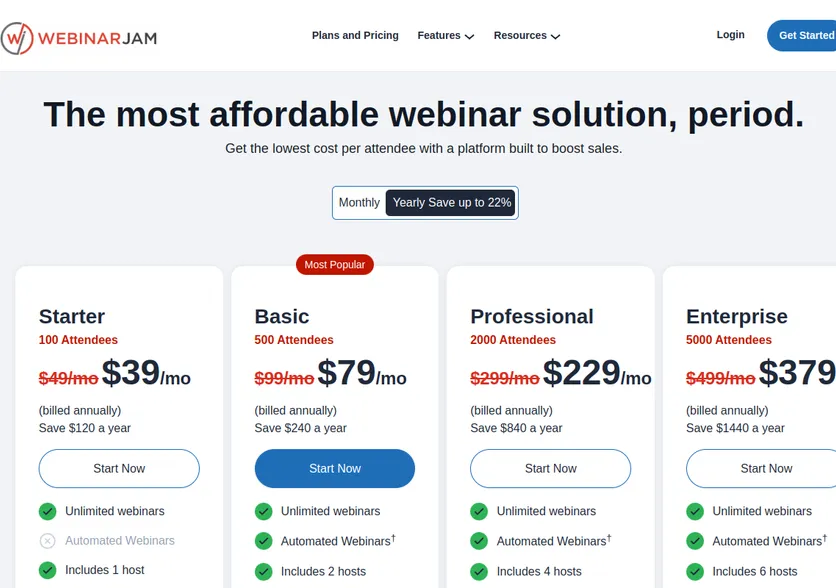
 WebinarJam | Coaches and marketers that sell from live webinars | $39/month | No free plan; 14-day trial for $1 | Visit |
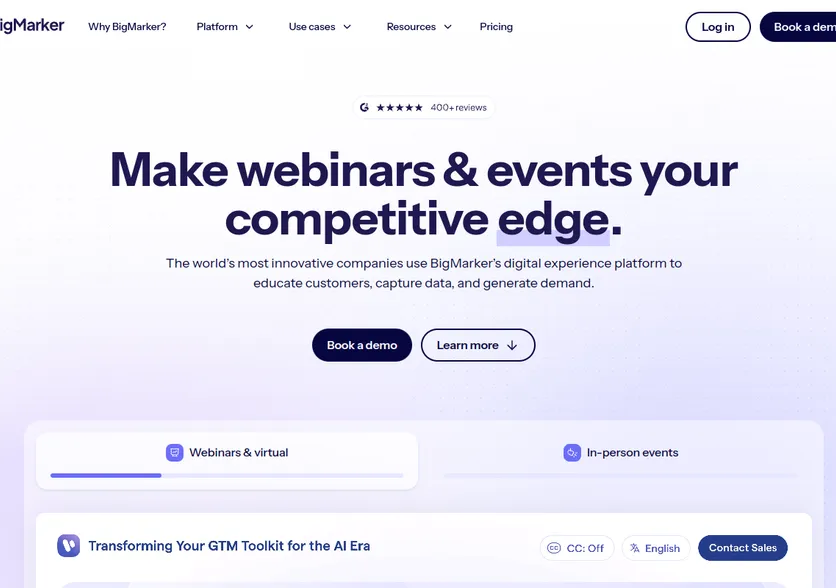
 BigMarker | Teams that want a white-label webinar platform | $29/month | No free plan; 7-day free trial | Visit |
The 8 best webinar tools for B2B SaaS
1. Zoom Webinars
Best for: Teams that already run meetings on Zoom
Paid tool Starting price: $83.33/host/month · $83.33 a host a month billed annually for webinars up to 500 attendees ($1,000 a year; $129 billed monthly); Webinars Plus is $290.83 and Events is $415.83 a host a month; a Zoom Workplace Pro seat is also required; the $66.67 figure in some listings is the smaller 300-attendee tier.
Free plan: No free plan; 30-day free trial
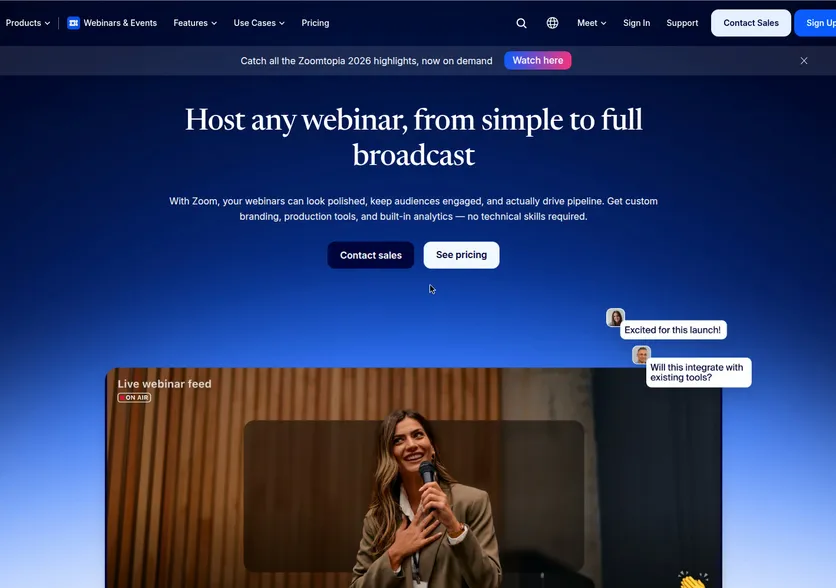
A B2B SaaS team that already runs its sales calls on Zoom gets webinars in the same account here, since this Zoom Webinars plan costs eighty-three dollars and thirty-three cents per host a month billed annually. Attendees already know the interface, so no-shows from technical confusion stay low. Polls, Q and A and reporting cover the full demo-to-follow-up flow.
What we like
- Familiar Zoom interface for hosts and guests
- Strong Q and A, polling and reporting
- Scales to ten thousand attendees on higher tiers
Watch out for
- Requires a separate Zoom Workplace Pro seat
- Per-host pricing adds up for large host teams
How to try it
- Buy a Webinars licence from your Zoom account
- Schedule a webinar and add your branding
- Send the registration link and open the practice session
2. GoTo Webinar
Best for: Teams that want a dedicated webinar tool with long recordings
Paid tool Starting price: $59/organizer/month · $59 a month per organizer billed annually on Reach ($69 billed monthly); Elevate is $103 a month billed annually; Complete is quote-only; the old Lite, Standard and Pro ladder was retired in 2026.
Free plan: No free plan; 7-day free trial
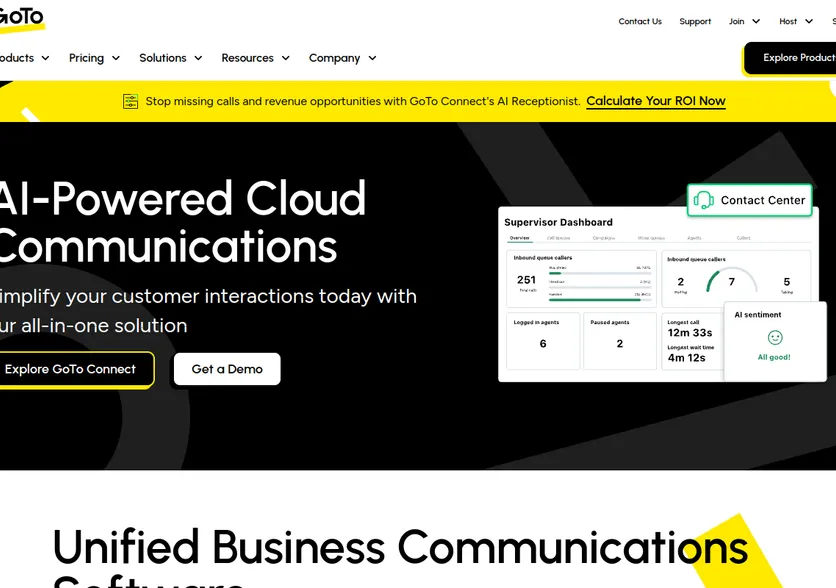
A B2B SaaS team that runs long product demos needs reliable delivery and long recording retention, since this GoTo Webinar Reach plan costs fifty-nine dollars a month per organizer billed annually. Recordings stay available for a year, so prospects can watch on their own schedule. Polls, surveys and handouts turn a demo into a qualified lead list.
What we like
- Reliable delivery for large live audiences
- One-year cloud recording retention on Reach
- Polls, surveys and handouts built in
Watch out for
- Elevate costs nearly twice Reach for three organizers
- The older Lite and Standard tiers are gone, so old reviews mislead
How to try it
- Start a GoTo Webinar trial and create your first event
- Upload your slides and set up polls
- Share the registration link and rehearse the run of show
3. Webex Webinars
Best for: Enterprises that need Cisco-grade security for webinars
Paid tool Starting price: $225/month · $225 a month list for the 1,000-attendee licence ($2,700 a year), currently shown at a 75% discount to $675 a year ($56.25 a month); larger capacities are quote-only; Webex Meet is $12 a user a month and Suite is $22.50, but webinars are a separate product.
Free plan: No free plan; demo available
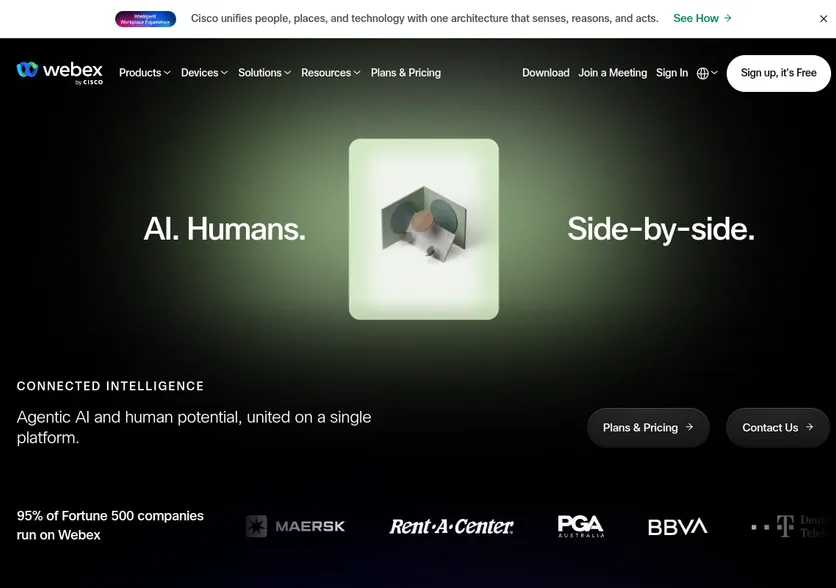
A B2B SaaS team selling into enterprises with strict security reviews gets Cisco-grade cover here, since this Webex Webinars licence costs two hundred and twenty-five dollars a month at list for one thousand attendees. Breakout sessions and simultaneous interpretation suit global product launches. The current promo price is far below list, so check the checkout page before budgeting.
What we like
- Strong enterprise security and compliance
- Supports up to one hundred thousand attendees
- Breakout sessions and simultaneous interpretation
Watch out for
- The list price is far above the current promo price
- Webinars are a separate product from Webex Meet
How to try it
- Request a Webex Webinars licence from Cisco
- Set up your webinar and add co-hosts
- Run a practice session and check the recording settings
4. Livestorm
Best for: Teams that run a steady calendar of live and on-demand events
Paid tool Starting price: $1,200/year · $1,200 a year for 400 attendee credits on Pro (about $100 a month equivalent), billed annually only with no monthly option; credits cost about $3 each at entry and fall to $2.40 at 4,000 credits; older $79, $88 and $99 monthly figures are from the retired contacts model.
Free plan: Free plan (30 attendees, 30-minute events)
A B2B SaaS team running a steady calendar of live and on-demand demos gets a modern studio here, since this Livestorm Pro plan costs one thousand two hundred dollars a year for four hundred attendee credits. The browser-based studio needs no downloads, so prospects join in one click. Automated webinars keep demos running even when the team is offline.
What we like
- Modern browser-based studio with no downloads
- Automated and on-demand webinars on one plan
- Strong analytics and CRM integrations
Watch out for
- No monthly billing, so the full year is paid upfront
- Credit pricing is confusing if attendance varies
How to try it
- Create a Livestorm workspace and buy a credit pack
- Build your event page and registration form
- Go live from the browser studio and check the analytics
5. Airmeet
Best for: B2B teams that want networking lounges with their webinars
Paid tool Starting price: $167/month · $167 a month billed annually for Premium Webinars ($199 billed monthly), from 100 attendees per webinar; Events and Managed Events are quote-only; ticketing adds a 2% to 4% fee on paid tickets.
Free plan: No free plan; 10-day free trial
A B2B SaaS team that wants prospects to network after the demo will like the lounges here, since this Airmeet Premium Webinars plan costs one hundred and sixty-seven dollars a month billed annually. Virtual networking tables let attendees meet each other, not just watch. The platform scales to ten thousand attendees for big launch events.
What we like
- Virtual networking tables and lounges built in
- Scales to ten thousand attendees per event
- Clean event pages with branding options
Watch out for
- Events plans are quote-only, so costs vary
- Ticketing fees add two to four percent on paid tickets
How to try it
- Start the Airmeet trial and create a webinar
- Set up your event page and branding
- Open the networking lounge and invite your first guests
6. Demio
Best for: Marketers that run automated and live webinars
Paid tool Starting price: $45/host/month · $45 a host a month billed annually for Starter ($63 billed monthly), one host and a 50-attendee room; Growth starts at $80 and Premium at $196 a host a month billed annually.
Free plan: No free plan; 14-day free trial
A B2B SaaS team that replays recorded demos as if they were live gets a strong fit here, since this Demio Starter plan costs forty-five dollars a host a month billed annually. Automated webinars with live-chat replay keep replays feeling interactive. The browser experience needs no downloads, so prospects join without friction.
What we like
- No-download browser experience for guests
- Automated webinars with live chat replay
- Simple interface with strong analytics
Watch out for
- Starter caps at fifty attendees per room
- Growth pricing rises steeply with room size
How to try it
- Start a Demio trial and create an event
- Upload your slides and set up registration
- Go live and download the attendance report
7. WebinarJam
Best for: Coaches and marketers that sell from live webinars
Paid tool Starting price: $39/month · $39 a month billed annually for Starter ($49 billed monthly), 100 attendees and one-hour sessions; Basic is $79 (500 attendees), Professional is $229 and Enterprise is $379 a month; 14-day trial for $1.
Free plan: No free plan; 14-day trial for $1
A B2B SaaS team that sells from live webinars gets purpose-built tools here, since this WebinarJam Starter plan costs thirty-nine dollars a month billed annually. Offers, urgency timers and a panic button are built for converting a live room. EverWebinar comes free from the Basic plan, so automated replays cost nothing extra.
What we like
- Built for live selling with offers and urgency tools
- Includes EverWebinar from the Basic plan up
- Panic button moves a live room to a backup
Watch out for
- Starter limits sessions to one hour
- The interface shows its age next to newer rivals
How to try it
- Start the WebinarJam trial and schedule a webinar
- Add your offer and set up the chat
- Go live and use the panic button if the room stalls
8. BigMarker
Best for: Teams that want a white-label webinar platform
Paid tool Starting price: $29/month · $29 a month billed annually for Basic ($39 billed monthly), 25 attendees; Plus is $99, Elite is $199 and Summit is $499 a month billed annually; an older vendor table showed $39, $129, $249 and $599, so confirm at checkout.
Free plan: No free plan; 7-day free trial
A B2B SaaS team that wants its webinar pages to look like its own brand gets white-label control here, since this BigMarker Basic plan costs twenty-nine dollars a month billed annually. Custom domains and branded pages keep prospects inside your look and feel. Automated and series webinars are included, so one subscription covers live and evergreen.
What we like
- White-label pages and custom domains
- Automated and series webinars included
- No download needed for attendees
Watch out for
- Basic caps at twenty-five attendees
- Older vendor tables show higher prices, so confirm before buying
How to try it
- Start the BigMarker trial and create a webinar
- Customize the registration page with your brand
- Schedule the event and share the link
Prices above were checked on each vendor’s own website on Nov 29, 2026 and can change — the vendor’s page is the final word. Vendor links are editorial: nobody paid to be listed or ranked here. Vendors who want a featured listing can see how it works on our Get listed page.
How to pick webinar software for B2B SaaS
Start with the attendee limit, because the cheapest plan in this roundup caps at twenty-five people. A demo that outgrows its room mid-launch is worse than no demo at all, so buy headroom for growth. Check recording retention next: a year of access turns one demo into months of on-demand leads.
Then test the join flow from a prospect laptop. A no-download browser room converts far better than a tool that demands an install. Finally, check the CRM and email integrations, because a webinar that does not sync leads into your pipeline creates manual work after every event.
Before you buy
- Match the attendee limit to your largest launch, not your average webinar
- Check recording retention, because a year of access turns one demo into months of leads
- Test the join flow from a prospect laptop with no download installed
- Confirm CRM and email integrations so leads sync into your pipeline automatically
- Compare annual and monthly billing, since annual plans can cut the price by a third
Official websites
Official websites of the products reviewed above. Features and prices were checked against these sites when this guide was written, and they can change, so confirm on the vendor site before you buy.
Frequently asked questions
What is the best webinar software for B2B SaaS?
Zoom Webinars is the best pick for most B2B SaaS teams, because prospects already know the interface and the plan costs eighty-three dollars and thirty-three cents per host a month billed annually. GoTo Webinar suits teams that need a year of recording retention, at fifty-nine dollars a month per organizer. WebinarJam is the better choice when the webinar exists to sell, thanks to its offers and urgency tools.
How much does webinar software cost?
Webinar software in this roundup costs between twenty-nine and two hundred and twenty-five dollars a month. BigMarker starts at twenty-nine dollars a month billed annually, WebinarJam at thirty-nine, and Zoom Webinars at eighty-three dollars and thirty-three cents per host. Livestorm costs one thousand two hundred dollars a year for four hundred attendee credits, and Webex Webinars lists at two hundred and twenty-five dollars a month.
Do I need a separate tool for automated webinars?
Not always. Livestorm, Demio, WebinarJam and BigMarker all include automated webinars on their main plans, so a recorded demo can run on its own. EverWebinar is a dedicated automated-webinar tool at ninety-nine dollars a month billed annually, and it comes free with WebinarJam Basic and above. Pick a tool that covers both live and automated sessions if you plan to run both.
What is the difference between Zoom Webinars and GoTo Webinar?
Zoom Webinars runs inside the Zoom app most prospects already have, which keeps the join flow simple, and it costs eighty-three dollars and thirty-three cents per host a month billed annually. GoTo Webinar is a dedicated webinar platform with a year of recording retention, at fifty-nine dollars a month per organizer. Zoom suits teams already on Zoom, while GoTo suits teams that want a webinar-first tool with longer recording access.
Can I run a webinar without attendees downloading software?
Yes, several tools here run entirely in the browser. Livestorm, Demio and BigMarker all offer no-download rooms, so prospects join from a link with nothing to install. Zoom and GoTo Webinar work in a browser too, though many attendees still use the desktop app. A no-download room usually converts better, because every install step loses some registrants.
Book a trial, run a demo and watch which tool converts best.
Browse Business Tools tools