On this page
Enterprise Windows teams buy developer tools by the seat, the year and the renewal, so the headline price is only half the decision. The seven tools below cover the full enterprise stack: the Microsoft IDE itself, a complete JetBrains bundle, and the component suites that build the desktop grids and forms. Visual Studio Enterprise leads because it bundles the IDE, testing tools and Azure credits for five thousand nine hundred and ninety-nine dollars in the first year, and the rest are ranked on what they add per developer per year.
How we researched this
We checked every price on the vendor pricing page on November 29, 2026, and only included tools with a published US dollar list price. Qt's enterprise pricing is quote-only, so it is not in this list even though its small-business plan is published. Prices change, so confirm the current figure on the vendor site before you buy.
Compare the tools
| Name | Best for | Starting price | Free plan | |
|---|---|---|---|---|
 Visual Studio Enterprise | Enterprise teams standardised on Microsoft tooling | $5,999/year | Free Community edition; no free Enterprise plan | Visit |
 JetBrains All Products Pack | Polyglot teams using two or more JetBrains IDEs | $979/user/year | 30-day free trial | Visit |
 DevExpress Universal | Teams building data-heavy desktop and web apps | $2,299.99/year | No free plan; 30-day free trial | Visit |
 Syncfusion Essential Studio | Teams building on several UI platforms at once | $1,199/year | Free community licence for small teams | Visit |
 Telerik DevCraft | Teams spanning .NET and JavaScript front ends | $1,149/year | No free plan; 30-day free trial | Visit |
 Embarcadero RAD Studio | Teams shipping native Delphi and C++ desktop apps | $4,599 one-time | Free Community edition; no free paid plan | Visit |
 ComponentOne Studio Enterprise | WinForms and WPF shops with data-heavy apps | $1,299/year | No free plan; 30-day free trial | Visit |
The Windows developers software for enterprise, compared
1. Visual Studio Enterprise
Best for: Enterprise teams standardised on Microsoft tooling
Paid tool Starting price: $5,999/year · Five thousand nine hundred and ninety-nine dollars per user for the first year, with renewal at $2,569 a year; a monthly cloud subscription is $250 a user a month with the IDE and Azure DevOps only
Free plan: Free Community edition; no free Enterprise plan
An enterprise team that builds, tests and ships on Windows gets the full Microsoft stack here, since this Visual Studio Enterprise subscription costs five thousand nine hundred and ninety-nine dollars per user in the first year. It adds live unit testing, IntelliTrace and time travel debugging to the IDE, plus one hundred and fifty dollars a month in Azure credits and GitHub Enterprise. It is the default pick for a team that already runs on Microsoft tooling.
What we like
- Live unit testing, IntelliTrace and time travel debugging
- One hundred and fifty dollars a month in Azure credits
- GitHub Enterprise and Azure DevOps included
Watch out for
- First-year price is more than double the renewal price
- Monthly subscription drops the Azure credits and benefits
How to try it
- Buy the subscription and install Visual Studio Enterprise
- Enable live unit testing on the team's test projects
- Claim the monthly Azure credits for development and testing
2. JetBrains All Products Pack
Best for: Polyglot teams using two or more JetBrains IDEs
Paid tool Starting price: $979/user/year · Nine hundred and seventy-nine dollars per user a year for organisations; individual licences are $299 in the first year, $239 in the second and $179 from the third year on; monthly billing is $97.90 a user a month for organisations
Free plan: 30-day free trial
A polyglot enterprise team that works across languages gets every JetBrains IDE in one licence here, because this JetBrains All Products Pack subscription costs nine hundred and seventy-nine dollars per user a year for organisations. It covers ten IDEs, three extensions and two profilers, plus JetBrains AI credits each month, and every yearly subscription includes a perpetual fallback licence. It pays for itself once a developer uses two JetBrains IDEs.
What we like
- Ten IDEs, extensions and profilers in one licence
- JetBrains AI credits included every month
- Perpetual fallback licence with yearly subscriptions
Watch out for
- New commercial licences no longer get continuity discounts
- Organisation seats cost far more than individual licences
How to try it
- Assign the pack to each developer in the team
- Install the IDEs the team actually uses from the toolbox
- Enable JetBrains AI on the projects that benefit most
3. DevExpress Universal
Best for: Teams building data-heavy desktop and web apps
Paid tool Starting price: $2,299.99/year · Two thousand two hundred and ninety-nine dollars and ninety-nine cents per developer for the first year, with renewal at $1,149.99; DXperience is $1,699.99 and WinForms or WPF only is $1,099.99 for the first year
Free plan: No free plan; 30-day free trial
A team building data-heavy desktop and web apps gets the deepest control library here, since this DevExpress Universal subscription costs two thousand two hundred and ninety-nine dollars and ninety-nine cents per developer in the first year. It bundles more than six hundred controls for WinForms, WPF, Blazor and ASP, plus reporting, dashboards and the XAF application framework. Renewal costs half the first-year price, which softens the second year considerably.
What we like
- More than six hundred controls across desktop and web
- Reporting, dashboards and the XAF framework included
- Renewal costs half the first-year price
Watch out for
- The dearest first-year price among the component suites here
- Source code and priority support add to the cost
How to try it
- Install the Universal subscription on the developer machines
- Drop the grid and reporting controls into the main app
- Build a dashboard from the reporting components
4. Syncfusion Essential Studio
Best for: Teams building on several UI platforms at once
Paid tool Starting price: $1,199/year · One thousand one hundred and ninety-nine dollars per developer a year for the UI Component Suite with Business Support; the standalone Grid SDK is $959 a developer a year; a free community licence covers companies under $1 million in revenue with five or fewer developers
Free plan: Free community licence for small teams
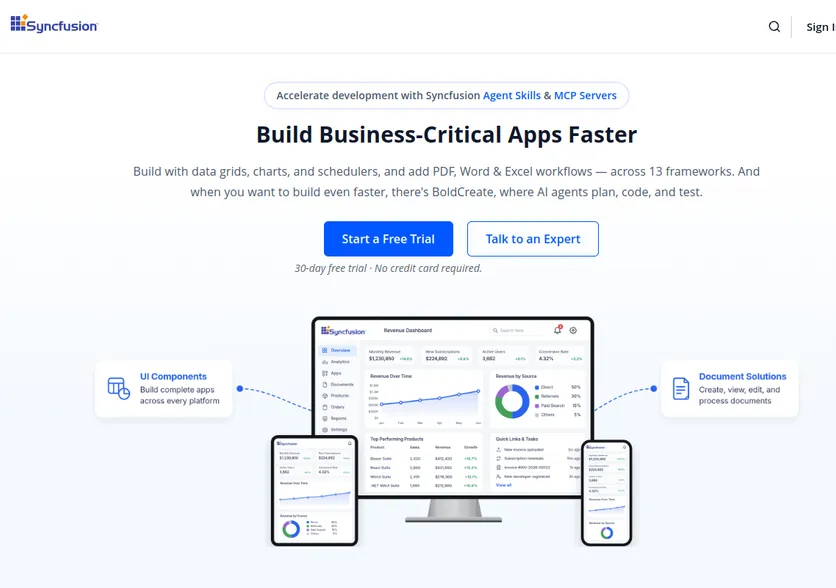
A team that wants the widest component catalogue for the money gets it here, because this Syncfusion Essential Studio suite costs one thousand one hundred and ninety-nine dollars per developer a year. It covers more than sixteen hundred components for Blazor, React, Angular, WinForms, WPF and WinUI, and the community licence is free for small companies. It is the best value suite in this list for a team that builds on several platforms at once.
What we like
- More than sixteen hundred components in one suite
- Free community licence for eligible small companies
- Business Support included in the headline price
Watch out for
- Document libraries are now a separate SDK at the same price
- Enterprise edition is bundled with Visual Studio subscriptions only
How to try it
- Install the suite and pick the components for the project
- Add the grid to the data-heavy screens first
- Check whether the team qualifies for the free community licence
5. Telerik DevCraft
Best for: Teams spanning .NET and JavaScript front ends
Paid tool Starting price: $1,149/year · One thousand one hundred and forty-nine dollars per developer a year for DevCraft UI with Lite support; Complete is $1,299 and Ultimate is $1,649 a developer a year; a single .NET product is $749 a developer a year
Free plan: No free plan; 30-day free trial
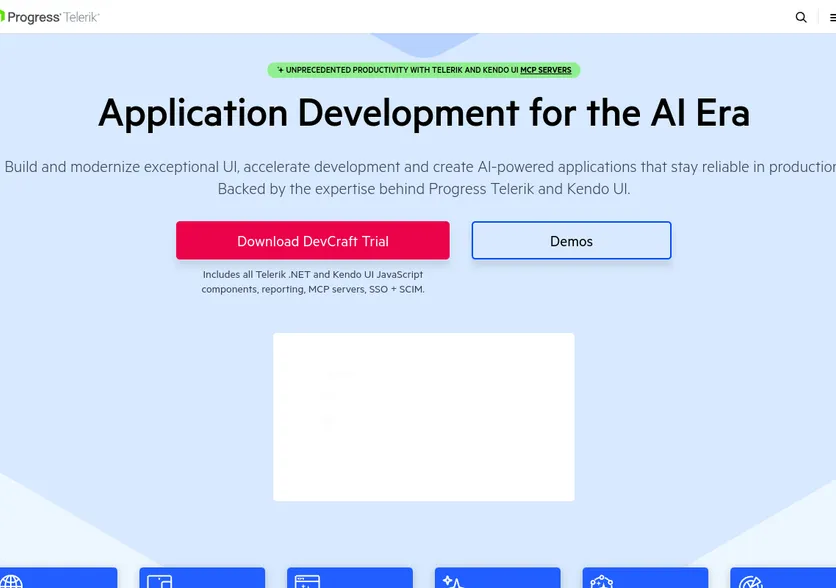
A team spanning web and JavaScript front ends gets one bundle for both here, since this Telerik DevCraft subscription costs one thousand one hundred and forty-nine dollars per developer a year. It bundles the Telerik UI libraries for Blazor, MVC, WPF, WinForms and WinUI with the Kendo UI JavaScript libraries, and every tier includes the same thirteen hundred plus components. It is the closest like-for-like rival to Syncfusion at a slightly lower entry price.
What we like
- Same thirteen hundred plus components in every tier
- Kendo UI JavaScript libraries included in the bundle
- MCP servers give coding assistants Telerik context
Watch out for
- Renewal prices sit on a separate page from the headline
- Priority support needs the Complete tier at $1,299
How to try it
- Choose the DevCraft tier that matches the support need
- Install the UI libraries for the team's frameworks
- Build a data grid screen with the Kendo UI components
6. Embarcadero RAD Studio
Best for: Teams shipping native Delphi and C++ desktop apps
Paid tool Starting price: $4,599 one-time · Four thousand five hundred and ninety-nine dollars once for Enterprise, made up of a $3,400 perpetual licence and $1,199 first-year maintenance; Professional is $2,599 once and Architect is $6,599 once; a promotional discount runs until November 30, 2026
Free plan: Free Community edition; no free paid plan
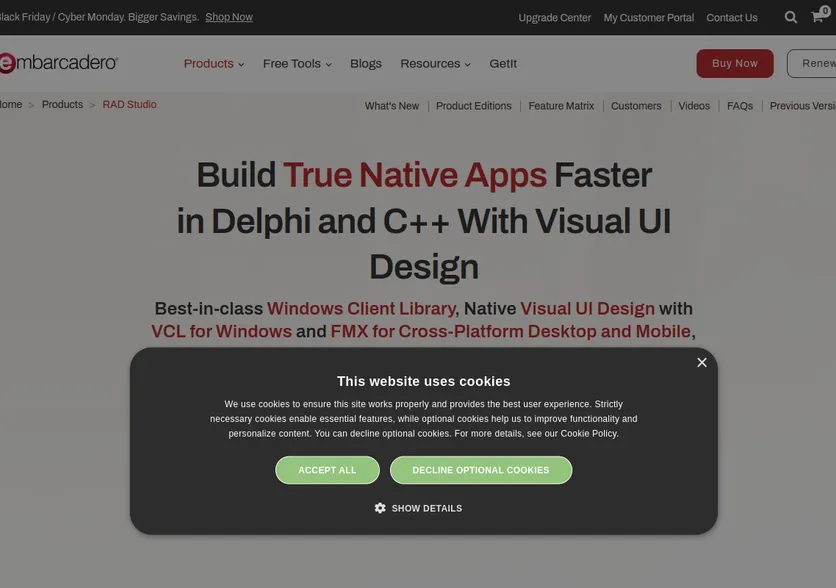
An enterprise team building native Windows apps in Delphi and C++ from one IDE gets it here, because this Embarcadero RAD Studio Enterprise licence costs four thousand five hundred and ninety-nine dollars once. It adds client-server and multi-tier development, REST services and remote database access through FireDAC, and the licence is perpetual with one year of updates included. It suits a team that ships native desktop apps and wants to own the tool outright.
What we like
- One IDE for Delphi and C++ native development
- Perpetual licence with one year of updates included
- Enterprise adds multi-tier apps and REST services
Watch out for
- Updates after year one need a paid maintenance renewal
- A promotional discount runs only until November 30, 2026
How to try it
- Install RAD Studio and open the existing Delphi project
- Enable the Enterprise multi-tier features for the server app
- Build the native Windows installer from the IDE
7. ComponentOne Studio Enterprise
Best for: WinForms and WPF shops with data-heavy apps
Paid tool Starting price: $1,299/year · One thousand two hundred and ninety-nine dollars per developer a year for Studio Enterprise; an older November 2026 read lists $1,495 a developer a year, so confirm the current figure at checkout
Free plan: No free plan; 30-day free trial
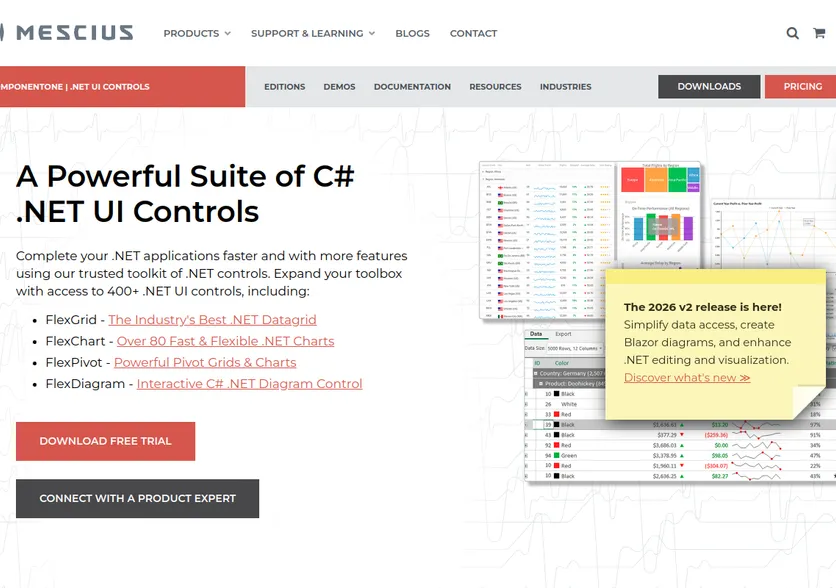
A WinForms and WPF shop with data-heavy apps gets a focused toolkit here, since this ComponentOne Studio Enterprise subscription costs one thousand two hundred and ninety-nine dollars per developer a year. It is the oldest .NET control toolkit in this list, with grids, charts and reporting tuned for line-of-business desktop apps. It suits a team that builds desktop-first and does not need the web frameworks the bigger suites bundle.
What we like
- Long-established toolkit for desktop line-of-business apps
- Grids, charts and reporting tuned for desktop data
- Lower price than the full Universal suites
Watch out for
- No JavaScript or Blazor coverage in the bundle
- One November 2026 read lists $1,495, not $1,299
How to try it
- Install Studio Enterprise on the developer machines
- Replace the standard grid with the ComponentOne data grid
- Add the reporting controls to the app's print views
Prices above were checked on each vendor’s own website on Nov 29, 2026 and can change — the vendor’s page is the final word. Vendor links are editorial: nobody paid to be listed or ranked here. Vendors who want a featured listing can see how it works on our Get listed page.
How to buy developer tools for an enterprise Windows team
Price the second year, not just the first, because enterprise tools split into cheap renewals and expensive ones. Visual Studio Enterprise renews at less than half its first-year price, DevExpress renews at exactly half, and RAD Studio needs a paid maintenance renewal for updates after year one. Count the seats honestly too: a bundle that looks expensive per developer is cheap once two IDEs or two platforms are in use, while a per-developer suite wastes money on seats that never open it. Renewal timing matters as well: buying just before a licence lapses can cost the team a discount, while a maintenance window that covers upgrades keeps every developer on the same build.
Before you buy
- Confirm the renewal price before signing, since first-year prices can be double the renewal
- Check whether the licence is perpetual or a subscription that stops working
- Ask if the suite covers every framework the team builds on, desktop and web
- Make sure support and source code are included or priced separately
- Test the tools on a real project before buying, including the grid and reporting controls
Official websites
Official websites of the products reviewed above. Features and prices were checked against these sites when this guide was written, and they can change, so confirm on the vendor site before you buy.
Frequently asked questions
What is Windows developers software for enterprise?
It is the IDEs, component suites and tooling that enterprise teams use to build Windows desktop and web apps at scale. The list covers the Microsoft IDE, JetBrains bundles, and .NET control suites from DevExpress, Syncfusion, Telerik and GrapeCity, plus Embarcadero's native Delphi and C++ IDE. Prices are per developer per year unless stated.
How much does Visual Studio Enterprise cost?
Visual Studio Enterprise costs five thousand nine hundred and ninety-nine dollars per user for the first year, with renewal at two thousand five hundred and sixty-nine dollars a year. A monthly cloud subscription is two hundred and fifty dollars a user a month but drops the Azure credits and benefits. The subscription includes the IDE, testing tools and GitHub Enterprise.
Is there a free option for enterprise Windows development?
Yes, in parts. Visual Studio Community is free for individuals and small teams, JetBrains Rider is free for non-commercial use, and Syncfusion offers a free community licence for companies under one million dollars in revenue with five or fewer developers. The full enterprise editions in this list all need a paid licence.
Which component suite is cheapest for enterprise teams?
Telerik DevCraft UI is cheapest at one thousand one hundred and forty-nine dollars per developer a year, just under Syncfusion at one thousand one hundred and ninety-nine dollars. ComponentOne Studio Enterprise is one thousand two hundred and ninety-nine dollars. DevExpress Universal is dearest at two thousand two hundred and ninety-nine dollars and ninety-nine cents in the first year.
Should an enterprise team buy RAD Studio or Visual Studio?
Buy RAD Studio Enterprise at four thousand five hundred and ninety-nine dollars once if the team ships native Delphi or C++ desktop apps and wants a perpetual licence. Buy Visual Studio Enterprise if the team builds on .NET with Microsoft tooling and wants the testing tools, Azure credits and GitHub Enterprise that come with the subscription.
Compare the seven tools above, then trial the shortlist on a real project before buying seats for the whole team.
Browse Developer Tools tools