On this page
A startup building on Windows needs tools that ship fast, cost little in year one, and do not lock the team into a licence it cannot afford to renew. The eight tools below are priced for small teams: individual IDE licences, single-platform component sets, and a perpetual licence a founder can own outright. Visual Studio Professional leads because it gives a startup the full Microsoft IDE for forty-five dollars a user a month, and the rest are ranked on value per developer.
How we researched this
We checked every price on the vendor pricing page on November 29, 2026, and only included tools with a published US dollar list price. Qt's small-business plan is published but capped at three licences per company, so it is not in this list. Prices change, so confirm the current figure on the vendor site before you buy.
Compare the tools
| Name | Best for | Starting price | Free plan | |
|---|---|---|---|---|
 Visual Studio Professional | Small Windows teams building on .NET | $45/user/month | Free Community edition; no free Professional plan | Visit |
 IntelliJ IDEA Ultimate | Java and Kotlin startups that want deep IDE tooling | $199/year | Free Community edition; 30-day free trial | Visit |
 JetBrains Rider | Small .NET teams that want ReSharper-grade tooling | $169/year | Free for non-commercial use; 30-day free trial | Visit |
 DevExpress WinForms | Startups building data-heavy WinForms desktop apps | $1,099.99/year | No free plan; 30-day free trial | Visit |
 Syncfusion Essential Studio | Startups building on several UI platforms at once | $1,199/year | Free community licence for small teams | Visit |
 Telerik UI for WinForms | Startups building one Windows desktop product | $749/year | No free plan; 30-day free trial | Visit |
 Xojo | Founders shipping cross-platform apps from one codebase | $99/year | Free for learning; free trial | Visit |
 Embarcadero RAD Studio | Founders who want to own the IDE outright | $2,599 one-time | Free Community edition; no free paid plan | Visit |
The Windows developers software for startups, compared
1. Visual Studio Professional
Best for: Small Windows teams building on .NET
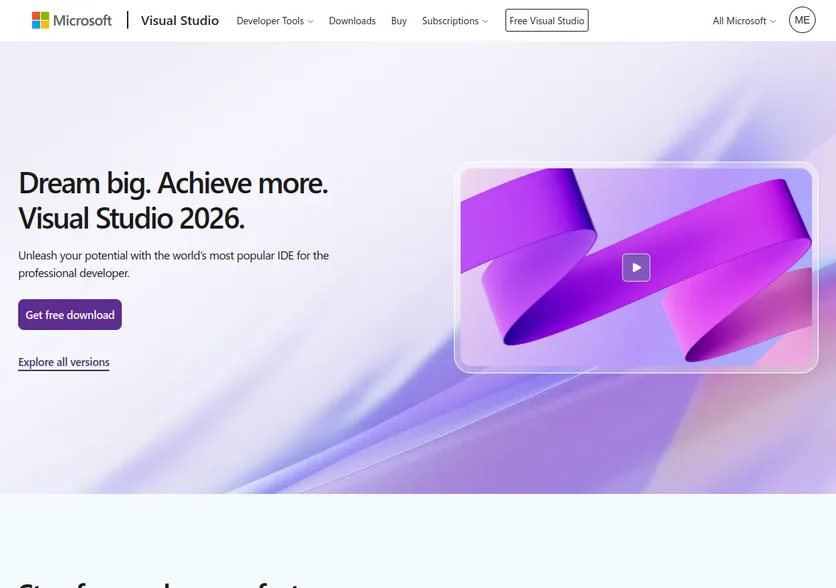
Paid tool Starting price: $45/user/month · Forty-five dollars per user a month on the monthly cloud subscription; the standard subscription is $1,199 for the first year and $799 a year on renewal
Free plan: Free Community edition; no free Professional plan
A startup that builds on .NET and wants the real Microsoft IDE without the enterprise price gets it here, since this Visual Studio Professional plan costs forty-five dollars per user a month on the monthly cloud subscription. It includes the full IDE, debugging and Azure DevOps, and the standard subscription adds a perpetual licence to the IDE plus benefits. It is the safest default for a small Windows team.
What we like
- Full IDE with debugging and Azure DevOps included
- Standard subscription adds a perpetual IDE licence
- Monthly billing with no long commitment
Watch out for
- Monthly plan drops the benefits of the standard subscription
- No advanced testing tools, which need Enterprise
How to try it
- Install Visual Studio Professional on the team machines
- Open the project and connect it to Azure DevOps
- Set up the debugger and build the first release
2. IntelliJ IDEA Ultimate
Best for: Java and Kotlin startups that want deep IDE tooling
Paid tool Starting price: $199/year · One hundred and ninety-nine dollars in the first year for individuals, $159 in the second and $119 from the third year on; organisation seats are $719 per user a year; monthly billing is $19.90 a month for individuals
Free plan: Free Community edition; 30-day free trial
A startup writing Java or Kotlin gets JetBrains' flagship IDE at an individual price here, because this IntelliJ IDEA Ultimate licence costs one hundred and ninety-nine dollars in the first year for individuals. It adds Spring, Jakarta EE and advanced refactoring to the free Community edition, and the price falls each year a licence is kept. It suits a small team that lives in Java and wants the deepest tooling for the language.

What we like
- Spring and Jakarta EE support built in
- Advanced refactoring the Community edition lacks
- Price falls in years two and three for individuals
Watch out for
- Organisation seats cost $719 a user a year, far more
- No free plan for commercial use beyond the trial
How to try it
- Download IntelliJ IDEA Ultimate and start the free trial
- Open the Java project and enable the Spring support
- Refactor a module with the built-in tools
3. JetBrains Rider
Best for: Small .NET teams that want ReSharper-grade tooling
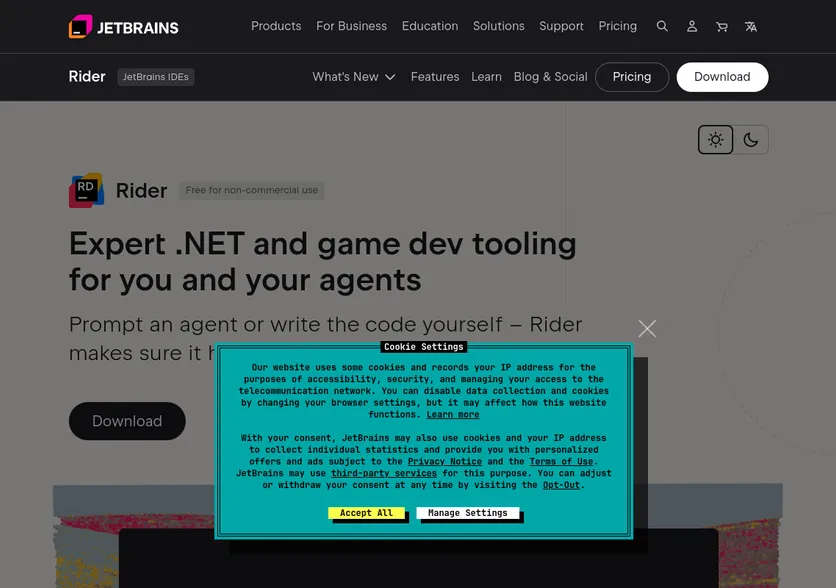
Paid tool Starting price: $169/year · One hundred and sixty-nine dollars in the first year for individuals, $135 in the second and $101 from the third year on; organisation seats are $519 per user a year; monthly billing is $16.90 a month for individuals
Free plan: Free for non-commercial use; 30-day free trial
A startup building desktop and web apps on Windows and Mac gets a cross-platform IDE here, because this JetBrains Rider licence costs one hundred and sixty-nine dollars in the first year for individuals. It brings ReSharper inspections and refactorings to web apps and Unity games, and it runs on Windows, Mac and Linux from the same licence. It fits a small team that wants ReSharper-grade tooling without Visual Studio.
What we like
- Cross-platform IDE for .NET, ASP.NET and Unity
- ReSharper inspections and refactorings built in
- Free for non-commercial use
Watch out for
- Organisation seats cost $519 a user a year
- No free plan for commercial use beyond the trial
How to try it
- Download Rider and open the .NET solution
- Run the code inspections across the project
- Apply the suggested refactorings to the main module
4. DevExpress WinForms
Best for: Startups building data-heavy WinForms desktop apps
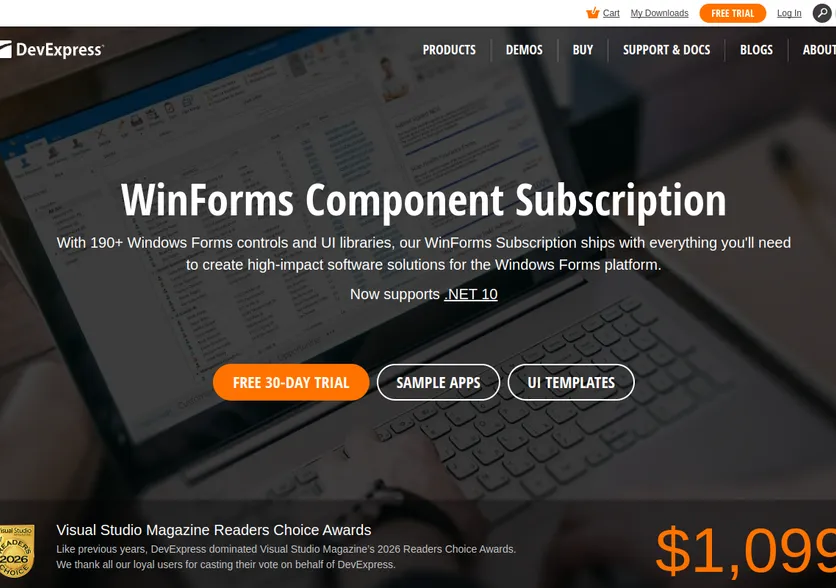
Paid tool Starting price: $1,099.99/year · One thousand and ninety-nine dollars and ninety-nine cents per developer for the first year, with renewal at $549.99; the full Universal suite is $2,299.99 in the first year
Free plan: No free plan; 30-day free trial
A startup building a Windows desktop app with heavy grids gets the focused DevExpress set here, since this DevExpress WinForms licence costs one thousand and ninety-nine dollars and ninety-nine cents per developer in the first year. It covers more than one hundred and ninety WinForms controls, including the data grid and reporting tools, without paying for the web frameworks. Renewal costs half the first-year price.
What we like
- More than one hundred and ninety WinForms controls
- Data grid and reporting tools included
- Renewal costs half the first-year price
Watch out for
- WinForms only, so web work needs a bigger suite
- Still a four-figure cost for a one-person startup
How to try it
- Install the WinForms controls on the developer machine
- Drop the data grid into the main form
- Add the reporting tools to the print views
5. Syncfusion Essential Studio
Best for: Startups building on several UI platforms at once
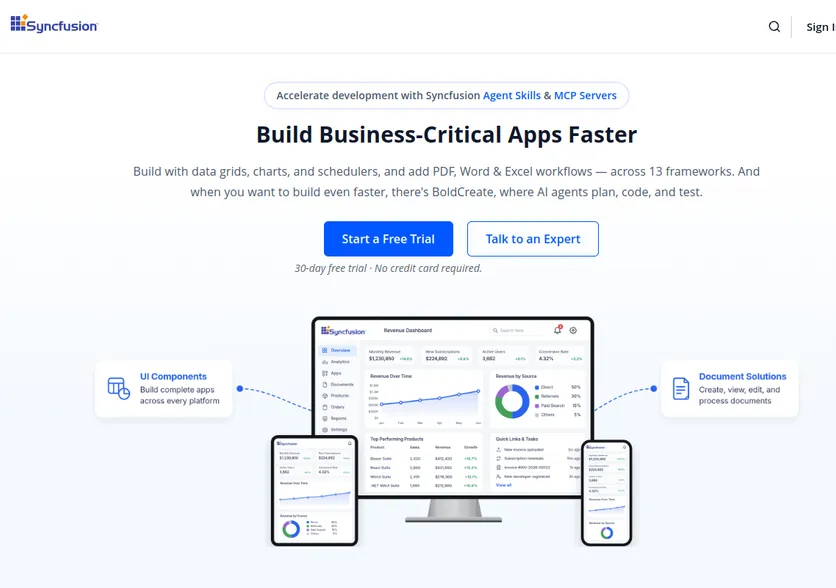
Paid tool Starting price: $1,199/year · One thousand one hundred and ninety-nine dollars per developer a year for the UI Component Suite with Business Support; the standalone Grid SDK is $959 a developer a year; a free community licence covers companies under $1 million in revenue with five or fewer developers
Free plan: Free community licence for small teams
A startup that builds on several platforms at once gets the widest catalogue for the money here, because this Syncfusion Essential Studio suite costs one thousand one hundred and ninety-nine dollars per developer a year. It covers more than sixteen hundred components for Blazor, React, Angular, WinForms, WPF and WinUI, and a qualifying startup can start on the free community licence. It is the best value suite here for a team that cannot predict which platform it will need next.
What we like
- More than sixteen hundred components in one suite
- Free community licence for eligible small companies
- Business Support included in the headline price
Watch out for
- Document libraries are now a separate SDK at the same price
- Full price still applies once the team outgrows the free licence
How to try it
- Check whether the startup qualifies for the community licence
- Install the suite and pick the components for the project
- Add the grid to the data-heavy screens first
6. Telerik UI for WinForms
Best for: Startups building one Windows desktop product
Paid tool Starting price: $749/year · Seven hundred and forty-nine dollars per developer a year with Lite support; Priority support is $849 and Ultimate support is $1,249 a developer a year; the full DevCraft bundle starts at $1,149 a developer a year
Free plan: No free plan; 30-day free trial
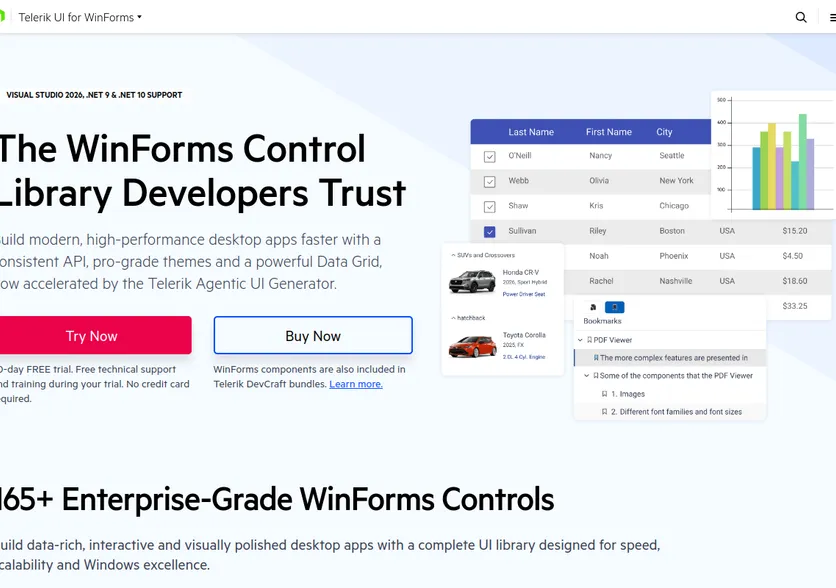
A startup that needs one polished WinForms set and nothing else gets it here, because this Telerik UI for WinForms licence costs seven hundred and forty-nine dollars per developer a year. It covers the grid, charts, scheduling and reporting controls a desktop app needs, with the same theming across every control. It suits a team that builds one Windows desktop product and wants a single-vendor UI set.
What we like
- Grid, charts, scheduling and reporting in one set
- Consistent theming across every control
- Cheapest single-product licence in this list
Watch out for
- WinForms only, so web work needs the DevCraft bundle
- Priority support costs more than the Lite headline
How to try it
- Install the WinForms suite on the developer machine
- Add the grid and chart controls to the main screens
- Apply a theme across the whole application
7. Xojo
Best for: Founders shipping cross-platform apps from one codebase
Paid tool Starting price: $99/year · Ninety-nine dollars a year for Basic; single-target Desktop, Web and iOS licences were $399 a year in older vendor reads and Pro is $799 a year; Lite licences were retired in July 2025
Free plan: Free for learning; free trial
A startup that wants one language for desktop, web and mobile gets a rapid development tool here, because this Xojo licence costs ninety-nine dollars a year for Basic. Its drag-and-drop interface builder and object-oriented language let a small team ship native apps for macOS, Windows, Linux, the web and iOS from one codebase. It fits a founder who prototypes fast and does not want to learn a separate stack per platform.

What we like
- One language for desktop, web and mobile apps
- Drag-and-drop interface builder for fast prototypes
- No runtime fees or royalties on shipped apps
Watch out for
- Pro at $799 a year is a big step up from Basic
- Smaller community than the mainstream IDEs
How to try it
- Download the free IDE and build the first prototype
- Buy the Basic licence when the app is ready to ship
- Publish the app for the target platforms
8. Embarcadero RAD Studio
Best for: Founders who want to own the IDE outright
Paid tool Starting price: $2,599 one-time · Two thousand five hundred and ninety-nine dollars once for Professional, made up of a $2,000 perpetual licence and $599 first-year maintenance; Enterprise is $4,599 once and Architect is $6,599 once; a promotional discount runs until November 30, 2026
Free plan: Free Community edition; no free paid plan
A startup that wants to own its IDE outright rather than rent it gets a perpetual licence here, because this Embarcadero RAD Studio Professional licence costs two thousand five hundred and ninety-nine dollars once. It covers Delphi and C++Builder for desktop and mobile apps, and the licence stays valid even if maintenance lapses. It suits a founder who would rather pay once and keep the tool than subscribe every year.
What we like
- Perpetual licence that stays valid without renewal
- One IDE for Delphi and C++ desktop and mobile apps
- Free Community edition for small projects
Watch out for
- Updates after year one need a paid maintenance renewal
- Professional lacks the remote database access of Enterprise
How to try it
- Install RAD Studio Professional on the founder machine
- Open the Delphi project and build the desktop app
- Decide whether to renew maintenance before year two
Prices above were checked on each vendor’s own website on Nov 29, 2026 and can change — the vendor’s page is the final word. Vendor links are editorial: nobody paid to be listed or ranked here. Vendors who want a featured listing can see how it works on our Get listed page.
How a startup should buy Windows developer tools
Start free wherever a free edition exists, because a startup should only pay once the tool proves it earns its keep. Visual Studio Community, JetBrains Rider for non-commercial work and the Syncfusion community licence all cost nothing at the start, and the paid licences in this list are cheap enough to buy one seat at a time. Watch the renewal arithmetic too: JetBrains prices fall in years two and three, DevExpress renews at half price, and a perpetual licence like RAD Studio keeps working even if the startup skips a year.
Before you buy
- Start on the free edition wherever one exists before paying for a seat
- Check whether the licence is per user or per machine before buying
- Ask if the price falls in year two, since several vendors discount renewals
- Make sure the tool covers the platforms the startup will ship on next
- Trial the tool on the real project for a full week before buying
Official websites
Official websites of the products reviewed above. Features and prices were checked against these sites when this guide was written, and they can change, so confirm on the vendor site before you buy.
Frequently asked questions
What is Windows developers software for startups?
It is the IDEs and component libraries a small team uses to build Windows desktop and web apps on a startup budget. The list covers individual IDE licences from Microsoft and JetBrains, single-platform control sets from DevExpress and Telerik, the broad Syncfusion suite, and cross-platform tools like Xojo and RAD Studio. Prices are per developer unless stated.
How much does Visual Studio Professional cost a startup?
Visual Studio Professional costs forty-five dollars per user a month on the monthly cloud subscription. The standard subscription is one thousand one hundred and ninety-nine dollars for the first year and seven hundred and ninety-nine dollars a year on renewal, and it adds a perpetual licence to the IDE plus benefits.
Is there a free Windows IDE for startups?
Yes. Visual Studio Community is free for individuals and small teams, JetBrains Rider is free for non-commercial use, and Syncfusion offers a free community licence for companies under one million dollars in revenue with five or fewer developers. Xojo is also free for learning and development.
Which is cheaper, IntelliJ IDEA Ultimate or Rider?
Rider is cheaper for individuals at one hundred and sixty-nine dollars in the first year against one hundred and ninety-nine dollars for IntelliJ IDEA Ultimate. Both fall in years two and three. Rider is the .NET IDE, while IntelliJ IDEA Ultimate is the Java and Kotlin IDE, so the language matters more than the thirty-dollar gap.
Should a startup buy a perpetual licence or a subscription?
Buy a perpetual licence like RAD Studio Professional at two thousand five hundred and ninety-nine dollars once if the startup wants to own the tool and skip renewals in lean years. Buy a subscription if the team wants continuous updates and the price falls over time, as JetBrains and DevExpress licences do.
Compare the eight tools above, then start on a free edition and buy the first paid seat only when the tool proves itself on the real project.
Browse Developer Tools tools