On this page
Wireframes are where a UX designer settles layout, hierarchy and flow before anyone argues about colour, so the tool should make sketching fast and feedback easy. The eight tools below run from hand-drawn low-fidelity sketches to interactive prototypes with real logic and conditions. Figma leads because it turns the same file from wireframe into high-fidelity design and developer handoff for sixteen dollars a full seat a month, and the rest are ranked on how well they fit each stage of the design process.
How we researched this
We checked every price on the vendor pricing page on November 29, 2026, and only included tools with a published US dollar list price. Miro's wireframing is part of a whiteboard platform rather than a dedicated wireframing tool, so it is not in this list. Prices change, so confirm the current figure on the vendor site before you buy.
Compare the tools
| Name | Best for | Starting price | Free plan | |
|---|---|---|---|---|
 Figma | Design teams that wireframe and hand off in one file | $16/seat/month | Free Starter plan | Visit |
 Balsamiq | Product teams sketching low-fidelity layouts fast | $16/editor/month | No free plan; 30-day free trial | Visit |
 Axure RP | Enterprise teams prototyping apps with real logic | $29/user/month | No free plan; 30-day free trial | Visit |
 Sketch | Mac teams doing UI design and wireframing | $12/editor/month | No free plan; 30-day free trial | Visit |
 Uizard | Teams that want AI-generated first drafts fast | $12/creator/month | Free plan (3 AI generations a month) | Visit |
 Moqups | Solo designers and small teams starting early design | $13/month | Free plan (limited projects) | Visit |
 Mockplus | Teams that want wireframes plus handoff in one suite | $99/year | Free plan (3 prototypes) | Visit |
 Justinmind | Teams prototyping mobile apps with gestures and data | $19/user/month | Free plan | Visit |
The wireframing software for UX designers, compared
1. Figma
Best for: Design teams that wireframe and hand off in one file
Paid tool Starting price: $16/seat/month · Sixteen dollars per Full seat a month billed annually on Professional ($20 billed monthly); the Starter plan is free with unlimited drafts and 500 AI credits a month
Free plan: Free Starter plan
A UX designer who wants one file from first sketch to developer handoff gets it here, since this Figma plan costs sixteen dollars per Full seat a month billed annually. Wireframes, prototypes and high-fidelity screens live in the same canvas, and the dev mode hands specs and assets straight to engineers. It is the default pick for a team that designs in the browser and collaborates in real time.

What we like
- Wireframes grow into high-fidelity design in one file
- Real-time collaboration and commenting built in
- Dev mode hands specs and assets to engineers
Watch out for
- Seat types make billing hard to predict on big teams
- No offline desktop app for wireframing on the go
How to try it
- Start a wireframe in a new Figma file from a template
- Link the screens into a clickable prototype
- Share the file with developers for handoff
2. Balsamiq
Best for: Product teams sketching low-fidelity layouts fast
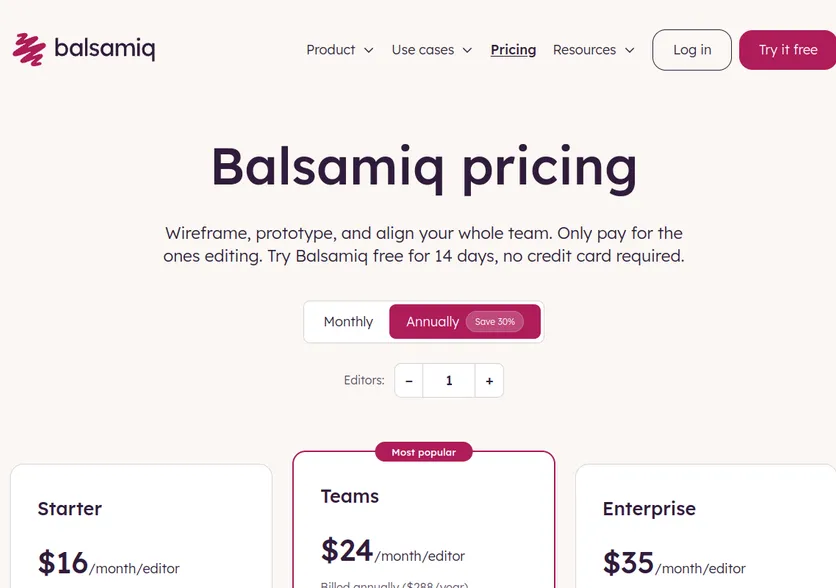
Paid tool Starting price: $16/editor/month · Sixteen dollars per editor a month billed annually on Starter for up to ten projects ($23 billed monthly); Teams is $24 an editor a month billed annually and Enterprise is $35
Free plan: No free plan; 30-day free trial
A designer who wants stakeholders to comment on layout rather than colours gets a deliberately rough tool here, because this Balsamiq plan costs sixteen dollars per editor a month billed annually. Its hand-drawn look keeps feedback on structure, hierarchy and flow, and the drag-and-drop editor builds a screen in minutes. It suits a product team that sketches early and often and wants nobody to mistake a wireframe for a finished design.
What we like
- Hand-drawn look keeps feedback on structure, not polish
- Drag-and-drop editor builds screens in minutes
- Easy to learn for non-designers on the team
Watch out for
- No free plan, only a thirty-day trial
- No high-fidelity design or developer handoff
How to try it
- Open a new wireframe project in Balsamiq Cloud
- Drag the interface elements onto the canvas
- Share the wireframe link with stakeholders for comments
3. Axure RP
Best for: Enterprise teams prototyping apps with real logic
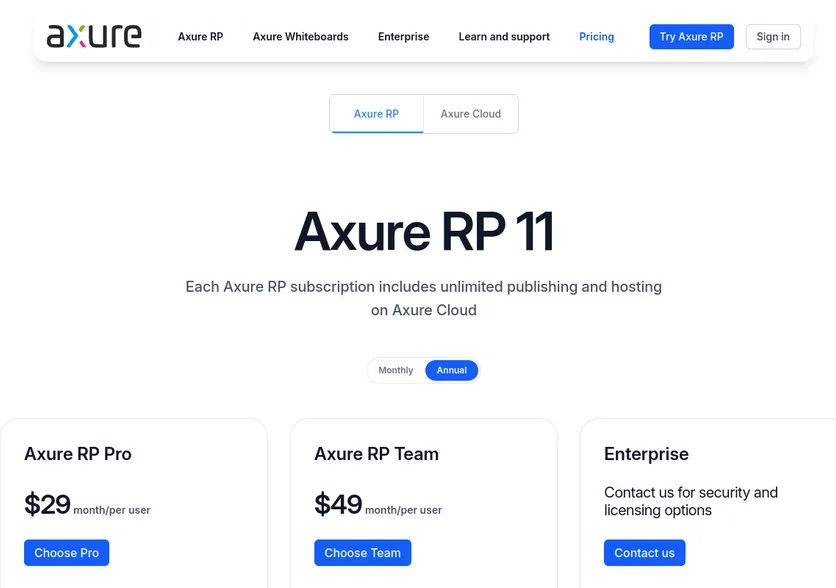
Paid tool Starting price: $29/user/month · Twenty-nine dollars per user a month billed annually on Pro ($34 billed monthly); Team is $49 a user a month billed annually and adds co-authoring and team project hosting
Free plan: No free plan; 30-day free trial
A designer prototyping a complex app with real logic gets the deepest tool here, because this Axure RP plan costs twenty-nine dollars per user a month billed annually. It supports variables, conditional logic, adaptive views and data-driven repeats, so a reviewer can test real flows like filtered lists and multi-step forms. It suits enterprise UX teams whose prototypes must behave like the finished product.
What we like
- Variables and conditional logic in prototypes
- Adaptive views for different screen sizes
- Built-in specifications for developer handoff
Watch out for
- The dearest starting price in this list
- Steeper learning curve than the sketching tools
How to try it
- Create a wireframe with the built-in widget libraries
- Add conditional logic to the interactive elements
- Publish the prototype and share it with reviewers
4. Sketch
Best for: Mac teams doing UI design and wireframing
Paid tool Starting price: $12/editor/month · Twelve dollars per editor a month billed annually on Standard ($14 billed monthly); the free trial runs thirty days
Free plan: No free plan; 30-day free trial
A Mac-based design team that wants a native app for UI work gets it here, since this Sketch plan costs twelve dollars per editor a month billed annually. It covers wireframes, symbols, shared libraries and prototyping in a fast native Mac app, with a web app for sharing and commenting. It suits a team that works on Mac and wants a focused design tool rather than a browser platform.
What we like
- Fast native Mac app with symbols and libraries
- Wireframes, prototypes and handoff in one tool
- Web app for sharing and commenting with stakeholders
Watch out for
- Mac only, so Windows teammates cannot edit files
- No permanent free plan, only a thirty-day trial
How to try it
- Create a new document and start with a wireframe artboard
- Build reusable symbols for the common interface parts
- Share the document on the web app for stakeholder comments
5. Uizard
Best for: Teams that want AI-generated first drafts fast
Paid tool Starting price: $12/creator/month · Twelve dollars per creator a month billed annually on Pro ($19 billed monthly); Business is $39 per creator a month billed annually and adds unlimited projects and a brand kit
Free plan: Free plan (3 AI generations a month)
A designer who wants a first draft generated from a prompt or a sketch gets it here, because this Uizard plan costs twelve dollars per creator a month billed annually. It turns a text description, a screenshot or a hand-drawn sketch into editable screens, then exports React and CSS code on the Pro plan. It suits a team that needs wireframes fast and is happy to refine an AI draft rather than start blank.
What we like
- Generates wireframes from a prompt or a sketch
- Exports React and CSS code on the Pro plan
- Free plan includes three AI generations a month
Watch out for
- Product direction is tied to Miro, its parent company
- AI drafts still need a designer to refine them
How to try it
- Describe the screen or upload a hand-drawn sketch
- Let Uizard generate the editable wireframe
- Refine the screens and link them into a prototype
6. Moqups
Best for: Solo designers and small teams starting early design
Paid tool Starting price: $13/month · Thirteen dollars a month billed annually on Solo ($17 billed monthly); Team is $19 per user a month billed annually; an older November 2026 read lists Solo at $9 a month, so confirm the current figure at checkout
Free plan: Free plan (limited projects)
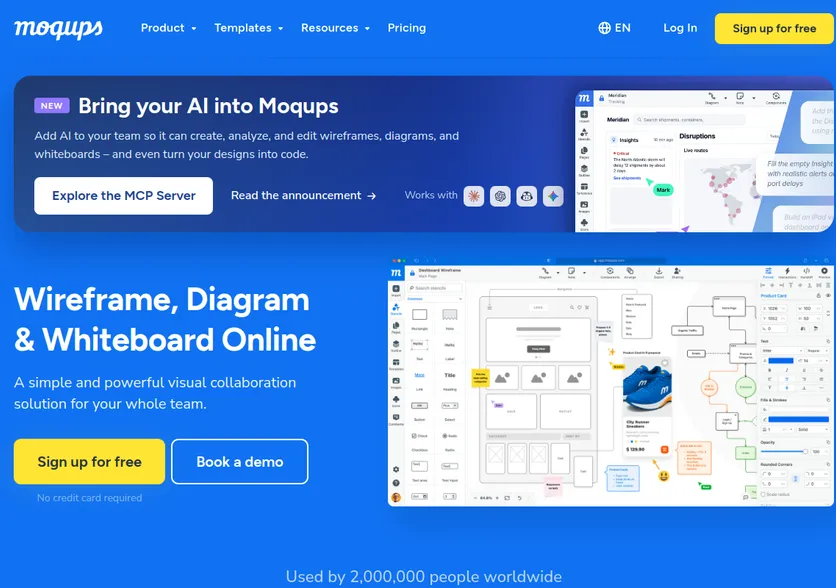
A solo designer who wants wireframes, diagrams and prototypes in one browser tool gets it here, because this Moqups plan costs thirteen dollars a month billed annually. It combines wireframing with flowcharts and mockups, so one subscription covers the whole early design process, and real-time collaboration lets a small team comment in place. It suits a solo designer or small team that wants one simple tool for everything before high fidelity.
What we like
- Wireframes, diagrams and prototypes in one tool
- Real-time collaboration with in-place comments
- Simple flat pricing for a solo designer
Watch out for
- One November 2026 read lists Solo at $9, not $13
- No high-fidelity design or developer handoff
How to try it
- Start a wireframe from a template in the browser
- Add diagrams and flowcharts for the user journey
- Share the project link with the team for comments
7. Mockplus
Best for: Teams that want wireframes plus handoff in one suite
Paid tool Starting price: $99/year · Ninety-nine dollars a year for RP Individual, with periodic discounts that have shown $39.60 on sale; the free plan covers three prototypes with ten pages each
Free plan: Free plan (3 prototypes)
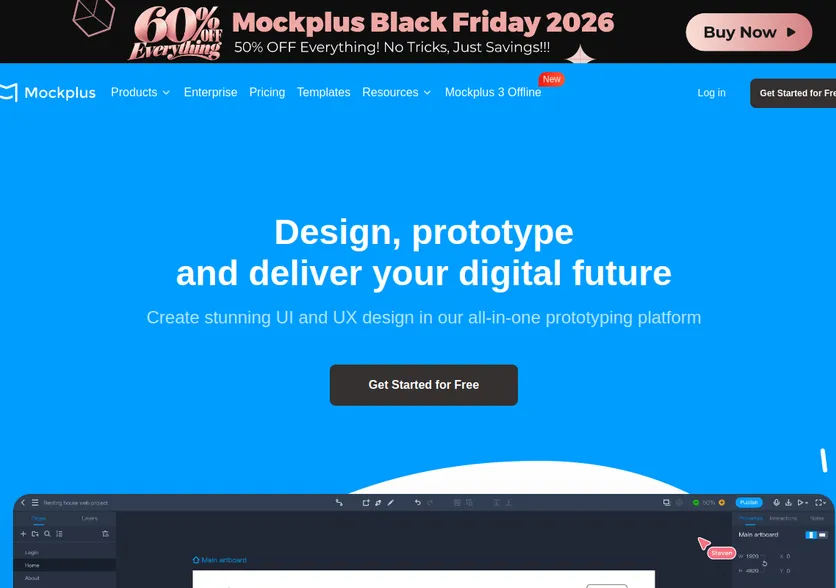
A designer who wants fast wireframes with a large component library gets it here, because this Mockplus plan costs ninety-nine dollars a year for an individual licence. It covers wireframing, interactive prototyping and developer handoff in one suite, with ready-made components that speed up common screens. It suits a team that wants an all-in-one tool without Figma's broader design scope.
What we like
- Large component library speeds up common screens
- Wireframes, prototypes and handoff in one suite
- Low yearly price for an individual licence
Watch out for
- Smaller template community than Figma
- Sale prices can confuse the real list price
How to try it
- Start a wireframe from the component library
- Link the screens into an interactive prototype
- Export the design specs for the developers
8. Justinmind
Best for: Teams prototyping mobile apps with gestures and data
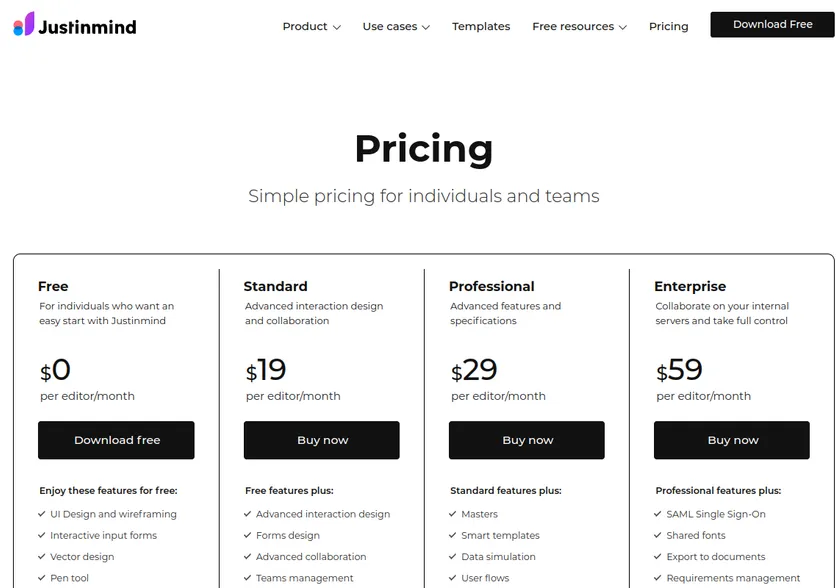
Paid tool Starting price: $19/user/month · Nineteen dollars per user a month billed annually on Professional ($29 billed monthly); Standard is $19 an editor a month in some listings and Enterprise is $59 a user a month billed annually
Free plan: Free plan
A design team that prototypes mobile apps with gestures and data gets a specialist here, because this Justinmind plan costs nineteen dollars per user a month billed annually. It supports mobile gestures, conditional navigation and data-driven screens, so a reviewer can test a realistic app flow on a phone. It suits teams building web or mobile interfaces who need prototypes that behave like the real app.
What we like
- Mobile gestures and conditional navigation built in
- Data-driven screens for realistic app flows
- Free plan to start before paying
Watch out for
- Smaller community and fewer templates than Figma
- Professional tier needed for the deeper features
How to try it
- Create a wireframe with the UI asset libraries
- Add gestures and conditional navigation to the screens
- Preview the prototype on a phone and share it
Prices above were checked on each vendor’s own website on Nov 29, 2026 and can change — the vendor’s page is the final word. Vendor links are editorial: nobody paid to be listed or ranked here. Vendors who want a featured listing can see how it works on our Get listed page.
How to pick a wireframing tool for the design stage
Match the tool to the fidelity the team actually needs, not the fidelity it dreams about. Low-fidelity sketches belong in Balsamiq or Moqups, where stakeholders comment on layout instead of colours, while complex apps with real logic belong in Axure RP or Justinmind. Figma is the safe middle ground because the same file grows from wireframe to finished design, and Uizard earns its place when the team needs a first draft today rather than a blank canvas tomorrow. Test the export path too, because a wireframe that cannot leave the tool traps the work, and a clean handover file saves the design team hours on every project.
Before you buy
- Confirm the tool matches the fidelity the team needs, low or high
- Check whether stakeholders can comment without a paid seat
- Ask if prototypes support the logic the app needs, like conditions
- Make sure the wireframes can grow into high-fidelity design or handoff
- Test the tool on a real flow before paying, including a multi-step form
Official websites
Official websites of the products reviewed above. Features and prices were checked against these sites when this guide was written, and they can change, so confirm on the vendor site before you buy.
Frequently asked questions
What is wireframing software for UX designers?
It is software for sketching the layout, content and flow of a website or app before visual design starts. Low-fidelity tools like Balsamiq keep feedback on structure, while prototyping tools like Axure RP add logic, conditions and realistic interactions. Most teams also need sharing, commenting and developer handoff in the same tool.
How much does Figma cost for wireframing?
Figma Professional costs sixteen dollars per Full seat a month billed annually, or twenty dollars billed monthly. The free Starter plan covers unlimited drafts and five hundred AI credits a month, so a solo designer can wireframe for free. Paid seats unlock unlimited projects, version history and dev mode.
Is there a free wireframing tool for UX designers?
Yes. Figma, Uizard, Moqups, Mockplus and Justinmind all offer free plans with real limits, so a designer can start without paying. Balsamiq, Axure RP and Sketch offer free trials only, at fourteen or thirty days, and need a paid plan after the trial ends.
Which wireframing tool is best for complex prototypes?
Axure RP is the best pick for complex prototypes, at twenty-nine dollars per user a month billed annually, because it supports variables, conditional logic, adaptive views and data-driven repeats. Justinmind at nineteen dollars is the cheaper specialist for mobile gestures and data-driven screens.
Can I wireframe with AI?
Yes, Uizard generates editable wireframes from a text prompt, a screenshot or a hand-drawn sketch, starting at twelve dollars per creator a month billed annually. The free plan includes three AI generations a month. The drafts still need a designer to refine them, but they save the blank-canvas hour.
Compare the eight tools above, then start with a free plan on the one that matches the fidelity the team actually needs before paying for a full year.
Browse CSS & Web Design Generators tools