On this page
Call centers live or die on the schedule: too few agents and the queue explodes, too many and the budget burns. The nine tools below forecast demand, build schedules and track adherence for centers of every size, from a small support team to a global operation. Genesys Cloud CX leads because its full suite covers forecasting to agent assist from seventy-five dollars per user a month, and the rest are ranked on how well they run a center for the price.
How we researched this
We checked every price on the vendor pricing page on November 29, 2026, and only included tools with a published US dollar list price. The contact-center platforms that sell workforce management by quote, including Verint, Calabrio ONE and Playvox, publish no prices, so they are not in this list. Prices change, so confirm the current figure on the vendor site before you buy.
Compare the tools
| Name | Best for | Starting price | Free plan | |
|---|---|---|---|---|
 Assembled | Support teams forecasting from ticket volume | $25/agent/month | No free plan; demo on request | Visit |
 Five9 | Centers running voice and digital together | $159/seat/month | No free plan; demo on request | Visit |
 Genesys Cloud CX | Centers wanting WFM inside a full suite | $75/user/month | No free plan; demo on request | Visit |
 NICE CXone | Centers wanting analytics on every conversation | $110/agent/month | No free plan; demo on request | Visit |
 Talkdesk | Centers needing omnichannel plus WFM together | $105/user/month | No free plan; demo on request | Visit |
 RingCX | Centers already on RingCentral phone | $65/user/month | No free plan; 14-day free trial | Visit |
 Zendesk WFM | Teams already running on Zendesk Suite | $25/agent/month | No free plan; demo on request | Visit |
 Hubstaff | Centers tracking how agent time is spent | $4.99/seat/month | No free plan; 14-day free trial | Visit |
 Time Doctor | Remote agent teams needing detailed time reports | $6.67/user/month | No free plan; 14-day free trial | Visit |
The workforce management software for call centers, compared
1. Assembled
Best for: Support teams forecasting from ticket volume
Paid tool Starting price: $25/agent/month · Twenty-five dollars per agent a month on WFM Core, plus an unpublished platform fee that makes the real total higher; Pro is $45 and Enterprise is $75 per agent a month
Free plan: No free plan; demo on request
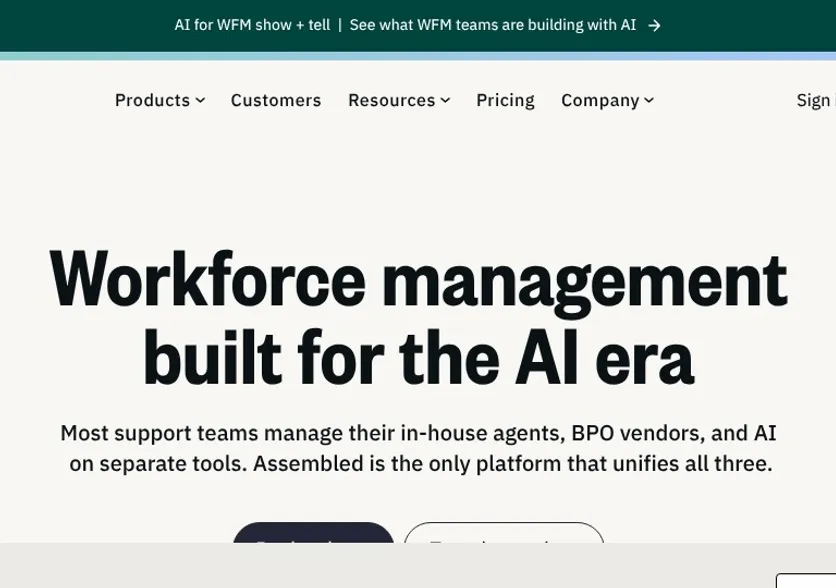
For a support team that needs forecasts and schedules built from real ticket volume, this Assembled plan costs twenty-five dollars per agent a month, plus an unpublished platform fee. Its real-time adherence view shows who is off schedule right now, so a manager can fix a gap before the queue grows. AI Copilot drafts replies inside the agent workflow, which speeds up the routine contacts.
What we like
- Forecasting and scheduling built for support teams
- Real-time adherence shows who is off schedule right now
- AI Copilot drafts replies inside the agent workflow
Watch out for
- An unpublished platform fee sits on top of the twenty-five dollar per-agent price
- WFM features need the Pro tier for the full set
How to try it
- Connect the support platform to pull ticket volume
- Build the forecast and publish the schedule
- Watch adherence in real time and adjust breaks
2. Five9
Best for: Centers running voice and digital together
Paid tool Starting price: $159/seat/month · One hundred and fifty-nine dollars per concurrent seat a month on Core for voice and digital; Digital is $119; a 50-seat minimum applies, so Core starts at about $7,950 a month
Free plan: No free plan; demo on request
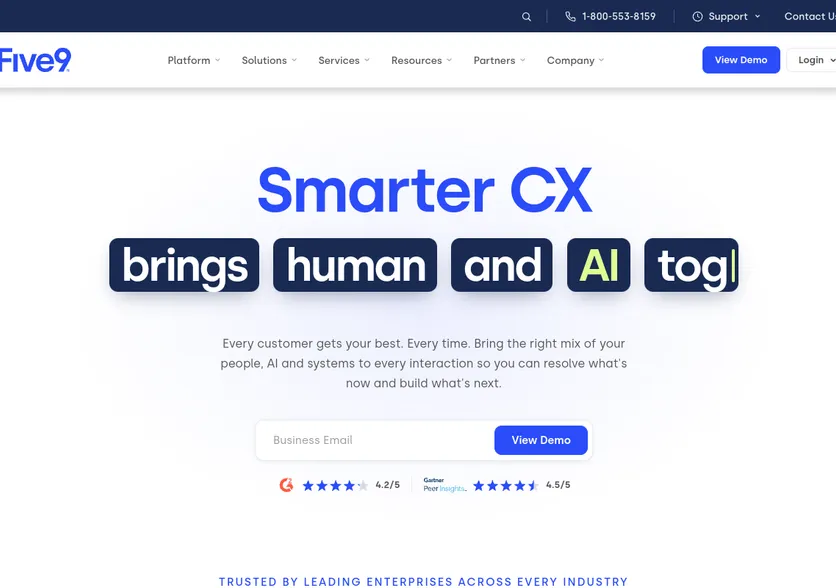
A contact center that runs voice and digital channels together will get the most from this Five9 plan, which costs one hundred and fifty-nine dollars per concurrent seat a month on Core. AI essentials are included, and the outbound tools suit teams that also run sales calls. The fifty-seat minimum makes the real entry about seven thousand nine hundred and fifty dollars a month, so small teams should budget for that.
What we like
- Voice and digital channels in one agent desktop
- AI essentials included on the Core plan
- Strong outbound and dialer tools for sales teams
Watch out for
- A fifty-seat minimum makes the real entry about seven thousand nine hundred and fifty dollars a month on Core
- Telecom surcharges sit on top of the seat price
How to try it
- Set up the voice and digital channels the team needs
- Build routing rules and agent skill groups
- Publish schedules and monitor adherence live
3. Genesys Cloud CX
Best for: Centers wanting WFM inside a full suite
Paid tool Starting price: $75/user/month · Seventy-five dollars per user a month billed annually on CX 1; CX 2 is $115, CX 3 is $155 and includes workforce management, and CX 4 is $240; a minimum monthly commitment of about $2,000 applies
Free plan: No free plan; demo on request
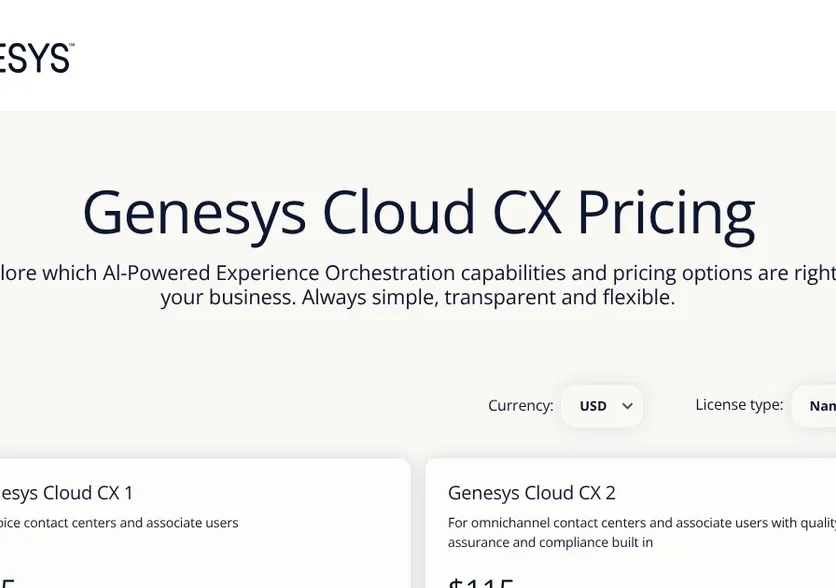
For a center that wants workforce management inside a full contact-center suite, this Genesys Cloud CX plan costs seventy-five dollars per user a month billed annually on CX 1. Workforce management arrives at CX 3, which costs one hundred and fifty-five dollars a user a month and adds forecasting and scheduling. AI experience tokens cover bots and agent assist, which helps a center automate the routine contacts first.
What we like
- Workforce management included from the CX 3 tier
- AI experience tokens cover bots and agent assist
- Scales from small teams to global contact centers
Watch out for
- A minimum monthly commitment of about two thousand dollars applies
- CX 1 lacks the workforce tools, so WFM buyers start at CX 3
How to try it
- Choose the CX tier that includes workforce management
- Connect the voice and digital channels
- Set up forecasting, scheduling and adherence tracking
4. NICE CXone
Best for: Centers wanting analytics on every conversation
Paid tool Starting price: $110/agent/month · One hundred and ten dollars per agent a month on the Omnichannel Suite; Essential is $135, Core is $169 and includes workforce management, Complete is $209 and Ultimate is $249; billed monthly in arrears with a 12-month minimum term
Free plan: No free plan; demo on request
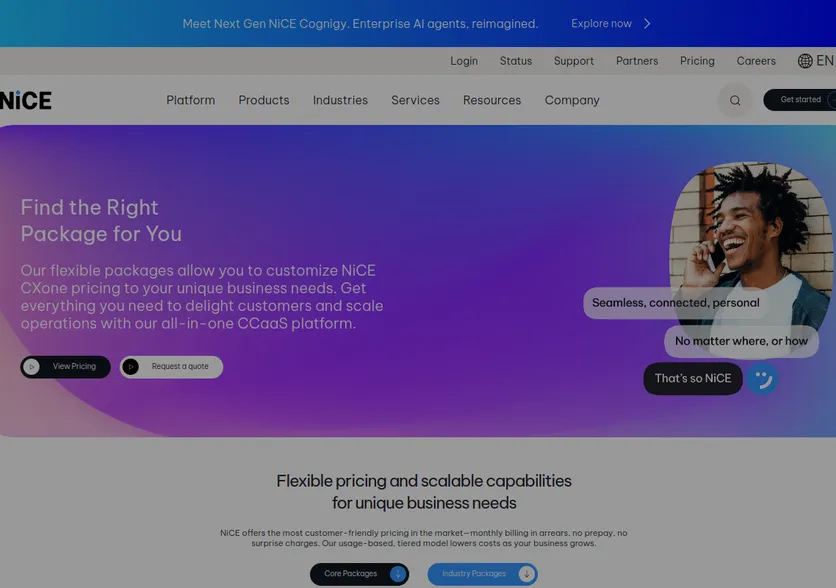
A center that wants analytics on every conversation will like this NICE CXone plan, which costs one hundred and ten dollars per agent a month on the Omnichannel Suite. The Core tier adds workforce management at one hundred and sixty-nine dollars, with forecasting built from the interaction history. Digital and voice agents handle routine contacts, which frees human agents for the harder calls.
What we like
- Core tier bundles workforce management with the full suite
- Interaction analytics score every conversation
- Digital and voice agents handle routine contacts
Watch out for
- Billed monthly in arrears with a twelve-month minimum term
- The full suite price climbs quickly past the entry tier
How to try it
- Pick the tier that includes workforce management
- Set up channels, routing and agent skills
- Build forecasts and schedules from the interaction history
5. Talkdesk
Best for: Centers needing omnichannel plus WFM together
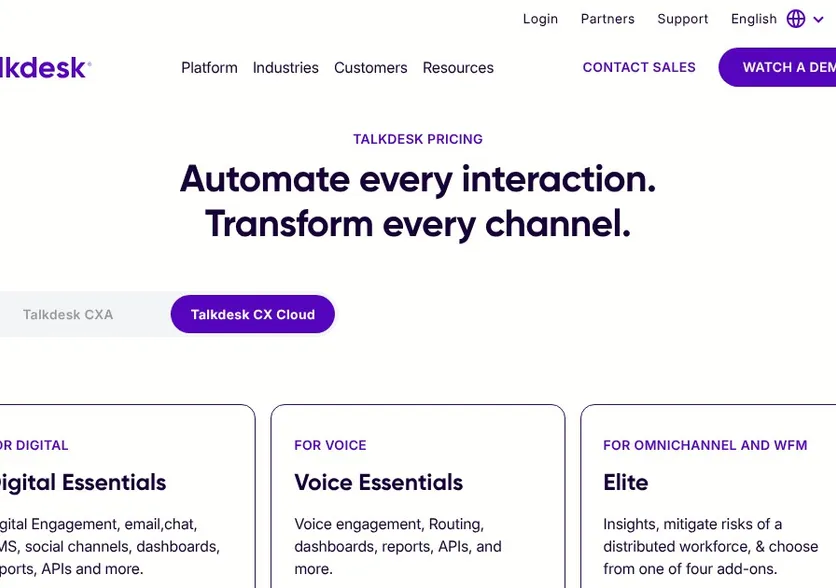
Paid tool Starting price: $105/user/month · One hundred and five dollars per user a month on Voice Essentials; Digital Essentials is $85 and Elite is $165; listed prices assume a minimum three-year commitment
Free plan: No free plan; demo on request
For a center that needs omnichannel plus workforce management in one platform, this Talkdesk plan costs one hundred and five dollars per user a month on Voice Essentials. The Elite tier bundles both for one hundred and sixty-five dollars, with AI tools for quality and coaching included. Listed prices assume a minimum three-year commitment, so the term is worth reading before signing.
What we like
- Elite tier bundles omnichannel with workforce management
- AI tools for quality and coaching built in
- Express self-serve plan suits teams under fifty
Watch out for
- Listed prices assume a minimum three-year commitment
- Industry clouds add cost on top of the base tiers
How to try it
- Choose the edition that matches the channel mix
- Connect the phone and digital channels
- Set up workforce schedules and monitor adherence
6. RingCX
Best for: Centers already on RingCentral phone
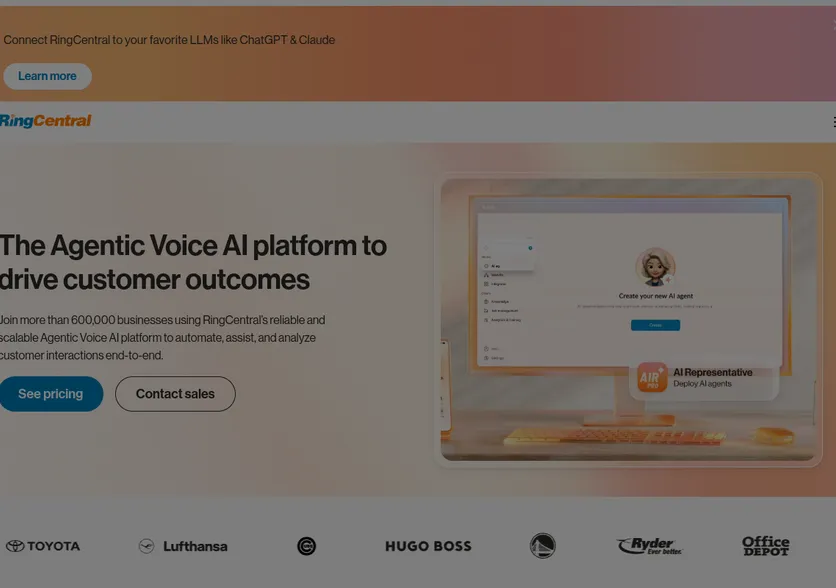
Paid tool Starting price: $65/user/month · Sixty-five dollars per user a month billed annually on RingCX Standard ($75 month to month); Professional is $95 and Elite is $145 and includes AI workforce management; AI add-ons start from $25 a user a month
Free plan: No free plan; 14-day free trial
A center already on RingCentral phone will find this RingCX plan a natural fit, since it costs sixty-five dollars per user a month billed annually for Standard. AI workforce management is available as an add-on from twenty dollars a user a month, or included on the Elite tier. It runs on the same platform as the phone system, so agents keep one desktop for calls and schedules.
What we like
- RingCX runs on the same platform as RingCentral phone
- AI workforce management available as an add-on from twenty dollars
- Elite tier includes AI workforce management
Watch out for
- Workforce management is an add-on, not in the Standard price
- Monthly billing costs ten dollars more per user than annual
How to try it
- Pick the RingCX tier for the channel mix
- Add the AI workforce management add-on if needed
- Set up schedules and track adherence in the dashboard
7. Zendesk WFM
Best for: Teams already running on Zendesk Suite
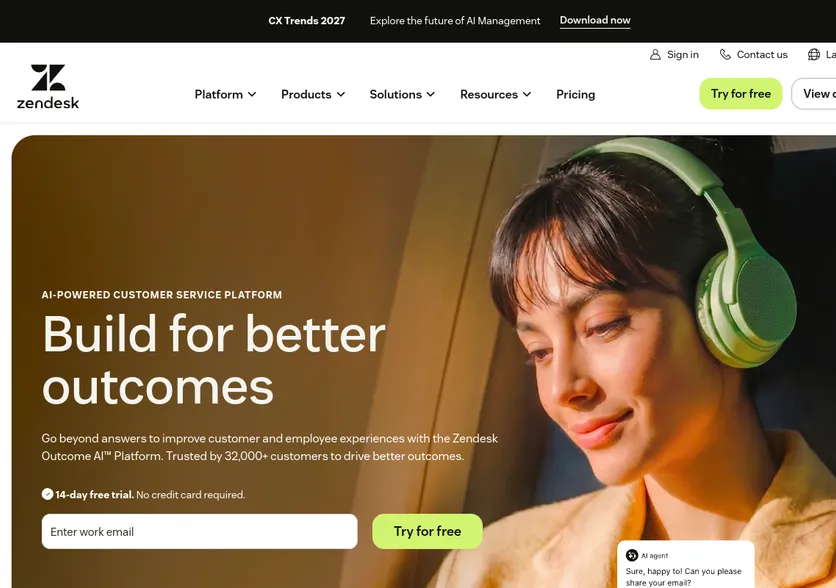
Paid tool Starting price: $25/agent/month · Twenty-five dollars per agent a month billed annually for the WFM add-on, on top of a Suite seat (Team is $55); the WFM plus QA bundle is $50 per agent a month
Free plan: No free plan; demo on request
For a team already running on Zendesk Suite, this Zendesk WFM plan costs twenty-five dollars per agent a month billed annually as an add-on. Its forecasts use real ticket and chat history, so schedules match the actual demand. The WFM plus QA bundle covers coaching too, though the add-on only makes sense for teams already on Zendesk.
What we like
- Sits inside the Zendesk Suite agents already use
- Forecasting uses real ticket and chat history
- WFM plus QA bundle covers coaching too
Watch out for
- It is an add-on, so a Suite seat is required on top of the twenty-five dollars
- Only makes sense for teams already on Zendesk
How to try it
- Add the WFM add-on to the Zendesk Suite plan
- Connect the ticket and chat channels for forecasting
- Publish schedules and track adherence
8. Hubstaff
Best for: Centers tracking how agent time is spent
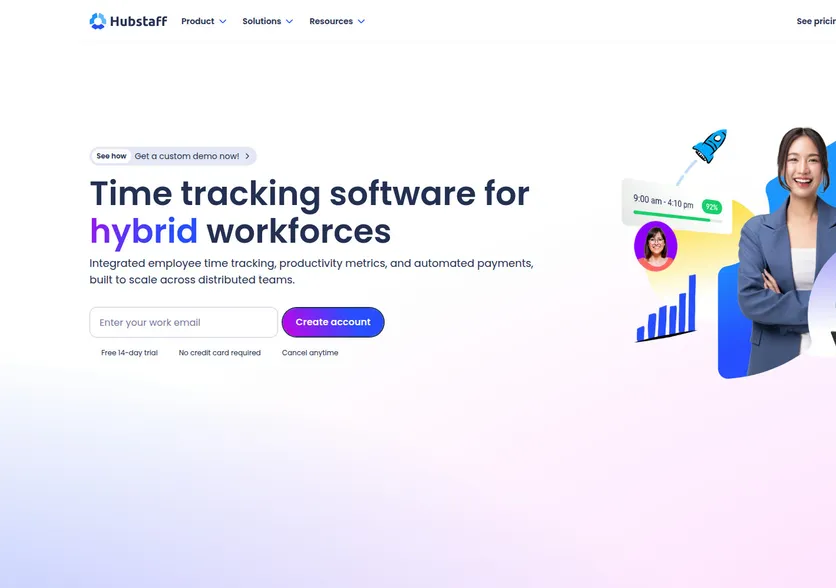
Paid tool Starting price: $4.99/seat/month · Four dollars and ninety-nine cents per seat a month billed annually on Starter ($7 month to month); Grow is $7.50 and Team is $10; a two-seat minimum applies
Free plan: No free plan; 14-day free trial
A center that needs to see how agent time is spent will get value from this Hubstaff plan, which costs four dollars and ninety-nine cents per seat a month billed annually. Time tracking and screenshots show where the hours go, and scheduling and payroll tools sit in the same app. It is time tracking rather than a full contact-center suite, so pair it with a phone system.
What we like
- Time tracking and screenshots show how agent time is spent
- Scheduling and payroll tools in the same app
- Lowest entry price in this call-center set
Watch out for
- It is time tracking, not a full contact-center suite
- The pricing page shows no free plan, though the help center still describes one
How to try it
- Invite the team and set up their schedules
- Start time tracking with activity levels
- Review timesheets and approve payroll
9. Time Doctor
Best for: Remote agent teams needing detailed time reports
Paid tool Starting price: $6.67/user/month · Six dollars and sixty-seven cents per user a month billed annually on Basic ($8 month to month); Standard is $11.67 and Premium is $16.70
Free plan: No free plan; 14-day free trial
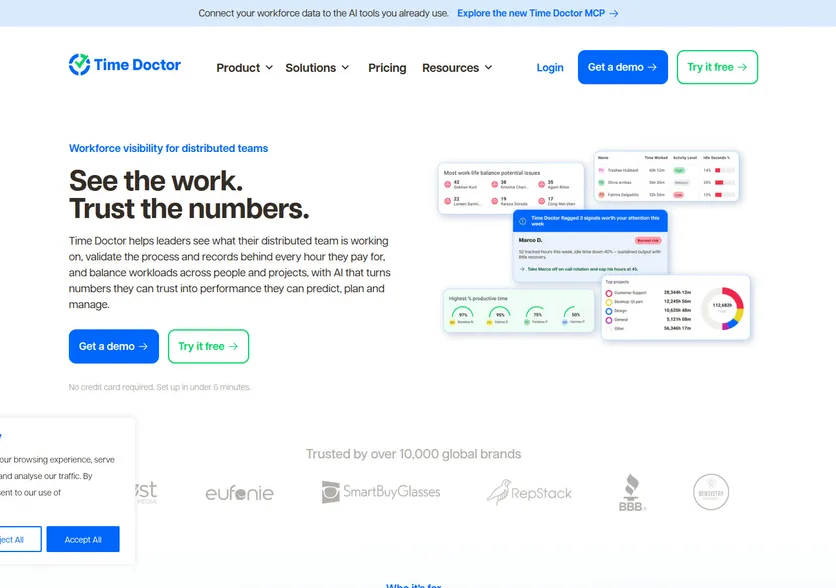
For a remote agent team that needs detailed time reports, this Time Doctor plan costs six dollars and sixty-seven cents per user a month billed annually on Basic. It tracks time and activity silently, and integrates with payroll and project tools. Basic keeps only three months of history and has no integrations, so growing teams should look at Standard.
What we like
- Detailed time and activity reports for every agent
- Integrates with payroll and project tools
- Silent monitoring suits remote agent teams
Watch out for
- Basic keeps only three months of history and has no integrations
- It tracks time, not calls, so pair it with a phone system
How to try it
- Add the agents and set their work schedules
- Start tracking and set the productivity alerts
- Review the weekly reports with team leads
Prices above were checked on each vendor’s own website on Nov 29, 2026 and can change — the vendor’s page is the final word. Vendor links are editorial: nobody paid to be listed or ranked here. Vendors who want a featured listing can see how it works on our Get listed page.
How to staff a call center without burning out the agents
Forecast from real contact history, not from a guess, because a schedule built on last month's volume beats one built on hope. Publish schedules early and keep the changes visible, since agents plan their lives around the rota. Watch adherence in real time and fix small gaps as they appear, rather than discovering at the end of the shift that the queue was short all afternoon. Review the forecast against the actual volume every week, because demand shifts with seasons, campaigns and product launches.
Before you buy
- Check whether workforce management is included or sold as an add-on on top of the headline price
- Confirm the seat minimum, since a fifty-seat floor changes the real entry price completely
- Make sure forecasting uses the center's own contact history, not generic industry figures
- Ask if the tool tracks adherence in real time, so managers can fix gaps as they appear
- Test the scheduling on one real team for a full week before rolling it out center-wide
Official websites
Official websites of the products reviewed above. Features and prices were checked against these sites when this guide was written, and they can change, so confirm on the vendor site before you buy.
Frequently asked questions
What is workforce management software for call centers?
It is software that forecasts contact volume, builds agent schedules and tracks adherence in one place. Instead of spreadsheets and guesswork, the tool predicts how many agents each hour needs, publishes the rota and shows who is on schedule right now. Good tools also handle time off, breaks and intraday changes, so the center keeps service levels without overstaffing.
How much does Genesys Cloud CX cost for a call center?
Genesys Cloud CX 1 costs seventy-five dollars per user a month billed annually, though workforce management arrives at CX 3 for one hundred and fifty-five dollars a user a month. CX 2 is one hundred and fifteen dollars and CX 4 is two hundred and forty dollars a user a month billed annually. A minimum monthly commitment of about two thousand dollars applies, so small centers should budget for that.
Can call centers manage their workforce for free?
Not with a full contact-center suite, since Assembled, Five9, Genesys, NICE, Talkdesk and RingCX all sell by contract with no free plan. Hubstaff and Time Doctor offer fourteen-day trials and cover time tracking and scheduling for under seven dollars a seat a month. A small team should start with Hubstaff and add a phone system, rather than paying for a full suite it does not need.
Is Genesys or NICE CXone better for call centers?
Genesys is better for centers that want workforce management inside a full suite, with CX 3 at one hundred and fifty-five dollars a user a month including forecasting and scheduling. NICE CXone is better for centers that want analytics on every conversation, with the Core tier at one hundred and sixty-nine dollars an agent a month including workforce management. Both are strong, so the choice comes down to suite breadth or analytics depth.
Which tool is cheapest for call center workforce management?
Hubstaff is the cheapest option here, at four dollars and ninety-nine cents per seat a month for time tracking, scheduling and payroll. Time Doctor is next at six dollars and sixty-seven cents per user a month for detailed time and activity reports. Both track time rather than calls, so a center that needs full workforce management should look at Assembled at twenty-five dollars per agent a month.
Compare the nine tools above, then book a demo on the platform that covers the channels the center actually runs before signing a full year.
Browse Business Tools tools