On this page
A camera photo can weigh 8 MB, and a page full of them loads slowly. The best compression software shrinks those files without visible quality loss, so pages load fast and visitors stay. The seven tools below run from the web team's favorite to the WordPress plugin that works while you sleep. Every price was checked on the vendor site on November 25, 2026, and every tool offers a free trial or a free plan to test before you pay. TinyPNG is our first pick — the web team's favorite, with the best balance of size, quality and price.
How we researched this
We started with the image compressors web teams and photographers actually pay for, then read each price on the vendor pricing page on November 25, 2026 and noted the free trial or free plan each one carries. We judged them on how small the file gets, how good it still looks, and how well they handle batches. We kept the list to tools with a published price, and we dropped any tool whose price we could not verify.
Compare the tools
| Name | Best for | Starting price | Free plan | |
|---|---|---|---|---|
 TinyPNG | Web teams that compress images every day | $39/year | Free plan | Visit |
 JPEGmini Pro | Photographers who need the smallest file with no visible loss | $59 one-time | Free plan; 7-day trial | Visit |
 ShortPixel | WordPress sites that compress images automatically | $10.99/month | Free plan | Visit |
 Kraken.io | Budget users who want the cheapest paid compression | $5/month | Free plan | Visit |
 Imagify | WordPress sites that need automatic compression and next-gen formats | $4.99/month | Free plan | Visit |
 Adobe Photoshop | Professionals who compress images as part of a full edit | $22.99/month | 7-day free trial | Visit |
 Fotor Pro | Bloggers and sellers who compress and edit in one place | $3.99/month | Free plan | Visit |
The image compressors, compared
1. TinyPNG
Best for: Web teams that compress images every day
Paid tool Starting price: $39/year · Web Pro plan, annual; Web Ultra is $149 a year; free tier covers 20 images per session up to 5 MB each
Free plan: Free plan
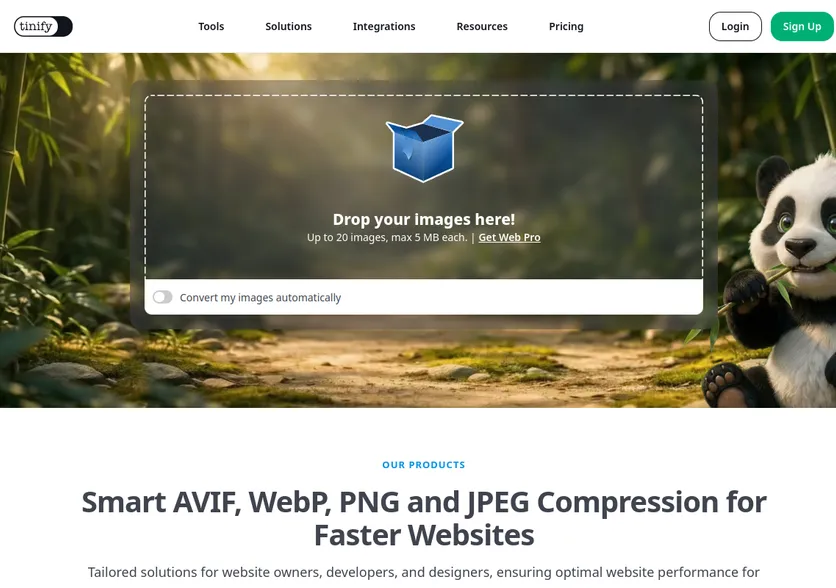
TinyPNG Pro is the compression tool most web teams reach for first, and its results explain why. This TinyPNG Web Pro plan covers smart lossy compression for PNG and JPEG files, with a simple drag-and-drop workspace and an API for automated workflows. It is the best pick when page speed depends on smaller images.
What we like
- Excellent quality at small file sizes
- Simple drag-and-drop workflow
- API for automated compression
Watch out for
- No built-in photo editing
- Web Pro is for web use, not print
How to try it
- Open the TinyPNG pricing page and pick Web Pro
- Drop in a folder of PNGs and JPEGs
- Download the compressed files and upload them to your site
2. JPEGmini Pro
Best for: Photographers who need the smallest file with no visible loss
Paid tool Starting price: $59 one-time · Pro plan, one-time payment for 3 devices; Pro + Plugins $89, Pro + Automations $99, Complete Bundle $129; free tier 50 images a day after trial
Free plan: Free plan; 7-day trial
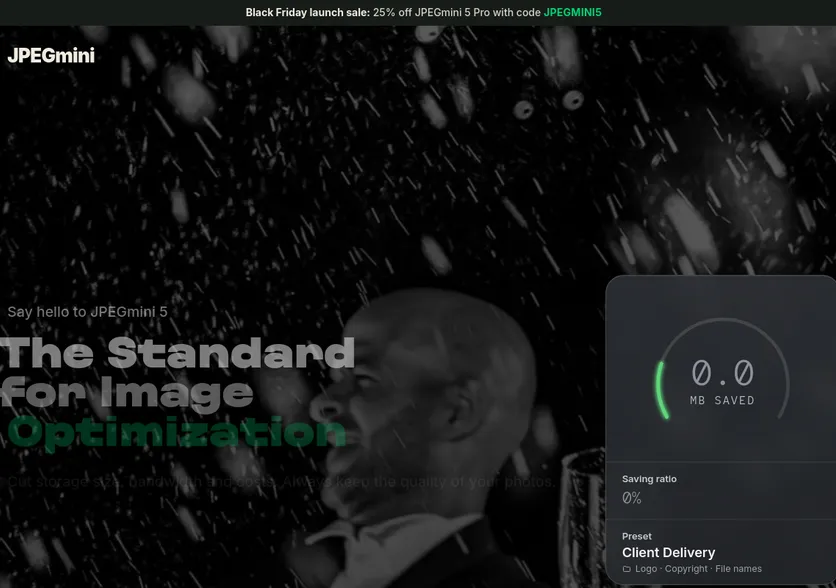
JPEGmini Pro shrinks photos by up to 80 percent without visible quality loss, and that claim holds up in practice. This JPEGmini Pro plan covers batch compression for JPEG files on up to three devices, with a simple slider for the quality tradeoff. It is the best pick when a photo has to stay beautiful at a fraction of the size.
What we like
- Biggest size cuts with no visible loss
- Batch compression for whole folders
- Works offline on your own computer
Watch out for
- JPEG only, no PNG compression
- No cloud or team features
How to try it
- Open the JPEGmini site and start the trial
- Drop in a batch of large JPEG photos
- Compare the before-and-after sizes and export the smaller files
3. ShortPixel
Best for: WordPress sites that compress images automatically
Paid tool Starting price: $10.99/month · Unlimited plan, monthly billing; $8.33 a month equivalent on yearly billing; price moved from $9.99 a month in November 2026
Free plan: Free plan
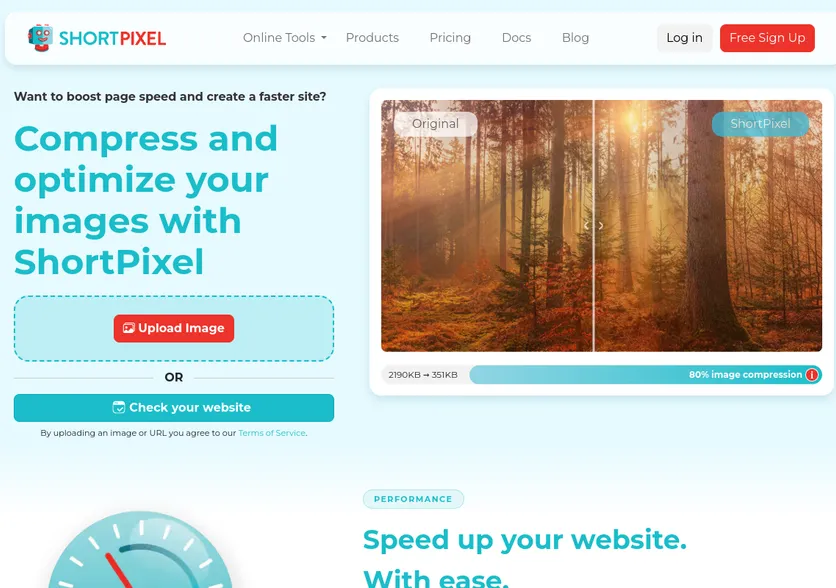
ShortPixel is the WordPress favorite for image compression, because it works in the background once it is set up. This ShortPixel Unlimited plan covers lossy, glossy and lossless compression, plus WebP and AVIF conversion, for sites of any size. It is the best pick for a site owner who never wants to think about image sizes again.
What we like
- Set it once and forget it
- Lossy, glossy and lossless modes
- Converts to WebP and AVIF too
Watch out for
- Monthly price moved up in November 2026
- Unlimited plan is overkill for a tiny site
How to try it
- Open the ShortPixel pricing page and pick the Unlimited plan
- Connect it to your WordPress site
- Let it compress new uploads and optimize the old library
4. Kraken.io
Best for: Budget users who want the cheapest paid compression
Paid tool Starting price: $5/month · Micro plan, $50 a year on annual billing (two months free); 500 MB a month; Basic $9, Advanced $19, Premium $39, Enterprise $79
Free plan: Free plan
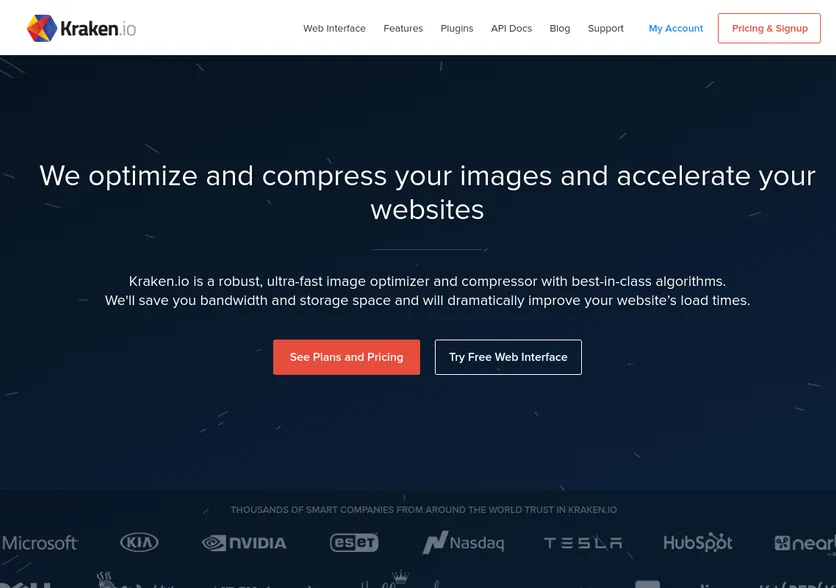
Kraken Micro is the cheapest paid plan on this list, and it still covers the essentials well. This Kraken Micro plan covers lossy and lossless compression for JPEG, PNG, GIF and WebP, with a web interface and an API. It is the best pick for a small site or a solo developer on a tight budget.
What we like
- Cheapest paid plan here
- Clean web interface, no install
- API included for automation
Watch out for
- 500 MB monthly limit on Micro
- Fewer format options than ShortPixel
How to try it
- Open the Kraken.io pricing page and pick the Micro plan
- Upload an image and choose lossy compression
- Download the smaller file and check the quality
5. Imagify
Best for: WordPress sites that need automatic compression and next-gen formats
Paid tool Starting price: $4.99/month · Growth plan, billed annually ($59.88 a year); $5.99 a month on monthly billing; 500 MB a month, about 5,000 images
Free plan: Free plan
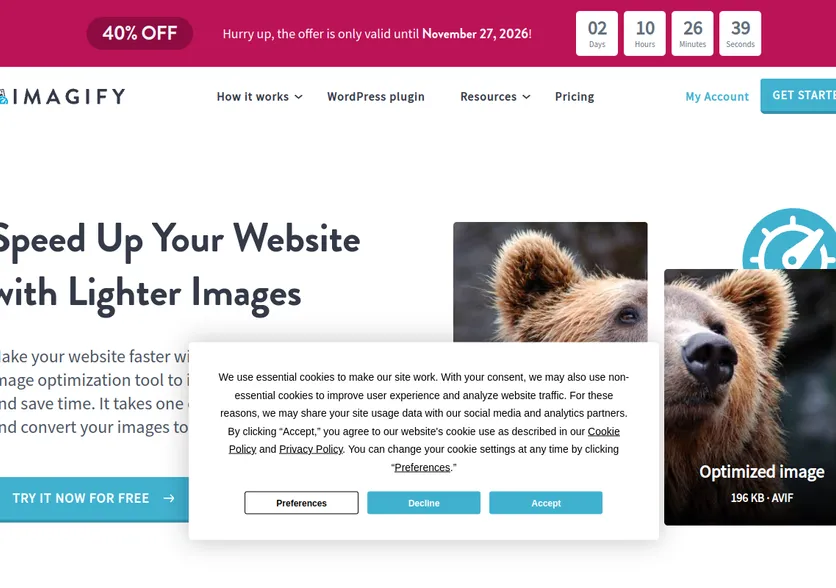
Imagify Growth is built for WordPress sites that need images compressed automatically and converted to modern formats. This Imagify Growth plan covers automatic compression on upload, bulk optimization for the existing library, and WebP and AVIF conversion. It is the best pick for a WordPress owner who wants set-and-forget image speed.
What we like
- Automatic compression on upload
- WebP and AVIF conversion included
- Bulk optimization for old images
Watch out for
- WordPress only, no standalone app
- 500 MB monthly cap on Growth
How to try it
- Open the Imagify pricing page and pick the Growth plan
- Install the plugin on your WordPress site
- Run bulk optimization on the existing media library
6. Adobe Photoshop
Best for: Professionals who compress images as part of a full edit
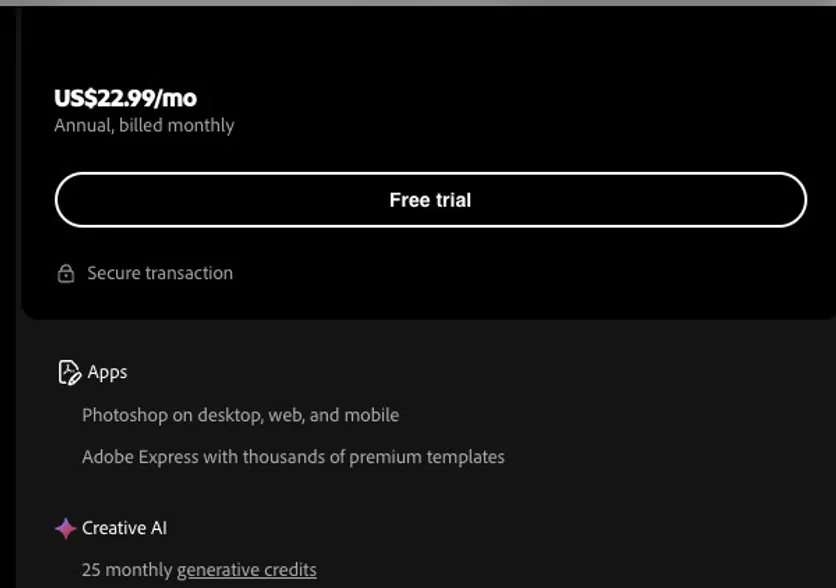
Paid tool Starting price: $22.99/month · Single-app plan, annual billed monthly ($275.88 a year); $34.49 a month month-to-month; Photography plan with Lightroom is $19.99 a month; 7-day free trial
Free plan: 7-day free trial
Photoshop handles compression as part of a full edit, with exact control over format, quality and size. This Adobe Photoshop plan covers export for web, with live previews of the quality tradeoff and support for JPEG, PNG, WebP and GIF. It is the best pick when compression is one step in a bigger retouching job.
What we like
- Exact control over quality and format
- Live preview of the size tradeoff
- Part of a full editing workflow
Watch out for
- Overkill for compression alone
- No batch compression without actions
How to try it
- Open the Adobe Photoshop page and start the 7-day trial
- Finish your edit, then open Export for Web
- Set the quality slider and export the smaller file
7. Fotor Pro
Best for: Bloggers and sellers who compress and edit in one place
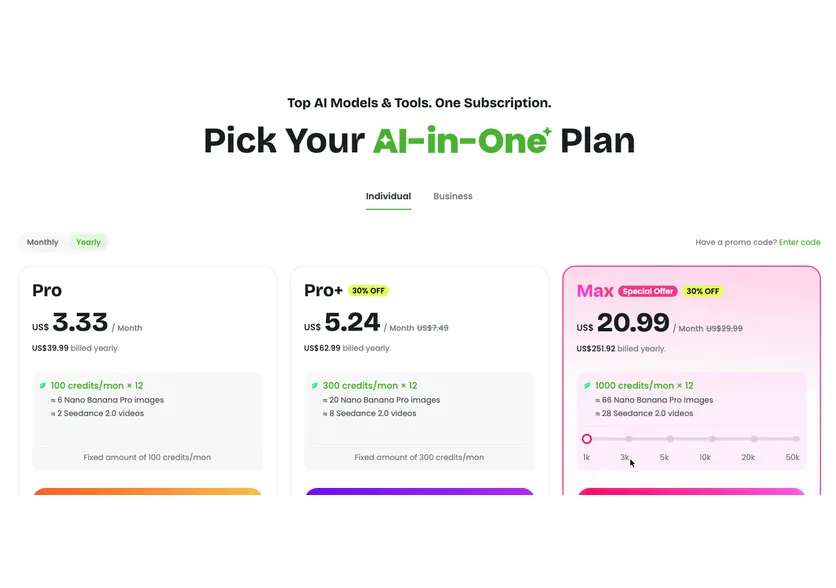
Paid tool Starting price: $3.99/month · Pro plan, billed yearly ($47.99 a year); $10.99 a month on monthly billing; price rose from $3.33 a month ($39.99 a year) in November 2026
Free plan: Free plan
Fotor Pro pairs quick compression with AI editing, so a photo gets smaller and better-looking in the same pass. This Fotor Pro plan covers one-click enhancement, background removal and HD exports alongside its image tools. It is the best pick for a blogger or seller who edits and compresses product photos every day.
What we like
- Compression plus editing in one place
- Cheapest subscription on this list
- Good for product photos and social posts
Watch out for
- Only 100 AI credits a month on Pro
- Compression is basic next to TinyPNG
How to try it
- Open the Fotor pricing page and pick the Pro yearly plan
- Upload a product photo and enhance it in one click
- Export it compressed and post it to your store
Prices above were checked on each vendor’s own website on Nov 14, 2026 and can change — the vendor’s page is the final word. Vendor links are editorial: nobody paid to be listed or ranked here. Vendors who want a featured listing can see how it works on our Get listed page.
What image compression costs in 2026
Image compression is cheap, and the range on this list runs from $4 a month to about $23 a month, with two one-time purchases in the middle. The price is not the whole story, because monthly limits, format support and automation change what you really pay. The table below uses the headline plan each vendor shows on its own pricing page, checked on November 25, 2026.
Before you buy
- Compare the original and the compressed copy side by side at full size before you publish anything.
- For a website, convert to WebP or AVIF as well, because the format change often saves more than compression alone.
- Check monthly limits before you buy: Kraken Micro and Imagify Growth each allow 500 MB a month.
- For WordPress, pick an automatic tool: ShortPixel and Imagify compress new uploads automatically and convert them to WebP and AVIF.
- Compare prices on the real workload: Fotor Pro is cheapest at $3.99 a month yearly, while Photoshop costs $22.99 a month.
Official websites
Official websites of the products reviewed above. Features and prices were checked against these sites when this guide was written, and they can change, so confirm on the vendor site before you buy.
Frequently asked questions
How much can I compress an image without losing quality?
It depends on the image. A photo can usually shrink by 60 to 80 percent with no visible loss, because JPEG compression is very efficient. A PNG with flat colors compresses less, often 20 to 40 percent. The safe habit is to compare the original and the compressed copy side by side at full size before you publish.
What is the best image format for the web?
For photos on the web, JPEG is still the default, and WebP or AVIF cut the size further with the same quality. Use PNG only for graphics with sharp edges, text or transparency. ShortPixel and Imagify convert to WebP and AVIF automatically, which is the easiest way to get the saving without changing your workflow.
Does compressing images help SEO?
Yes. Large images are the most common reason a page loads slowly, and page speed is a ranking factor. Compressing images also cuts bandwidth costs and improves the experience on mobile connections. Tools like ShortPixel and Imagify automate the whole job on WordPress, so the SEO benefit comes with no extra work.
Can I compress images in bulk?
Yes, every tool on this list handles batches. TinyPNG and JPEGmini compress whole folders at once, and ShortPixel and Imagify optimize an entire WordPress media library in the background. For a one-off batch, drag the folder into TinyPNG or JPEGmini and download the results as a zip file.
Is TinyPNG free?
TinyPNG has a free tier that covers 20 images per session up to 5 MB each, which suits occasional use. The paid Web Pro plan costs $39 a year and removes the limits. If you compress images every day, the paid plan pays for itself in saved time within the first week.
Browse all image tools
Browse Image Tools tools