On this page
Every phone photo carries a hidden trail: GPS coordinates, the date, the camera model, sometimes where you stood. The best metadata removers strip location data before a photo goes online, without touching the image itself. The seven editors below control what metadata leaves with an export, from a one-click checkbox to a full recipe. Every price was checked on the vendor site on November 25, 2026, and every tool offers a free trial or a free plan to test before you pay. Adobe Lightroom is our first pick — the easiest location removal, with one checkbox in the export dialog.
How we researched this
We started with the photo editors people actually use to clean up photos before sharing, then read each price on the vendor pricing page on November 25, 2026 and noted the free trial or free plan each one carries. We judged them on how easily they strip GPS and location data on export, and on how good the editor is for everyday work. Dedicated EXIF-remover apps are too thin a market for a full list, so every tool here is a real editor with export metadata controls.
Compare the tools
| Name | Best for | Starting price | Free plan | |
|---|---|---|---|---|
 Adobe Lightroom | Photographers who want one-click location removal on export | $11.99/month | 7-day free trial | Visit |
 Capture One Pro | Studio photographers who need precise control over export metadata | $18/month | Free trial | Visit |
 DxO PhotoLab 10 | RAW photographers who want the cleanest files and clean exports | $199.99 one-time | Free trial | Visit |
 Luminar | Photographers who want fast AI edits and simple metadata control | $99 one-time | 30-day money-back guarantee | Visit |
 ON1 Photo RAW 2027 | Photographers who want one app for organizing, editing and clean exports | $59.99 one-time | Free trial | Visit |
 Pixelmator Pro | Mac users who want a one-time purchase with native speed | $49.99 one-time | 30-day free trial (Apple Creator Studio) | Visit |
 Topaz Photo | Photographers who fix noisy or soft photos before sharing them | $199/year | Free trial | Visit |
The metadata-safe editors, compared
1. Adobe Lightroom
Best for: Photographers who want one-click location removal on export
Paid tool Starting price: $11.99/month · Lightroom plan, annual billed monthly with 1TB storage; Photography plan with Photoshop is $19.99 a month; 7-day free trial
Free plan: 7-day free trial
Lightroom strips location data on export with one checkbox, and that is exactly the control most people need. This Adobe Lightroom plan pairs full RAW editing and cataloging with export settings that remove GPS data while keeping the rest of the metadata intact. It is the simplest way to share photos without sharing where they were taken.

What we like
- One checkbox removes location data
- Full catalog and RAW editing included
- Syncs across desktop, mobile and web
Watch out for
- Subscription only, no one-time purchase
- Location removal is per export, not automatic
How to try it
- Open the Adobe Lightroom plans page and start the 7-day trial
- Edit a photo, then open the export dialog
- Tick Remove Location Info and export the clean copy
2. Capture One Pro
Best for: Studio photographers who need precise control over export metadata
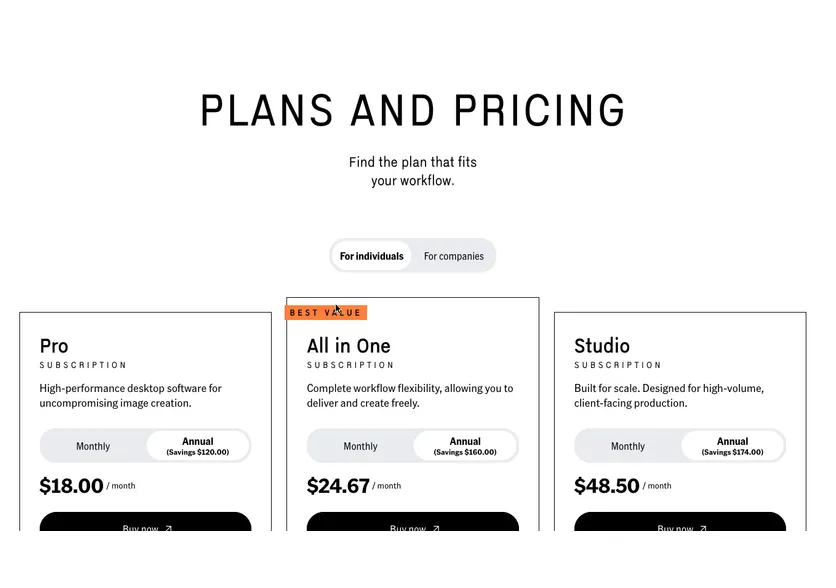
Paid tool Starting price: $18/month · Pro plan, $18 a month billed annually ($216 a year); $28 a month month-to-month; perpetual license $349 one-time; free trial
Free plan: Free trial
Capture One Pro gives studio photographers precise control over what metadata leaves with a file. This Capture One Pro plan pairs industry-leading color and tethered shooting with export recipes that strip GPS and other metadata before a file reaches a client. It is the professional pick when the export has to be exact.
What we like
- Best color accuracy on this list
- Export recipes control metadata precisely
- Tethered shooting for studio work
Watch out for
- Steep learning curve for newcomers
- Recipes take setup before they save time
How to try it
- Open the Capture One pricing page and start the trial
- Set up an export recipe without location metadata
- Process the shoot and send the clean files
3. DxO PhotoLab 10
Best for: RAW photographers who want the cleanest files and clean exports
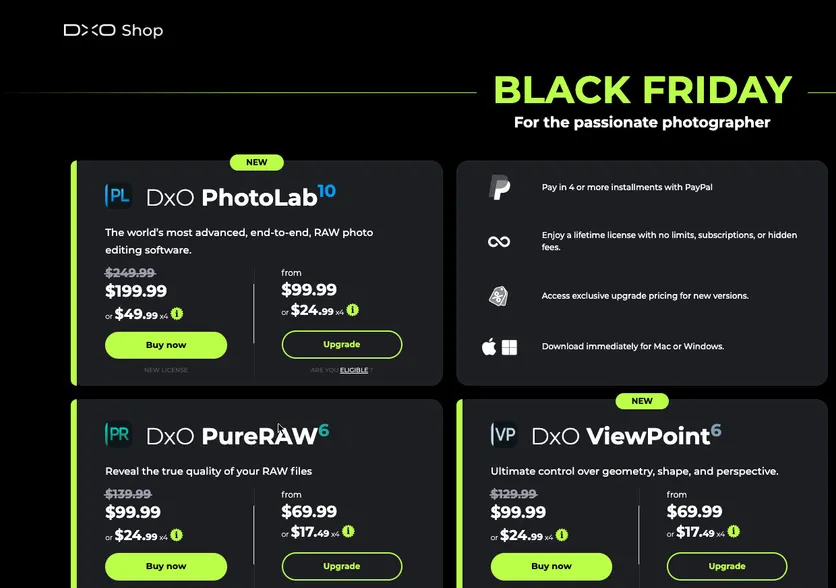
Paid tool Starting price: $199.99 one-time · Elite edition, Black Friday price through November 29, 2026; regular price $249.99; perpetual license; free trial
Free plan: Free trial
DxO PhotoLab 10 pairs deep RAW editing with clean exports that carry no location data when you choose. This DxO PhotoLab 10 Elite license covers lab-measured lens corrections, DeepPRIME noise reduction and export controls for metadata. It is the best pick for low-light and wildlife photographers who share work online.
What we like
- Best noise reduction on this list
- Pay once, no subscription
- Superb lens corrections from lab data
Watch out for
- Black Friday price ends November 29, 2026
- Library tools are lighter than Lightroom
How to try it
- Open the DxO PhotoLab page and download the trial
- Edit a RAW file and apply DeepPRIME noise reduction
- Export with metadata stripped and check the result
4. Luminar
Best for: Photographers who want fast AI edits and simple metadata control
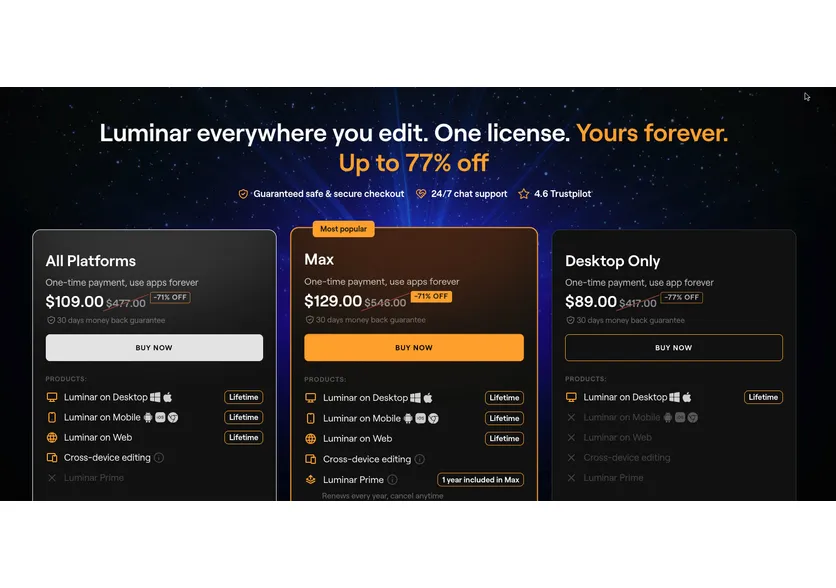
Paid tool Starting price: $99 one-time · Desktop Only, Black Friday price (was $417); All Platforms $139 and Max $159 one-time; AI tools included for one year; 30-day money-back guarantee
Free plan: 30-day money-back guarantee
Luminar keeps metadata control simple: edit fast with AI tools, then export without the GPS trail. This Luminar Desktop Only license covers one-click sky replacement, relighting and object removal on Mac and Windows. It is the best pick for landscape and portrait photographers who want speed over menus.
What we like
- Fastest AI edits on this list
- One-time purchase, no subscription
- Great for landscapes and portraits
Watch out for
- AI tools need renewal after the first year
- Black Friday price ends around November 30, 2026
How to try it
- Open the Skylum Luminar pricing page and pick Desktop Only
- Open a photo and apply an AI enhancement
- Export the finished photo without location data
5. ON1 Photo RAW 2027
Best for: Photographers who want one app for organizing, editing and clean exports
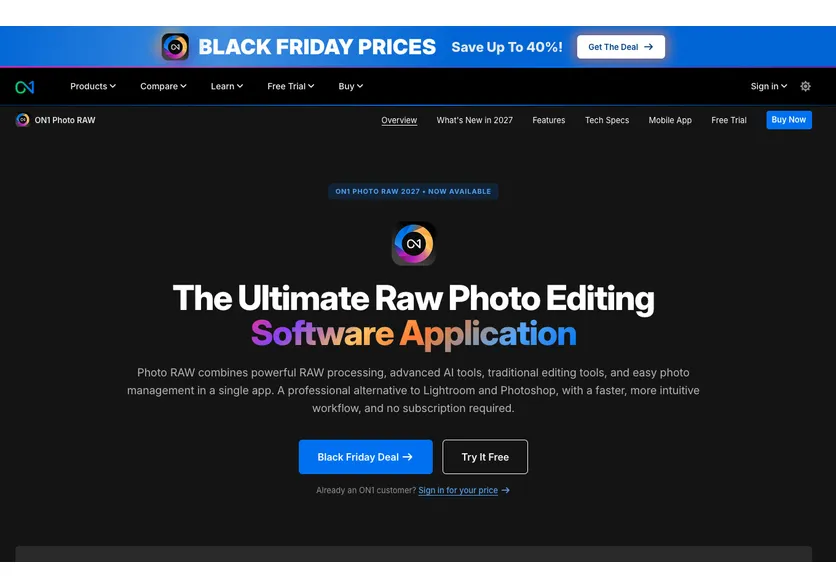
Paid tool Starting price: $59.99 one-time · Photo RAW 2027, Black Friday price through November 27, 2026; regular price $99.99; one-time purchase; free trial
Free plan: Free trial
ON1 Photo RAW 2027 covers the whole job: organize, edit, then export clean. This ON1 Photo RAW 2027 license combines browsing, RAW processing, layers and effects in a single app you own outright. It is the best pick for photographers who refuse subscriptions and want everything in one place.
What we like
- Organizing, editing and effects in one app
- One-time purchase you own outright
- Good value for a full RAW editor
Watch out for
- Black Friday price ends November 27, 2026
- Next major version is a paid upgrade
How to try it
- Open the ON1 Photo RAW page and download the trial
- Organize a shoot and edit a RAW file with layers
- Export the finished photos without location data
6. Pixelmator Pro
Best for: Mac users who want a one-time purchase with native speed
Paid tool Starting price: $49.99 one-time · One-time purchase for Mac on the App Store; also in Apple Creator Studio at $12.99 a month or $129 a year with a 30-day trial
Free plan: 30-day free trial (Apple Creator Studio)
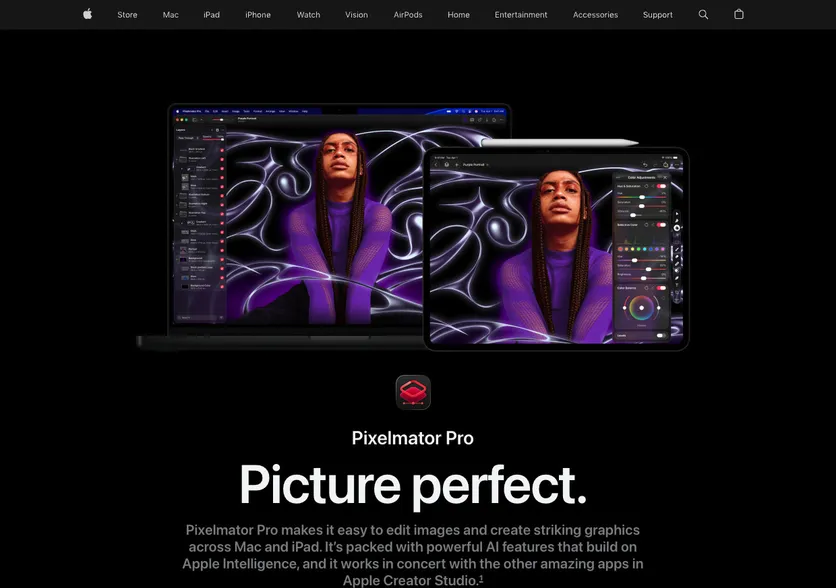
Pixelmator Pro is the Mac-native way to edit photos and strip location data on export. This Pixelmator Pro one-time purchase covers layers, retouching, RAW support and machine-learning tools like Super Resolution, all tuned for Apple Silicon. It is the best value for a Mac owner who wants a full editor with no monthly bill.
What we like
- Pay once, keep it forever
- Very fast on Apple Silicon Macs
- Clean Mac-native interface
Watch out for
- Mac only, no Windows version
- Newest AI features live in the subscription version
How to try it
- Open the Apple Pixelmator Pro page and buy it on the App Store
- Edit a photo and remove an unwanted object
- Export it without location data and share it
7. Topaz Photo
Best for: Photographers who fix noisy or soft photos before sharing them
Paid tool Starting price: $199/year · Personal plan, paid upfront; $25 a month on an annual commitment and $39 a month month-to-month; subscription only since October 2025, no perpetual license
Free plan: Free trial
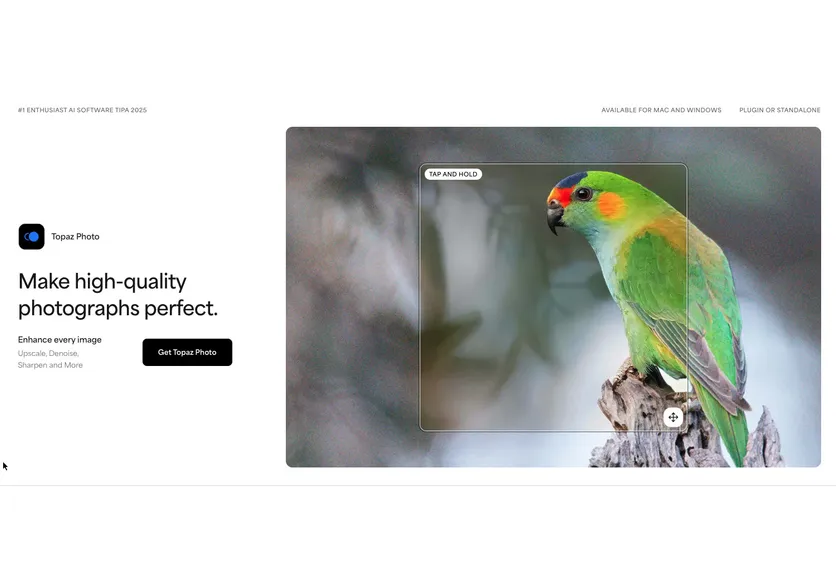
Topaz Photo enhances images with AI, and its exports let you leave the location data behind. This Topaz Photo Personal plan covers denoise, sharpening, upscaling and face recovery as a plugin or standalone app. It is the best pick when the photo needs rescue work before it goes anywhere.
What we like
- Best AI denoise and sharpening here
- Works as a plugin for Lightroom and Photoshop
- Batch processing for whole shoots
Watch out for
- Subscription only, no one-time purchase
- Metadata controls are less obvious than in Lightroom
How to try it
- Open the Topaz pricing page and pick the Photo Personal plan
- Open a noisy photo and run the AI denoise model
- Export the cleaned photo and check the metadata
Prices above were checked on each vendor’s own website on Nov 14, 2026 and can change — the vendor’s page is the final word. Vendor links are editorial: nobody paid to be listed or ranked here. Vendors who want a featured listing can see how it works on our Get listed page.
What metadata-safe photo editing costs in 2026
Removing location data costs nothing extra on most editors, because the control sits inside the export settings. The range on this list runs from a $50 one-time purchase to about $200 a year, and the right pick depends on how much editing you do before the export. The table below uses the headline plan each vendor shows on its own pricing page, checked on November 25, 2026.
Before you buy
- Always export a separate copy for sharing and keep the original with its metadata for your own archive.
- Check the exported file before you post it, because some apps strip location only when you ask them to.
- For sensitive photos, use an offline desktop editor so the file never uploads to a server before sharing.
- Compare one-time against subscription: Pixelmator Pro is $49.99 once for Mac owners, while Lightroom is $11.99 a month on annual billing.
- Try before you buy, and watch sale dates: DxO PhotoLab 10 costs $199.99 once at its Black Friday price through November 29, 2026.
Official websites
Official websites of the products reviewed above. Features and prices were checked against these sites when this guide was written, and they can change, so confirm on the vendor site before you buy.
Frequently asked questions
How do I remove location data from a photo?
Open the photo in an editor and use its export settings. In Lightroom, tick Remove Location Info in the export dialog. In Capture One, set an export recipe without location metadata. On a phone, the Photos app can strip location when you share. Always check the exported file before you post it, because the original still carries the GPS data.
Does removing metadata reduce image quality?
No. Removing metadata changes the file's hidden information, not the pixels. The image looks exactly the same after stripping GPS and camera data. The only thing that changes is the file size, which drops by a few kilobytes. Keep the original with metadata for your own archive, and share the stripped copy.
What metadata do photos carry?
A photo from a phone or camera can carry GPS coordinates, the date and time, the camera model, lens settings and a thumbnail. That is enough to work out where and when a photo was taken, and sometimes where you live. Stripping the location data removes the GPS coordinates while leaving the image itself untouched.
Can I remove location from photos on my phone?
Yes, on both iPhone and Android. On iPhone, open Photos, tap Share, then Options, and turn off Location before you send. On Android, the share sheet usually has a similar option, or you can strip location in Google Photos settings. For bulk work, a desktop editor like Lightroom or Pixelmator Pro is faster.
Do social media sites strip location data automatically?
Most do, but not all, and you should not rely on it. Instagram, Facebook and X strip location data from uploads, but messaging apps and email often keep it. Some smaller sites keep the full metadata. The safe habit is to strip location yourself before you upload, so the file you share is clean wherever it goes.
Browse all image tools
Browse Image Tools tools