On this page
A photo in the wrong format is a small problem with an annoying fix, and a bad converter can wreck the quality. The best converters handle every format, keep the quality intact, and finish a whole folder in one pass. The seven tools below run from the format specialist to the desktop batch workhorse. Every price was checked on the vendor site on November 25, 2026, and every tool offers a free trial or a free plan to test before you pay. CloudConvert is our first pick — the most formats, with over 200, including the obscure ones.
How we researched this
We started with the image converters people actually pay for, then read each price on the vendor pricing page on November 25, 2026 and noted the free trial or free plan each one carries. We judged them on how many formats they cover, how well they handle batches, and how good the result looks. We kept the list to tools with a published price, and we dropped any tool whose price we could not verify.
Compare the tools
| Name | Best for | Starting price | Free plan | |
|---|---|---|---|---|
 CloudConvert | Anyone who needs obscure formats converted reliably | $9/month | Free plan | Visit |
 Convertio | Anyone who wants the simplest possible conversion | $6.99/month | Free plan | Visit |
 Zamzar | People who convert files of every kind, not just images | $12/month | Free plan | Visit |
 reaConverter | Professionals who batch-convert folders of images offline | $75/year | Free trial | Visit |
 Adobe Photoshop | Professionals who convert images as part of a full edit | $22.99/month | 7-day free trial | Visit |
 Pixlr Premium | Anyone who converts and edits images in the browser | $7.99/month | Free plan; 7-day free trial | Visit |
 Fotor Pro | Bloggers and sellers who convert and polish product photos | $3.99/month | Free plan | Visit |
The image converters, compared
1. CloudConvert
Best for: Anyone who needs obscure formats converted reliably
Paid tool Starting price: $9/month · Subscription, 1,000 credits a month; package $17 one-time for 1,000 credits that never expire; free plan 10 credits a day
Free plan: Free plan
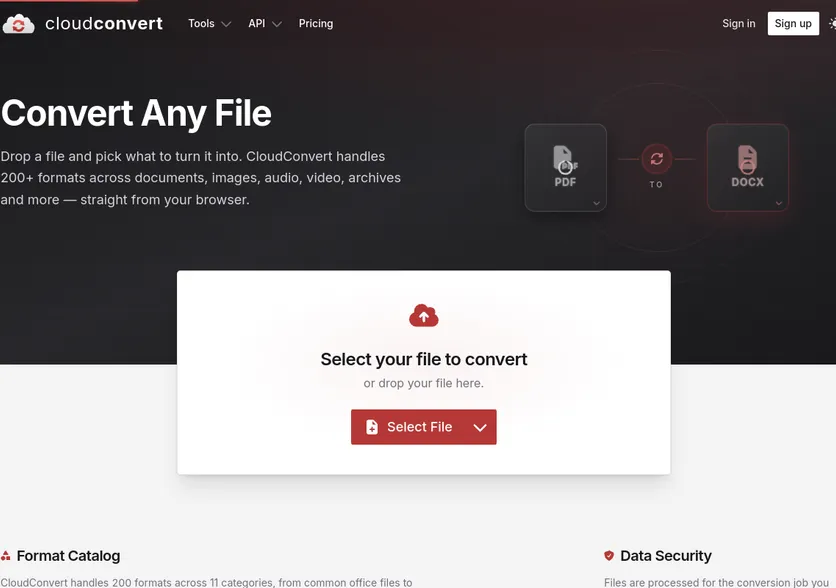
CloudConvert is the converter for people who need every format under the sun, not just the common ones. This CloudConvert subscription covers more than 200 formats, with an API and quality controls for each conversion. It is the best pick when the file you received is one you have never heard of.
What we like
- More than 200 formats supported
- API for automated conversion
- Quality controls per conversion
Watch out for
- Credit system takes learning
- Large files eat credits fast
How to try it
- Open the CloudConvert pricing page and pick the subscription
- Upload the file and choose the target format
- Download the converted file and check it opens
2. Convertio
Best for: Anyone who wants the simplest possible conversion
Paid tool Starting price: $6.99/month · Lite plan, billed annually; $11.99 a month on monthly billing; 1,000 credits a month, 1 GB files
Free plan: Free plan
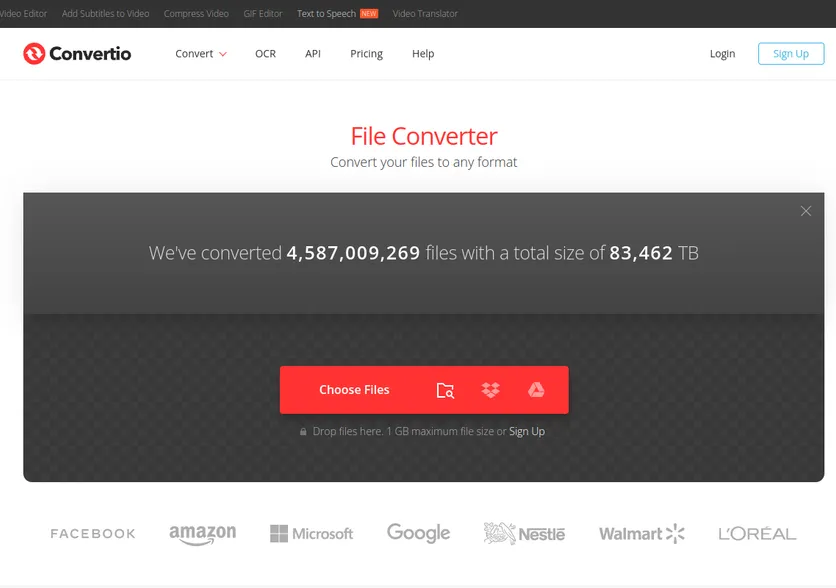
Convertio is the simplest converter on this list: drop a file, pick a format, download the result. This Convertio Lite plan raises the file-size cap to 1 GB and covers 1,000 credits a month, so big jobs finish without splitting. It is the best pick for quick HEIC to JPG conversions and one-off format changes.
What we like
- The easiest interface here
- Handles HEIC to JPG cleanly
- 1 GB file size on Lite
Watch out for
- No desktop app, browser only
- Credit limits on the cheaper plans
How to try it
- Open the Convertio pricing page and pick the Lite plan
- Drop in a HEIC photo and choose JPG
- Download the converted file and check the quality
3. Zamzar
Best for: People who convert files of every kind, not just images
Paid tool Starting price: $12/month · Basic plan; Pro $19 a month and Business $39 a month; 200 MB files, 5 GB storage
Free plan: Free plan
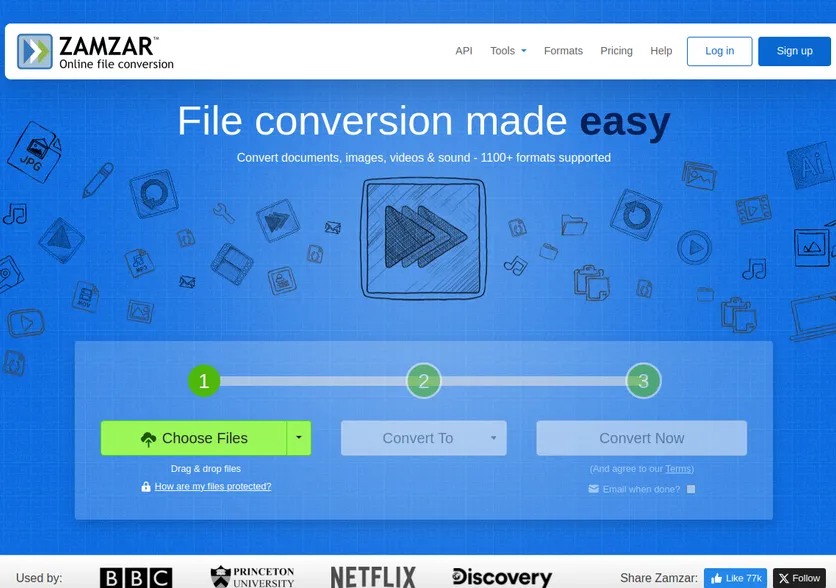
Zamzar has converted files since 2006, and its age shows in the format list. This Zamzar Basic plan covers image, document, audio and video conversion in one place, with 200 MB files and 5 GB of storage. It is the best pick when the job is not always an image.
What we like
- Converts images, documents, audio and video
- Long track record since 2006
- Email delivery for big files
Watch out for
- Results arrive by email, not instant download
- Interface looks dated next to rivals
How to try it
- Open the Zamzar signup page and pick the Basic plan
- Upload the file and choose the target format
- Download the result from your email link
4. reaConverter
Best for: Professionals who batch-convert folders of images offline
Paid tool Starting price: $75/year · Annual plan; perpetual license $99 one-time; Pro $149 a year or $199 perpetual; price moved in November 2026
Free plan: Free trial
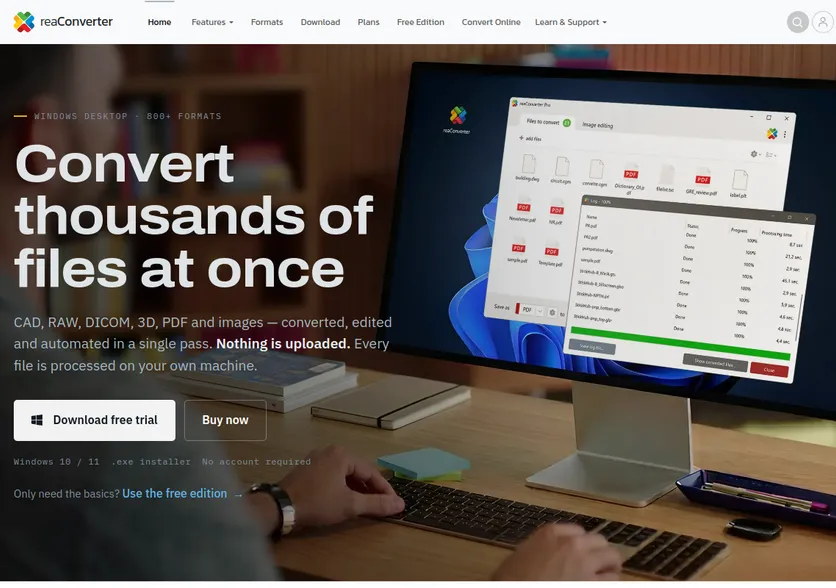
reaConverter is the desktop workhorse for batch conversion, built for folders of images rather than single files. This reaConverter annual plan covers conversion between hundreds of formats, with resizing, watermarking and renaming in the same pass. It is the best pick for a studio that converts whole shoots at once.
What we like
- Best batch conversion here
- Works offline on your computer
- Resize and watermark in the same pass
Watch out for
- Windows-focused, limited Mac support
- Price has moved several times in 2026
How to try it
- Open the reaConverter site and download the trial
- Select a folder of images and pick the target format
- Run the batch and check the converted files
5. Adobe Photoshop
Best for: Professionals who convert images as part of a full edit
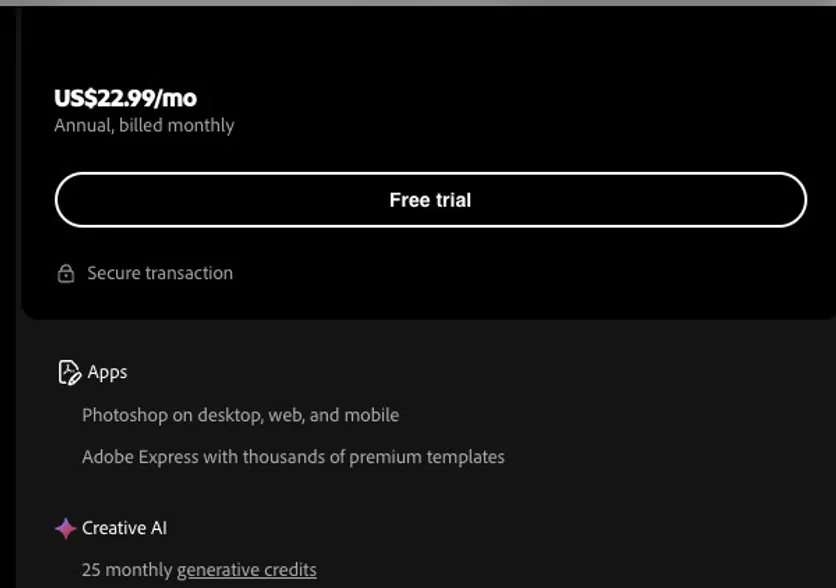
Paid tool Starting price: $22.99/month · Single-app plan, annual billed monthly ($275.88 a year); $34.49 a month month-to-month; Photography plan with Lightroom is $19.99 a month; 7-day free trial
Free plan: 7-day free trial
Photoshop converts images as part of a full edit, with exact control over format, color space and quality. This Adobe Photoshop plan covers batch conversion through actions, plus export presets for web, print and social. It is the best pick when conversion is one step in a bigger retouching job.
What we like
- Exact control over format and quality
- Batch conversion through actions
- Part of a full editing workflow
Watch out for
- Overkill for conversion alone
- No simple one-click converter mode
How to try it
- Open the Adobe Photoshop page and start the 7-day trial
- Open the image and finish your edits
- Export it in the target format with the quality you need
6. Pixlr Premium
Best for: Anyone who converts and edits images in the browser
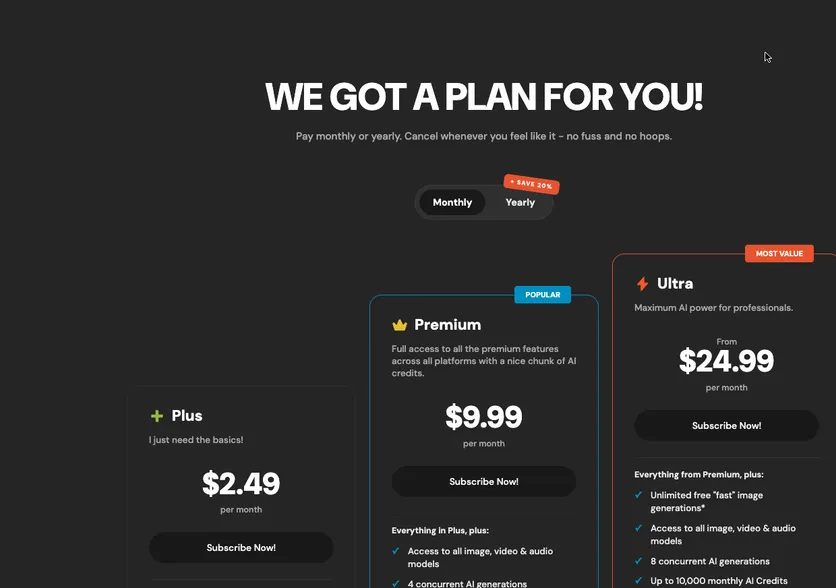
Paid tool Starting price: $7.99/month · Premium plan, billed yearly ($95.88 a year); $9.99 a month on monthly billing; Plus from $1.99 a month yearly; 7-day free trial
Free plan: Free plan; 7-day free trial
Pixlr Premium converts and edits in the browser, so a format change and a quick fix happen in one place. This Pixlr Premium plan unlocks the full editor with batch editing, AI background removal and exports in every common format. It is the best pick for social posts that need a new format and a quick polish.
What we like
- Convert and edit in one place
- Nothing to install, works anywhere
- Batch editing on Premium
Watch out for
- AI features run on monthly credits
- No HEIC support on the free plan
How to try it
- Open the Pixlr pricing page and start the Premium trial
- Upload the image and make your edits
- Export it in the target format and download it
7. Fotor Pro
Best for: Bloggers and sellers who convert and polish product photos
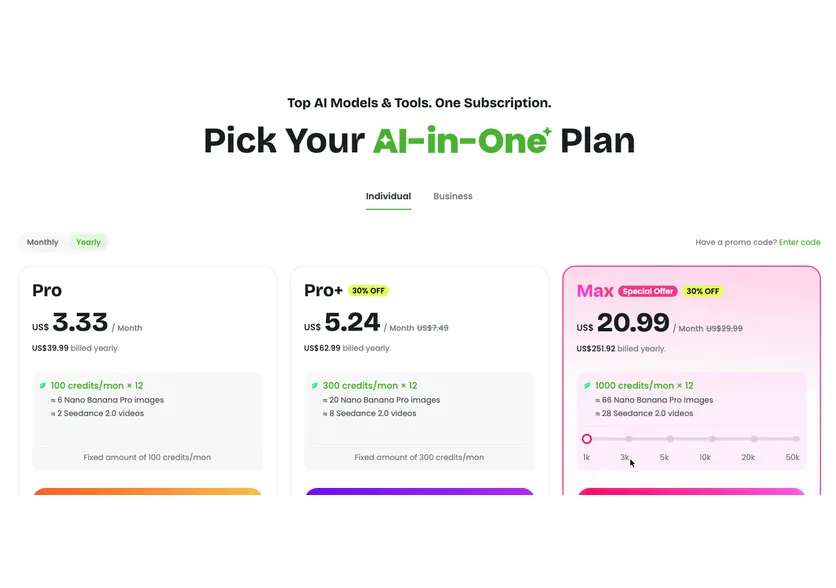
Paid tool Starting price: $3.99/month · Pro plan, billed yearly ($47.99 a year); $10.99 a month on monthly billing; price rose from $3.33 a month ($39.99 a year) in November 2026
Free plan: Free plan
Fotor Pro pairs format conversion with quick editing, so a photo changes format and looks better in the same pass. This Fotor Pro plan covers one-click enhancement, background removal and HD exports in every common format. It is the best pick for a seller who converts product photos every day.
What we like
- Conversion plus editing in one place
- Cheapest subscription on this list
- Good for product photos and social posts
Watch out for
- Only 100 AI credits a month on Pro
- Fewer formats than CloudConvert
How to try it
- Open the Fotor pricing page and pick the Pro yearly plan
- Upload the photo and enhance it in one click
- Export it in the format your store needs
Prices above were checked on each vendor’s own website on Nov 14, 2026 and can change — the vendor’s page is the final word. Vendor links are editorial: nobody paid to be listed or ranked here. Vendors who want a featured listing can see how it works on our Get listed page.
What image conversion costs in 2026
Image conversion is cheap, and the range on this list runs from about $4 a month to about $23 a month, with one yearly plan in the middle. The price is not the whole story, because credit systems, file-size caps and format support change what you really pay. The table below uses the headline plan each vendor shows on its own pricing page, checked on November 25, 2026.
Before you buy
- Keep the original file, because converting a JPEG to PNG does not add quality back.
- Check file-size caps before you pay: Convertio Lite handles files up to 1 GB, while CloudConvert gives 10 free credits a day.
- For whole folders, pick a batch tool like reaConverter instead of converting one file at a time.
- Match formats to the job: CloudConvert covers more than 200 formats, while Fotor Pro covers fewer formats than CloudConvert.
- Compare credit systems: CloudConvert costs $9 a month for 1,000 credits, and Convertio Lite costs $6.99 a month for 1,000 credits.
Official websites
Official websites of the products reviewed above. Features and prices were checked against these sites when this guide was written, and they can change, so confirm on the vendor site before you buy.
Frequently asked questions
How do I convert HEIC to JPG?
Upload the HEIC file to Convertio or CloudConvert, choose JPG as the target format, and download the result. Convertio Lite handles files up to 1 GB, so a whole phone album converts in batches. On a Mac, the Photos app exports HEIC as JPG too, and Photoshop opens HEIC files directly on newer systems.
What is the best image format to convert to?
For photos on the web, JPEG is still the default, and WebP or AVIF cut the size further with the same quality. Use PNG for graphics with sharp edges, text or transparency. For print, keep TIFF or a high-quality JPEG. The tools on this list cover all of these, so pick the format your destination needs.
Can I convert images in bulk?
Yes, every tool on this list handles batches. reaConverter is the strongest desktop batch converter, while CloudConvert and Convertio process whole folders in the browser. For a one-off batch, drag the folder into CloudConvert or reaConverter and download the results as a zip file.
Does converting an image lose quality?
It can, if you convert to a lossy format like JPEG at a low quality setting. Converting between lossless formats like PNG and TIFF loses nothing, and converting a JPEG to PNG does not add quality back. The safe habit is to keep the original file, convert a copy, and check the result at full size before you delete anything.
Is there a free image converter?
Yes. CloudConvert, Convertio, Zamzar, Pixlr and Fotor all have free plans for light use, usually with a daily credit limit or a file-size cap. Free plans suit occasional conversions. If you convert files every week, CloudConvert at about $9 a month or Convertio Lite at about $7 a month removes the limits.
Browse all image converters
Browse Image Converters tools