
On this page
App developers do not guess which onboarding flow converts, they test it, and the right A B testing tool makes experiments a normal part of shipping. The best tools combine feature flags, statistical analysis, and SDKs for mobile and web, so a test can roll out to a slice of users without a new release. Prices range from free tiers for small teams to several hundred dollars a month for serious experiment volume. GrowthBook is our first pick for app teams that want serious statistics without a serious bill.
How we researched this
We checked the vendor pricing pages for eight experiment platforms that work for mobile and web apps, and we kept only tools with a published list price in dollars. We compared each one for feature flag quality, statistical rigor, SDK coverage, and how fast a team can ship a first experiment, then ranked them for app developers at every stage.
Compare the tools
| Name | Best for | Starting price | Free plan | |
|---|---|---|---|---|
 GrowthBook | App teams that want open-source experiments on a budget | $40/seat/month | Free Cloud Starter plan for up to 3 users | Visit |
 PostHog | App teams that want flags, analytics, and replay in one tool | $0.0001/request | 1 million free feature flag requests a month | Visit |
 Statsig | App teams that want enterprise-grade experimentation | $150/month | Free Developer tier with 2 million events a month | Visit |
 LaunchDarkly | App teams that need safe, controlled feature rollouts | $10/connection/month | Free Developer plan with 5 connections | Visit |
 Flagsmith | Small app teams that want simple, affordable feature flags | $45/month | Free plan with 50,000 requests a month | Visit |
 Convert Experiences | App teams that need privacy-friendly A B testing | $299/month | 15-day free trial; no free plan | Visit |
 DevCycle | Developer-led app teams that want flags as code | $500/month | Free plan with 1,000 client-side monthly users | Visit |
 Unleash | App teams that want open-source flags at scale | $75/seat/month | Free open-source edition to self-host | Visit |
The A B testing software for app developers, compared
1. GrowthBook
Best for: App teams that want open-source experiments on a budget
Paid tool Starting price: $40/seat/month · Pro plan billed annually per seat; free Starter plan covers up to 3 users
Free plan: Free Cloud Starter plan for up to 3 users
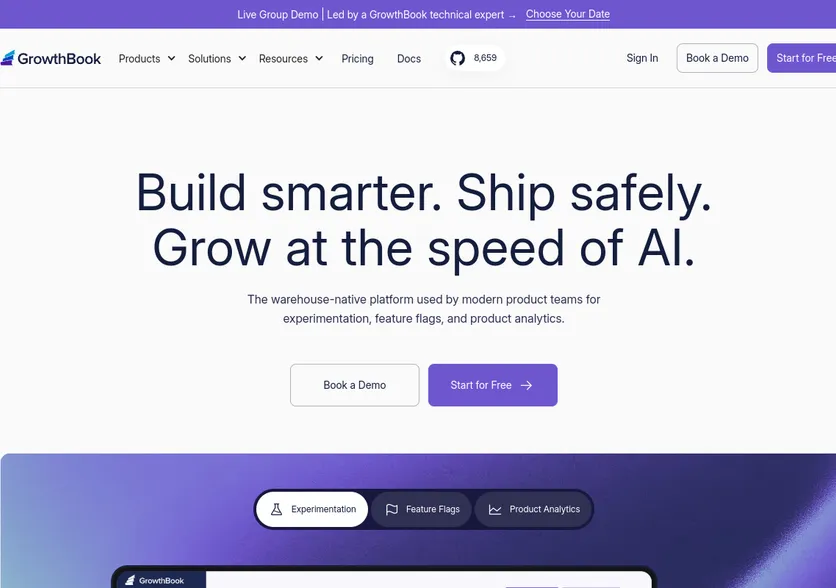
GrowthBook is the open-source experiment platform that app teams pick when they want real statistics without an enterprise price, and it runs on your own warehouse or its hosted cloud. It pairs feature flags with Bayesian analysis, so you can read results in plain language instead of p-values alone. The interface is less polished than the big names, but the price and the transparency are hard to beat.
What we like
- Open-source with a transparent pricing model
- Strong Bayesian statistics built in
- Works with your own data warehouse
Watch out for
- Interface is less polished than rivals
- Setup takes more effort than hosted-only tools
How to try it
- Connect your warehouse or sign up for the hosted cloud and install the SDK
- Create a feature flag and set the rollout percentage for your test group
- Define the experiment, pick your metrics, and read the Bayesian results
2. PostHog
Best for: App teams that want flags, analytics, and replay in one tool
Paid tool Starting price: $0.0001/request · Per flag request after 1 million free requests a month; experiments billed per request
Free plan: 1 million free feature flag requests a month
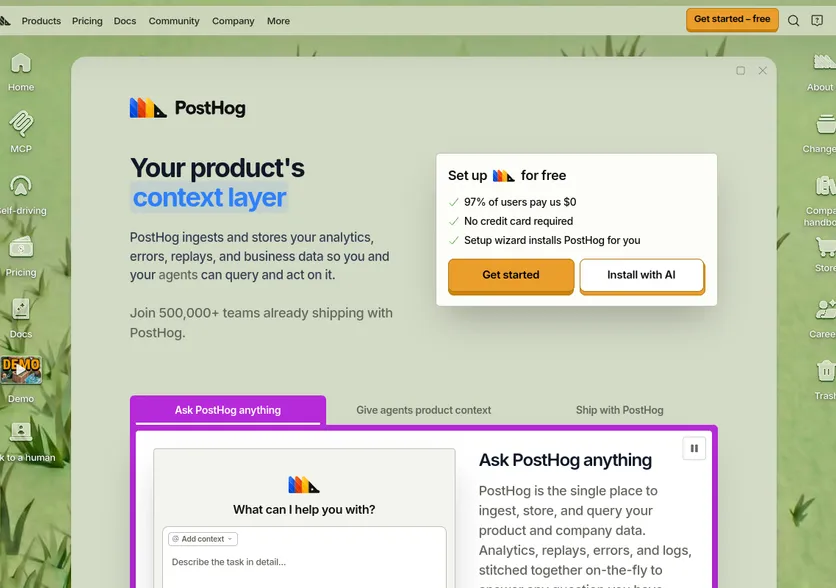
PostHog is the all-in-one product analytics platform that app developers use for feature flags, experiments, and session replay in a single tool. Its flag pricing is usage-based, so small apps can run experiments almost free while larger apps pay per request. The breadth is the appeal and the risk, since a team that only wants experiments pays for a much bigger platform.
What we like
- Flags, analytics, and replay in one place
- Generous free tier for small apps
- Open-source core with a large community
Watch out for
- Usage pricing can climb with traffic
- Bigger than a team that only needs flags
How to try it
- Install the PostHog SDK in your app and enable feature flags
- Create a flag with a rollout rule and attach it to an experiment
- Watch the results in the experiment dashboard and roll out the winner
3. Statsig
Best for: App teams that want enterprise-grade experimentation
Paid tool Starting price: $150/month · Pro plan at a flat monthly price; free Developer tier includes 2 million events a month
Free plan: Free Developer tier with 2 million events a month
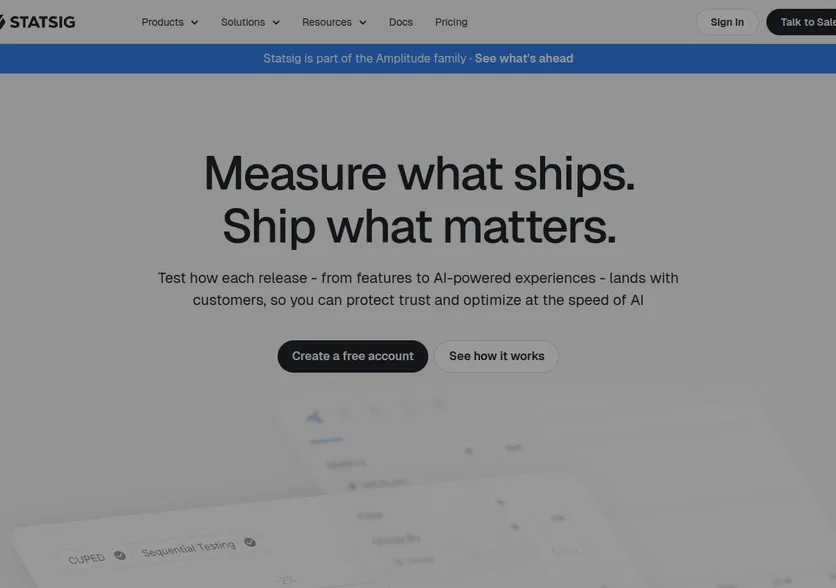
Statsig is the experimentation platform built by former Facebook engineers, and it brings the same rigor to product teams of any size. It combines feature flags, holdout tests, and deep analytics, with a free tier that covers two million events a month. The paid tier starts at a flat monthly price, which makes budgeting simple, though heavy event volume can push costs up.
What we like
- Serious statistics from a team that built them at scale
- Flat pricing that is easy to budget
- Strong free tier for small teams
Watch out for
- Event overages can add cost at scale
- Interface has a learning curve
How to try it
- Install the SDK and create your first feature flag
- Set up an experiment with a holdout group and target metrics
- Analyze the results and roll the winning variant to all users
4. LaunchDarkly
Best for: App teams that need safe, controlled feature rollouts
Paid tool Starting price: $10/connection/month · Foundation plan, billed annually; monthly billing is twelve dollars per connection
Free plan: Free Developer plan with 5 connections
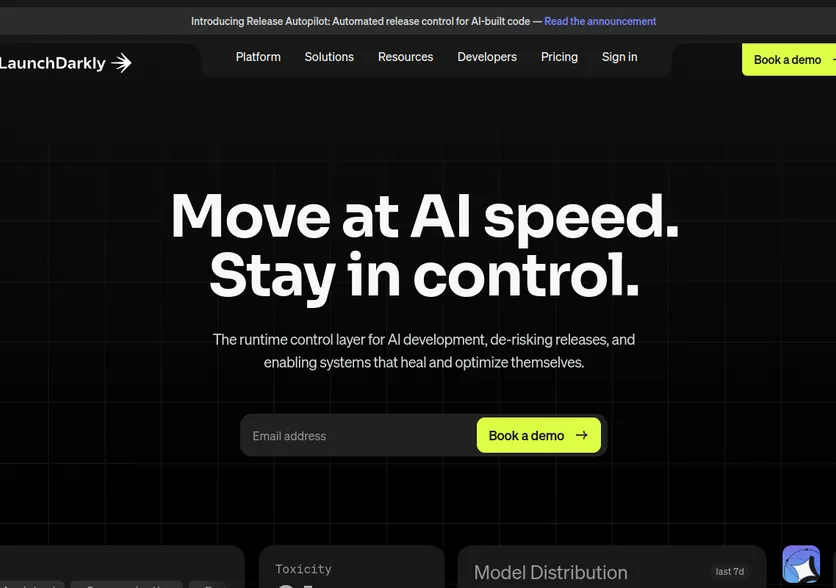
LaunchDarkly is the feature flag platform that large app teams trust to release safely, and it is the standard for controlled rollouts and kill switches. Its pricing starts with a small usage-based charge per service connection, so small teams pay little while big fleets pay for scale. It is a flagging tool first, so teams that want deep experiment analysis often pair it with an analytics product.
What we like
- Best-in-class controlled rollouts and kill switches
- Reliable SDKs for every major platform
- Strong enterprise controls and audit logs
Watch out for
- Experiment analysis is lighter than rivals
- Usage pricing grows with service connections
How to try it
- Install the SDK and create a flag for the feature you want to control
- Set targeting rules to roll the flag to a percentage of users
- Monitor the rollout and switch the flag off instantly if something breaks
5. Flagsmith
Best for: Small app teams that want simple, affordable feature flags
Paid tool Starting price: $45/month · Start-Up plan billed monthly; annual billing is forty dollars a month
Free plan: Free plan with 50,000 requests a month
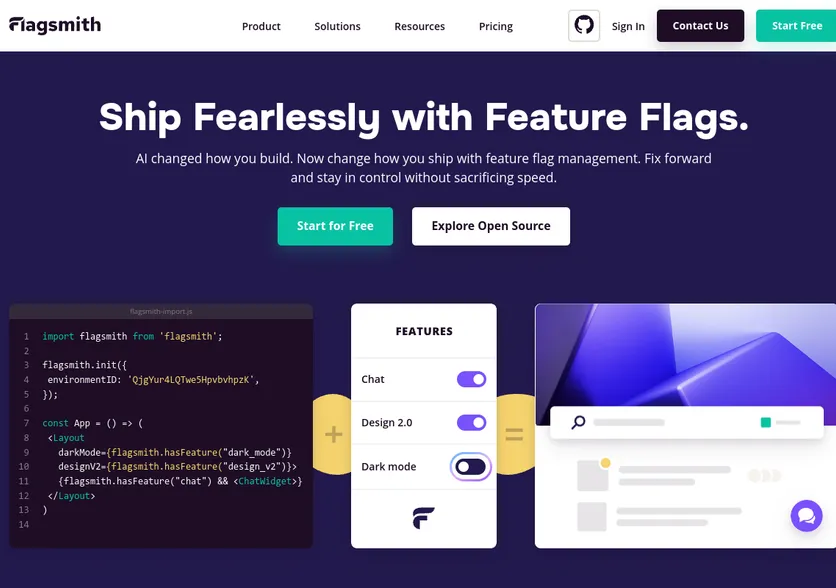
Flagsmith is the open-source feature flag tool that small app teams pick when they want simple flags without a big bill, and its hosted plan starts at a modest monthly price. It covers flags, segments, and remote config, which is enough for most mobile and web apps. It lacks the deep experiment statistics of the bigger platforms, so teams that run heavy A B testing will outgrow it.
What we like
- Simple flags at a low monthly price
- Open-source with self-hosting available
- Easy setup for small teams
Watch out for
- Light on experiment statistics
- Fewer integrations than the big platforms
How to try it
- Sign up and create a project, then install the SDK in your app
- Create a flag and define segments for your test groups
- Toggle the flag from the dashboard and watch the rollout
6. Convert Experiences
Best for: App teams that need privacy-friendly A B testing
Paid tool Starting price: $299/month · Growth plan billed annually; monthly billing is three hundred ninety nine dollars a month
Free plan: 15-day free trial; no free plan
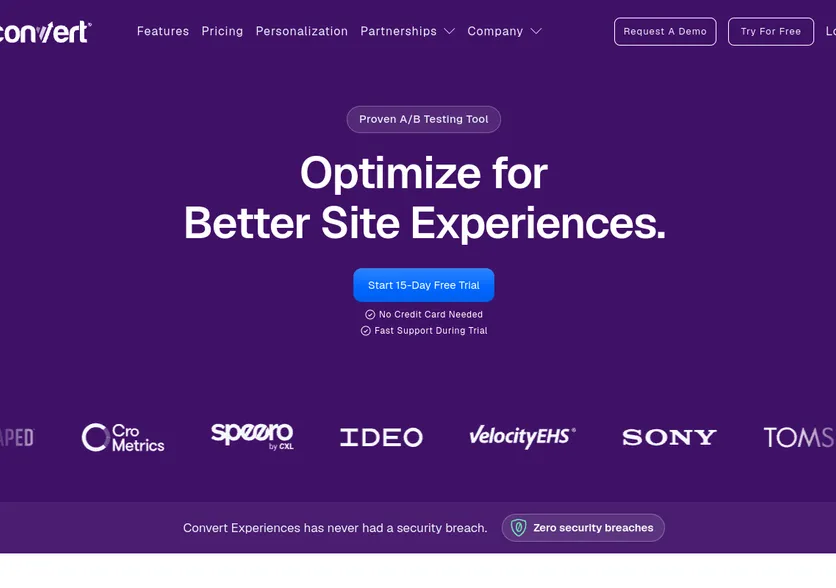
Convert Experiences is the A B testing platform that marketing and product teams use when privacy matters, and it runs experiments without third-party cookies or heavy tracking. Its visual editor lets non-developers build tests, while the SDK covers app experiments too. The monthly price is high for small teams, and the app SDK story is thinner than the flag-first platforms.
What we like
- Privacy-first with no third-party cookies
- Visual editor for non-developers
- Strong support for regulated industries
Watch out for
- High starting price for small teams
- App SDK is thinner than flag-first tools
How to try it
- Install the SDK or add the script, then define your test audience
- Build variants in the visual editor or with code
- Run the test to significance, then roll out the winner
7. DevCycle
Best for: Developer-led app teams that want flags as code
Paid tool Starting price: $500/month · Business plan billed annually; monthly billing is six hundred twenty five dollars a month
Free plan: Free plan with 1,000 client-side monthly users
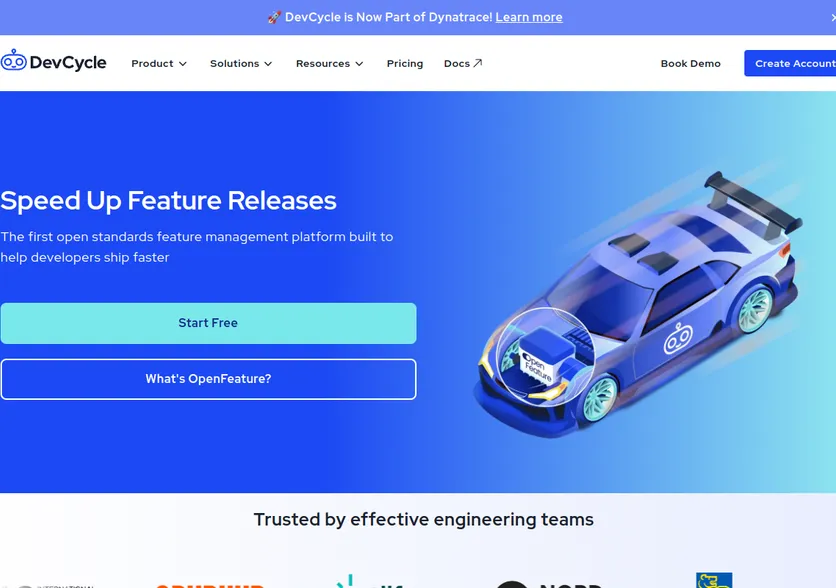
DevCycle is the feature flag platform built for developers, and it feels like a developer tool rather than a marketing dashboard. It offers flags, experiments, and real-time targeting with generous free limits for small apps. The business tier is expensive for larger teams, and the experiment analysis is lighter than the dedicated experiment platforms.
What we like
- Developer-first workflow with flags as code
- Real-time targeting and edge delivery
- Generous free tier for small apps
Watch out for
- Business tier is expensive
- Experiment analysis is lighter than rivals
How to try it
- Install the SDK and define your first feature flag
- Set targeting rules and variable values per audience
- Run an experiment on the flag and roll out the winner
8. Unleash
Best for: App teams that want open-source flags at scale
Paid tool Starting price: $75/seat/month · Pay-As-You-Go cloud plan per seat; open-source edition is free to self-host
Free plan: Free open-source edition to self-host
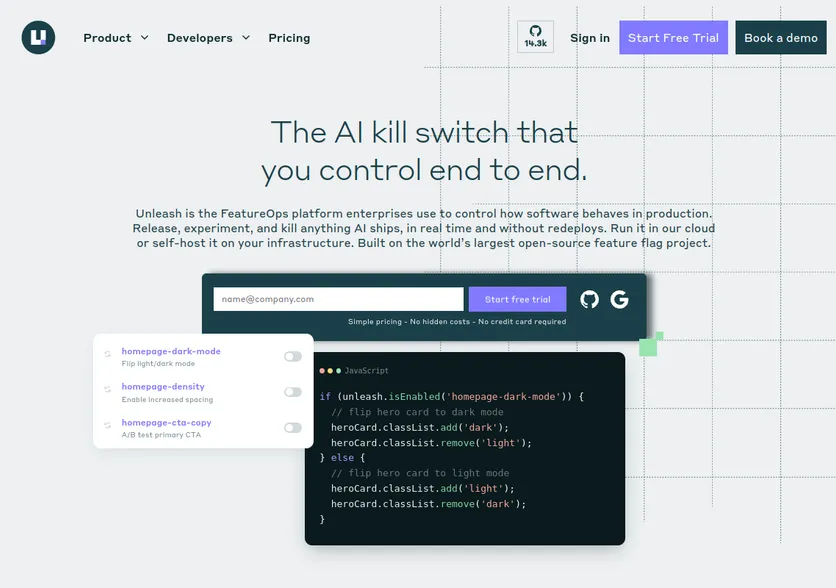
Unleash is the open-source feature flag platform that app teams self-host or run in the cloud, and its pay-as-you-go cloud pricing charges per seat. It is battle-tested at large companies and covers flags, segments, and gradual rollouts well. It is a flagging platform first, so teams that want full experiment statistics need to add their own analytics.
What we like
- Proven at large companies
- Open-source with cloud hosting available
- Simple per-seat cloud pricing
Watch out for
- No built-in experiment statistics
- Self-hosting needs operations effort
How to try it
- Self-host the open-source edition or start a cloud workspace
- Create a feature toggle and set activation strategies
- Roll the toggle out gradually and monitor adoption
Prices above were checked on each vendor’s own website on Nov 26, 2026 and can change — the vendor’s page is the final word. Vendor links are editorial: nobody paid to be listed or ranked here. Vendors who want a featured listing can see how it works on our Get listed page.
What A B testing software for app developers actually costs
Most app teams can start free, since nearly every tool here has a free tier or open-source edition, and paid plans start around forty dollars a seat a month. Serious experiment volume costs more, with flat plans near one hundred fifty dollars a month and usage-based plans that grow with your traffic. A team running a handful of experiments can stay under two hundred dollars a month, while a large app with millions of users can spend several hundred dollars a month or more.
The real cost is not the subscription, it is the time your team spends designing tests and reading results. Pick a tool your developers will actually use every week, check that the SDK covers your platforms, and make sure the statistics are strong enough to trust the result before you ship it.
Before you buy
- Check the SDK covers every platform you ship, from iOS and Android to web
- Confirm the statistics are sound, with proper significance and guardrail metrics
- Test the free tier on a real experiment before you commit to a paid plan
- Make sure flags can roll back instantly when a release goes wrong
- Count the true cost at your traffic level, since usage pricing grows with users
Official websites
Official websites of the products reviewed above. Features and prices were checked against these sites when this guide was written, and they can change, so confirm on the vendor site before you buy.
Frequently asked questions
What is the best A B testing tool for app developers?
GrowthBook is the best value for most app teams, with open-source experiments and strong statistics at a low per-seat price. PostHog suits teams that want flags and analytics in one place, and LaunchDarkly leads for safe controlled rollouts at scale. The right pick depends on whether you need deep statistics, all-in-one analytics, or rollout safety most.
How much does A B testing software cost for apps?
Most tools offer a free tier that covers small apps, and paid plans start around forty dollars a seat a month. Flat experiment plans run near one hundred fifty dollars a month, while usage-based flag pricing grows with traffic. A small team can run real experiments for under two hundred dollars a month, and larger apps pay several hundred.
Do I need feature flags and A B testing in one tool?
Feature flags let you release safely and roll back fast, while A B testing tells you which variant performs better, and most app teams need both. Tools like GrowthBook and PostHog combine the two, while LaunchDarkly focuses on flags and pairs well with an analytics tool. If you only run a few tests a year, a flag-first tool plus basic analytics is enough.
Can I run A B tests for free?
Yes, GrowthBook, PostHog, Statsig, and Flagsmith all have free tiers that cover small apps, and Unleash is free to self-host. Free tiers limit users, events, or requests, so check the cap against your traffic before you rely on it. When your app grows past the free limits, the cheapest paid tier usually covers the next stage.
What is the difference between GrowthBook and LaunchDarkly?
GrowthBook is an experiment platform with strong statistics and a low per-seat price, built for teams that want to learn from tests. LaunchDarkly is a feature flag platform built for safe rollouts, kill switches, and enterprise controls at scale. Many teams use GrowthBook for experiments and LaunchDarkly for release control, though either can cover basic flagging alone.
Need free developer help too? Try Toolsvine's free developer tools for quick checks right in your browser.
Browse Developer Tools tools


