
On this page
A website that cannot change its content without a deploy is a website that falls behind. Contentful leads this list because it proved that headless content could scale, but the best digital experience platform for your team depends on price, editing experience, and how content reaches every channel. We checked nine paid platforms on their own pricing pages and compared free plans, content modeling, and the real cost per seat.
How we researched this
We read each vendor pricing page on November 26, 2026 and kept only tools with a published starting price. We then weighed content modeling, editing experience, API delivery, and how easily a team can publish to web, app, and every other channel.
Compare the tools
| Name | Best for | Starting price | Free plan | |
|---|---|---|---|---|
 Contentful | Enterprises that need proven headless scale | $300/month | Free Community plan for small projects | Visit |
 Storyblok | Teams that want a visual editor on headless content | $99/month | Free Community plan | Visit |
 Hygraph | API-first teams that love GraphQL | $199/month | Free Community plan | Visit |
 Sanity | Developers who want a fully customizable studio | $15/seat/month | Free plan with generous limits | Visit |
 Strapi | Teams that want open-source control plus managed hosting | $35/project/month | Free self-hosted open-source version | Visit |
 Directus | Teams that want a CMS on top of any SQL database | $89/month | Free self-hosted open-source version | Visit |
 Prismic | Small teams that want the simplest headless CMS | $10/month | Free plan for small projects | Visit |
 Cosmic | Small teams that want CMS plus hosting in one | $299/month | Free Starter plan | Visit |
| ButterCMS | Teams that want the easiest API to integrate | $79/month | Free trial, no free plan | Visit |
The 9 best AI digital experience orchestration platforms
1. Contentful
Best for: Enterprises that need proven headless scale
Paid tool Starting price: $300/month · Lite plan
Free plan: Free Community plan for small projects
Contentful is the headless CMS that proved content could live apart from the website and still scale. This Contentful Lite plan adds more content types, locales, and roles for three hundred dollars a month. It is the safe enterprise pick, though the price puts it out of reach for small teams.
What we like
- Most proven headless platform here
- Strong API and delivery network
- Good roles and locales for big teams
Watch out for
- High entry price for small teams
- Steeper learning curve than rivals
How to try it
- Model your first content type in the web app
- Connect your front end with the delivery API
- Invite editors and set their roles
2. Storyblok
Best for: Teams that want a visual editor on headless content
Paid tool Starting price: $99/month · Growth plan; $90.75 a month on annual billing
Free plan: Free Community plan
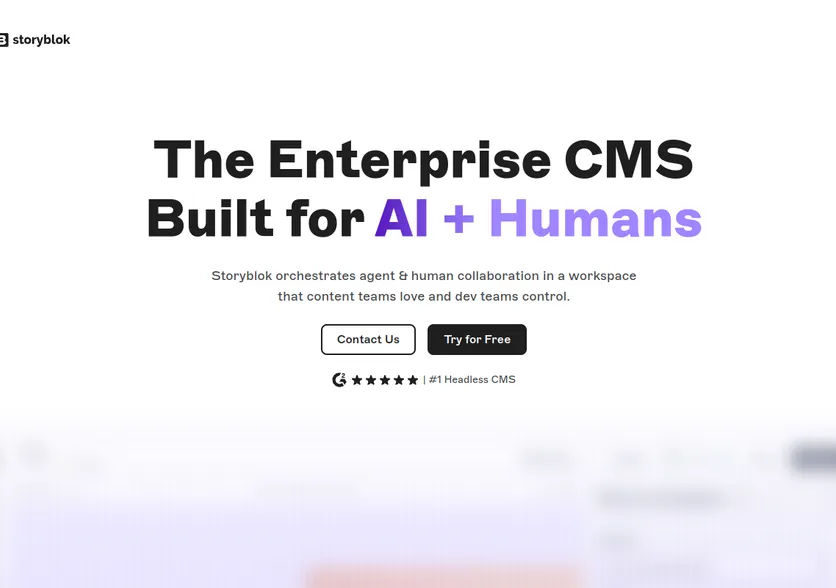
Storyblok pairs a visual editor with headless delivery, so marketers can see the page as they build it. This Storyblok Growth plan adds more seats, content types, and traffic for ninety-nine dollars a month. It is the friendliest editor here, though the entry price is higher than the cheapest options.
What we like
- Friendliest visual editor here
- Strong component system for pages
- Good for marketing teams
Watch out for
- Entry price higher than cheapest rivals
- Visual editor adds some complexity
How to try it
- Create a space and add your first content blocks
- Preview the page in the visual editor
- Publish and fetch the content through the API
3. Hygraph
Best for: API-first teams that love GraphQL
Paid tool Starting price: $199/month · Growth plan, starting price
Free plan: Free Community plan
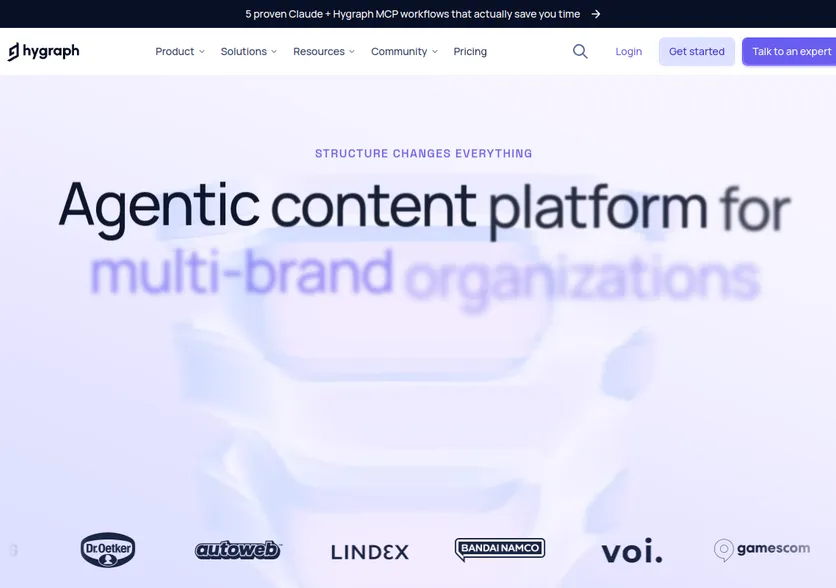
Hygraph is a GraphQL-native headless CMS that treats content as data your apps can query. This Hygraph Growth plan adds more API operations, team seats, and locales from one hundred and ninety-nine dollars a month. It is the best fit for API-first teams, though editors who want a visual page builder will miss one.
What we like
- Native GraphQL API is excellent
- Clean content modeling tools
- Good for multi-channel delivery
Watch out for
- No visual page builder
- Price jumps fast from the free tier
How to try it
- Model your content types in the schema builder
- Query the content with the GraphQL API
- Invite your team and set permissions
4. Sanity
Best for: Developers who want a fully customizable studio
Paid tool Starting price: $15/seat/month · Growth plan
Free plan: Free plan with generous limits
Sanity gives developers a fully customizable content studio that bends to any content model. This Sanity Growth plan adds more seats, datasets, and bandwidth for fifteen dollars a seat each month. It is the cheapest per-seat option here and the most flexible, though the studio needs real development time to shape.
What we like
- Cheapest per-seat price here
- Fully customizable content studio
- Real-time collaboration built in
Watch out for
- Studio setup needs developer time
- GROQ query language takes learning
How to try it
- Define your first schema in code
- Open the studio and add your content
- Query it from your front end with GROQ
5. Strapi
Best for: Teams that want open-source control plus managed hosting
Paid tool Starting price: $35/project/month · Cloud Starter plan
Free plan: Free self-hosted open-source version
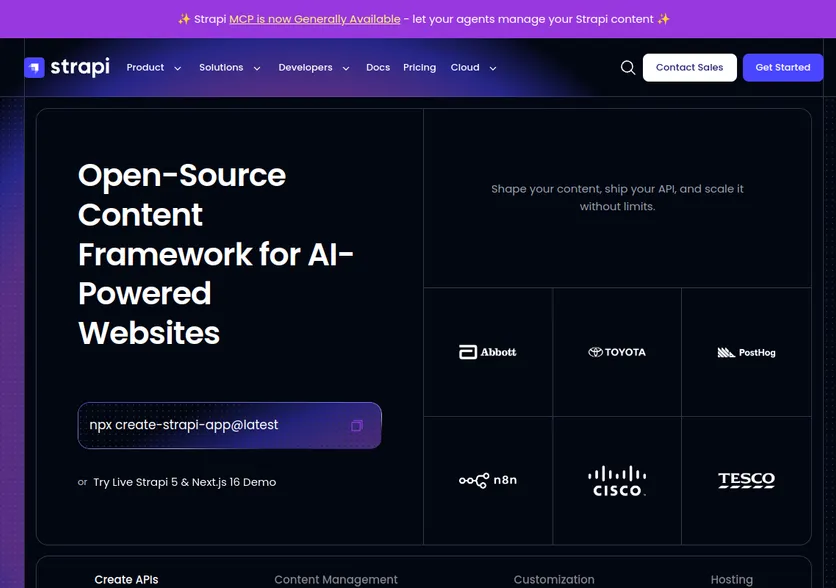
Strapi is the open-source headless CMS that lets you self-host for free or pay for managed cloud. This Strapi Cloud Starter plan adds hosting, backups, and support for thirty-five dollars a project each month. It is the best value for teams that want full control, though the cloud plan is smaller than the self-hosted version.
What we like
- Open source with no lock-in
- Low cloud price with hosting included
- Huge plugin community
Watch out for
- Cloud plan is smaller than self-hosted
- Admin panel is less polished than rivals
How to try it
- Create a project and define your content types
- Add content in the admin panel
- Connect your front end with the REST or GraphQL API
6. Directus
Best for: Teams that want a CMS on top of any SQL database
Paid tool Starting price: $89/month · Core plan billed yearly; $99 a month on monthly billing
Free plan: Free self-hosted open-source version
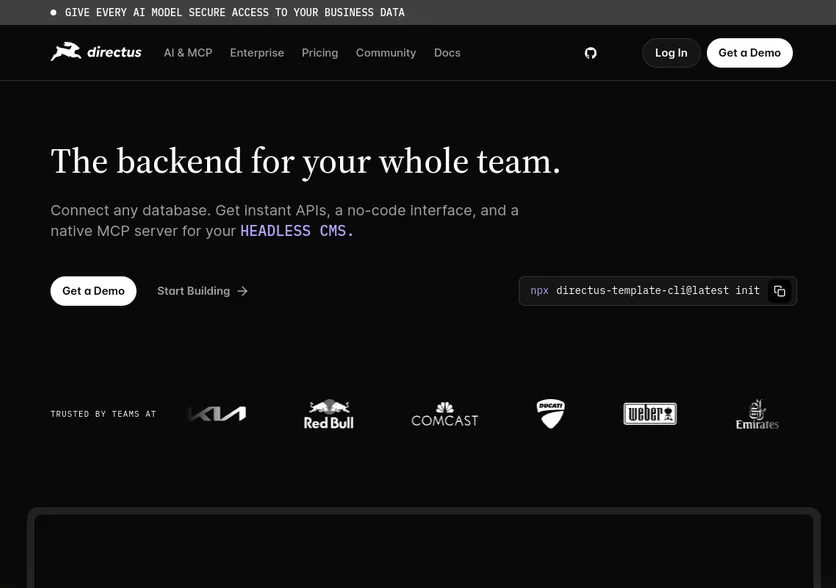
Directus wraps any SQL database in a clean headless CMS with no lock-in at all. This Directus Core plan adds cloud hosting, more projects, and support from eighty-nine dollars a month billed yearly. It is the most open platform here, though the cloud pricing is per project and can climb fast.
What we like
- Works on any SQL database
- No vendor lock-in at all
- Clean and fast admin app
Watch out for
- Cloud pricing is per project
- Smaller community than Strapi
How to try it
- Point Directus at your existing database
- Customize the data model in the app
- Serve content through the REST or GraphQL API
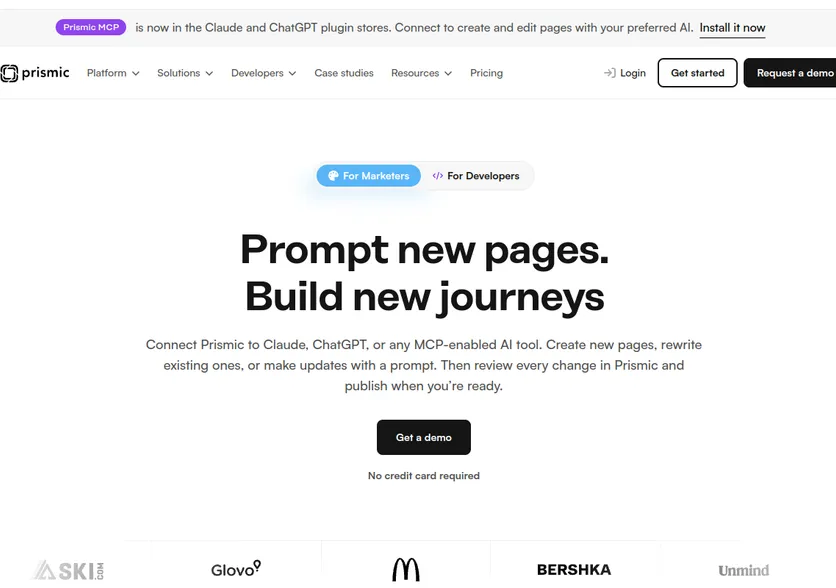
7. Prismic
Best for: Small teams that want the simplest headless CMS
Paid tool Starting price: $10/month · Starter plan per repo billed annually
Free plan: Free plan for small projects
Prismic is the simplest headless CMS on this list, built for teams that want to publish fast. This Prismic Starter plan adds more users, locales, and media storage for ten dollars a month per repo. It is the cheapest entry price here, though larger teams will need the pricier tiers quickly.
What we like
- Cheapest entry price here
- Simplest editor on this list
- Fast to set up and publish
Watch out for
- Features thin out at scale
- Pricier tiers arrive quickly for teams
How to try it
- Create a repository and add your first document type
- Write content in the simple editor
- Fetch it in your app with the client library
8. Cosmic
Best for: Small teams that want CMS plus hosting in one
Paid tool Starting price: $299/month · Team plan
Free plan: Free Starter plan
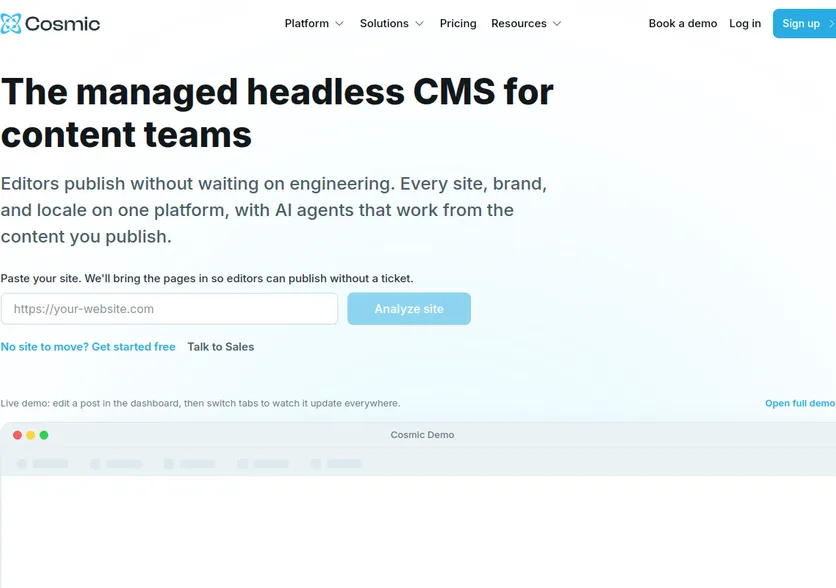
Cosmic is a headless CMS with built-in hosting and a simple API that small teams can learn in an afternoon. This Cosmic Team plan adds more team members, buckets, and API requests for two hundred and ninety-nine dollars a month. It is easy to start with, though the price jumps sharply from the free tier.
What we like
- Built-in hosting included
- Very easy to learn
- Good for small team projects
Watch out for
- Sharp price jump from free to Team
- Smaller ecosystem than Contentful
How to try it
- Create a bucket and add your first object type
- Add content through the dashboard
- Fetch it with the API in your app
9. ButterCMS
Best for: Teams that want the easiest API to integrate
Paid tool Starting price: $79/month · Basic plan billed monthly; $71 a month on annual billing
Free plan: Free trial, no free plan
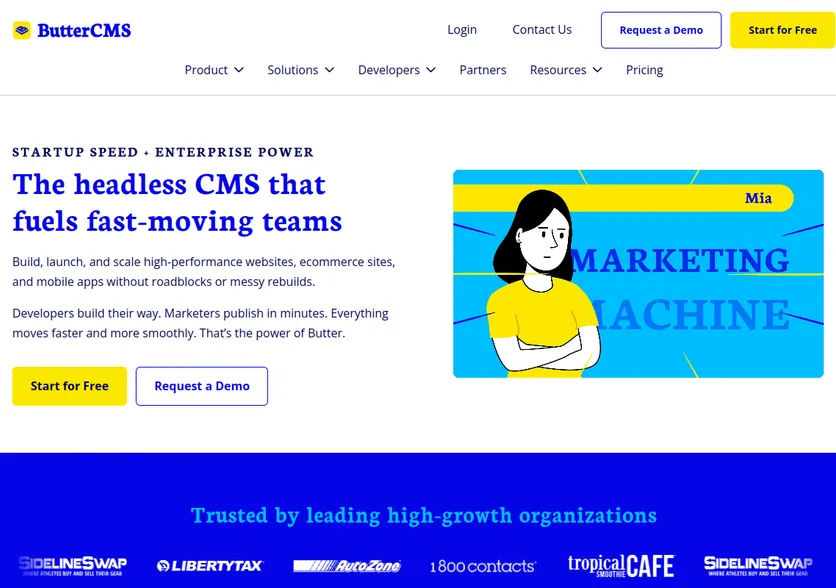
ButterCMS is a headless CMS that plugs into any stack with a simple API and a friendly editor. This ButterCMS Basic plan adds more content types, users, and API calls for seventy-nine dollars a month. It is the easiest API to integrate here, though the entry price is higher than Prismic or Sanity.
What we like
- Easiest API integration here
- Friendly editor for marketers
- Good docs and SDKs
Watch out for
- No free plan, only a trial
- Higher entry price than Prismic
How to try it
- Create an account and add your first collection
- Write content in the editor
- Call the API from your app with the SDK
Prices above were checked on each vendor’s own website on Nov 26, 2026 and can change — the vendor’s page is the final word. Vendor links are editorial: nobody paid to be listed or ranked here. Vendors who want a featured listing can see how it works on our Get listed page.
How to pick a headless CMS without regretting it
How to pick a headless CMS without regretting it
Start with your editors, not your developers. The best API in the world is useless if the people writing content hate the tool, so give your editors a trial week on two or three options and watch which one they actually open. Prismic and Storyblok usually win that test, while Sanity and Strapi win the developer vote.
Then check the exit. Every platform here lets you export content, but some make it easy and some make it a project, so test an export before you commit. A headless CMS should free your content from your website, not lock it inside a new cage.
Before you buy
- Can your editors build a page without calling a developer every time?
- Does the API deliver content fast enough for your busiest page?
- Will your content model survive a redesign, or is it tied to one layout?
- Does the price grow per seat, per project, or per API call, and which matches your traffic?
- Can you export everything and leave, or does the platform hold your content hostage?
Official websites
Official websites of the products reviewed above. Features and prices were checked against these sites when this guide was written, and they can change, so confirm on the vendor site before you buy.
Frequently asked questions
What is a digital experience orchestration platform?
A digital experience orchestration platform is a headless CMS plus the tools to deliver content to every channel: web, mobile apps, kiosks, and more. Content lives in one place and an API serves it wherever it is needed. The tools on this list differ mainly in their editing experience and their price, not in the basic idea.
How is headless different from a normal CMS?
A normal CMS like WordPress couples content and presentation, so changing the design means changing the content tool. A headless CMS stores content separately and serves it through an API, so any front end can use it. That freedom is why teams pick the platforms on this list, though it means a developer must build the front end.
Which headless CMS is cheapest for a small team?
Prismic Starter costs ten dollars a month per repo, making it the cheapest paid entry here. Sanity Growth at fifteen dollars a seat is cheaper still for a one-person team, and Strapi Cloud Starter at thirty-five dollars a project covers a small team with hosting included. Contentful and Cosmic start at three hundred dollars and suit larger teams instead.
Do I need a developer to use a headless CMS?
Yes, at least at the start. A headless CMS needs someone to build the front end that reads the API, even if the editing experience is friendly. Storyblok and Prismic reduce the developer burden with visual editors, while Sanity and Strapi expect more setup. If you have no developer at all, a normal CMS is a better fit.
Can I migrate from WordPress to a headless CMS?
Yes, most of these platforms offer migration tools or import APIs for WordPress content. The hard part is rebuilding the front end and retraining editors on a new workflow, not moving the words themselves. Start with one section of your site, prove the new setup works, then migrate the rest in stages.
Model one real content type in the tool that fits your budget this week, then pay for the one your editors actually enjoyed.
Browse Developer Tools tools


