
On this page
A startup cannot afford to lose decisions to bad notes, yet it cannot afford a dear subscription either. The eight AI meeting assistants below cost from seven dollars per user a month to sixteen dollars a month, and several record meetings free with no cap at all. Every one of them transcribes and summarizes your calls, so the choice comes down to minute caps, seat minimums and the meeting tool you already use. Start with Fathom.
How we researched this
We kept only meeting assistants with a published price on the vendor site, which ruled out several enterprise-only tools that hide pricing behind a sales call. Supernormal changed its pricing model in 2026, so we left it out of this list and kept the eight tools with the clearest published plans. Every price below is the vendor list price checked on November 27, 2026.
Compare the tools
| Name | Best for | Starting price | Free plan | |
|---|---|---|---|---|
 Otter AI | Startups that want live transcription and a searchable meeting library for eight dollars a month | $8.33/user/month | Free plan with three hundred transcription minutes a month | Visit |
 Fireflies AI | Startups that want AI notes in the CRM and task tools they already use | $10/seat/month | Free plan with four hundred minutes a month per team | Visit |
 Fathom | Startups that want free unlimited recordings with a cheap solo plan | $16/month | Free plan with unlimited recordings and transcripts | Visit |
 MeetGeek | Startups that want a cheap plan with twenty transcription hours a month included | $9.99/user/month | Free plan with basic meeting notes | Visit |
 Krisp | Startups calling from noisy homes and cafes that want clean audio first | $8/month | Free plan with sixty minutes of noise cancellation a day | Visit |
 Fellow | Startups that want AI notes inside their meeting agendas and action items | $7/user/month | Free plan with five AI meeting notes | Visit |
 Notta | Startups that transcribe a lot and want a low per-minute cost | $8.17/month | Free plan with one hundred twenty transcription minutes a month | Visit |
 Tactiq | Startups on Google Meet that want a cheap AI note taker with smart summaries | $8/user/month | Free plan with ten transcripts a month | Visit |
The best AI meeting assistants software for startups, compared
1. Otter AI
Best for: Startups that want live transcription and a searchable meeting library for eight dollars a month
Paid tool Starting price: $8.33/user/month · Pro costs eight dollars and thirty-three cents per user a month billed yearly, or sixteen dollars and ninety-nine cents a month on monthly billing; Business costs nineteen dollars and ninety-nine cents a month billed yearly
Free plan: Free plan with three hundred transcription minutes a month
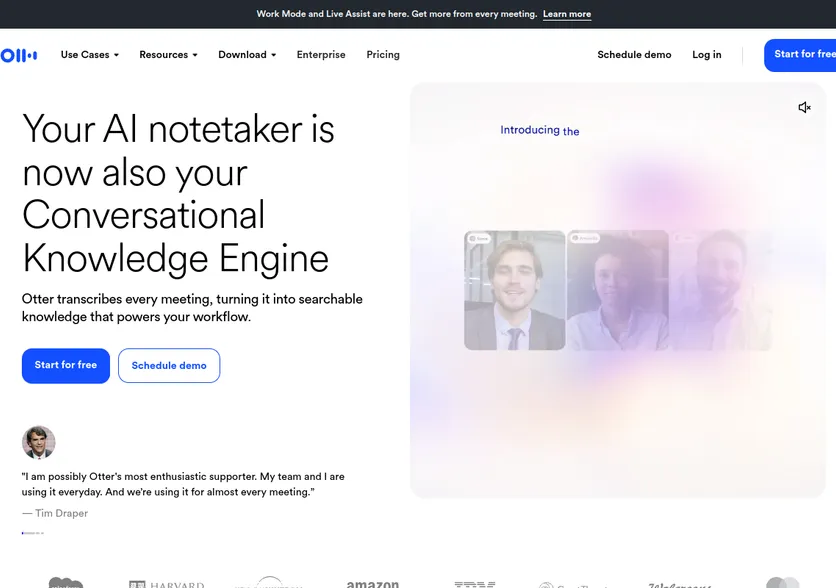
Otter AI is the budget way into live transcription, joining your calls, writing the notes and filing them in a library you can search later. This Otter AI Pro plan costs eight dollars and thirty-three cents per user a month billed yearly, or sixteen dollars and ninety-nine cents a month on monthly billing. A startup that meets daily will value the live captions, though the Pro plan caps transcription at twelve hundred minutes a month.
What we like
- Cheapest live transcription in this comparison
- Searchable library of every meeting and summary
- Free plan with three hundred minutes a month
Watch out for
- Pro caps transcription at twelve hundred minutes a month
- Monthly billing costs about twice the yearly rate
How to try it
- Open the Otter pricing page and start the free plan
- Connect your calendar so Otter joins meetings automatically
- Upgrade to Pro when the free minutes run out mid-month
2. Fireflies AI
Best for: Startups that want AI notes in the CRM and task tools they already use
Paid tool Starting price: $10/seat/month · Pro costs ten dollars per seat a month billed yearly, or eighteen dollars a month on monthly billing; Business costs nineteen dollars a seat a month billed yearly
Free plan: Free plan with four hundred minutes a month per team
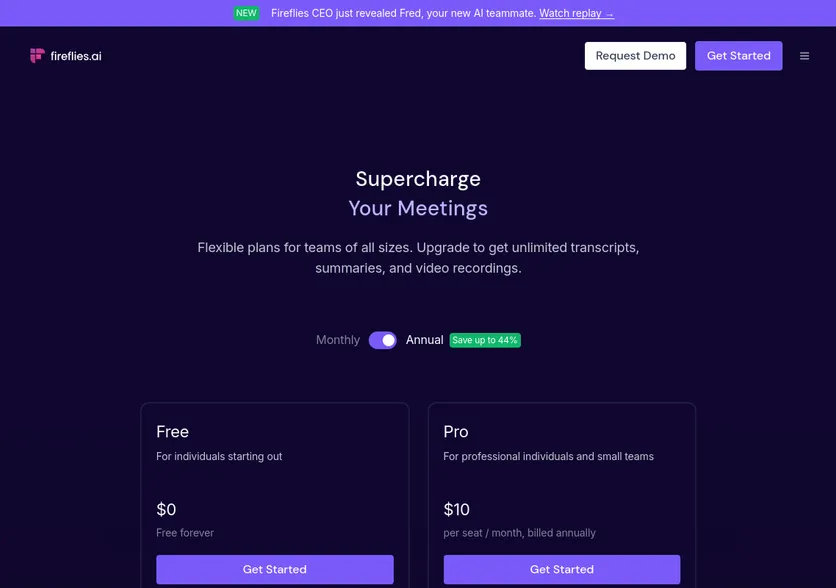
Fireflies AI records your calls and pushes the notes to your CRM, Slack and task tools, so nothing gets lost between meetings. This Fireflies AI Pro plan costs ten dollars per seat a month billed yearly, or eighteen dollars a month on monthly billing. A startup that lives in its CRM will save hours each week, and the free plan gives four hundred minutes a month per team to test with.
What we like
- Notes push straight into your CRM and Slack
- Free plan with four hundred minutes a month per team
- Search across every call by topic or speaker
Watch out for
- The free plan caps the whole team at four hundred minutes a month
- Business costs nearly twice the Pro price
How to try it
- Open the Fireflies pricing page and start the free plan
- Connect your CRM and your calendar
- Check that the first call summary lands in the CRM automatically
3. Fathom
Best for: Startups that want free unlimited recordings with a cheap solo plan
Paid tool Starting price: $16/month · Premium costs sixteen dollars a month billed yearly, or twenty dollars a month on monthly billing, for one person; Team costs fifteen dollars per user a month billed yearly with a two-user minimum
Free plan: Free plan with unlimited recordings and transcripts
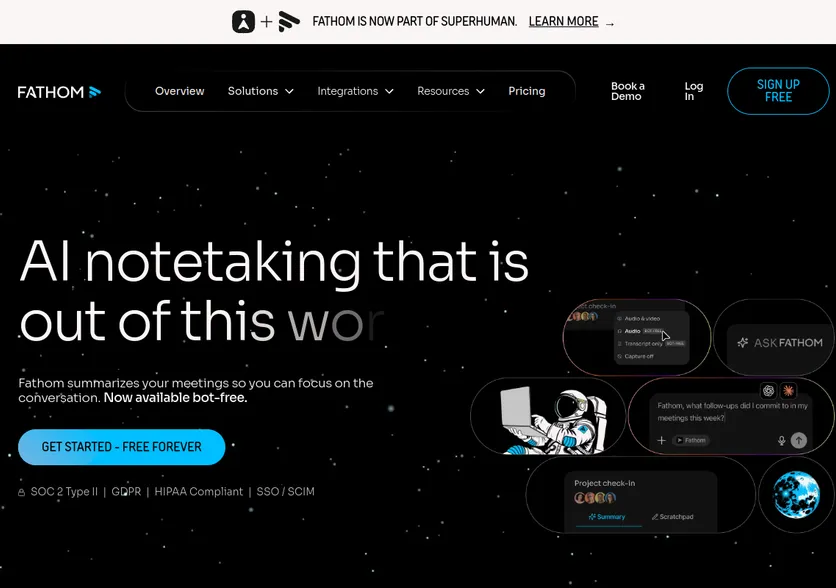
Fathom is the startup favorite in this list, because it records unlimited meetings free and charges only sixteen dollars a month for the solo Premium plan. This Fathom Premium plan costs sixteen dollars a month billed yearly, or twenty dollars a month on monthly billing, for one person. A startup that cannot justify a per-user subscription yet can run on the free plan for months, then upgrade when the team grows.
What we like
- Free plan with unlimited recordings and transcripts
- Premium is a solo plan with no seat minimum
- Summaries arrive minutes after the call ends
Watch out for
- The free plan lacks the team sharing controls
- Premium is for one person, so a team needs the Team plan
How to try it
- Open the Fathom pricing page and claim the free plan
- Record one meeting and check the transcript and summary
- Upgrade to Premium when you need the deeper AI features
4. MeetGeek
Best for: Startups that want a cheap plan with twenty transcription hours a month included
Paid tool Starting price: $9.99/user/month · Pro costs nine dollars and ninety-nine cents per user a month billed yearly, or fifteen dollars and ninety-nine cents a month on monthly billing, with twenty transcription hours a month included
Free plan: Free plan with basic meeting notes
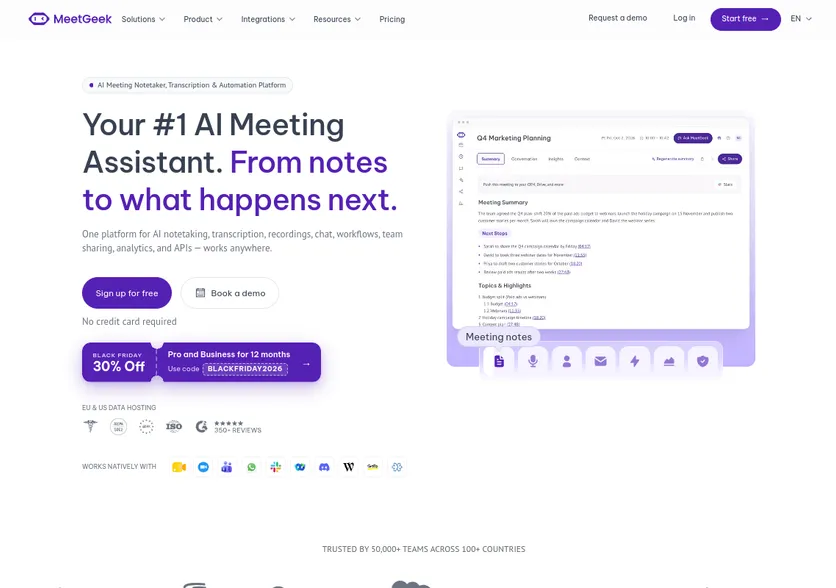
MeetGeek is the flat-rate option for a startup that meets a lot, with twenty transcription hours a month on the Pro plan. This MeetGeek Pro plan costs nine dollars and ninety-nine cents per user a month billed yearly, or fifteen dollars and ninety-nine cents a month on monthly billing. A startup that runs daily standups and weekly planning will like the generous hour allowance, and extra hours cost fifty cents each after the cap.
What we like
- Twenty transcription hours a month on the Pro plan
- Flat price suits teams that meet every day
- Notes and action items arrive automatically after the call
Watch out for
- Extra hours cost fifty cents each after the twenty-hour cap
- Monthly billing costs six dollars more per user than the yearly rate
How to try it
- Open the MeetGeek pricing page and start the free plan
- Connect your calendar so MeetGeek joins every call
- Upgrade to Pro when the free minutes run out
5. Krisp
Best for: Startups calling from noisy homes and cafes that want clean audio first
Paid tool Starting price: $8/month · Pro costs eight dollars a month billed yearly, or sixteen dollars a month on monthly billing; Business costs fifteen dollars per user a month billed yearly
Free plan: Free plan with sixty minutes of noise cancellation a day
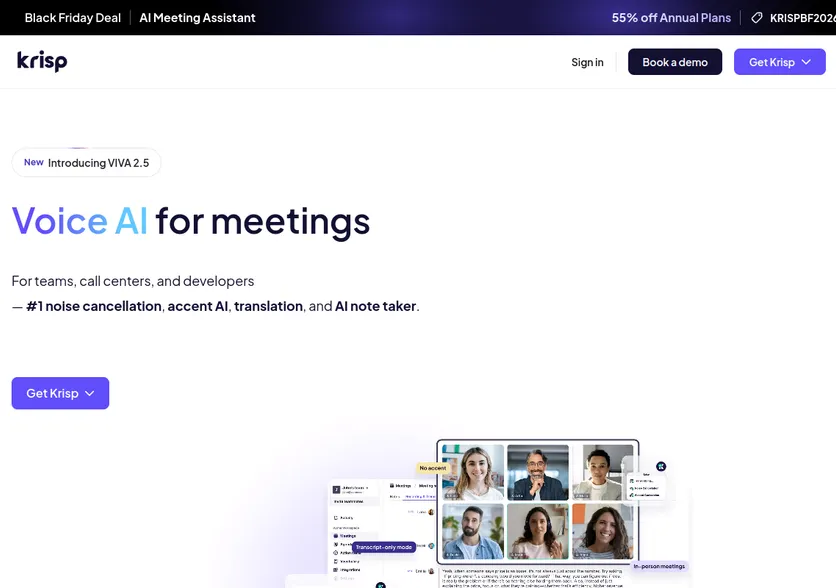
Krisp cleans up your audio before it reaches the call, removing dogs, traffic and keyboard noise in real time. This Krisp Pro plan costs eight dollars a month billed yearly, or sixteen dollars a month on monthly billing. A startup working from homes and cafes will sound professional on every call, and the free plan gives sixty minutes of noise cancellation a day to test with.
What we like
- Real-time noise cancellation that works on any call
- Free plan with sixty minutes a day
- Pro adds AI notes and transcription on top
Watch out for
- AI notes sit on the paid plans, not the free tier
- Monthly billing doubles the cost versus yearly
How to try it
- Open the Krisp pricing page and start the free plan
- Turn on noise cancellation for your next call
- Upgrade to Pro when the team needs AI notes too
6. Fellow
Best for: Startups that want AI notes inside their meeting agendas and action items
Paid tool Starting price: $7/user/month · Team costs seven dollars per user a month billed yearly, or eleven dollars a month on monthly billing, for up to twenty seats; Business costs fifteen dollars a month billed yearly and Solo costs nineteen dollars
Free plan: Free plan with five AI meeting notes
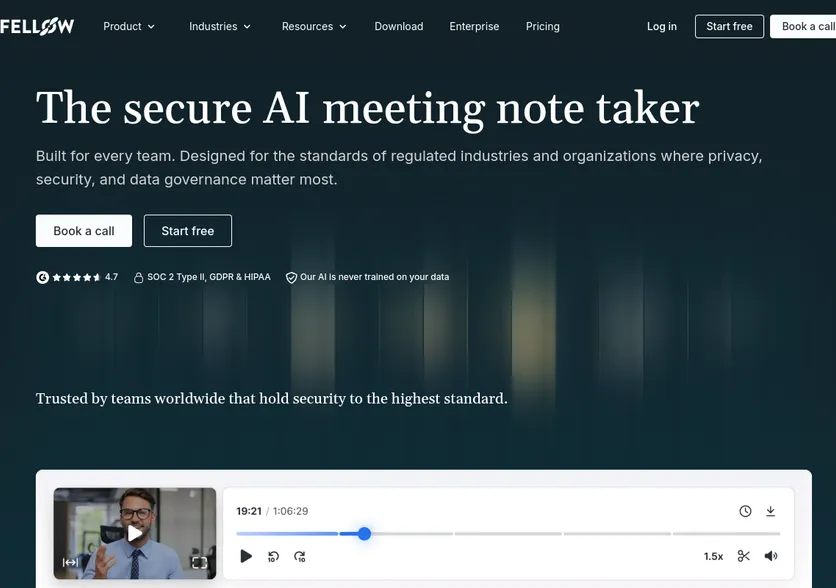
Fellow turns your meeting agendas into AI notes, capturing decisions and action items without anyone typing during the call. This Fellow Team plan costs seven dollars per user a month billed yearly, or eleven dollars a month on monthly billing, for up to twenty seats. A startup that runs agenda-driven meetings will like that the notes live next to the agenda, though the Team plan caps AI notes at ten per user a month.
What we like
- Cheapest paid plan in this comparison at seven dollars a month
- Notes live next to the meeting agenda
- Free plan with five AI meeting notes to test
Watch out for
- Team caps AI notes at ten per user a month
- Business is needed for unlimited AI notes
How to try it
- Open the Fellow pricing page and start the free plan
- Build one agenda and let Fellow take the notes
- Upgrade to Team when the five free notes run out
7. Notta
Best for: Startups that transcribe a lot and want a low per-minute cost
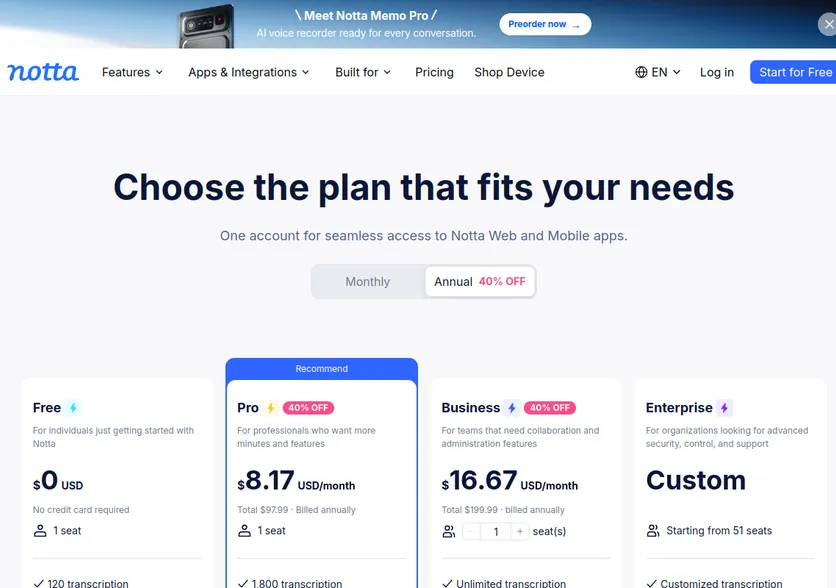
Paid tool Starting price: $8.17/month · Pro costs eight dollars and seventeen cents a month billed yearly, or thirteen dollars and forty-nine cents a month on monthly billing, with one thousand eight hundred minutes a month included
Free plan: Free plan with one hundred twenty transcription minutes a month
Notta transcribes your meetings and gives you one thousand eight hundred minutes a month on the Pro plan, the largest allowance in this comparison. This Notta Pro plan costs eight dollars and seventeen cents a month billed yearly, or thirteen dollars and forty-nine cents a month on monthly billing. A startup that records hours of calls every week will value the minute allowance, and the free plan gives one hundred twenty minutes a month to test with.
What we like
- One thousand eight hundred minutes a month on Pro
- Low per-minute cost for heavy transcribers
- Free plan with one hundred twenty minutes a month
Watch out for
- Pro is a single-seat plan, so teams pay per seat
- Monthly billing costs about five dollars more than the yearly rate
How to try it
- Open the Notta pricing page and start the free plan
- Record one long meeting and check the transcript quality
- Upgrade to Pro when the free minutes run out
8. Tactiq
Best for: Startups on Google Meet that want a cheap AI note taker with smart summaries
Paid tool Starting price: $8/user/month · Pro costs eight dollars per user a month billed yearly, or twelve dollars a month on monthly billing; Team costs sixteen dollars and sixty-seven cents a month billed yearly
Free plan: Free plan with ten transcripts a month
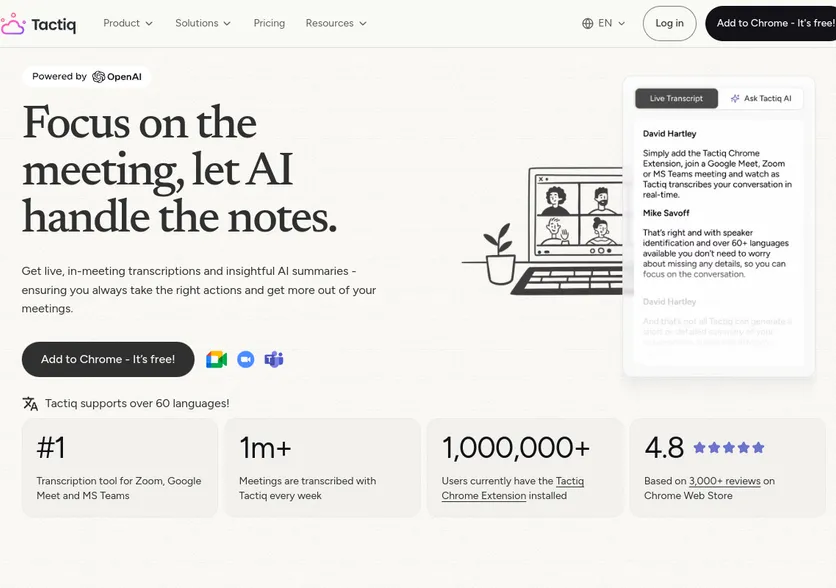
Tactiq sits inside Google Meet and writes AI summaries of your calls, with a free plan that covers ten transcripts a month. This Tactiq Pro plan costs eight dollars per user a month billed yearly, or twelve dollars a month on monthly billing. A startup that lives on Google Meet will like the tight integration, though teams on Zoom or Teams should pick a different tool from this list.
What we like
- Built for Google Meet with a tight integration
- Free plan with ten transcripts a month
- Pro costs eight dollars a month billed yearly
Watch out for
- Built for Google Meet, so Zoom and Teams users should look elsewhere
- The free plan caps at ten transcripts a month
How to try it
- Open the Tactiq pricing page and start the free plan
- Install the extension and record one Google Meet call
- Upgrade to Pro when the ten free transcripts run out
Prices above were checked on each vendor’s own website on Nov 27, 2026 and can change — the vendor’s page is the final word. Vendor links are editorial: nobody paid to be listed or ranked here. Vendors who want a featured listing can see how it works on our Get listed page.
What startup meeting AI really costs
The minute cap is the first trap in this category. Otter Pro caps transcription at twelve hundred minutes a month, while Notta Pro includes one thousand eight hundred minutes and Fathom records unlimited meetings free. Count your meeting hours for a month, then check the cap before you pick a plan, because overage charges add up fast.
The second trap is yearly versus monthly billing. Most tools here cost about forty percent less on annual billing, so a startup that is sure it will use the tool for a year should pay yearly. Stay monthly while you are still testing, then switch to yearly once the tool proves itself on real calls.
Before you buy
- Start free, because Fathom records unlimited meetings free and Otter gives three hundred minutes a month.
- Check the minute cap, because Notta Pro includes one thousand eight hundred minutes while Otter Pro caps at twelve hundred.
- Ask about the seat minimum, because Fathom Premium is for one person while Team needs two users.
- Check the integration, because Tactiq is built for Google Meet while Fellow fits teams that run agenda-driven meetings.
- Confirm the yearly saving, because most tools here cost about forty percent less on annual billing.
Official websites
Official websites of the products reviewed above. Features and prices were checked against these sites when this guide was written, and they can change, so confirm on the vendor site before you buy.
Frequently asked questions
What is the cheapest AI meeting assistant for a startup?
A startup should start free and pay only when the free plan runs out. Fathom records unlimited meetings free, Otter gives three hundred minutes a month, Fireflies gives four hundred minutes a month per team, and Tactiq covers ten transcripts a month. Once you know how many hours you meet each month, pick the cheapest plan whose cap you will not hit.
How much does an AI meeting assistant cost a startup?
Fellow Team costs seven dollars per user a month billed yearly, the cheapest paid plan in this comparison. Krisp Pro and Tactiq Pro both cost eight dollars a month, while Otter Pro costs eight dollars and thirty-three cents and Notta Pro costs eight dollars and seventeen cents. Fathom is free for unlimited recordings, so a startup can run on the free plan for months.
Do AI meeting assistants work with Zoom and Google Meet?
Yes, most of them work with Zoom, Google Meet and Microsoft Teams. Fathom, Otter, Fireflies, MeetGeek and Notta all support the major platforms, while Tactiq is built for Google Meet and Fellow works across the big three. Check the integration list before you buy if your team uses a less common meeting tool.
How do I avoid hitting the minute cap?
Count your meeting hours first, then check the cap. Otter Pro caps at twelve hundred minutes a month, Notta Pro includes one thousand eight hundred minutes, and MeetGeek Pro includes twenty hours a month. Fathom has no cap at all on the free plan, so a team that meets all day should start there and only pay for the sharing features.
Are AI meeting assistants private enough for startup calls?
Check the privacy and retention settings before you record client calls. Every tool here stores recordings and transcripts in the cloud, and most let you control who can see them and how long they are kept. Tell your team and your clients that calls are recorded, and use the admin controls to limit access to sensitive meetings.
Need everyday productivity help too? Try Toolsvine's free productivity tools right in your browser.
Browse Productivity Tools tools


