
On this page
Notes only help if you can find them again, and AI finally makes that the easy part. The best AI notes apps capture meetings, summarize long pages and answer questions from your own archive, so the filing happens by itself. Notion leads our list because its Business plan bundles full AI into a workspace teams already use, with Otter and Fireflies close behind for anyone whose notes mostly come from meetings.
How we researched this
We checked each vendor's own pricing page on November 26 2026 and kept only tools with a published dollar price and a real AI feature, not just a spellchecker. Every app here captures notes in a different way, from meeting transcription to self-organizing archives. We ranked them on how much time the AI actually saves and how honest the free tier is.
Compare the tools
| Name | Best for | Starting price | Free plan | |
|---|---|---|---|---|
 Notion | Teams that want notes, docs and AI in one workspace | $20/member/month | Free plan with limited AI trial; Plus includes a limited AI trial too. | Visit |
 Evernote | Long-form note collectors who want a mature, searchable archive | $10.83/month | Free plan capped at 50 notes with basic capture and search. | Visit |
 Otter.ai | Meeting-heavy teams that want notes written from the call itself | $8.33/user/month | Basic plan is free with limited transcription minutes per month. | Visit |
 Fireflies.ai | Teams that record calls on Zoom, Meet and Teams and need fast notes | $10/seat/month | Free plan with limited transcription minutes and basic meeting notes. | Visit |
 Mem | Solo knowledge workers who want an AI that answers from their notes | $29/month | Free tier with basic capture and limited AI use for trying the workflow. | Visit |
 Obsidian Sync | People who want notes stored locally with fast, private sync | $4/user/month | Obsidian app is free; Sync is a paid add-on with a 14-day trial. | Visit |
 Bear | Apple-first writers who want a fast, clean Markdown notebook | $3.99/month | Free version with basic notes; Pro unlocks sync, themes and export. | Visit |
 Granola | People who take notes in meetings and want a clean summary without recording | $14/user/month | Basic plan is free with limited AI notes per month. | Visit |
The AI notes apps, compared
1. Notion
Best for: Teams that want notes, docs and AI in one workspace
Paid tool Starting price: $20/member/month · Business plan billed annually, $24 a month on monthly billing; full Notion AI is included, and the standalone AI add-on was retired in May 2025
Free plan: Free plan with limited AI trial; Plus includes a limited AI trial too.
Notion is the all-in-one workspace where notes, docs, wikis and databases live together, and its AI now writes, summarizes and answers questions across everything you have saved. The Business plan includes the full AI at no extra charge, which makes it the simplest way to get AI notes inside a tool teams already use. If your notes feed into project docs and team wikis, Notion keeps the whole chain in one place.

What we like
- AI is bundled into Business with no separate add-on fee
- Notes, docs and databases share one search
- Strong templates for meetings, projects and research
Watch out for
- Per-member pricing adds up fast for large teams
- AI answers are only as good as the notes you keep
How to try it
- Create a Notion workspace and set up pages for meetings, projects and ideas
- Ask Notion AI to summarize a page or draft notes from a rough outline
- Search across all pages and let AI answer from your own notes
2. Evernote
Best for: Long-form note collectors who want a mature, searchable archive
Paid tool Starting price: $10.83/month · Personal plan at $129.99 a year, which works out to $10.83 a month; monthly billing is $14.99 a month, and the free plan is capped at 50 notes
Free plan: Free plan capped at 50 notes with basic capture and search.
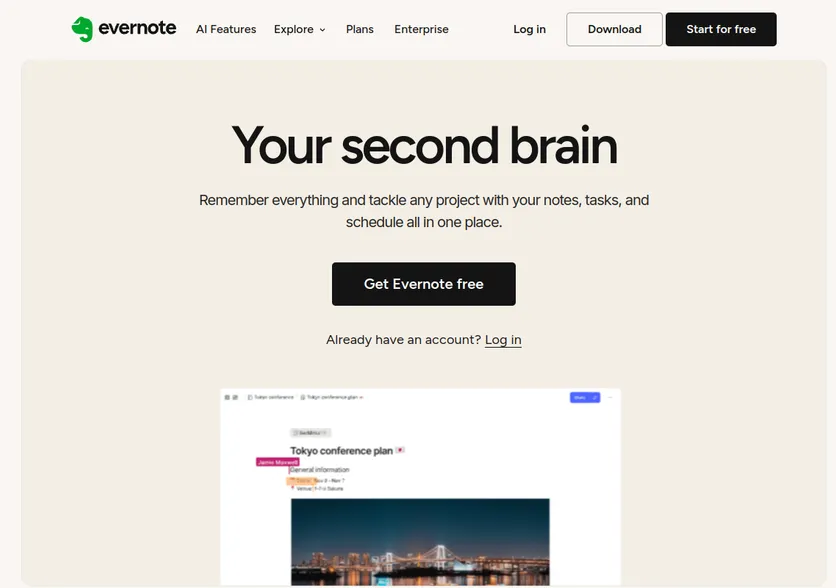
Evernote is the veteran note app, built for clipping, long-form notes and a personal archive you can search for years. Its AI cleans up notes, summarizes long pages and helps you find the right entry without remembering the exact title. The Personal plan suits solo users who collect a lot, while the free tier is now capped tightly enough that serious users will need to pay.
What we like
- Mature clipping and a deep, reliable archive
- AI summaries make long notes skimmable
- Works everywhere with offline access on paid plans
Watch out for
- Free plan cap of 50 notes is easy to hit
- Professional tier costs more for team features
How to try it
- Install Evernote on phone and desktop and set up notebooks by topic
- Clip web pages and files into notes, then let AI summarize the long ones
- Use AI search to find notes by meaning when titles escape you
3. Otter.ai
Best for: Meeting-heavy teams that want notes written from the call itself
Paid tool Starting price: $8.33/user/month · Pro plan billed annually, $16.99 a month on monthly billing; Business is $19.99 a month billed annually
Free plan: Basic plan is free with limited transcription minutes per month.
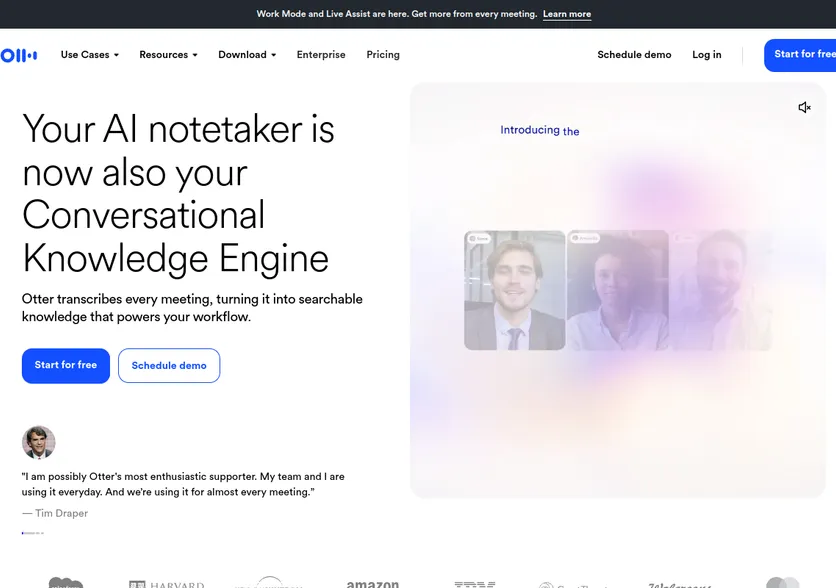
Otter records meetings and turns the conversation into searchable notes with action items and a summary. It joins video calls automatically, so nobody has to remember to hit record, and the transcript stays linked to the audio for checking quotes. For teams that live in back-to-back meetings, it removes the note-taking job from the person running the call.
What we like
- Automatic meeting capture with no button to press
- Transcripts stay linked to the audio for verification
- Action items are pulled out of the conversation for you
Watch out for
- Transcription minutes cap on the free tier is small
- Accuracy drops on crosstalk and heavy accents
How to try it
- Connect Otter to your calendar so it joins meetings automatically
- Open the transcript after the call and review the AI summary
- Share action items with the team straight from the notes
4. Fireflies.ai
Best for: Teams that record calls on Zoom, Meet and Teams and need fast notes
Paid tool Starting price: $10/seat/month · Pro plan billed annually, $18 a month on monthly billing; Business is $19 a month billed annually and Enterprise is $39 a month
Free plan: Free plan with limited transcription minutes and basic meeting notes.
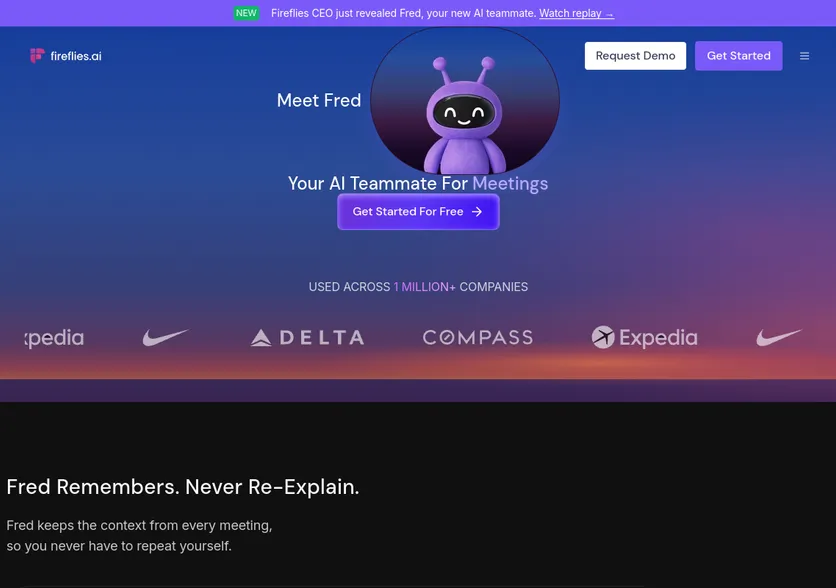
Fireflies is a meeting assistant that records calls across Zoom, Meet and Teams, then produces transcripts, summaries and searchable notes. It plugs into your CRM and task tools, so decisions from a call land where the work happens without manual copying. The Pro plan is cheap for what it does, which makes it an easy add for small teams drowning in meetings.
What we like
- Works across Zoom, Meet and Teams without switching tools
- CRM and task integrations move decisions into workflows
- Pro is inexpensive for the meeting volume it covers
Watch out for
- Per-seat billing grows with every teammate added
- Note quality depends on call audio quality
How to try it
- Invite the Fireflies notetaker to your next video call
- Wait for the transcript and summary to arrive in your inbox
- Send action items to your task tool from the meeting notes
5. Mem
Best for: Solo knowledge workers who want an AI that answers from their notes
Paid tool Starting price: $29/month · Pro plan at $29 a month on the new metered ladder; Plus is $9 a month and higher Pro tiers run to $199 a month
Free plan: Free tier with basic capture and limited AI use for trying the workflow.
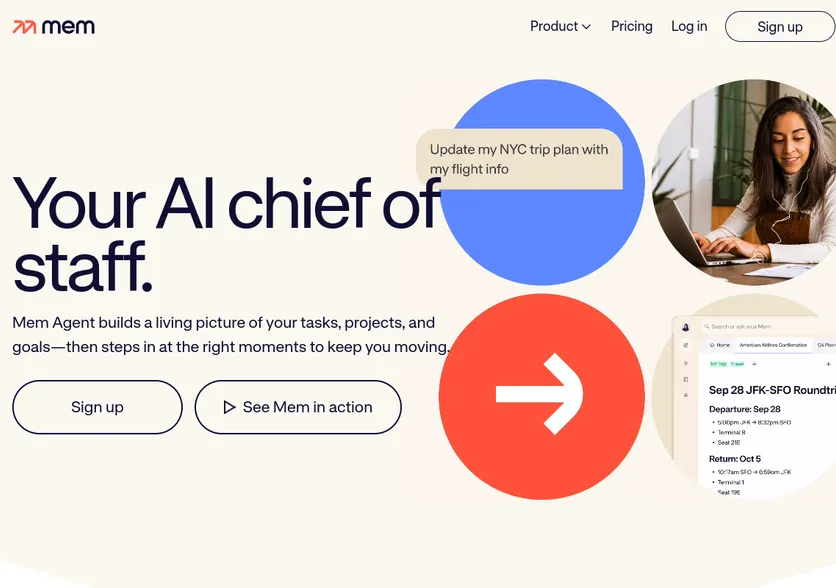
Mem is a self-organizing notes app where the AI files, links and resurfaces what you saved without folders to maintain. You capture fast and ask questions later, and Mem pulls together related notes into an answer with sources. The new metered pricing ladder means light users pay less, while heavy AI users step up through higher Pro tiers.
What we like
- No folders to maintain, the AI organizes for you
- Answers cite the notes they came from
- Metered tiers let light users pay less
Watch out for
- Metered ladder makes the real monthly cost harder to predict
- Smaller ecosystem than the big note apps
How to try it
- Capture notes, links and ideas into Mem without sorting them
- Ask Mem a question and check the notes it cites in the answer
- Let the AI connect related notes instead of building folders by hand
6. Obsidian Sync
Best for: People who want notes stored locally with fast, private sync
Paid tool Starting price: $4/user/month · Standard plan billed annually, $5 a month on monthly billing; covers one vault with 1 GB, and Plus is $8 a month billed annually
Free plan: Obsidian app is free; Sync is a paid add-on with a 14-day trial.
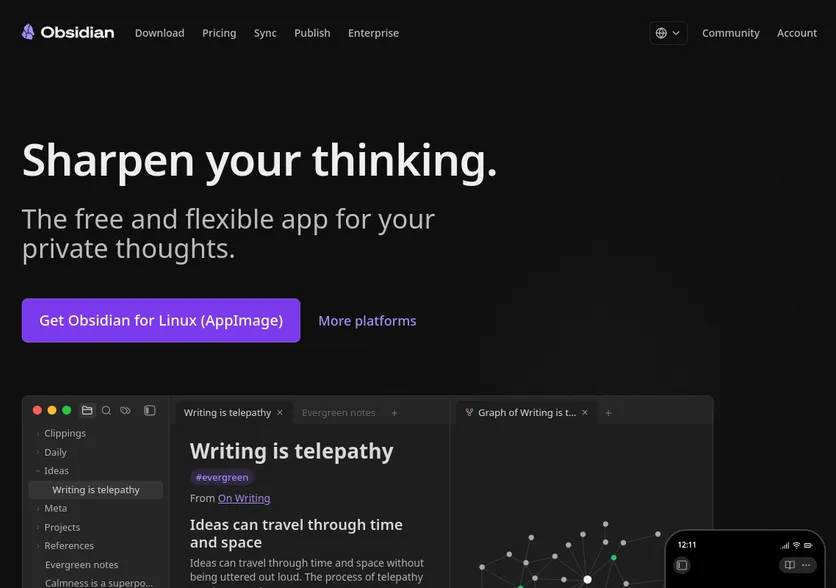
Obsidian Sync is the paid sync and publishing add-on for the Obsidian note app, which keeps your notes as plain Markdown files on your own devices. Sync encrypts your vault end to end and keeps every device current, while the app itself stays free. It suits writers and researchers who want full ownership of their notes with AI-style linking done locally.
What we like
- Notes are plain files you own, not locked in a database
- End-to-end encrypted sync across all devices
- Graph view shows how your ideas connect
Watch out for
- No built-in AI writing assistant like the others here
- Sync is per vault, so multiple vaults cost more
How to try it
- Install Obsidian and create a local vault of Markdown notes
- Turn on Sync to keep the vault current across your devices
- Link notes together and use the graph view to spot connections
7. Bear
Best for: Apple-first writers who want a fast, clean Markdown notebook
Paid tool Starting price: $3.99/month · Bear Pro at $39.99 a year, the new price effective November 24 2026; the old $2.99 a month rate is grandfathered for existing subscribers
Free plan: Free version with basic notes; Pro unlocks sync, themes and export.
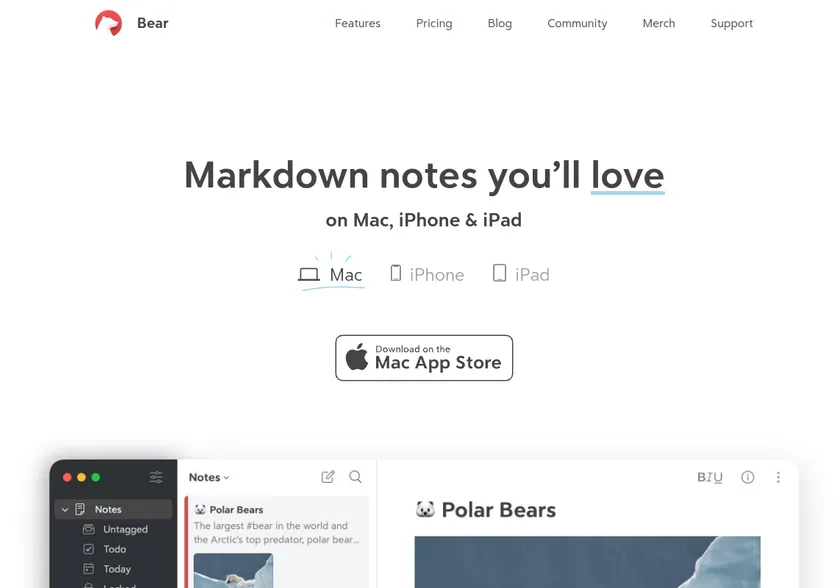
Bear is a beautiful Markdown notes app for Apple devices, with tags instead of folders and a writing experience that stays out of the way. It syncs through iCloud, exports cleanly, and the new Pro price adds a web app to the Mac, iPhone and iPad versions. Writers who live in Apple Notes but want Markdown and better organization will feel at home quickly.
What we like
- Clean, fast writing with excellent Markdown support
- Tags make finding notes effortless
- Syncs reliably across Apple devices
Watch out for
- Apple-only, with the web app still rolling out
- No built-in AI assistant for summarizing or drafting
How to try it
- Download Bear on your Mac or iPhone and start a note in Markdown
- Tag notes by topic instead of filing them in folders
- Sync through iCloud and pick up the same note on any device
8. Granola
Best for: People who take notes in meetings and want a clean summary without recording
Paid tool Starting price: $14/user/month · Business plan billed monthly; Basic is free and Enterprise is $35 a user a month
Free plan: Basic plan is free with limited AI notes per month.
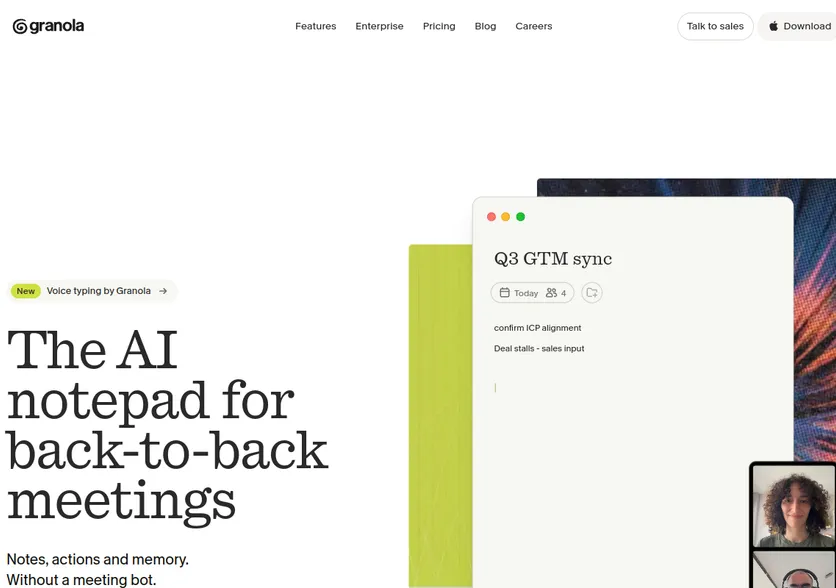
Granola is a meeting notes app that listens to the conversation on your device and writes a structured summary you can edit. It does not record the call in the cloud, which makes it easier to use in sensitive meetings, and the notes stay editable so you can fix names and numbers. The Business plan suits professionals who want tidy notes without a bot joining every call.
What we like
- No bot joins your call, so meetings feel natural
- Notes are editable before you share them
- Clean summaries without a cloud recording to manage
Watch out for
- Business plan is billed monthly with no annual discount shown
- Relies on your device microphone, so audio quality matters
How to try it
- Open Granola before a meeting and let it listen on your device
- Edit the generated summary while the conversation is fresh
- Share the finished notes with attendees from the app
Prices above were checked on each vendor’s own website on Nov 26, 2026 and can change — the vendor’s page is the final word. Vendor links are editorial: nobody paid to be listed or ranked here. Vendors who want a featured listing can see how it works on our Get listed page.
How to pick an AI notes app
Start by naming where your notes actually come from. If most of them are born in meetings, a transcription tool like Otter or Fireflies will save more hours than any general note app, because the notes write themselves while you listen. If your notes are ideas, research and drafts, a workspace like Notion or a self-organizing app like Mem fits better, since the value is in finding and connecting what you already wrote.
Run a one-week trial with real work, not a demo note. Capture a messy meeting, a long article and a half-formed idea, then ask the AI to find and summarize them a few days later. The tool that returns the right note with the least fuss is the one to pay for.
Before you buy
- Check that the AI writes in your own note structure instead of forcing a new format
- Confirm the free tier covers enough notes and AI actions for a real trial week
- Make sure search finds notes by meaning, not only by exact keywords
- Test capture from phone, desktop and browser before you commit to a plan
- Check how notes export, so you can leave with your archive intact
Official websites
Official websites of the products reviewed above. Features and prices were checked against these sites when this guide was written, and they can change, so confirm on the vendor site before you buy.
Frequently asked questions
What does an AI notes app actually do?
An AI notes app captures, organizes and summarizes your notes for you. It can transcribe a meeting, turn a rough outline into a clean draft, answer questions from your archive, and surface related notes you forgot you had. The best ones save the time you used to spend filing and rewriting.
How much do AI notes apps cost in 2026?
Meeting notes tools in this comparison start at $8.33 a user a month for Otter Pro and $10 a seat a month for Fireflies Pro, both billed annually. General note apps start lower: Bear Pro is $3.99 a month and Obsidian Sync is $4 a month. Full workspaces like Notion Business run $20 a member a month.
Is there a free AI notes app worth using?
Yes. Notion includes full AI in its Business plan, Bear has a free version with Pro unlocking sync and export, and Granola offers a free Basic plan. The free tiers are genuinely useful for testing, but the AI features that matter most, like unlimited summaries and full transcription, sit on paid plans.
What is the difference between a meeting recorder and Granola?
A meeting recorder joins the call as a participant and stores the audio or video in the cloud, which some companies and clients dislike. Granola listens on your own device and writes notes without a bot joining or a cloud recording, which feels more natural in sensitive meetings but depends on your microphone.
Which AI notes app is best for productivity?
It depends on how much you write. Bear and Obsidian Sync are cheapest and best for personal notes, while Notion Business fits teams that need shared docs. If meetings generate most of your notes, Otter or Fireflies will save more time than any general note app, because the notes write themselves.
Want to capture ideas faster? Try free note, timer and planner tools on Toolsvine right in your browser.
Browse Productivity Tools tools


