

On this page
AI video tools turn a script into a finished clip, either with a virtual presenter, stock footage or generated scenes. The eight tools below run from twelve dollars a month for generative clips to twenty-nine dollars a month for avatar presenters, and every price was checked on the vendor site on November 26, 2026. Credit pools matter as much as the plan price, because every tool meters minutes or generations. Synthesia is our first pick — presenter-led training video from nineteen dollars a month.
How we researched this
We started with the AI video tools marketers and trainers actually publish with, then read each price on the vendor pricing page on November 26, 2026 and noted the free plan and credit limits each one carries. We judged them for a team that needs finished videos without a camera or an editor. We kept only tools with a published price and dropped quote-only enterprise video platforms.
Compare the tools
| Name | Best for | Starting price | Free plan | |
|---|---|---|---|---|
 Synthesia | Presenter-led training and corporate video without filming | $19/month | Free Basic plan with 10 minutes a month | Visit |
 HeyGen | Avatar videos and translation for ads and sales clips | $29/month | Free plan with 3 videos a month | Visit |
 Pictory | Turning articles and long recordings into short captioned clips | $29/month | 14-day free trial | Visit |
 Runway | Generating short cinematic clips and ads from text or images | $12/month | Free plan with 125 credits | Visit |
 Descript | Editing talking-head video by editing a transcript | $16/month | Free plan with 60 media minutes a month | Visit |
 InVideo | AI-assisted short videos from text prompts with a full editor | $20/month | Free plan with watermark | Visit |
 Lumen5 | Turning blog posts into branded social videos without editing skills | $19/month | Free plan with 5 videos a month | Visit |
 Kapwing | Team editing in the browser with captions and repurposing | $16/month | Free plan with watermark | Visit |
The AI software for creating videos, compared
1. Synthesia
Best for: Presenter-led training and corporate video without filming
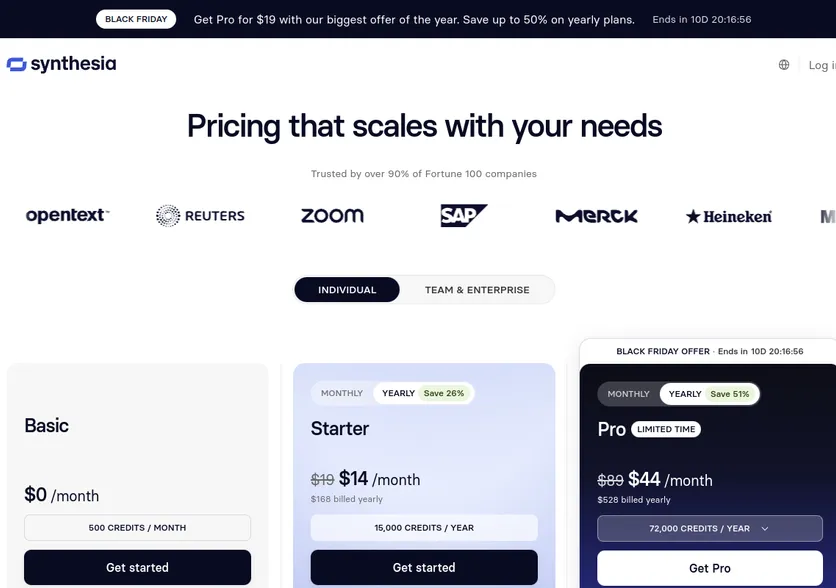
Paid tool Starting price: $19/month · Starter plan, $19 a month billed monthly or $14 a month billed annually; free Basic plan includes 10 minutes a month
Free plan: Free Basic plan with 10 minutes a month
Synthesia turns a written script into a video with a realistic AI presenter speaking in more than a hundred and forty languages. This Synthesia Starter plan adds twelve hundred and fifty credits a month, downloads, logo removal and a hundred and twenty-five avatars, while the free Basic plan covers ten minutes a month. A training team can update a course video by editing text instead of re-shooting it.
What we like
- Realistic AI presenters in 140 plus languages
- Edit video by editing the script
- Free plan covers 10 minutes a month
Watch out for
- Starter costs 19 dollars a month billed monthly
- Avatar style can feel formal for ads
How to try it
- Open the Synthesia pricing page and start the free Basic plan
- Type a script and pick an avatar for the first video
- Edit the text to update the video instead of re-shooting
2. HeyGen
Best for: Avatar videos and translation for ads and sales clips
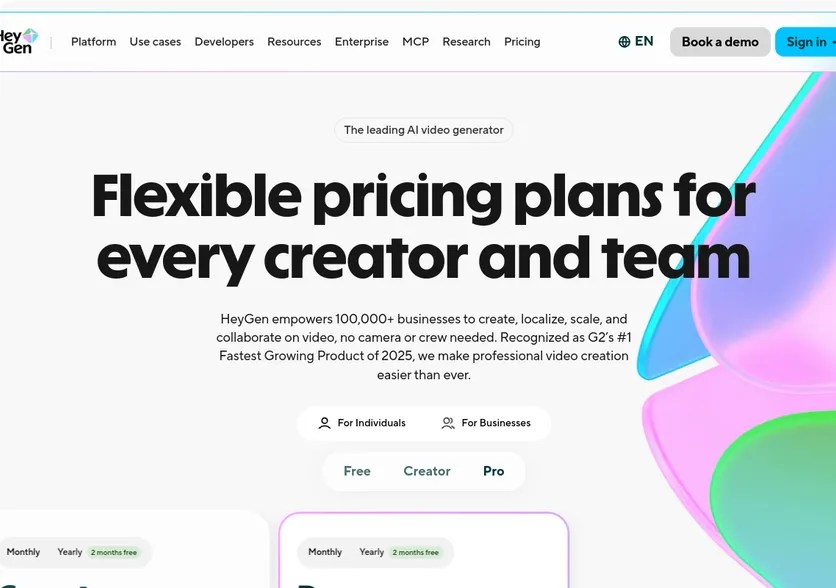
Paid tool Starting price: $29/month · Creator plan, $29 a month billed monthly or $24 a month billed annually; free plan includes 3 videos a month
Free plan: Free plan with 3 videos a month
HeyGen builds avatar videos from a script, a photo or a voice clone, and it can translate a finished video into another language with lip sync. This HeyGen Creator plan covers six hundred credits a month, watermark-free exports in high definition and more than a hundred and seventy-five languages. A marketer can localize one product video for five markets without five shoots.
What we like
- Avatars plus translation with lip sync
- 700 plus stock avatars on Creator
- Free plan includes 3 videos a month
Watch out for
- Creator costs 29 dollars a month billed monthly
- Avatar V costs far more credits per minute
How to try it
- Open the HeyGen pricing page and start the free plan
- Generate a first avatar video from a short script
- Translate it into one more language and check the lip sync
3. Pictory
Best for: Turning articles and long recordings into short captioned clips
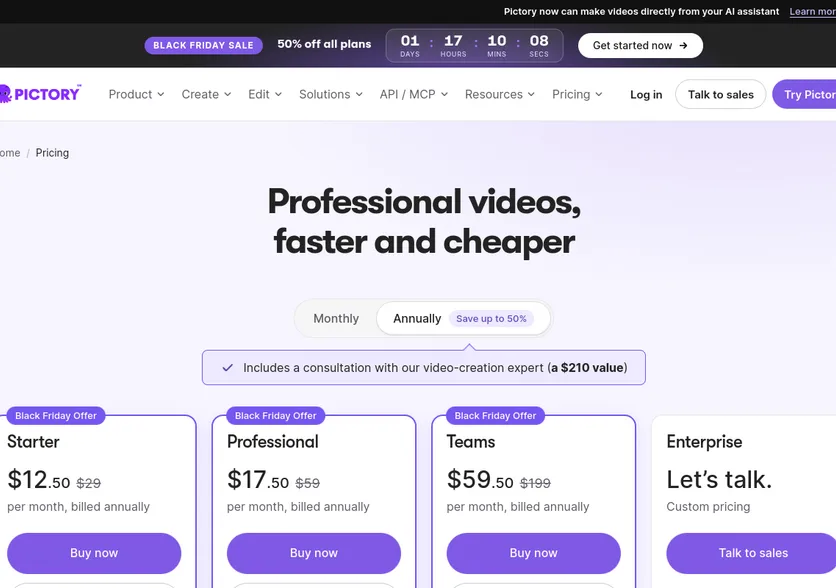
Paid tool Starting price: $29/month · Starter plan, $29 a month billed monthly or $25 a month billed annually; 14-day free trial
Free plan: 14-day free trial
Pictory turns a blog post, a script or a long recording into a captioned video built from stock footage and AI voices. This Pictory Starter plan covers two thousand credits a month, up to thirty minutes of video, one brand kit and high-definition export. A content team can turn every blog post into a social video without opening an editor.
What we like
- Turns articles into video automatically
- Stock footage and AI voices included
- Captions built in for social feeds
Watch out for
- Starter costs 29 dollars a month billed monthly
- No permanent free plan, only a trial
How to try it
- Open the Pictory pricing page and start the 14-day trial
- Paste a blog post URL and let Pictory draft the video
- Adjust the captions and brand kit, then export
4. Runway
Best for: Generating short cinematic clips and ads from text or images
Paid tool Starting price: $12/month · Standard plan, $12 a month billed annually or $15 billed monthly; free plan includes 125 credits
Free plan: Free plan with 125 credits
Runway generates video from text or images, with effects and an AI creative collaborator built into the same studio. This Runway Standard plan covers six hundred and twenty-five credits a month, access to the flagship models and an agentic collaborator. A small marketing team can generate a product clip for an ad without a shoot day.
What we like
- Flagship generative models included
- 625 credits a month on Standard
- Free plan includes 125 credits
Watch out for
- Standard costs 12 dollars a month billed annually
- Credits buy about 52 seconds of flagship video
How to try it
- Open the Runway pricing page and start the free plan
- Generate a short clip from a text prompt
- Refine it with the editor and export for your ad channel
5. Descript
Best for: Editing talking-head video by editing a transcript
Paid tool Starting price: $16/month · Hobbyist plan, $16 a person a month billed annually or $24 billed monthly; free plan includes 60 media minutes a month
Free plan: Free plan with 60 media minutes a month
Descript turns a recording into a transcript, and deleting a sentence in the text deletes that part of the video. This Descript Hobbyist plan covers ten media hours a month, four hundred AI credits and watermark-free high-definition export, plus the Underlord AI co-editor. A podcaster or trainer can cut an hour of footage in the time it takes to read it.

What we like
- Edit video by editing text
- Underlord AI co-editor included
- Studio Sound cleans up rough audio
Watch out for
- Hobbyist costs 16 dollars a person a month
- Only 10 media hours a month on Hobbyist
How to try it
- Open the Descript pricing page and start the free plan
- Record a video and let Descript transcribe it
- Delete sentences in the transcript to cut the video
6. InVideo
Best for: AI-assisted short videos from text prompts with a full editor
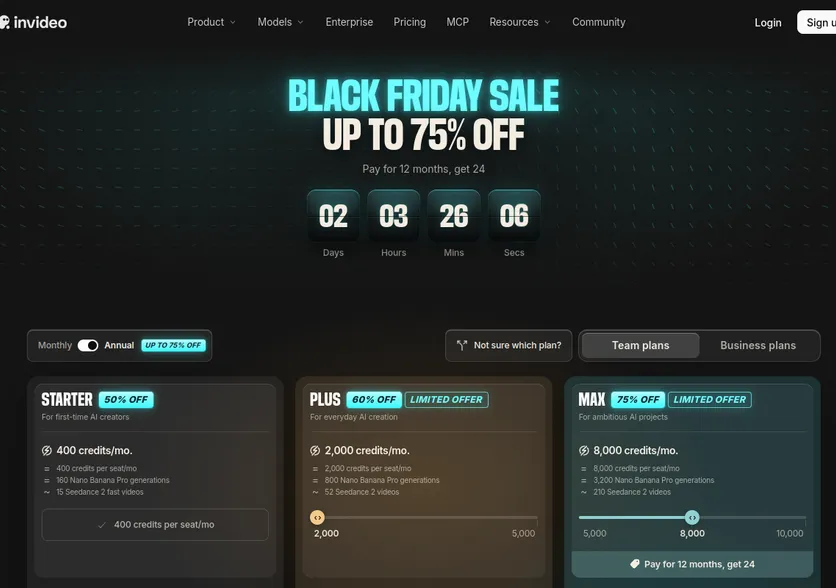
Paid tool Starting price: $20/month · Starter plan list price is $20 a month; a Black Friday annual offer showed $10 a month and is ignored here as a promotion
Free plan: Free plan with watermark
InVideo pairs a prompt-to-video agent with a full timeline editor, so AI drafts the video and a human finishes it in the same subscription. This InVideo Starter plan covers prompt generation plus the timeline editor, with watermark-free export on paid plans. A solo creator can turn a product idea into a finished short without learning a desktop editor.
What we like
- Prompt-to-video plus a full timeline editor
- Watermark-free export on paid plans
- Fast drafts for social shorts
Watch out for
- Starter list price is 20 dollars a month
- Free plan exports carry a watermark
How to try it
- Open the InVideo pricing page and start the free plan
- Describe the video and let the agent draft it
- Finish the draft in the timeline editor and export
7. Lumen5
Best for: Turning blog posts into branded social videos without editing skills
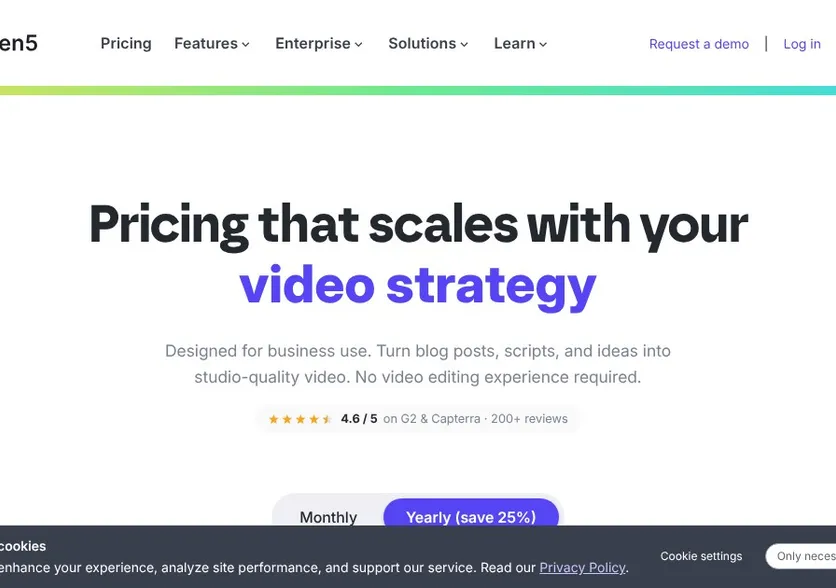
Paid tool Starting price: $19/month · Starter plan, $19 a month billed annually; free plan includes 5 videos a month
Free plan: Free plan with 5 videos a month
Lumen5 turns blog posts and articles into branded social videos, matching your text with stock footage, music and your brand kit. This Lumen5 Starter plan covers more videos a month and removes the watermark, while the free plan covers five videos a month. A marketing team with no editor can publish a video version of every article it writes.
What we like
- Turns articles into video automatically
- Brand kit keeps every video on-brand
- Free plan includes 5 videos a month
Watch out for
- Starter costs 19 dollars a month billed annually
- Focused on written source material
How to try it
- Open the Lumen5 pricing page and start the free plan
- Paste an article URL and let Lumen5 draft the video
- Apply your brand kit and export for social feeds
8. Kapwing
Best for: Team editing in the browser with captions and repurposing
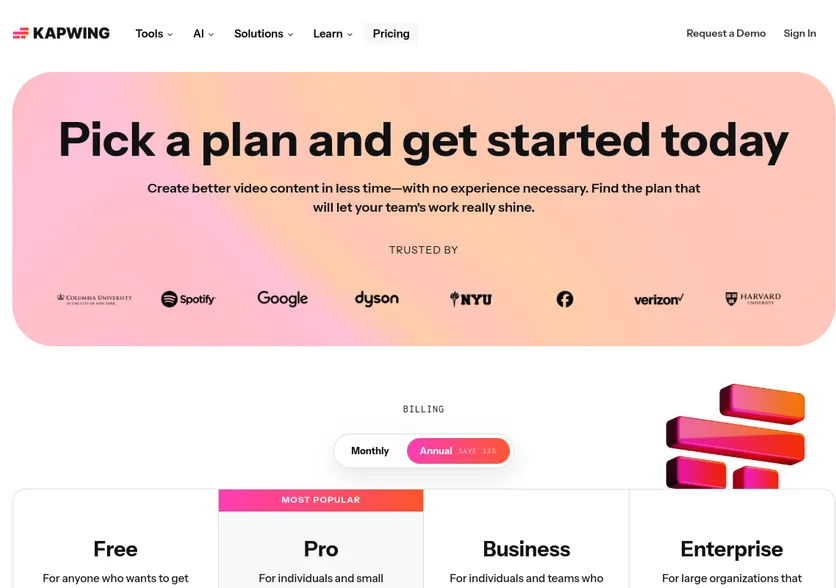
Paid tool Starting price: $16/month · Pro plan, $16 a member a month billed annually or $24 billed monthly; free plan with watermark
Free plan: Free plan with watermark
Kapwing is a browser editor built for teams that pass drafts back and forth, with comments, shared workspaces and a brand kit. This Kapwing Pro plan covers a thousand AI credits a month, watermark-free 4K exports and two hundred gigabytes of storage. A small team can caption, dub and repurpose one long video into a week of social clips.
What we like
- Browser editing with team comments
- Captions, dubbing and repurposing in one tool
- 4K watermark-free exports on Pro
Watch out for
- Pro costs 16 dollars a member a month
- Free plan exports carry a watermark
How to try it
- Open the Kapwing pricing page and start the free plan
- Upload a video and generate captions automatically
- Share the draft with your team for comments
Prices above were checked on each vendor’s own website on Nov 26, 2026 and can change — the vendor’s page is the final word. Vendor links are editorial: nobody paid to be listed or ranked here. Vendors who want a featured listing can see how it works on our Get listed page.
What AI video software costs in 2026
Credit pools decide the real cost in AI video, because minutes and generations are metered on every plan. Synthesia Starter covers twelve hundred and fifty credits a month, HeyGen Creator covers six hundred, and Runway Standard covers six hundred and twenty-five, while Descript counts media hours instead. A team that publishes weekly should price a month of real output, not the entry plan, because a nineteen dollar plan with a small credit pool can cost more than a twenty-nine dollar plan with room to work.
Start with the free plan on two tools and make the same video through both. Compare how natural the presenter or voice sounds, how much editing the draft needs, and how many credits one finished minute actually burns. The tool whose first draft needs the least fixing is the one that saves the most time.
Before you buy
- Count the credits first, because every plan meters minutes or generations and a small pool caps your output.
- Check what the free plan really covers, because Pictory has only a trial while Synthesia gives 10 minutes a month.
- Test with your own script first, because a demo video never shows how the tool handles your brand voice.
- Ask whether you need a presenter: Synthesia and HeyGen use avatars, while Pictory and Lumen5 use stock footage.
- Add up the whole month, because 4K export and extra credits sit on higher tiers on several plans.
Official websites
Official websites of the products reviewed above. Features and prices were checked against these sites when this guide was written, and they can change, so confirm on the vendor site before you buy.
Frequently asked questions
Which AI software is best for creating videos in 2026?
Synthesia, at nineteen dollars a month, is the safest default for training and corporate video because its AI presenters speak over a hundred and forty languages. HeyGen is better for ads and sales clips, since it adds translation with lip sync from twenty-nine dollars a month. Runway wins for generated scenes, at twelve dollars a month billed annually.
What is the cheapest AI software for creating videos?
Runway Standard, at twelve dollars a month billed annually, is the cheapest paid entry here, with six hundred and twenty-five credits a month. Descript Hobbyist and Kapwing Pro both cost sixteen dollars a month billed annually. Synthesia, HeyGen, Lumen5 and Kapwing all have free plans, so a creator can start without paying.
Can AI create a video with a presenter without filming?
Yes. Synthesia and HeyGen both generate a realistic AI presenter that reads your script on camera, with no filming, actors or studio needed. Synthesia covers more than a hundred and forty languages, while HeyGen adds translation with lip sync. The result suits training and product explainers best, and feels formal for casual ads.
Can I turn a blog post into a video with AI?
Yes. Pictory and Lumen5 both convert articles into captioned videos built from stock footage, music and AI voices, with brand kits to keep them on-brand. Pictory starts at twenty-nine dollars a month with a fourteen-day trial, while Lumen5 starts at nineteen dollars a month with a free plan. Both export ready for social feeds.
Do AI video tools include editing, or only generation?
Several include both. Descript lets you cut video by editing a transcript, InVideo pairs a prompt agent with a full timeline editor, and Kapwing offers browser editing with captions and team comments. Runway, Synthesia and HeyGen focus on generation, so pair them with an editor when a draft needs real cutting.
Need everyday AI help too? Try Toolsvine's free AI tools for small teams right in your browser.
Browse AI Tools (In-Browser, No API) tools


