
On this page
Remote QA teams cannot share a device lab or tap a colleague on the shoulder, so the best AI software testing tools for remote teams put the whole lab in the cloud. The eight tools below cover web, API, mobile and visual testing, with AI that writes tests and heals broken ones while the team sleeps. Prices were checked on each vendor's site on November 26, 2026. TestMu AI (formerly LambdaTest) is our first pick — cloud testing plus an AI agent, built for a team spread across time zones.
How we researched this
We started with the AI testing tools remote teams actually use, then read each price on the vendor pricing page on November 26, 2026 and noted the free plan or trial each one carries. We judged them for distributed teams with no shared device lab, async handoffs and tight overlap hours. We kept only tools with a published price and dropped quote-only vendors whose costs we could not verify.
Compare the tools
| Name | Best for | Starting price | Free plan | |
|---|---|---|---|---|
 TestMu AI (formerly LambdaTest) | Remote teams that want AI test authoring plus a huge browser cloud | $19/agent/month | Freemium plan | Visit |
 BrowserStack | Remote teams that must test on real devices and browsers without a lab | from $12.50/month | Free trial | Visit |
 BugBug | Remote teams that want simple no-code testing anyone can learn | $99/month | Free plan ($0) | Visit |
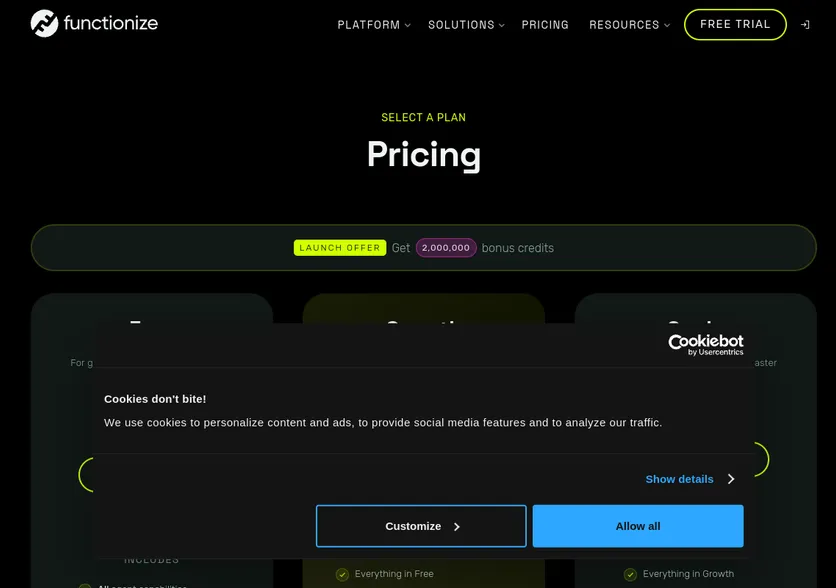
 Functionize | Remote teams that want AI tests that fix themselves across time zones | $20/month | Free plan ($0, 800,000 credits/month) | Visit |
 Sauce Labs | Remote teams that need unlimited testing minutes without counting seats | $39/month | 14-day free trial | Visit |
 Katalon | Remote teams that want one AI testing platform in a shared workspace | $150/seat/month | Free plan | Visit |
 Applitools | Remote teams where a layout bug ships because nobody checked the same screen | $667/month | Free trial | Visit |
 Kobiton | Remote teams testing real mobile devices nobody on the team owns | $83/month | Free trial | Visit |
The AI testing tools, compared
1. TestMu AI (formerly LambdaTest)
Best for: Remote teams that want AI test authoring plus a huge browser cloud
Paid tool Starting price: $19/agent/month · KaneAI Starter $19 per agent per month; Pro $99, Max $199; automation from $29 per month; Live from $15 per month; free Freemium plan
Free plan: Freemium plan
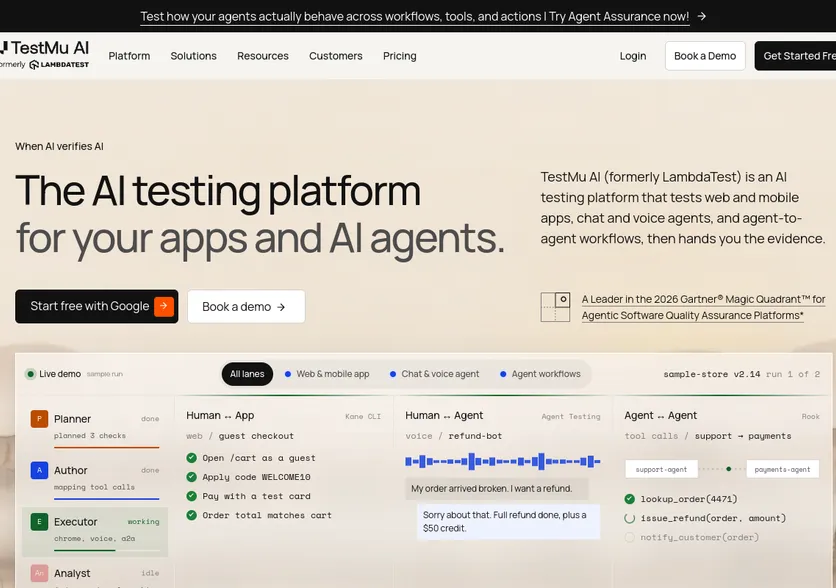
Remote teams cannot share a device lab, so TestMu AI, formerly LambdaTest, gives every tester the same cloud from anywhere. This TestMu AI plan starts at nineteen dollars per agent each month, which covers AI-authored tests. A tester in any time zone describes a test in plain language, KaneAI writes and runs it, and the whole team reviews the same results the next morning.
What we like
- Cloud access from any time zone
- KaneAI writes tests from plain language
- Shared results keep the whole team in sync
Watch out for
- AI features are newest and still maturing
- Per-agent pricing grows with the team
How to try it
- Open the TestMu AI pricing page and start with the Freemium plan
- Invite the remote team and share the test workspace
- Describe a test in plain language and let KaneAI run it across browsers
2. BrowserStack
Best for: Remote teams that must test on real devices and browsers without a lab
Paid tool Starting price: from $12.50/month · From $12.50 per month; team plans from $150 per month billed annually; free trial
Free plan: Free trial
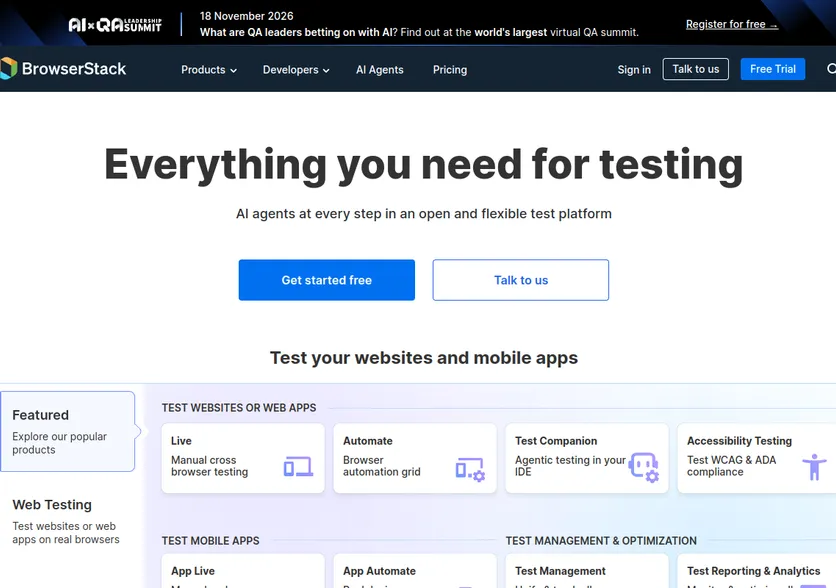
BrowserStack is the real-device cloud that lets a distributed QA team test on hundreds of browsers and phones without a shared office lab. This BrowserStack plan starts at a low monthly rate, and team plans scale to whole remote departments. Every tester opens the same cloud from home, runs the suite, and shares video recordings of any failure with the developer who owns it.
What we like
- Real devices and browsers, not emulators
- No shared office lab needed
- Video recordings make async debugging easy
Watch out for
- Team plans jump sharply from the entry price
- Parallel sessions cost extra on lower tiers
How to try it
- Open the BrowserStack pricing page and start a free trial
- Invite the remote team and assign the devices each tester needs
- Run the suite in the cloud and share failure recordings in the team chat
3. BugBug
Best for: Remote teams that want simple no-code testing anyone can learn
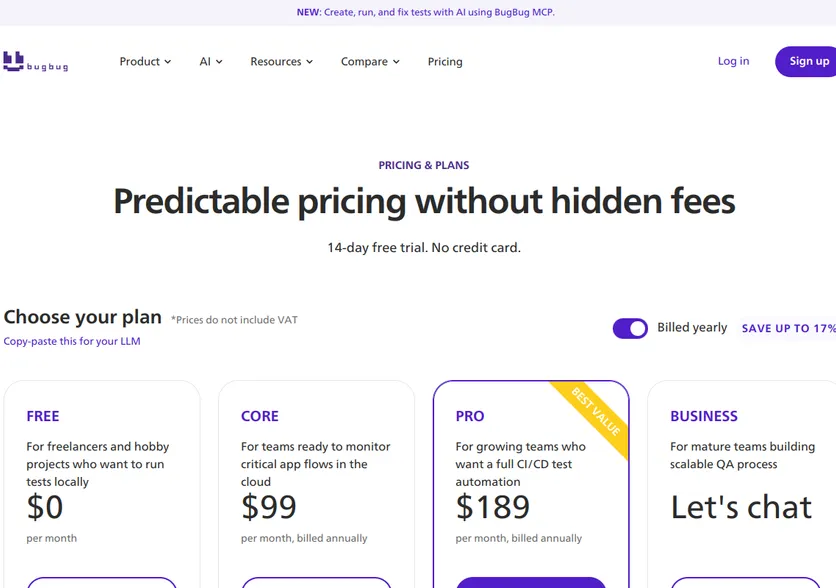
Paid tool Starting price: $99/month · $99 per month for Core billed annually; Pro $189 per month; free $0 plan; 14-day free trial
Free plan: Free plan ($0)
BugBug is the no-code testing tool remote teams pick when testers in different time zones need to record and replay flows without writing code. This BugBug plan costs ninety-nine dollars a month on annual billing for the Core tier. One tester records a flow in the browser, the scheduled run replays it on every release, and failures land in the shared inbox for whoever is online.
What we like
- No-code recording anyone can learn
- Clear flat pricing with a free plan
- Scheduled runs work while the team sleeps
Watch out for
- Fewer advanced features than enterprise suites
- Core tier limits may push teams to Pro
How to try it
- Open the BugBug pricing page and start the 14-day trial
- Record a test flow in the browser extension
- Schedule it to run on every release and review failures together
4. Functionize
Best for: Remote teams that want AI tests that fix themselves across time zones
Paid tool Starting price: $20/month · $20 per month for Growth with 3.2 million credits per month; Scale $100 per month; free $0 plan with 800,000 credits per month
Free plan: Free plan ($0, 800,000 credits/month)
Functionize is the AI testing platform remote teams use when nobody is in the same room to maintain brittle test scripts. This Functionize plan costs twenty dollars a month for the Growth tier, with millions of credits included. Tests are written in plain language and repair themselves after UI changes, so a distributed team spends its overlap hours on product work, not test fixes.
What we like
- Self-healing tests cut maintenance work
- Plain-language authoring works across time zones
- Generous free plan for evaluation
Watch out for
- Credit model needs watching at scale
- Smaller ecosystem than older rivals
How to try it
- Open the Functionize pricing page and start on the free plan
- Write a test in plain language and run it
- Let the self-healing engine update tests after UI changes
5. Sauce Labs
Best for: Remote teams that need unlimited testing minutes without counting seats
Paid tool Starting price: $39/month · $39 per month for Live Testing billed annually ($49 month-to-month), unlimited users and minutes; 14-day free trial
Free plan: 14-day free trial
Sauce Labs is the testing cloud remote teams rely on for live and automated testing with no minute limits and no shared hardware. This Sauce Labs plan costs thirty-nine dollars a month on annual billing, with unlimited users and minutes. Testers in any location run the same suites, and the analytics highlight the failures that matter most across the whole team.
What we like
- Unlimited users and minutes on the entry plan
- Covers web, mobile and API testing
- One cloud for a team in any time zone
Watch out for
- Month-to-month billing costs more than annual
- Advanced analytics sit on higher tiers
How to try it
- Open the Sauce Labs pricing page and start the 14-day trial
- Invite the remote team with unlimited seats
- Connect the CI pipeline and let tests run on every commit
6. Katalon
Best for: Remote teams that want one AI testing platform in a shared workspace
Paid tool Starting price: $150/seat/month · $150 per seat per month ($1,800 per seat per year) for Professional; free plan available; 30-day trial
Free plan: Free plan
Katalon is the all-in-one AI testing platform remote teams use when web, API, mobile and desktop tests must live in one shared workspace. This Katalon plan costs one hundred fifty dollars per seat each month, which buys the full Professional feature set. Its AI assistant writes test cases from plain language, and shared analytics flag flaky tests before they block a release in another time zone.
What we like
- One platform for web, API, mobile and desktop
- AI writes test cases from plain language
- Shared analytics surface flaky tests early
Watch out for
- Per-seat price adds up across a large remote team
- Deepest features need the Enterprise tier
How to try it
- Open the Katalon pricing page and start the 30-day trial
- Invite the remote team into one shared workspace
- Connect the CI pipeline so tests run on every build
7. Applitools
Best for: Remote teams where a layout bug ships because nobody checked the same screen
Paid tool Starting price: $667/month · $667 per month for Starter paid annually, unlimited users, 100,000 component checkpoints; free trial
Free plan: Free trial
Applitools is the visual AI platform remote teams use when a layout bug ships because nobody in the same room checked the same screen. This Applitools plan costs six hundred sixty-seven dollars a month on annual billing, with unlimited users. Its visual AI compares screenshots pixel by pixel and flags only the changes that matter, so approvals happen in one shared review queue.
What we like
- Visual AI ignores harmless pixel noise
- Unlimited users on the Starter plan
- Shared review queue for async approvals
Watch out for
- Monthly price is high for small teams
- Best value only with a large test suite
How to try it
- Open the Applitools pricing page and start a free trial
- Add the visual check to an existing test suite
- Review flagged diffs together and approve the intended changes
8. Kobiton
Best for: Remote teams testing real mobile devices nobody on the team owns
Paid tool Starting price: $83/month · $83 per month for Startup with 500 minutes per month; Accelerate $399 per month; Scale $9,000 per year; free trial
Free plan: Free trial
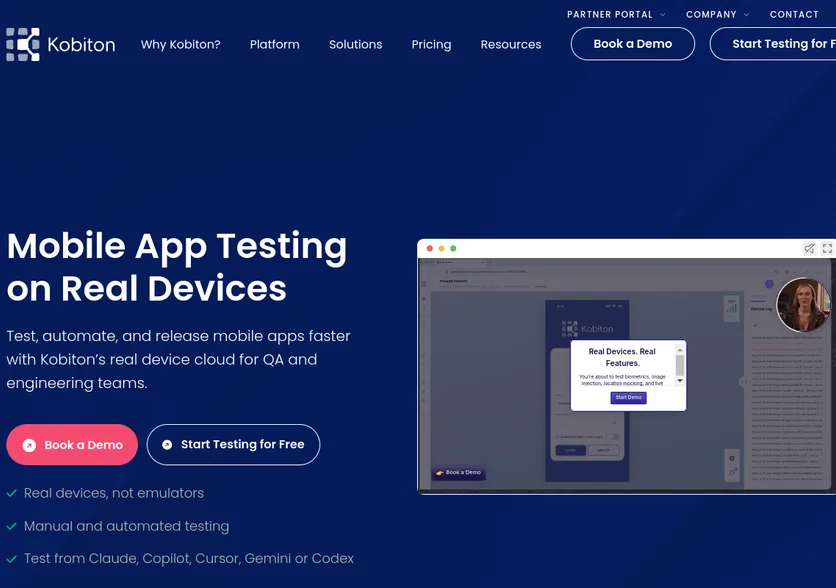
Kobiton is the mobile testing cloud remote teams use when apps must work on real phones that nobody on the team owns. This Kobiton plan costs eighty-three dollars a month for the Startup tier, with five hundred test minutes included. It combines real-device access with AI script generation, so mobile QA runs from any location with fewer manual steps.
What we like
- Real devices, not emulators
- AI script generation speeds up mobile QA
- Session recordings make async debugging easy
Watch out for
- Minutes cap on the entry tier
- Mobile-only focus, no web testing
How to try it
- Open the Kobiton pricing page and start a free trial
- Pick the real devices the app must support
- Run manual or scripted tests and share the session recordings
Prices above were checked on each vendor’s own website on Nov 26, 2026 and can change — the vendor’s page is the final word. Vendor links are editorial: nobody paid to be listed or ranked here. Vendors who want a featured listing can see how it works on our Get listed page.
What AI software testing costs for a remote team
Remote testing prices hinge on how the team shares the tool, not just the sticker price. Per-seat plans like Katalon charge for every tester, which adds up across time zones. Per-agent plans like TestMu AI charge for the AI agents doing the work, which can be cheaper than a seat for every human. Flat plans like Sauce Labs and BugBug cover unlimited users, which suits a team that grows in stages. Visual checks from Applitools bill per checkpoint, so the cost follows how many screens the team reviews. Before buying, count testers, agents and screens, then pick the meter that matches how the team actually works.
Before you buy
- Count testers, AI agents and screens to check before comparing prices, because each tool bills on a different meter.
- Confirm the tool works fully from the cloud, since a remote team cannot share a local device lab.
- Test the AI authoring on a real workflow, because a tool that only demos well will not survive the first release cycle.
- Check how failures are shared, because video recordings and shared queues make async debugging far easier.
- Ask how test maintenance works, because self-healing tests save more overlap hours than any discount on price.
Official websites
Official websites of the products reviewed above. Features and prices were checked against these sites when this guide was written, and they can change, so confirm on the vendor site before you buy.
Frequently asked questions
Which AI software testing tool is best for remote teams in 2026?
TestMu AI is the safest default, because cloud testing plus the KaneAI agent covers authoring and execution from any time zone. BrowserStack is the best companion for real-device coverage without a shared lab, while BugBug is the simplest no-code option any remote tester can learn. Sauce Labs suits teams that want unlimited users and minutes at a flat monthly price.
How much do AI software testing tools cost for remote teams?
Prices here run from a low monthly rate for BrowserStack entry plans to six hundred sixty-seven dollars a month for Applitools Starter. TestMu AI starts at nineteen dollars per agent each month, while Sauce Labs charges thirty-nine dollars a month with unlimited users. Most tools offer a free plan or trial, which covers a real evaluation before the first invoice.
Can a remote team test on real devices without a lab?
Yes, because cloud platforms like BrowserStack and Kobiton rent real phones and browsers by the minute. Testers open the same cloud from home, run the suite, and share video recordings of any failure. This replaces the shared office lab entirely, and it costs less than buying and maintaining the devices outright.
How do remote teams handle test failures across time zones?
They rely on shared queues, video recordings and clear failure reports, so the next person online can pick up where the last one stopped. Tools like BrowserStack and Kobiton record every session, while Applitools routes visual diffs through one approval queue. The key is a tool that writes down what failed, not one that needs a live conversation to explain it.
Do AI testing tools work for small remote teams?
Yes, because several tools here offer free plans or low entry prices that fit a team of two or three. Functionize starts at twenty dollars a month with a generous free plan, and BugBug offers a free tier for small suites. Start with one tool on a trial, run a full release cycle, and only pay when the suite proves its value.
Need free developer helpers too? Try Toolsvine's free developer tools right in your browser.
Browse Developer Tools tools


