
On this page
Site reliability work is mostly waiting followed by a few frantic hours, and the tools you pick decide how bad those hours get. The best SRE platforms page the right person, run the incident in one place and turn the aftermath into a fix instead of a repeat. PagerDuty leads our list as the reference on-call platform, with Datadog and Grafana Cloud close behind for monitoring and incident.io for Slack-native response.
How we researched this
We checked each vendor's own pricing page on November 26 2026 and kept only tools with a published dollar price and a real on-call or incident product. Every tool here pages people, runs incidents or watches systems in production. We ranked them on per-user cost, what is included versus sold as an add-on, and how quickly a team can run a real rotation.
Compare the tools
| Name | Best for | Starting price | Free plan | |
|---|---|---|---|---|
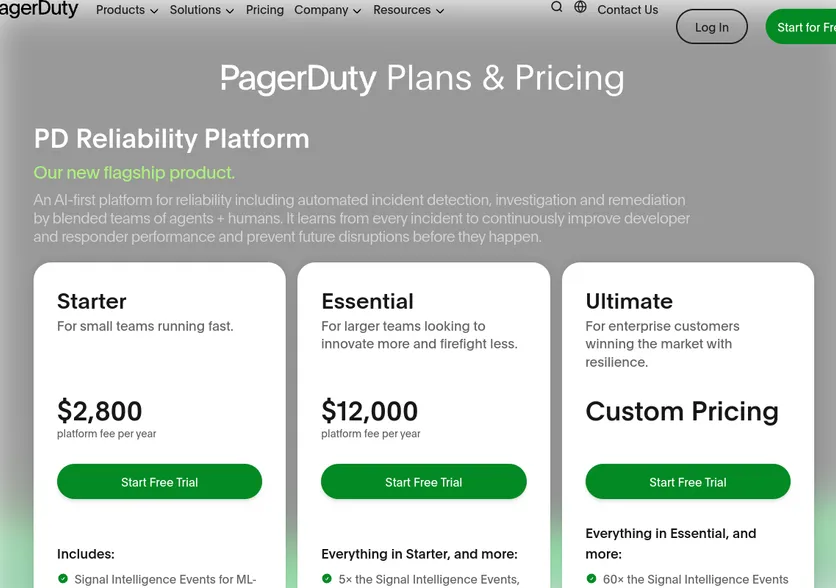
 PagerDuty | Teams that need the reference on-call platform with deep integrations | $21/user/month | Free plan for up to 5 users with one schedule and one escalation policy. | Visit |
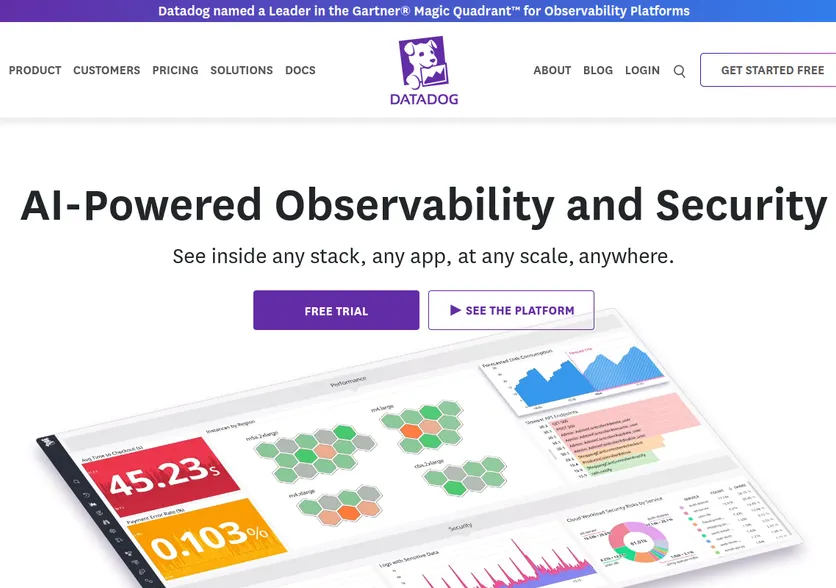
 Datadog | Teams that want infrastructure, APM, logs and incidents in one platform | $15/host/month | Free tier covers 5 hosts with one-day metric retention. | Visit |
 Grafana Cloud | Prometheus and OpenTelemetry shops that want usage-priced observability | $19/month | Free tier with 10,000 series, 50 GB of logs and traces, and 3 users. | Visit |
 Better Stack | Small teams that want uptime, incidents and status pages in one account | $24/month | Free plan covers 10 monitors at 3-minute checks with a status page. | Visit |
 incident.io | Slack-native teams that want the whole incident lifecycle in chat | $25/user/month | Basic plan is free with 1 on-call schedule, 1 workflow and 1 status page. | Visit |
 FireHydrant | Engineering teams that want runbooks and retrospectives done properly | $25/responder/month | Free plan covers up to 10 responders with 2 runbooks and 1 status page. | Visit |
 New Relic | Teams that want full-stack observability billed by data and users | $49/user/month | Free tier with 100 GB of ingest a month and 1 full platform user. | Visit |
 Rootly | Teams that want AI-native incident response with the scribe included | $20/user/month | No free plan; a 14-day trial is available, with startup discounts. | Visit |
The SRE tools, compared
1. PagerDuty
Best for: Teams that need the reference on-call platform with deep integrations
Paid tool Starting price: $21/user/month · Professional plan billed annually, $25 a month on monthly billing; the free plan covers 5 users, and Business is $41 a user a month billed annually
Free plan: Free plan for up to 5 users with one schedule and one escalation policy.
PagerDuty is the on-call platform most engineers already know, with layered escalation, phone, SMS and push alerts, and more than seven hundred integrations. The Professional plan covers on-call scheduling and a basic status page, while AI triage and larger status pages are sold as add-ons. Every user on the account is billed, so count viewers and stakeholders before you sign up.
What we like
- Deepest integration catalog in the category
- Reliable multi-channel paging with layered escalation
- Mobile app that on-call engineers rate highly
Watch out for
- Every account user is billed, including notification-only viewers
- AIOps and status pages cost extra on top
How to try it
- Connect your monitoring tools so alerts flow into PagerDuty
- Build schedules and escalation policies for each service
- Test a page end to end, then move a real rotation over
2. Datadog
Best for: Teams that want infrastructure, APM, logs and incidents in one platform
Paid tool Starting price: $15/host/month · Infrastructure Pro billed annually, $18 a host a month on demand; APM is $31 a host a month and Enterprise infrastructure is $23 a host a month
Free plan: Free tier covers 5 hosts with one-day metric retention.
Datadog is the all-in-one observability platform, covering infrastructure monitoring, APM, logs and synthetics behind a single agent and dashboard. Infrastructure Pro starts at fifteen dollars per host a month, and each product you switch on adds its own meter to the bill. It suits teams that would rather pay per host than operate a stack of open-source tools themselves.
What we like
- One agent and dashboard for infra, APM and logs
- More than a thousand integrations ready to enable
- Alerting and incident tools sit beside the metrics
Watch out for
- Every product adds a meter, so bills are hard to forecast
- Host counts bill on a high-water mark for the month
How to try it
- Install the Datadog agent on your hosts and enable integrations
- Build dashboards and set alert thresholds for key services
- Add APM or logs when you need deeper visibility into failures
3. Grafana Cloud
Best for: Prometheus and OpenTelemetry shops that want usage-priced observability
Paid tool Starting price: $19/month · Pro plan at a $19 a month platform fee plus usage; metrics are $6.50 per 1,000 active series and the free tier covers 10,000 series
Free plan: Free tier with 10,000 series, 50 GB of logs and traces, and 3 users.
Grafana Cloud is the hosted version of the open-source observability stack, with dashboards over managed metrics, logs, traces and profiles. The Pro plan charges a nineteen-dollar platform fee plus usage per signal, and the free tier covers ten thousand series and fifty gigabytes of logs. It fits teams that already think in Prometheus and want to keep the option of self-hosting the same stack.
What we like
- Usage pricing with a genuinely useful free tier
- Open-source stack you can self-host if needed
- Thirteen-month metric retention on Pro
Watch out for
- Cardinality spikes can push the metrics bill up fast
- You assemble more of the experience yourself
How to try it
- Send metrics with Grafana Alloy or an OpenTelemetry collector
- Build dashboards and alerts in Grafana from your signals
- Add incident response when you need on-call on the same stack
4. Better Stack
Best for: Small teams that want uptime, incidents and status pages in one account
Paid tool Starting price: $24/month · Entry paid plan at $24 a month for uptime monitoring with 30-second checks; the free plan covers 10 monitors at 3-minute checks
Free plan: Free plan covers 10 monitors at 3-minute checks with a status page.
Better Stack combines uptime monitoring, incident management, status pages and logs in one clean interface. The entry paid plan adds thirty-second checks, on-call scheduling and unlimited phone and SMS alerts, which covers the whole incident workflow for a small team. It is the prettiest option here, and the status pages alone are worth the price for customer-facing teams.
What we like
- Uptime, incidents, status pages and logs in one account
- Beautiful status pages customers actually trust
- Thirty-second checks on the entry paid plan
Watch out for
- Each product is billed separately, so costs add up
- Logs and APM are still maturing beside the core
How to try it
- Add monitors for your sites and services with check intervals
- Set up on-call schedules and escalation rules
- Publish a status page and link it from your support site
5. incident.io
Best for: Slack-native teams that want the whole incident lifecycle in chat
Paid tool Starting price: $25/user/month · Team plan with on-call at $25 a user a month billed annually, made up of a $15 base seat plus a $10 on-call add-on; Pro with on-call is $45 a user a month
Free plan: Basic plan is free with 1 on-call schedule, 1 workflow and 1 status page.
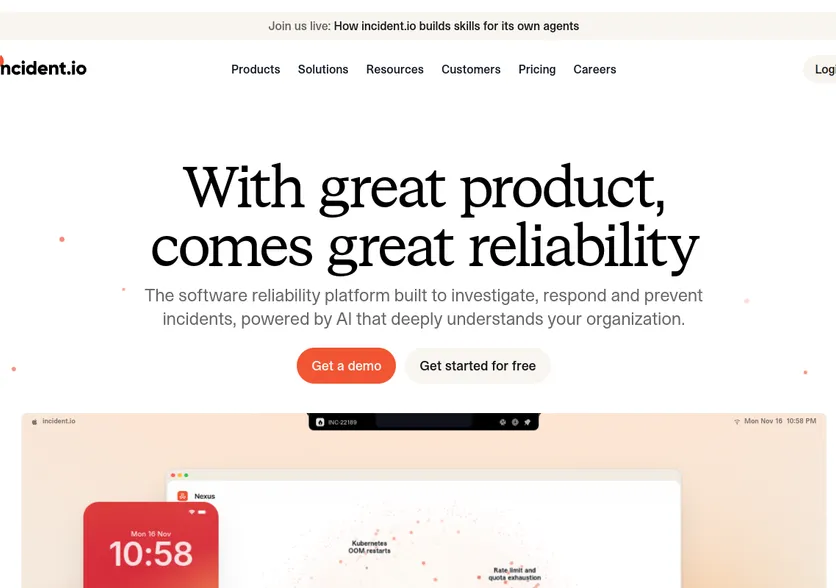
Incident runs incident response inside Slack, from declaration to roles, updates and post-mortem, with AI help on the Pro plan. The Team plan separates the incident seat from the on-call add-on, so you pay for the roles people actually hold, and viewers in incident channels are free. It is the clearest pricing model here for teams that live in Slack.
What we like
- Full incident lifecycle inside Slack, no tab switching
- Viewers are free, so the whole company can follow along
- Transparent pricing with on-call as a clear add-on
Watch out for
- On-call is an add-on, not in the base seat
- AI investigations cost extra on Pro and Enterprise
How to try it
- Install Incident in Slack and connect your alerting tools
- Declare an incident from a channel and assign roles
- Run the post-mortem with the AI-generated timeline
6. FireHydrant
Best for: Engineering teams that want runbooks and retrospectives done properly
Paid tool Starting price: $25/responder/month · Pro plan billed annually with Signals on-call included; the free plan covers up to 10 responders and Enterprise is quoted
Free plan: Free plan covers up to 10 responders with 2 runbooks and 1 status page.
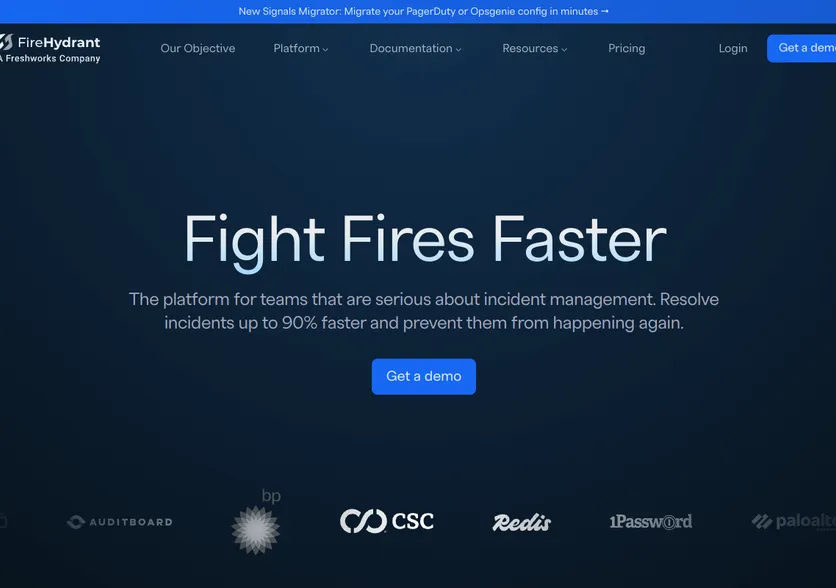
FireHydrant is the incident platform built around runbooks, service catalogs and structured retrospectives. The Pro plan bundles Signals on-call and alerting, so a team gets the full response workflow at a flat per-responder price. Its runbook engine is the deepest here, which matters when the same incident pattern keeps coming back.
What we like
- Deepest runbook engine in this comparison
- Service catalog ties incidents to real systems
- Pro bundles on-call with no separate paging bill
Watch out for
- SMS and voice alerts are sold separately on Pro
- AI features live only on the quoted Enterprise plan
How to try it
- Import your services into the service catalog
- Write runbooks for the incidents that recur most often
- Run the response in Slack and close with a structured retrospective
7. New Relic
Best for: Teams that want full-stack observability billed by data and users
Paid tool Starting price: $49/user/month · Core user at $49 a month; full platform users are $99 a month each after the first on Standard and $349 a month on Pro, and data ingest is $0.40 per GB after 100 GB free
Free plan: Free tier with 100 GB of ingest a month and 1 full platform user.
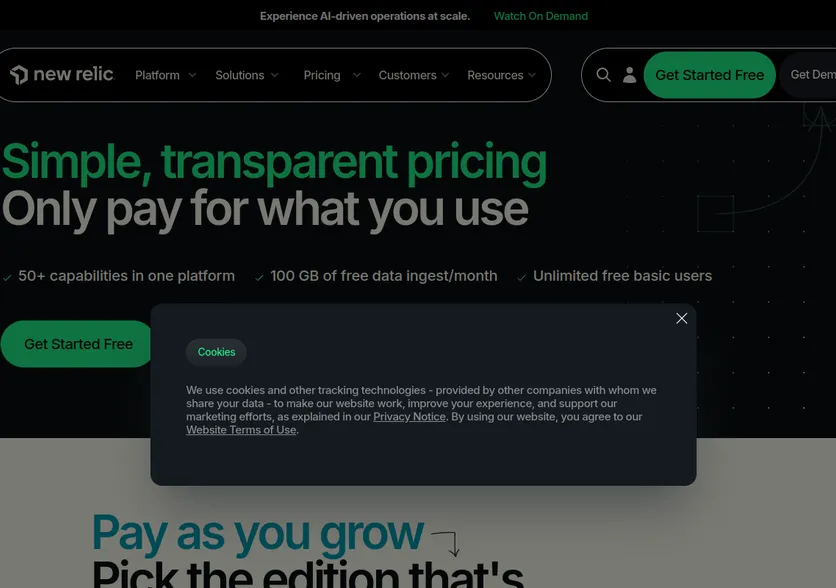
New Relic is the all-in-one observability platform that charges by data ingest and user seats rather than per host. The free tier includes a hundred gigabytes of ingest a month and one full platform user, which is enough for a small project to run properly. Core users cost forty-nine dollars a month, while full platform access on Pro runs much higher, so check which seat type your team actually needs.
What we like
- Free tier covers 100 GB of ingest and a full user
- Unlimited hosts with no per-host fee
- Basic dashboard viewers are free on every plan
Watch out for
- Full platform seats cost far more than core seats
- Ingest overages grow fast with verbose logging
How to try it
- Install the New Relic agent and pick which data to ingest
- Build dashboards and alerts from APM, logs and infrastructure
- Assign core seats to viewers and full seats to engineers
8. Rootly
Best for: Teams that want AI-native incident response with the scribe included
Paid tool Starting price: $20/user/month · Incident Response at $20 a user a month, including status pages and the AI scribe; On-Call is a separate $20 a user a month, so both together are $40
Free plan: No free plan; a 14-day trial is available, with startup discounts.
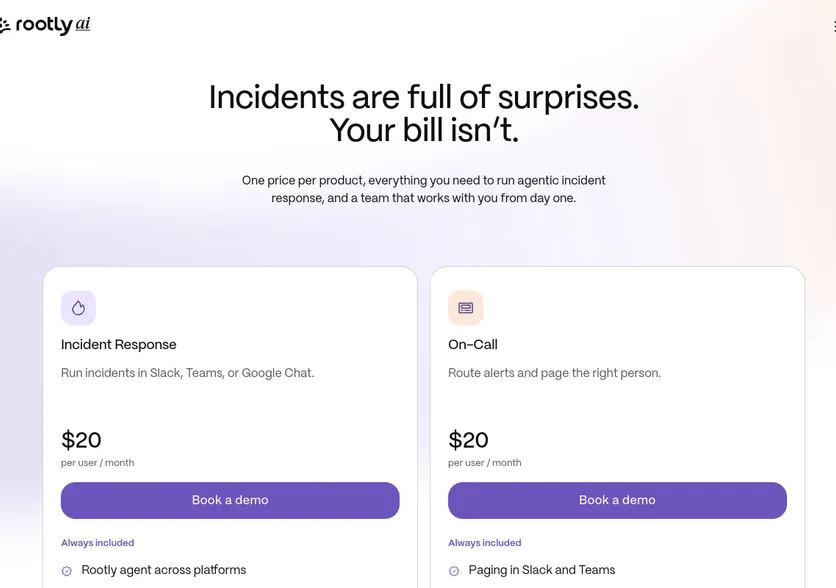
Rootly is the Slack-native incident platform with AI built into the base seat, including an AI scribe and AI retrospectives at no extra charge. Incident Response and On-Call are separate products at twenty dollars each per user a month, so a team pays forty for both. It suits teams that want the incident to run itself as much as possible, with agents investigating from the first alert.
What we like
- AI scribe and retrospectives included in the base seat
- On-Call is a separate product, so you buy only what you need
- Startup discounts up to 50 percent for eligible teams
Watch out for
- Both products together cost $40 a user a month
- No free plan, only a trial and startup discounts
How to try it
- Install Rootly in Slack and set up incident workflows
- Enable the AI scribe and retrospectives on the base seat
- Add On-Call for paging when you need schedules and rotations
Prices above were checked on each vendor’s own website on Nov 26, 2026 and can change — the vendor’s page is the final word. Vendor links are editorial: nobody paid to be listed or ranked here. Vendors who want a featured listing can see how it works on our Get listed page.
How to pick an SRE tool
Start by counting who gets paged, because most tools in this list bill per user and the count surprises teams. Include everyone on a rotation, plus anyone who only receives notifications, since some vendors bill them too. Then check what is included in the plan price: on-call, status pages and AI triage are often sold as add-ons that double the bill.
Test an alert end to end before you move a real rotation over. Trigger a test page, watch it escalate, acknowledge it from a phone and close it with a post-incident review. The tool that makes that loop feel boring is the one to buy, because boring is what you want at 3am.
Before you buy
- Count every person who will get paged, since most tools bill per user
- Check that on-call, status pages and AI triage are included, not add-ons
- Confirm the tool connects to your monitoring stack without custom code
- Test an alert end to end before you move a real rotation over
- Make sure post-incident reviews and timelines are included in the plan
Official websites
Official websites of the products reviewed above. Features and prices were checked against these sites when this guide was written, and they can change, so confirm on the vendor site before you buy.
Frequently asked questions
What are AI SRE tools?
SRE tools cover the work of keeping systems reliable: monitoring, alerting, on-call scheduling, incident response and post-incident reviews. They wake the right person when something breaks, run the response in one place, and turn the incident into a lesson instead of a repeat. AI features now add triage and summaries on top.
How much do SRE tools cost in 2026?
Entry prices in this comparison run from $15 a host a month for Datadog Infrastructure Pro to $25 a user a month for incident.io Team with on-call. On-call platforms mostly charge $20 to $25 per user a month. Always count every person who will be paged, since most tools bill per user rather than per team.
Is there a free SRE tool for a small team?
Yes. PagerDuty is free for up to 5 users, Grafana Cloud has a free tier with 10,000 metric series, Datadog covers 5 hosts free, and incident.io and FireHydrant both offer free tiers. The free plans are enough to run a real on-call rotation for a small team before you pay.
Which SRE tool is best for on-call?
PagerDuty is the reference on-call platform with the deepest integration catalog. incident.io is the clearest choice for Slack-native incident response, while FireHydrant leads on runbooks and retrospectives. Datadog and Grafana Cloud cover the monitoring side, so most teams pair one of those with an incident tool.
What should I check before buying an SRE tool?
Check that on-call, status pages and AI triage are included in the plan price, since they are often sold as add-ons. Then confirm the tool connects to your monitoring stack without custom code, and test an alert end to end before moving a real rotation. Finally, make sure post-incident reviews are included.
Keeping systems up at 3am? Try free uptime, status and developer tools on Toolsvine right in your browser.
Browse Developer Tools tools


