
On this page
AI now writes test cases, heals broken selectors and flags flaky tests, so the test automation tool matters more than the test count. The eight tools below run from twenty dollars a month to hundreds a month per seat or parallel session, and every price was checked on the vendor site on November 27, 2026. Match the tool to the way your team ships software, whether that is cloud devices, desktop scripts or plain language tests. BrowserStack Automate is our first pick — real devices and browsers in the cloud with AI that spots flaky tests fast.
How we researched this
We started with the AI test automation tools teams actually buy, then read each price on the vendor pricing page on November 27, 2026 and noted the free plan or trial each one carries. We kept only tools with a published list price and AI features that write, heal or triage tests. We dropped Mabl because it publishes no price, Testim because its price appears only on third-party listings, and testRigor because its vendor page no longer lists prices.
Compare the tools
| Name | Best for | Starting price | Free plan | |
|---|---|---|---|---|
 Katalon | Quality teams that want one studio for web, mobile, API and desktop testing with AI help writing and healing tests | $150/seat/month | Free Katalon Studio edition; trial of paid plans available | Visit |
 TestMu AI | Teams that want an AI agent to plan, write and run tests in plain language without coding | $17/agent/month | No free plan listed; free trial available | Visit |
 BrowserStack Automate | Teams that must test on real phones and browsers in the cloud instead of emulators | $99/parallel/month | No free plan; free trial available | Visit |
 Sauce Labs | Teams that want live manual testing plus automated runs on one real device cloud | $39/month | No free plan; free trial available | Visit |
 Applitools | Teams whose biggest risk is visual regressions that functional tests never catch | $667/month | No free plan; free trial available | Visit |
 Functionize | Small teams that want AI to build and maintain tests with almost no coding | $20/month | Free plan available | Visit |
 Testsigma | Teams that want codeless test authoring in plain English with enterprise reporting | $300/month | No free plan; free trial available | Visit |
 Cypress Cloud | JavaScript teams that want fast cloud test runs with flaky test detection built in | $67/month | Free plan available | Visit |
The AI test automation software, compared
1. Katalon
Best for: Quality teams that want one studio for web, mobile, API and desktop testing with AI help writing and healing tests
Paid tool Starting price: $150/seat/month · Professional plan, one hundred fifty dollars a seat a month billed yearly at one thousand eight hundred dollars a seat a year; monthly billing costs one hundred eighty dollars a seat a month
Free plan: Free Katalon Studio edition; trial of paid plans available
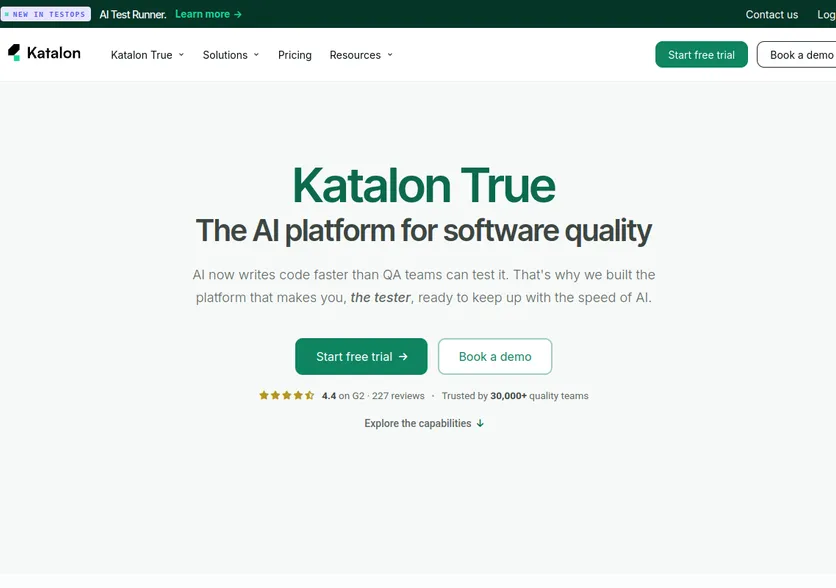
Katalon covers web, mobile, API and desktop testing from one studio, with an AI assistant that drafts test cases and heals locators when the interface changes. This Katalon Professional plan costs one hundred fifty dollars a seat a month billed yearly, with monthly billing at one hundred eighty dollars a seat a month. A team that tests across platforms gets record-and-playback plus scripting in the same license, though the per-seat price climbs quickly on larger teams.
What we like
- One studio for web, mobile, API and desktop tests
- AI assistant drafts tests and heals broken locators
- Record-and-playback plus scripting in one license
Watch out for
- Per-seat pricing adds up fast once testers and developers both need seats
- The online self-serve price differs from the sales-assisted list price
How to try it
- Open the Katalon pricing page and start the trial of the Professional plan
- Record one web test and one API test in Katalon Studio
- Run both tests in the cloud and check the AI healing report
2. TestMu AI
Best for: Teams that want an AI agent to plan, write and run tests in plain language without coding
Paid tool Starting price: $17/agent/month · KaneAI Starter plan, seventeen dollars an agent a month billed yearly; monthly billing costs nineteen dollars an agent a month
Free plan: No free plan listed; free trial available
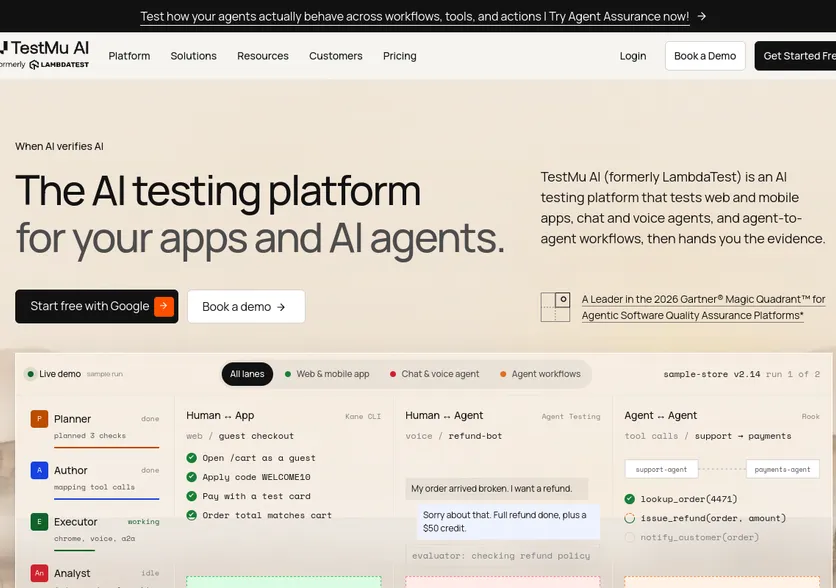
TestMu AI turns plain language instructions into test cases, runs them across browsers and heals them when the app changes, with its KaneAI agent doing the repetitive work. This TestMu AI KaneAI Starter plan costs seventeen dollars an agent a month billed yearly, with monthly billing at nineteen dollars an agent a month. A small team can hand test authoring to the agent and keep humans on review, though the agent model means you pay per agent rather than per tester.
What we like
- KaneAI agent writes tests from plain language instructions
- Runs across browsers with automatic healing built in
- Lowest per-agent entry price in this comparison
Watch out for
- Formerly LambdaTest, so older guides and reviews use the old name
- Agent-based pricing is new, so budget for agents as well as seats
How to try it
- Open the TestMu AI pricing page and start the KaneAI trial
- Describe one user flow in plain language and let KaneAI draft the test
- Run the test across two browsers and review the healing log
3. BrowserStack Automate
Best for: Teams that must test on real phones and browsers in the cloud instead of emulators
Paid tool Starting price: $99/parallel/month · Automate Desktop plan, ninety-nine dollars a parallel a month billed yearly; monthly billing costs one hundred twenty-nine dollars a parallel a month
Free plan: No free plan; free trial available
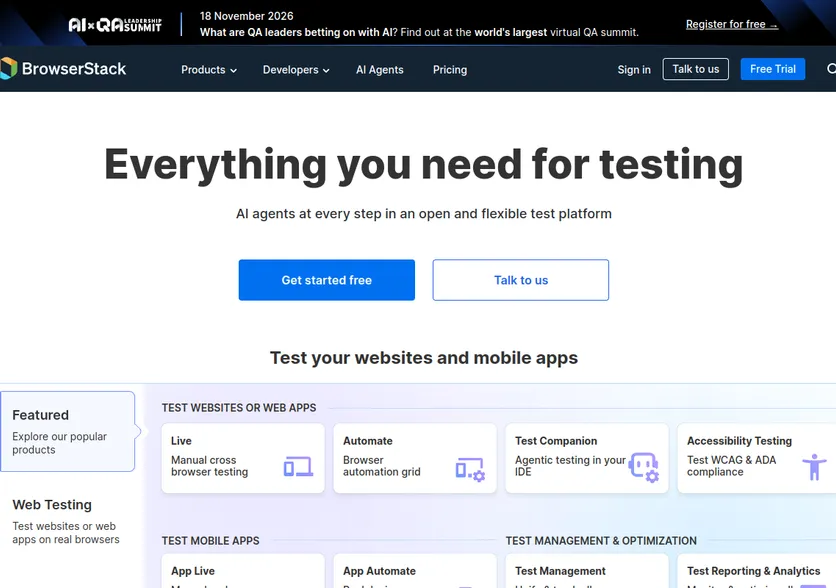
BrowserStack Automate runs Selenium and Playwright tests on thousands of real devices and desktop browsers, with AI observability that groups failures and flags flaky tests. This BrowserStack Automate Desktop plan costs ninety-nine dollars a parallel a month billed yearly, with monthly billing at one hundred twenty-nine dollars a parallel a month. A team shipping to many devices gets real-device coverage without a device lab, though each parallel session is a separate charge.
What we like
- Thousands of real devices and browsers, not emulators
- AI observability groups failures and flags flaky tests
- Works with the Selenium and Playwright suites teams already own
Watch out for
- Parallel sessions are billed separately, so heavy suites need several parallels
- Mobile device testing sits on higher tiers than the Desktop plan
How to try it
- Open the BrowserStack pricing page and start the Automate trial
- Connect your existing Selenium or Playwright suite to the cloud
- Run the suite on two real devices and check the flaky test report
4. Sauce Labs
Best for: Teams that want live manual testing plus automated runs on one real device cloud
Paid tool Starting price: $39/month · Live Testing plan, thirty-nine dollars a month billed yearly; monthly billing costs forty-nine dollars a month
Free plan: No free plan; free trial available
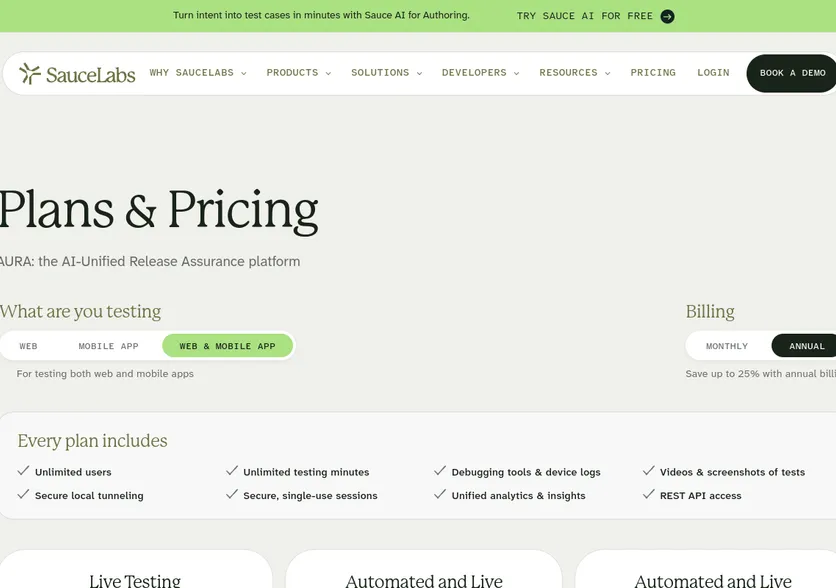
Sauce Labs pairs live manual testing with automated runs on real devices and browsers, so a tester can reproduce a failure by hand and then automate the same flow. This Sauce Labs Live Testing plan costs thirty-nine dollars a month billed yearly, with monthly billing at forty-nine dollars a month. A team that still does exploratory testing by hand gets manual and automated testing in one account, though automated minutes beyond the plan cost extra.
What we like
- Live manual testing and automated runs in one cloud
- Lowest entry price for real device testing here
- Real devices and browsers with video of every session
Watch out for
- Automated testing minutes beyond the plan are billed separately
- AI features sit on higher tiers than Live Testing
How to try it
- Open the Sauce Labs pricing page and start the Live Testing trial
- Run one manual session on a real device to reproduce a bug
- Automate the same flow and compare the two results
5. Applitools
Best for: Teams whose biggest risk is visual regressions that functional tests never catch
Paid tool Starting price: $667/month · Starter plan, six hundred sixty-seven dollars a month paid yearly
Free plan: No free plan; free trial available
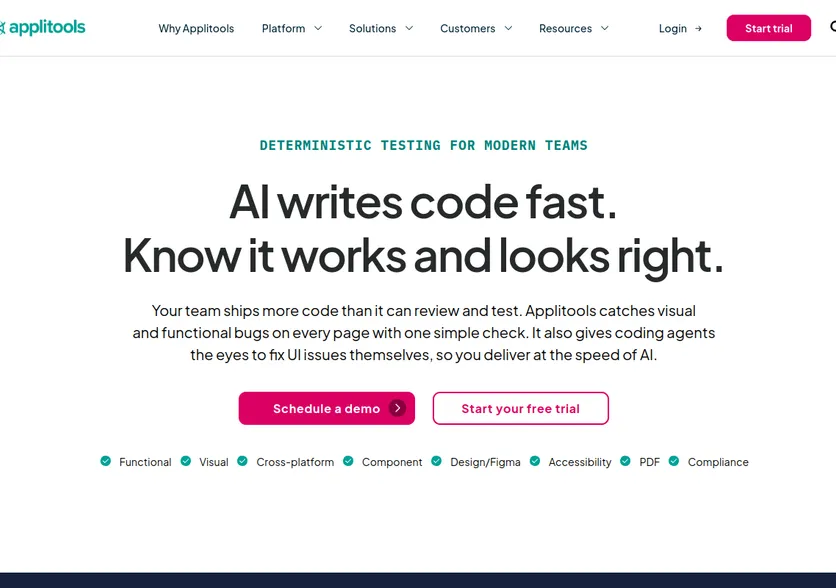
Applitools Eyes compares screenshots with visual AI instead of pixel matching, so it catches layout shifts, broken fonts and missing elements that pass every functional check. This Applitools Starter plan costs six hundred sixty-seven dollars a month paid yearly. A team with a design-heavy product gets visual coverage across browsers and screen sizes, though the price is the highest entry point in this list.
What we like
- Visual AI catches layout and font regressions functional tests miss
- Cross-browser visual coverage from one checkpoint set
- Baseline management keeps approved designs as the reference
Watch out for
- Highest entry price in this comparison by a wide margin
- Visual checkpoints need a baseline, so the first runs take setup time
How to try it
- Open the Applitools pricing page and start the Starter trial
- Add visual checkpoints to one existing test suite
- Review the first visual diff report and approve or reject each change
6. Functionize
Best for: Small teams that want AI to build and maintain tests with almost no coding
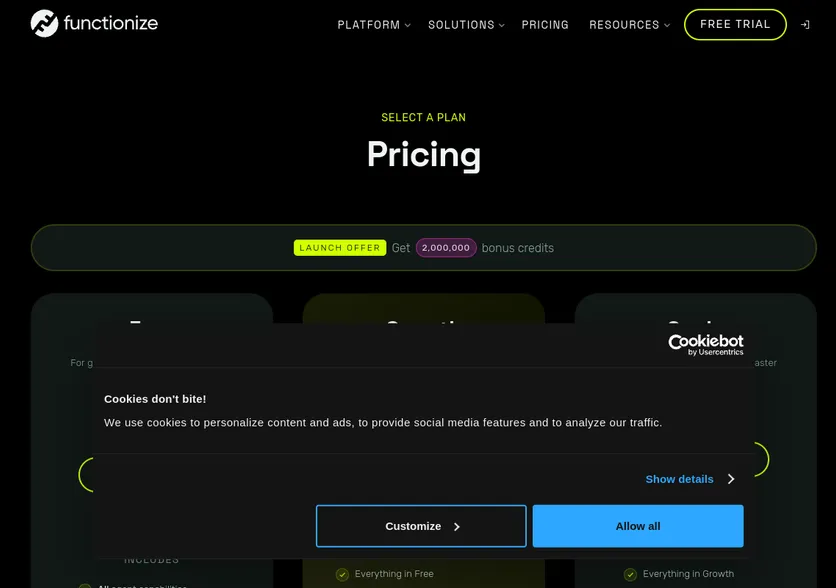
Paid tool Starting price: $20/month · Growth plan, twenty dollars a month; Scale costs one hundred dollars a month
Free plan: Free plan available
Functionize uses AI to create tests from plain language, run them in the cloud and self-heal them when the interface changes, with a free tier for trying it out. This Functionize Growth plan costs twenty dollars a month. A small team gets a full AI test platform at the lowest paid price in this list, though heavier usage moves to the Scale plan at one hundred dollars a month.
What we like
- Lowest paid price in this comparison at twenty dollars a month
- AI builds tests from plain language with no coding needed
- Free plan lets a team try real tests before paying
Watch out for
- Growth has usage limits, so busy suites need the Scale plan
- AI-generated tests still need human review before they go live
How to try it
- Open the Functionize pricing page and claim the free plan
- Describe one workflow in plain language and let the AI build the test
- Run the test and watch the self-healing report after a page change
7. Testsigma
Best for: Teams that want codeless test authoring in plain English with enterprise reporting
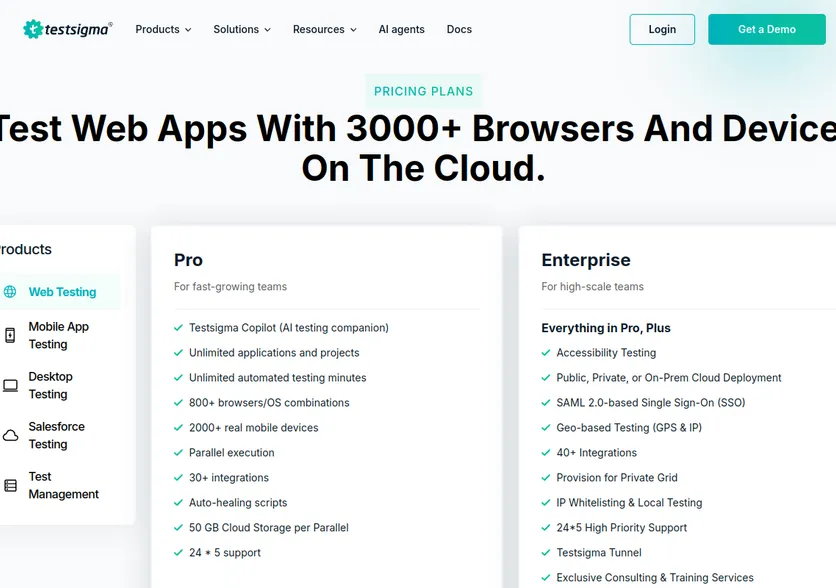
Paid tool Starting price: $300/month · Pro plan, three hundred dollars a month billed monthly; Standard costs one hundred dollars a month
Free plan: No free plan; free trial available
Testsigma lets testers write automated tests in plain English with no code, then runs them across browsers and devices with AI auto-healing when elements move. This Testsigma Pro plan costs three hundred dollars a month billed monthly, with the Standard plan at one hundred dollars a month. A team with non-coding testers gets full automation without hiring engineers, though the monthly price is steep for a small team.
What we like
- Plain English test authoring with no coding required
- AI auto-healing keeps tests green when elements move
- Runs across browsers and devices from one dashboard
Watch out for
- Pro is billed monthly, so there is no annual discount on the headline rate
- A separate Test Management product has its own per-user pricing
How to try it
- Open the Testsigma pricing page and start the Pro trial
- Write one test in plain English without touching code
- Run it across two browsers and check the auto-healing log
8. Cypress Cloud
Best for: JavaScript teams that want fast cloud test runs with flaky test detection built in
Paid tool Starting price: $67/month · Team plan, sixty-seven dollars a month billed yearly at seven hundred ninety-nine dollars a year; monthly billing costs seventy-five dollars a month
Free plan: Free plan available
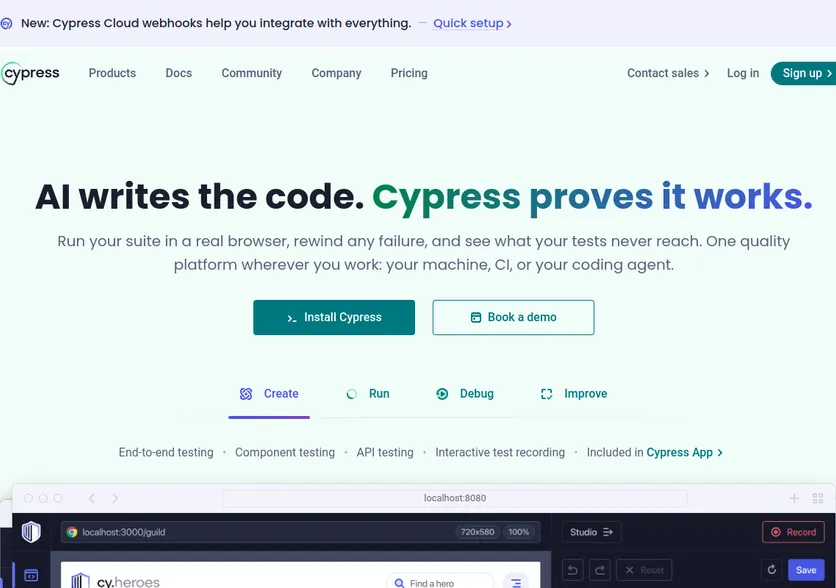
Cypress Cloud takes the Cypress test runner teams already use and adds cloud recording, parallel runs and flaky test detection, with the dashboard showing every failure in one place. This Cypress Cloud Team plan costs sixty-seven dollars a month billed yearly, with monthly billing at seventy-five dollars a month. A JavaScript team gets parallel cloud runs without changing its tests, though the runner itself stays desktop-first for local runs.
What we like
- Cloud recording and parallel runs for the Cypress runner teams know
- Flaky test detection built into the dashboard
- Free plan covers small teams getting started
Watch out for
- Built around the Cypress runner, so other frameworks need a different tool
- Parallel runs consume the plan allowance fast on large suites
How to try it
- Open the Cypress pricing page and claim the free Cloud plan
- Connect your existing Cypress suite to the cloud dashboard
- Run the suite in parallel and review the flaky test report
Prices above were checked on each vendor’s own website on Nov 27, 2026 and can change — the vendor’s page is the final word. Vendor links are editorial: nobody paid to be listed or ranked here. Vendors who want a featured listing can see how it works on our Get listed page.
What AI test automation costs in 2026
Most tools here charge per seat, per parallel session or per agent, so the cheapest headline is rarely the cheapest bill. A per-seat price like one hundred fifty dollars a month looks manageable until every tester and developer needs a seat, while a per-parallel price grows with every suite that runs at once. Real device minutes and visual checkpoints are often a second bill, so add those to the license before you compare totals.
Start with the free plan or trial on two tools and run one real suite on each. Compare run speed, failure reports and whether the self-healing actually fixes selectors or only flags them. Pick the tool whose reports the team reads without a meeting, because a test report nobody reads is money wasted.
Before you buy
- Count every seat and parallel session first, because per-seat and per-parallel pricing multiplies fast once the whole team runs tests.
- Check whether real devices are included, because some cloud plans charge extra for the devices your app actually ships on.
- Confirm the plan covers your framework, because a tool built for web tests may not run your mobile or API suites.
- Test the self-healing feature during the trial, because a healer that misses selectors costs more time than it saves.
- Compare yearly and monthly billing, because annual billing cuts the monthly rate on most tools in this list.
Official websites
Official websites of the products reviewed above. Features and prices were checked against these sites when this guide was written, and they can change, so confirm on the vendor site before you buy.
Frequently asked questions
Which AI test automation software is best in 2026?
BrowserStack Automate is the best overall pick for real device coverage in the cloud, with AI observability that flags flaky tests. Functionize is the cheapest full platform at twenty dollars a month, and it builds tests from plain language. Katalon is the best single studio for teams that test web, mobile, API and desktop from one place.
How much does AI test automation software cost?
Entry prices in this list run from twenty dollars a month for Functionize to six hundred sixty-seven dollars a month for Applitools, with most tools between thirty-nine and one hundred fifty dollars a month. Per-seat and per-parallel billing multiplies with team size, so count seats and parallels before comparing headlines. Annual billing cuts the monthly rate on most tools here.
Do these tools fix broken tests automatically?
Yes, most tools here heal broken selectors automatically when the interface changes, including Katalon, TestMu AI, Functionize and Testsigma. Self-healing works best on small changes such as renamed buttons and moved elements. Large redesigns still need a human to review the healed tests before they run in the release pipeline.
Can I automate tests without writing code?
Katalon, TestMu AI, Functionize and Testsigma all generate tests from plain language or recordings without coding. BrowserStack, Sauce Labs and Cypress Cloud assume the team already writes tests in code. If nobody on the team codes, pick a codeless tool first and check its healing report during the trial.
How should I choose between these tools?
Start with the free plan or trial on two tools and run one real suite on each. Compare how fast the suite runs, how clear the failure reports are, and whether the AI healing actually fixes selectors or just reports them. Pick the tool whose reports your team reads without a meeting, because a test report nobody reads is wasted money.
Need everyday developer help too? Try Toolsvine's free developer tools right in your browser.
Browse Developer Tools tools


