
On this page
Canto is a strong digital asset manager, but its quote-only pricing and enterprise focus put it out of reach for smaller teams. Cloudinary is the most flexible swap: a media platform with asset tools built in, starting at eighty-nine dollars a month with a free plan for testing. This guide compares eight alternatives to Canto with live 2026 prices, free plans and trials, so you can pick the asset library that fits your team and your budget.
How we researched this
We checked the pricing page of every tool on this list on November 26, 2026, and kept only tools that publish a real dollar price for a self-serve plan. Each tool had to store, organise and share brand assets, and we compared entry prices, free plans, storage limits and how the bill scales as the library grows.
Compare the tools
| Name | Best for | Starting price | Free plan | |
|---|---|---|---|---|
 Cloudinary | Teams that want media delivery and asset tools in one platform | $89/month | Free plan | Visit |
 Pics.io | Small teams that want a simple DAM on top of Google Drive | $100/month | 14-day free trial | Visit |
 ImageKit | Teams that want image delivery with asset management built in | $49/month | Free plan | Visit |
 Imgix | Teams that want the cheapest image delivery with asset tools | $25/month | 30-day free trial | Visit |
 Filecamp | Small teams that want flat-rate DAM with unlimited users | $29/month | 14-day free trial | Visit |
 Air | Creative teams that want a visual library with approvals | $100/month | 14-day free trial | Visit |
 Dash | Small brands that want a simple library with unlimited users | $109/month | 14-day free trial | Visit |
 Stockpress | Teams that want generous storage with unlimited users | $99/month | 14-day free trial | Visit |
The Canto alternatives, compared
1. Cloudinary
Best for: Teams that want media delivery and asset tools in one platform
Paid tool Starting price: $89/month · Plus plan at $89 a month billed annually, or $99 a month billed monthly; the full Assets DAM is Enterprise-only after a 30-day trial
Free plan: Free plan
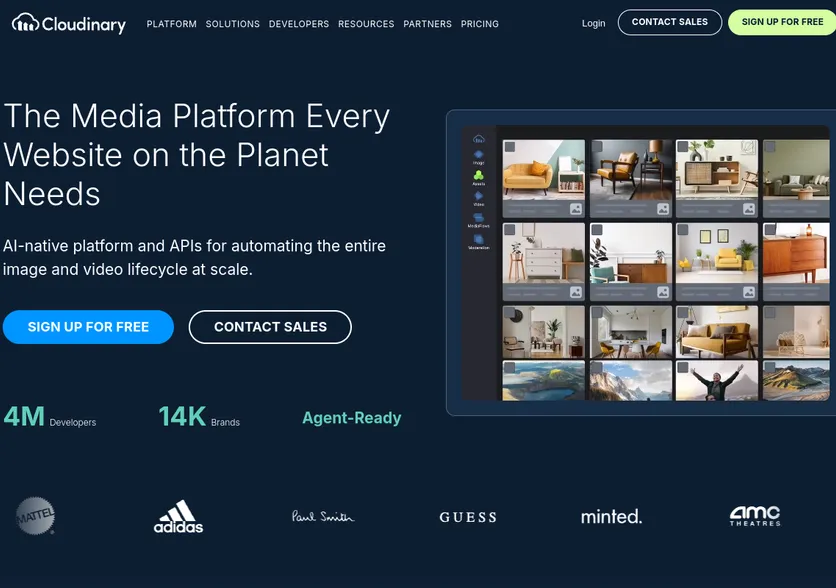
Cloudinary is the media platform most developers know, and its Plus plan adds asset management on top of image and video delivery that scales to millions of requests. This Cloudinary Plus plan costs eighty-nine dollars a month on annual billing, while the free plan covers a smaller credit allowance for testing. It is the pick when the team needs both delivery and storage, not just a library.
What we like
- Media delivery and storage in one place
- Scales to millions of requests
- Free plan for testing
Watch out for
- Full DAM features need Enterprise
- Credit-based billing takes watching
How to try it
- Open the Cloudinary pricing page and start the Plus plan
- Upload the brand assets and set the folders
- Share collections with the team and track usage
2. Pics.io
Best for: Small teams that want a simple DAM on top of Google Drive
Paid tool Starting price: $100/month · Solo plan at $100 a month; Micro is $250 a month, or $225 a month billed annually; a 14-day free trial is included
Free plan: 14-day free trial
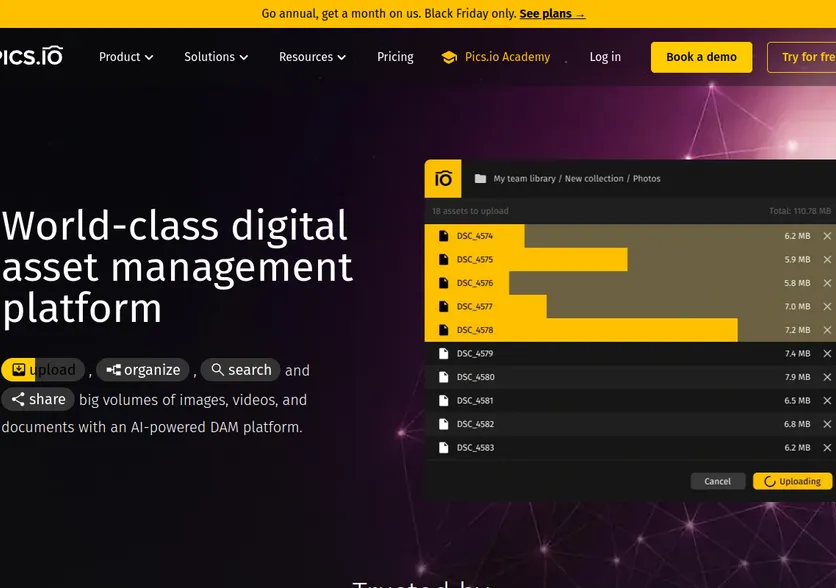
Pics builds its asset library on top of Google Drive, so the files stay where the team already keeps them while the DAM adds tags, approvals and sharing. This Pics Solo plan costs one hundred dollars a month and covers a single user with unlimited storage through Drive. It is the pick when the team already lives in Google Drive and wants a library without moving files.
What we like
- Files stay in Google Drive
- Unlimited storage through Drive
- Simple setup for small teams
Watch out for
- Solo plan covers one user only
- No free plan, trial only
How to try it
- Open the Pics.io pricing page and start the trial
- Connect Google Drive and import the assets
- Tag the library and share collections with the team
3. ImageKit
Best for: Teams that want image delivery with asset management built in
Paid tool Starting price: $49/month · Premium plan at $49 a month; Growth and Enterprise plans add more bandwidth and features; a free plan covers light use
Free plan: Free plan
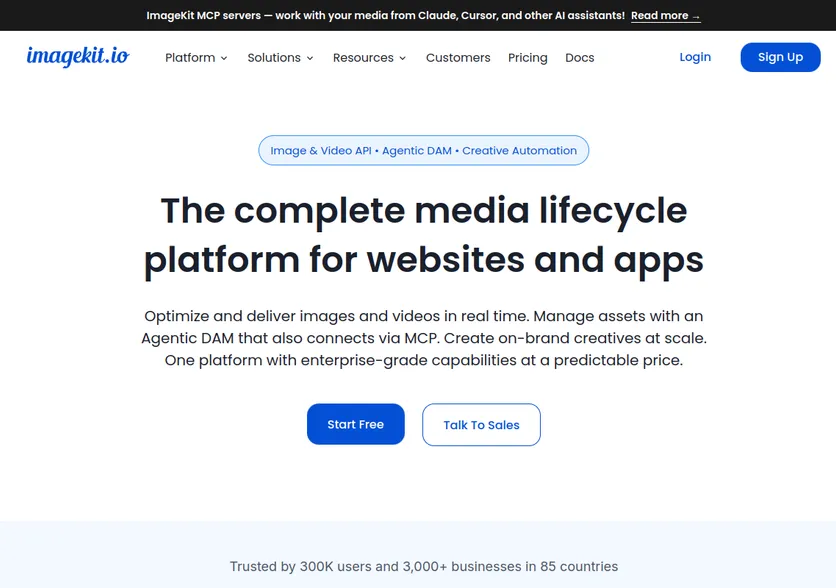
ImageKit pairs a media library with real-time image optimisation, so the same tool that stores the assets also serves them resized and compressed. This ImageKit Premium plan costs forty-nine dollars a month and adds more bandwidth plus video support, while the free plan covers a smaller allowance. It is the pick when the assets are images for the web and delivery speed matters as much as storage.
What we like
- Real-time image optimisation included
- Media library and delivery in one tool
- Free plan for testing
Watch out for
- Bandwidth limits can bite busy sites
- Video features need higher plans
How to try it
- Open the ImageKit pricing page and start the Premium plan
- Upload the image library and set the folders
- Use the delivery URLs on the live site
4. Imgix
Best for: Teams that want the cheapest image delivery with asset tools
Paid tool Starting price: $25/month · Starter plan at $25 a month, or $20.83 a month billed annually; no free plan, with a 30-day trial
Free plan: 30-day free trial
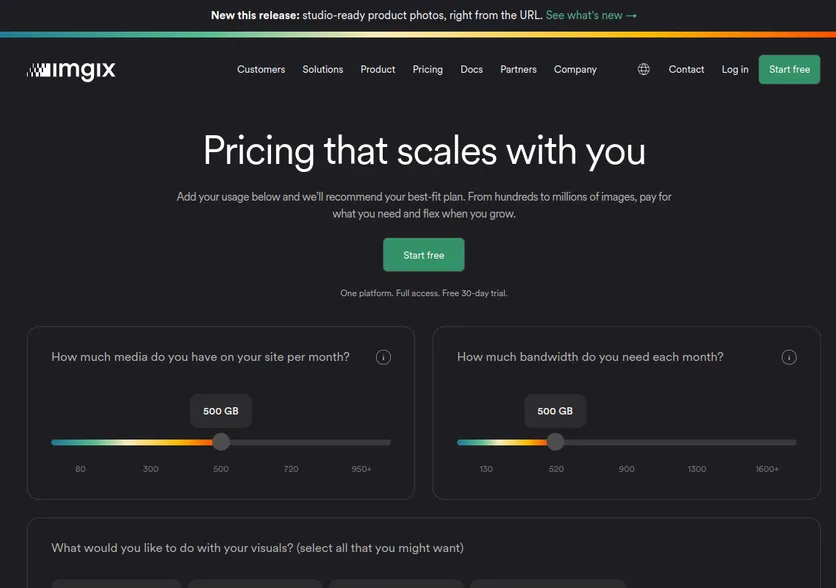
Imgix is the delivery-first pick, turning one master image into every size and format a site needs through a simple URL, with asset management on top. This Imgix Starter plan costs twenty-five dollars a month and covers a set bandwidth allowance, with a thirty-day free trial. It is the pick when the library is really a delivery pipeline and the cheapest entry price matters.
What we like
- Cheapest entry price on this list
- URL-based image transforms
- Fast global delivery
Watch out for
- No free plan, trial only
- Asset tools are lighter than Pics.io
How to try it
- Open the Imgix pricing page and start the trial
- Connect the image source and set the library
- Use the URL parameters to serve every size
5. Filecamp
Best for: Small teams that want flat-rate DAM with unlimited users
Paid tool Starting price: $29/month · Basic plan at $29 a month flat, with unlimited users and 20 GB of storage
Free plan: 14-day free trial
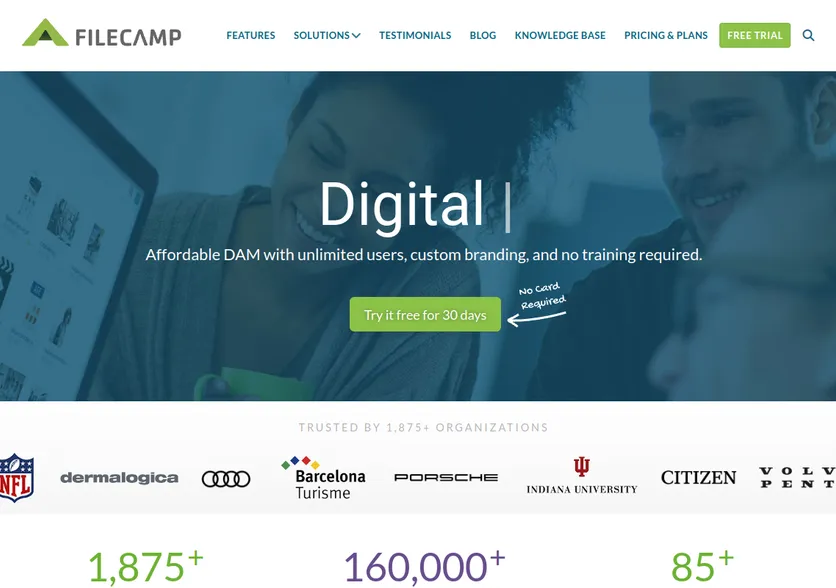
Filecamp is the simplest DAM on this list, with a flat monthly price, unlimited users and a clean library that anyone on the team can open. This Filecamp Basic plan costs twenty-nine dollars a month flat and covers twenty gigabytes of storage for as many users as the team has. It is the pick when the budget is fixed, the team is large and the library just needs to work.
What we like
- Flat price with unlimited users
- Simplest library on this list
- No per-user billing surprises
Watch out for
- Storage cap is modest on Basic
- No free plan, trial only
How to try it
- Open the Filecamp pricing page and start the trial
- Upload the brand assets and set the folders
- Invite the whole team with unlimited seats
6. Air
Best for: Creative teams that want a visual library with approvals
Paid tool Starting price: $100/month · Starter plan at $100 a month billed annually, or $125 a month billed monthly, for up to 5 users and 200 GB of storage
Free plan: 14-day free trial
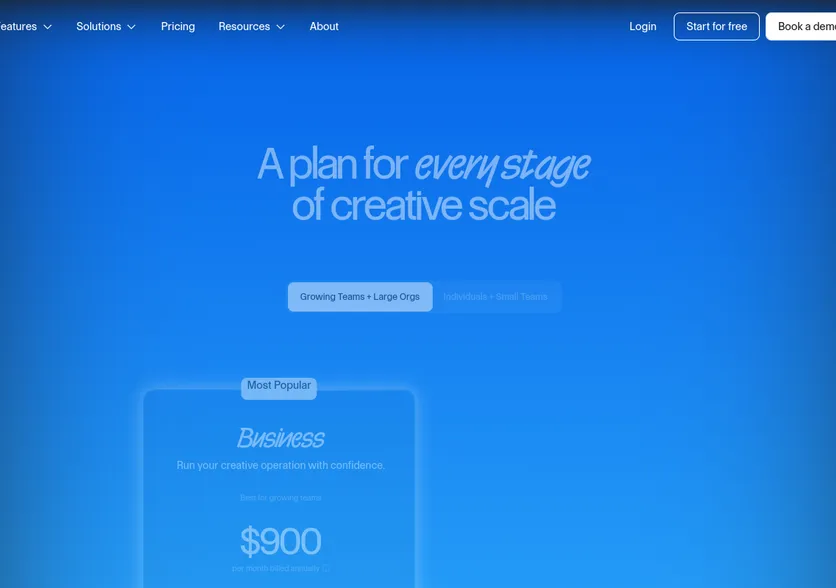
Air is the visual DAM, built for creative teams that live in images and video and need approvals, comments and version history on every asset. This Air Starter plan costs one hundred dollars a month on annual billing and covers up to five users with two hundred gigabytes of storage. It is the pick when the library is a creative workspace, not just a file store.
What we like
- Built for creative teams
- Approvals and comments included
- Visual boards make finding assets easy
Watch out for
- Five-user cap on Starter
- No free plan, trial only
How to try it
- Open the Air pricing page and start the trial
- Upload the creative assets and set the boards
- Use approvals and comments to review new work
7. Dash
Best for: Small brands that want a simple library with unlimited users
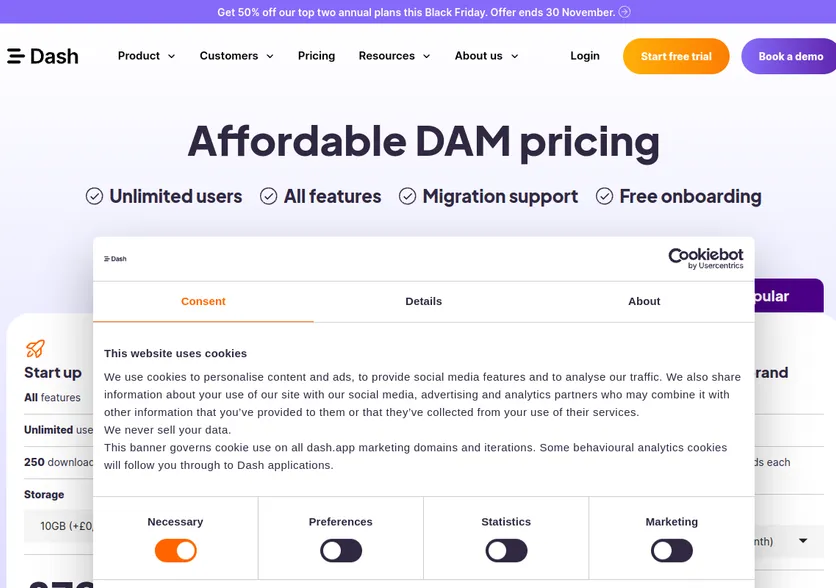
Paid tool Starting price: $109/month · Start-Up plan at $109 a month, with unlimited users, 10 GB of storage and 250 downloads
Free plan: 14-day free trial
Dash is the friendly DAM, with a clean library, smart search and sharing links that let anyone outside the team download approved assets. This Dash Start-Up plan costs one hundred and nine dollars a month and covers unlimited users with ten gigabytes of storage. It is the pick when the brand is small, the team is scattered and sharing assets should take one click.
What we like
- Unlimited users on every plan
- Sharing links anyone can open
- Smart search finds assets fast
Watch out for
- Storage cap is small on Start-Up
- No free plan, trial only
How to try it
- Open the Dash pricing page and start the trial
- Upload the brand assets and tag them
- Share collections with a link anyone can open
8. Stockpress
Best for: Teams that want generous storage with unlimited users
Paid tool Starting price: $99/month · Essentials plan at $99 a month, with 200 GB of storage and unlimited users
Free plan: 14-day free trial
Stockpress pairs a generous storage allowance with unlimited users, so a growing team can keep every asset in one library without watching the seat count. This Stockpress Essentials plan costs ninety-nine dollars a month and covers two hundred gigabytes of storage for unlimited users. It is the pick when the library is large, the team is larger and the bill should stay flat.
What we like
- Two hundred gigabytes on Essentials
- Unlimited users on every plan
- Flat monthly price
Watch out for
- No free plan, trial only
- Fewer integrations than Cloudinary
How to try it
- Open the Stockpress pricing page and start the trial
- Upload the asset library and set the collections
- Invite the whole team with unlimited seats
Prices above were checked on each vendor’s own website on Nov 26, 2026 and can change — the vendor’s page is the final word. Vendor links are editorial: nobody paid to be listed or ranked here. Vendors who want a featured listing can see how it works on our Get listed page.
How to pick a DAM without overpaying
Count the real storage first, because a library that holds ten gigabytes today holds fifty next year, and storage overage is where the cheap plans get expensive. Check the user cap, since a five-seat limit means nothing for a solo creator and everything for a team of twenty. Try the trial with the actual brand assets, not a demo set, because search quality and folder structure only show their value on real files. And ask who can share what: a library that lets outsiders download approved assets saves more time than any feature list suggests.
Before you buy
- Count the real storage first, because a library that holds ten gigabytes today holds fifty next year.
- Check the user cap, since a five-seat limit means nothing for one person and everything for twenty.
- Try the trial with the actual brand assets, not a demo set, before paying.
- Confirm outside sharing works, so partners can download approved assets without a login.
- Compare the annual price too, since several plans drop by about a fifth on yearly billing.
Official websites
Official websites of the products reviewed above. Features and prices were checked against these sites when this guide was written, and they can change, so confirm on the vendor site before you buy.
Frequently asked questions
What is the best alternative to Canto?
Cloudinary is the most flexible swap, with media delivery and asset tools from $89 a month and a free plan. Filecamp is the cheapest flat-rate pick at $29 a month with unlimited users, and Imgix is the lowest entry price at $25 a month. The right choice depends on whether you need delivery, a simple library or a creative workspace.
Is there a free alternative to Canto?
Cloudinary and ImageKit both have free plans with a smaller allowance, and the other tools on this list offer fourteen-day or thirty-day free trials. Pics.io, Imgix, Filecamp, Air, Dash and Stockpress all let you test the full library before paying. Start on a free plan or trial with your real assets to see whether the search and folders fit.
Which Canto alternative is cheapest?
Imgix Starter is the cheapest entry at $25 a month, followed by Filecamp Basic at $29 a month flat with unlimited users. ImageKit Premium is $49 a month, while Cloudinary Plus is $89 a month and Stockpress Essentials is $99 a month. The cheapest fit depends on storage needs and team size, not just the monthly price.
Can I migrate my assets from Canto to another DAM?
Yes. Most DAM tools offer a bulk import that copies files, folders and tags from another library, and Cloudinary, Pics.io and Filecamp all support migration from Canto. Export the asset list from Canto first, then test the import on a small folder before moving the whole library. Check that tags and permissions survive the move.
What is the difference between a DAM and cloud storage?
Cloud storage holds files, while a DAM organises them: tags, metadata, approvals, version history and sharing links that let anyone find the right asset fast. A DAM also converts files for different uses, such as resizing an image for the web. If the team wastes time hunting for logos and photos, a DAM pays for itself; if the files are few, cloud storage is enough.
Still hunting for the right logo file? Try free image tools on Toolsvine right in your browser.
Browse Image Tools tools


