
On this page
Grok can generate video, but it lives inside an X subscription and it is not the only AI video tool, and for most jobs it is not the best one. Runway gives you more control, Kling gives you more realism for less money, and Veo 3 adds sound and dialogue to the clip. Below are the seven alternatives to Grok video generation creators use, compared on price, motion quality and the credits each plan carries, with every price checked on the vendor site on November 26, 2026. Runway is our first pick, the video platform professionals use for real productions.
How we researched this
We started with the AI video generators people actually use instead of Grok video generation, then read each price on the vendor site on November 26, 2026 and noted the free plan or trial each one carries. We kept only tools with a published price, dropped several names with no verifiable pricing, and judged each one for a creator who needs usable clips for social media, marketing or a real production.
Compare the tools
| Name | Best for | Starting price | Free plan | |
|---|---|---|---|---|
 Runway | Creators who want the most control over AI video | $15/month | Free plan | Visit |
 Pika | Social creators who want fun, shareable AI clips | $10/month | Free plan | Visit |
 Luma | Creators who want cinematic AI video with strong motion | $30/month | Free plan | Visit |
 Kling | Creators who want realistic AI video at a low price | $10/month | Free plan | Visit |
 Hailuo | Creators who want fast AI video with strong effects | $9.99/month | Free plan | Visit |
 Sora | ChatGPT users who want AI video in the same subscription | $20/month | Free plan | Visit |
 Veo 3 | Google users who want the most realistic AI video | $19.99/month | Free plan | Visit |
The Grok video alternatives, compared
1. Runway
Best for: Creators who want the most control over AI video
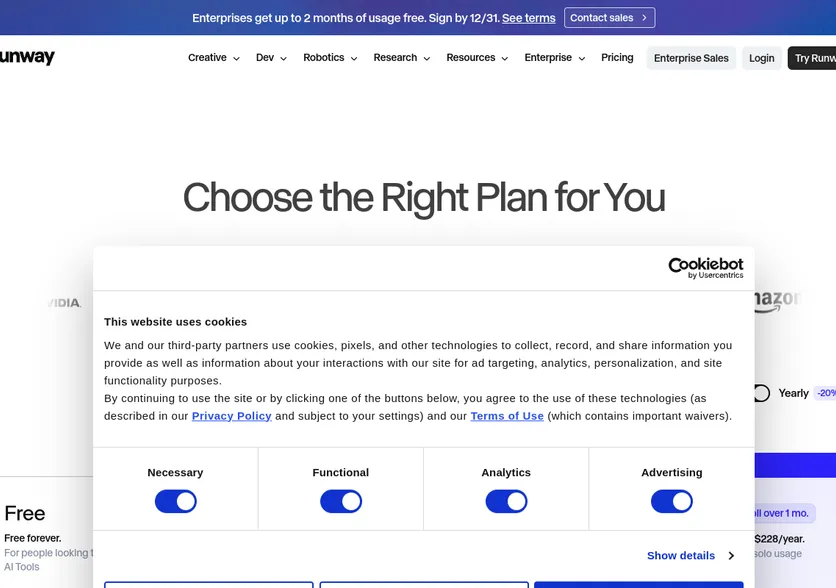
Paid tool Starting price: $15/month · Standard plan, billed monthly; $12 billed annually
Free plan: Free plan
Runway is the AI video platform that professionals use for text-to-video, image-to-video and video-to-video, with the deepest controls for camera movement, style and motion. It suits creators who want to direct a shot rather than accept whatever the model gives them. The Runway Standard plan bills monthly, with a lower rate on annual billing, and includes the credits a working creator needs each month.
What we like
- Deepest controls for camera and motion
- Text, image and video-to-video in one place
- Used by professionals for real productions
Watch out for
- Credits run out fast on long clips
- Learning curve for the advanced controls
How to try it
- Open runwayml.com/pricing and create a free account
- Type a prompt and pick a camera movement
- Generate the clip and extend it to the length you need
2. Pika
Best for: Social creators who want fun, shareable AI clips
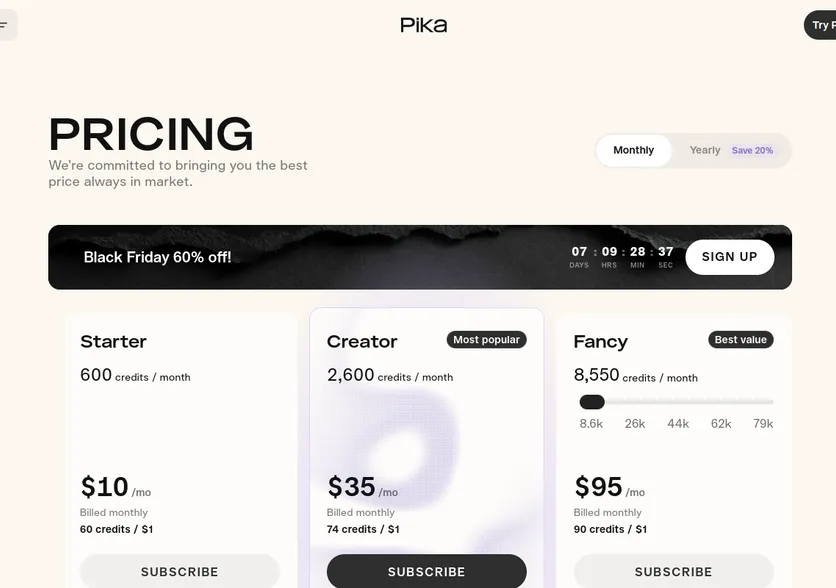
Paid tool Starting price: $10/month · Starter plan, billed monthly; $8 billed annually; Creator $35
Free plan: Free plan
Pika is the AI video tool built for social creators, with fun effects, lip sync and style tools that turn a photo or a prompt into a clip people actually share. It suits short-form creators who want a quick, playful video without a production pipeline. The Pika Starter plan bills monthly, with a lower rate on annual billing, and includes the credits a regular creator needs.
What we like
- Fun effects built for social sharing
- Lip sync and style tools that just work
- Fast results from a photo or a prompt
Watch out for
- Playful style — less suited to corporate video
- Credits cap the number of clips per month
How to try it
- Open pika.art/pricing and create a free account
- Upload a photo or type a prompt
- Pick an effect and generate the clip
3. Luma
Best for: Creators who want cinematic AI video with strong motion
Paid tool Starting price: $30/month · Plus plan, billed monthly; Pro $90, Ultra $300
Free plan: Free plan
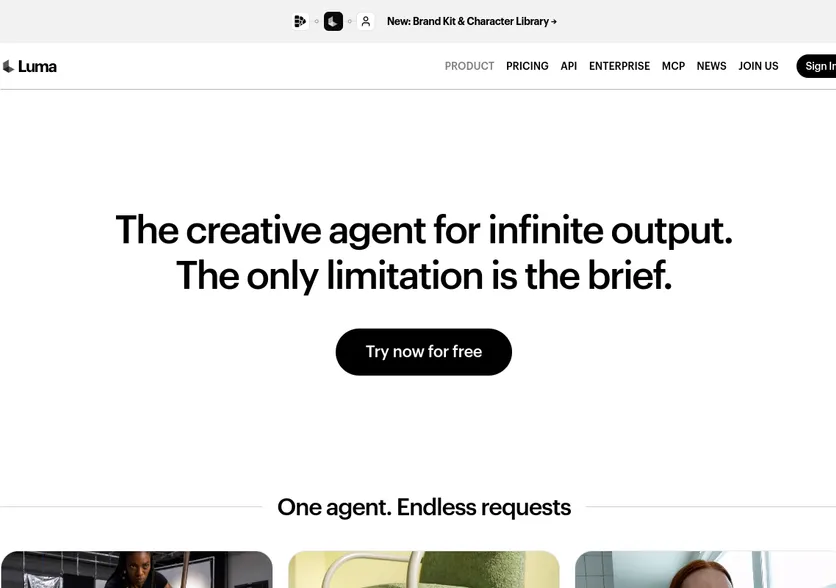
Luma is the AI video platform behind Dream Machine, known for cinematic motion and strong physics in generated clips. It suits creators who want realistic movement, smooth camera work and clips that look like they were shot, not rendered. The Luma Plus plan bills monthly and includes the credits a working creator needs, with Pro and Ultra above it for heavy production.
What we like
- Cinematic motion with strong physics
- Smooth camera work in generated clips
- Good for realistic scenes and product shots
Watch out for
- Price rose a lot after the restructure to Luma Agents
- Credits cap long or high-resolution clips
How to try it
- Open lumalabs.ai/dream-machine/pricing and create an account
- Type a prompt with the camera move you want
- Generate the clip and check the motion quality
4. Kling
Best for: Creators who want realistic AI video at a low price
Paid tool Starting price: $10/month · Standard plan list price; Pro list $37 above it
Free plan: Free plan
Kling is the AI video generator known for realistic motion and strong character consistency, and it does so at one of the lowest prices on this list. It suits creators who want believable human movement and long clips without a big monthly bill. The Kling Standard plan bills monthly at its list price, with a Pro plan above it for creators who need more credits and higher resolution.
What we like
- Realistic motion and character consistency
- Low price for the quality on offer
- Good for longer clips than most rivals
Watch out for
- Interface is less polished than Runway
- List price is higher than the promo shown
How to try it
- Open klingai.com/pricing and create a free account
- Type a prompt with a character and a motion
- Generate the clip and check the movement quality
5. Hailuo
Best for: Creators who want fast AI video with strong effects
Paid tool Starting price: $9.99/month · Standard plan, billed monthly; Pro $34.99, Master $79.99
Free plan: Free plan
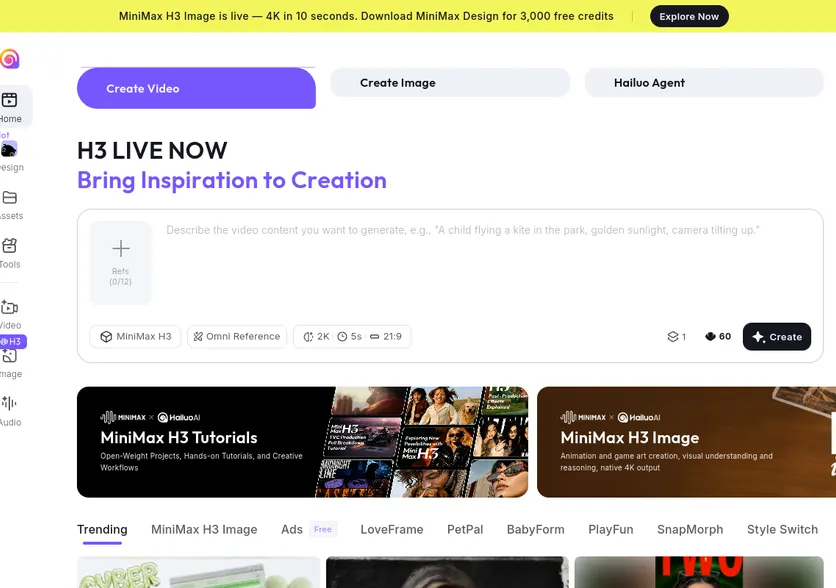
Hailuo is the AI video generator from MiniMax, known for fast generation, strong effects and good handling of complex prompts. It suits creators who want a quick clip with dramatic motion and do not want to wait for a long render. The Hailuo Standard plan bills monthly and includes the credits a regular creator needs, with Pro and Master above it for heavy use.
What we like
- Fast generation with strong effects
- Good handling of complex prompts
- Low price for the quality on offer
Watch out for
- Effects can look over-processed
- Smaller community than Runway or Pika
How to try it
- Open hailuoai.video and create a free account
- Type a detailed prompt with the motion you want
- Generate the clip and download the best take
6. Sora
Best for: ChatGPT users who want AI video in the same subscription
Paid tool Starting price: $20/month · ChatGPT Plus plan, billed monthly; Sora included
Free plan: Free plan
Sora is the AI video generator from OpenAI, and it comes with a ChatGPT subscription, so it fits ChatGPT users who want video generation without paying for a separate tool. It turns prompts into realistic clips with strong motion and scene understanding. The Sora plan is the ChatGPT Plus subscription, billed monthly, which includes Sora access alongside the chatbot.
What we like
- Included with ChatGPT Plus — no extra tool to buy
- Strong motion and scene understanding
- Realistic clips from simple prompts
Watch out for
- Video is one feature of a chatbot subscription
- Credits cap the number of clips per month
How to try it
- Open chatgpt.com and sign in with ChatGPT Plus
- Open Sora and type a video prompt
- Generate the clip and download the best take
7. Veo 3
Best for: Google users who want the most realistic AI video
Paid tool Starting price: $19.99/month · Google AI Pro plan, billed monthly; Veo 3 included
Free plan: Free plan
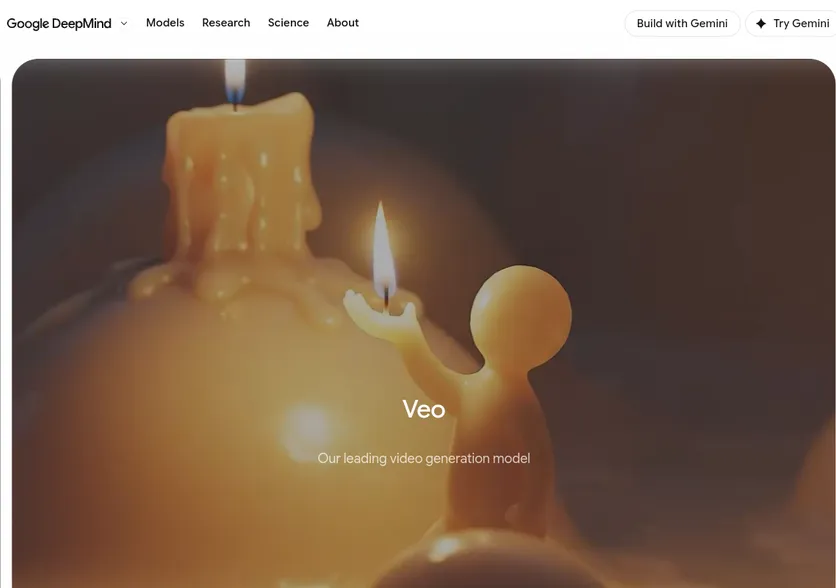
Veo 3 is Google's AI video generator, known for the most realistic motion, sound and dialogue in generated clips, and it comes with a Google AI subscription. It suits Google users who want the best-looking video without buying a separate tool. The Veo 3 plan is the Google AI Pro subscription, billed monthly, which includes Veo 3 access alongside Gemini and more Google storage.
What we like
- Most realistic motion and sound on this list
- Dialogue and audio built into the clip
- Included with Google AI Pro — no extra tool to buy
Watch out for
- Video is one feature of a Google subscription
- Credits cap the number of clips per month
How to try it
- Open gemini.google.com and sign in with Google AI Pro
- Open Veo 3 and type a video prompt with dialogue
- Generate the clip and check the sound and motion
Prices above were checked on each vendor’s own website on Nov 26, 2026 and can change — the vendor’s page is the final word. Vendor links are editorial: nobody paid to be listed or ranked here. Vendors who want a featured listing can see how it works on our Get listed page.
What the AI video tools cost in 2026
Price is the first filter, and the range is wide. The cheapest plan here costs about ten dollars a month, the most expensive costs thirty, and Sora and Veo 3 ride on the ChatGPT Plus and Google AI Pro subscriptions at about twenty dollars a month. Every price on this page was read on the vendor site on November 26, 2026, and the list prices are the ones to budget for.
Two things to check before you pay. First, the monthly generation limit decides the real cost, because video credits run out fast and a cheap plan that caps you at a handful of clips is a false economy. Second, check the output length, because a five-second clip is a different product from a ten-second one, and the plan that looks cheap may cap you at the short end.
Before you buy
- Check the monthly generation limit, because video credits decide the real cost fast.
- Test the same prompt in two tools, because motion quality varies more than price.
- Check the output length, because a five-second clip is a different product from a ten-second one.
- Confirm the commercial license, because a clip you cannot publish is a demo.
- Try the free credits first, because every tool renders differently on your prompt.
Official websites
Official websites of the products reviewed above. Features and prices were checked against these sites when this guide was written, and they can change, so confirm on the vendor site before you buy.
Frequently asked questions
Which Grok video generation alternative is best overall?
Runway is the best pick for most creators, because it has the deepest controls for camera movement and motion, and the Standard plan costs fifteen dollars a month. Kling is the better pick on a budget, because its realistic motion costs ten dollars a month. Veo 3 is the better pick for Google users, because it comes with Google AI Pro and has the most realistic sound and dialogue.
Should I leave Grok video generation for one of these?
Grok video generation is tied to an X subscription and its clips sit inside the X app, while these alternatives are standalone video tools with their own models and pricing. Runway gives you more control, Kling gives you more realism for less money, and Veo 3 gives you sound and dialogue in the clip. If the goal is a clip for social media, Pika is the fastest route; if the goal is a production shot, Runway is the better tool.
Do these video generators have free plans?
Yes for most of them. Runway, Pika, Luma, Kling and Hailuo all have free plans that let you generate a few clips and check the motion quality before paying. Sora and Veo 3 come with ChatGPT Plus and Google AI Pro, so the free test is the chatbot subscription itself. The free plans cap credits, so a daily creator will need a paid plan within a week or two.
Can I use AI-generated video commercially?
It depends on the plan. Runway, Pika, Luma, Kling and Hailuo all include commercial use on their paid plans, and Sora and Veo 3 follow the terms of their ChatGPT and Google subscriptions. The free plans are usually for personal use only, so read the license on the plan you actually buy before you publish a clip in a paid project.
What should I check before buying an AI video generator?
Check the monthly generation limit before you pay, because video credits run out fast and a cheap plan that caps you at a handful of clips is a false economy. Then check the output length, because a five-second clip is a different product from a ten-second one. Finally, test the same prompt in two tools, because motion quality varies more than the price tags suggest.
Need free video work too? Try Toolsvine's free video tools — convert and trim clips on your device, no uploads, no sign-up.
Browse Video Tools tools


