
On this page
Startups need API docs that ship fast, look professional, and cost almost nothing while the team is small. The eight tools below all publish interactive reference docs from an OpenAPI spec, and every price was checked on the vendor site on November 27, 2026. Entry prices run from nine dollars per user each month to four hundred fifty dollars a month, and most of these tools offer a free tier that covers a tiny team. For a startup that wants a real team plan on day one, Apidog is the best value here.
How we researched this
We kept only tools with a published United States dollar list price, and we dropped Bump because its prices are listed in euros. SwaggerHub, now renamed Swagger Studio, was dropped because SmartBear no longer publishes a self-serve price, and Fern was dropped because its paid tier disappeared after the Postman acquisition. Docusaurus was also left out because it is a free open-source framework with no paid plan to compare.
Compare the tools
| Name | Best for | Starting price | Free plan | |
|---|---|---|---|---|
 Postman | Small teams that want shared workspaces, docs, and testing in one place | $19/user/month | Free plan for one user with the core API client and documentation features | Visit |
 Stoplight | Startups that want contract-first API design without enterprise overhead | $44/month | Free plan for one user with one project and the visual OpenAPI designer | Visit |
 Redocly | Startups that want polished docs from the first public release | $249/month | No free plan; Pro starts with a thirty-day free trial and no credit card required | Visit |
 Mintlify | Startups that ship fast and hate maintaining docs by hand | $450/month | Free plan with five editor seats, a custom domain, and Git sync | Visit |
 Apidog | Startups that want the lowest real team price on day one | $9/user/month | Free plan for up to four users with core mocking, testing, and documentation features | Visit |
 GitBook | Startups where engineers and non-engineers share the docs | $65/site/month | Free plan for individuals with Git sync and OpenAPI docs | Visit |
 ReadMe | Startups that want a polished developer hub from day one | $250/month | Starter plan is free with one admin, one project, and a custom domain | Visit |
 Kong Konnect | Startups that need a gateway and a developer portal together | $25/month | Free tier after the thirty-day trial, with core gateway and portal features | Visit |
The best API documentation management software for startups, compared
1. Postman
Best for: Small teams that want shared workspaces, docs, and testing in one place
Paid tool Starting price: $19/user/month · nineteen dollars per user each month when billed annually on the Team plan; a free plan covers one user
Free plan: Free plan for one user with the core API client and documentation features
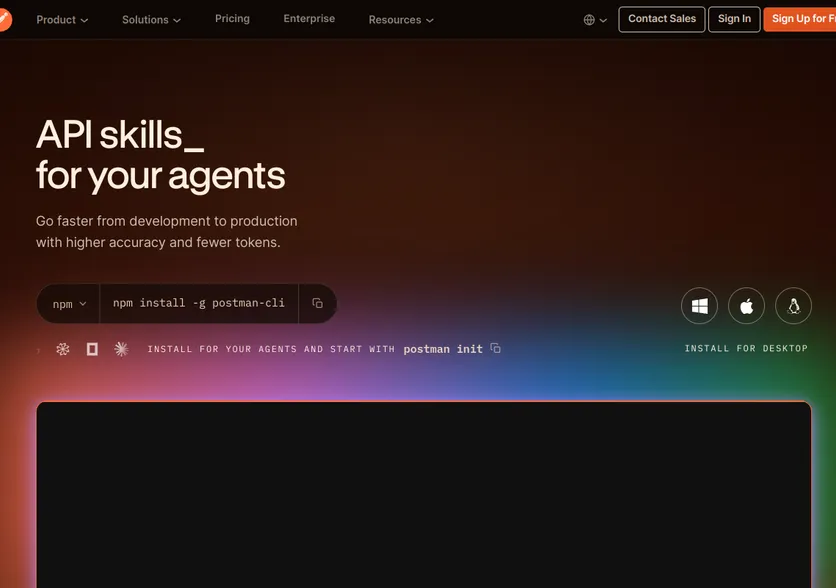
For a startup, Postman is often the first API tool the team already knows, and its documentation features come along for free with the client. Publishing a collection turns tested requests into a browsable reference with examples and a try-it console. The Postman pricing page lists the Team plan at nineteen dollars per user each month, while the free plan covers a solo developer.
What we like
- Team already knows the tool, so adoption costs nothing
- Published collections double as tested, runnable examples
- Free plan is enough for a solo founder to ship docs
Watch out for
- Per-user pricing adds up once the team grows past a handful
- Advanced security features need the Enterprise plan or add-ons
How to try it
- Create a collection and add requests for each endpoint
- Add descriptions and examples, then publish the collection as documentation
- Share the public link with early users and gather feedback
2. Stoplight
Best for: Startups that want contract-first API design without enterprise overhead
Paid tool Starting price: $44/month · forty-four dollars a month when billed annually for the Basic plan, which includes three users
Free plan: Free plan for one user with one project and the visual OpenAPI designer
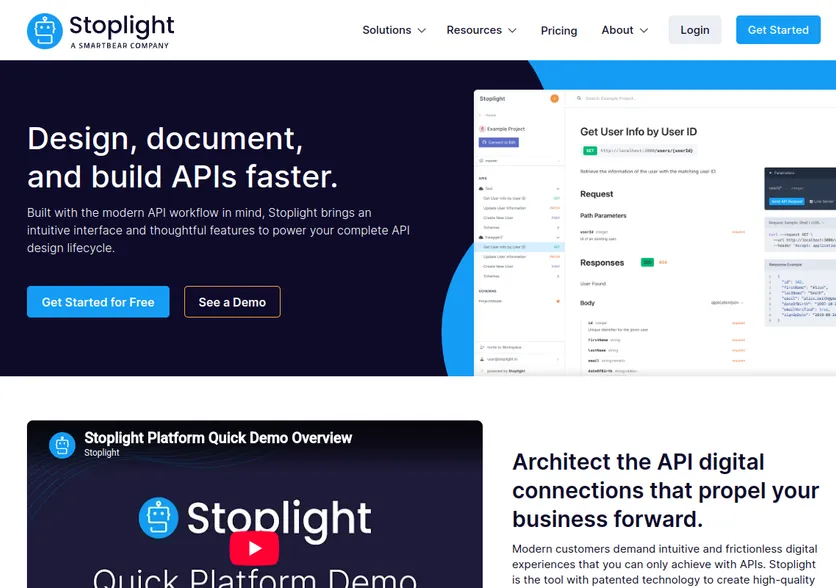
Stoplight gives a startup contract-first design without enterprise overhead, starting with a visual editor that anyone on the team can use. The Basic plan includes interactive docs and instant mock servers, so the front end can start building before the API is finished. The Stoplight pricing page lists the Basic plan at forty-four dollars a month, with the first three users included.
What we like
- Visual editor makes API design approachable for the whole team
- Mock servers unblock front-end work before the backend exists
- Basic plan is genuinely affordable at forty-four dollars a month
Watch out for
- Private projects and custom domains need the Startup tier or higher
- Per-user fees apply once the team grows past the included users
How to try it
- Design the API in the visual editor or import an OpenAPI file
- Generate the interactive docs and preview them in a workspace
- Publish to a custom domain and share the link with early users
3. Redocly
Best for: Startups that want polished docs from the first public release
Paid tool Starting price: $249/month · two hundred forty-nine dollars a month when billed annually for the Pro plan, with unlimited seats and three projects
Free plan: No free plan; Pro starts with a thirty-day free trial and no credit card required
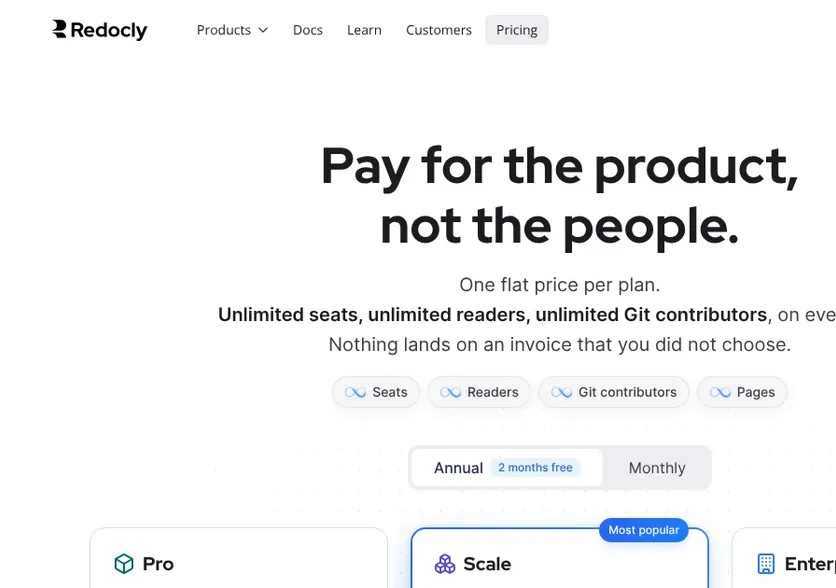
Redocly is a strong startup pick when the docs need to look polished from the first public release. Its Pro plan includes unlimited seats, a custom domain, and a mock server, so the whole team can contribute without watching a seat counter. The Redocly pricing page lists Pro at two hundred forty-nine dollars a month, with a thirty-day free trial.
What we like
- Unlimited seats mean the whole team can contribute from day one
- Polished reference docs with a try-it console included
- Git-based workflow gives every pull request its own preview
Watch out for
- No free tier, so a pre-revenue startup pays from day one
- Single sign-on and API catalog need the Scale plan
How to try it
- Connect a Git repository containing the API description
- Choose a theme and publish the docs to a custom domain
- Invite the team and enable the AI assistant for readers
4. Mintlify
Best for: Startups that ship fast and hate maintaining docs by hand
Paid tool Starting price: $450/month · four hundred fifty dollars a month when billed annually for the Pro plan, with unlimited editor seats and ten thousand AI credits
Free plan: Free plan with five editor seats, a custom domain, and Git sync
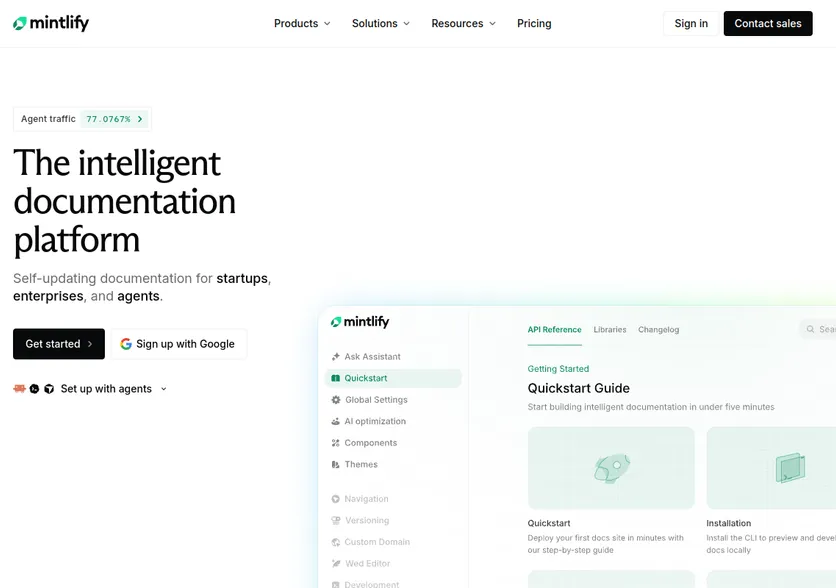
Mintlify suits startups that ship fast and hate maintaining docs by hand, because its writing agent updates pages as code changes. The Pro plan adds an AI assistant, preview deployments, and unlimited editors for a growing team. The Mintlify pricing page lists Pro at four hundred fifty dollars a month, which is the priciest entry point in this roundup.
What we like
- Writing agent keeps docs current without manual effort
- Agent-readable outputs help AI tools answer from the docs
- Free plan with five editors is generous for a tiny team
Watch out for
- Pro pricing is steep for a startup with one docs site
- AI credit overages can add cost once the assistant is used heavily
How to try it
- Connect a Git repository or start in the web editor
- Import the OpenAPI spec and let the agent draft the reference
- Publish to a custom domain and enable the AI assistant
5. Apidog
Best for: Startups that want the lowest real team price on day one
Paid tool Starting price: $9/user/month · nine dollars per user each month when billed annually for the Basic plan; the free plan covers up to four users
Free plan: Free plan for up to four users with core mocking, testing, and documentation features
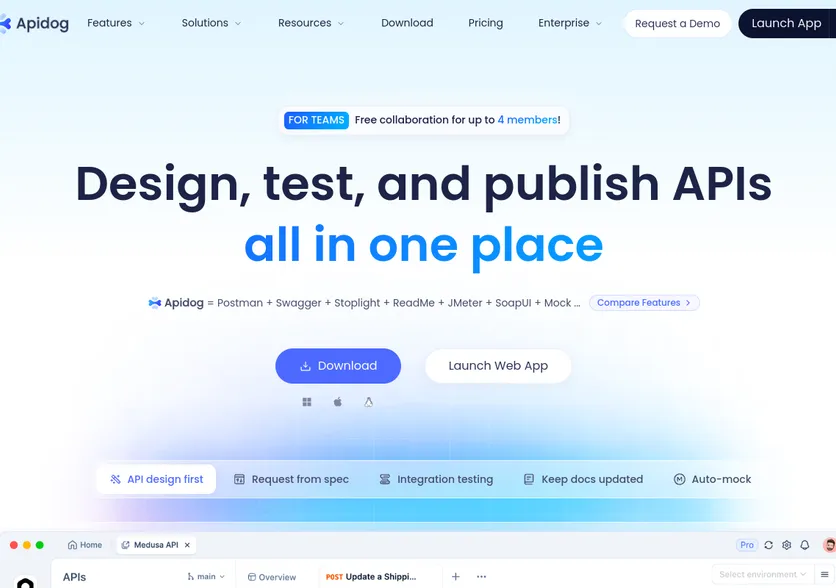
Apidog is the value pick for startups because its free plan already covers a team of four with full mocking, testing, and documentation. Moving to Basic costs nine dollars per user each month and adds longer change history and more team projects. The Apidog pricing page lists Free, Basic, Professional, and Enterprise plans, with a fourteen-day free trial.
What we like
- Free plan covers a team of four with unlimited runs and mocks
- Basic plan is the cheapest paid team tier in this roundup
- Full lifecycle coverage in one workspace at a low price
Watch out for
- Every seat is billed on paid plans, including occasional contributors
- Smaller ecosystem than Postman for integrations and community collections
How to try it
- Import an OpenAPI spec or design the API in the visual editor
- Generate mock servers and write tests against the spec
- Publish the documentation and share it with early users
6. GitBook
Best for: Startups where engineers and non-engineers share the docs
Paid tool Starting price: $65/site/month · sixty-five dollars per site each month when billed annually for the Essential plan, plus twelve dollars per user each month
Free plan: Free plan for individuals with Git sync and OpenAPI docs
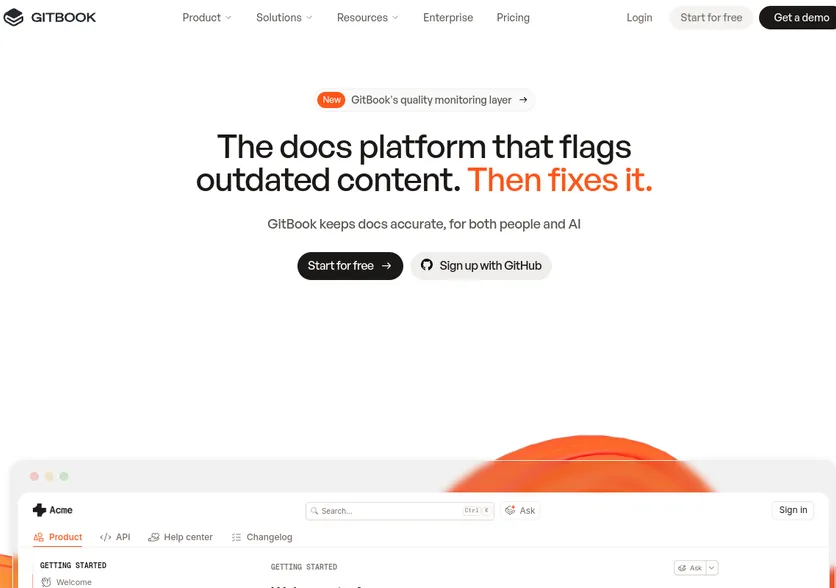
GitBook works well for startups where engineers and non-engineers share the docs, thanks to a visual editor backed by Git sync. The Essential plan adds a custom domain, AI features, and collaboration for the whole team. The GitBook pricing page lists Essential at sixty-five dollars per site each month, plus twelve dollars per user each month.
What we like
- Visual editor welcomes non-technical contributors
- Two-way Git sync keeps docs in version control
- AI features are included on paid plans with no separate add-on
Watch out for
- Per-site plus per-user pricing adds up with many sites
- Authenticated access needs the Ultimate tier or higher
How to try it
- Create a space and connect a GitHub or GitLab repository
- Import the OpenAPI spec to generate the API reference
- Invite the team and publish to a custom domain
7. ReadMe
Best for: Startups that want a polished developer hub from day one
Paid tool Starting price: $250/month · two hundred fifty dollars a month when billed annually for the Pro plan, covering five admins with twenty dollars for each additional admin
Free plan: Starter plan is free with one admin, one project, and a custom domain
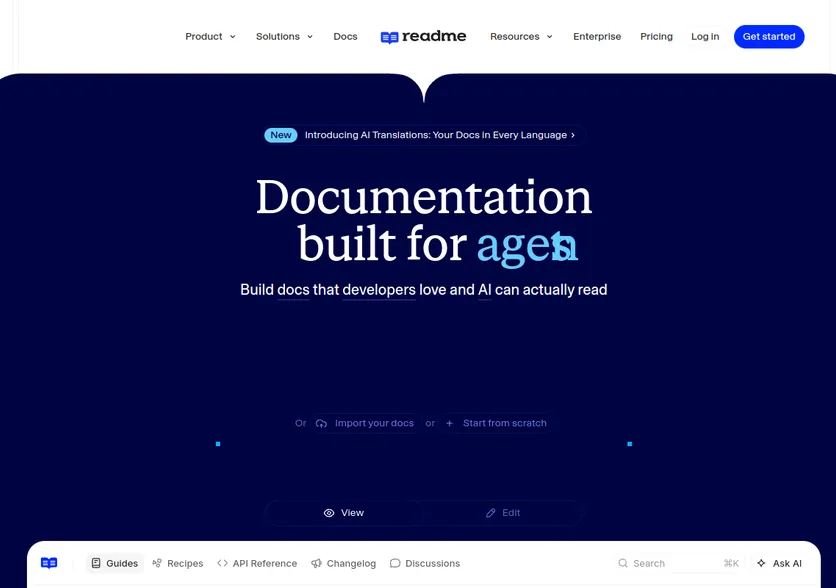
ReadMe helps a startup look established from day one, with a polished developer hub that tracks which developers actually use the API. Branching and reviews on the Pro plan keep doc changes safe as the team grows. The ReadMe pricing page lists Pro at two hundred fifty dollars a month, covering five admins.
What we like
- Polished developer hub makes a young API look established
- Per-developer usage metrics show who actually uses the API
- Branching and reviews bring a proper editorial workflow to docs
Watch out for
- Pro covers only one project, so a second API means Enterprise
- Full Ask AI customization costs extra as a monthly add-on
How to try it
- Connect a repository and sync the API spec
- Write guides in Markdown and open a branch for review
- Publish the hub to a custom domain and track developer usage
8. Kong Konnect
Best for: Startups that need a gateway and a developer portal together
Paid tool Starting price: $25/month · from twenty-five dollars a month plus usage for the Konnect Plus plan, billed monthly, with a thirty-day free trial
Free plan: Free tier after the thirty-day trial, with core gateway and portal features
Kong Konnect fits startups that need a gateway and a developer portal together, without paying for an enterprise contract. The pay-as-you-go Plus plan starts from twenty-five dollars a month, so costs track traffic rather than team size. The Kong pricing page lists the Plus plan with a thirty-day free trial that reverts to a free tier.

What we like
- Docs sit beside the gateway that enforces access and limits
- Pay-as-you-go pricing starts low for small API programs
- Usage metering supports monetized APIs out of the box
Watch out for
- Usage-based billing makes the monthly total hard to predict
- Documentation features are lighter than dedicated docs platforms
How to try it
- Create an account and set up a control plane
- Publish an API and generate the developer portal
- Set rate limits and invite developers to the portal
Prices above were checked on each vendor’s own website on Nov 27, 2026 and can change — the vendor’s page is the final word. Vendor links are editorial: nobody paid to be listed or ranked here. Vendors who want a featured listing can see how it works on our Get listed page.
How startups should budget for API docs
Begin on a free plan and spend nothing until the docs prove their worth. Apidog covers four users free, Postman covers one, and Mintlify and GitBook both offer free tiers with a custom domain, so a tiny team can publish professional docs at zero cost. The first paid step is usually modest: nine dollars per user each month for Apidog Basic or forty-four dollars a month for Stoplight Basic.
Watch the jump to the next tier, because that is where startup budgets break. Mintlify Pro and Redocly Pro both cost several hundred dollars a month, which only makes sense once the API brings in revenue or the team has funding. Until then, pick the tool whose free or entry tier already covers your team size, and switch only when a limit actually bites.
Before you buy
- Start on a free plan and only pay once the team outgrows its limits
- Compare the per-user cost at your real team size, not just the headline price
- Check the project limit, since ReadMe Pro covers one project and Redocly Pro covers three
- Confirm the trial length and whether a credit card is required up front
- Make sure the docs stay yours if you switch tools, with Markdown or OpenAPI export
Official websites
Official websites of the products reviewed above. Features and prices were checked against these sites when this guide was written, and they can change, so confirm on the vendor site before you buy.
Frequently asked questions
What is the cheapest API documentation tool for a startup?
Apidog is the cheapest paid option here, with Basic at nine dollars per user each month and a free plan that covers four users. Postman Team costs nineteen dollars per user each month, while Stoplight Basic is forty-four dollars a month flat. If the team is tiny, start on a free plan and only pay when a limit forces the move.
Can a startup publish API docs for free?
Yes, and several tools here make it practical. Apidog covers four users free with full documentation features, while Postman, Mintlify, GitBook, and ReadMe all offer free tiers with a custom domain or Git sync. The limits are usually on seats, projects, or advanced features, so a small team with one API can often stay free for months.
Should a startup pay for Mintlify or Redocly?
Only once the docs earn their keep. Mintlify Pro costs four hundred fifty dollars a month and Redocly Pro costs two hundred forty-nine dollars a month, which is a lot for a pre-revenue startup. Both are excellent tools, but a small team should start on their free tiers or a cheaper option such as Apidog, then upgrade when traffic or headcount justifies the spend.
Do these tools work with OpenAPI specs?
Yes, every tool in this roundup builds docs from an OpenAPI description, and most also support GraphQL or AsyncAPI. You can import an existing spec, design in a visual editor, or sync from Git, and the published reference updates when the spec changes. That spec-first flow is what keeps the docs honest as the API evolves.
What happens when a startup outgrows the entry plan?
Upgrading is usually painless, because the docs, spec, and custom domain carry over to the next tier. The main change is cost: per-user plans rise with headcount, while flat-rate plans jump to the next monthly figure. Before upgrading, check whether the next tier adds features you actually need, such as single sign-on or an API catalog, rather than paying for headroom alone.
Need everyday developer help too? Try Toolsvine's free developer tools right in your browser.
Browse Developer Tools tools


