
On this page
Enterprise teams cannot wait for real backends when front end and mobile work runs ahead of the API, so mock servers have become the shared contract that keeps every squad moving. The right platform spins up realistic responses in minutes, versions mocks beside the specification, and enforces access controls that stop a test double from leaking into production. We checked list prices on the vendor pricing pages and dropped every tool that hides its price behind a sales call. Postman leads this comparison for enterprise teams.
How we researched this
We kept only tools with a published dollar list price on the vendor site, which removed WireMock Cloud, Traffic Parrot, and Hoverfly because each one quotes enterprise pricing through sales, while Mockoon publishes no dollar figure and MockLab returned no live site in search. We also dropped free libraries such as Mirage and MockServer because this comparison covers paid enterprise platforms with hosted mock servers, shared workspaces, and support.
Compare the tools
| Name | Best for | Starting price | Free plan | |
|---|---|---|---|---|
 Postman | Enterprise teams that want mock servers inside a full API platform. | $19/user/month | Free plan with one seat and unlimited cloud and local mock servers | Visit |
 Stoplight | Teams that design APIs first and want mocks generated from the specification. | $44/month | Free plan with one project and one user for trying the design workflow | Visit |
 Apidog | Teams that want design, testing, and mocking in one low cost workspace. | $9/user/month | Free plan for up to four users with mocking included | Visit |
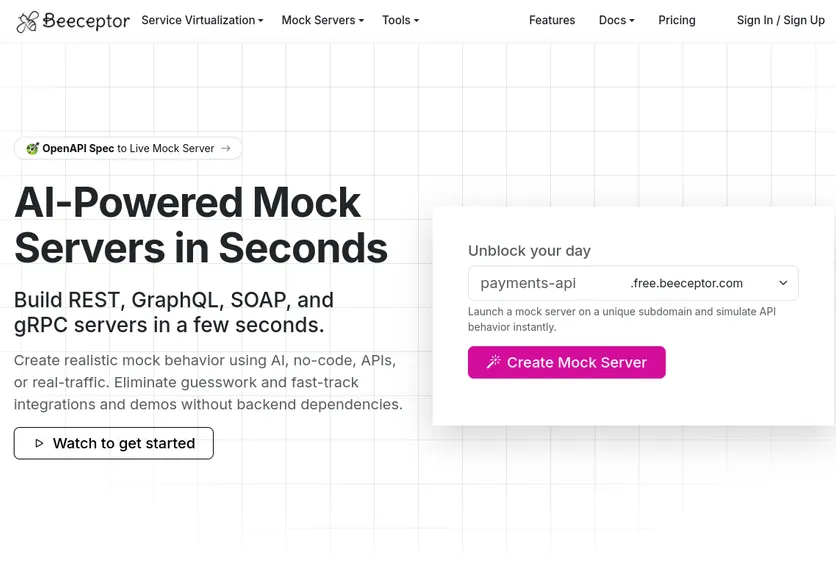
| Beeceptor | Small teams that need a simple hosted mock endpoint fast. | $25/month | Free tier with fifty requests a day | Visit |
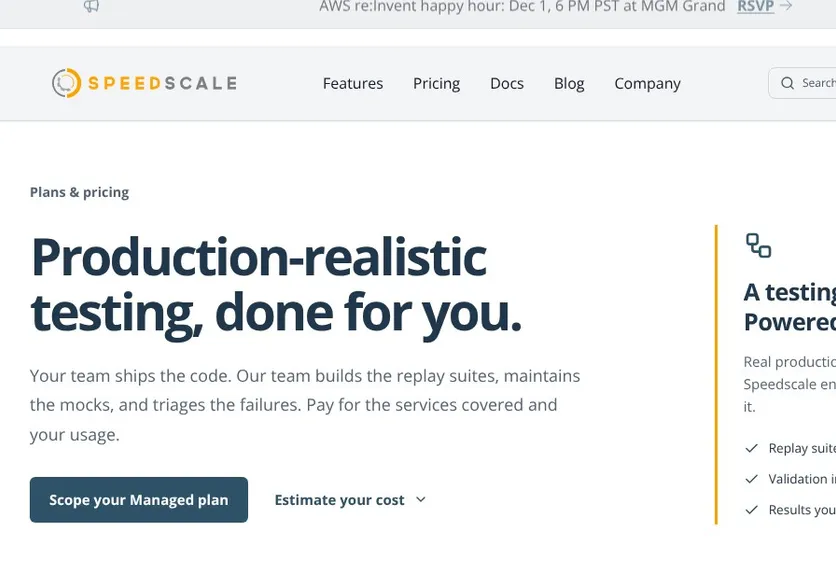
 Speedscale | Teams that replay real traffic to build mocks from production behavior. | $10 per GB | Free local proxymock tool with no hosted service | Visit |
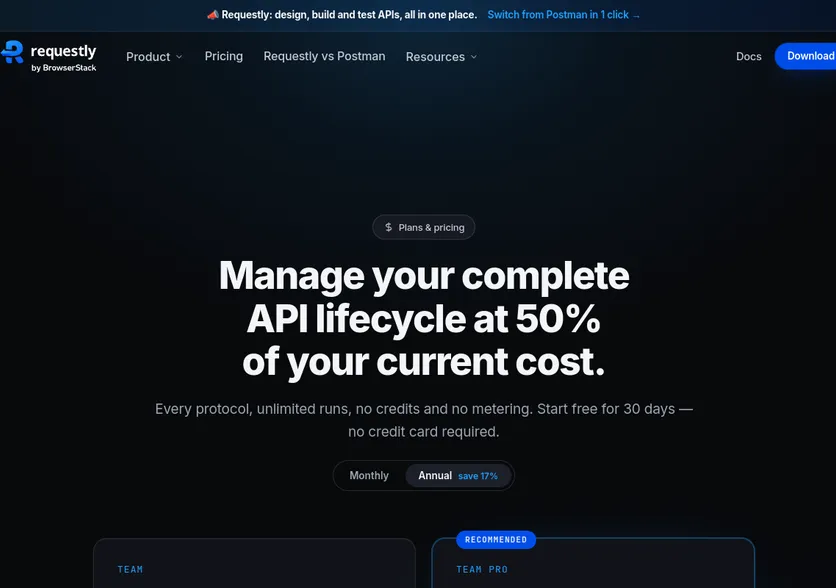
 Requestly | Teams that intercept and mock traffic inside the browser and desktop app. | $10/user/month | Thirty day free trial with full Team Pro access and no card required | Visit |
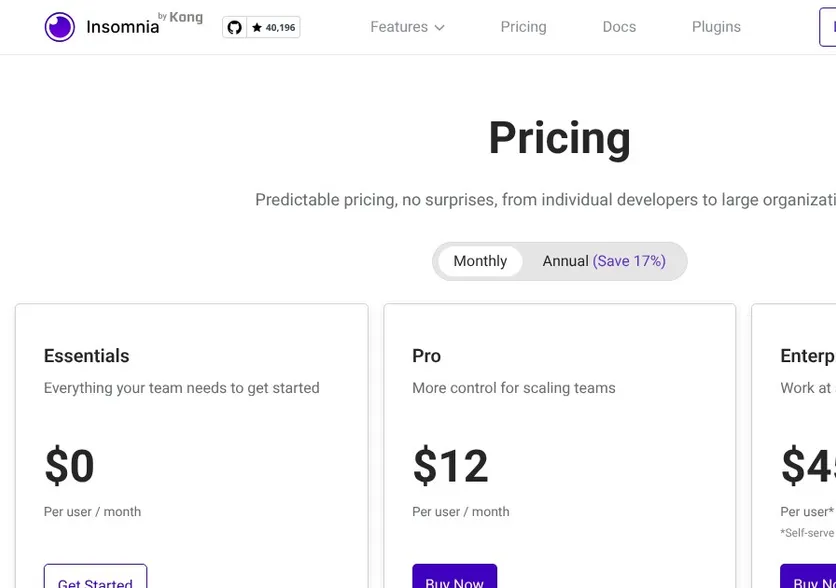
 Insomnia | Developers who already debug APIs in Insomnia and want mocks in the same app. | $12/user/month | Essentials plan free with one thousand mock server requests a month | Visit |
The best API mocking software for enterprise, compared
1. Postman
Best for: Enterprise teams that want mock servers inside a full API platform.
Paid tool Starting price: $19/user/month · Team plan billed annually at nineteen dollars per user each month, with mock servers included in every plan
Free plan: Free plan with one seat and unlimited cloud and local mock servers
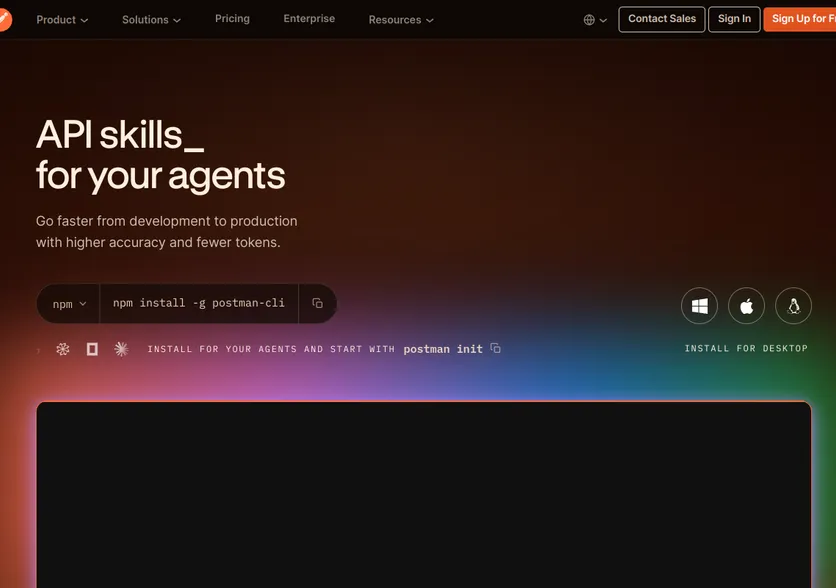
Postman turns an API collection into a live mock server with a few clicks, so front end and mobile teams can build against realistic responses before the real service exists. Mocks stay in sync with the collection and the specification, and teams can share them across workspaces with role based access. Postman also pairs mocks with tests, monitors, and contract testing for larger programs.
What we like
- Mocks generate directly from collections and specifications
- Shared workspaces with role based access for large teams
- Tests, monitors, and contract checks sit beside the mocks
Watch out for
- Mocking sits inside a large platform that takes time to learn
- Enterprise controls such as SSO live on the forty-nine dollar Enterprise tier
How to try it
- Create a collection and add example responses for each endpoint
- Generate a mock server from the collection and share its URL
- Point the front end or mobile app at the mock URL
2. Stoplight
Best for: Teams that design APIs first and want mocks generated from the specification.
Paid tool Starting price: $44/month · Basic plan billed annually at forty-four dollars a month for three users, with instant mock servers included
Free plan: Free plan with one project and one user for trying the design workflow
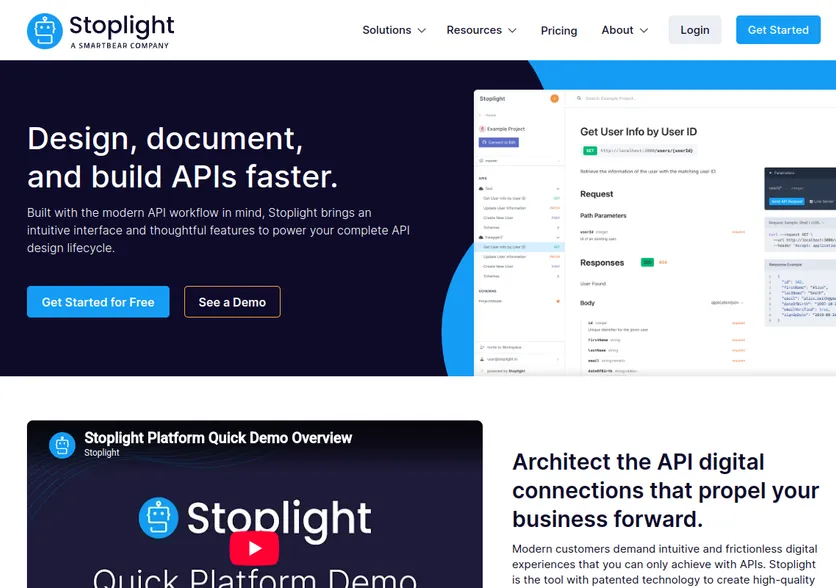
Stoplight builds instant mock servers straight from an OpenAPI document, so a design becomes a working endpoint the moment the specification is saved. Designers and developers share one workspace where the specification, the mock, and the documentation stay in step. Stoplight keeps the workflow visual, which suits teams that prefer editing specs over writing code.
What we like
- Instant mock servers spin up from any OpenAPI document
- Visual design tools keep specs, mocks, and docs together
- Versioned projects track every change to the mock
Watch out for
- Higher tiers jump sharply in price as seats grow
- Advanced governance features need the Pro Team plan
How to try it
- Import or write an OpenAPI specification in the design studio
- Enable the instant mock server for the project
- Share the mock URL with the team building the client
3. Apidog
Best for: Teams that want design, testing, and mocking in one low cost workspace.
Paid tool Starting price: $9/user/month · Basic plan billed annually at nine dollars per user each month, with mocking included
Free plan: Free plan for up to four users with mocking included
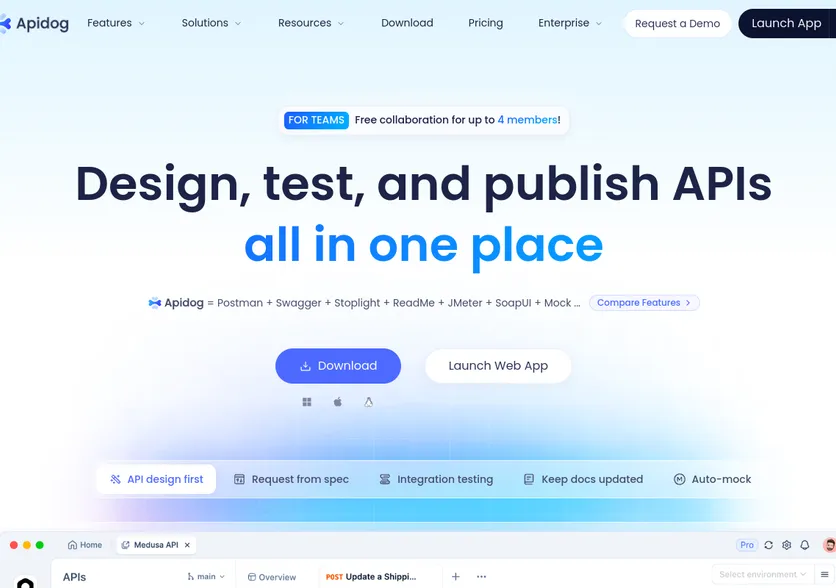
Apidog combines API design, testing, documentation, and mocking in a single workspace, so mocks share the same definitions as the tests that verify them. Teams can spin up a mock from any endpoint and switch it between static and dynamic responses. Apidog undercuts most rivals on price while covering the full API lifecycle.
What we like
- Lowest per user price in this comparison
- Mocking, testing, and docs share one workspace
- Dynamic mocks return different data per request
Watch out for
- Smaller community than the older API platforms
- Some enterprise controls need the higher Enterprise tier
How to try it
- Create an API definition and add example responses
- Turn on the mock service for the project
- Send requests to the mock URL from the client or tests
4. Beeceptor
Best for: Small teams that need a simple hosted mock endpoint fast.
Paid tool Starting price: $25/month · Team plan at twenty-five dollars a month for one hundred thousand requests, with a free tier for fifty requests a day
Free plan: Free tier with fifty requests a day
Beeceptor gives every mock its own hosted endpoint in seconds, with no installation and no design tool to learn first. Rules route requests to different responses, and the dashboard shows every call that arrived. Beeceptor suits teams that want a lightweight stand in while the real API is still being built.
What we like
- Hosted endpoints with nothing to install
- Simple rules for routing requests to responses
- Live request log makes debugging easy
Watch out for
- Request caps climb steeply with each tier
- No design studio or specification editor built in
How to try it
- Create an endpoint and name its mock service
- Add rules and responses for each route
- Point the client at the hosted endpoint URL
5. Speedscale
Best for: Teams that replay real traffic to build mocks from production behavior.
Paid tool Starting price: $10 per GB · Platform plan at one cent per megabyte ingested, which works out to ten dollars per gigabyte, with a free local tool
Free plan: Free local proxymock tool with no hosted service
Speedscale records real API traffic and turns it into mocks that behave like the production service, including the odd edge cases that hand written mocks miss. The platform replays traffic for load testing as well, so one tool covers mocking and performance checks. Speedscale charges by data ingested, which keeps small test suites cheap.
What we like
- Mocks generated from real recorded traffic
- Traffic replay doubles as load testing
- Usage pricing keeps small projects cheap
Watch out for
- Costs grow with traffic volume, so large suites need budgeting
- Setup is heavier than a simple hosted mock endpoint
How to try it
- Install the agent and record traffic from the live service
- Generate mock responses from the recorded traffic
- Run tests against the mock and replay traffic for load checks
6. Requestly
Best for: Teams that intercept and mock traffic inside the browser and desktop app.
Paid tool Starting price: $10/user/month · Team plan billed annually at ten dollars per user each month, with mock servers generated from collections
Free plan: Thirty day free trial with full Team Pro access and no card required
Requestly pairs a built in mock server with HTTP interception, so developers can rewrite live responses as well as serve canned ones. Mocks generate from a collection, and teams share projects through real time cloud sync. Requestly runs as a desktop app and browser extension, which keeps the workflow close to the code.
What we like
- Mock servers generate straight from collections
- Interception lets teams rewrite live responses on the fly
- Git native storage keeps mocks in version control
Watch out for
- Mock servers sit in the API platform plans, not the rules product
- Per user pricing adds up quickly for large teams
How to try it
- Build a collection with example responses for each endpoint
- Generate a mock server from the collection
- Share the mock URL with front end and mobile developers
7. Insomnia
Best for: Developers who already debug APIs in Insomnia and want mocks in the same app.
Paid tool Starting price: $12/user/month · Pro plan at twelve dollars per user each month, with ten thousand mock server requests included
Free plan: Essentials plan free with one thousand mock server requests a month
Insomnia adds mock servers to its popular API client, so the same workspace holds requests, environments, and the mocks that stand in for unfinished services. The free Essentials tier already includes one thousand mock requests a month, and Pro raises that to ten thousand. Insomnia keeps mocks close to the debugging workflow instead of in a separate platform.
What we like
- Mocks live beside the requests and environments teams already use
- Free tier includes mock requests with no card
- Git sync keeps mock definitions in version control
Watch out for
- Mock request caps are metered, with overage charged per block
- Enterprise controls such as SSO need the forty-five dollar tier
How to try it
- Create a mock server in the workspace and add routes
- Define responses for each route and condition
- Send requests to the mock URL from the client or tests
Prices above were checked on each vendor’s own website on Nov 27, 2026 and can change — the vendor’s page is the final word. Vendor links are editorial: nobody paid to be listed or ranked here. Vendors who want a featured listing can see how it works on our Get listed page.
What enterprise API mocking really costs
The cheapest entry point here is Apidog at nine dollars per user a month, while Postman Team costs nineteen dollars and Insomnia Pro costs twelve dollars, so a team of ten pays roughly ninety, one hundred ninety, or one hundred twenty dollars a month before any add-ons. Flat plans such as Stoplight Basic at forty-four dollars a month and Beeceptor Team at twenty-five dollars a month suit small groups better, because the bill does not grow with headcount. Speedscale breaks the pattern entirely by charging ten dollars per gigabyte ingested, which rewards teams that keep their test traffic lean.
Start on a free tier or trial, mock one real service end to end, and only then roll the tool out to the wider team.
Before you buy
- Count mock requests per month before choosing, since Insomnia caps Pro at ten thousand and charges overage per block.
- Compare per user pricing across the team, because Apidog costs nine dollars while Postman costs nineteen dollars per user.
- Check whether the free tier covers your trial, since Beeceptor allows fifty requests a day and Insomnia allows one thousand a month.
- Confirm mock servers are included in the plan you buy, because some vendors meter mocks separately from the base subscription.
- Test the mock workflow with a real specification before committing, since design led tools and traffic replay tools work very differently.
Official websites
Official websites of the products reviewed above. Features and prices were checked against these sites when this guide was written, and they can change, so confirm on the vendor site before you buy.
Frequently asked questions
What is API mocking software?
API mocking software creates stand in endpoints that return realistic responses before the real service is ready, so front end and mobile teams can build and test without waiting. Mocks usually derive from a specification or a recorded session, and they let teams test error cases and slow responses that are hard to reproduce live. Enterprise tools add shared workspaces, access controls, and versioning so mocks stay consistent across squads.
Which API mocking tool is best for enterprise teams?
Postman leads for most enterprise teams because it combines mock servers with tests, monitors, contract checks, and role based access in one platform. Teams that design APIs first may prefer Stoplight, while budget conscious teams get the same core mocking from Apidog at nine dollars per user a month. The right choice depends on whether mocking must live inside a wider API platform or stand alone.
Do any enterprise API mocking tools offer a free plan?
Yes, several do. Postman offers a free single seat plan with unlimited cloud and local mock servers, Insomnia includes one thousand mock requests a month on its free Essentials tier, and Beeceptor allows fifty requests a day without paying. Speedscale offers a free local tool for generating mocks from recorded traffic. These free tiers suit trials and small projects, though shared workspaces and higher limits need a paid plan.
How much does API mocking software cost for a team?
Entry prices in this comparison run from nine dollars per user a month for Apidog to nineteen dollars for Postman Team and twelve dollars for Insomnia Pro, while flat plans such as Stoplight Basic cost forty-four dollars a month regardless of seats. Speedscale charges ten dollars per gigabyte of traffic ingested instead of per user. A team of ten typically pays between ninety and two hundred dollars a month, plus any overage for metered mock requests.
Can mocks replace a real API during development?
Mocks replace a real API for front end development, integration tests, and demos, because they return predictable responses without depending on a live service. They cannot replace the real service for performance testing, security checks, or final acceptance, since a mock only returns what its author defined. Treat mocks as a contract that both sides agree on, then verify against the real API before release.
Need everyday developer help too? Try Toolsvine's free developer tools right in your browser.
Browse Developer Tools tools


