
On this page
Developers do not want a booking page that fights their stack, so the best booking software for software developers has to offer a clean API, embeddable widgets and webhooks alongside the calendar itself. The seven tools below run from five dollars a month to sixteen dollars a month, and every price was checked on the vendor site on November 27, 2026. Calendly is our first pick, because it pairs the booking page everyone already recognises with embeds, routing and webhooks that fit into almost any product.
How we researched this
We started with the booking tools developers actually embed in products, docs and dashboards, then read each price on the vendor pricing page on November 27, 2026 and noted the free plan each one carries. We judged them for a dev team that needs an API, webhooks and embeddable booking pages without building a scheduler from scratch. We dropped Chili Piper because its routing plans start at one thousand two hundred fifty dollars a month for a sales team, which is a different purchase from a developer booking tool.
Compare the tools
| Name | Best for | Starting price | Free plan | |
|---|---|---|---|---|
 Calendly | Dev teams that want the booking page everyone recognises, with embeds and webhooks | $10/month | Free plan; 1 event type and 1 calendar connection | Visit |
 Cal.com | Teams that want open scheduling, self-hosting and routing forms | $12/month | Free plan for one user with unlimited event types | Visit |
 Acuity Scheduling | Developers building paid bookings with packages, deposits and intake forms | $16/month | No free plan; 7-day free trial | Visit |
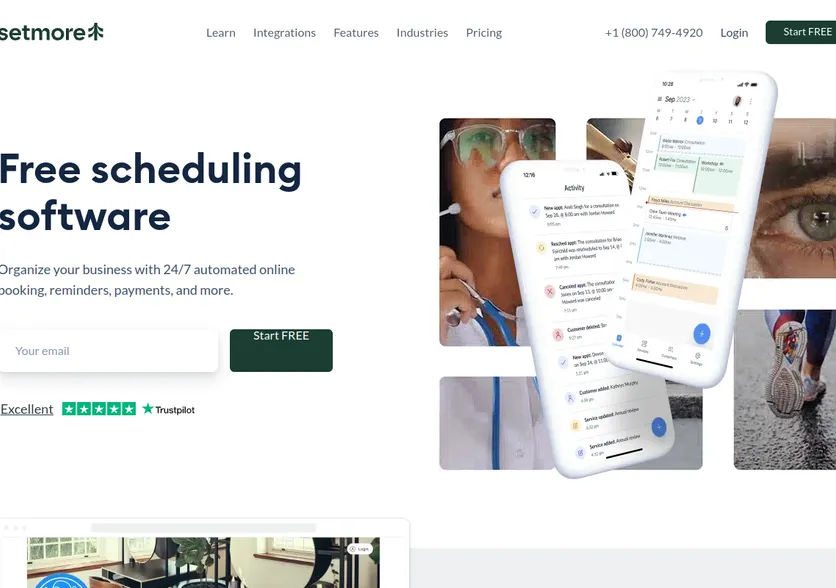
 Setmore | Small dev teams that want a free start and cheap per-user pricing | $5/month | Free plan for up to 4 users with unlimited appointments | Visit |
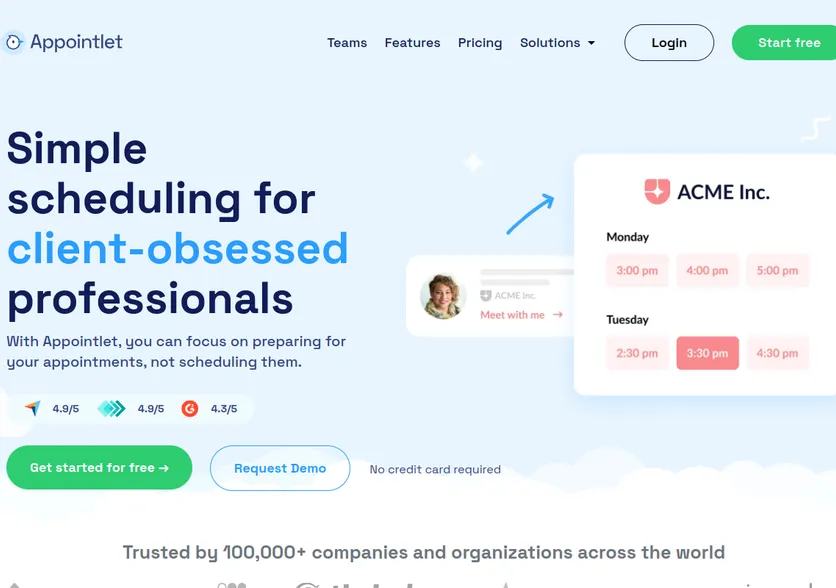
 Appointlet | Small teams that want one simple paid plan and a team free tier | $9/month | Free plan for up to 5 members and 25 meetings a month | Visit |
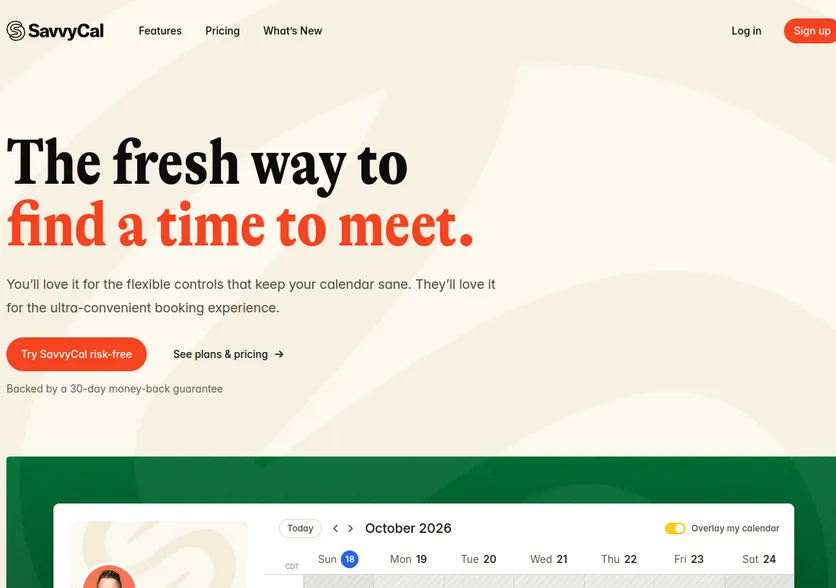
 SavvyCal | Developers who book many external meetings and want calendar overlays | $10/month | No free plan; free trial available | Visit |
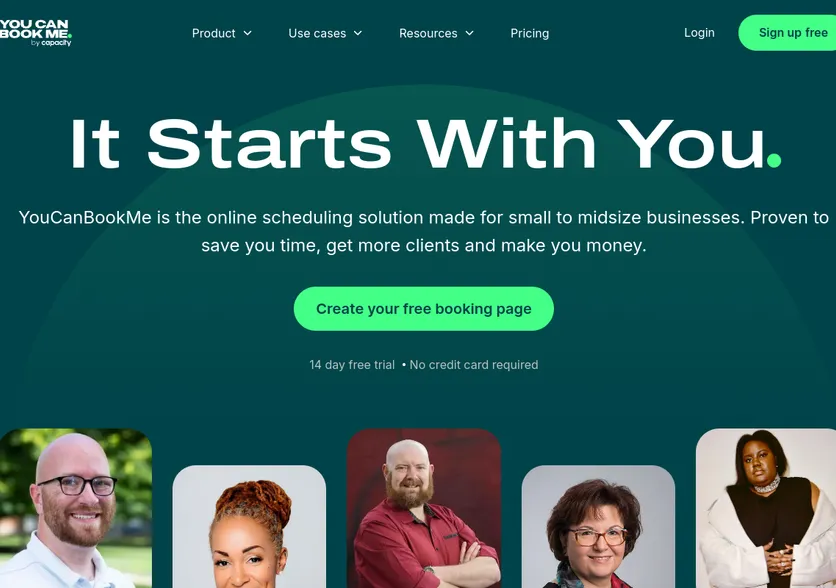
 YouCanBookMe | Solo developers who want branded booking pages on a budget | $8.10/month | Free plan for one person with one booking page | Visit |
The booking software for software developers, compared
1. Calendly
Best for: Dev teams that want the booking page everyone recognises, with embeds and webhooks
Paid tool Starting price: $10/month · Standard plan at ten dollars per seat a month billed yearly, or twelve dollars billed monthly; free plan covers one event type
Free plan: Free plan; 1 event type and 1 calendar connection
Calendly is the scheduling standard most developers already know, with booking pages, embeds and webhooks that drop into any product site without custom code. This Calendly Standard plan costs ten dollars per seat a month on yearly billing and adds unlimited event types, group meetings, payments and integrations with HubSpot and Stripe. A dev team can embed the booking widget in docs or a dashboard, route round robin bookings across the team, and let webhooks push every booking into its own system.

What we like
- Embeds and webhooks that fit into almost any stack
- Round robin and collective event types on paid plans
- Payments at booking through Stripe and PayPal
Watch out for
- Per-seat pricing climbs fast as the team grows
- The free plan covers only one event type
How to try it
- Open the Calendly pricing page and start on the free plan
- Embed the booking widget on your docs or product site
- Connect a webhook so bookings flow into your own system
2. Cal.com
Best for: Teams that want open scheduling, self-hosting and routing forms
Paid tool Starting price: $12/month · Teams plan at twelve dollars per user a month billed yearly, or fifteen dollars billed monthly; free plan covers one user
Free plan: Free plan for one user with unlimited event types
Cal is the open scheduling platform built for developers, with booking pages, routing forms and an API that treats scheduling as infrastructure rather than a widget. This Cal Teams plan costs twelve dollars per user a month on yearly billing and adds round robin, collective events, routing forms and removal of Cal branding. A team can self-host the open codebase, build custom workflows on the API, and keep booking data inside its own systems.
What we like
- Open codebase with a self-hosting option
- Routing forms and round robin on the Teams plan
- Free plan covers one user with unlimited event types
Watch out for
- Smaller integration marketplace than Calendly
- Self-hosting needs real maintenance effort
How to try it
- Open the Cal pricing page and start on the free plan
- Set up a team page with round robin availability
- Connect the API or self-host the open codebase
3. Acuity Scheduling
Best for: Developers building paid bookings with packages, deposits and intake forms
Paid tool Starting price: $16/month · Emerging plan at sixteen dollars a month billed yearly, or twenty dollars billed monthly; no free plan, seven-day trial
Free plan: No free plan; 7-day free trial
Acuity Scheduling is the Squarespace booking tool for paid appointments, with intake forms, packages, deposits and gift certificates beside the calendar. This Acuity Scheduling Emerging plan costs sixteen dollars a month on yearly billing and covers one calendar with unlimited appointments and payments through Stripe, Square or PayPal. A developer can embed the scheduler on any site, take deposits at booking, and use the API to sync appointments with other tools.
What we like
- Deposits, packages and gift certificates built in
- Intake forms collect details before the meeting
- Works on any website, not only Squarespace sites
Watch out for
- No free plan, only a seven-day trial
- Text reminders need the higher Growing plan
How to try it
- Open the Acuity pricing page and start the seven-day trial
- Add your services, intake forms and payment settings
- Embed the scheduler on your site and test a paid booking
4. Setmore
Best for: Small dev teams that want a free start and cheap per-user pricing
Paid tool Starting price: $5/month · Pro plan at five dollars per user a month billed yearly, or twelve dollars billed monthly; free plan covers up to four users
Free plan: Free plan for up to 4 users with unlimited appointments
Setmore keeps booking simple and cheap, with a free plan that covers up to four users and unlimited appointments before any payment. This Setmore Pro plan costs five dollars per user a month on yearly billing and adds text reminders, two-way calendar sync, recurring appointments and removal of Setmore branding. A small team can take bookings from a website widget, accept payments through Square, Stripe or PayPal, and add staff calendars as it grows.
What we like
- Free plan covers four users with unlimited appointments
- Cheapest paid plan here at five dollars a user a month
- Payments through Square, Stripe and PayPal
Watch out for
- Every staff calendar counts as a billed user on Pro
- Monthly billing costs more than double the yearly rate
How to try it
- Open the Setmore pricing page and start on the free plan
- Add your services and staff calendars
- Upgrade to Pro when text reminders and two-way sync matter
5. Appointlet
Best for: Small teams that want one simple paid plan and a team free tier
Paid tool Starting price: $9/month · Premium plan at nine dollars per member a month billed yearly, or twelve dollars billed monthly; free plan covers five members
Free plan: Free plan for up to 5 members and 25 meetings a month
Appointlet is a straightforward scheduler with one paid plan and a free tier built for a team rather than a single person. This Appointlet Premium plan costs nine dollars per member a month on yearly billing and adds payment collection, text reminders, custom branding and unlimited meetings. A dev team can share one booking page, set buffers and daily limits per member, and connect Zoom, Google Meet or Microsoft Teams for video calls.
What we like
- Free plan covers five members, not just one person
- One paid plan, so there is no tier guessing
- Buffers and daily limits keep calendars sane
Watch out for
- Fewer integrations than Calendly or Cal
- No round robin routing on the free plan
How to try it
- Open the Appointlet pricing page and start on the free plan
- Set up booking pages for each team member
- Upgrade to Premium for payments and text reminders
6. SavvyCal
Best for: Developers who book many external meetings and want calendar overlays
Paid tool Starting price: $10/month · Basic plan at ten dollars per user a month billed yearly, or twelve dollars billed monthly
Free plan: No free plan; free trial available
SavvyCal is built for people who live in other peoples calendars, with an overlay that shows your availability next to theirs before a time is picked. This SavvyCal Basic plan costs ten dollars per user a month on yearly billing and adds unlimited booking links, team scheduling and integrations with Zoom and Google Meet. A developer can send one link that lets the invitee pick a time that works for both sides, instead of trading messages back and forth.
What we like
- Calendar overlay shows both sides at once
- Clean booking links with personal branding
- Team scheduling without per-meeting setup
Watch out for
- No free plan for booking links
- Smaller feature set than the big schedulers
How to try it
- Open the SavvyCal pricing page and start a trial
- Create a booking link with your overlay preferences
- Share the link and let invitees pick a working time
7. YouCanBookMe
Best for: Solo developers who want branded booking pages on a budget
Paid tool Starting price: $8.10/month · Individual plan at eight dollars and ten cents a month billed yearly, or nine dollars billed monthly; free plan covers one person
Free plan: Free plan for one person with one booking page
YouCanBookMe is a lean scheduler for solo developers and small teams, with branded booking pages, reminders and calendar sync at a low price. This YouCanBookMe Individual plan costs eight dollars and ten cents a month on yearly billing and covers one person with unlimited bookings, custom branding and text reminders. A solo developer can put a booking page behind a docs site, collect payments at booking, and keep the whole setup running with almost no admin.
What we like
- Lowest solo paid price here on yearly billing
- Branded booking pages on the paid plans
- Free plan covers one person with unlimited bookings
Watch out for
- Team plans cost more per member than the solo plan
- Fewer automation options than Calendly
How to try it
- Open the YouCanBookMe pricing page and start on the free plan
- Build a branded booking page for your services
- Upgrade to Individual for reminders and payments
Prices above were checked on each vendor’s own website on Nov 27, 2026 and can change — the vendor’s page is the final word. Vendor links are editorial: nobody paid to be listed or ranked here. Vendors who want a featured listing can see how it works on our Get listed page.
What developer booking software costs in 2026
Booking software for developers is priced per seat, per calendar or per booking, and the unit decides the real bill. Calendly and Cal charge per seat, Acuity charges a flat monthly fee per account, and Setmore charges per staff calendar, so a five-person team pays very different totals on tools that look similar. Add the seats first, then compare, because a cheap per-seat price on a tool that bills every host can pass a flat-fee tool once the team grows.
Start on the free plan and embed the widget where people actually book, whether that is a docs page, a dashboard or a support site. Test the API and webhook flow with a real booking before you pay, and check that round robin, buffers and time zones behave the way your team works. Pick the tool whose embed and API fit your stack, because the booking page is only the visible half of the purchase.
Before you buy
- Count every person who hosts meetings, because per-seat tools bill each host separately and the total grows with the team.
- Check whether the API and webhooks are included on the plan you will buy, because some tools gate them behind higher tiers.
- Test the embed on your own site before paying, because a widget that breaks your layout is worse than no widget.
- Confirm round robin, buffers and time zone handling match how your team actually books, not how the sales page describes it.
- Compare the free plan limits against real volume, because a one-event-type cap can force an upgrade in the first week.
Official websites
Official websites of the products reviewed above. Features and prices were checked against these sites when this guide was written, and they can change, so confirm on the vendor site before you buy.
Frequently asked questions
Which booking software is best for software developers in 2026?
Calendly is the best overall pick at ten dollars a seat a month, with embeds, routing and webhooks that fit almost any stack. Cal is the best pick for teams that want open scheduling and self-hosting at twelve dollars a user a month. Setmore is the best budget pick, with a free plan for four users and Pro at five dollars a user a month.
How much does booking software for developers cost?
The tools in this list run from five dollars a user a month for Setmore Pro to sixteen dollars a month for Acuity Emerging, all on yearly billing. Calendly Standard costs ten dollars a seat a month, Cal Teams costs twelve dollars a user a month, and Appointlet Premium costs nine dollars a member a month. Most solo developers can start free and pay only when reminders or payments matter.
Do I need an API for booking software?
You need an API if bookings must flow into your own product, CRM or support system without manual copying. Calendly, Cal and Acuity all expose APIs and webhooks, though some features sit on paid plans, so check the plan before you buy. If you only need a booking link, a simple tool like YouCanBookMe or SavvyCal is enough.
Is there a free booking tool for developers?
Yes, Cal, Setmore, Appointlet and YouCanBookMe all offer free plans, and Calendly offers a free plan with one event type. Setmore is the most generous, covering four users with unlimited appointments. Free plans usually lack text reminders, payments and branding removal, so expect to pay once those matter.
Can I embed booking on my own website?
Yes, every tool in this list offers an embed or widget for your own site, and Calendly, Cal and Acuity also offer APIs for deeper control. Embeds work on docs sites, dashboards and marketing pages without a separate booking portal. Test the embed on a staging page first, because styling and height can clash with your layout.
Need everyday developer help too? Try Toolsvine's free developer tools right in your browser.
Browse Developer Tools tools


