
On this page
Freelancers live or die by their calendar, and a free app that only shows the week does not help when client work, admin and life all compete for the same hours. Fantastical is the cheapest paid calendar here at four dollars and ninety-nine cents a month, and it turns a plain calendar into a natural-language scheduling assistant. This guide compares seven calendar tools for freelancers, from simple planners to AI schedulers that build your day for you, with live 2026 prices, free plans and the booking limits each plan actually sets.
How we researched this
We checked the pricing page of every vendor on this list on November 26, 2026, and kept only tools that publish a real dollar price. Each tool had to handle a freelancer's real week, with meetings, focus time and deadlines in one view, and we compared entry prices, free plans, booking links and whether AI scheduling is included or sold as an add-on.
Compare the tools
| Name | Best for | Starting price | Free plan | |
|---|---|---|---|---|
 Fantastical | Freelancers who want a beautiful calendar on Apple devices | $4.99 | Free plan | Visit |
 Any.do | Freelancers who want tasks and calendar in one app | $4.99 | Free Personal plan | Visit |
 Reclaim | Freelancers who want focus time protected automatically | $10 | Free Lite plan | Visit |
 Calendly | Freelancers who want clients to book meetings themselves | $10 | Free plan | Visit |
 Sunsama | Freelancers who plan each day around their calendar | $17 | Free trial | Visit |
 Motion | Freelancers who want AI to build their daily schedule | $19 | Free trial | Visit |
 Akiflow | Freelancers who want tasks and calendar in one unified view | $19 | 7-day free trial | Visit |
The calendar tools, compared
1. Fantastical
Best for: Freelancers who want a beautiful calendar on Apple devices
Paid tool Starting price: $4.99 · Premium Individual is $4.99 a month, $56.99 a year
Free plan: Free plan
Fantastical is the cheapest paid calendar on this list, with Premium at four dollars and ninety-nine cents a month for individuals and a free plan underneath. It lets you type events in plain language, shows tasks and weather beside your schedule, and syncs across Apple devices with a clean design that stays out of your way. The annual plan costs fifty-six dollars and ninety-nine cents a year, which works out cheaper than paying month to month.
What we like
- Premium from $4.99 a month
- Natural-language event entry
- Tasks and weather beside your schedule
Watch out for
- Apple devices get the best experience
- Team features need a separate plan
How to try it
- Download Fantastical and sign in
- Type an event in plain language
- Connect your task list and calendar
2. Any.do
Best for: Freelancers who want tasks and calendar in one app
Paid tool Starting price: $4.99 · Premium is $4.99 a month billed annually, $7.99 month to month
Free plan: Free Personal plan
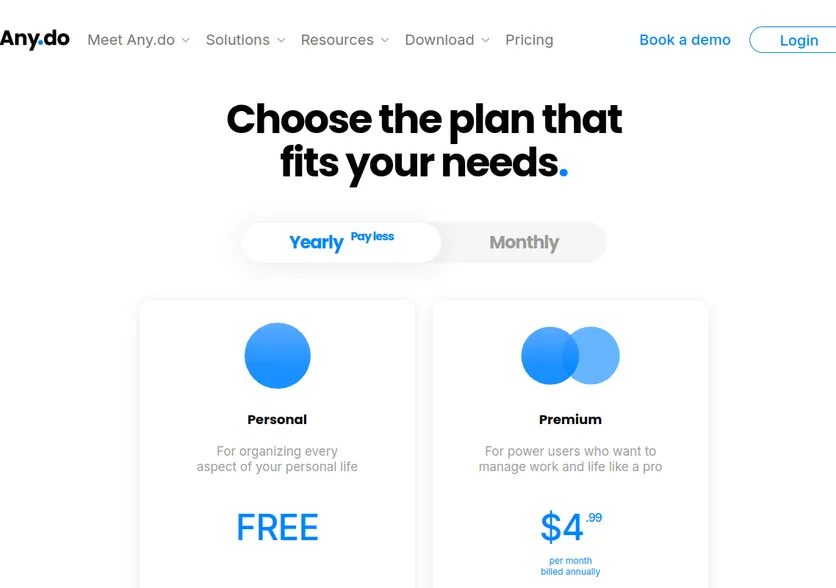
Any.do is the task list that grew a proper calendar, with Premium at four dollars and ninety-nine cents a month billed annually. Tasks, lists, reminders and the calendar live in one app, so a deadline can move straight from the to-do list onto the day it needs to happen. Recurring tasks, location reminders, WhatsApp reminders and AI features come with Premium, and a free Personal plan covers the basics with no credit card required.
What we like
- Premium from $4.99 a month billed annually
- Tasks and calendar in one app
- WhatsApp and location reminders included
Watch out for
- Monthly billing is $7.99 a month
- Boards need the Teams plan
How to try it
- Sign up for the free Personal plan
- Add your tasks and set reminders
- Open the calendar view to plan the day
3. Reclaim
Best for: Freelancers who want focus time protected automatically
Paid tool Starting price: $10 · Starter is $10 per seat a month billed annually, $12 month to month
Free plan: Free Lite plan
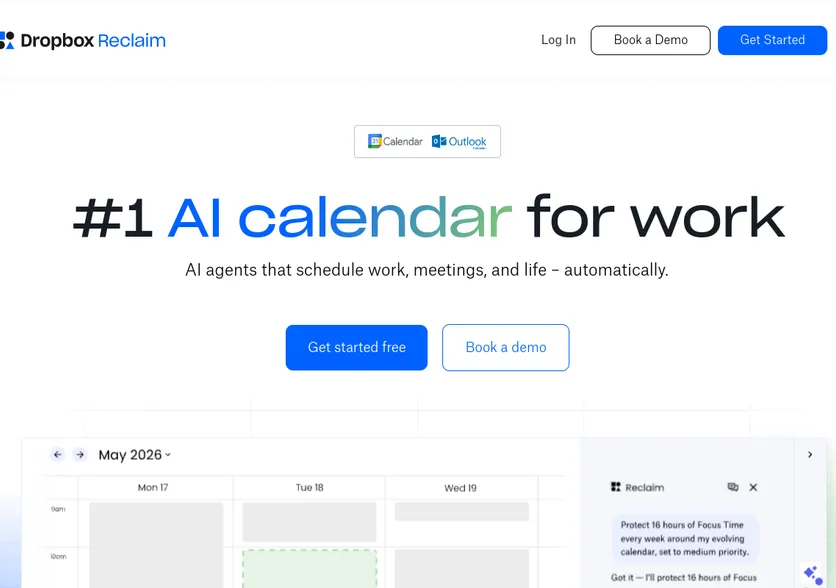
Reclaim is the calendar that defends your focus time, with Starter at ten dollars per seat a month billed annually. It automatically blocks time for habits, tasks and one-to-ones, then reshuffles the blocks when a meeting moves, so deep work survives a busy week. A free Lite plan covers one calendar with basic scheduling, and the paid tiers add team scheduling, smart meetings and unlimited habits.
What we like
- Starter from $10 per seat a month annually
- Auto-blocks focus time and habits
- Reshuffles blocks when meetings move
Watch out for
- Free Lite plan covers one calendar only
- Team features start on Business
How to try it
- Connect your Google or Outlook calendar
- Set your habits and focus hours
- Let Reclaim block and reshuffle your week
4. Calendly
Best for: Freelancers who want clients to book meetings themselves
Paid tool Starting price: $10 · Standard is $10 per seat a month billed annually, $12 month to month
Free plan: Free plan
Calendly is the simplest way to let clients book you, with a link that shows your real availability and takes the booking without an email thread. The free plan covers one event type with one calendar connection, and Standard at ten dollars per seat a month billed annually adds unlimited event types, six calendar connections and payments at booking. Clients already know how it works, so nobody needs instructions, and the link works the same on desktop and mobile.

What we like
- Standard from $10 per seat a month annually
- Unlimited booking links on the free plan
- Six calendar connections on Standard
Watch out for
- Monthly billing is $12 per seat a month
- Advanced routing needs higher tiers
How to try it
- Create your first booking link
- Set your availability and buffers
- Share the link with clients
5. Sunsama
Best for: Freelancers who plan each day around their calendar
Paid tool Starting price: $17 · $17 a month billed annually at $204 a year, $22 month to month
Free plan: Free trial
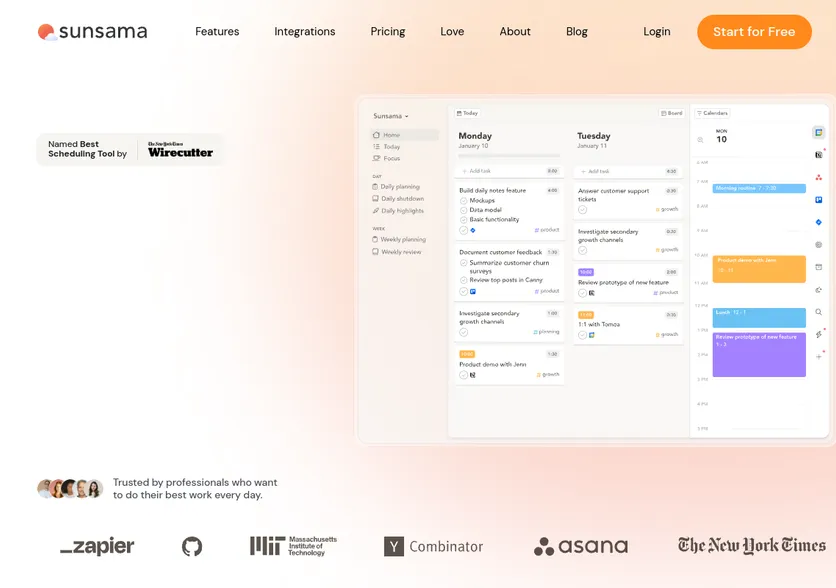
Sunsama is the daily planner that starts from your calendar, at seventeen dollars a month billed annually. Each morning it walks you through planning the day, pulling tasks from your tools into timeboxed slots, and each evening it runs a shutdown ritual so unfinished work gets a plan instead of a panic. There is no free forever plan, only a trial, which keeps the price honest and the product focused on people who plan every day.
What we like
- $17 a month billed annually
- Guided daily planning and shutdown ritual
- Timeboxes tasks from your tools
Watch out for
- No free forever plan
- Monthly billing is $22 a month
How to try it
- Start the trial and connect your calendar
- Plan tomorrow each evening
- Drag tasks into timeboxed slots
6. Motion
Best for: Freelancers who want AI to build their daily schedule
Paid tool Starting price: $19 · Pro AI is $19 per seat a month; Business AI is $29
Free plan: Free trial
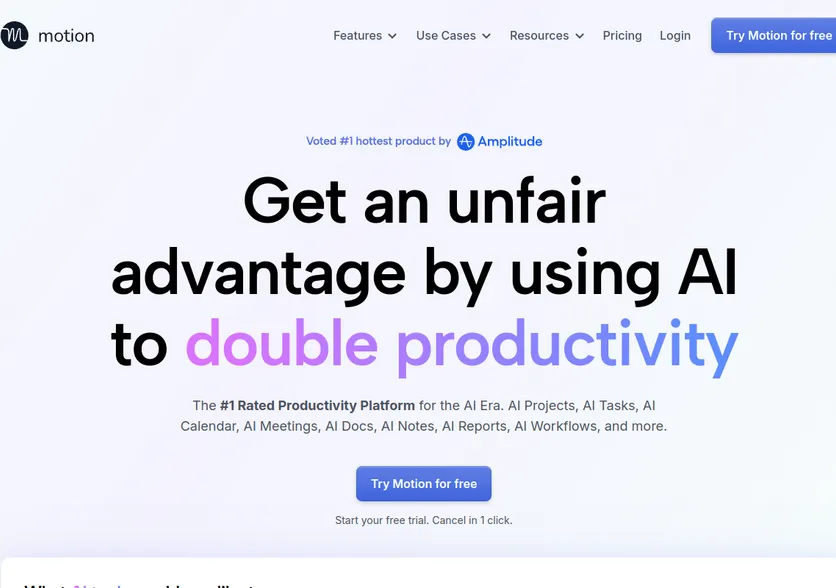
Motion is the AI scheduler on this list, with Pro AI at nineteen dollars per seat a month. It rebuilds your day automatically when meetings move, prioritizes tasks by deadline, and books meetings around your focus blocks instead of on top of them. A monthly and annual toggle on the pricing page changes the displayed rate, so check which billing period you are looking at before you pay, and note that Business AI costs twenty-nine dollars a seat a month.
What we like
- Pro AI from $19 per seat a month
- Rebuilds your day when meetings move
- Books meetings around focus blocks
Watch out for
- Confirm the monthly or annual toggle before paying
- Business AI is $29 per seat a month
How to try it
- Connect your calendar and task list
- Set your priorities and deadlines
- Let Motion rebuild your schedule
7. Akiflow
Best for: Freelancers who want tasks and calendar in one unified view
Paid tool Starting price: $19 · Pro is $19 a month billed yearly, $34 month to month
Free plan: 7-day free trial
Akiflow is the unified planner that merges tasks, calendar and email into one view, with Pro at nineteen dollars a month billed yearly. Its quick capture turns a thought into a scheduled task in seconds, and the Aki AI assistant helps organize the day without leaving the app. There is no free plan, only a seven-day full-access trial that needs a card, and monthly billing costs thirty-four dollars a month.

What we like
- Pro from $19 a month billed yearly
- Quick capture turns thoughts into tasks
- Aki AI assistant included
Watch out for
- No free plan, trial only
- Monthly billing is $34 a month
How to try it
- Start the 7-day trial
- Capture tasks with the keyboard shortcut
- Plan the day in the unified view
Prices above were checked on each vendor’s own website on Nov 26, 2026 and can change — the vendor’s page is the final word. Vendor links are editorial: nobody paid to be listed or ranked here. Vendors who want a featured listing can see how it works on our Get listed page.
Plan the day before the day plans you
A calendar tool earns its price when it protects focus time, not just when it shows meetings: Reclaim blocks habits and tasks automatically and reshuffles them when a meeting moves, while Motion rebuilds the whole day and Sunsama walks you through planning each morning. Before you pay, check the billing toggle, since Akiflow costs nineteen dollars a month yearly but thirty-four month to month, and Sunsama costs seventeen yearly but twenty-two monthly. Confirm whether booking links are included, since Calendly gives them free while others charge, and check how many calendars the free plan covers, since Reclaim Lite covers one. Pick the tool that matches how you actually plan: a simple calendar if you just need dates, a daily planner if you plan each morning, or an AI scheduler if your week changes constantly.
Before you buy
- Check the monthly and annual prices separately, since the toggle can change the rate by a third.
- Confirm how many calendars the free plan covers before you import your whole schedule.
- Check whether booking links are included or locked behind a paid tier.
- Test the mobile app, since you will check your calendar from your phone most days.
- Confirm the tool syncs with Google or Outlook, since a calendar that does not sync is useless.
Official websites
Official websites of the products reviewed above. Features and prices were checked against these sites when this guide was written, and they can change, so confirm on the vendor site before you buy.
Frequently asked questions
What is the cheapest calendar software for freelancers?
Fantastical and Any.do tie at $4.99 a month on annual billing, with free plans underneath. Fantastical is the better pure calendar, with natural-language entry and a clean Apple design, while Any.do is the better task manager with a calendar attached. If you only need dates, Fantastical wins; if your week is task-driven, Any.do is the cheaper way to combine both.
Do calendar apps include booking links?
Calendly is the booking specialist here, with unlimited booking links even on the free plan. Motion and Akiflow focus on scheduling your own day rather than letting clients book you, and Reclaim adds booking through its team plans. If clients booking you directly is the main job, Calendly is the right tool; if protecting your own focus time matters more, Reclaim or Motion fits better.
Can AI really schedule my day?
Motion and Akiflow both rebuild your schedule when meetings move, prioritizing tasks by deadline and booking meetings around focus blocks. Reclaim does the same job more quietly, blocking habits and tasks and reshuffling them automatically. The AI saves real time when your week changes often, but it needs accurate deadlines and priorities to work well, so a tool is only as smart as the data you give it.
Which calendar tool works best on a phone?
Any.do and Fantastical are the strongest mobile calendars here, with full apps on iPhone and Android that sync instantly. Reclaim, Motion and Akiflow all have mobile apps too, but their best planning views live on desktop. Sunsama works on mobile but its guided daily planning is easier on a big screen. If you plan mostly from your phone, start with Any.do or Fantastical and check the free plan first.
Calendar sorted? Try free productivity, planning and time tools on Toolsvine right in your browser.
Browse Productivity Tools tools


