
On this page
Team scheduling breaks down when booking means endless emails, and the eight tools below run from ten dollars a month to nineteen dollars a month per seat. Every price was checked on the vendor site on November 26, 2026, and seven of the eight tools offer a free plan or trial, so a team can test the workflow on real meetings before paying. Some tools book external meetings, some defend focus time, and one plans tasks with AI. Calendly is our first pick — the safest booking link for external meetings.
How we researched this
We compared published list prices from each vendor site, checked on November 26, 2026, and kept only tools that print a starting price for team scheduling. Clockwise was left out because it shut down in March 2026, and quote-only tools were left out too. We weighed booking links, focus time, AI planning, how the tool charges, and whether a free plan or trial lets a team test it on real meetings.
Compare the tools
| Name | Best for | Starting price | Free plan | |
|---|---|---|---|---|
 Calendly | Booking links and sales scheduling for teams | $10/user/month | Free plan; 1 event type, 1 calendar | Visit |
 Dropbox Reclaim | Small teams that want focus time defended | $10/user/month | Free Lite plan; 1 user, 1-week range | Visit |
 Motion | AI task planning for teams | $19/user/month | No free plan; 7-day free trial | Visit |
 SavvyCal | Smooth booking with a calendar overlay | $10/month | No free plan; free to try | Visit |
 Doodle | Group polls for finding a meeting time | $14.95/month | Free plan; 1 group poll, 1 booking page | Visit |
 Acuity Scheduling | Teams that sell packages and book clients by the calendar | $16/month | No free plan; 7-day free trial | Visit |
 Cal.com | Teams that want a free booking link with open source roots | $12/user/month | Free plan; 1 user, unlimited links and calendars | Visit |
 Teamup | Teams that share one calendar cut into sub-calendars | $12/month | Free plan; 5 users, 5 sub-calendars | Visit |
The 8 best calendar software tools for team scheduling in 2026
1. Calendly
Best for: Booking links and sales scheduling for teams
Paid tool Starting price: $10/user/month · Standard plan at ten dollars a seat a month billed annually, or twelve dollars billed monthly; Teams at sixteen dollars a seat a month billed annually adds round robin.
Free plan: Free plan; 1 event type, 1 calendar
Calendly is the standard booking link tool: you share a link, the other person picks a time, and the meeting lands on your calendar with reminders and payments attached. The Standard plan adds unlimited event types, six calendars, group events and payments for ten dollars a seat a month billed annually. The plans are listed on the Calendly site, and the free plan covers one event type and one calendar.

What we like
- Simplest booking link in this list, with no learning curve
- Unlimited event types and six calendars on Standard
- Payments and reminders built into the booking flow
Watch out for
- Free plan allows only one event type and one calendar
- AI scheduling assistant costs extra on higher tiers
How to try it
- Create a free account and connect your calendar
- Set up an event type and share the booking link
- Move to Standard when you need unlimited event types
2. Dropbox Reclaim
Best for: Small teams that want focus time defended
Paid tool Starting price: $10/user/month · Starter plan at ten dollars a seat a month billed annually, or twelve dollars billed monthly; Business at fifteen dollars a seat a month adds a team out-of-office calendar.
Free plan: Free Lite plan; 1 user, 1-week range
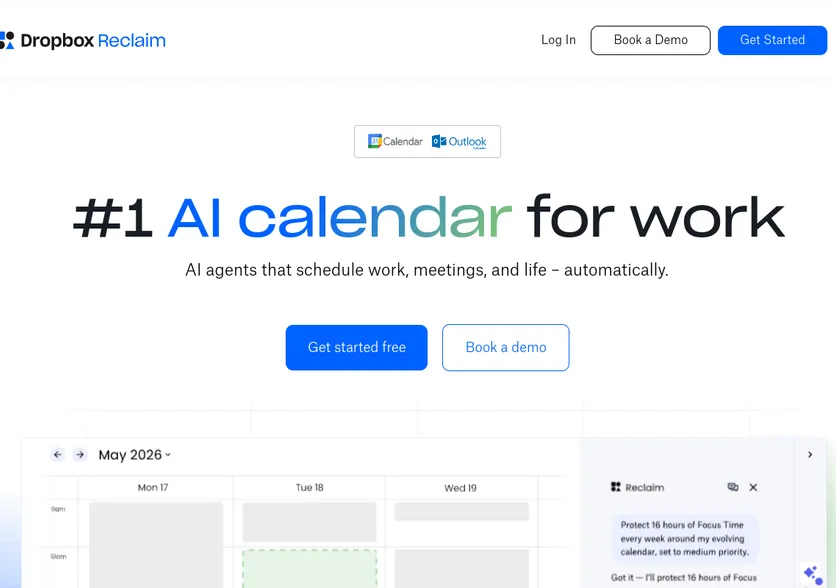
Reclaim sits on top of Google Calendar or Outlook and defends focus time, habits, routines and tasks, moving them when a meeting lands on top. It schedules tasks pulled from Asana, ClickUp, Todoist, Jira or Google Tasks onto the calendar, and it syncs your Slack status. The plans are listed on the Reclaim site, and the free Lite plan is enough to test the workflow. Dropbox acquired Reclaim in August 2024, and the product now carries Dropbox branding as Dropbox Reclaim.
What we like
- Defends focus time automatically when meetings land on top
- Only serious pick here with a permanent free tier
- Syncs tasks from Asana, ClickUp, Todoist and Jira
Watch out for
- Starter allows up to ten seats only
- Smart Meetings for three or more people cost extra units
How to try it
- Connect your Google Calendar or Outlook account
- Set up focus time blocks and habits for the week
- Move to Starter when the team needs shared scheduling links
3. Motion
Best for: AI task planning for teams
Paid tool Starting price: $19/user/month · Team seats at nineteen dollars a month billed annually; a solo plan costs more per person, and there is no free plan, only a seven-day trial.
Free plan: No free plan; 7-day free trial
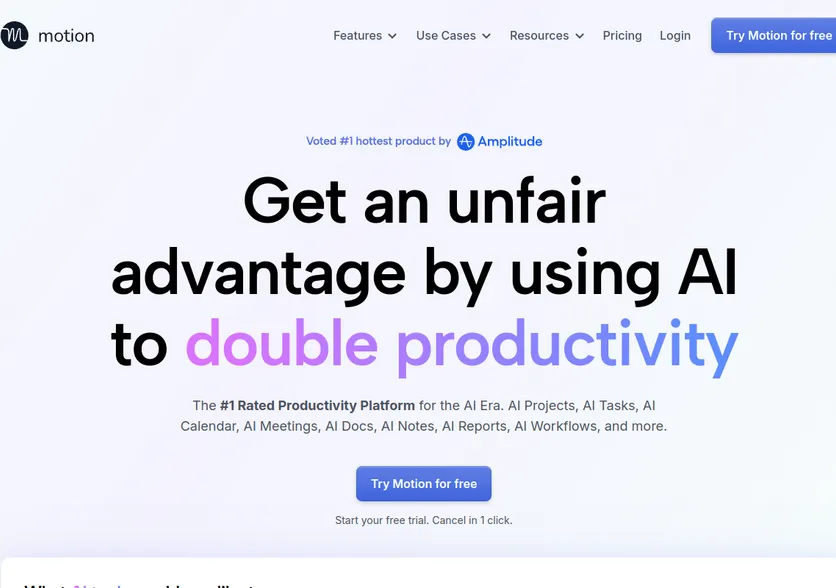
Motion is an AI planner that places tasks and projects on your calendar for you, fusing your task manager, projects, docs and calendar into one workspace. It re-plans the day automatically when a meeting moves, which is why teams that live by the calendar pick it over a simple booking link. The plans are listed on the Motion site, and the seven-day trial is the only way to test it free.
What we like
- AI re-plans your day automatically when meetings move
- Tasks, projects, docs and calendar in one app
- Best pick here when planning matters more than booking
Watch out for
- No free plan, only a seven-day trial
- Solo buyers pay more per person than team seats
How to try it
- Start the seven-day trial and connect your calendar
- Add your tasks and projects and let Motion plan the day
- Move to a team plan when the whole team needs it
4. SavvyCal
Best for: Smooth booking with a calendar overlay
Paid tool Starting price: $10/month · Basic plan at ten dollars a month billed annually, or twelve dollars billed monthly; Premium at seventeen dollars a month billed annually adds more links and polls.
Free plan: No free plan; free to try
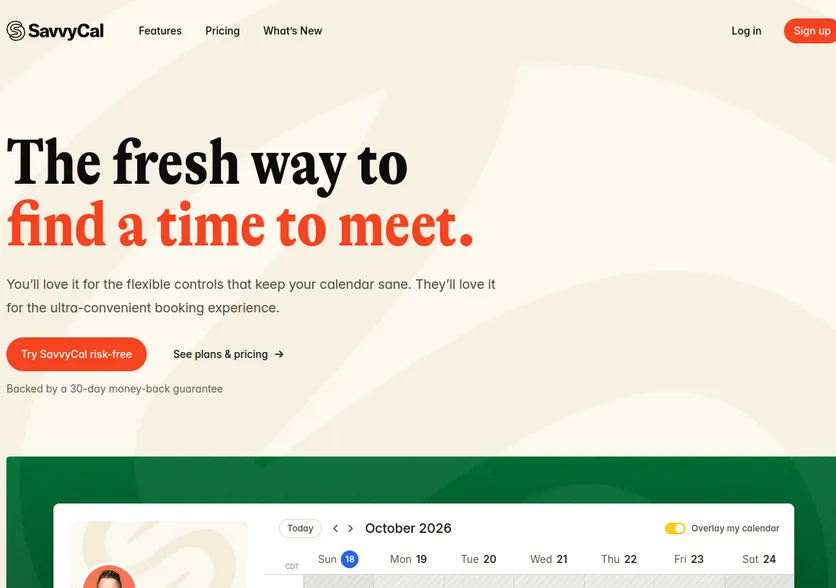
SavvyCal lets invitees overlay their calendar on yours, so they find a time that works without the back-and-forth of email. The Basic plan covers unlimited links and polls with round robin scheduling, which suits teams that book a lot of external meetings. The plans are listed on the SavvyCal site, and you can try it free before you pay.
What we like
- Calendar overlay shows the invitee your real availability
- Unlimited links and polls on the Basic plan
- Smoothest booking experience here for invitees
Watch out for
- No permanent free plan, only a trial
- Basic plan is ten dollars a month for one user, not per team
How to try it
- Create an account and connect your calendar
- Share a scheduling link with the calendar overlay on
- Move to Premium when you need more links and polls
5. Doodle
Best for: Group polls for finding a meeting time
Paid tool Starting price: $14.95/month · Pro plan at fourteen dollars and ninety-five cents a month for one user with unlimited polls; Team at nineteen dollars and ninety-five cents a user a month adds shared booking pages.
Free plan: Free plan; 1 group poll, 1 booking page
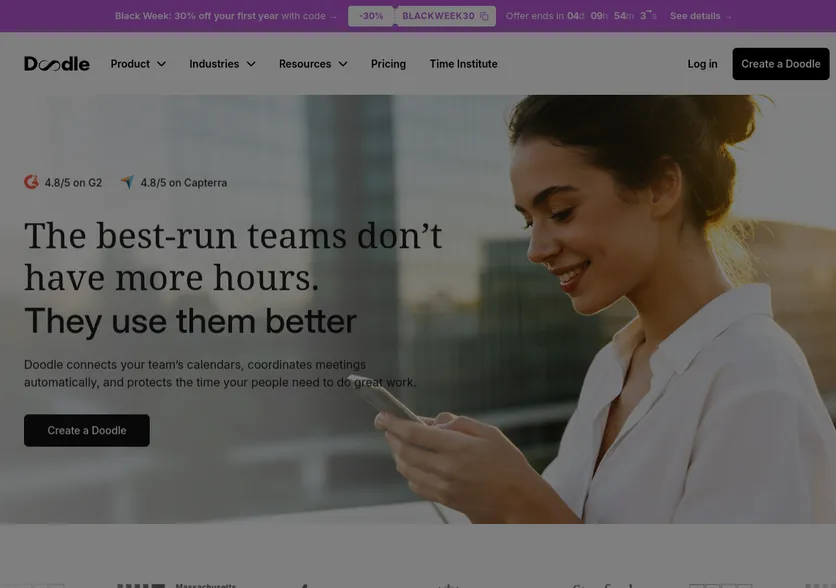
Doodle is the group poll tool for teams that need to find a time everyone can make, with unlimited polls and no ads on the Pro plan. It suits teams that schedule across time zones, where a booking link alone cannot find the overlap. The plans are listed on the Doodle site, and the free plan covers one group poll and one booking page.
What we like
- Best group poll tool in this list for finding a shared time
- Pro covers unlimited polls with calendar sync
- Works across time zones without a booking link
Watch out for
- Pro and Team prices are not shown in the page text, so check them at checkout
- No AI planning, only polls and booking pages
How to try it
- Create a free account and start a group poll
- Share the poll and let the team vote on times
- Move to Pro when you need unlimited polls and no ads
6. Acuity Scheduling
Best for: Teams that sell packages and book clients by the calendar
Paid tool Starting price: $16/month · Starter plan at sixteen dollars a month; Standard at twenty-seven dollars and Powerhouse at sixty-one dollars add more calendars and tools.
Free plan: No free plan; 7-day free trial
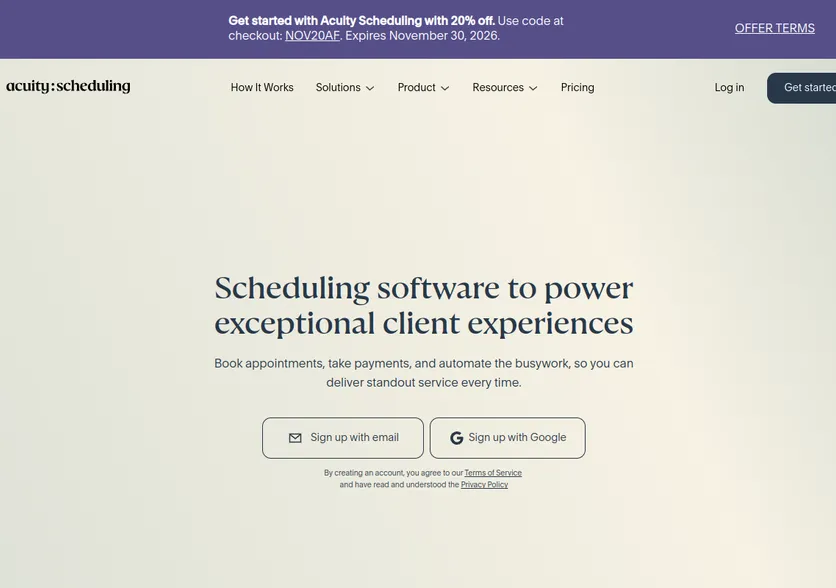
Acuity Scheduling gives a team one booking page with intake forms, reminders and payments, and it handles packages, memberships and gift certificates beside single appointments. It plugs into a Squarespace website without extra setup, which suits teams that already run their site there. The plans are listed on the Acuity Scheduling site, and the seven-day trial is enough to test the booking flow.
What we like
- One booking page with intake forms, reminders and payments
- Packages, memberships and gift certificates in the same app
- Plugs into a Squarespace website without extra setup
Watch out for
- No free plan, only a seven-day trial
- No AI planning, only booking and scheduling
How to try it
- Add your services, prices and staff calendars
- Set up packages and gift certificates for regular clients
- Embed the booking page on your website or share the link
7. Cal.com
Best for: Teams that want a free booking link with open source roots
Paid tool Starting price: $12/user/month · Teams plan at twelve dollars a user a month; the free plan covers one user with unlimited links and calendars.
Free plan: Free plan; 1 user, unlimited links and calendars
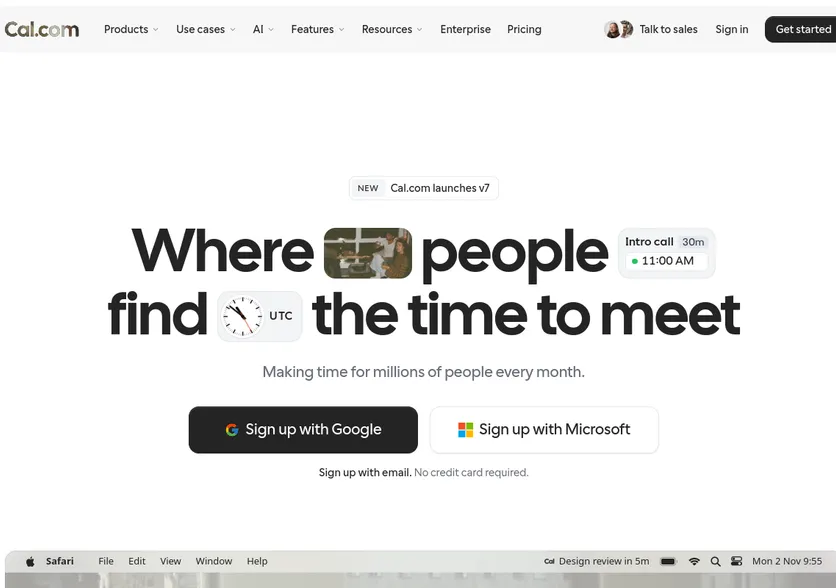
Cal.com is the open-source booking link tool, and its free plan covers one user with unlimited links and calendars, which is the most generous free plan in this list. The Teams plan adds round robin, collective events and team pages for twelve dollars a user a month. The plans are listed on the Cal site, and the open-source code means you can self-host it if you want.
What we like
- Most generous free plan here, with unlimited links and calendars
- Open source, so you can self-host it
- Teams plan is cheaper than the equivalent Calendly plan
Watch out for
- Team features are cloud-only since 2026
- Smaller integration library than Calendly
How to try it
- Create a free account and connect your calendar
- Share a booking link with unlimited event types
- Move to Teams when the whole team needs round robin
8. Teamup
Best for: Teams that share one calendar cut into sub-calendars
Paid tool Starting price: $12/month · Plus plan at twelve dollars a month billed annually per master calendar, or fifteen dollars billed monthly; it covers up to twelve users and twelve sub-calendars.
Free plan: Free plan; 5 users, 5 sub-calendars
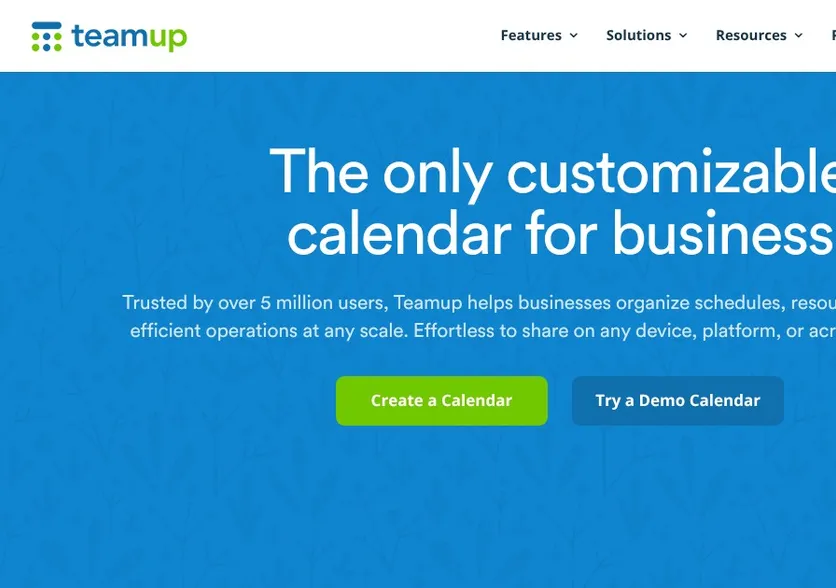
Teamup is one shared calendar cut into color-coded sub-calendars, with nine levels of who can see and change what. You pay per calendar, not per person, so twelve people share the Plus plan for twelve dollars a month billed annually. The plans are listed on the Teamup site, and the free plan covers five users and five sub-calendars.
What we like
- Pay per calendar, not per person, so twelve people share one plan
- Nine levels of who can see and change what
- Free plan covers five users with no time limit
Watch out for
- Person thirteen moves you from Plus at twelve dollars to Pro at thirty dollars a month
- No booking links or AI planning, only a shared calendar
How to try it
- Create a free calendar and add up to five sub-calendars
- Share the calendar link with your team
- Move to Plus when you need twelve users and more sub-calendars
Prices above were checked on each vendor’s own website on Nov 26, 2026 and can change — the vendor’s page is the final word. Vendor links are editorial: nobody paid to be listed or ranked here. Vendors who want a featured listing can see how it works on our Get listed page.
How to pick calendar software for team scheduling
Start with the job. If you book external meetings, a booking link tool like Calendly removes the back-and-forth. If your team loses hours to meetings, a calendar assistant like Reclaim defends focus time. If tasks never land on the calendar, Motion plans them with AI.
Count the seats before you compare prices. Most tools here charge per seat, so a ten-person team on Calendly Standard pays one hundred dollars a month billed annually. Teamup charges per calendar instead, so twelve people share one twelve-dollar plan. Add the yearly total to your budget, not the monthly figure.
Test on a real week. Every tool here offers a free plan or a trial, so run one full week of meetings through it before you pay. Check that booking links work, that focus time survives a busy day, and that the whole team can see the same calendar.
Before you buy
- Count every seat before you pick, because most tools here charge per seat and a ten-person team pays fast.
- Check whether you need booking links or focus time, since Calendly books meetings and Reclaim defends them.
- Confirm a free plan or trial exists before you pay, since seven of these eight tools offer one.
- Budget the annual rate, not the monthly figure, since monthly billing costs more per seat.
- Make sure the tool fits your calendar, since Reclaim sits on Google Calendar or Outlook only.
Official websites
Official websites of the products reviewed above. Features and prices were checked against these sites when this guide was written, and they can change, so confirm on the vendor site before you buy.
Frequently asked questions
What is the cheapest calendar software for team scheduling?
Calendly, Reclaim and SavvyCal all start at ten dollars a seat a month billed annually, and Teamup covers twelve people for twelve dollars a month per calendar. Cal.com follows at twelve dollars a user a month for teams, with a free plan for one user. All four are genuinely usable for a small team, and none asks for a card up front.
Do any calendar tools offer a free plan?
Yes. Calendly, Reclaim, Doodle, Cal.com and Teamup all offer free plans, and Motion, SavvyCal and Acuity Scheduling offer trials instead. Reclaim Lite is free forever with one scheduling link and one habit, and Cal.com is free for one user with unlimited links. Start free wherever you can, then pay only when your team outgrows the free limits.
Which calendar software is best for focus time?
Reclaim is the best pick for focus time, because it sits on your existing calendar and defends focus blocks, habits and tasks when meetings land on top. Motion is the best pick when you also want tasks planned with AI, though it costs more and has no free plan. Clockwise used to lead this job, but it shut down in March 2026, so former users need a new home.
Why do calendar prices change with team size?
Most tools charge per seat, so a ten-person team on Calendly Standard pays one hundred dollars a month billed annually. Teamup charges per calendar instead, so twelve people share one twelve-dollar plan until person thirteen forces a jump to Pro. Count your team before you compare the monthly figures.
Can a team schedule without a booking link tool?
Yes, and Teamup proves it: one shared calendar cut into color-coded sub-calendars is enough for many teams. Reclaim also works without booking links, by defending focus time on the calendar you already use. A booking link only matters when you schedule with people outside the team, like clients or candidates.
Need everyday productivity help too? Try Toolsvine's free productivity tools right in your browser.
Browse Productivity Tools tools


