On this page
Classroom messaging only works when every family reads it, and the families hardest to reach are the ones the message matters most to. The seven tools below run from free to two thousand five hundred dollars a year per school, and every price was checked on the vendor site on November 27, 2026. Two-way translation, plain-text delivery and district admin controls matter more than extra features, so we judged each tool on whether a message reaches a parent who never installs an app. ClassDojo is our first pick — free for teachers and schools with translation built in.
How we researched this
We started with the classroom messaging tools schools and districts actually run, then read each price on the vendor pricing page on November 27, 2026 and noted the free plan each tool carries. We judged them for a district that needs two-way messaging, translation, parent reach without an app and admin oversight across many schools. We dropped ParentSquare, SchoolMessenger, TalkingPoints district plans, SchoolStatus Connect and Brightwheel paid plans because none of them publishes a price, and we kept only the tools whose teacher or school price is published or free.
Compare the tools
| Name | Best for | Starting price | Free plan | |
|---|---|---|---|---|
 ClassDojo | Elementary classrooms that want messaging and behavior points at no cost | Free | Free for teachers and schools | Visit |
 Remind | Teachers who want fast class texts without asking families to install an app | Free | Free Chat plan for teachers | Visit |
| TalkingPoints | Schools with multilingual families that need two-way translation | Free | Free for teachers | Visit |
 Bloomz | Schools that want a clear published per-student price with no quote | $3/student/year | Free for teachers and families | Visit |
 Seesaw | Early-years schools that want portfolios and family messages in one place | $2,500/school/year | Free Starter plan for one teacher | Visit |
 Google Classroom | Schools already on Google Workspace that want messaging beside classwork | Free | Free with Google Workspace for Education | Visit |
 Brightwheel | Preschools and childcare centers that want daily updates beside messaging | Free | Free version available | Visit |
The classroom messaging software for enterprise, compared
1. ClassDojo
Best for: Elementary classrooms that want messaging and behavior points at no cost
Paid tool Starting price: Free · Free for teachers, schools and districts, with messaging, behavior points, Class Story and translation in more than one hundred eighty languages at no cost
Free plan: Free for teachers and schools
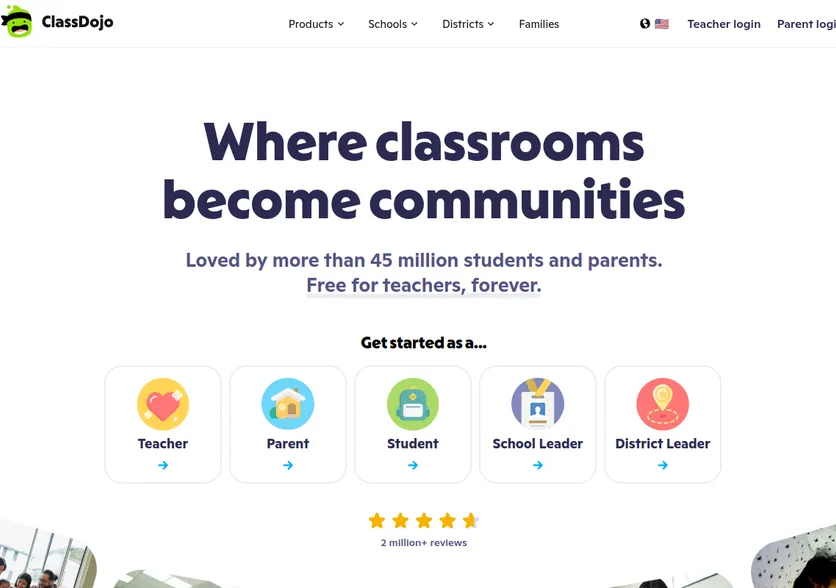
ClassDojo is the classroom app most elementary families meet first, and its core platform is free for teachers, schools and districts with no paid tier hiding the messaging. This ClassDojo platform costs nothing for messaging, class points, Class Story updates and translation in more than one hundred eighty languages. A teacher can message every family, share the class story and award points without waiting for district procurement or a purchase order.
What we like
- Completely free for teachers, schools and districts
- Translation in more than one hundred eighty languages at no cost
- Behavior points and Class Story sit beside messaging in one app
Watch out for
- Built for elementary classrooms, so older students may outgrow it
- Parent Plus is a paid add-on for extra family features
How to try it
- Open the ClassDojo site and create a free teacher account
- Invite families and test a message with translation switched on
- Post one Class Story update and check that parents can reply
2. Remind
Best for: Teachers who want fast class texts without asking families to install an app
Paid tool Starting price: Free · Free for individual teachers through Remind Chat, with up to ten classes and one hundred fifty participants per class, while the district Hub plan is priced by quote
Free plan: Free Chat plan for teachers
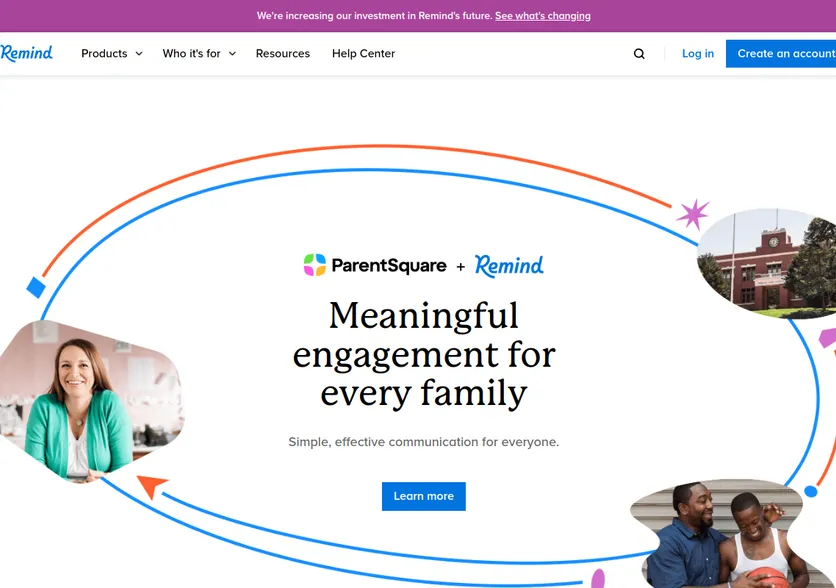
Remind is the simplest classroom messaging tool, sending quick class texts and announcements that families receive by plain text without installing an app. This Remind Chat plan is always free for teachers and individuals, with up to ten classes and one hundred fifty participants per class. A teacher who wants to reach families fast without a district purchase starts here, though district features sit in the quoted Hub plan.
What we like
- Free Chat reaches families by plain text with no app needed
- The fastest way to send a class announcement in this list
- Translation is included so families can read in their own language
Watch out for
- District features sit in Hub, which is priced by quote
- Remind Hub will not renew beyond the 2026 to 2027 school year
How to try it
- Open the Remind site and create a free Chat account
- Add one class and send a test announcement by plain text
- Check that families can reply without installing the app
3. TalkingPoints
Best for: Schools with multilingual families that need two-way translation
Paid tool Starting price: Free · Free for individual teachers with student families, while schools and districts pay for subscriptions that add school-wide messaging
Free plan: Free for teachers
TalkingPoints is the nonprofit texting tool built for families whose home language is not English, translating messages both ways so neither side needs to learn a new language. This TalkingPoints teacher plan is free for individual teachers, covering more than one hundred fifty languages with a mix of machine and human translation. A school with many home languages gets the deepest translation in this list without spending anything at the classroom level.
What we like
- Free for individual teachers as a nonprofit tool
- Two-way translation in more than one hundred fifty languages
- Human translators back up the machine translation
Watch out for
- School-wide messaging needs a paid district subscription
- Plain-text delivery to families needs the school to pay for a plan
How to try it
- Open the TalkingPoints site and create a free teacher account
- Send a test message to a family in their home language
- Check the reply translation before you roll it out to a class
4. Bloomz
Best for: Schools that want a clear published per-student price with no quote
Paid tool Starting price: $3/student/year · Three dollars per student per year for Essentials, with Premium at five dollars, Complete at seven dollars and 360 at eleven dollars, and a price-match promise
Free plan: Free for teachers and families
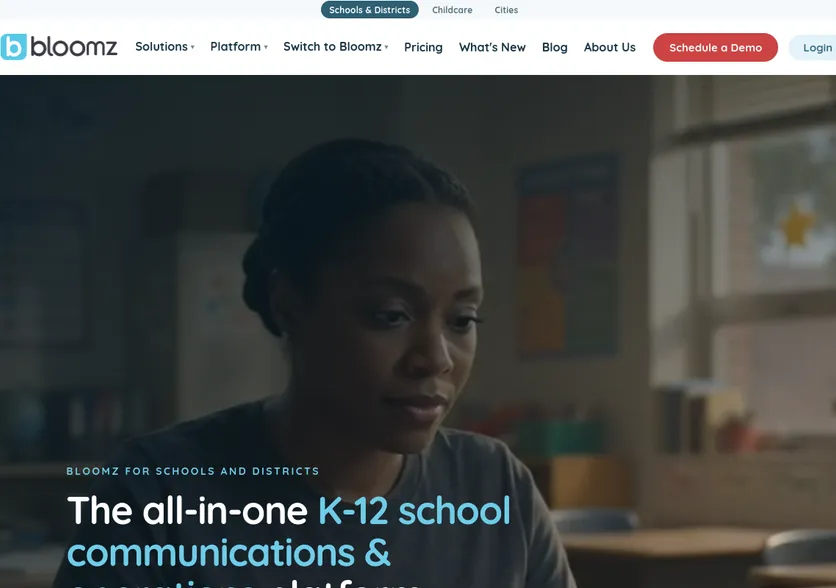
Bloomz is the single tool in this list that publishes its full price list, with per-student rates that a school can budget without calling sales. This Bloomz Essentials plan starts at three dollars per student per year and includes translation in more than two hundred fifty languages, unlimited messaging and sign-on with Clever, PowerSchool and ClassLink. A school that wants a written number before the board meeting gets one here, plus a promise to beat a competitor quote by ten percent.
What we like
- The only published per-student price list in this group
- Translation in more than two hundred fifty languages on every tier
- Free for teachers and families on every plan
Watch out for
- The bill scales with enrollment, so a big school pays a big total
- Volunteer sign-ups and behavior tools sit on the higher tiers
How to try it
- Open the Bloomz pricing page and pick a tier by student count
- Multiply the per-student rate by your enrollment for the real total
- Test translation and sign-ups on the free teacher plan first
5. Seesaw
Best for: Early-years schools that want portfolios and family messages in one place
Paid tool Starting price: $2,500/school/year · Two thousand five hundred dollars per school per year for the schoolwide subscription, with Starter free for one teacher, one class and thirty-five students
Free plan: Free Starter plan for one teacher
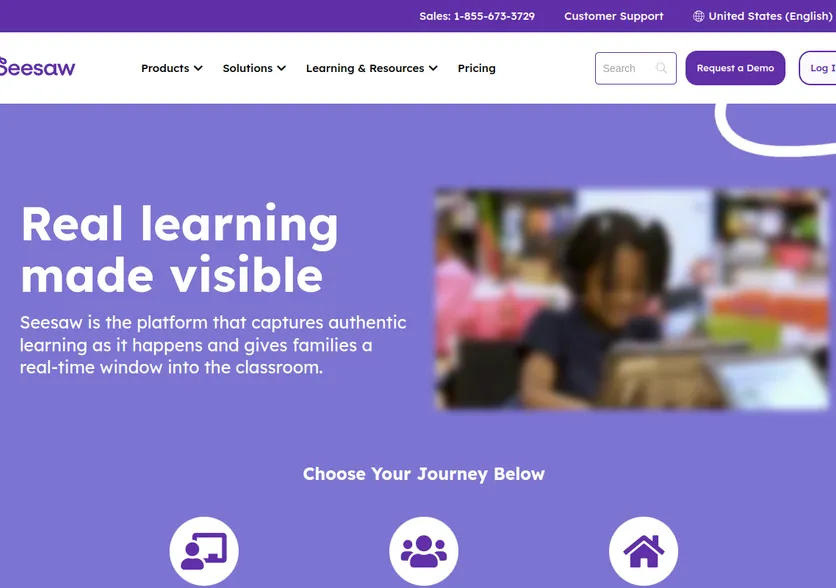
Seesaw is the early-years platform where students share work in multimedia journals and families see it the same day, with messaging built around the portfolio. This Seesaw schoolwide subscription starts at two thousand five hundred dollars per school per year, while Starter is free for one teacher with one active class and thirty-five students. A school that wants parents to see learning, not just messages, gets both here in a single system.
What we like
- Student portfolios and family messaging in one system
- Free Starter plan lets one teacher pilot it properly
- Built for early years, where photos and voice matter most
Watch out for
- Starter is limited to one class and thirty-five students
- The schoolwide price is the dearest in this list
How to try it
- Open the Seesaw site and start on the free Starter plan
- Set up one class journal and invite families to view it
- Ask for the schoolwide price once the pilot class proves itself
6. Google Classroom
Best for: Schools already on Google Workspace that want messaging beside classwork
Paid tool Starting price: Free · Free for schools using Google Workspace for Education, with announcements, assignments and guardian email summaries included
Free plan: Free with Google Workspace for Education
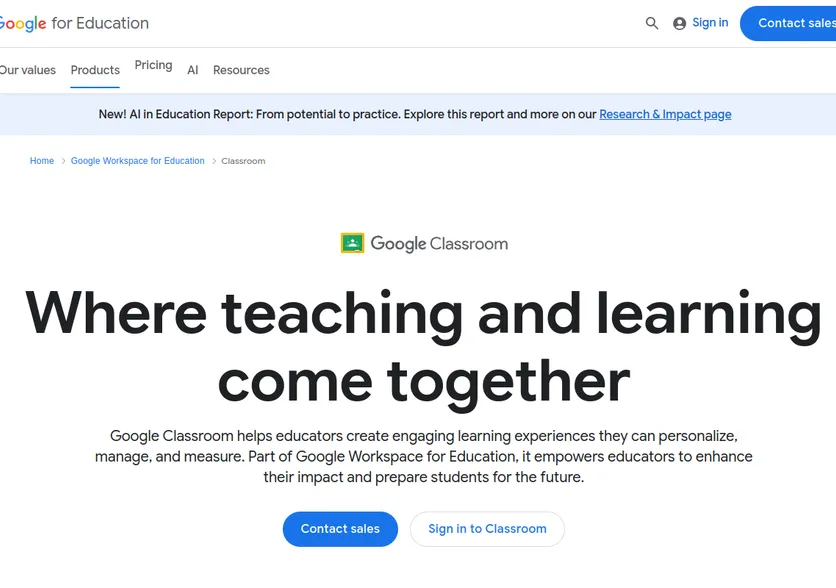
Google Classroom is the free classroom hub that schools on Google Workspace already have, pairing assignments and announcements with guardian email summaries. This Google Classroom platform costs nothing for schools using Workspace for Education and covers announcements, classwork, grading and parent summaries in one place. A district that already pays for Google gets messaging beside the classwork without buying or learning a second system.
What we like
- Free for schools already using Google Workspace for Education
- Announcements, assignments and grading in one place
- Guardian summaries keep parents informed without an app
Watch out for
- Messaging is announcements and summaries, not two-way texting
- Translation is weaker than the specialist tools here
How to try it
- Open Google Classroom and check your Workspace for Education access
- Post one announcement and check the guardian summary email
- Invite a colleague and test co-teaching on one class
7. Brightwheel
Best for: Preschools and childcare centers that want daily updates beside messaging
Paid tool Starting price: Free · Free version with limited features for parent messaging, check-in and attendance, with Premium priced by quote for billing and admissions
Free plan: Free version available
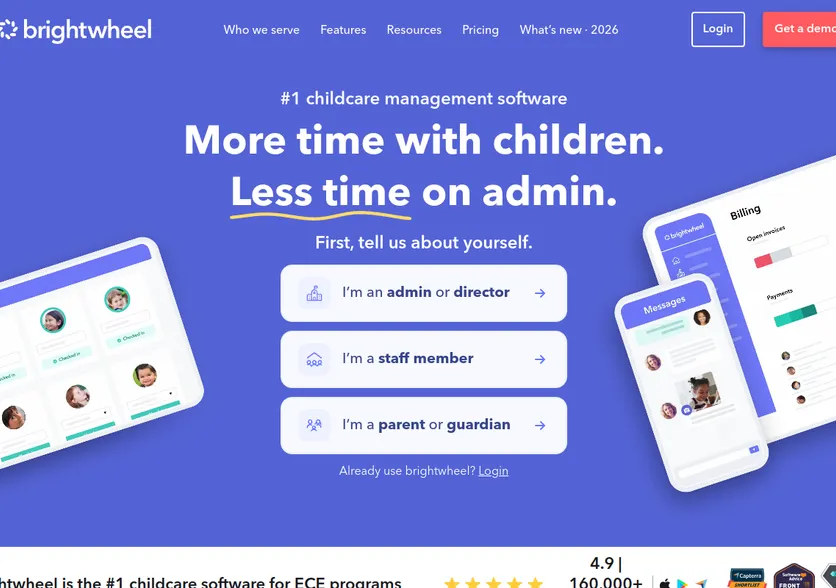
Brightwheel is the early-childhood app that pairs parent messaging with daily reports, check-in, attendance and billing for preschools and childcare centers. This Brightwheel free version covers parent messaging with photos and videos, reminders and emergency alerts, while Premium adds tuition billing and admissions by quote. A center that wants families to see meals, naps and photos beside the messages gets a daily-report format no school tool offers.
What we like
- Daily reports with photos sit beside messaging in one app
- Free version covers messaging, check-in and attendance
- Emergency alerts reach parents fast in a crisis
Watch out for
- Premium pricing is by quote, so the real cost is hidden
- Built for preschools, so K-12 schools will outgrow it
How to try it
- Open the Brightwheel site and start on the free version
- Set up one classroom and send a test daily report to a parent
- Ask for Premium pricing only if billing and admissions matter
Prices above were checked on each vendor’s own website on Nov 27, 2026 and can change — the vendor’s page is the final word. Vendor links are editorial: nobody paid to be listed or ranked here. Vendors who want a featured listing can see how it works on our Get listed page.
What classroom messaging costs a district in 2026
Classroom messaging costs nothing for ClassDojo, Remind Chat, TalkingPoints and Google Classroom, three dollars per student per year on Bloomz and two thousand five hundred dollars per school per year on Seesaw, and the free tools cover most classrooms. A district pays when it needs admin oversight, school-wide messaging and data controls, which is why the quoted platforms exist. Count the students and schools before you compare, because a three dollar per-student rate becomes a large bill at district scale.
Start with the free teacher plans and test the one thing that matters most: whether a parent who never installs an app still gets the message. Send a test in the home language of your largest language group and check the reply comes back translated. Pick the tool whose messages reach the hardest-to-reach family, because a system that only reaches the families who already engage is not doing its job.
Before you buy
- Test whether a parent who never installs an app still gets the message, because app-only delivery misses the hardest-to-reach families.
- Send a test message in the home language of your largest language group, because translation quality decides whether families reply.
- Count students and schools before you compare per-student prices, because a small rate becomes a large bill at district scale.
- Check what admin controls the district gets, because teacher tools alone cannot enforce policy across many schools.
- Confirm the migration path for any tool being retired, because Remind Hub will not renew beyond the 2026 to 2027 school year.
Official websites
Official websites of the products reviewed above. Features and prices were checked against these sites when this guide was written, and they can change, so confirm on the vendor site before you buy.
Frequently asked questions
Which classroom messaging software is best for enterprise districts in 2026?
ClassDojo is the best overall pick, completely free for teachers and schools with messaging, behavior points and translation in more than one hundred eighty languages. Bloomz is the best pick for transparent pricing, with published rates from three dollars per student per year. Remind is the best pick for fast texts, with a free Chat plan that reaches families by plain text with no app needed.
How much does classroom messaging software cost?
Four tools in this list cost nothing for teachers: ClassDojo, Remind Chat, TalkingPoints and Google Classroom are all free at the classroom level. Bloomz starts at three dollars per student per year, and Seesaw costs two thousand five hundred dollars per school per year for the schoolwide subscription. ParentSquare, SchoolMessenger and SchoolStatus Connect are priced by quote, so a district must call sales for a number.
Is ClassDojo really free for schools?
Yes, the core platform is free for teachers, schools and districts, and the vendor states that districts are never charged for the software. Messaging, behavior points, Class Story updates and translation in more than one hundred eighty languages are all included at no cost. Parent Plus is an optional paid add-on for families who want extra features, but the school never pays for the core product.
What is happening to Remind Hub?
Remind was acquired by ParentSquare in November 2023, and Remind Hub will not renew beyond the 2026 to 2027 school year, so schools that still use Hub should plan a move. Remind Chat stays free for individual teachers, with up to ten classes and one hundred fifty participants per class. A school that needs district features should ask ParentSquare in writing what the migration path is before renewal time.
Which classroom messaging tool translates best?
TalkingPoints offers the deepest translation for multilingual families, with two-way translation in more than one hundred fifty languages backed by human translators, and it is free for teachers. Bloomz translates in more than two hundred fifty languages on every paid tier, and ClassDojo covers more than one hundred eighty languages free. Test a message in your largest home language before you choose, because the quality of the reply translation matters as much as the sending.
Teaching or training? Try Toolsvine's free education tools right in your browser.
Browse Education & Learning tools